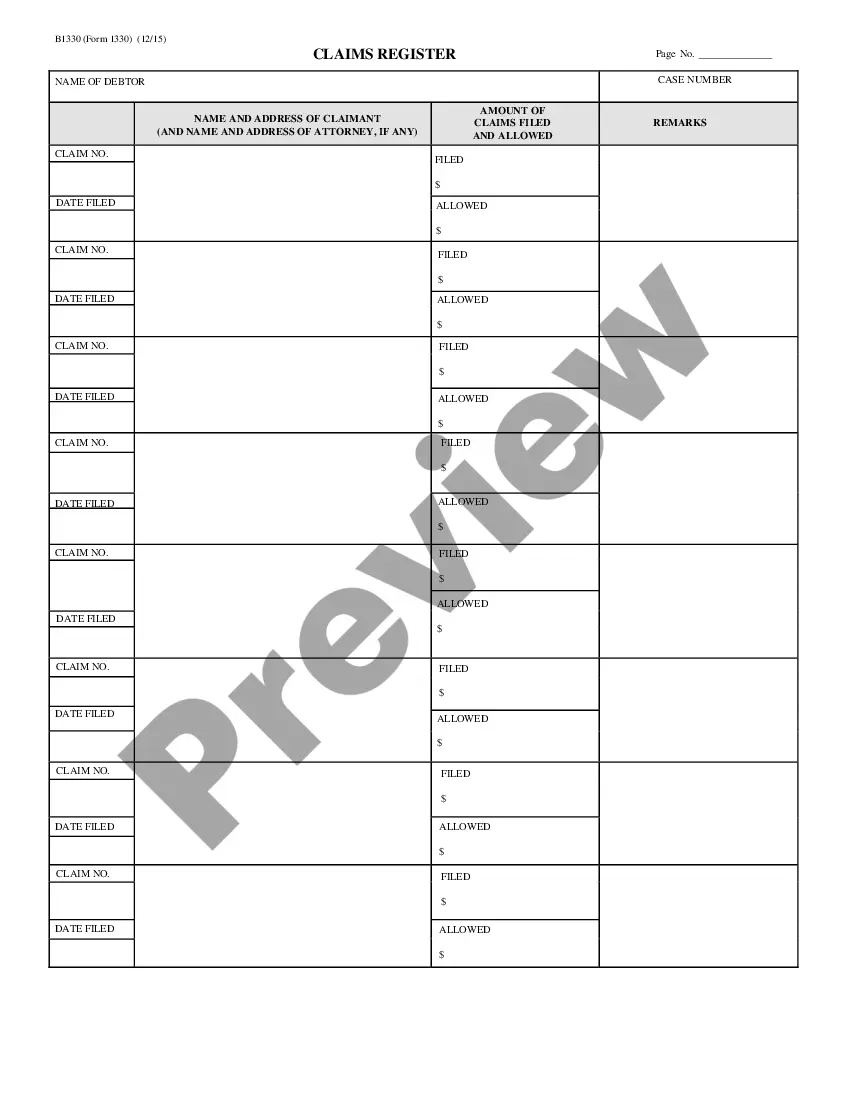
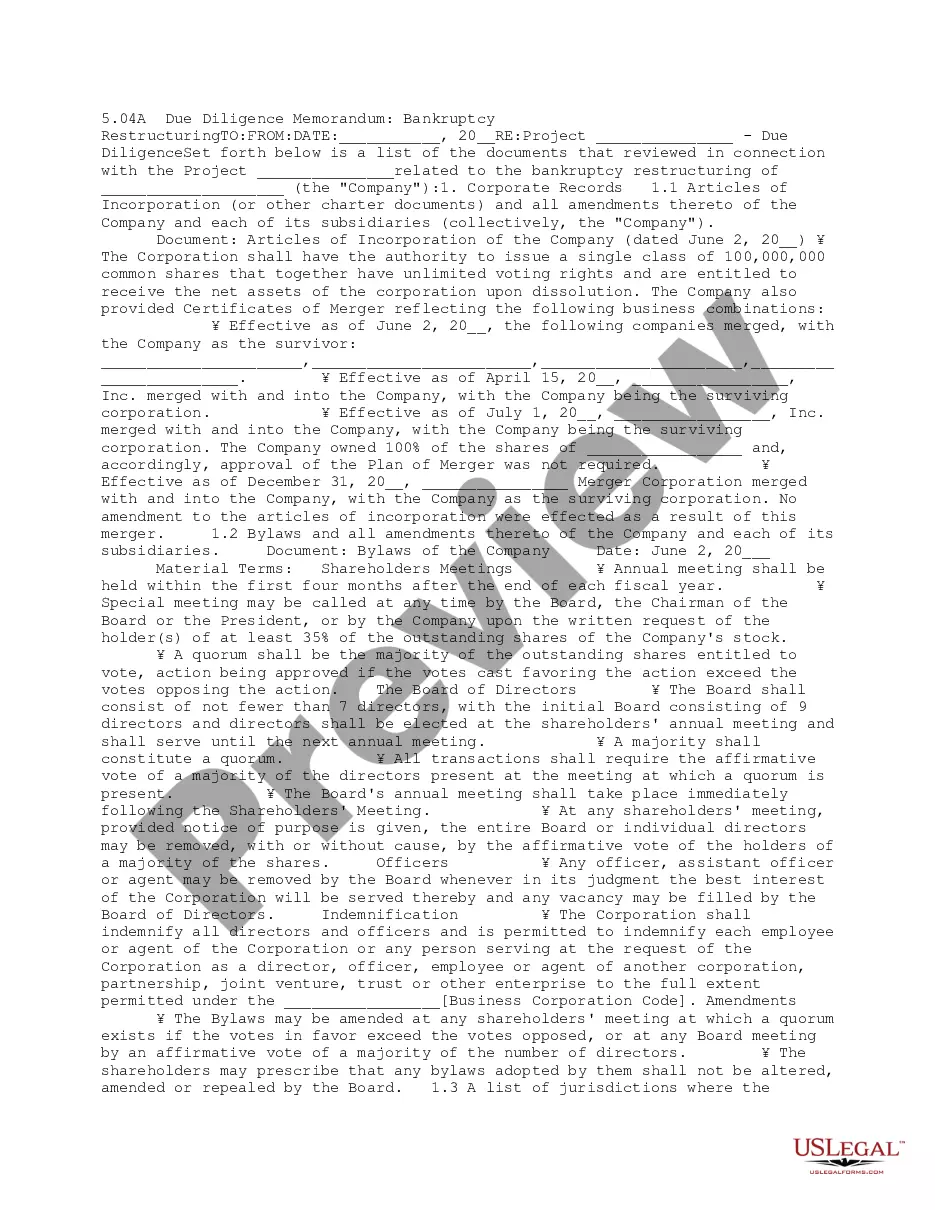
The claims register lists the names and the addresses of the claimants, amounts of claims filed, and remarks.
Rhode Island Claims Register - B 133
Instant download
This website is not affiliated with any governmental entity
Public form
Description




How to fill out Claims Register - B 133?
If you wish to total, obtain, or print out legitimate record web templates, use US Legal Forms, the largest collection of legitimate forms, that can be found on-line. Use the site`s simple and practical research to discover the paperwork you will need. Various web templates for company and personal purposes are sorted by groups and states, or keywords. Use US Legal Forms to discover the Rhode Island Claims Register - B 133 in a couple of mouse clicks.
Should you be presently a US Legal Forms consumer, log in to the profile and then click the Download switch to have the Rhode Island Claims Register - B 133. You can even accessibility forms you previously delivered electronically from the My Forms tab of your profile.
If you work with US Legal Forms the very first time, follow the instructions listed below:
- Step 1. Be sure you have selected the shape for your proper town/country.
- Step 2. Take advantage of the Review solution to look through the form`s articles. Never overlook to see the information.
- Step 3. Should you be unsatisfied with the type, utilize the Research industry towards the top of the monitor to find other versions of the legitimate type template.
- Step 4. When you have discovered the shape you will need, go through the Purchase now switch. Choose the prices program you prefer and add your credentials to sign up to have an profile.
- Step 5. Method the deal. You can utilize your charge card or PayPal profile to accomplish the deal.
- Step 6. Find the file format of the legitimate type and obtain it on your own system.
- Step 7. Total, edit and print out or indication the Rhode Island Claims Register - B 133.
Every legitimate record template you buy is yours permanently. You may have acces to each type you delivered electronically in your acccount. Click the My Forms portion and choose a type to print out or obtain once again.
Be competitive and obtain, and print out the Rhode Island Claims Register - B 133 with US Legal Forms. There are millions of specialist and express-certain forms you can utilize for your personal company or personal requires.
Form popularity
FAQ
Step 1: Go to the e-Filing portal homepage. Step 2: Enter the user ID and password. Step 3: Go to e-File tab > Income Tax Returns > View Filed Returns. Step 4: Now you can check the refund status for the desired Assessment year. Status 1: When refund is issued: Status 2: When refund is partially adjusted:
If you have a confirmation number, then your claim has been received and we're working on it. Please do not call to check on the status of your claim. If it has been more than three weeks since you filed or refiled your claim, you may contact the UI Call Center for assistance at (401) 415-6772.
When Will I Get My RI TDI Payment? Most people who apply online for TDI get their first payment within three weeks of applying.
How to File a Workers' Compensation Claim You Must Notify Your Employer. ... Your Employer Must File the First Report of Injury Form. ... Workers' Compensation Insurers Review the Claim. ... A Workers' Compensation Hearing Can Help Resolve Problems. ... A Workers' Compensation Attorney Can Help at Every Step.
Check the status of your refund using these resources. State: Rhode Island. Website: State of Rhode Island Division of Taxation Refund Status. Refund Status: 1-401-574-8829. Hours: Mon. ? Fri. a. m. ? p. m. Email: Tax.Assist@tax.ri.gov. 2022 Tax Filing Deadline: April 18, 2023.
.