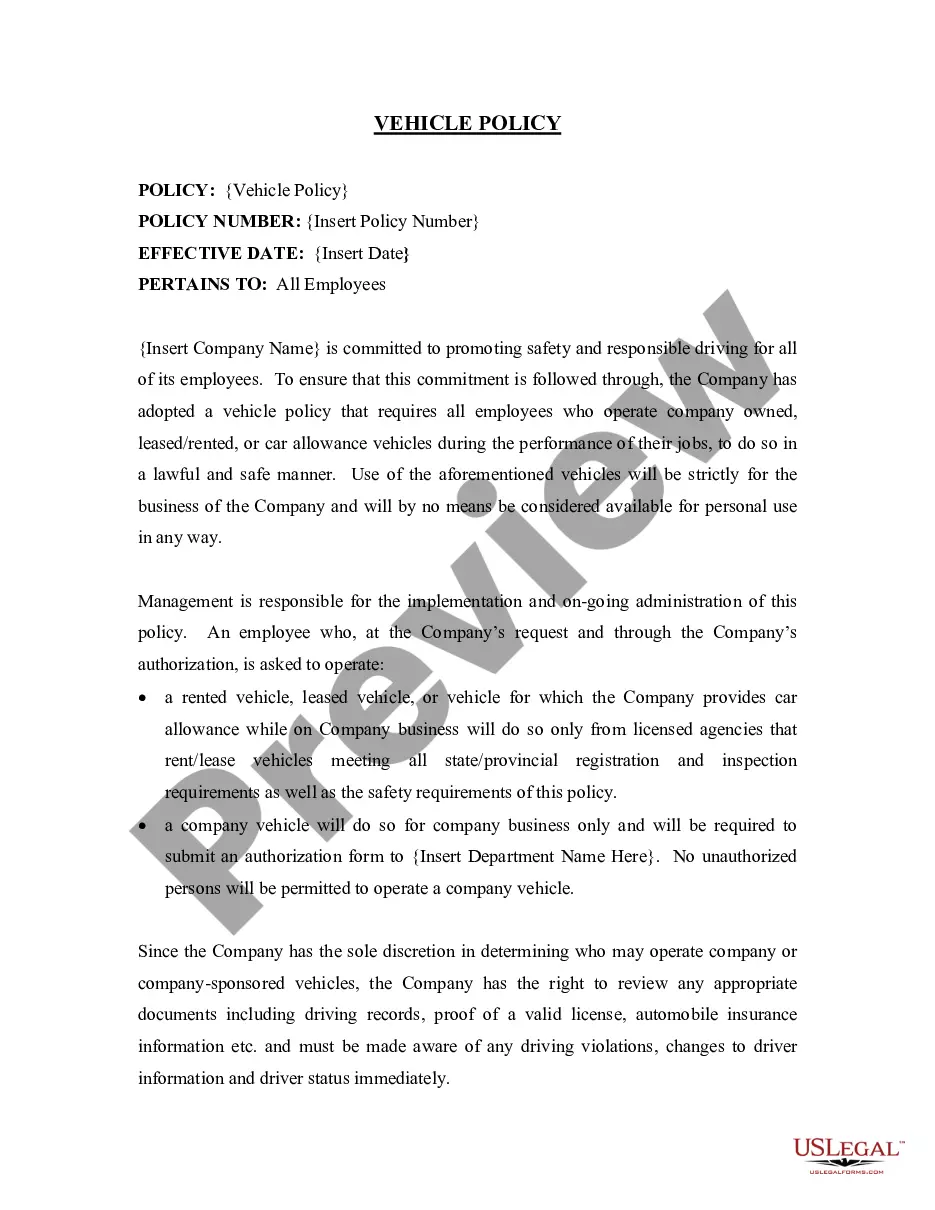
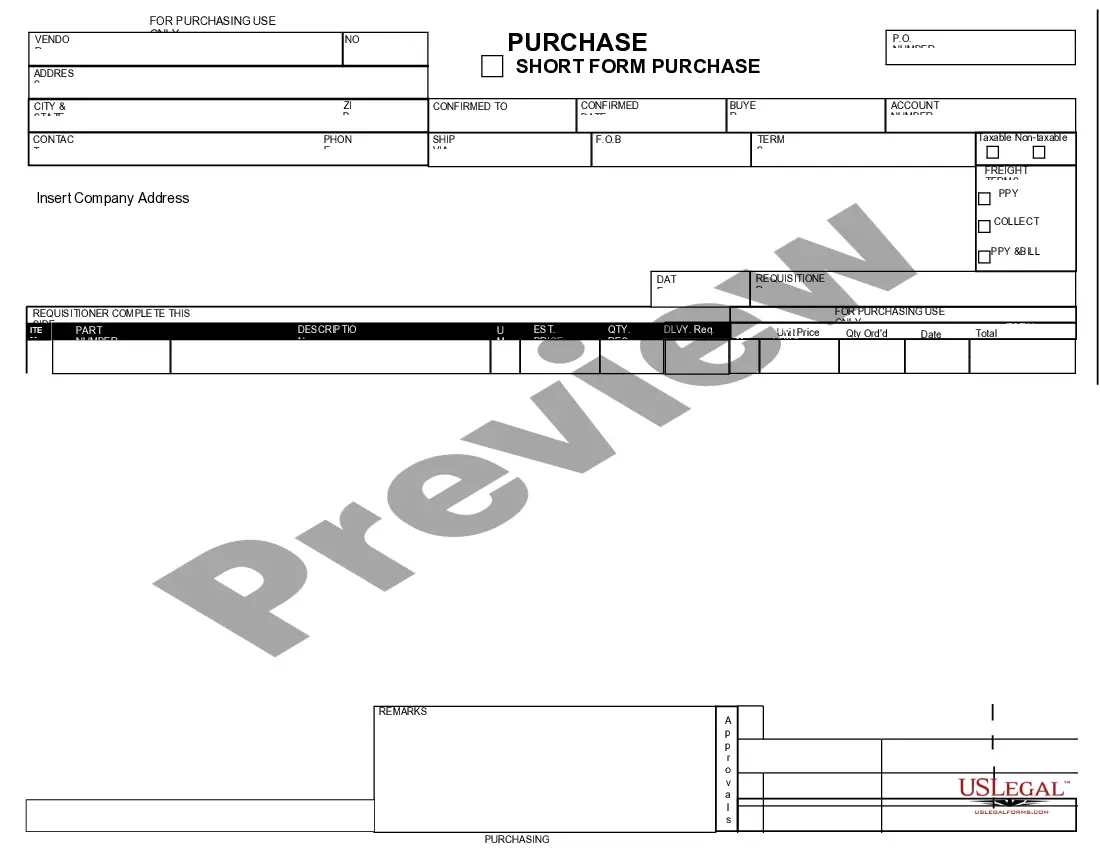
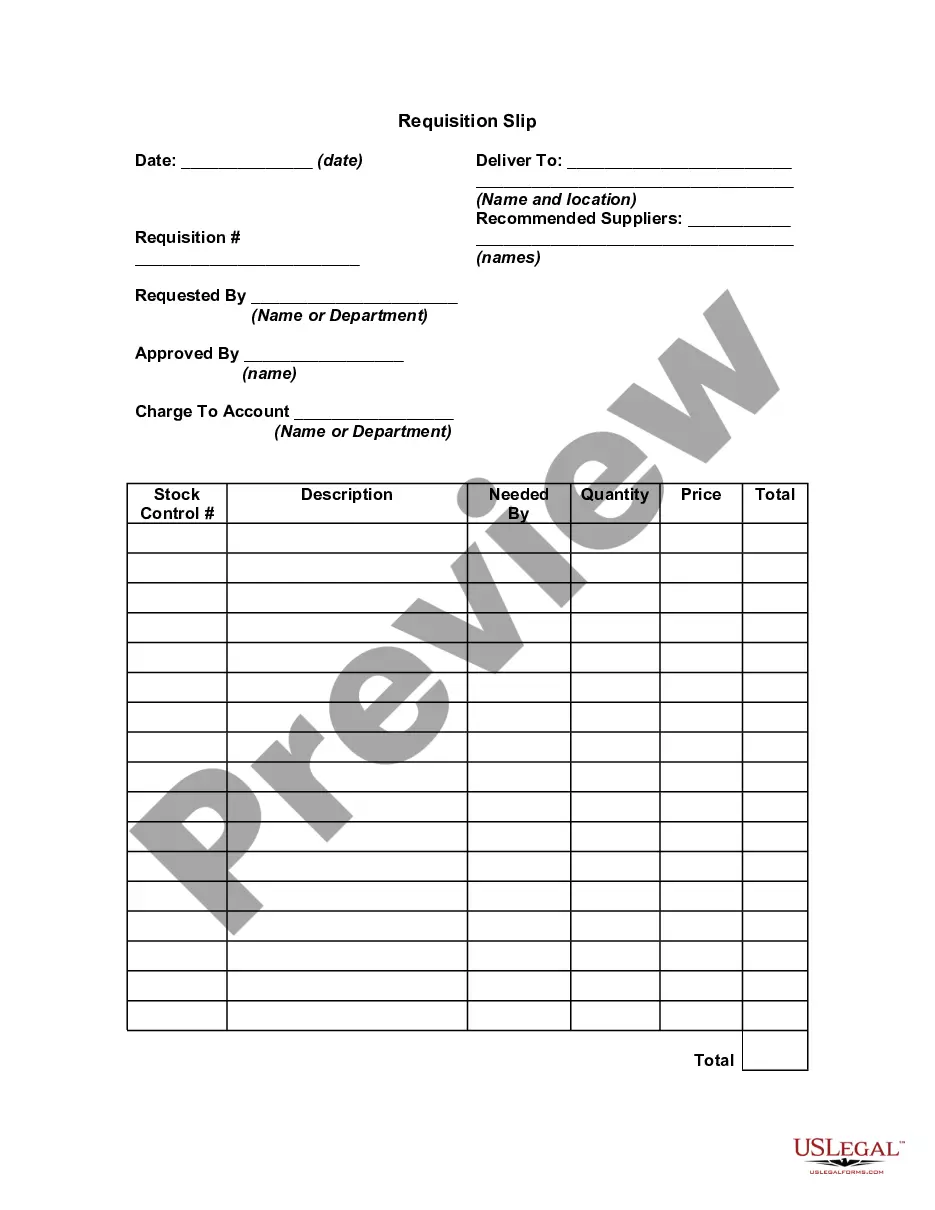
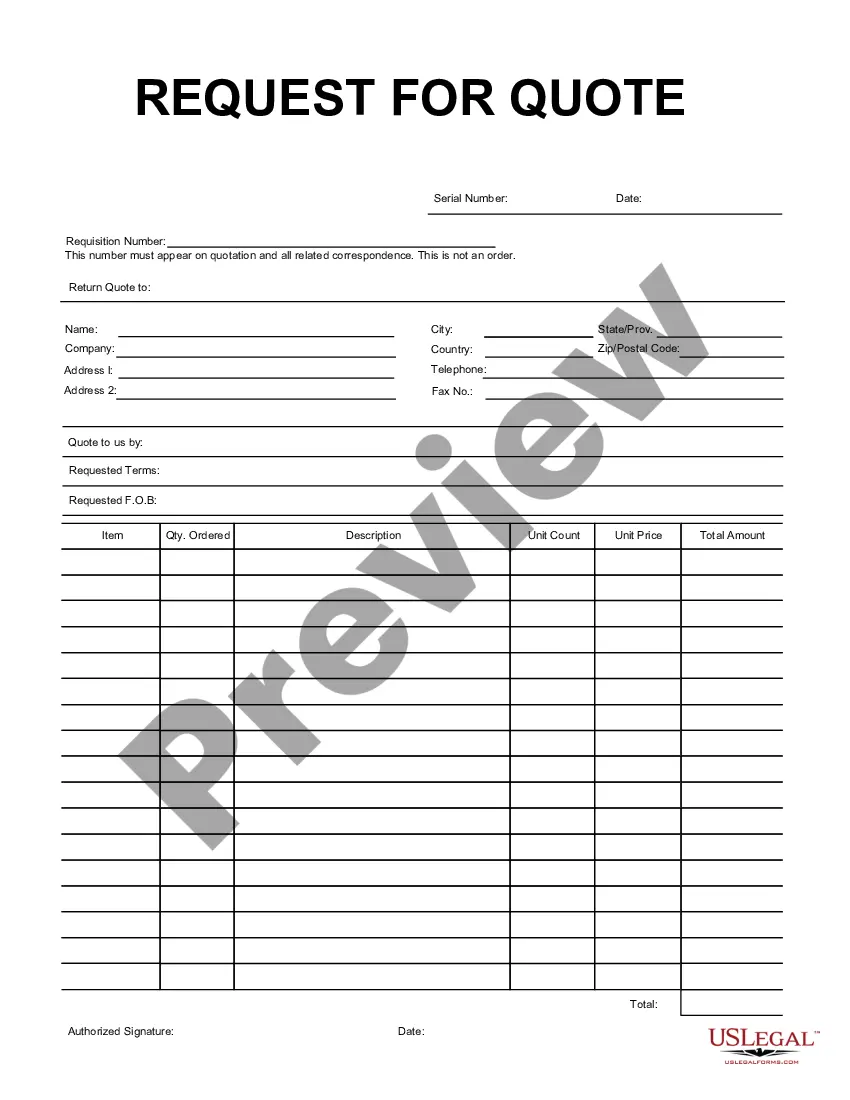
Rhode Island Purchase Requisition
Description



Get your form ready online
Our built-in tools help you complete, sign, share, and store your documents in one place.
Make edits, fill in missing information, and update formatting in US Legal Forms—just like you would in MS Word.
Download a copy, print it, send it by email, or mail it via USPS—whatever works best for your next step.
Sign and collect signatures with our SignNow integration. Send to multiple recipients, set reminders, and more. Go Premium to unlock E-Sign.
If this form requires notarization, complete it online through a secure video call—no need to meet a notary in person or wait for an appointment.
We protect your documents and personal data by following strict security and privacy standards.

Make edits, fill in missing information, and update formatting in US Legal Forms—just like you would in MS Word.

Download a copy, print it, send it by email, or mail it via USPS—whatever works best for your next step.

Sign and collect signatures with our SignNow integration. Send to multiple recipients, set reminders, and more. Go Premium to unlock E-Sign.

If this form requires notarization, complete it online through a secure video call—no need to meet a notary in person or wait for an appointment.

We protect your documents and personal data by following strict security and privacy standards.
Looking for another form?



How to fill out Purchase Requisition?
If you wish to obtain, secure, or print authorized document templates, utilize US Legal Forms, the most extensive collection of legal forms available online.
Leverage the site`s straightforward and user-friendly search function to locate the documents you require.
Numerous templates for business and personal purposes are organized by categories and jurisdictions, or keywords.
Step 4. Once you have found the form you need, click the Get Now button. Choose your preferred pricing plan and enter your details to register for an account.
Step 5. Process the transaction. You may use your credit card or PayPal account to complete the payment.
- Utilize US Legal Forms to locate the Rhode Island Purchase Requisition with just a few clicks.
- If you are an existing US Legal Forms user, Log In to your account and select the Download option to retrieve the Rhode Island Purchase Requisition.
- You can also access forms you have previously downloaded in the My documents tab of your account.
- If you are using US Legal Forms for the first time, follow the steps outlined below.
- Step 1. Ensure you have selected the form for the correct city/state.
- Step 2. Utilize the Preview option to review the form’s details. Remember to read the description.
- Step 3. If you are not satisfied with the form, use the Search field at the top of the screen to find alternative versions of the legal form template.
Form popularity
FAQ
ME54 is used in SAP to release purchase requisitions. This transaction code is essential when you are ready to approve and move forward with your Rhode Island Purchase Requisition after it has gone through the necessary checks. It helps transform a requisition into a formal request, allowing for the procurement process to continue. By effectively using ME54, you can ensure timely approvals, ultimately speeding up your organization's purchasing cycle.
To obtain a Purchase Requisition in SAP, you begin by using the ME51N transaction code to create it. Fill in the required fields such as the item details, quantity, and delivery date, which helps streamline your Rhode Island Purchase Requisition. Once the requisition is created, you can review it for accuracy and submit it for approval. Following these steps ensures that your procurement needs are efficiently captured within the SAP system.
The T code for Purchase Requisition in SAP is ME51N. This transaction code allows users to create a new purchase requisition efficiently. Understanding this T code is crucial when managing a Rhode Island Purchase Requisition process, ensuring that you can initiate procurement requests seamlessly. For those navigating through SAP for the first time, knowing this code simplifies the purchasing workflow.
When creating a requisition for a Rhode Island Purchase Requisition, begin by gathering all relevant details about the items you need. Write down product descriptions, quantities, and any specific requirements you may have. If your request requires special approvals, ensure you follow the necessary steps to obtain them. Lastly, utilizing platforms like uslegalforms can simplify this process by providing templates and guidelines to ensure compliance and efficiency.
To fill out a requisition form for a Rhode Island Purchase Requisition, start by entering the date and your department information at the top. Then, clearly itemize the goods or services required, specifying quantities and descriptions. Make sure to include any necessary accounting codes, which will help with budget tracking. After completion, review the form for accuracy before submitting it for approval.
A requisition form for a Rhode Island Purchase Requisition generally consists of five key parts: vendor details, description of the items, quantity required, estimated costs, and approval signatures. Each component plays an essential role in defining the scope of your order. Clear documentation helps track requests and controls spending. By utilizing uslegalforms, you can easily access templates that include these critical elements.
The seven steps involved in a requisition form for a Rhode Island Purchase Requisition typically include identifying the need for a product or service, gathering specifications, selecting a vendor, completing the requisition form, obtaining necessary approvals, placing the order, and monitoring the delivery. Each step ensures that your purchasing process remains efficient and organized. Following these steps will facilitate seamless communication and reduce errors in your ordering process. Using platforms like uslegalforms can simplify this entire process.
To fill out a PO form for a Rhode Island Purchase Requisition, start by entering your company’s details at the top of the form. Next, provide the vendor’s information, including their name and address. Clearly specify the items you wish to purchase, including quantities and prices. Finally, check the form for accuracy, save a copy for your records, and submit it as required by your organization.