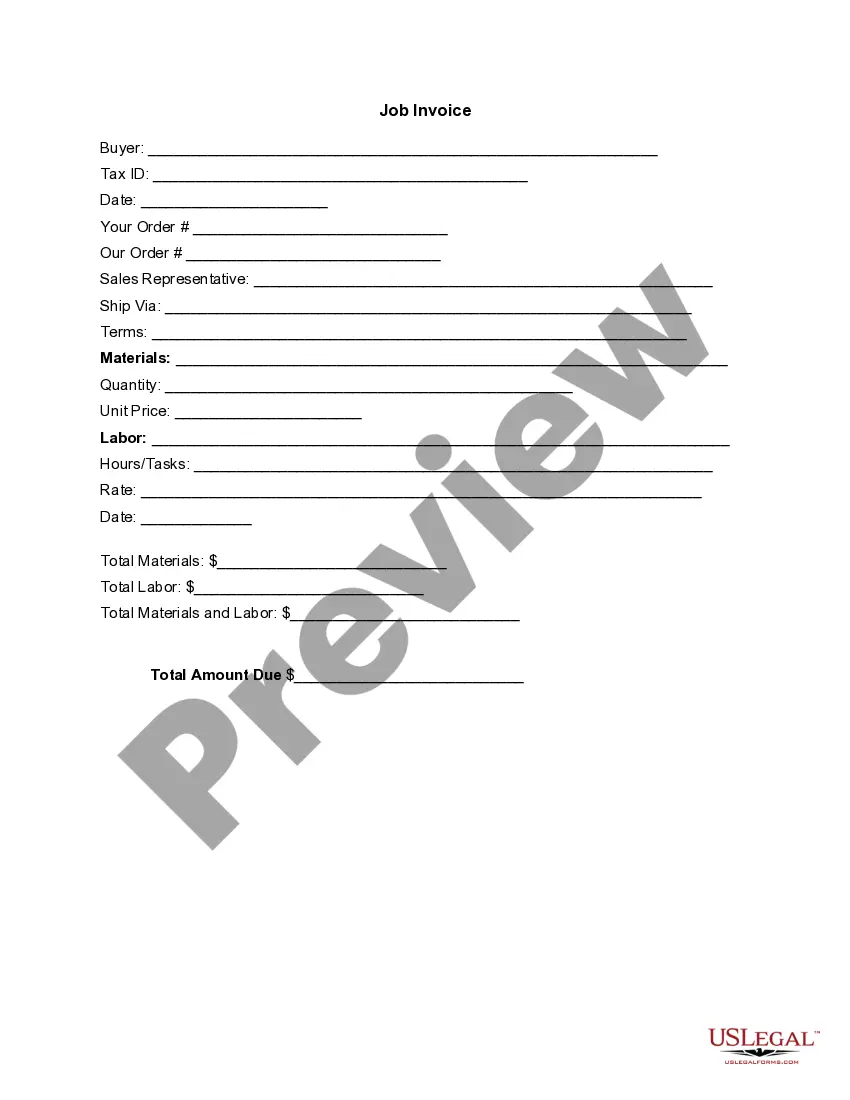
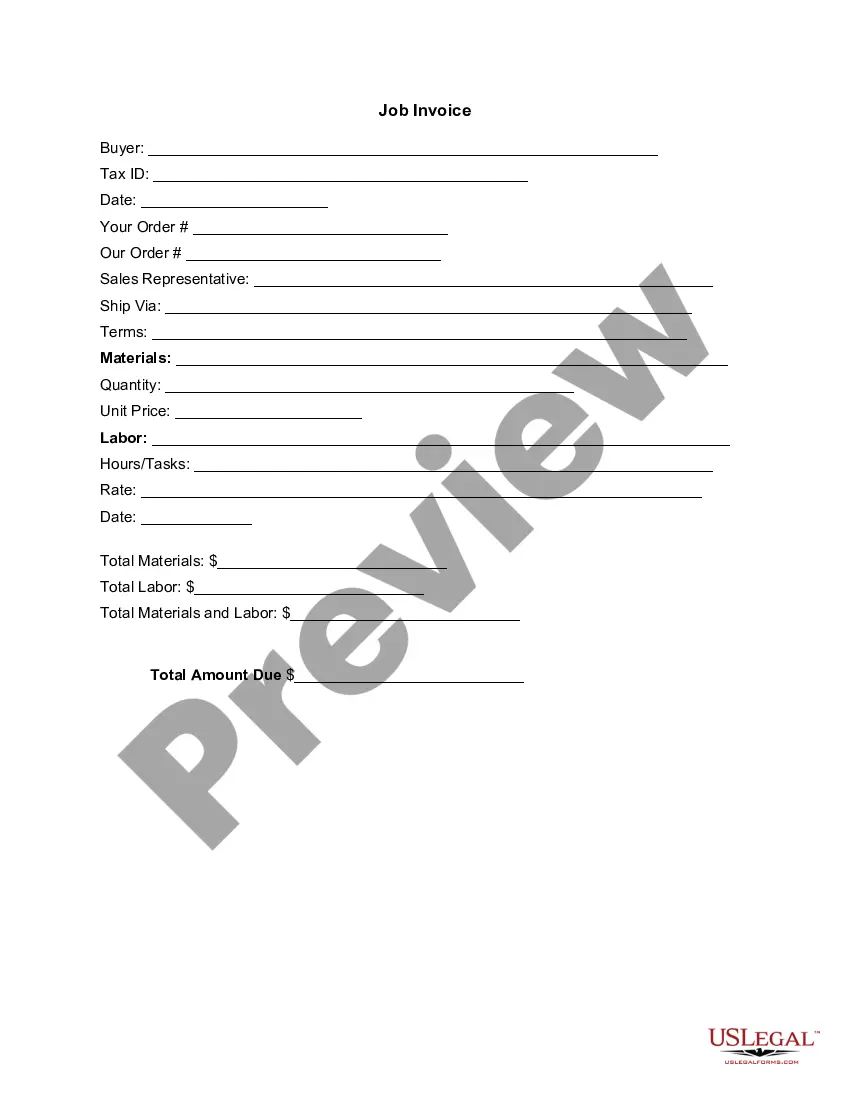
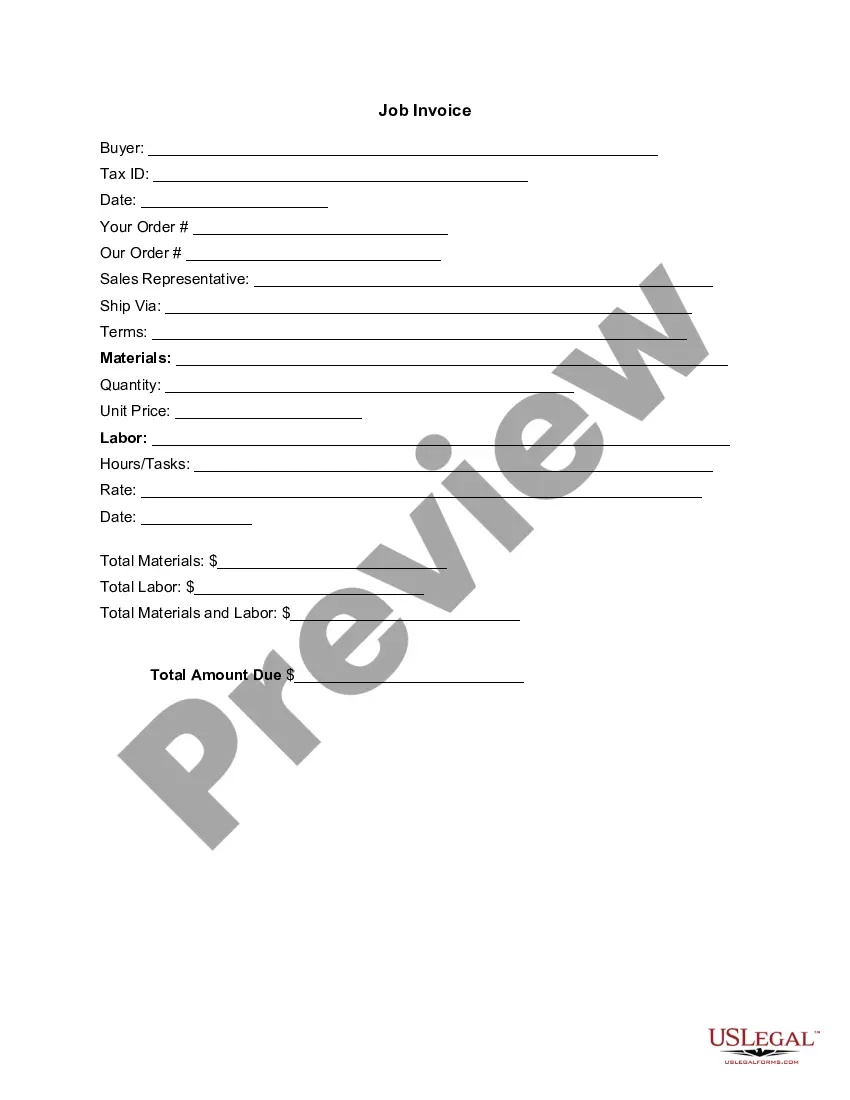
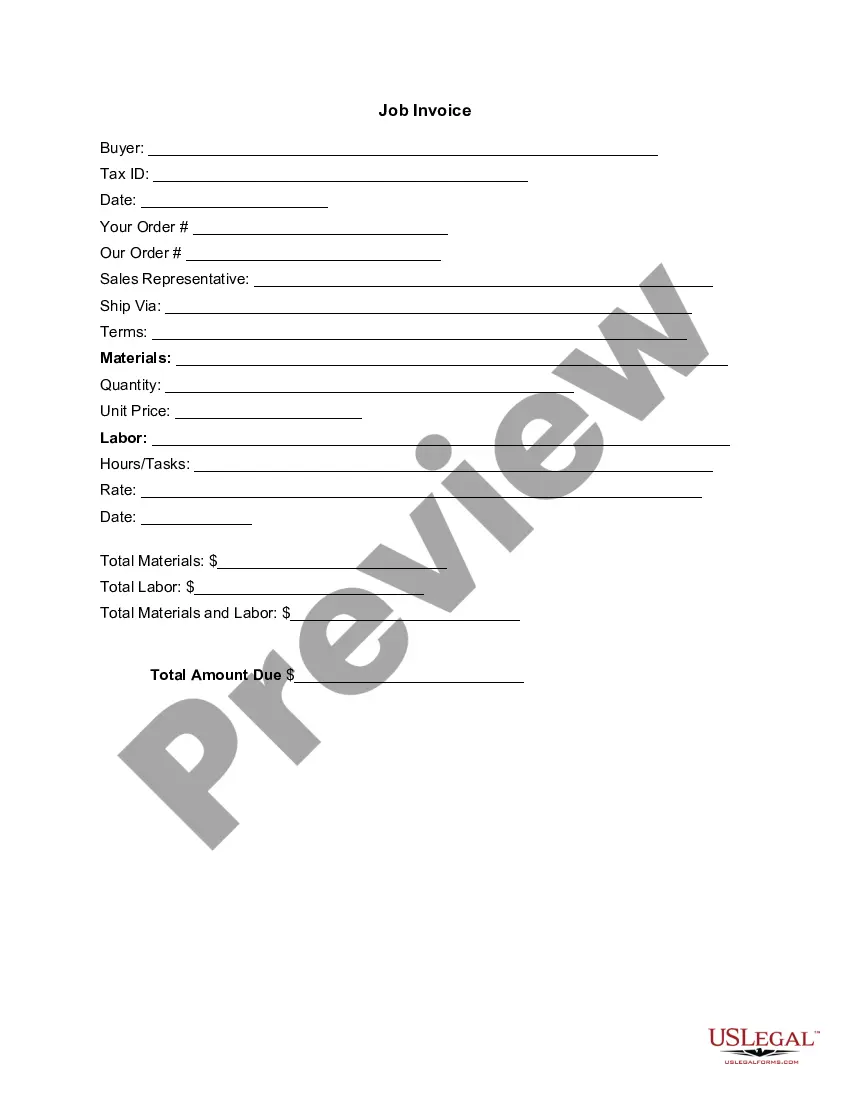
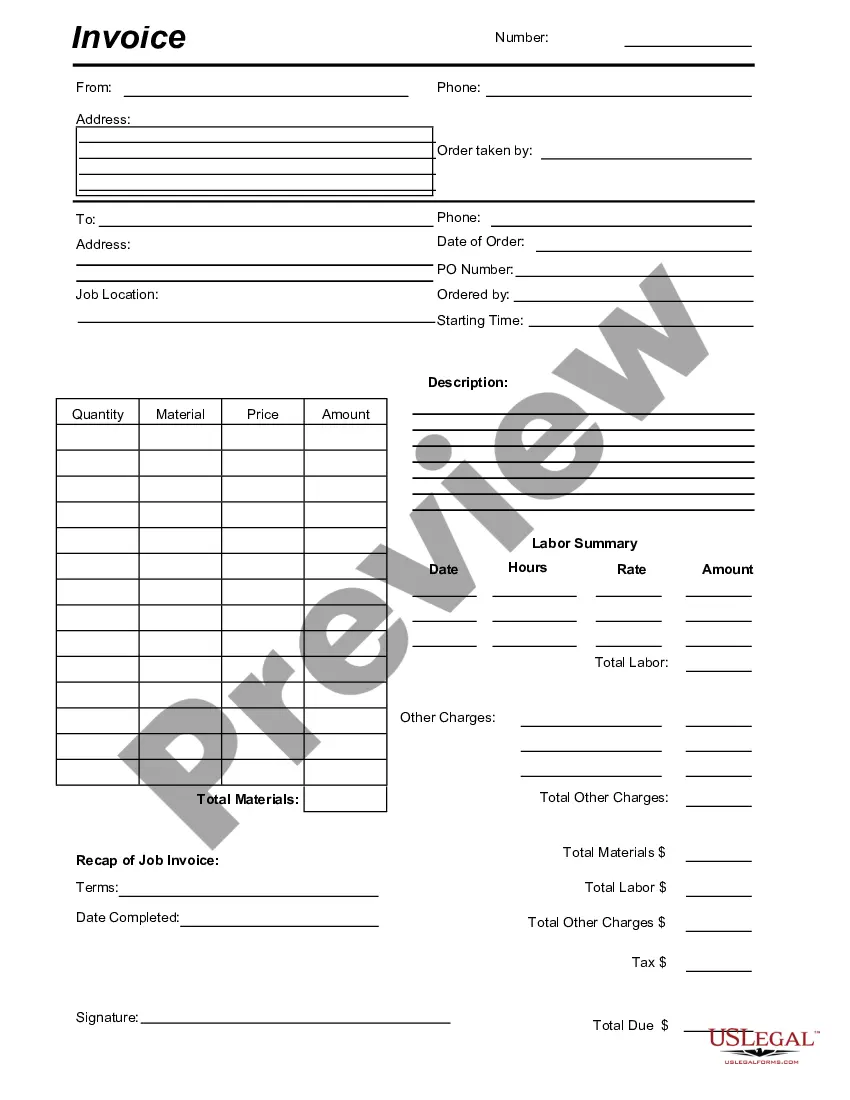
Rhode Island Invoice Template for Pharmacist
Description
Get your form ready online
Our built-in tools help you complete, sign, share, and store your documents in one place.
Make edits, fill in missing information, and update formatting in US Legal Forms—just like you would in MS Word.
Download a copy, print it, send it by email, or mail it via USPS—whatever works best for your next step.
Sign and collect signatures with our SignNow integration. Send to multiple recipients, set reminders, and more. Go Premium to unlock E-Sign.
If this form requires notarization, complete it online through a secure video call—no need to meet a notary in person or wait for an appointment.
We protect your documents and personal data by following strict security and privacy standards.

Make edits, fill in missing information, and update formatting in US Legal Forms—just like you would in MS Word.

Download a copy, print it, send it by email, or mail it via USPS—whatever works best for your next step.

Sign and collect signatures with our SignNow integration. Send to multiple recipients, set reminders, and more. Go Premium to unlock E-Sign.

If this form requires notarization, complete it online through a secure video call—no need to meet a notary in person or wait for an appointment.

We protect your documents and personal data by following strict security and privacy standards.
Looking for another form?




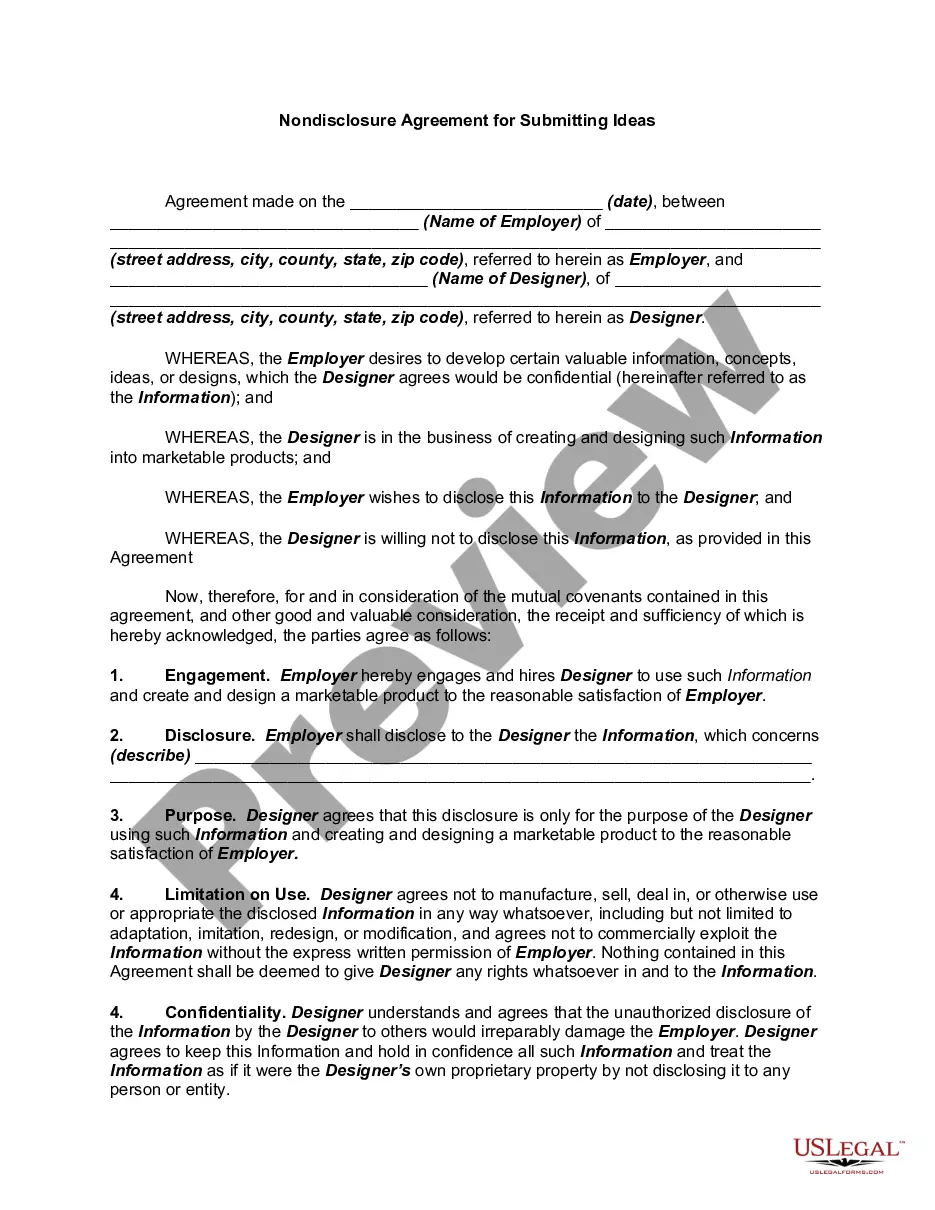
How to fill out Invoice Template For Pharmacist?
It is feasible to spend hours on the web searching for the legal document template that fits the state and national requirements you require.
US Legal Forms provides a vast selection of legal templates that have been reviewed by specialists.
You can easily acquire or print the Rhode Island Invoice Template for Pharmacist from this service.
If available, take advantage of the Preview button to review the document template as well.
- If you already possess a US Legal Forms account, you can Log In and click on the Download button.
- Subsequently, you can complete, modify, print, or sign the Rhode Island Invoice Template for Pharmacist.
- Each legal document template you obtain is yours permanently.
- To retrieve another copy of a purchased form, navigate to the My documents section and click on the appropriate button.
- If you are using the US Legal Forms website for the first time, follow the simple instructions below.
- First, ensure that you have selected the correct document template for the area/city of your choice.
- Review the form description to confirm that you have selected the correct form.
Form popularity
FAQ
To create a commercial invoice template, start by defining the key components required for your transactions. Include your business information, client details, product descriptions, quantities, and prices. Utilize the Rhode Island Invoice Template for Pharmacist available on US Legal Forms to streamline this process. This template is tailored for pharmacists, ensuring compliance with state regulations while saving time.
To update your address with the Rhode Island Department of Health, you can visit their official website and locate the change of address section. Fill out the required form and provide proof of your new address. Ensure you complete this process promptly to avoid any lapses in your pharmacist license. Using a Rhode Island Invoice Template for Pharmacist can help you track any important paperwork related to your license and address changes.
To create a medicine bill, you can use the Rhode Island Invoice Template for Pharmacist, which is tailored for medical services. Begin by detailing the medications dispensed, including the name, dosage, and quantity. Add your professional details and specify payment options clearly. An organized medicine bill ensures that patients understand their charges and enhances your professionalism.
To create a professional invoice, begin with a clean layout and essential information like your name, business name, and contact details. Incorporate a reliable Rhode Island Invoice Template for Pharmacist to streamline your process. Make sure to itemize your services, specify payment terms, and include a unique invoice number. This attention to detail enhances your credibility and facilitates prompt payment.
Invoicing as a locum pharmacist involves a few straightforward steps. Start by using a reliable Rhode Island Invoice Template for Pharmacist that includes your name, contact information, and the services provided. Clearly outline the services rendered, along with the corresponding rates and any applicable taxes. This organized approach helps ensure that your invoice is professional and easy to understand.