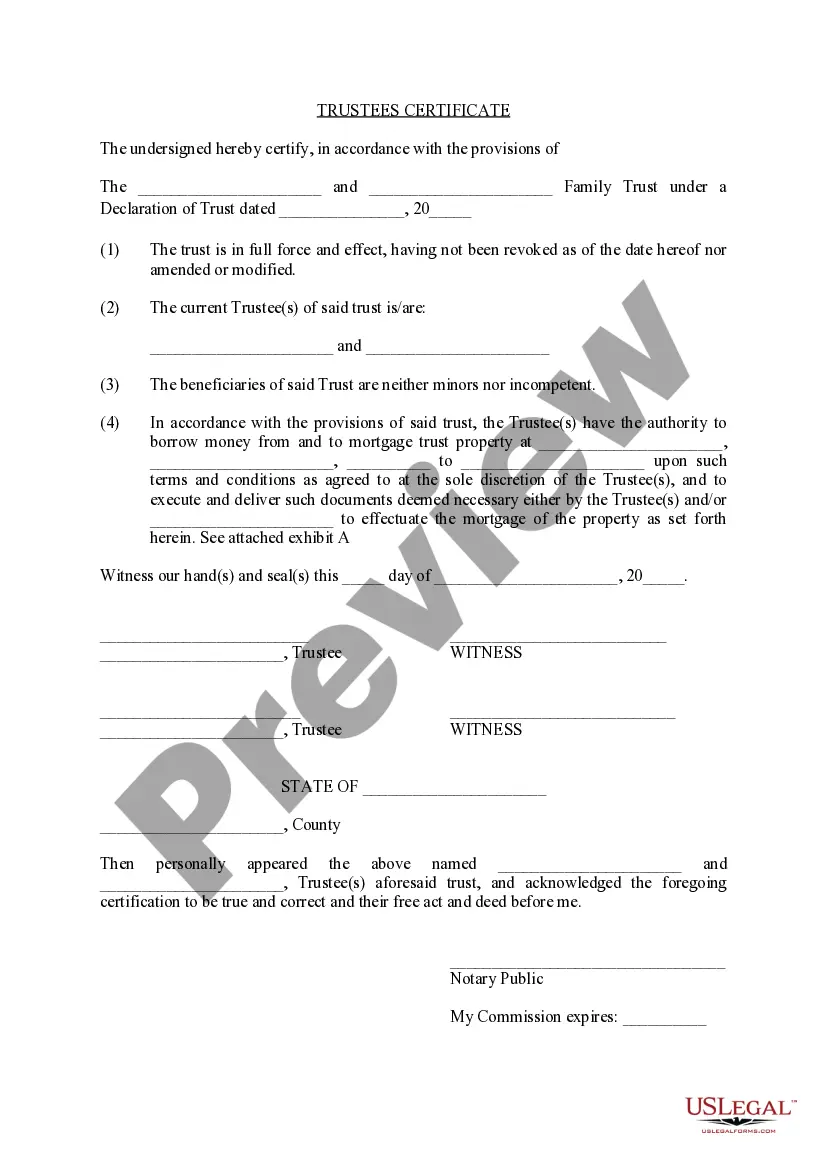
Rhode Island Trustees Certificate
About this form
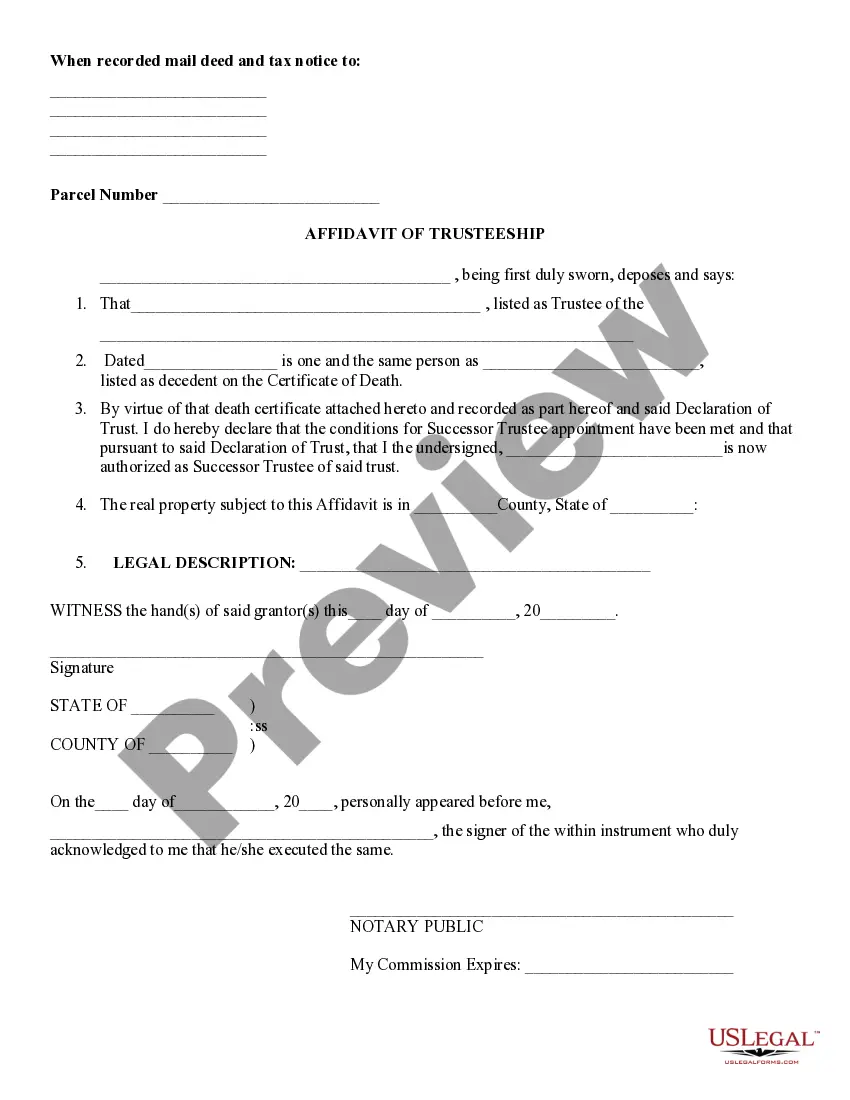
The Trustees Certificate is a legal document that certifies the existence of a trust and provides essential details about its terms and the authority granted to the trustee. Unlike a full trust document, this form condenses key information, making it easier to present trust-related matters to financial institutions or other parties. It is particularly useful when the trustee needs to act on behalf of the trust without disclosing the entire trust agreement.
Key components of this form
- Trust identification: Name of the family trust and date of the Declaration of Trust.
- Certification clause: Confirms the trust is active and has not been revoked or amended.
- Trustee information: Names of the current trustees overseeing the trust.
- Beneficiary status: An assurance that beneficiaries are competent and not minors.
- Authority details: Specifies powers of the trustee, including the ability to mortgage trust property.
- Signature section: Spaces for trustees' and witnesses' signatures, along with notary public acknowledgment.
Common use cases
This form is typically used in scenarios where a trustee needs to provide evidence of the trust's existence and their authority. Common instances include securing loans, establishing bank accounts, or responding to inquiries from financial institutions regarding the trust's assets. Additionally, it may be necessary when a trustee is executing transactions that require proof of their legal authority to act on behalf of the trust.
Intended users of this form
- Current trustees of a family trust looking to confirm their authority.
- Trustees needing to perform transactions on behalf of the trust.
- Financial institutions or parties requiring validation of the trust.
- Beneficiaries who want to understand trustee powers and trust status.
How to prepare this document
- Identify the trust: Fill in the name of the family trust and the date of the Declaration of Trust.
- Confirm trust status: Ensure to state that the trust is active and has not been modified.
- List current trustees: Enter the names of the current trustees authorized to act.
- Declare beneficiary status: Confirm that the beneficiaries are neither minors nor incompetent.
- Specify powers: Clearly outline the authority granted to the trustee regarding financial transactions or property management.
- Sign and notarize: Obtain signatures from the trustees and a witness, followed by notarization for legal validity.
Notarization guidance
Yes, this form must be notarized to be legally valid. Notarization adds a layer of authenticity and may be required for the trust to engage in certain transactions smoothly. US Legal Forms offers secure online notarization services, allowing you to complete the process conveniently through a video call, ensuring your document is properly notarized without the need for travel.
Get your form ready online
Our built-in tools help you complete, sign, share, and store your documents in one place.
Make edits, fill in missing information, and update formatting in US Legal Forms—just like you would in MS Word.
Download a copy, print it, send it by email, or mail it via USPS—whatever works best for your next step.
Sign and collect signatures with our SignNow integration. Send to multiple recipients, set reminders, and more. Go Premium to unlock E-Sign.
If this form requires notarization, complete it online through a secure video call—no need to meet a notary in person or wait for an appointment.
We protect your documents and personal data by following strict security and privacy standards.

Make edits, fill in missing information, and update formatting in US Legal Forms—just like you would in MS Word.

Download a copy, print it, send it by email, or mail it via USPS—whatever works best for your next step.

Sign and collect signatures with our SignNow integration. Send to multiple recipients, set reminders, and more. Go Premium to unlock E-Sign.

If this form requires notarization, complete it online through a secure video call—no need to meet a notary in person or wait for an appointment.

We protect your documents and personal data by following strict security and privacy standards.
Common mistakes to avoid
- Failing to accurately state the trust's name or Declaration date.
- Not confirming that beneficiaries are competent and not minors.
- Omitting signatures from all required parties or witnesses.
- Neglecting to notarize the document, which may be essential for certain transactions.
Advantages of online completion
- Convenience: Download the form instantly from anywhere, saving time.
- Editability: Easily customize the form according to specific needs.
- Reliability: Forms are created by licensed attorneys, ensuring legal compliance.
Looking for another form?
Form popularity
FAQ
A Certificate of Trust is recorded in the Official Records of the county in which any trust real property is located. It aids in clearing title to the property. Generally, where the trust owns no real property, there is no need to record a Certificate...
Certification of trustee is when the holder of the trust determines who has the power to move assets around within a trust. It also gives the trustee the power to sell or bequeath assets to other parties.
Create the certificate of trust Sign the living trust in front of a notary public to notarize it. In case your spouse or partner made the trust together, you both need to sign the certification. If one has died, the surviving part can make a certification.
A certification of trust (or "trust certificate") is a short document signed by the trustee that simply states the trust's essential terms and certifies the trust's authority without revealing private details of the trust that aren't relevant to the pending transaction.
The Role of Trustee. A trust is a written legal document reflecting an agreement by a trustee to hold and manage property (the trust estate) for the benefit of another (the beneficiary) according to terms established by the creator (or grantor) of the trust.
The Trust Certification gives the generalities of the Trust and is completed and signed by all acting Trustees in the presence of a Notary Public, under penalty of perjury.
A trust document isn't required to be filed. If you are transferring real estate into a trust, a deed will need oo be filed at the county recorder's office.The declaration will detail the terms and conditions of the living trust, including who will serve as the Trustee.
Look for an attorney to draw up the paperwork. In addition, you can go online and use a legal website, to search for a copy of a recorded living trust, or forms on a CD to make the living trust. Sign the living trust in front of a notary public to notarize it.
Yes, trust agreements are private documents.Among other things, the law provides that a summary of the terms of a trust (a/k/a Certificate or Certification of Trust) should contain: name and date of the trust; the identity of the settlor (a/k/a trustor, grantor or trust-maker);