Rhode Island Memorandum of Agreement
What is this form?
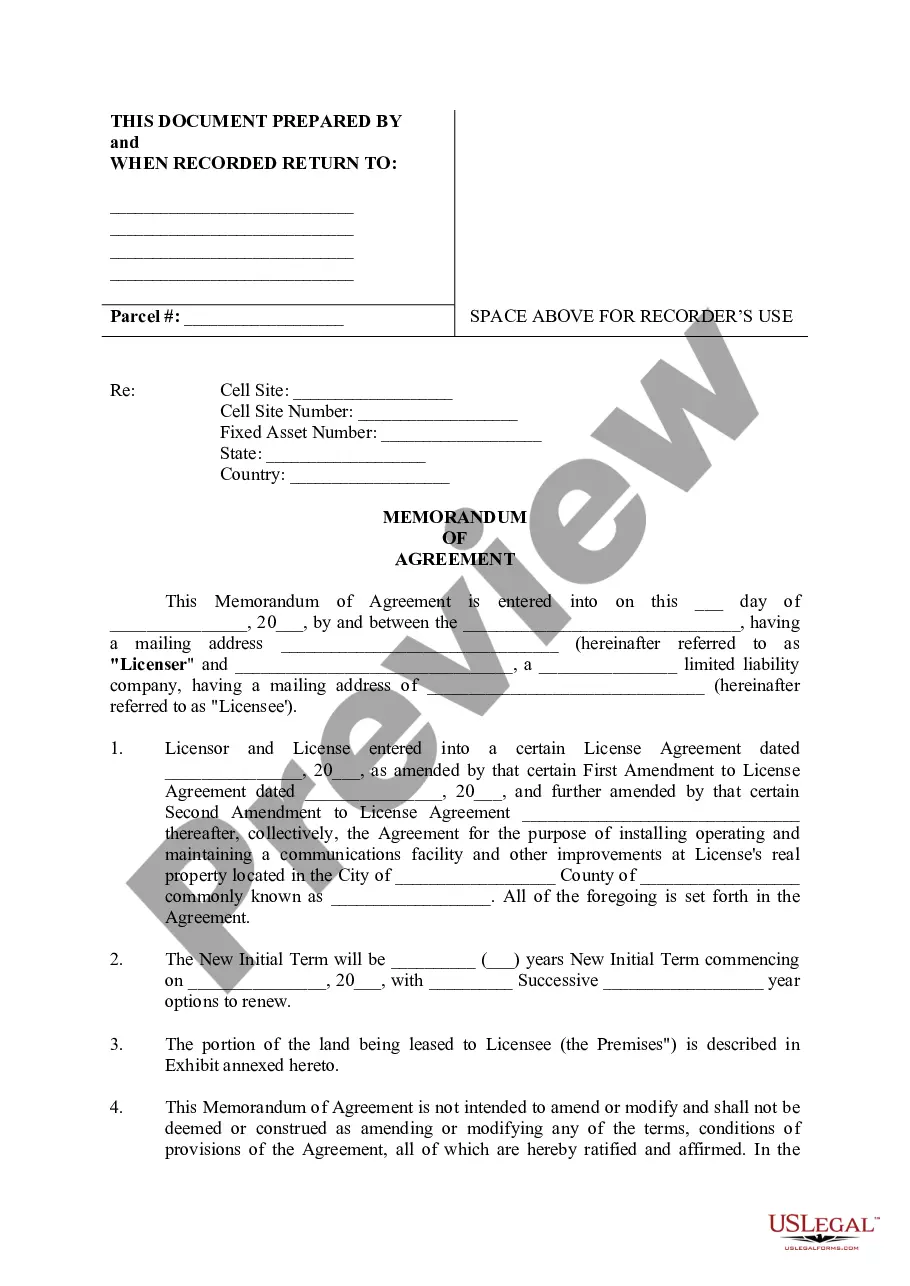
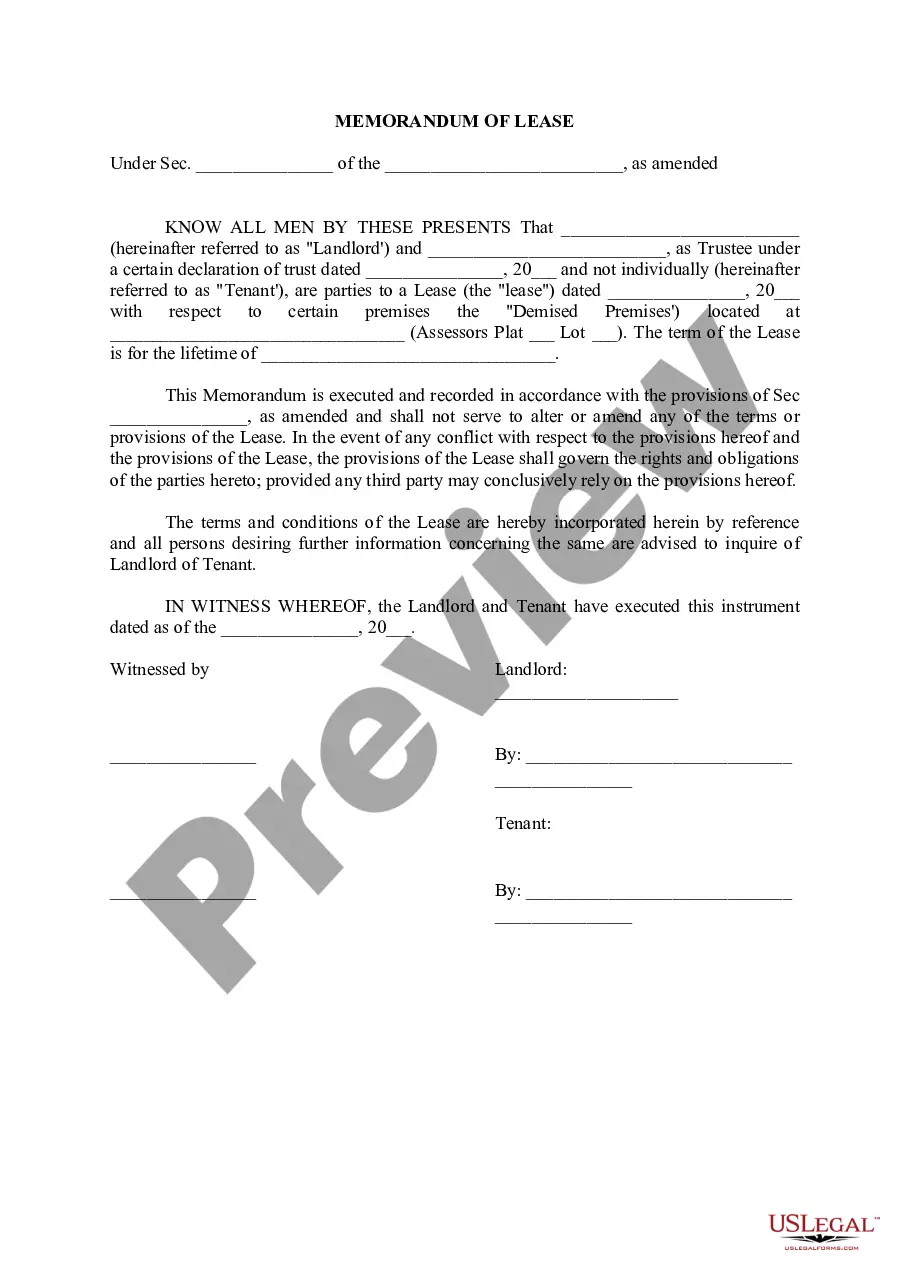
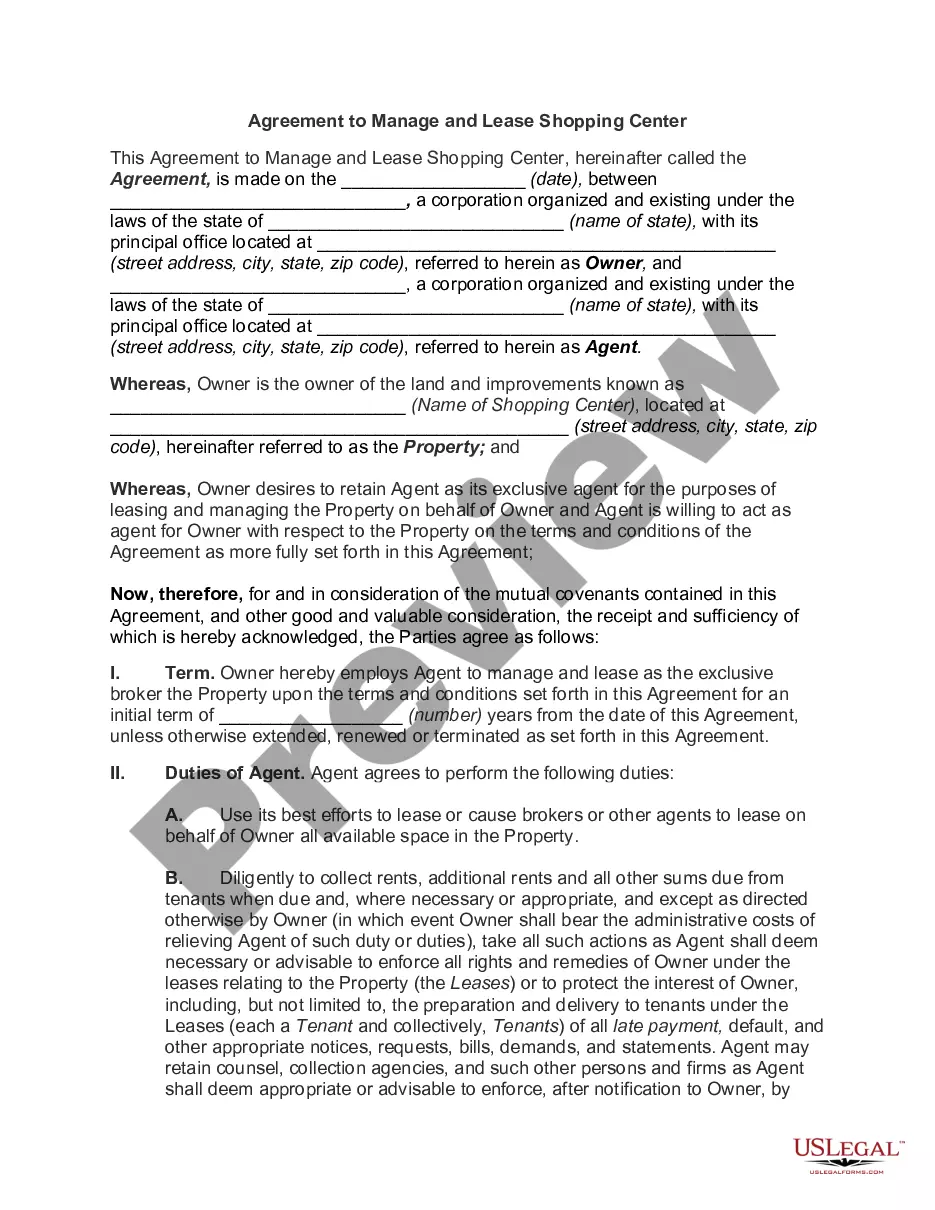
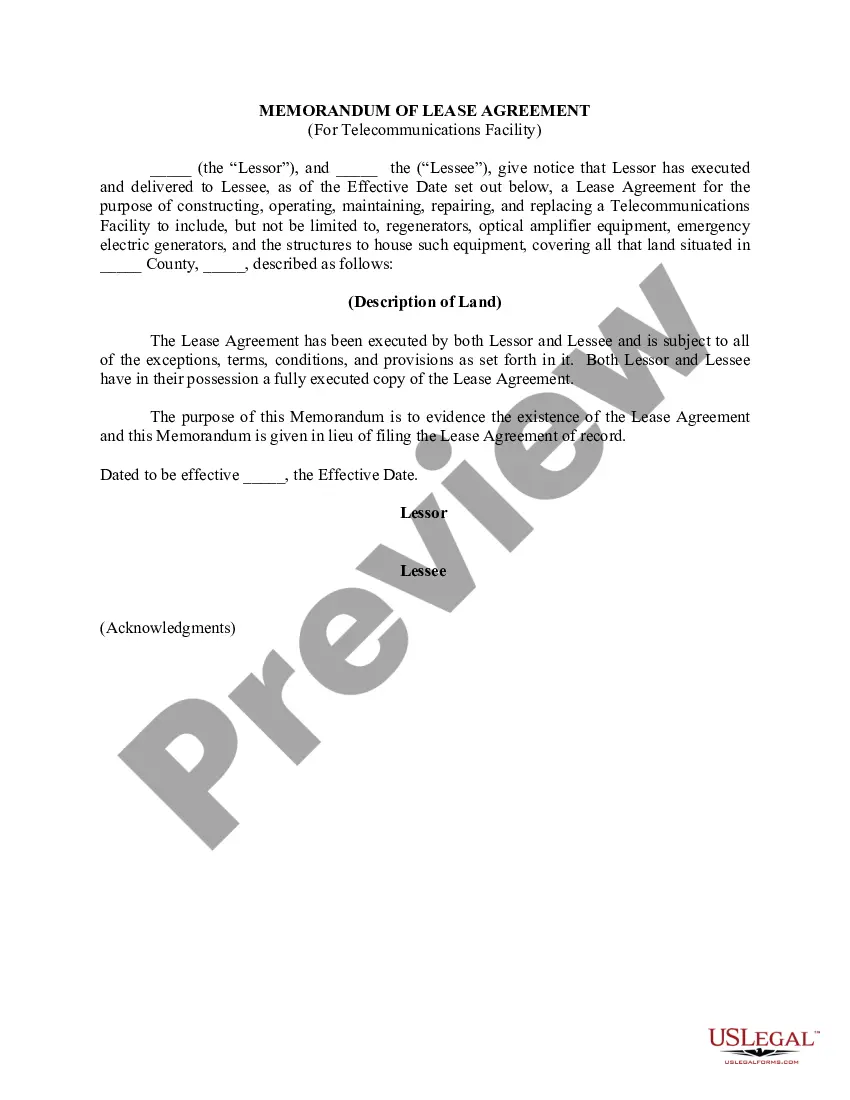
The Memorandum of Agreement is a legal document that outlines the terms between a Licensor and a Licensee regarding the installation and maintenance of a communications facility on the Licensee's property. This form serves as a summary of a License Agreement, confirming the location and duration of the lease without modifying the original contract. It is specifically designed for real estate transactions involving telecommunications infrastructure, distinguishing it from other agreements like simple lease contracts or service agreements.
Key parts of this document
- Identification of parties: Names and addresses of the Licensor and Licensee.
- Reference to the original License Agreement: Includes information about amendments and the original signing date.
- Description of leased premises: Details about the property designated for the communications facility.
- Timeline specifics: Initial term duration and renewal options.
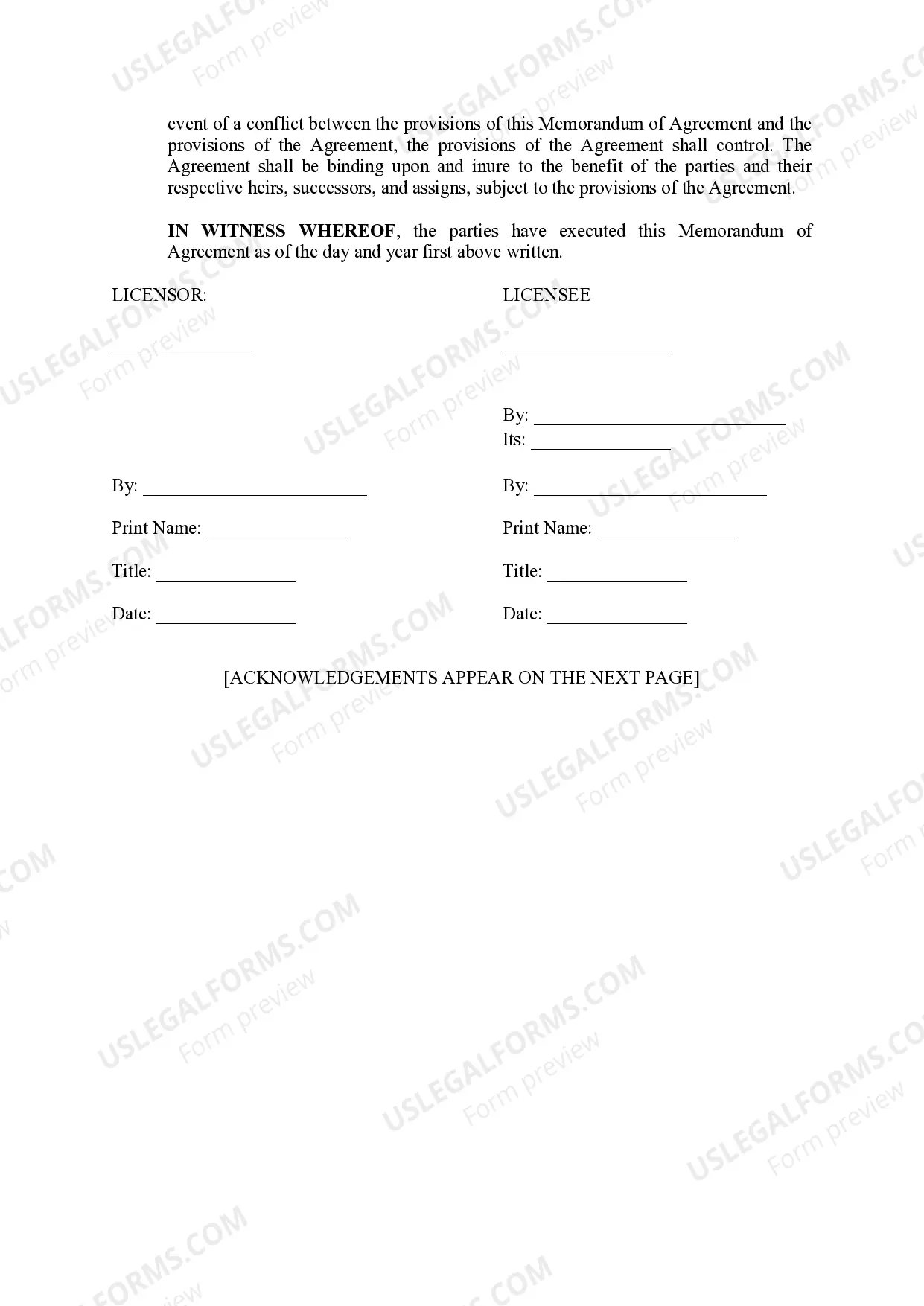
- Signature lines for both parties: Includes spaces for printed names and titles of signatories.
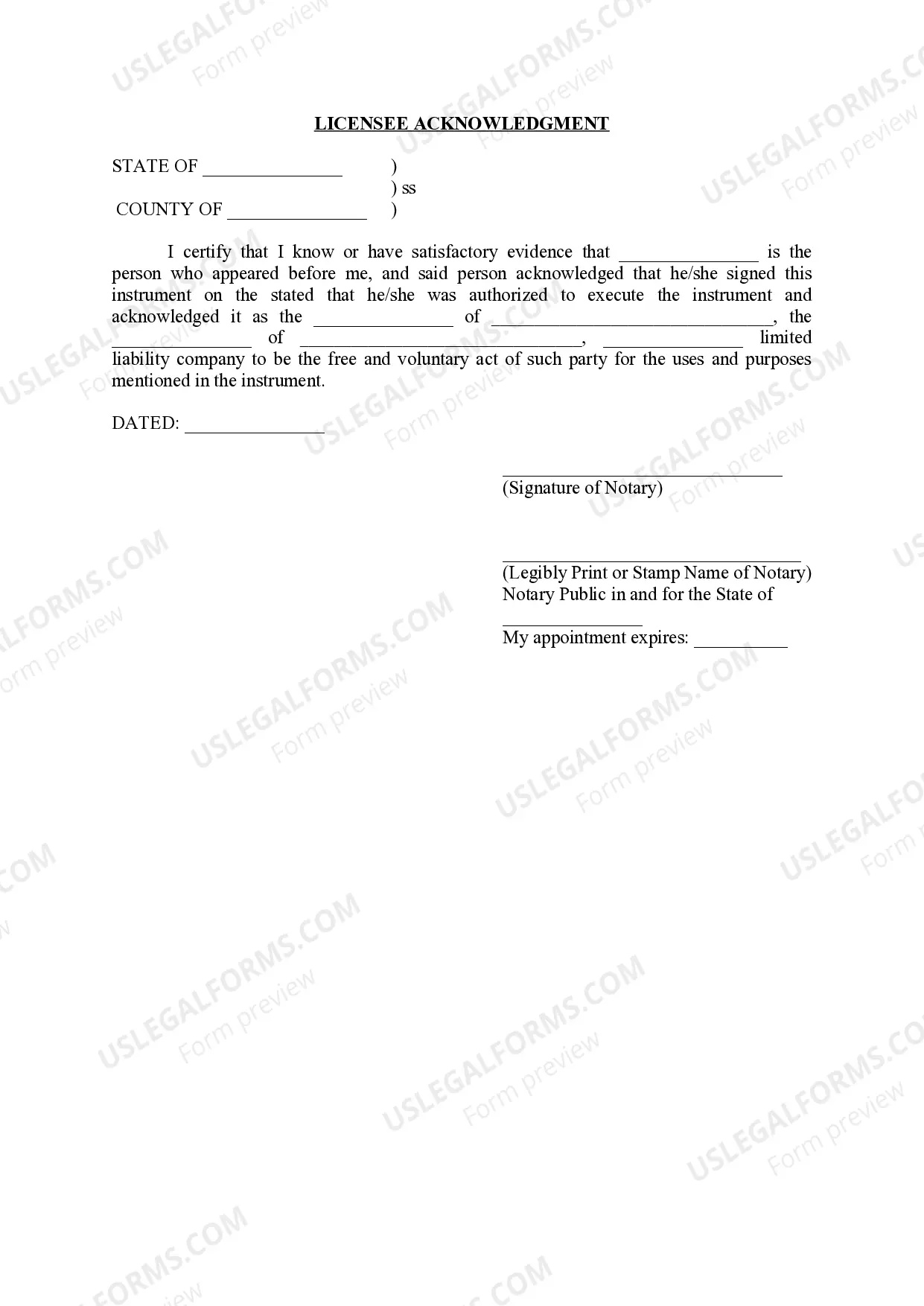
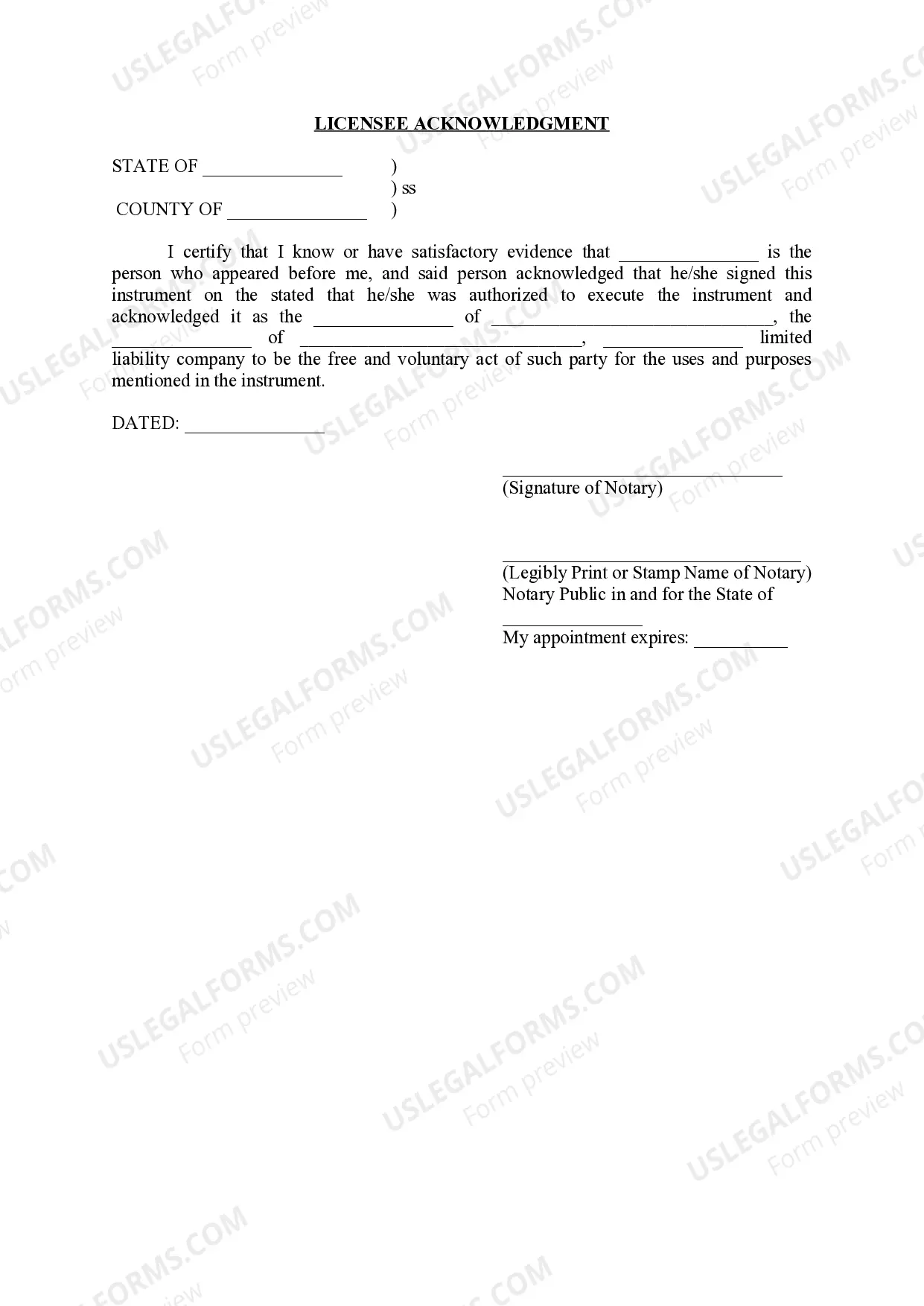
- Notary acknowledgment sections: Certification of signatures by a notary public to enhance legal validity.
When to use this form
This form should be used when a telecommunications company desires to place equipment on a property owned by another party. It is essential for clarifying the terms of the agreement in relation to leasing land for communication facilities, particularly when modifications or renewals of the existing License Agreement are necessary. It may also be used to formalize corrections or updates to prior agreements.
Who needs this form
- Licensors: Property owners or entities leasing land for telecommunications purposes.
- Licensees: Companies or individuals intending to install and maintain communications facilities on someone else's property.
- Real estate professionals: Agents or attorneys managing telecommunications lease agreements.
- Investors in telecommunications: Individuals looking to secure rights for communication infrastructure on a property.
Steps to complete this form
- Identify the parties: Enter the full names and addresses of the Licensor and Licensee.
- Specify the Lease Agreement: Reference the dates of the original agreement and any amendments.
- Describe the property: Fill in the details of the location where the facility will be installed.
- Enter the term details: Specify the length of the initial term and any renewal options.
- Provide signatures: Ensure both parties sign and date the agreement, including print names and titles.
- Notarize the document: Have the signatures acknowledged by a notary public as required.
Notarization guidance
Yes, this form must be notarized to be legally valid. The notarization process adds an extra layer of verification, ensuring that the signatures are authentic and that the parties involved are acting voluntarily. US Legal Forms offers integrated online notarization services that are available 24/7, allowing you to complete the process securely via a video call without the need to travel.
Get your form ready online
Our built-in tools help you complete, sign, share, and store your documents in one place.
Make edits, fill in missing information, and update formatting in US Legal Forms—just like you would in MS Word.
Download a copy, print it, send it by email, or mail it via USPS—whatever works best for your next step.
Sign and collect signatures with our SignNow integration. Send to multiple recipients, set reminders, and more. Go Premium to unlock E-Sign.
If this form requires notarization, complete it online through a secure video call—no need to meet a notary in person or wait for an appointment.
We protect your documents and personal data by following strict security and privacy standards.

Make edits, fill in missing information, and update formatting in US Legal Forms—just like you would in MS Word.

Download a copy, print it, send it by email, or mail it via USPS—whatever works best for your next step.

Sign and collect signatures with our SignNow integration. Send to multiple recipients, set reminders, and more. Go Premium to unlock E-Sign.

If this form requires notarization, complete it online through a secure video call—no need to meet a notary in person or wait for an appointment.

We protect your documents and personal data by following strict security and privacy standards.
Typical mistakes to avoid
- Failing to include accurate property descriptions, which can lead to disputes.
- Overlooking the need for notarization, making the agreement less enforceable.
- Not referencing or including all amendments to the original License Agreement.
- Neglecting to discuss renewal terms, leading to confusion in future dealings.
Advantages of online completion
- Convenience: Easily download and fill out the form from anywhere.
- Editability: Modify the form to fit specific needs without additional legal fees.
- Reliability: Access templates prepared by licensed attorneys, ensuring legal compliance.
- Immediate access: Obtain the form without waiting for mail delivery or in-person consultations.