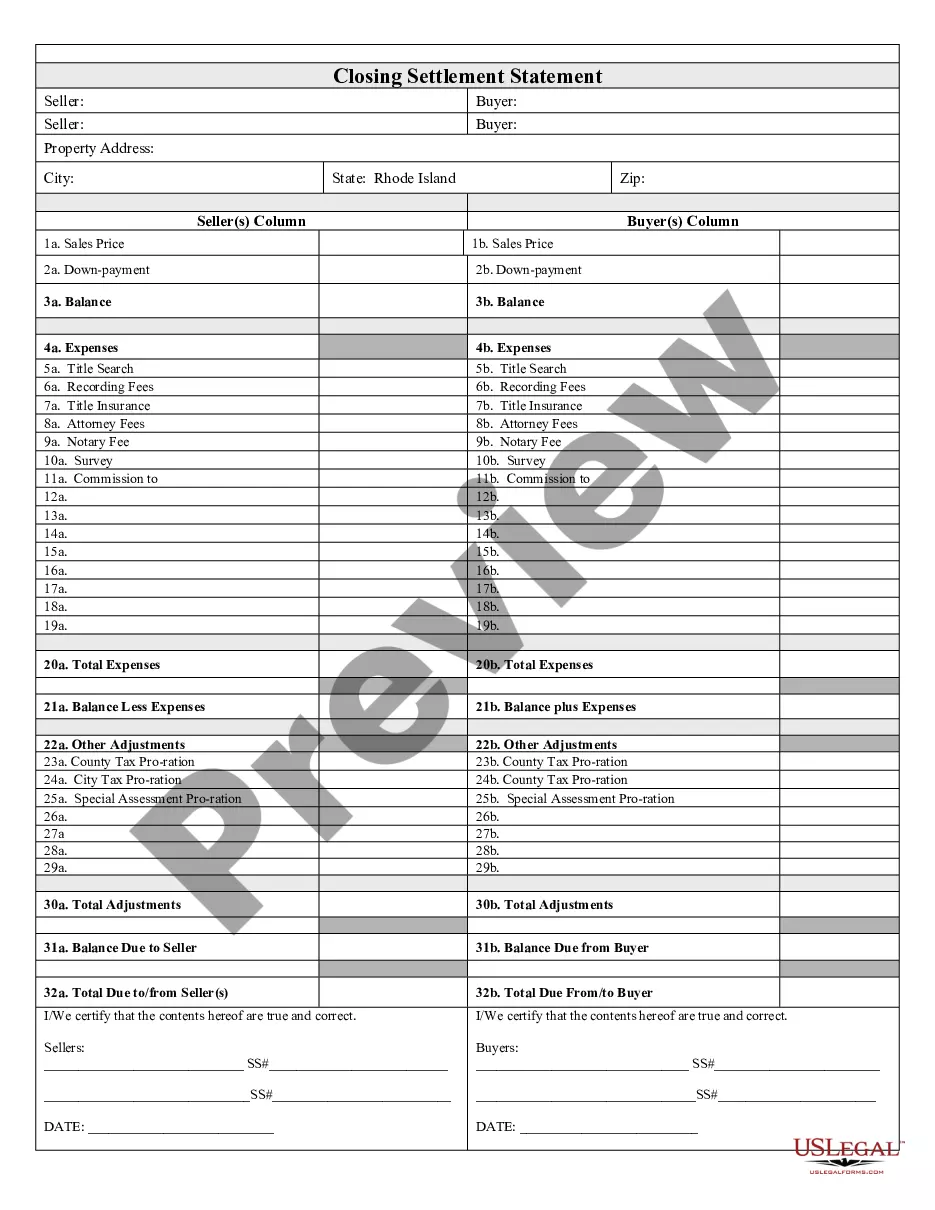
Rhode Island Closing Statement

What this document covers
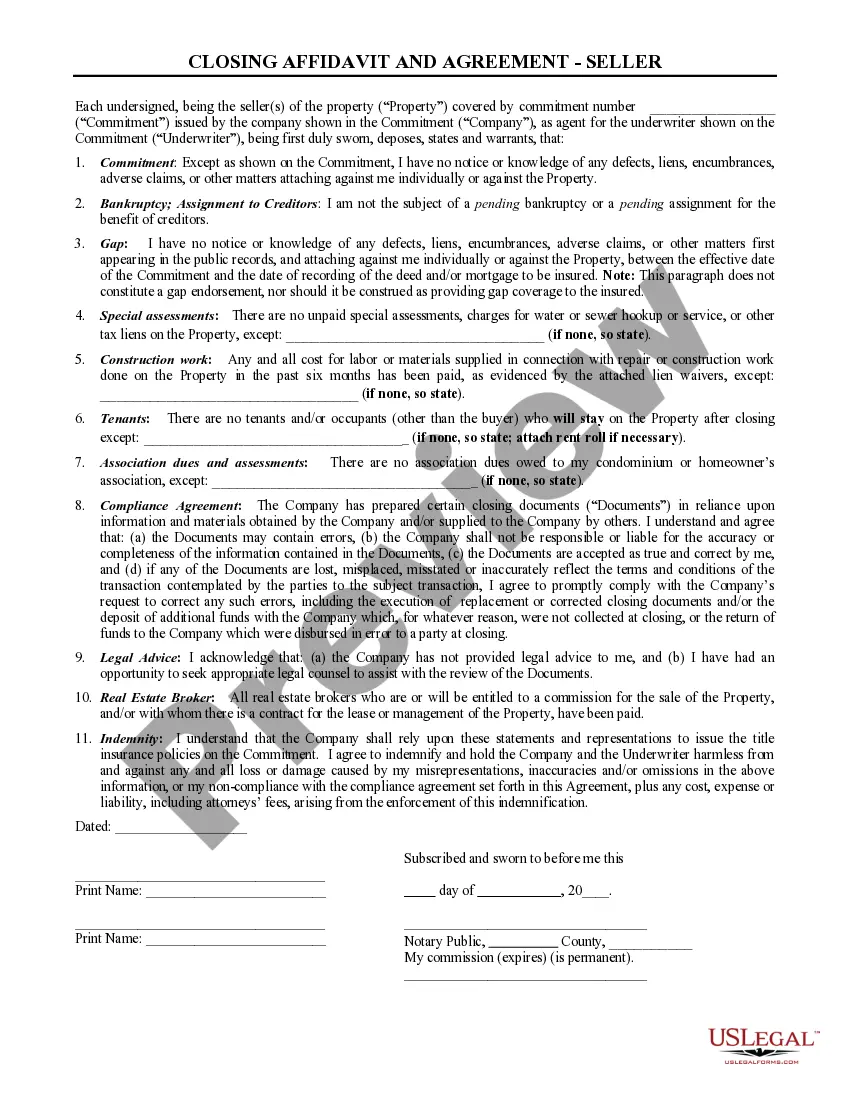
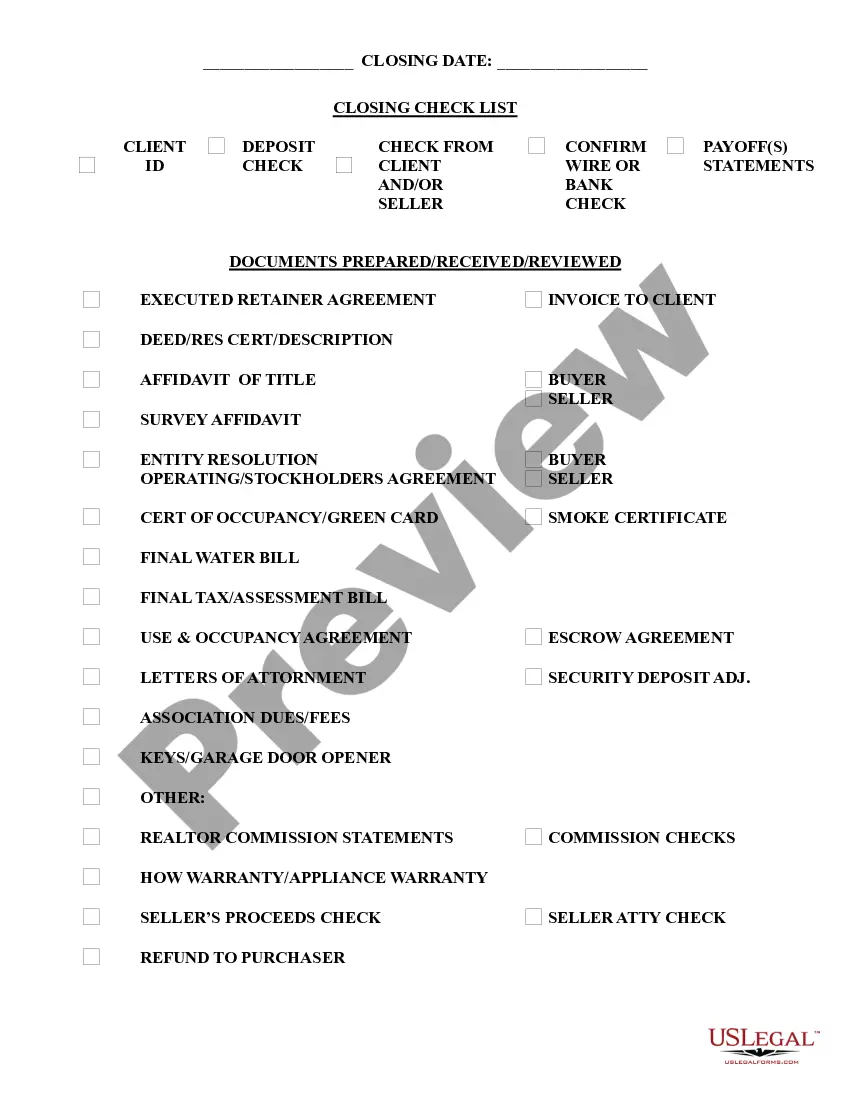
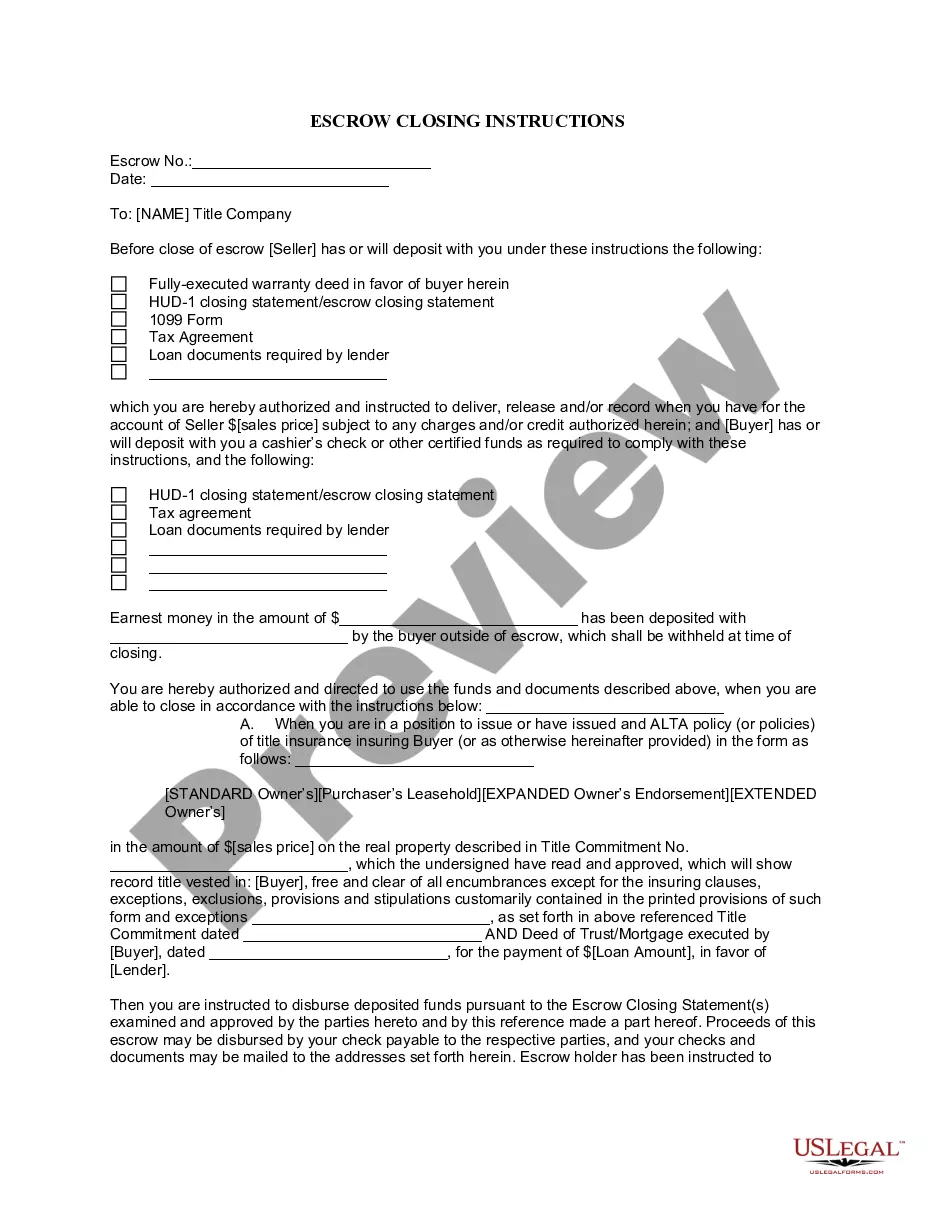
The Closing Statement is a crucial document in a real estate transaction, primarily used for cash sales or transactions involving owner financing. This detailed settlement statement outlines all financial aspects of the deal, including expenses, adjustments, and the final balance. It serves as a final account for both the buyer and seller, ensuring transparency and mutual agreement on all costs associated with the transaction.
Key parts of this document
- Expenses: Detailing all costs related to the transaction.
- Title Search: Costs associated with verifying property ownership.
- Recording Fees: Charges for officially recording the sale with local authorities.
- Title Insurance: Fees for coverage to protect against ownership disputes.
- Attorney Fees: Costs for legal representation during the process.
- Balances: Final calculations for amounts due to or from each party.

When this form is needed
This form is essential during real estate transactions, especially in cash sales or when owner financing is involved. Use the Closing Statement to finalize the agreement between buyer and seller, detailing all financial aspects, ensuring that both parties clearly understand their obligations and the total costs incurred in the transaction.
Who needs this form
- Home buyers: Individuals purchasing property in a cash sale or through owner financing.
- Home sellers: Individuals selling their property in similar transactions.
- Real estate attorneys: Legal professionals assisting clients in real estate transactions.
- Real estate agents: Brokers facilitating property sales requiring a detailed accounting of costs.
How to complete this form
- Identify the parties: Clearly state the names of the buyer and seller involved in the transaction.
- Specify the property: Include the details relevant to the property being sold.
- List all expenses: Fill in the specific expenses associated with the transaction.
- Calculate adjustments: Determine and input any necessary financial adjustments, such as prorated taxes.
- Obtain signatures: Ensure both parties review and sign the document to validate the agreement.
Notarization requirements for this form
This form must be notarized to be legally valid. US Legal Forms provides secure online notarization powered by Notarize, allowing you to complete the process through a verified video call.
Get your form ready online
Our built-in tools help you complete, sign, share, and store your documents in one place.
Make edits, fill in missing information, and update formatting in US Legal Forms—just like you would in MS Word.
Download a copy, print it, send it by email, or mail it via USPS—whatever works best for your next step.
Sign and collect signatures with our SignNow integration. Send to multiple recipients, set reminders, and more. Go Premium to unlock E-Sign.
If this form requires notarization, complete it online through a secure video call—no need to meet a notary in person or wait for an appointment.
We protect your documents and personal data by following strict security and privacy standards.

Make edits, fill in missing information, and update formatting in US Legal Forms—just like you would in MS Word.

Download a copy, print it, send it by email, or mail it via USPS—whatever works best for your next step.

Sign and collect signatures with our SignNow integration. Send to multiple recipients, set reminders, and more. Go Premium to unlock E-Sign.

If this form requires notarization, complete it online through a secure video call—no need to meet a notary in person or wait for an appointment.

We protect your documents and personal data by following strict security and privacy standards.
Mistakes to watch out for
- Failing to include all expenses: Ensure all costs are accounted for to avoid disputes.
- Missing signatures: Both parties must sign the form for it to be legally binding.
- Incorrectly calculating adjustments: Double-check all figures to avoid errors in the final amounts.
Benefits of completing this form online
- Convenience: Download the form instantly at your convenience without needing to visit a law office.
- Editability: Customize the document easily to suit your specific transaction needs.
- Reliability: Access forms updated by licensed attorneys, ensuring compliance with current legal standards.
Looking for another form?
Form popularity
FAQ
In Rhode Island, an uncontested divorce may be granted in as little as 75 daysand some divorces may be granted even sooner if they qualify for expedited processing. However, wait times are often longer if the court imposes a waiting period, the parties cannot agree, or there are other complexities.
If you don't close an LLC, your state may continue to impose taxes, fees and late fees on the company. If you don't terminate your existing contracts and leases, you'll have to keep paying them, too.
If a case is truly uncontested, with no children and no assets to divide, a divorce will cost around $600.00 plus costs ( filing fee to clerk of $120.00 and cost to have other spouse served which is usually about $40).
A divorce is filed by submitting to the family court clerk the following forms: a complaint, a DR6, two statements listing the children of the divorce, a family services counseling report form, a report of divorce, a copy of the marriage certificate, the summons, and the filing fee.
Most of the forms you will need are available from the family court clerk where you file. Some forms may also be available online at the Rhode Island Judiciary website.
How Do I Find Divorce Records in Rhode Island? Rhode Island divorce records can be obtained by querying the office of the Clerk of Family Court in the judicial district where the divorce was granted.
To close your business in Rhode Island, you must satisfy all filing obligations with both the RI Division of Taxation and the RI Department of State. To dissolve your business, it must be active and up to date with all filings with the RI Department of State. To verify your status, email corporations@sos.ri.gov.
You must file Form 966, Corporate Dissolution or Liquidation, if you adopt a resolution or plan to dissolve the corporation or liquidate any of its stock. You must also file your corporation's final income tax return.
Decide on a name for your business. Assign a registered agent for service of process. Get an Employer Identification Number (EIN) from the IRS. Create an operating agreement. File for pass-through withholding tax.