Rhode Island Business Credit Application
Understanding this form
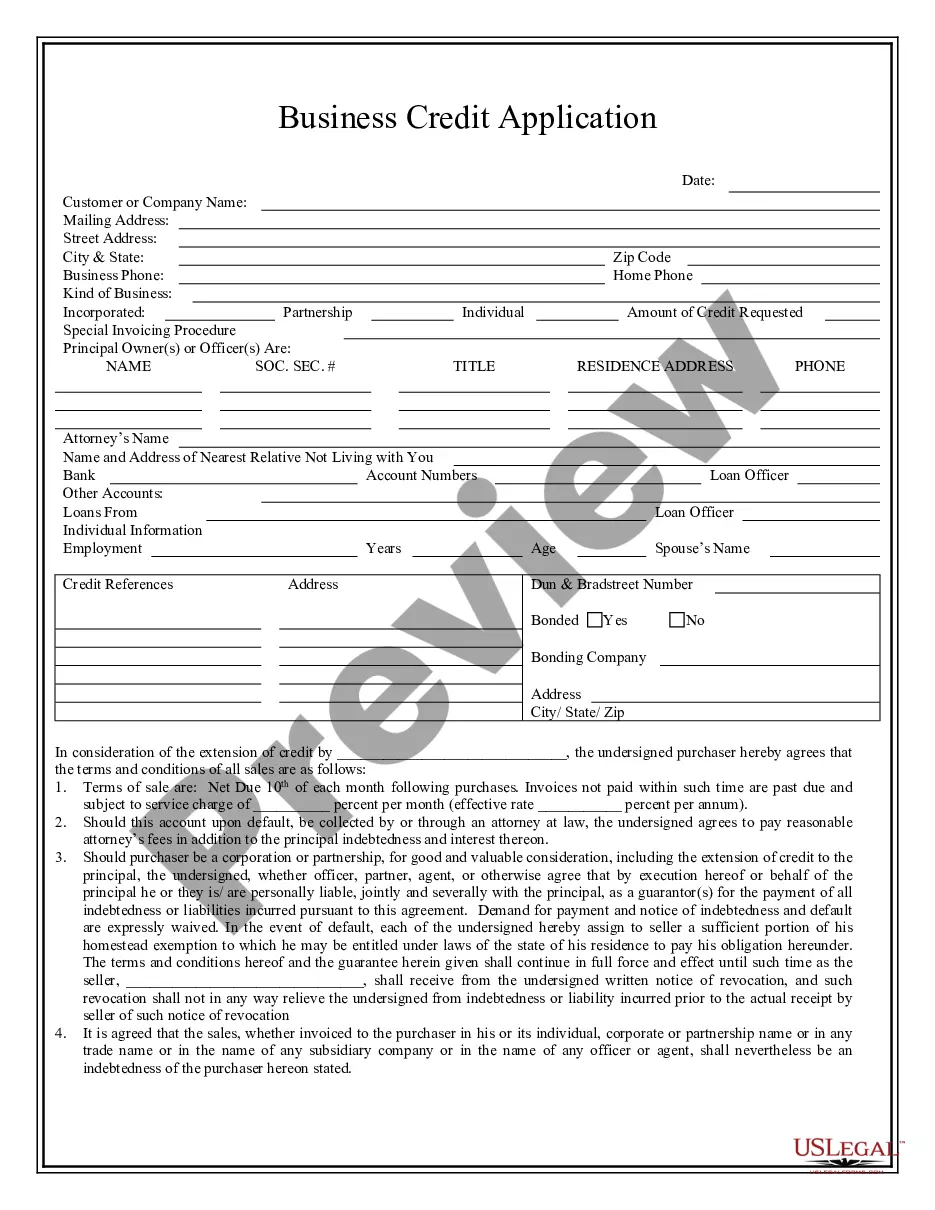
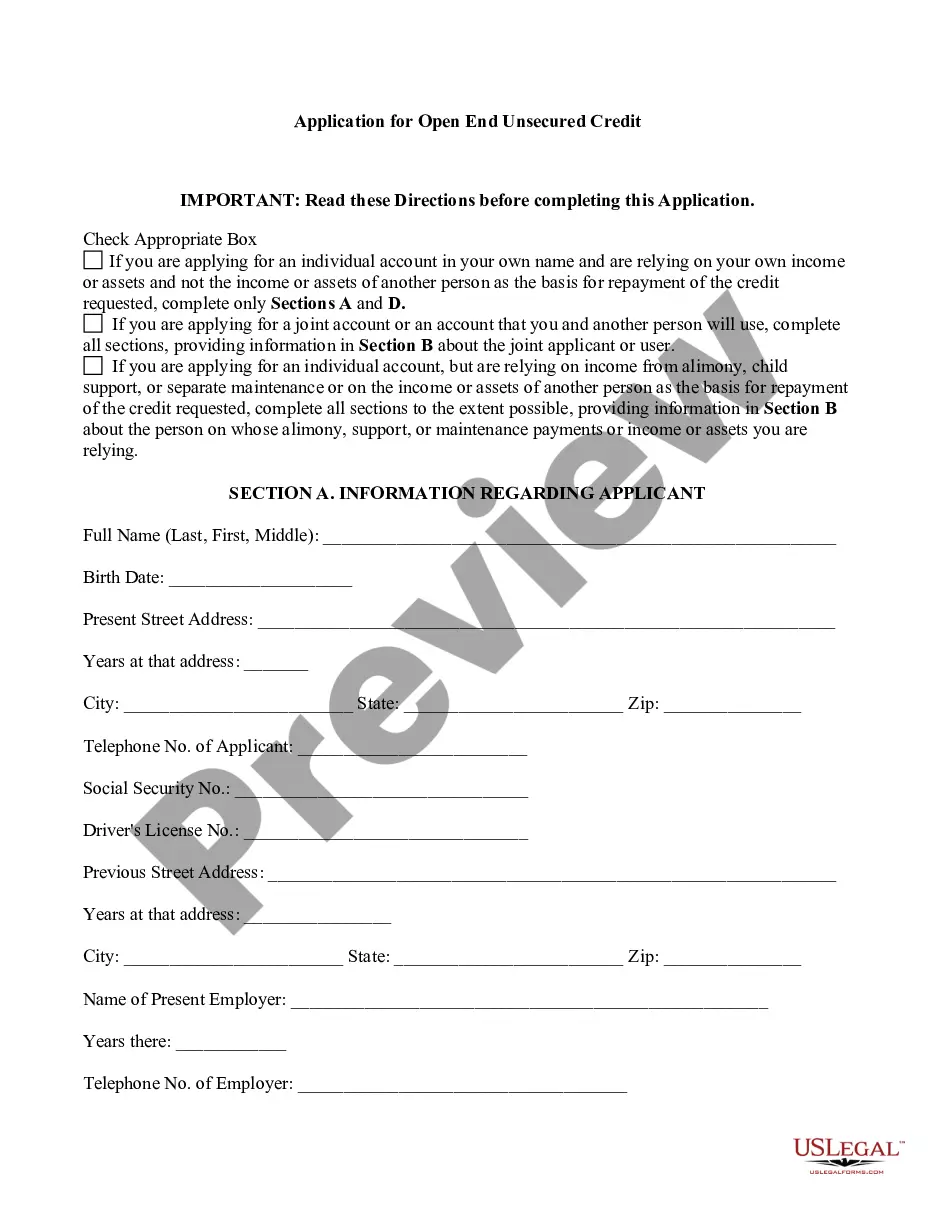
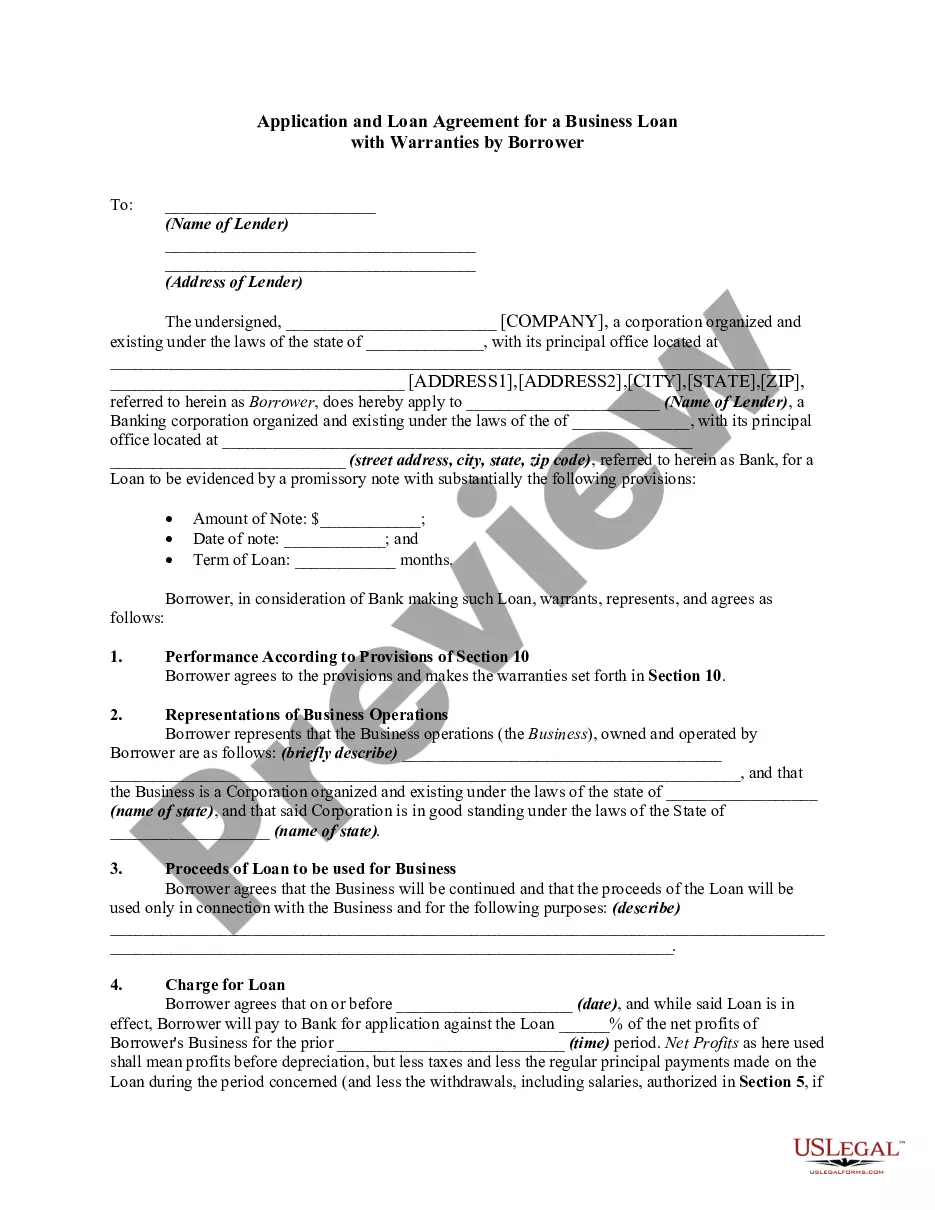
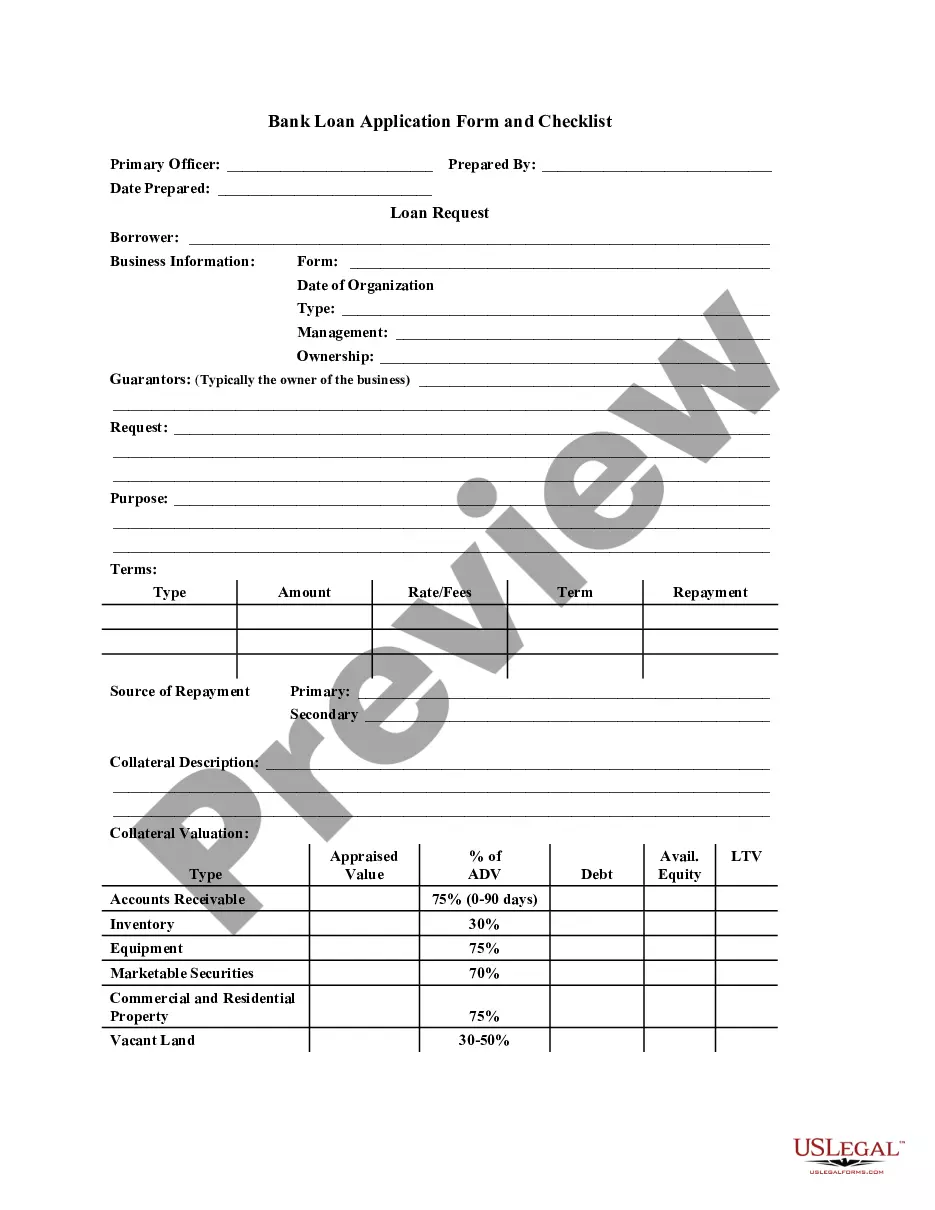
The Business Credit Application is a legal document used by individuals or businesses to request credit from a seller for purchasing goods. This form outlines the terms of sale, repayment conditions, and responsibilities of the purchaser in the event of default. It establishes a clear agreement between the seller and the purchaser, including any warranties and security interests, making it distinct from other credit application forms.
Form components explained
- Identification of the seller and purchaser involved in the credit transaction.
- Terms of sale, including payment due dates and applicable service charges for late payments.
- Default provisions that outline actions in case of failure to repay, including potential legal fees.
- Guarantor clause for corporate or partnership purchasers, ensuring personal liability for debts incurred.
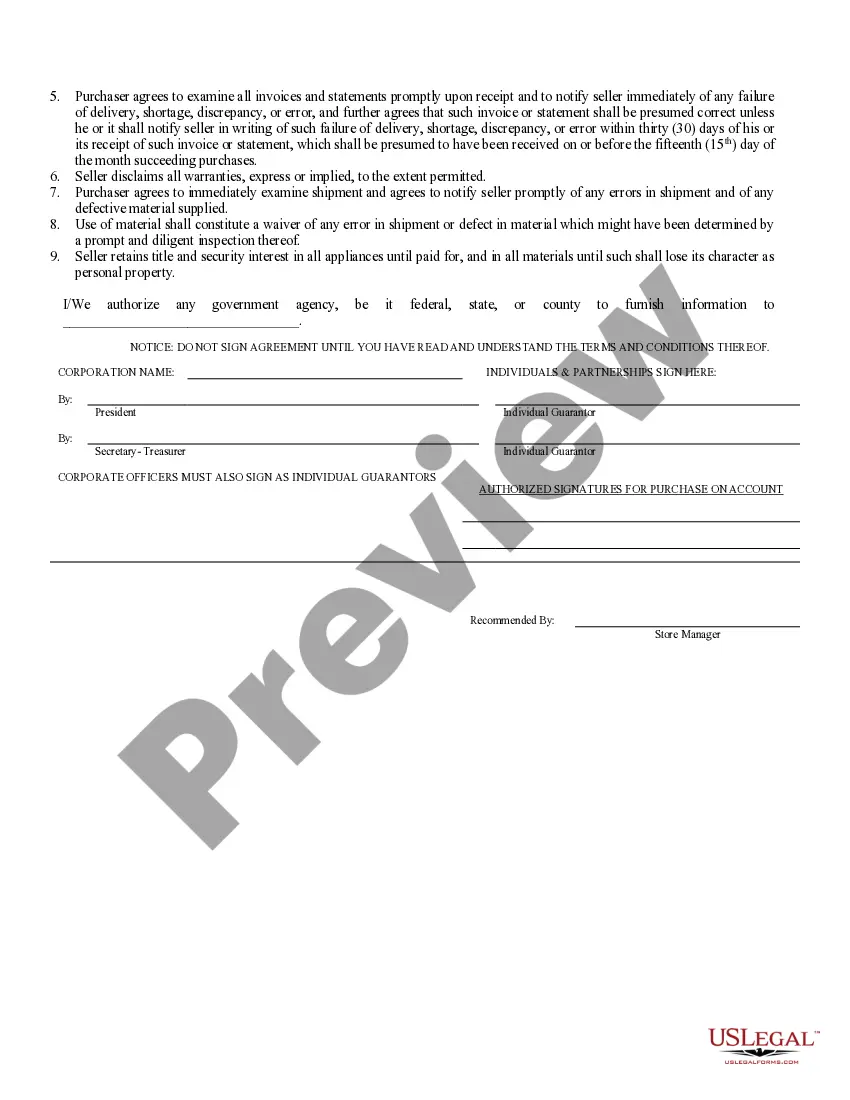
- Disclaimer of warranties by the seller to limit liability for defects or delivery issues.
- Retention of title clause, allowing the seller to reclaim goods until fully paid for.
When to use this document
This form should be used when a business or individual wishes to apply for credit to purchase goods from a seller. Common scenarios include retail or wholesale transactions where payment plans are necessary. Additionally, it is suitable for businesses seeking to establish a formal agreement with vendors regarding credit terms.
Who needs this form
This form is appropriate for:
- Business owners seeking credit to purchase inventory or supplies.
- Individuals applying for credit with a company for goods.
- Corporations or partnerships looking to establish credit terms for future transactions.
- Sellers who wish to formalize credit agreements with new customers.
How to prepare this document
- Identify the seller's name and the purchaser's name at the top of the application.
- Specify the terms of sale, including the payment schedule and any service charge for late payments.
- Include personal guarantees for corporate purchasers, with signatures from the authorized representatives.
- Add any specific terms regarding the retention of title and disclaimer of warranties.
- Review the entire document and ensure all parties understand their obligations before signing.
Is notarization required?
This form usually doesn’t need to be notarized. However, local laws or specific transactions may require it. Our online notarization service, powered by Notarize, lets you complete it remotely through a secure video session, available 24/7.
Get your form ready online
Our built-in tools help you complete, sign, share, and store your documents in one place.
Make edits, fill in missing information, and update formatting in US Legal Forms—just like you would in MS Word.
Download a copy, print it, send it by email, or mail it via USPS—whatever works best for your next step.
Sign and collect signatures with our SignNow integration. Send to multiple recipients, set reminders, and more. Go Premium to unlock E-Sign.
If this form requires notarization, complete it online through a secure video call—no need to meet a notary in person or wait for an appointment.
We protect your documents and personal data by following strict security and privacy standards.

Make edits, fill in missing information, and update formatting in US Legal Forms—just like you would in MS Word.

Download a copy, print it, send it by email, or mail it via USPS—whatever works best for your next step.

Sign and collect signatures with our SignNow integration. Send to multiple recipients, set reminders, and more. Go Premium to unlock E-Sign.

If this form requires notarization, complete it online through a secure video call—no need to meet a notary in person or wait for an appointment.

We protect your documents and personal data by following strict security and privacy standards.
Avoid these common issues
- Failing to read the terms of the agreement before signing.
- Leaving sections blank, such as payment terms or guarantees.
- Not notifying the seller of discrepancies in invoices promptly.
- Assuming warranties are included without verifying the disclaimer of warranties clause.
Advantages of online completion
- Convenience of downloading and completing the form at any time.
- Editability allows for customization according to specific agreements.
- Access to professionally drafted templates ensuring legal compliance.
- Secure and efficient process for obtaining necessary agreements.
Looking for another form?


Form popularity
FAQ
Decide on a name for your business. Assign a registered agent for service of process. Get an Employer Identification Number (EIN) from the IRS. Create an operating agreement. File for pass-through withholding tax.
Choose a business name. File an assumed business name with the city or town clerk. Obtain licenses, permits, and zoning clearance. Obtain an Employer Identification Number.
Name Your Rhode Island LLC. Choose Your Registered Agent. Prepare and File Articles of Organization. Receive a Certificate From the State. Create an Operating Agreement. Get an Employer Identification Number.
How much does it cost to form an LLC in Rhode Island? The Rhode Island Secretary of State charges $150 to file the Articles of Organization. You can reserve your LLC name with the Rhode Island Secretary of State for $50.
Gather required information. Name of Company. Get proof of good standing or legal existence. Register your business. Register with the RI Division of Taxation. Confirm your filing.
Step 1: Choose a Business Idea. Step 2: Write a Business Plan. Step 3: Select a Business Entity. Step 4: Register a Business Name. Step 5: Get an EIN. Step 6: Open a Business Bank Account. Step 7: Apply for Business Licenses & Permits. Step 8: Find Financing.
Choose a business name. File an assumed business name with the city or town clerk. Obtain licenses, permits, and zoning clearance. Obtain an Employer Identification Number.
When you form a corporation or LLC, you need to pay a one-time filing fee to the state's secretary of state office. Arkansas, Colorado, Hawaii, Iowa, Oklahoma and Mississippi all boast the lowest corporation formation fee at $50. It costs $310 to incorporate in Texas.