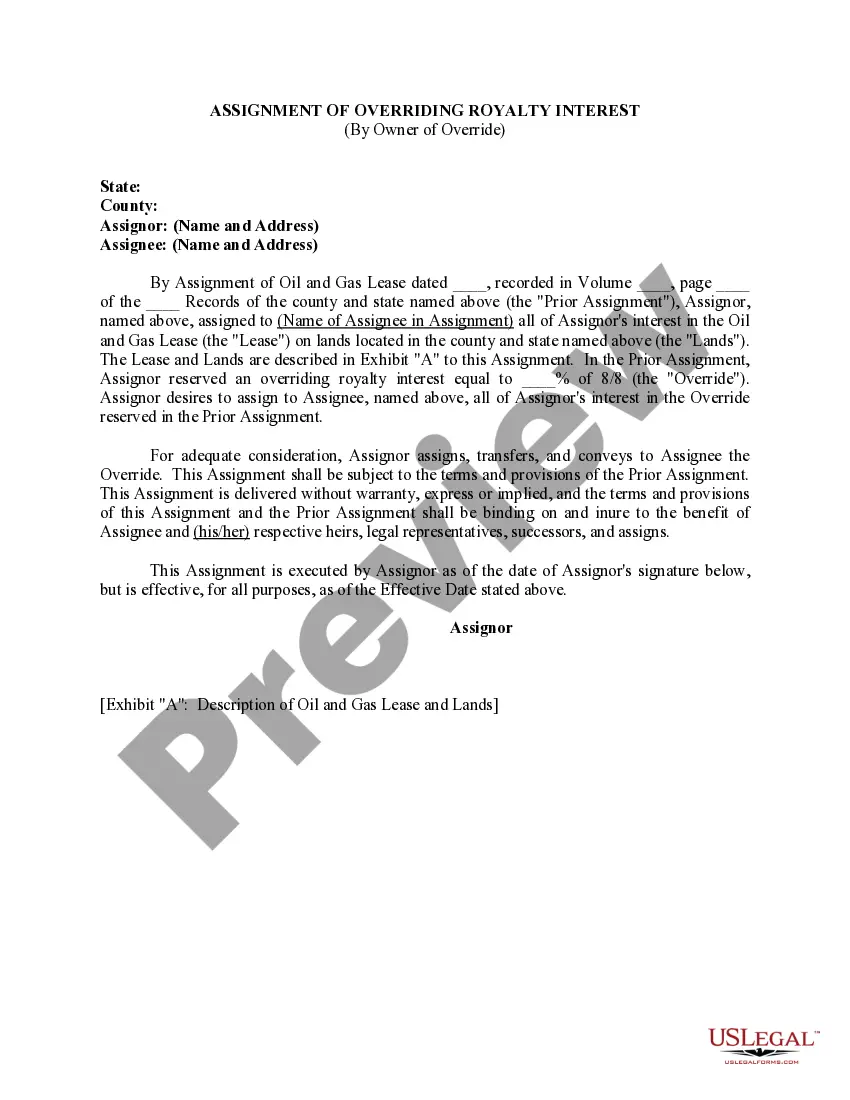
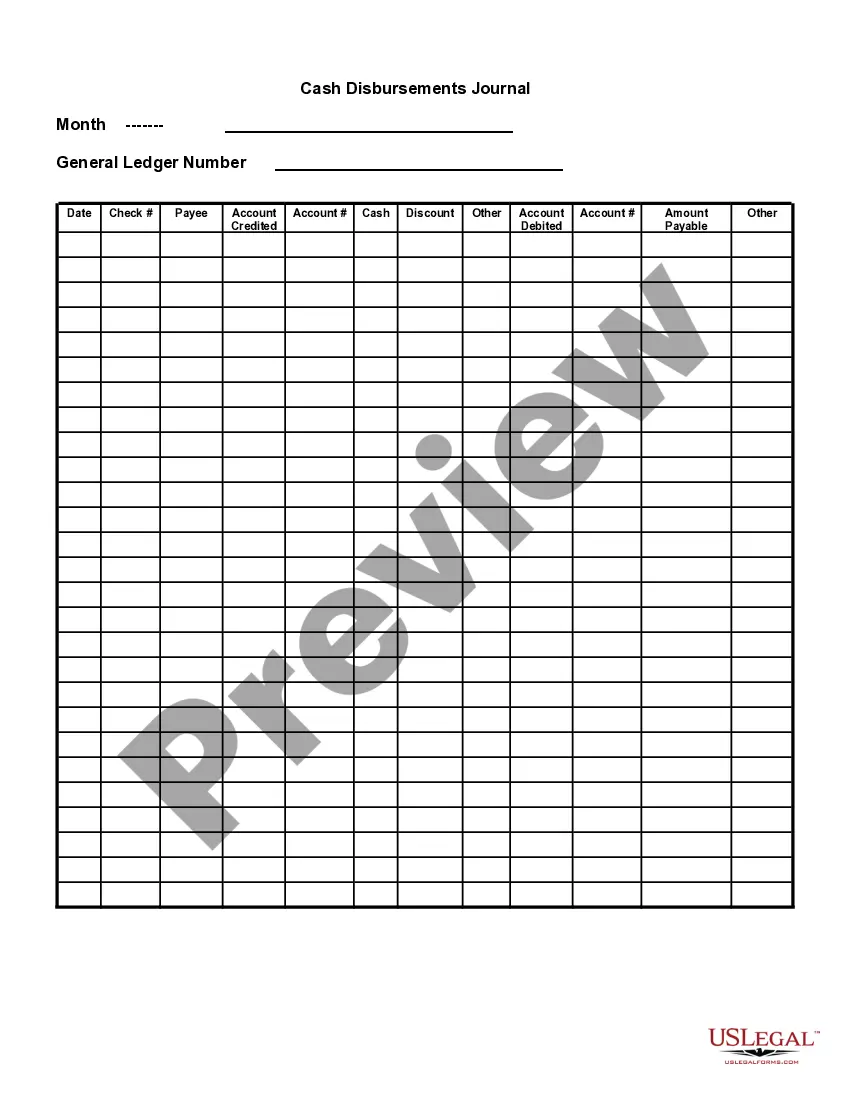
Puerto Rico Cash Disbursements Journal
Description
Get your form ready online
Our built-in tools help you complete, sign, share, and store your documents in one place.
Make edits, fill in missing information, and update formatting in US Legal Forms—just like you would in MS Word.
Download a copy, print it, send it by email, or mail it via USPS—whatever works best for your next step.
Sign and collect signatures with our SignNow integration. Send to multiple recipients, set reminders, and more. Go Premium to unlock E-Sign.
If this form requires notarization, complete it online through a secure video call—no need to meet a notary in person or wait for an appointment.
We protect your documents and personal data by following strict security and privacy standards.

Make edits, fill in missing information, and update formatting in US Legal Forms—just like you would in MS Word.

Download a copy, print it, send it by email, or mail it via USPS—whatever works best for your next step.

Sign and collect signatures with our SignNow integration. Send to multiple recipients, set reminders, and more. Go Premium to unlock E-Sign.

If this form requires notarization, complete it online through a secure video call—no need to meet a notary in person or wait for an appointment.

We protect your documents and personal data by following strict security and privacy standards.
Looking for another form?


How to fill out Cash Disbursements Journal?
Selecting the optimal legitimate document template can be challenging.
Clearly, there are numerous designs available online, but how can you locate the genuine one that you need.
Utilize the US Legal Forms website. This service provides thousands of templates, including the Puerto Rico Cash Disbursements Journal, suitable for both business and personal purposes.
You can review the document using the Preview button and examine the form summary to confirm it suits your needs.
- All of the documents are verified by experts and comply with federal and state regulations.
- If you are already registered, Log In to your account and click on the Obtain button to access the Puerto Rico Cash Disbursements Journal.
- Use your account to search for the legal documents you may have previously purchased.
- Visit the My documents tab in your account to download another copy of the document you need.
- If you are a new user of US Legal Forms, here are simple steps to follow.
- First, ensure you have selected the correct template for your locality.
Form popularity
FAQ
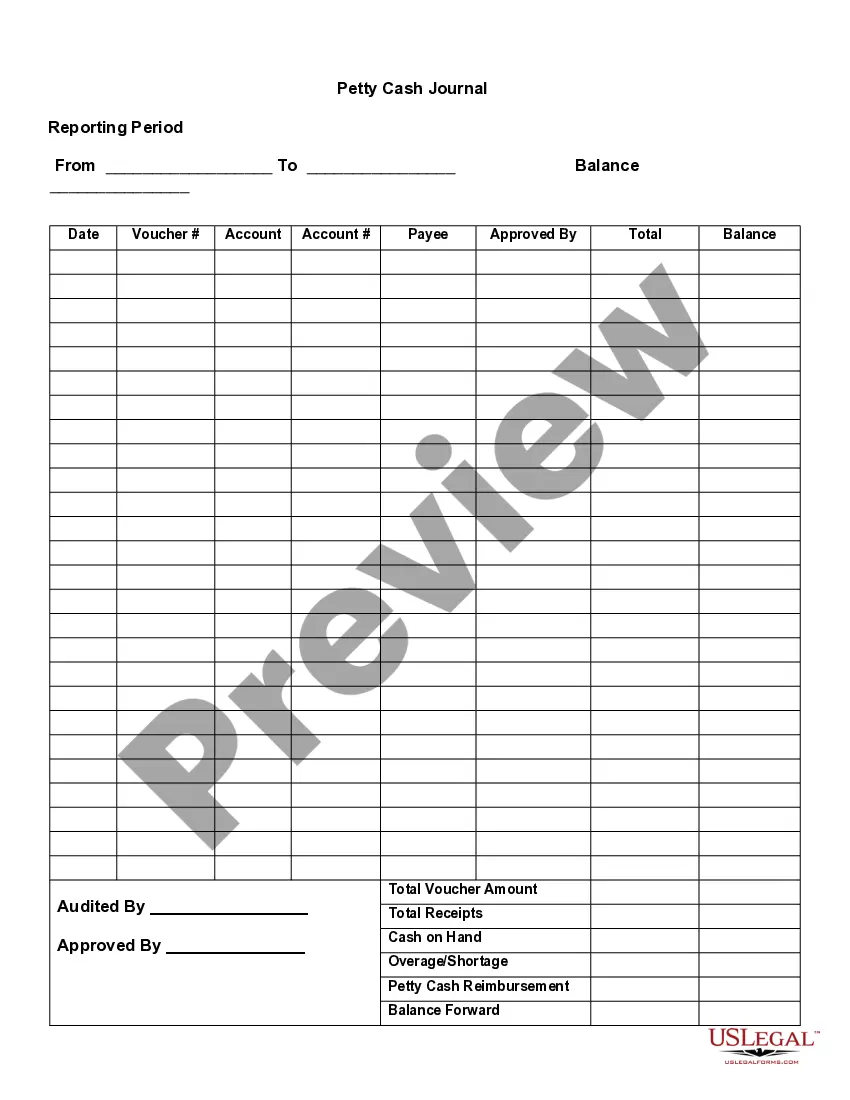
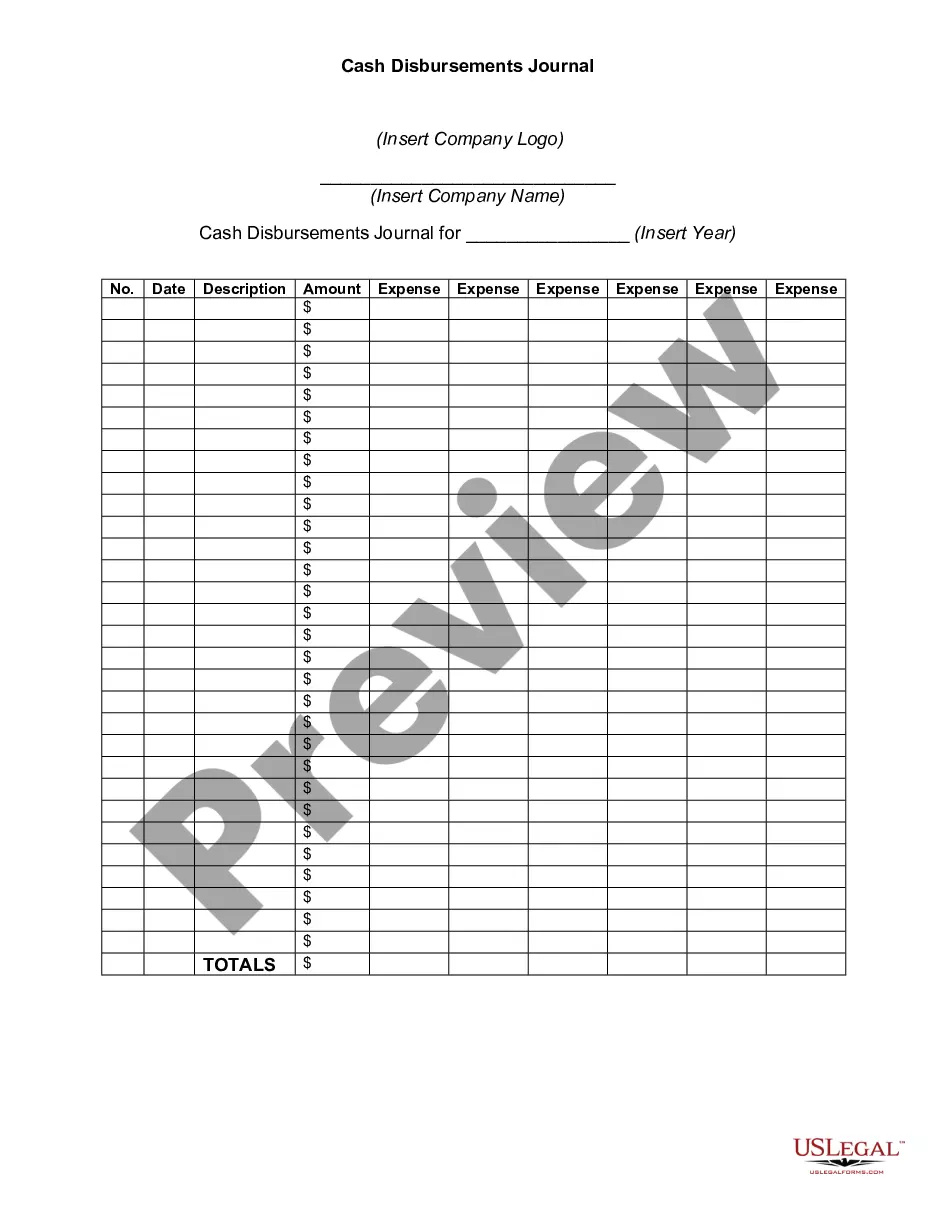
Cash disbursement journals should include:Date.Payee name.Amount debited or credited.Accounts involved (e.g., payment method)Purpose of the transaction.
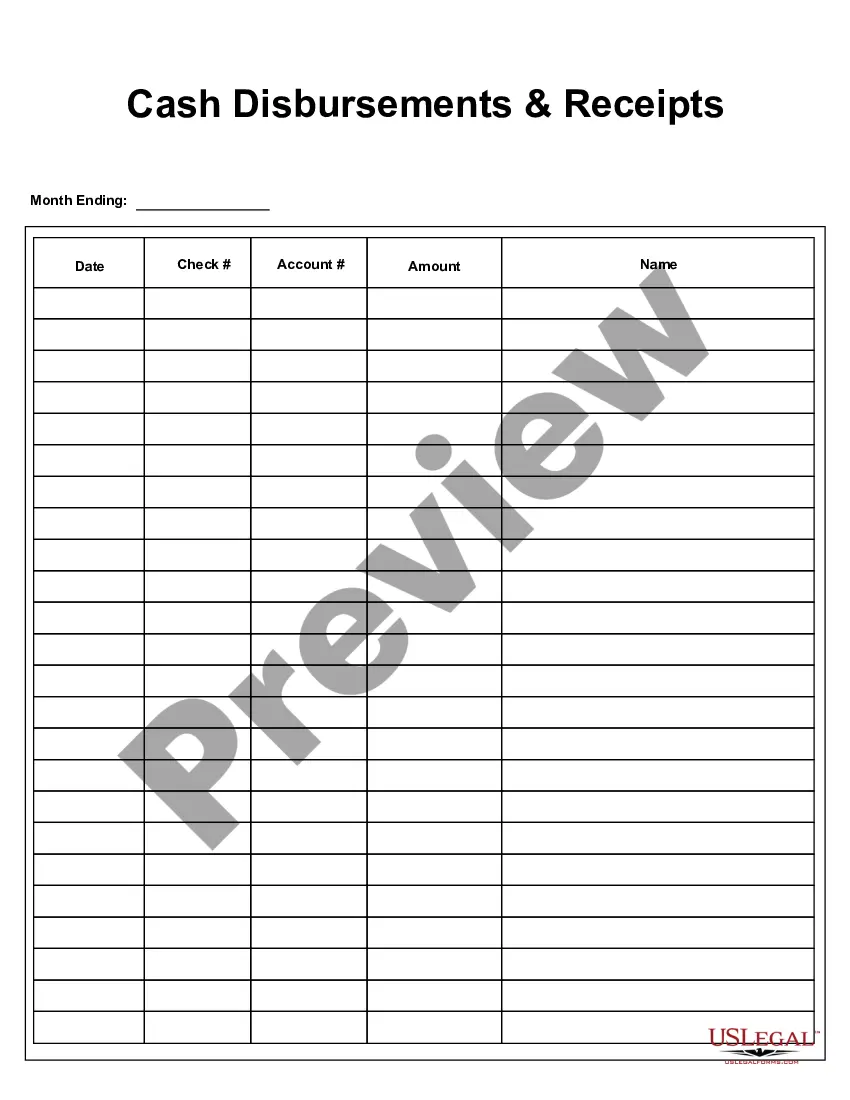
The cash disbursement journal includes the columns of date, check number, and name of the payee. The amount of disbursement is recorded in the cash column, and the title is recorded in the corresponding account debited column. Each account has a reference number shown in the posting reference (PR) column.
A cash disbursement journal is done before payments are posted to the general ledger and is used in creating a general ledger. The information included in a cash disbursement journal is the disbursement amount, the check number, the transaction type, the payee, and any other pertinent information.
Create a Cash Disbursements Journal reportFrom the QuickBooks Reports menu, select Custom Reports then click Transaction Detail.Enter the appropriate date range.In the Columns box, check off the following columns:Click the Total by drop-down and select an appropriate criteria like Payee, Account or Month.More items...
Purchasing inventory or office supplies, paying out dividends, or making business loan payments with cash or cash equivalents are examples of disbursements.
A cash disbursement journal is done before payments are posted to the general ledger and is used in creating a general ledger. The information included in a cash disbursement journal is the disbursement amount, the check number, the transaction type, the payee, and any other pertinent information.
What information should you include?Date.Payee name.Amount debited or credited.Accounts involved (e.g., payment method)Purpose of the transaction.
Create a Cash Disbursements Journal reportFrom the filters list, select Transaction type.From the Transaction Type drop-down, choose Multiple transactions then check off the following: Check. Bill payment. Paycheck. Liability payment. Sales tax payment.Click OK.Choose the Detail level filter and select Summary only.
The cash disbursements journal (or cash payments journal) is an accounting form used to record all cash outflows. Some examples of outflows are accounts payable, materials payable, and operating expenses, as well as all cash purchases and disbursements to a petty cash fund.