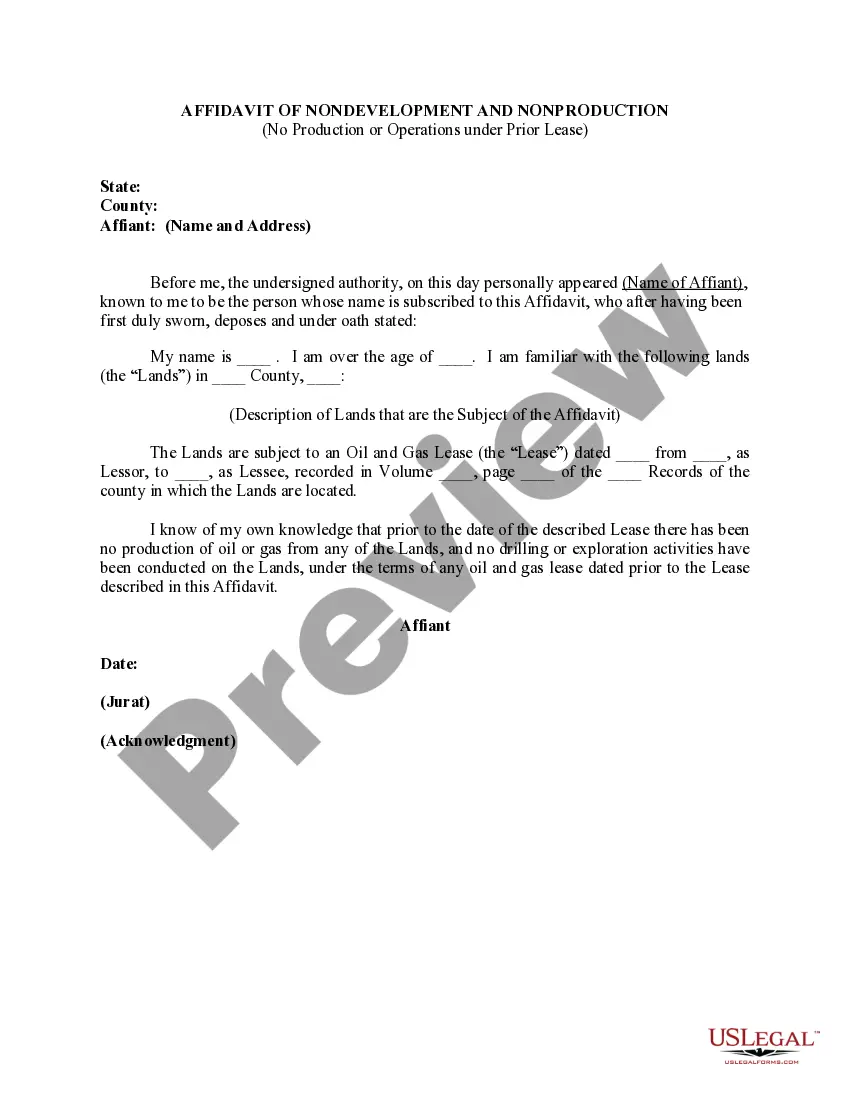
Oregon Affidavit of Nondevelopment and Nonproduction with No Production or Operations Under Prior Lease
Description
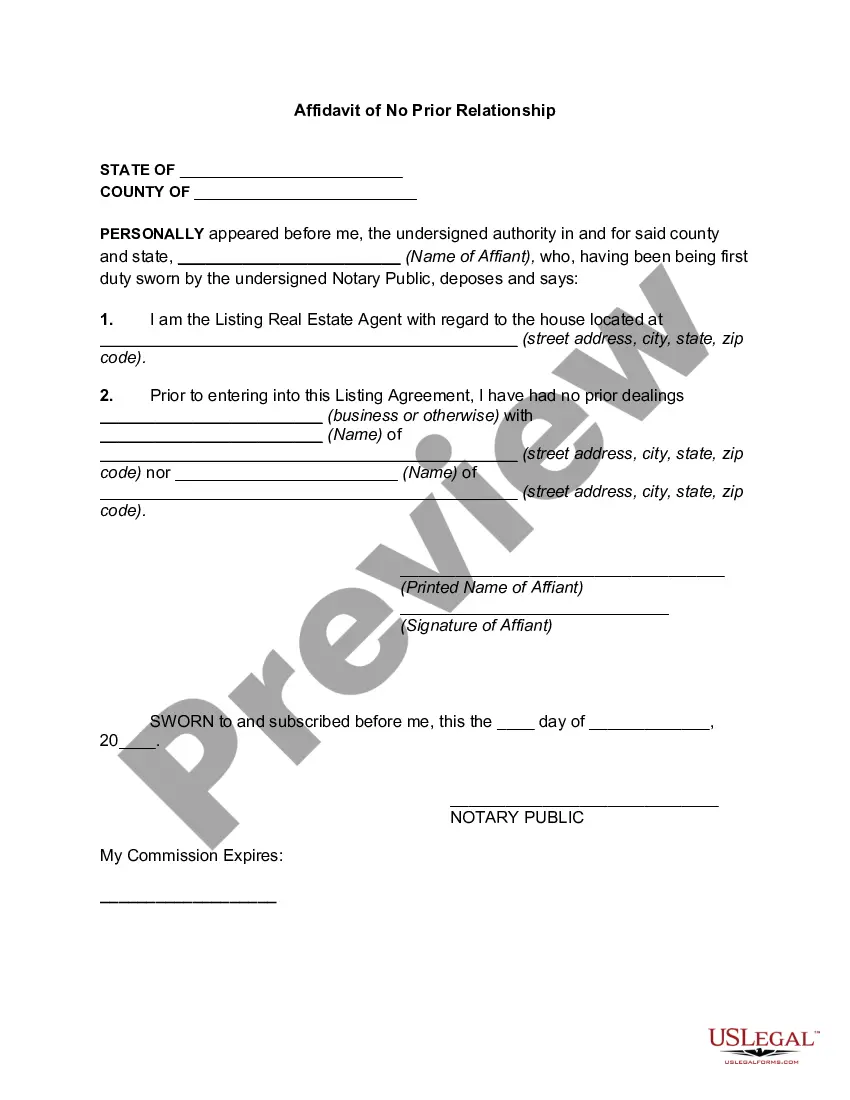
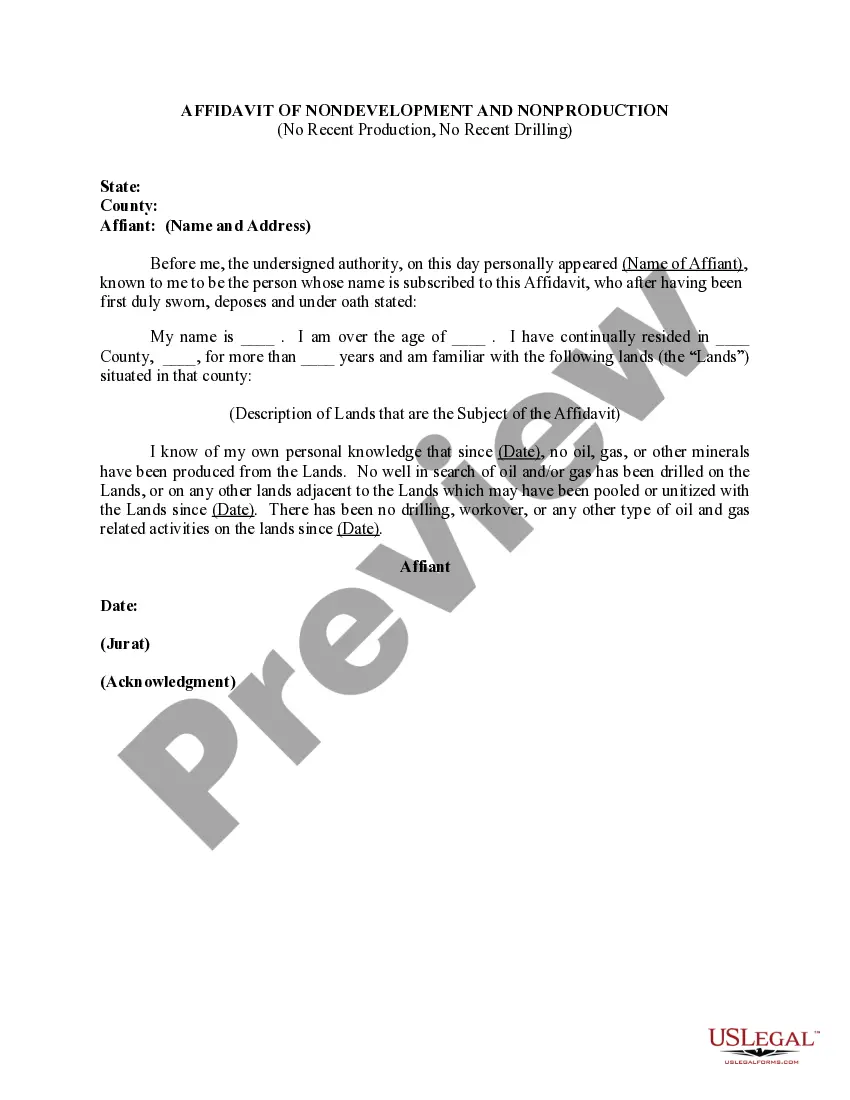
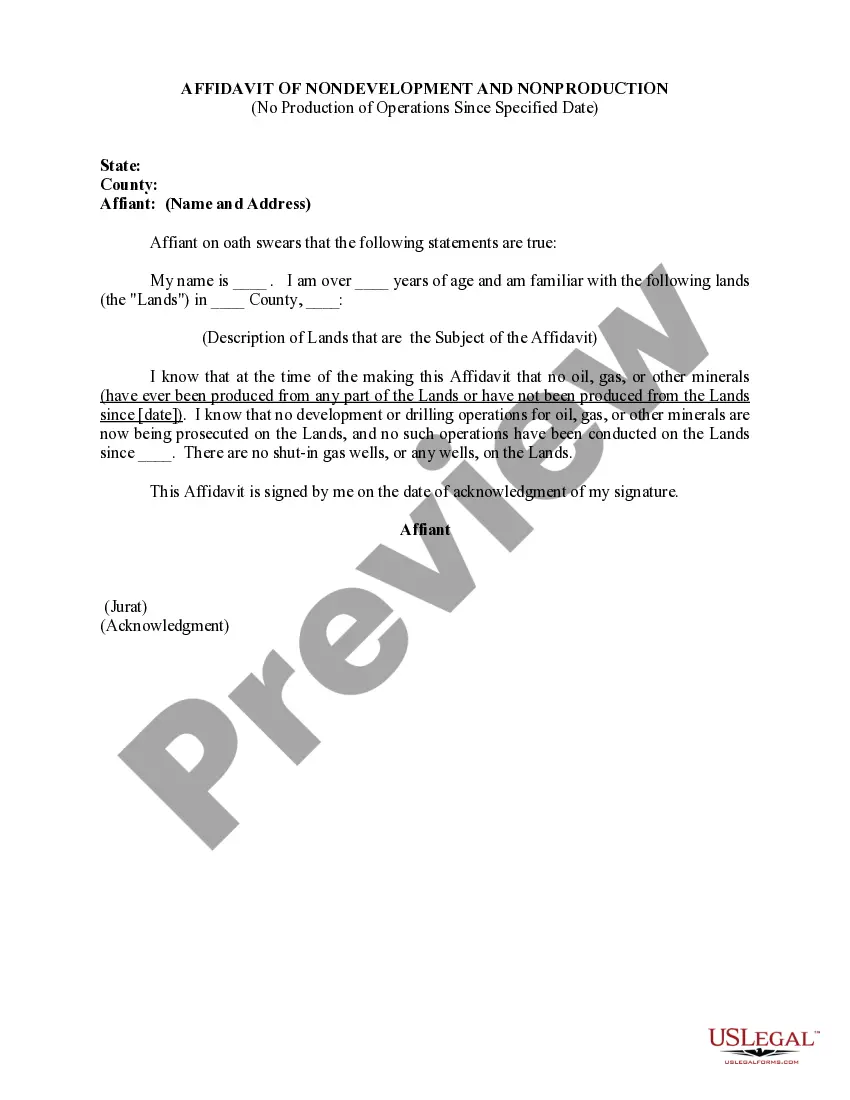
Get your form ready online
Our built-in tools help you complete, sign, share, and store your documents in one place.
Make edits, fill in missing information, and update formatting in US Legal Forms—just like you would in MS Word.
Download a copy, print it, send it by email, or mail it via USPS—whatever works best for your next step.
Sign and collect signatures with our SignNow integration. Send to multiple recipients, set reminders, and more. Go Premium to unlock E-Sign.
If this form requires notarization, complete it online through a secure video call—no need to meet a notary in person or wait for an appointment.
We protect your documents and personal data by following strict security and privacy standards.

Make edits, fill in missing information, and update formatting in US Legal Forms—just like you would in MS Word.

Download a copy, print it, send it by email, or mail it via USPS—whatever works best for your next step.

Sign and collect signatures with our SignNow integration. Send to multiple recipients, set reminders, and more. Go Premium to unlock E-Sign.

If this form requires notarization, complete it online through a secure video call—no need to meet a notary in person or wait for an appointment.

We protect your documents and personal data by following strict security and privacy standards.
Looking for another form?

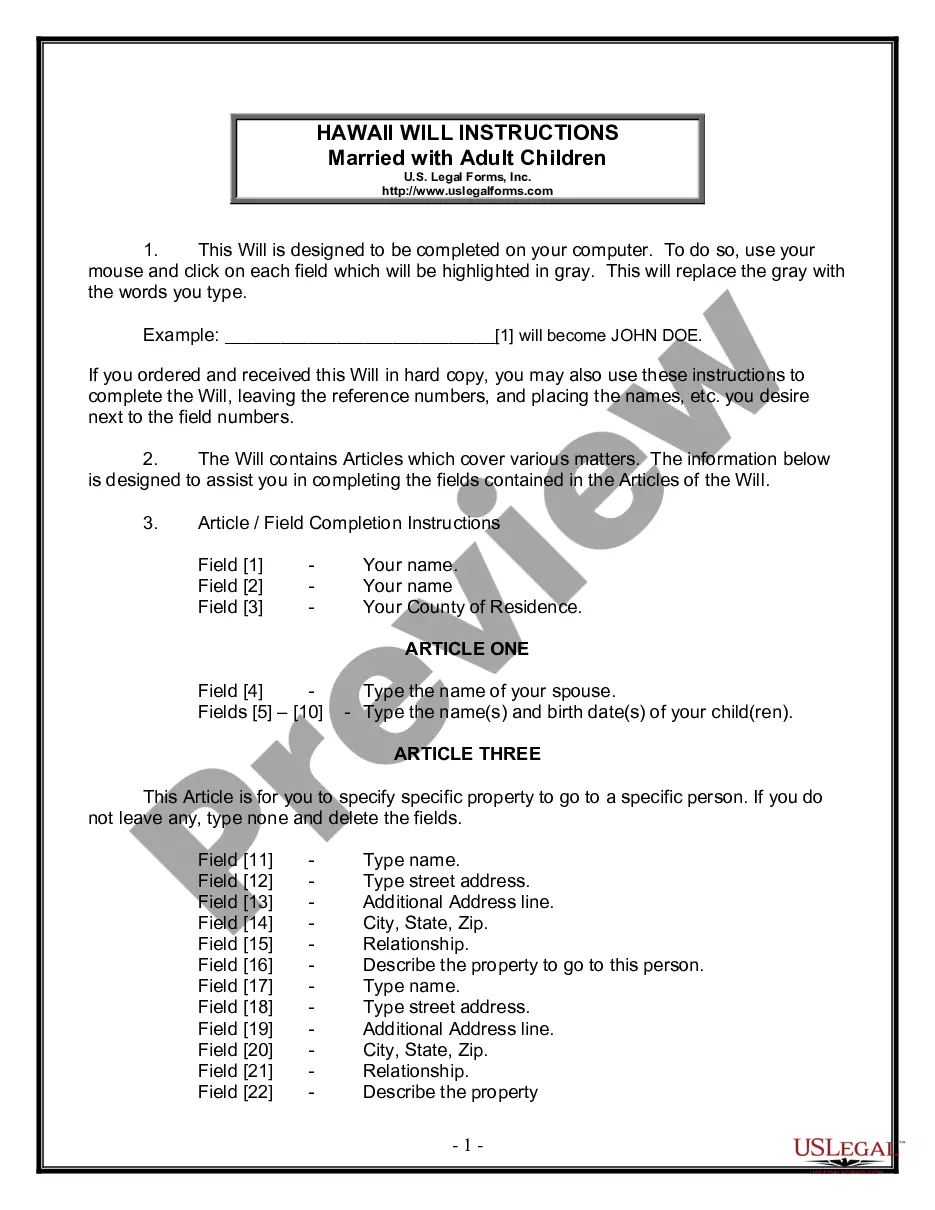
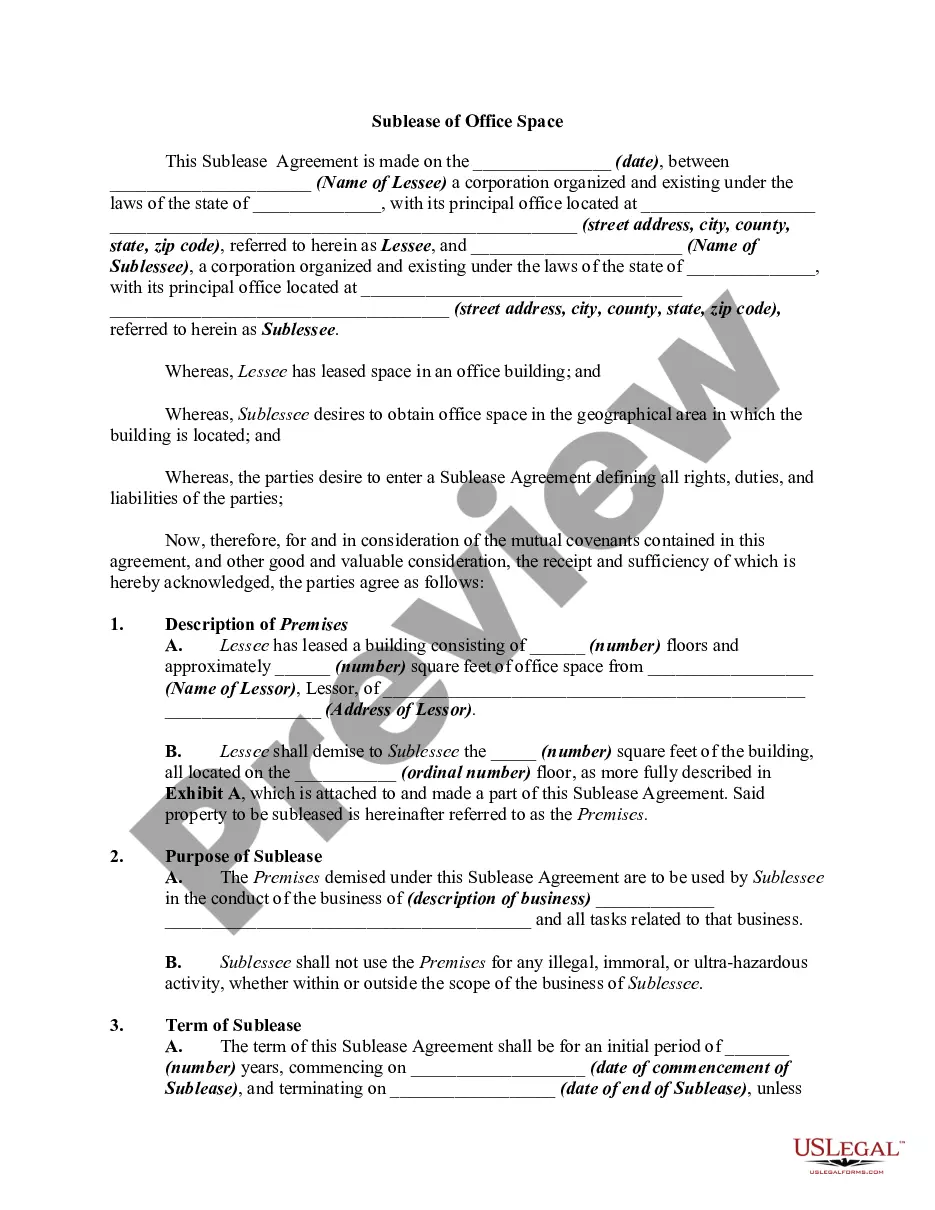
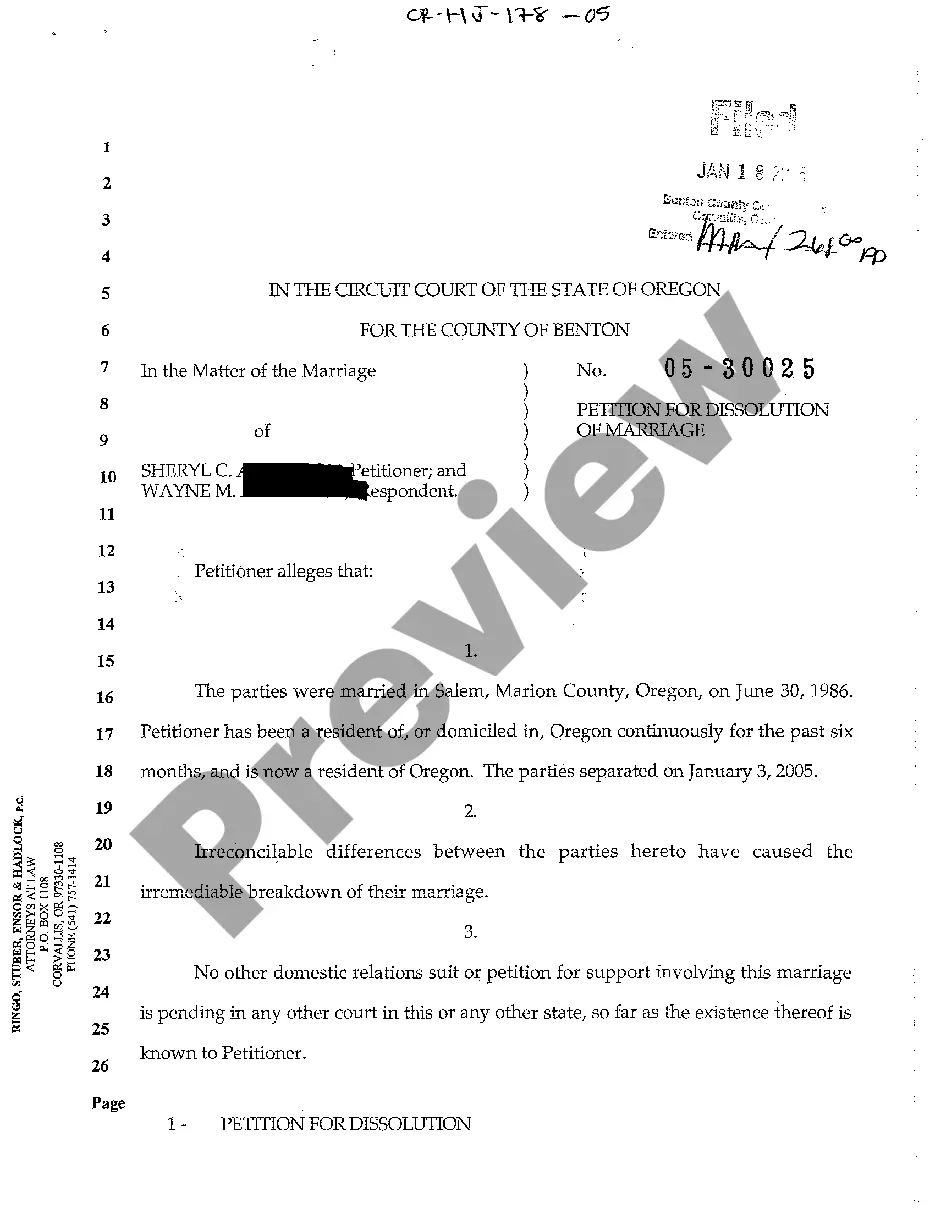
How to fill out Affidavit Of Nondevelopment And Nonproduction With No Production Or Operations Under Prior Lease?
You can devote several hours on the Internet trying to find the legal record web template that fits the federal and state specifications you require. US Legal Forms provides 1000s of legal varieties that are analyzed by experts. You can actually obtain or print out the Oregon Affidavit of Nondevelopment and Nonproduction with No Production or Operations Under Prior Lease from the assistance.
If you have a US Legal Forms profile, you may log in and click the Obtain key. Afterward, you may full, change, print out, or signal the Oregon Affidavit of Nondevelopment and Nonproduction with No Production or Operations Under Prior Lease. Every single legal record web template you get is yours forever. To have an additional version of the bought develop, proceed to the My Forms tab and click the corresponding key.
Should you use the US Legal Forms internet site the first time, keep to the basic recommendations under:
- Initially, make certain you have chosen the right record web template to the region/metropolis that you pick. Browse the develop description to ensure you have chosen the correct develop. If readily available, use the Preview key to appear through the record web template as well.
- If you would like discover an additional edition of the develop, use the Research field to obtain the web template that suits you and specifications.
- Upon having discovered the web template you would like, just click Buy now to continue.
- Select the rates strategy you would like, type your qualifications, and register for your account on US Legal Forms.
- Total the financial transaction. You should use your Visa or Mastercard or PayPal profile to cover the legal develop.
- Select the formatting of the record and obtain it for your device.
- Make modifications for your record if possible. You can full, change and signal and print out Oregon Affidavit of Nondevelopment and Nonproduction with No Production or Operations Under Prior Lease.
Obtain and print out 1000s of record layouts while using US Legal Forms Internet site, which provides the biggest collection of legal varieties. Use specialist and express-specific layouts to take on your organization or personal demands.
Form popularity
FAQ
The document is signed both by the person making the statement, called an affiant, and by a person who is legally authorized to administer an oath, such as a notary public or certain court and government officers. Signing an affidavit that contains false information can subject the affiant to criminal penalties.
6 steps to writing an affidavit Title the affidavit. First, you'll need to title your affidavit. ... Craft a statement of identity. The very next section of your affidavit is what's known as a statement of identity. ... Write a statement of truth. ... State the facts. ... Reiterate your statement of truth. ... Sign and notarize.
Here, We have Free Affidavit Microsoft Word Templates. You can Create a Sworn Statement, General Business Declaration, Written Unemployment Declaration, Statement Truth, and More Document Templates from Our Website.
The following are six critical sections that must be included: Title. This is either your name (?Affidavit of Jane Doe?) or the specific case information. Statement of identity. The next paragraph tells the court about yourself. ... Statement of truth. ... Statement of facts. ... Closing statement of truth. ... Sign and notarize.
Step 1: Decide what the title of your affidavit will be. Step 2: Put the name and personal background information of the person giving the information in the first paragraph. Step 3: Write an opening sentence in the first person tense. Step 4: Make an outline of the information given or state the facts of the case.
A sworn statement, also known as a sworn affidavit, is a written document that is signed and certified by the person making the statement in the presence of a person authorized to administer oaths.
How to Fill Out General Affidavit | PDFRun - YouTube YouTube Start of suggested clip End of suggested clip Online. Button this will redirect you to pdf runs online editor first enter your state and countyMoreOnline. Button this will redirect you to pdf runs online editor first enter your state and county under statement of the affiliate. Provide the following information your state date of signing.
I, Mr./Ms. Age,_________ , occupation R/at:_________________________________________ do hereby take oath and state on solemn affirmation as under:- I. state that, I undertake to show all the original documents at the time of submission/admission. I will submit true/attested copies of Marksheet, Passport and Visa.