Oregon Registration Statement
Description

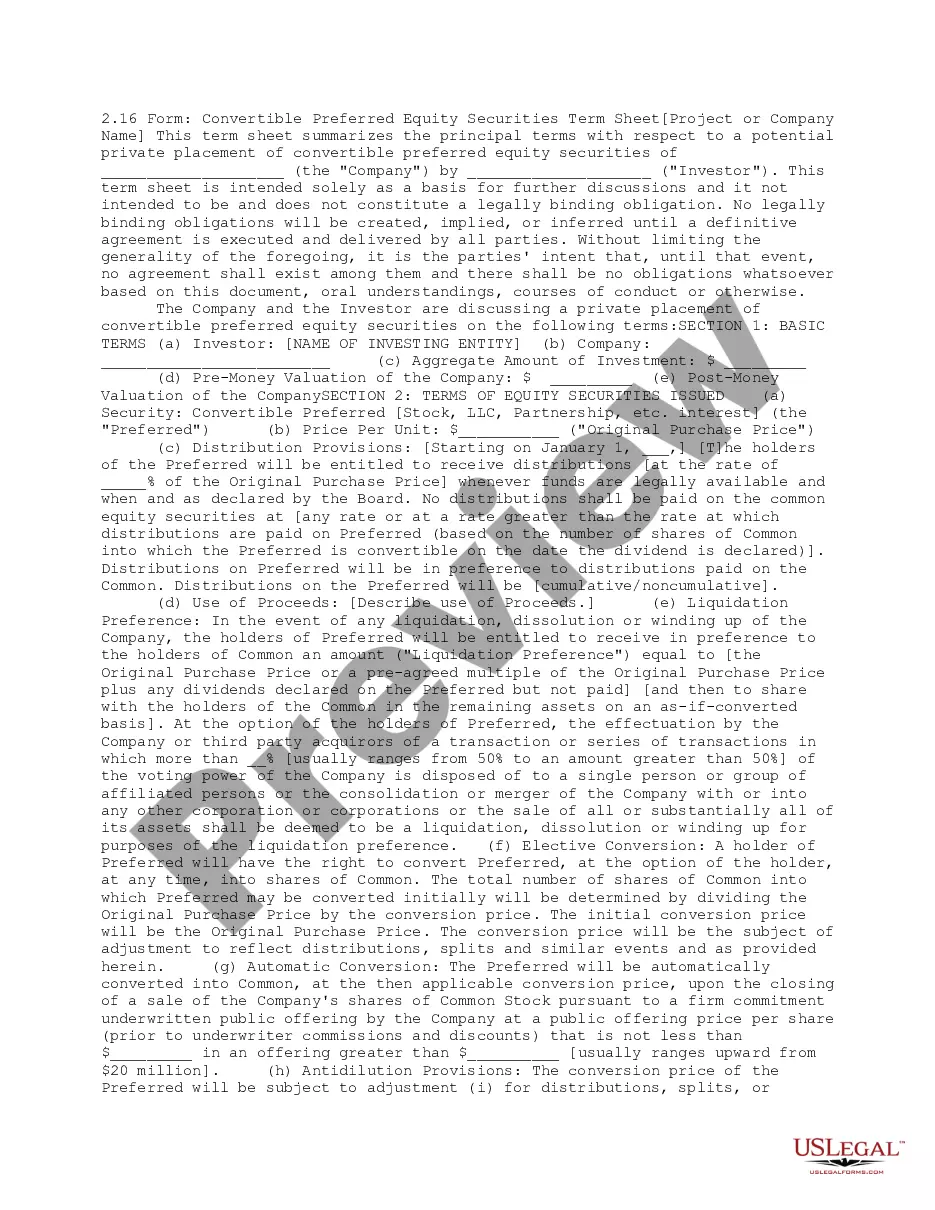

How to fill out Oregon Registration Statement?
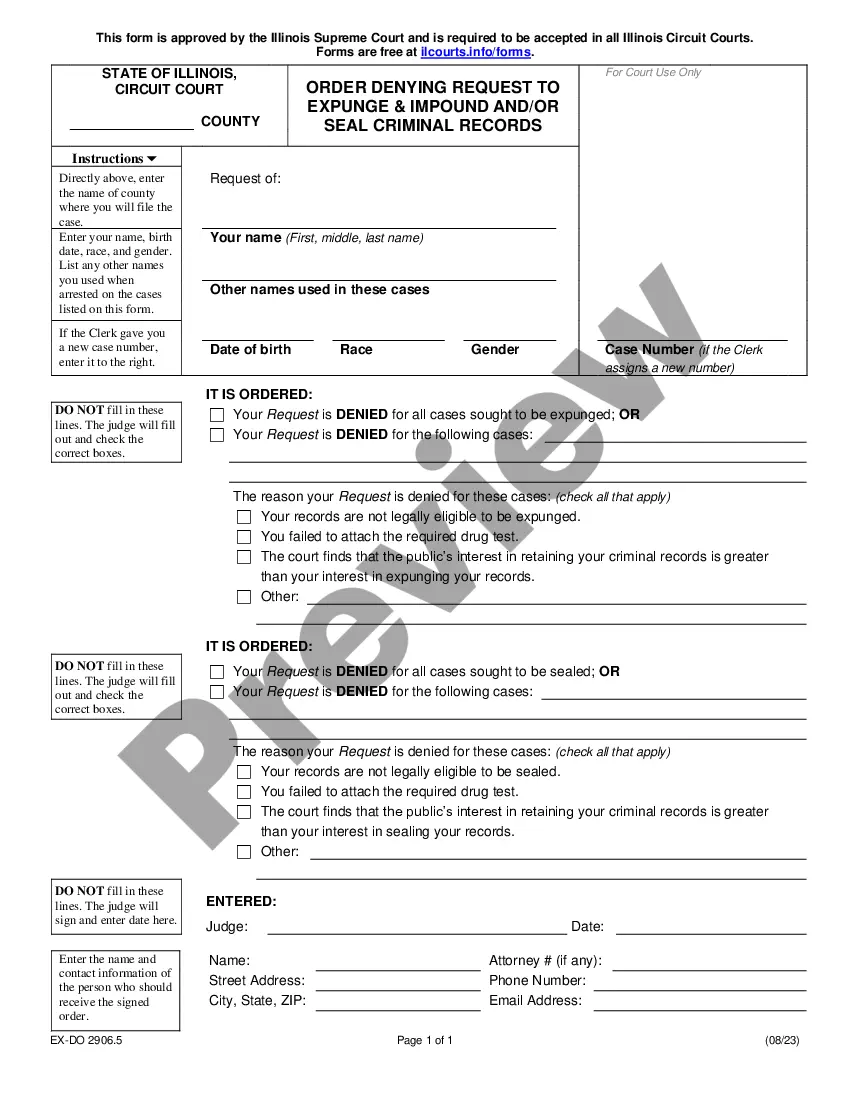
Creating papers isn't the most straightforward task, especially for people who almost never work with legal papers. That's why we advise making use of accurate Oregon Registration Statement templates created by skilled lawyers. It gives you the ability to stay away from troubles when in court or working with official organizations. Find the samples you need on our website for top-quality forms and accurate descriptions.
If you’re a user with a US Legal Forms subscription, just log in your account. As soon as you’re in, the Download button will automatically appear on the template web page. Right after accessing the sample, it’ll be saved in the My Forms menu.
Customers without an activated subscription can quickly get an account. Make use of this simple step-by-step guide to get your Oregon Registration Statement:
- Ensure that the document you found is eligible for use in the state it’s necessary in.
- Confirm the file. Make use of the Preview option or read its description (if offered).
- Buy Now if this sample is the thing you need or utilize the Search field to find a different one.
- Choose a suitable subscription and create your account.
- Make use of your PayPal or credit card to pay for the service.
- Download your file in a preferred format.
After doing these simple steps, you can fill out the sample in an appropriate editor. Check the filled in information and consider asking a lawyer to review your Oregon Registration Statement for correctness. With US Legal Forms, everything gets much easier. Try it out now!
Form popularity
FAQ
If your registration is expired, see the Renew Your Registration section for instructions. Online: Apply online200b at DMV2U200b if you have an Oregon title in your name. If the plate you want is not available online you must submit your application by mail.
Vehicles initially registered on February 29 will expire on the last day of February at the end of the registration period. (2) Biennial registration is valid for a two-year period. The period starts on the day a vehicle is registered and runs through the same day two years later.
Below are the following fees you need to prepare for renewing your vehicle's registration: Initial fee: P1,000/category. Renewal fee: P400/category. Stickers and tags: P50 each.
Filling out the Application for Registration, Renewal, Replacement or Transfer of Plates and/or Stickers (Form 735-268). Make sure to indicate on the application that you need a replacement registration card. Paying the $5 replacement fee.
By Mail or In Person To renew your Oregon DMV registration by mail, youll need: Your completed renewal notice/application. A completed Application for Registration, Renewal, Replacement or Transfer of Plates and/or Stickers (Form 735-268), if you dont have your renewal notice.
Online: Apply online200b at DMV2U200b if you have an Oregon title in your name. If the plate you want is not available online you must submit your application by mail.