Oregon Quitclaim Deed from Individual to Trust
What this document covers
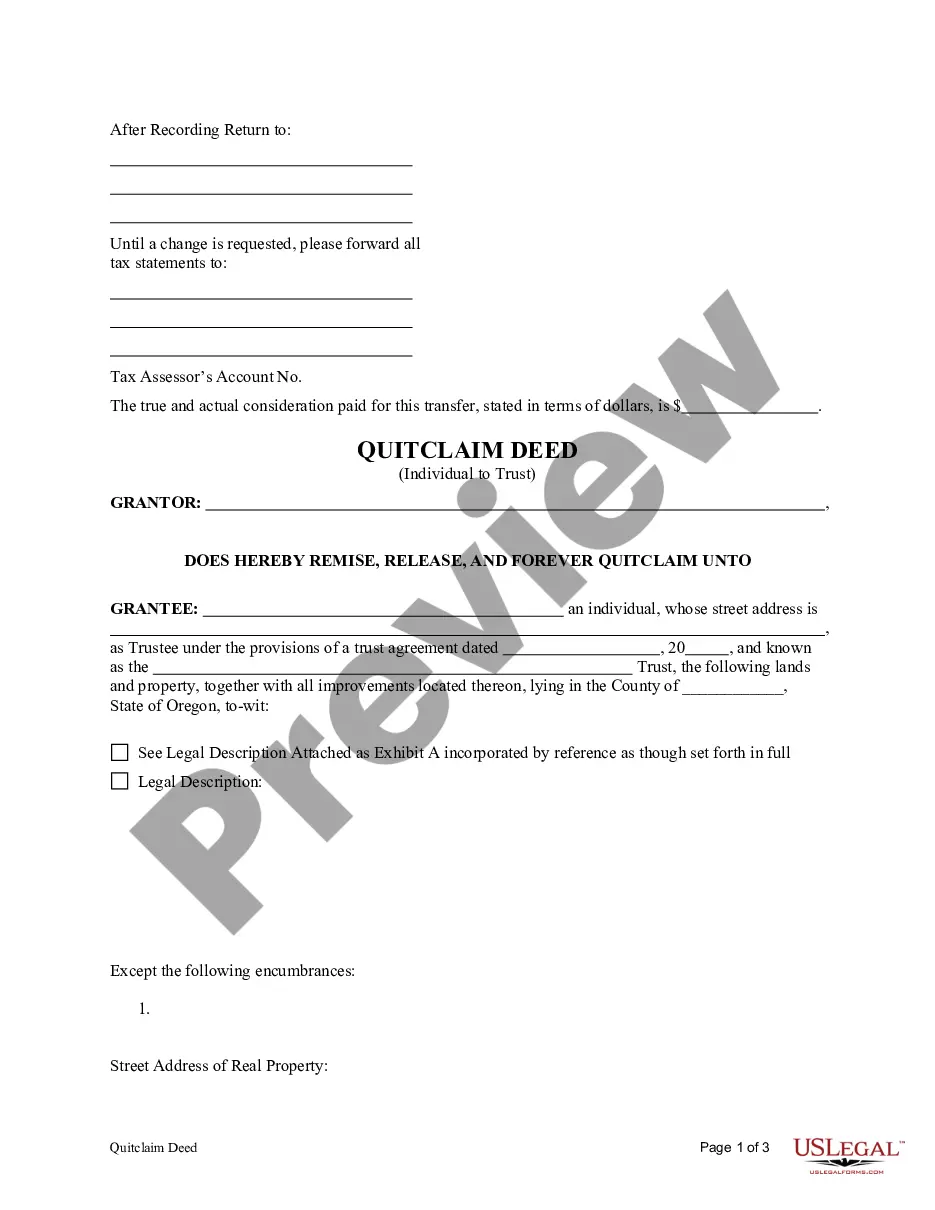
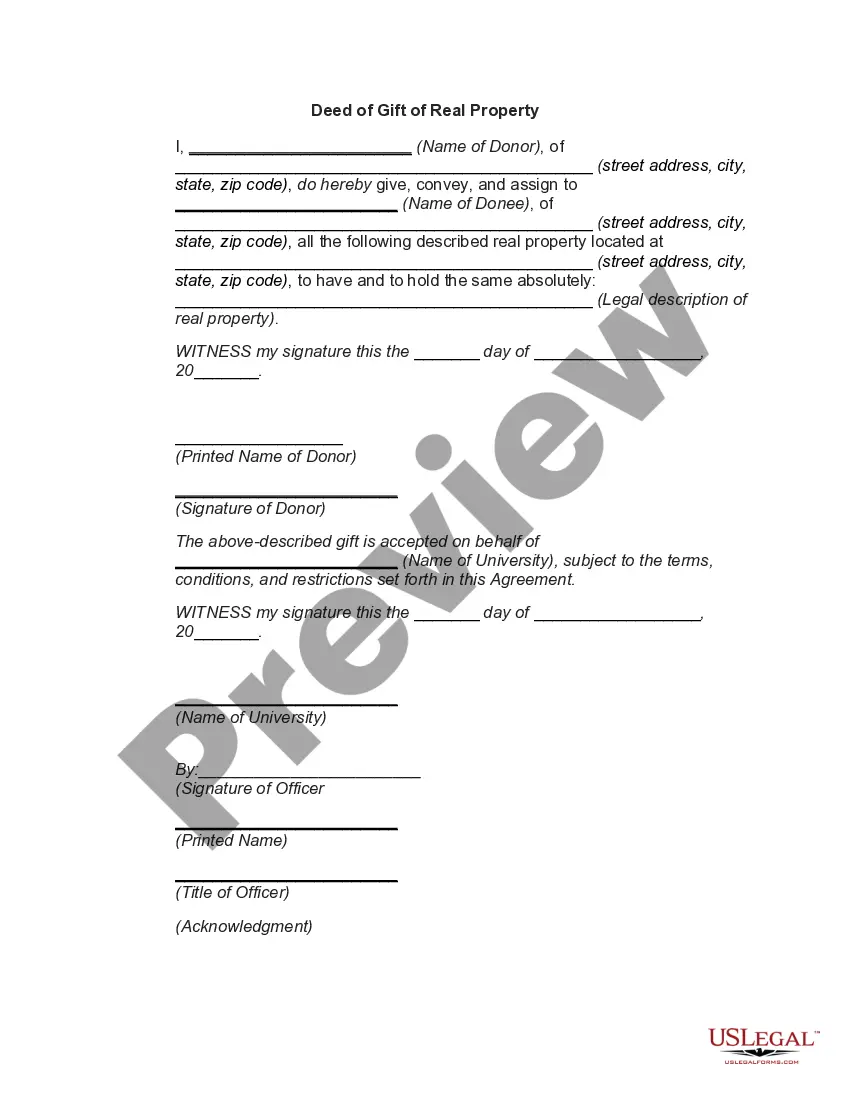
The Quitclaim Deed from Individual to Trust is a legal document used to transfer property ownership from an individual (the Grantor) to a trust (the Grantee). In this type of deed, the Grantor conveys any claim they have to the property without guaranteeing that they hold clear title. This form is especially useful for individuals looking to place property into a trust for estate planning purposes. Unlike warranty deeds, which provide guarantees regarding title, a quitclaim deed provides no such assurances, making it a simpler option for transferring property rights.
Main sections of this form
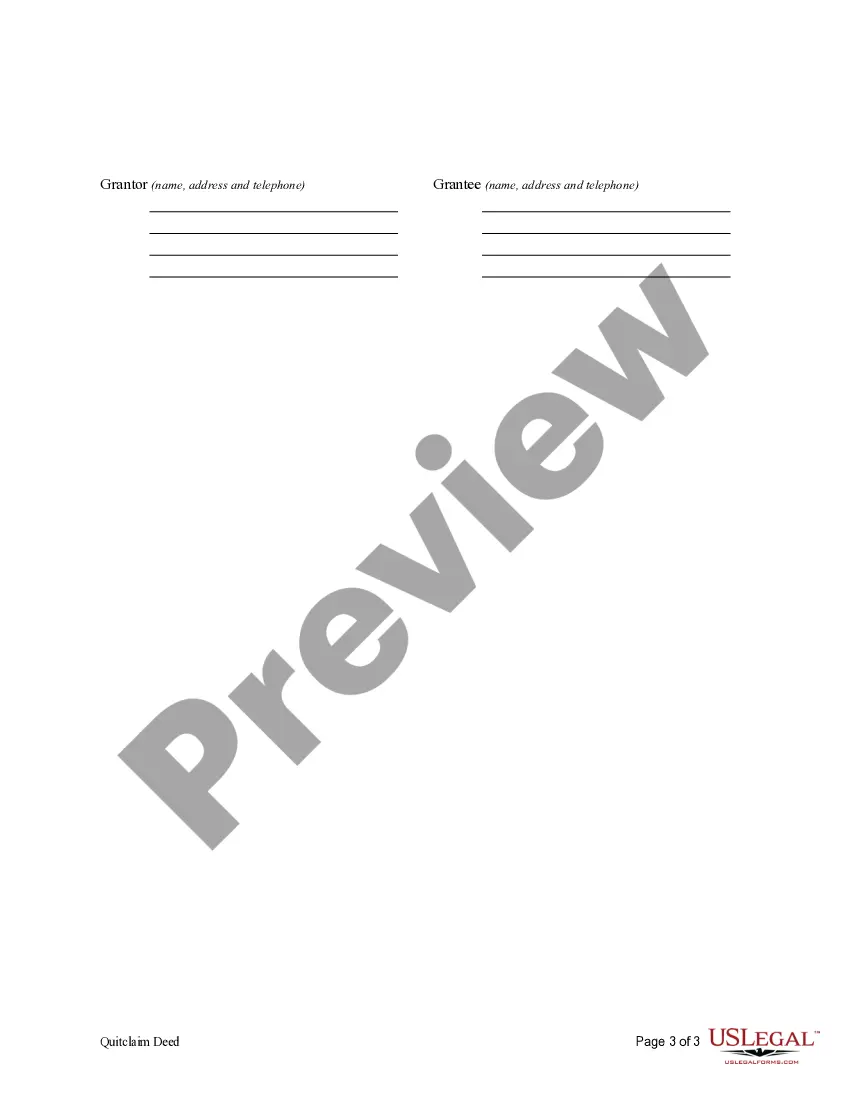
- Identification of the Grantor (individual) and Grantee (trust).
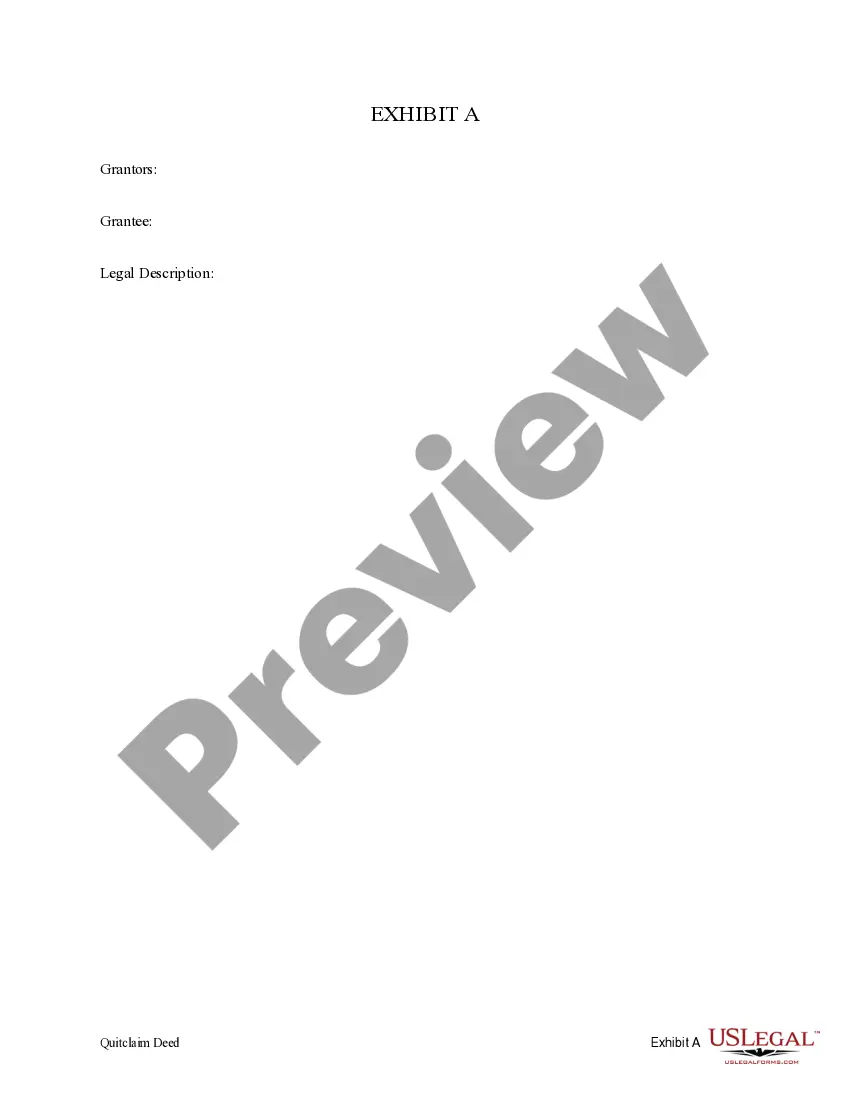
- Description of the property being transferred.
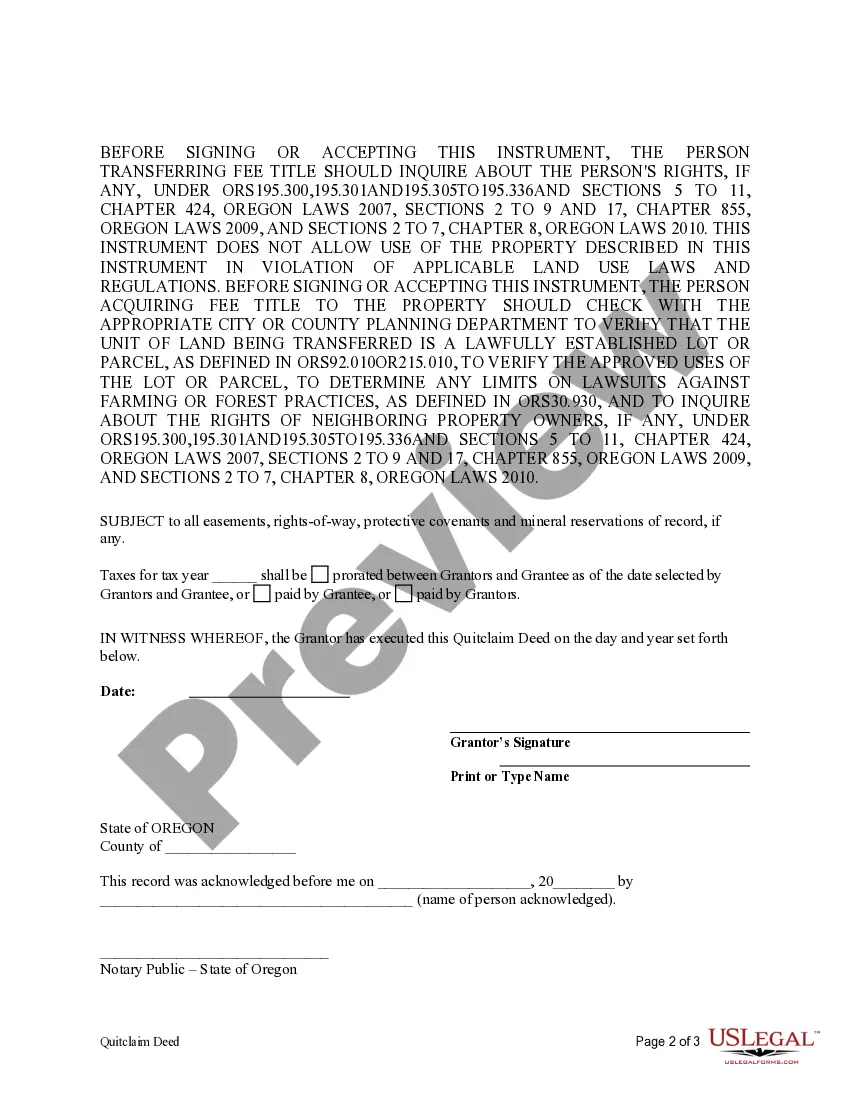
- Statements regarding the propertyâs easements and reservations.
- Proration of taxes for the current tax year.
- Signature lines for both the Grantor and any necessary witnesses.



Situations where this form applies
This form is ideal in situations where an individual wishes to transfer ownership of property to a trust, often for estate planning or asset protection. It is applicable when setting up a living trust, transferring property among family members, or simplifying the asset management process. The Quitclaim Deed allows the Grantor to quickly transfer property without the need for a full title search or extensive legal formalities.
Intended users of this form
- Individuals who are the sole owners of real estate.
- Trustees or individuals establishing a trust for estate planning.
- Homeowners looking to simplify property management.
- Anyone transferring property to a trust for asset protection purposes.
Completing this form step by step
- Identify the parties involved: the Grantor and the trust being named as Grantee.
- Provide a detailed description of the property being transferred.
- Indicate any easements, rights-of-way, or reservations that may apply to the property.
- Specify how the property taxes for the current tax year will be handled.
- Sign the deed in the presence of witnesses, if required by state law.
Notarization requirements for this form
This form does not typically require notarization unless specified by local law. However, having it notarized can provide additional legal protection and validity to the deed.
Get your form ready online
Our built-in tools help you complete, sign, share, and store your documents in one place.
Make edits, fill in missing information, and update formatting in US Legal Forms—just like you would in MS Word.
Download a copy, print it, send it by email, or mail it via USPS—whatever works best for your next step.
Sign and collect signatures with our SignNow integration. Send to multiple recipients, set reminders, and more. Go Premium to unlock E-Sign.
If this form requires notarization, complete it online through a secure video call—no need to meet a notary in person or wait for an appointment.
We protect your documents and personal data by following strict security and privacy standards.

Make edits, fill in missing information, and update formatting in US Legal Forms—just like you would in MS Word.

Download a copy, print it, send it by email, or mail it via USPS—whatever works best for your next step.

Sign and collect signatures with our SignNow integration. Send to multiple recipients, set reminders, and more. Go Premium to unlock E-Sign.

If this form requires notarization, complete it online through a secure video call—no need to meet a notary in person or wait for an appointment.

We protect your documents and personal data by following strict security and privacy standards.
Mistakes to watch out for
- Failing to accurately describe the property being transferred.
- Not including necessary signatures from witnesses or not notarizing the document when required.
- Overlooking existing easements or restrictions on the property.
Why use this form online
- Immediate access to the form, saving time compared to traditional methods.
- The ability to fill out and edit the form at your convenience.
- Reliability in obtaining a legally compliant document prepared with the guidance of licensed attorneys.
- Reduction of errors through clearly laid out instructions and support materials.
Quick recap
- The Quitclaim Deed is a straightforward method of transferring property to a trust.
- It does not provide guarantees about the property title.
- Ensure all details, such as property descriptions and tax liabilities, are clearly stated.
Looking for another form?


Form popularity
FAQ
Determine the Current Title and Vesting to Your Property. Prepare a Deed. Be Aware of Your Lender and Title Insurance. Prepare a Preliminary Change of Ownership Report. Execute Your Deed. Record Your Deed. Wait for the Deed to be Returned. Keep the Property in the Trust.
No. And unless the deed identifies the trust as an owner, then father is the owner of an interest. It is a common mistake to set up a trust and then fail to deed property into the trust. However, you cannot force him to make the changes you are...
Obtain a California grant deed from a local office supply store or your county recorder's office. Complete the top line of the deed. Indicate the grantee on the second line. Enter the trustees' names and addresses.
The Quit Claim Deed form uses the terms of Grantor (Seller or Owner of said property) and Grantee (Buyer of said property) for the two parties involved. First, the parties must fill in the date. Then, write in the name of the county and state in which the property is located.
There will be a $30 recording fee. If you prepare a quitclaim deed using the Do-It-Yourself Quitclaim Deed (after Divorce) tool, detailed instructions on what to do next will print out along with the deed.
To use a Quitclaim Deed to add someone to a property deed or title, you would need to create a Quitclaim Deed and list all of the current owners in the grantor section. In the grantee section, you would list all of the current owners as well as the person you would like to add.
But you might be wondering if an owner can transfer a deed to another person without a real estate lawyer. The answer is yes. Parties to a transaction are always free to prepare their own deeds.A quitclaim deed, for example, is far simpler than a warranty deed.
Yes, a quit claim deed supercedes the trust. The only thing that can be done is to file a suit in court challenging the deed as the product of fraud and undue influence. A court action like that will cost thousands of dollars, but might be worth it if the house was owned free and clear.
A person who signs a quitclaim deed to transfer property they do not own results in no title at all being transferred since there is no actual ownership interest. The quitclaim deed only transfers the type of title you own.