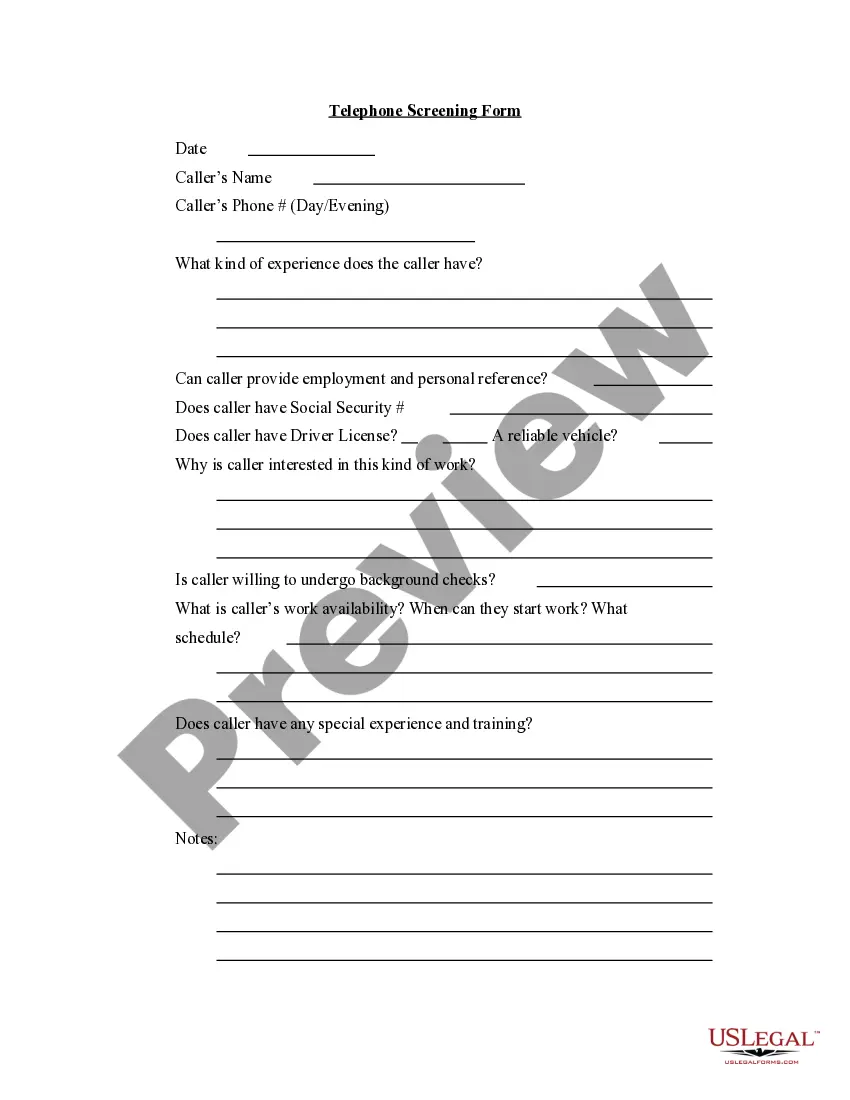
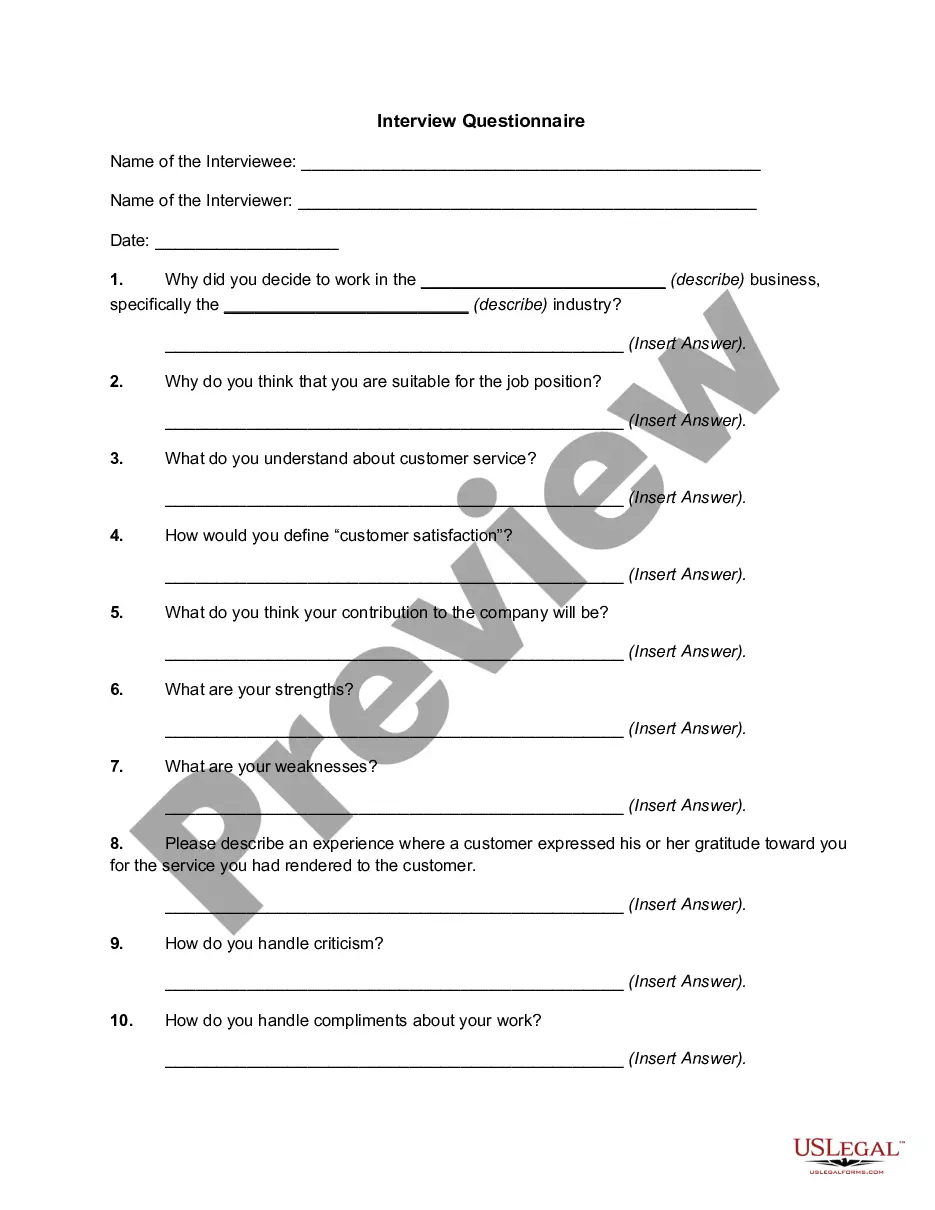
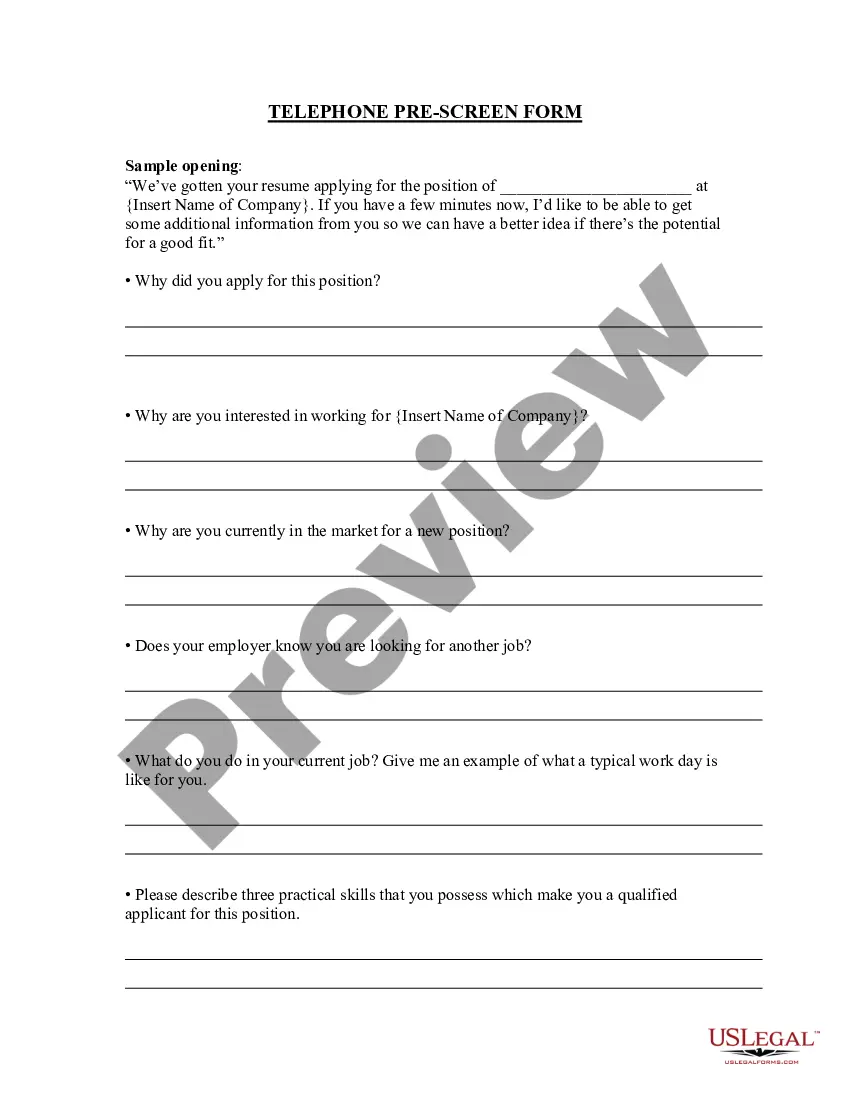
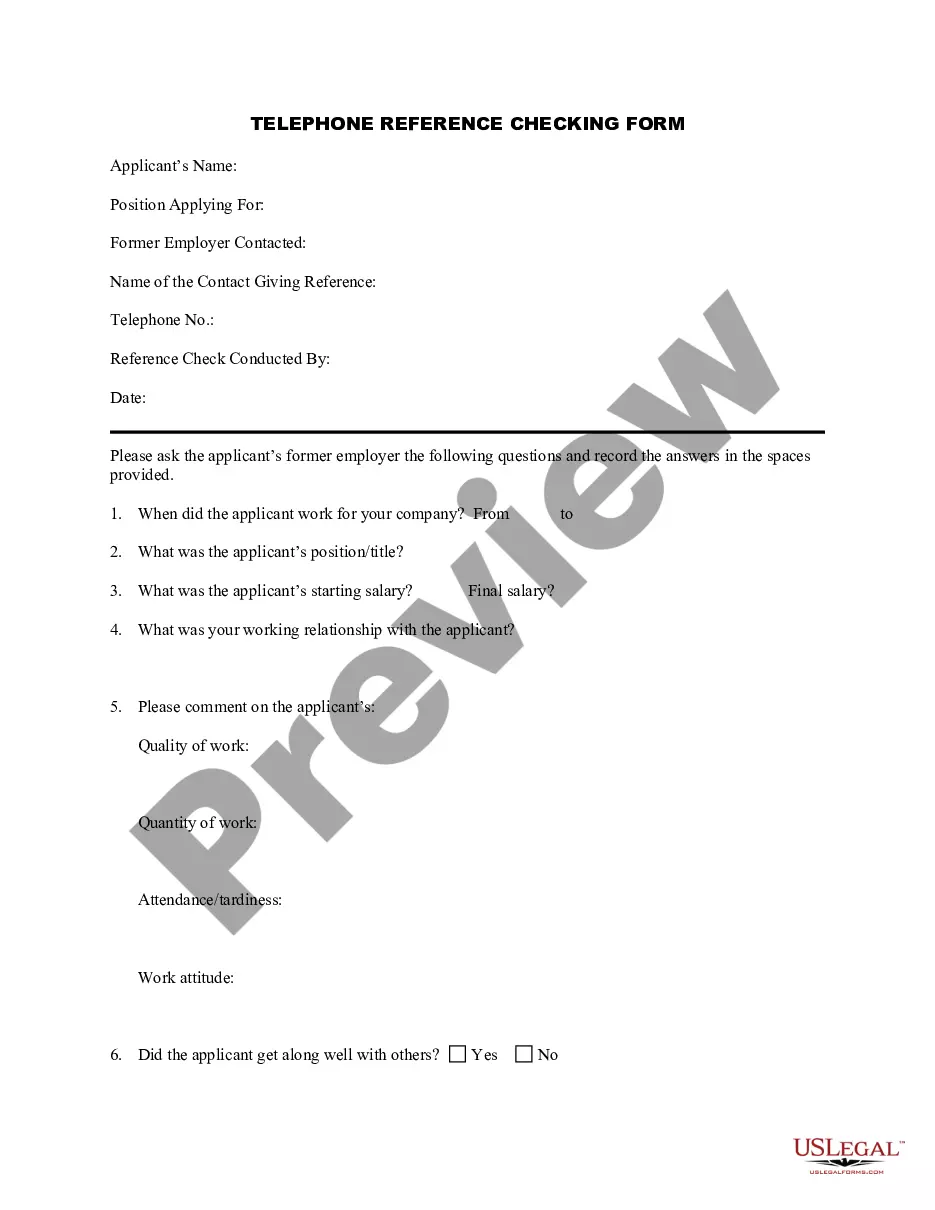
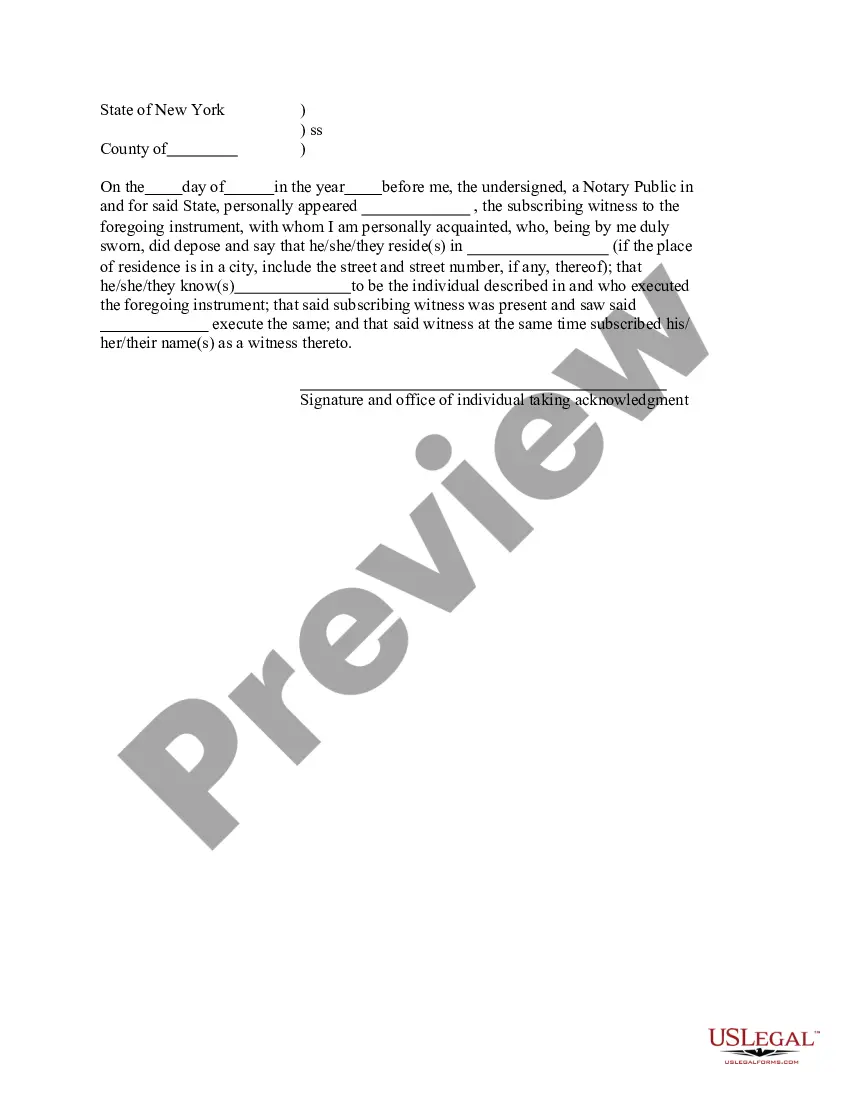
Oklahoma Telephone Screening Form
Description
Get your form ready online
Our built-in tools help you complete, sign, share, and store your documents in one place.
Make edits, fill in missing information, and update formatting in US Legal Forms—just like you would in MS Word.
Download a copy, print it, send it by email, or mail it via USPS—whatever works best for your next step.
Sign and collect signatures with our SignNow integration. Send to multiple recipients, set reminders, and more. Go Premium to unlock E-Sign.
If this form requires notarization, complete it online through a secure video call—no need to meet a notary in person or wait for an appointment.
We protect your documents and personal data by following strict security and privacy standards.

Make edits, fill in missing information, and update formatting in US Legal Forms—just like you would in MS Word.

Download a copy, print it, send it by email, or mail it via USPS—whatever works best for your next step.

Sign and collect signatures with our SignNow integration. Send to multiple recipients, set reminders, and more. Go Premium to unlock E-Sign.

If this form requires notarization, complete it online through a secure video call—no need to meet a notary in person or wait for an appointment.

We protect your documents and personal data by following strict security and privacy standards.
Looking for another form?

How to fill out Telephone Screening Form?
Are you currently in a situation where you require documents for both business or personal reasons almost every workday.
There are many legal document templates available online, but finding ones you can trust isn't simple.
US Legal Forms offers a vast array of form templates, such as the Oklahoma Telephone Screening Form, designed to meet state and federal regulations.
If you locate the correct form, click Buy now.
Choose the pricing plan you want, complete the required information to create your account, and pay for the order using your PayPal or credit card. Opt for a convenient file format and download your version. Access all the document templates you have purchased in the My documents menu. You can obtain an extra version of the Oklahoma Telephone Screening Form at any time if needed. Simply click the desired form to download or print the document template. Utilize US Legal Forms, the most extensive collection of legal forms, to save time and reduce errors. The service provides professionally crafted legal document templates that you can use for various purposes. Create your account on US Legal Forms and start making your life a bit easier.
- If you are already familiar with the US Legal Forms website and have an account, simply Log In.
- Then, you can download the Oklahoma Telephone Screening Form template.
- If you do not possess an account and wish to utilize US Legal Forms, follow these steps.
- Obtain the form you need and ensure it is for the correct city/area.
- Use the Review button to assess the document.
- Check the description to confirm that you have selected the appropriate form.
- If the form isn’t what you are looking for, use the Search area to find a document that meets your needs.
Form popularity
FAQ
After you've finished a job interview over the phone, it's important to follow up with a thank-you letter or thank-you email message, just as you would after any face-to-face interview.
How to write a thank you email after a phone interviewTake notes of the interviewer's name and any other important information.Create your subject line and greeting.Thank the recipient for the interview.Explain what makes you the best fit for the role.Expand on any discussions you had in the interview.More items...?08-Dec-2021
If you have hundreds of job applicants, don't fret, because there's a simple 5-step process to make screening super simple, and it's as follows: Skills test. Resume check. Cover letter check.
ADVERTISEMENTS: The five steps involved in recruitment process are as follows: (i) Recruitment Planning (ii) Strategy Development (iii) Searching (iv) Screening (v) Evaluation and Control.
Define the position. This includes asking why the position is needed and what the objective was when it was created;Determine qualifications.Set the selection criteria.Create the application.Conduct interviews.Check references.Conduct background checks.Make the selection decision.More items...?
Other Fallback Phone Interview Screening QuestionsTell me about yourself.What are your key strengths?What are your weaknesses?What would your current boss say about you?Why are you leaving your current job?Where do you see yourself in 5 years?
How soon should you send a thank you email after a phone interview? You should send a thank you email within 24 hours of a phone interview.
Phone screen interview preparationDetermine what really matters.Read their resume.Clear your mind of bias.Be prepared to discuss.1) Availability/flexibility.2) Salary expectations.3) Candidate interest.4) Knowledge of your company.More items...
The phone interview is one of the most important parts of the job interview process. To make yourself stand out to employers, you should send a thank you email after the phone interview to show your professionalism and politeness.
Check on the PositionIt's perfectly acceptable to follow up on the interview to see what's happening. Give the hiring manager some time to call you back. If you asked in the phone interview when the company plans to set up interviews, you have a sense of the timeline.