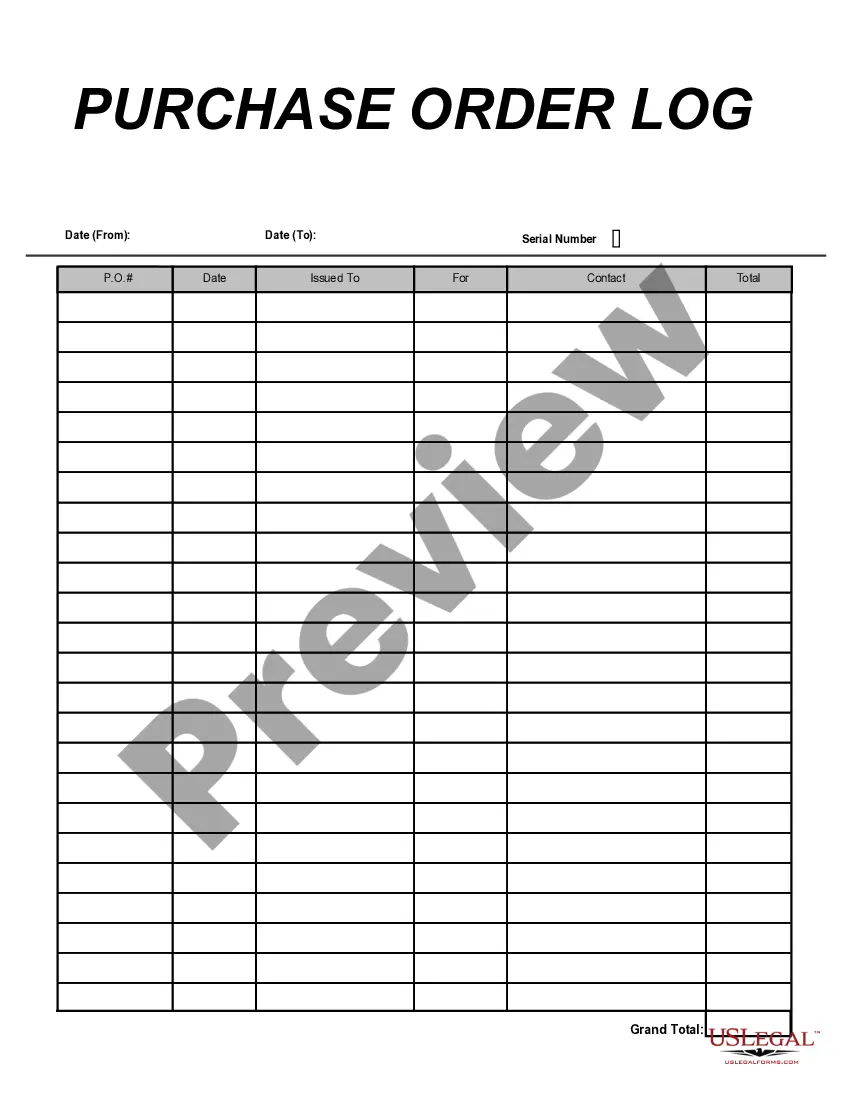
Oklahoma Purchase Order Log
Description



Get your form ready online
Our built-in tools help you complete, sign, share, and store your documents in one place.
Make edits, fill in missing information, and update formatting in US Legal Forms—just like you would in MS Word.
Download a copy, print it, send it by email, or mail it via USPS—whatever works best for your next step.
Sign and collect signatures with our SignNow integration. Send to multiple recipients, set reminders, and more. Go Premium to unlock E-Sign.
If this form requires notarization, complete it online through a secure video call—no need to meet a notary in person or wait for an appointment.
We protect your documents and personal data by following strict security and privacy standards.

Make edits, fill in missing information, and update formatting in US Legal Forms—just like you would in MS Word.

Download a copy, print it, send it by email, or mail it via USPS—whatever works best for your next step.

Sign and collect signatures with our SignNow integration. Send to multiple recipients, set reminders, and more. Go Premium to unlock E-Sign.

If this form requires notarization, complete it online through a secure video call—no need to meet a notary in person or wait for an appointment.

We protect your documents and personal data by following strict security and privacy standards.
Looking for another form?





How to fill out Purchase Order Log?
Are you currently in a location where you need documentation for potential business or personal purposes almost every day.
There are numerous legal document templates available online, but finding reliable ones is not simple.
US Legal Forms offers a wide array of form templates, such as the Oklahoma Purchase Order Log, which are designed to meet state and federal requirements.
Once you find the appropriate form, click Acquire now.
Select the pricing plan you desire, complete the necessary information to create your account, and pay for the order using your PayPal or credit card.
- If you are already familiar with the US Legal Forms website and have an account, simply Log In.
- Then, you can retrieve the Oklahoma Purchase Order Log template.
- If you do not have an account and wish to start using US Legal Forms, follow these instructions.
- Obtain the form you require ensuring it is for the correct state/region.
- Utilize the Review option to examine the document.
- Read the description to confirm that you have selected the correct form.
- If the form isn't what you're looking for, use the Lookup section to find the document that fits your needs.
Form popularity
FAQ
A PO submission, or purchase order submission, involves sending a request to a supplier to provide goods or services. This is a crucial step in managing your inventory and budgeting effectively. For businesses operating in Oklahoma, maintaining a clear Oklahoma Purchase Order Log can help you track and streamline these submissions. By organizing your orders in a log, you can ensure timely deliveries and better financial planning.
Tracking purchases effectively is essential for any organization. With the Oklahoma Purchase Order Log, you can effortlessly create and manage purchase orders, ensuring accurate records of all transactions. This log simplifies tracking by consolidating purchase details in one location, making it easy to reference when needed. By using this tool integrated with your existing workflows, you can improve oversight and maintain better control of your purchasing activities.
To generate a PO order, start by gathering all the details related to the purchase, such as item descriptions and quantities. Once you have this information, use your chosen system or platform to input the data and submit the order. The Oklahoma Purchase Order Log simplifies this process by enabling you to store and retrieve all relevant information efficiently. Check out US Legal Forms for additional tools that facilitate the generation of POs.
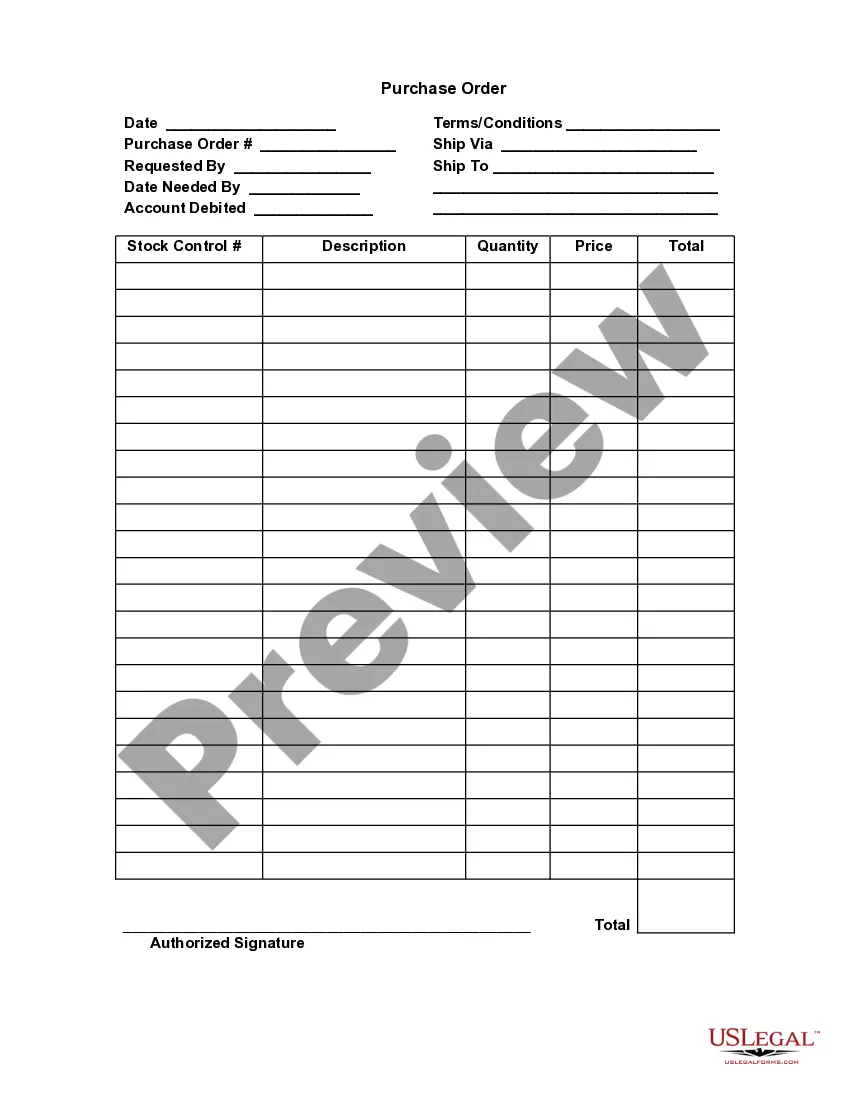
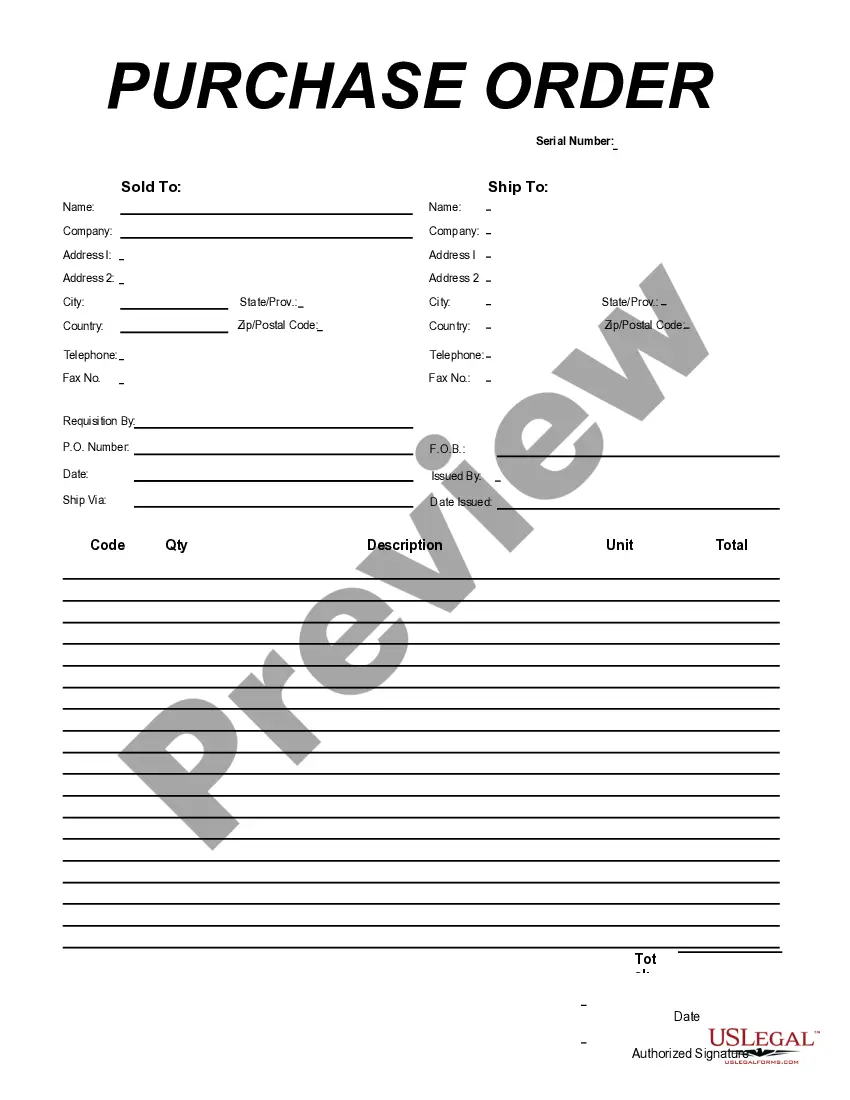
Creating a Purchase Order involves identifying the items you need, specifying quantities, and selecting a vendor. You can either use a manual template or an automated system for this process. Utilizing the Oklahoma Purchase Order Log is an excellent way to ensure your orders are cohesive and organized, enhancing your purchasing efficiency. For users seeking guidance, US Legal Forms offers resources that make creating POs straightforward.
Generating a PO from SAP involves navigating to the appropriate module and filling in the necessary fields with order details. First, access the purchase order creation screen, then input the vendor, items, and quantities. The Oklahoma Purchase Order Log can help track these orders, ensuring you maintain an accurate record tailored to your needs. If you encounter challenges, leveraging the US Legal Forms platform can simplify the process.
To generate a Purchase Order (PO) number, you typically use an internal system that assigns a unique identifier for each order. Most businesses prefer to automate this process to avoid errors, which allows for easy tracking and management. With the Oklahoma Purchase Order Log, you can efficiently create and manage your PO numbers, ensuring accurate record-keeping. Consider using tools like US Legal Forms for streamlined purchase order management.
A Purchase Order, or PO, is a document that a buyer sends to a supplier to request goods or services. For example, if your company needs to order office supplies, you would create a PO detailing the items, quantities, and prices. This PO then becomes part of the Oklahoma Purchase Order Log, which helps you track your purchasing activities. Using this tool ensures that you maintain accurate records, making it easier to manage your expenses and budget effectively.