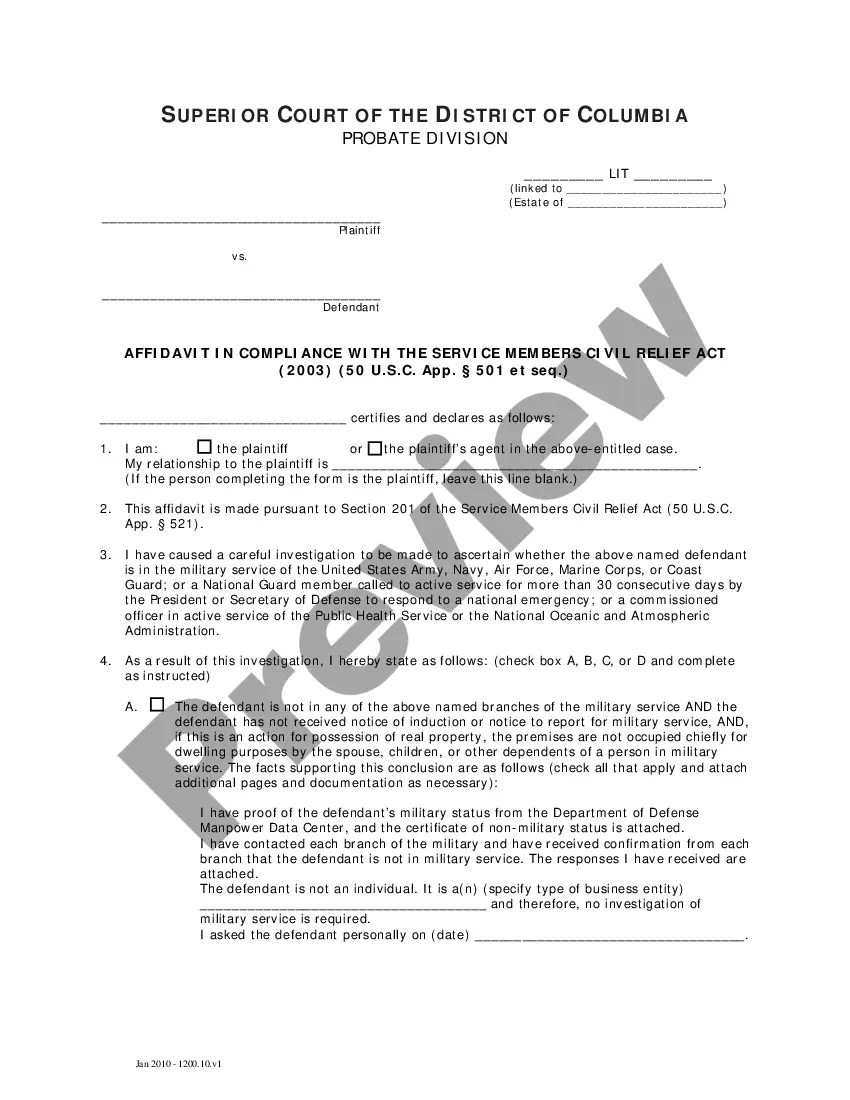
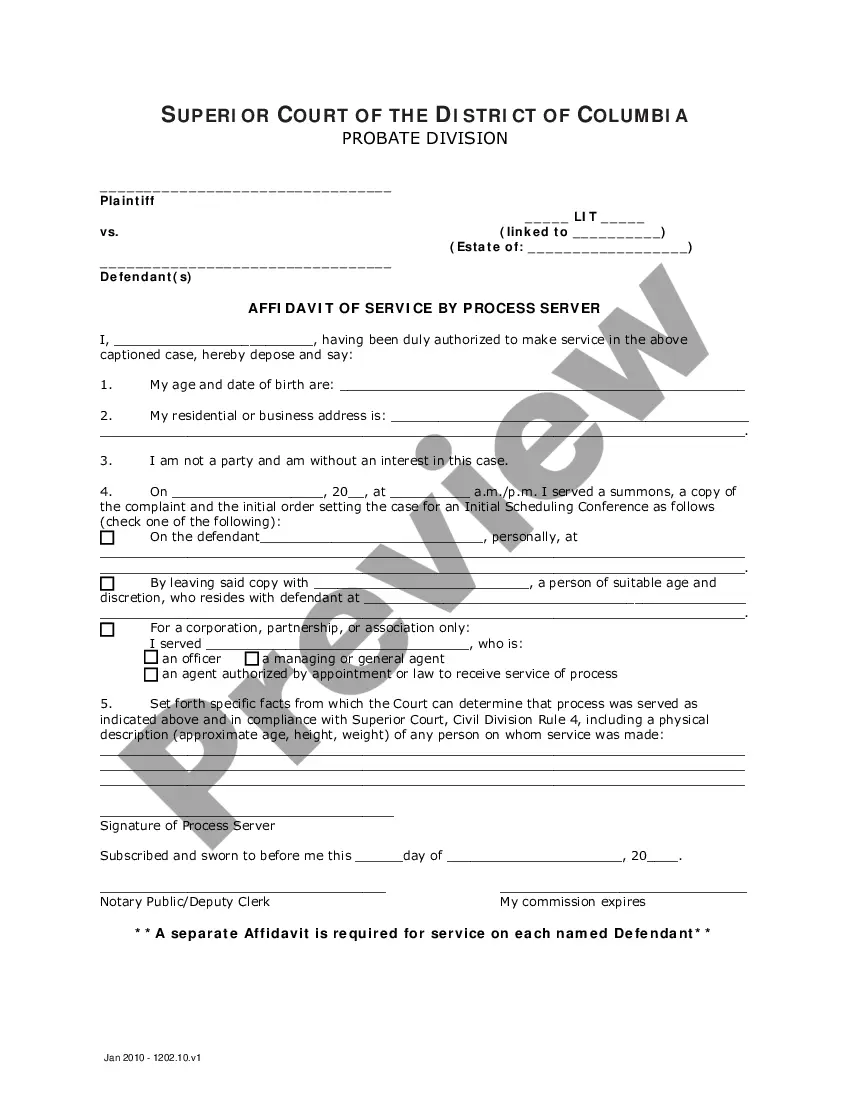
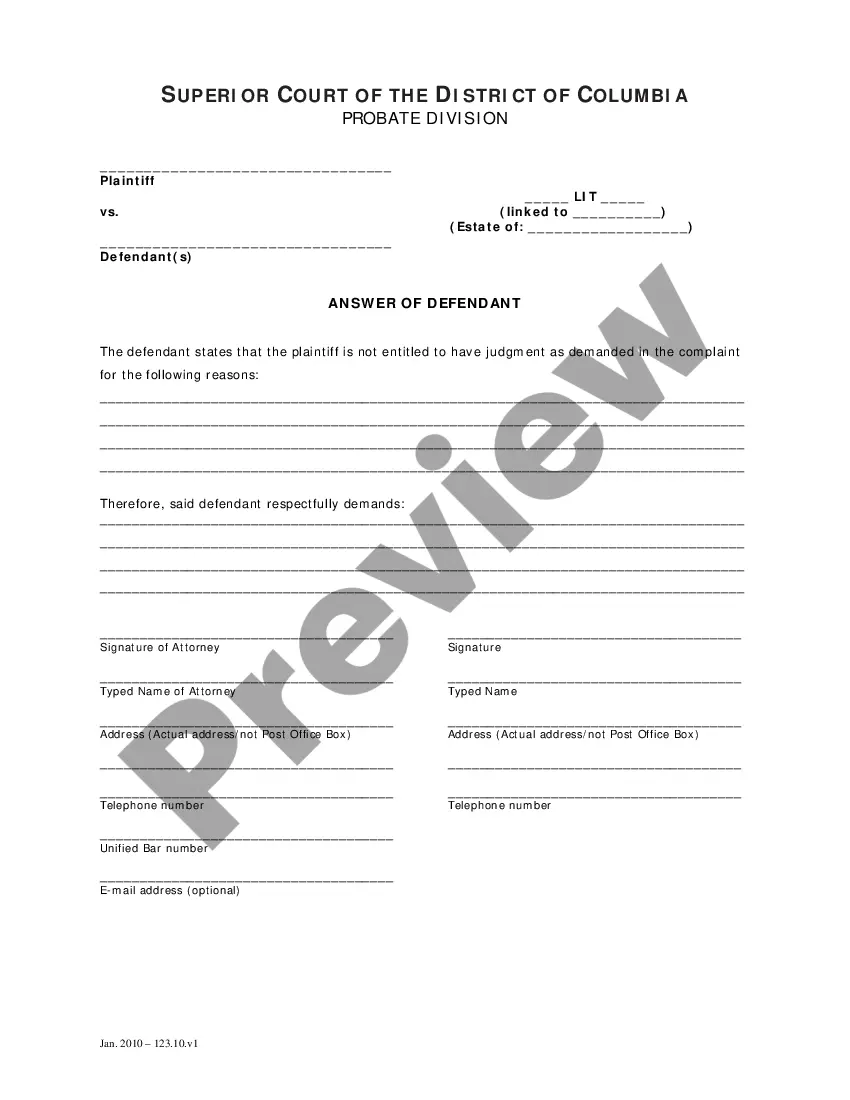
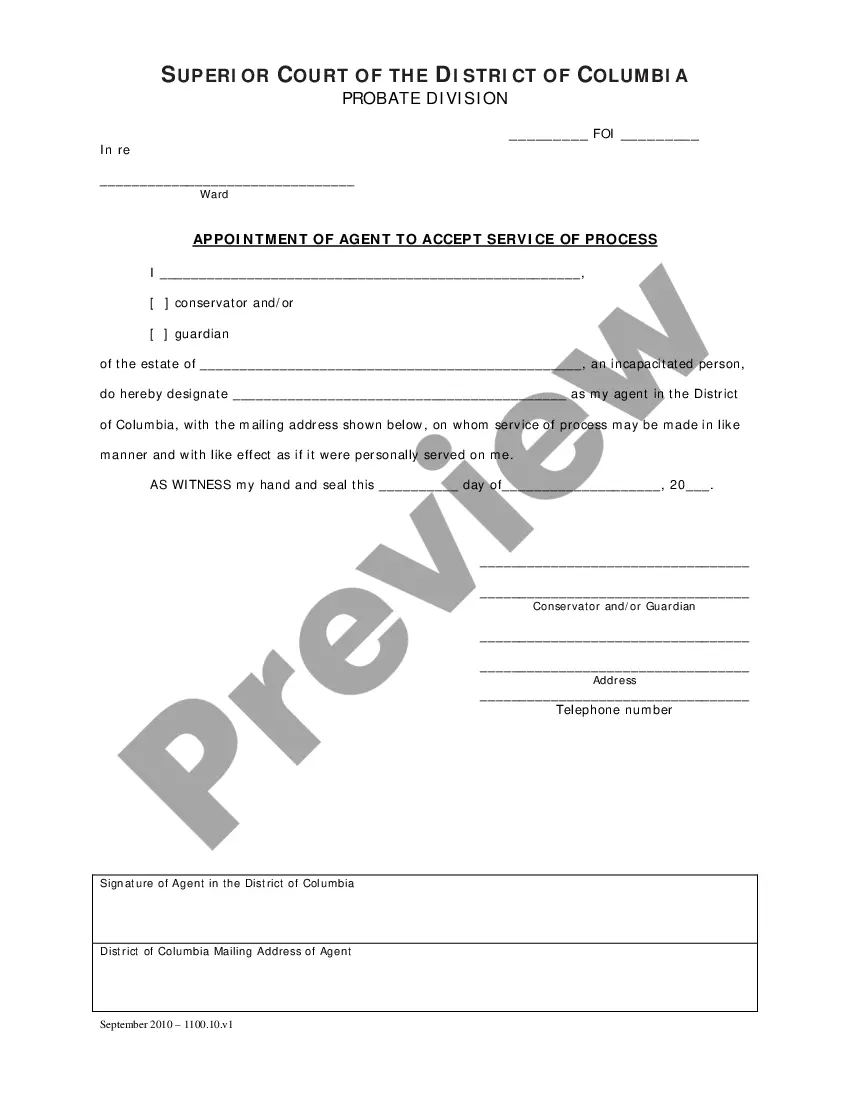
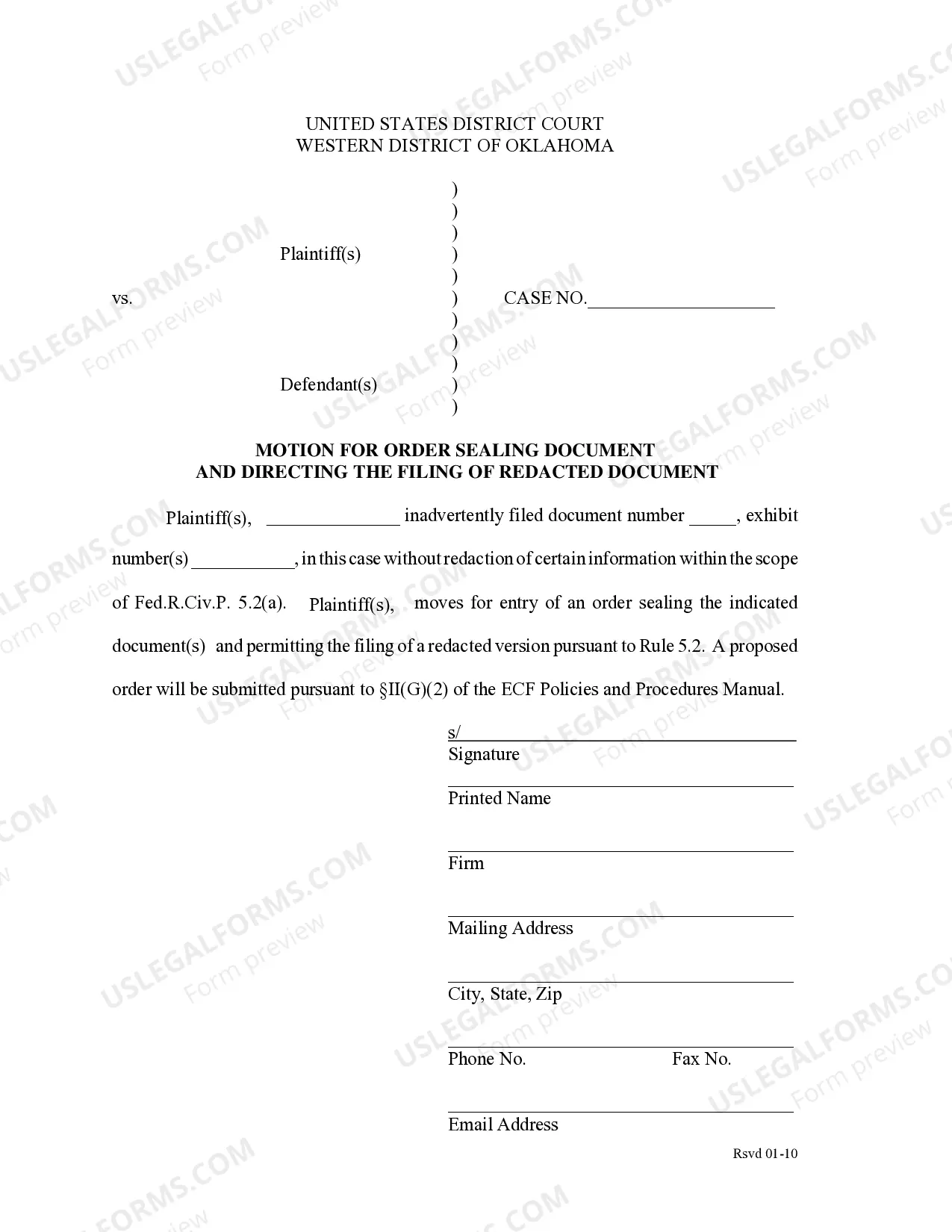
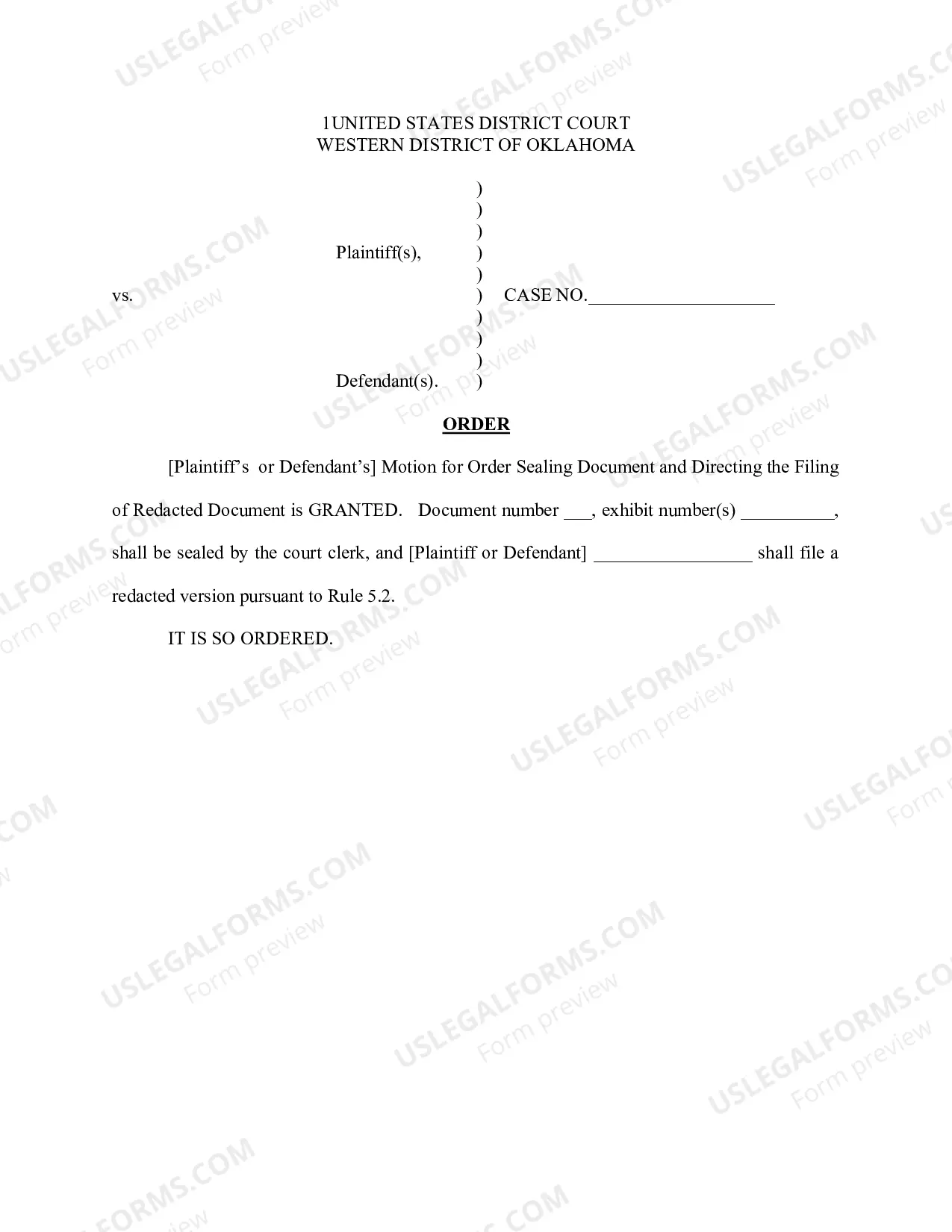
Oklahoma Motion to Seal Document/Directing Filing of Redacted Document
Description
Get your form ready online
Our built-in tools help you complete, sign, share, and store your documents in one place.
Make edits, fill in missing information, and update formatting in US Legal Forms—just like you would in MS Word.
Download a copy, print it, send it by email, or mail it via USPS—whatever works best for your next step.
Sign and collect signatures with our SignNow integration. Send to multiple recipients, set reminders, and more. Go Premium to unlock E-Sign.
If this form requires notarization, complete it online through a secure video call—no need to meet a notary in person or wait for an appointment.
We protect your documents and personal data by following strict security and privacy standards.

Make edits, fill in missing information, and update formatting in US Legal Forms—just like you would in MS Word.

Download a copy, print it, send it by email, or mail it via USPS—whatever works best for your next step.

Sign and collect signatures with our SignNow integration. Send to multiple recipients, set reminders, and more. Go Premium to unlock E-Sign.

If this form requires notarization, complete it online through a secure video call—no need to meet a notary in person or wait for an appointment.

We protect your documents and personal data by following strict security and privacy standards.
Looking for another form?


How to fill out Oklahoma Motion To Seal Document/Directing Filing Of Redacted Document?
US Legal Forms is the most easy and profitable way to locate appropriate legal templates. It’s the most extensive web-based library of business and personal legal paperwork drafted and checked by lawyers. Here, you can find printable and fillable blanks that comply with national and local laws - just like your Oklahoma Motion to Seal Document/Directing Filing of Redacted Document.
Getting your template requires just a couple of simple steps. Users that already have an account with a valid subscription only need to log in to the web service and download the form on their device. Afterwards, they can find it in their profile in the My Forms tab.
And here’s how you can get a professionally drafted Oklahoma Motion to Seal Document/Directing Filing of Redacted Document if you are using US Legal Forms for the first time:
- Read the form description or preview the document to make sure you’ve found the one meeting your demands, or locate another one utilizing the search tab above.
- Click Buy now when you’re sure of its compatibility with all the requirements, and judge the subscription plan you like most.
- Create an account with our service, log in, and purchase your subscription using PayPal or you credit card.
- Decide on the preferred file format for your Oklahoma Motion to Seal Document/Directing Filing of Redacted Document and download it on your device with the appropriate button.
After you save a template, you can reaccess it whenever you want - just find it in your profile, re-download it for printing and manual fill-out or upload it to an online editor to fill it out and sign more proficiently.
Take advantage of US Legal Forms, your trustworthy assistant in obtaining the corresponding official paperwork. Give it a try!
Form popularity
FAQ
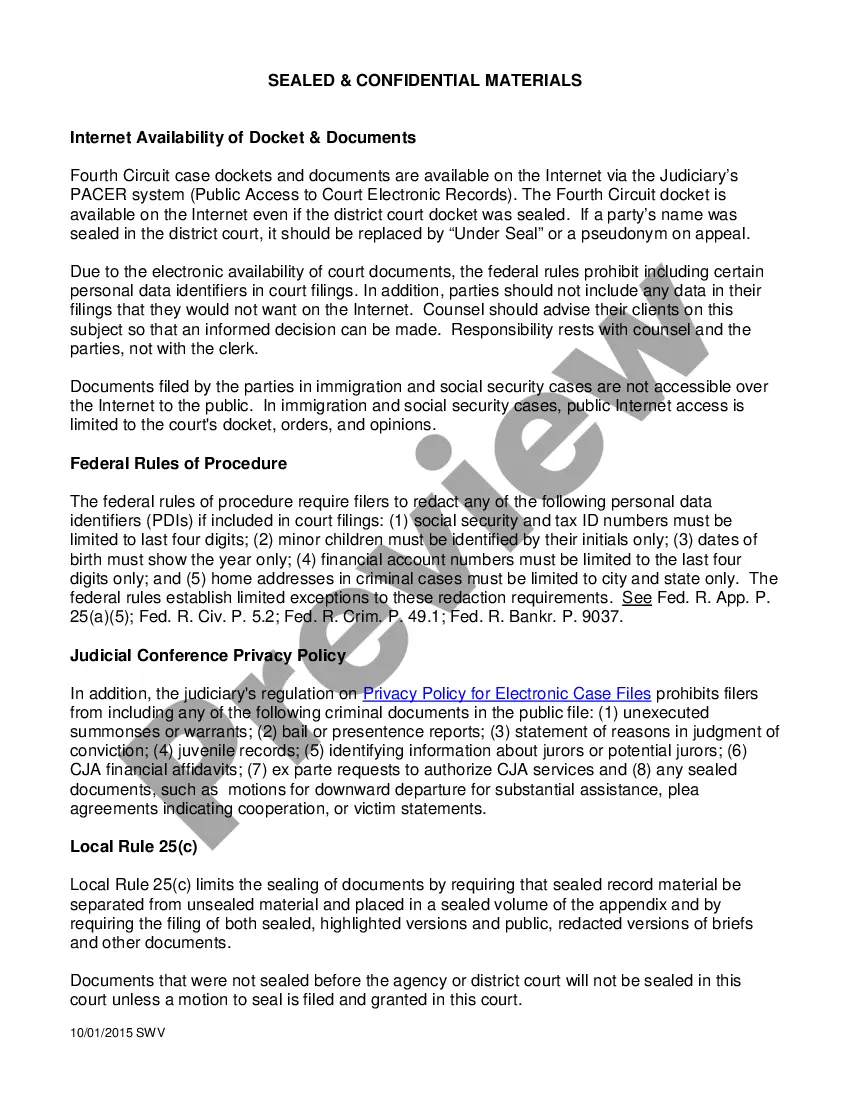
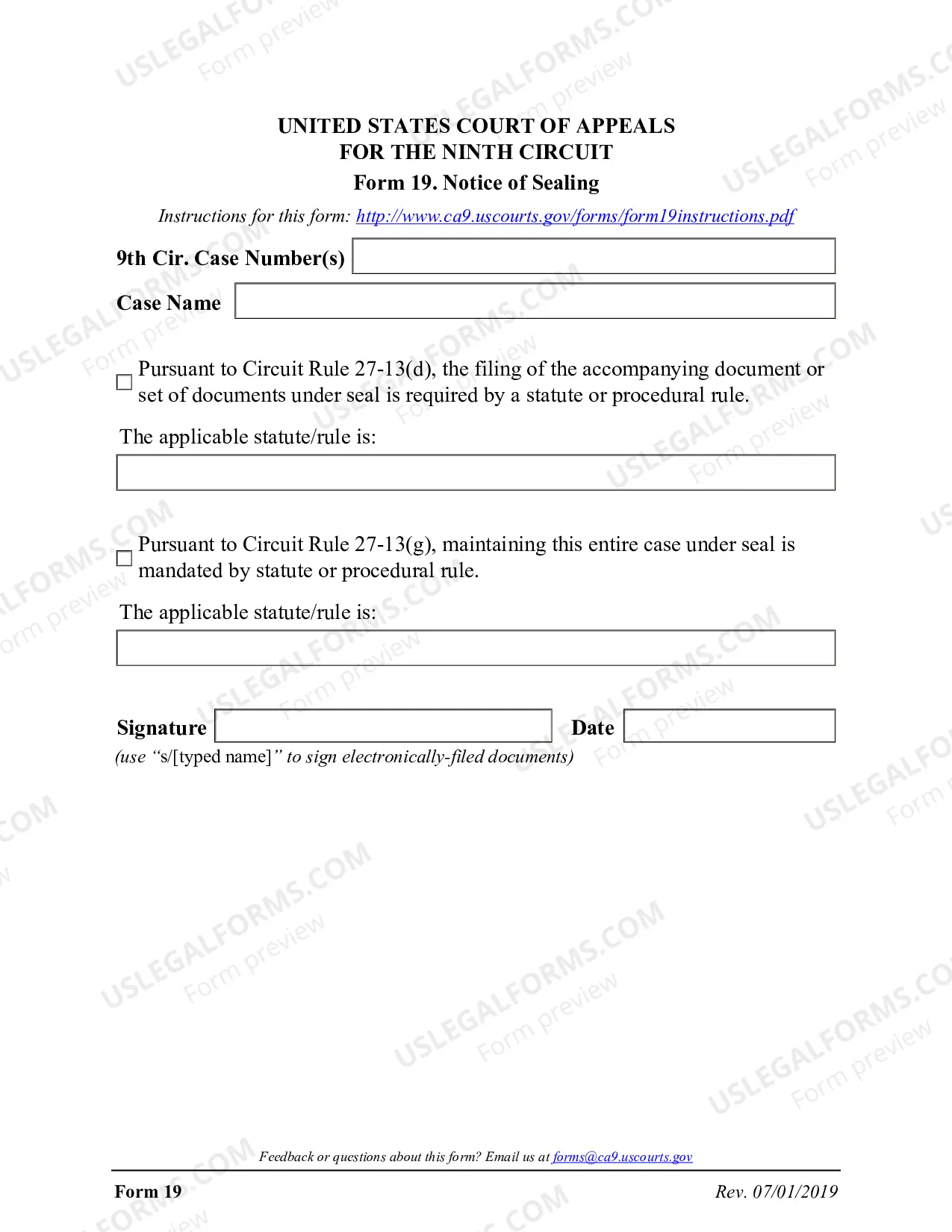
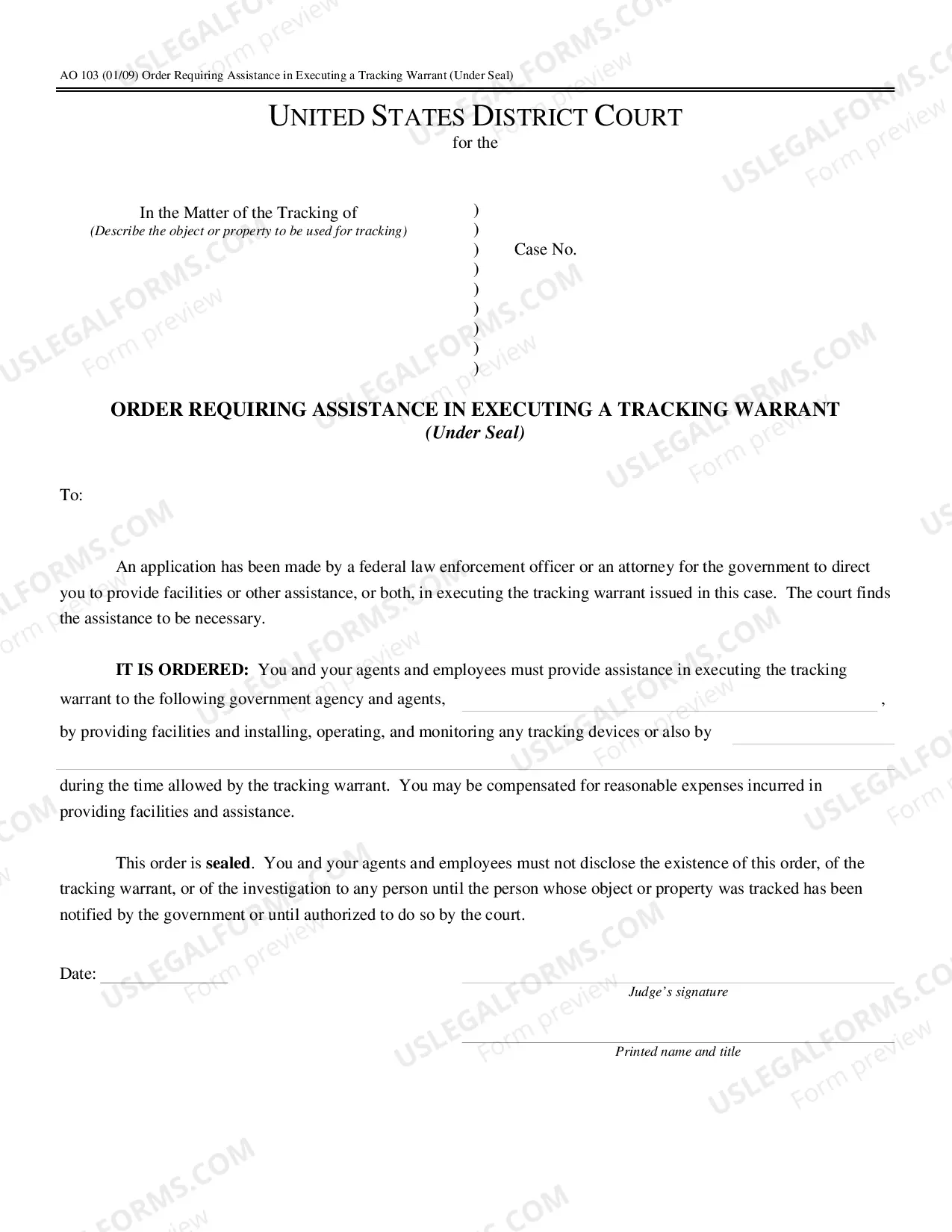
Filing a document ?under seal? is a way that a document's information can be kept hidden for a specified period. Documents under seal may be placed in an envelope and stored somewhere secure such as a safe until the seal can legitimately be broken and the information revealed.
When a document is redacted, it means that certain text contained in a document filed with the Court is concealed from view for privacy protection.
Filing under seal is a procedure allowing sensitive or confidential information to be filed with a court without becoming a matter of public record. The court generally must give permission for the material to remain under seal.