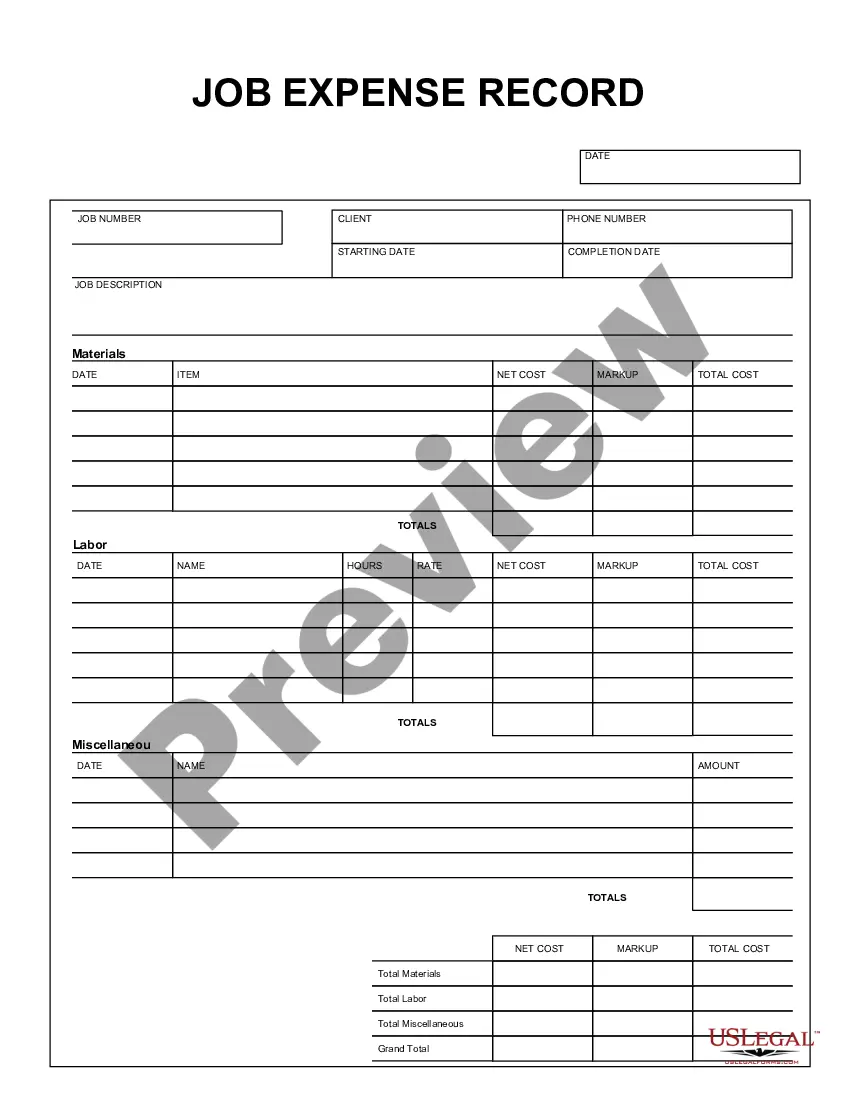
This form is a business type form that is formatted to allow you to complete the form using Adobe Acrobat or Word. The word files have been formatted to allow completion by entry into fields. Some of the forms under this category are rather simple while others are more complex. The formatting is worth the small cost.
Ohio Job Expense Record
Category:
State:
Multi-State
Control #:
US-150-AZ
Format:
Word;
PDF;
Rich Text
Instant download
Description
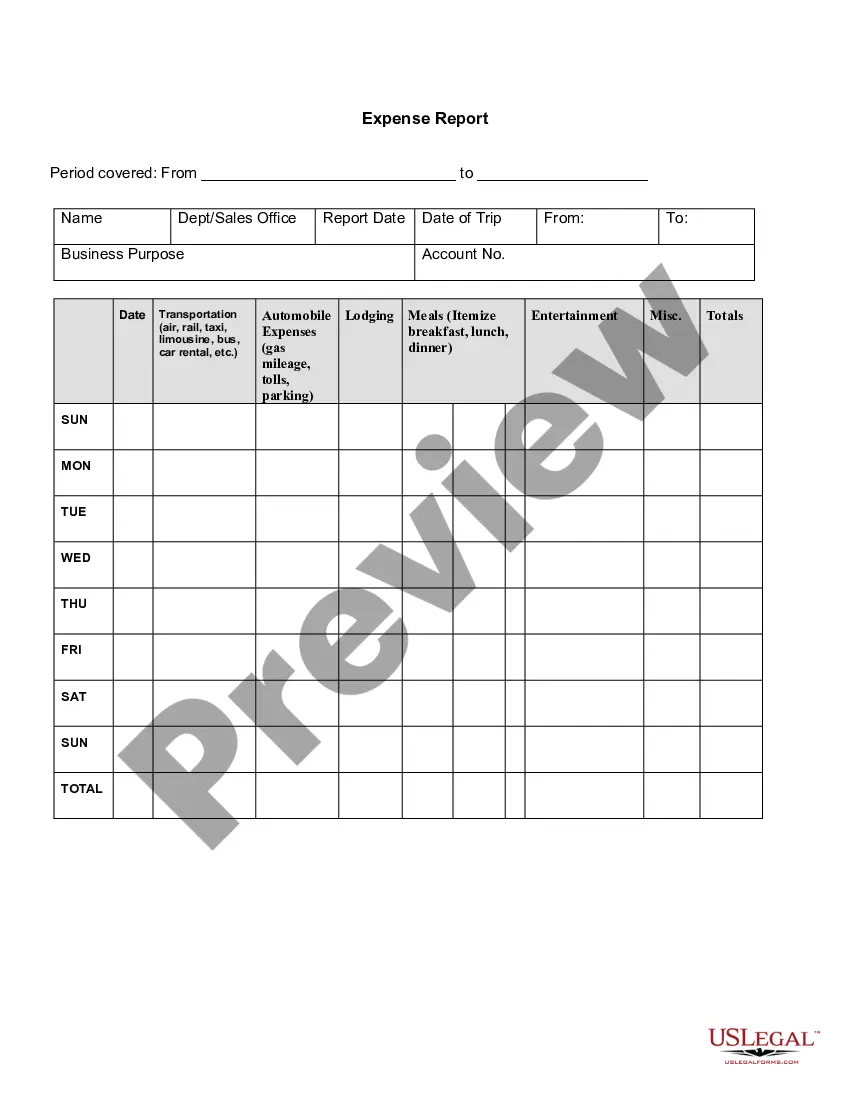



Get your form ready online
Our built-in tools help you complete, sign, share, and store your documents in one place.
Built-in online Word editor
Make edits, fill in missing information, and update formatting in US Legal Forms—just like you would in MS Word.
Export easily
Download a copy, print it, send it by email, or mail it via USPS—whatever works best for your next step.
E-sign your document
Sign and collect signatures with our SignNow integration. Send to multiple recipients, set reminders, and more. Go Premium to unlock E-Sign.
Notarize online 24/7
If this form requires notarization, complete it online through a secure video call—no need to meet a notary in person or wait for an appointment.
Store your document securely
We protect your documents and personal data by following strict security and privacy standards.

Make edits, fill in missing information, and update formatting in US Legal Forms—just like you would in MS Word.

Download a copy, print it, send it by email, or mail it via USPS—whatever works best for your next step.

Sign and collect signatures with our SignNow integration. Send to multiple recipients, set reminders, and more. Go Premium to unlock E-Sign.

If this form requires notarization, complete it online through a secure video call—no need to meet a notary in person or wait for an appointment.

We protect your documents and personal data by following strict security and privacy standards.
Looking for another form?





How to fill out Job Expense Record?
If you desire to obtain extensive, download, or print valid document templates, utilize US Legal Forms, the largest collection of legal forms available online.
Take advantage of the site's straightforward and user-friendly search function to find the documents you require.
Numerous templates for business and personal use are organized by categories and states, or keywords.
Every legal document template you purchase belongs to you permanently. You have access to every form you downloaded through your account. Navigate to the My documents section and choose a form to print or download again.
Complete the downloading and printing of the Ohio Job Expense Record with US Legal Forms. There are millions of professional and state-specific forms available for your business or personal requirements.
- Utilize US Legal Forms to retrieve the Ohio Job Expense Record with just a few clicks.
- If you are an existing US Legal Forms customer, Log In to your account and click on the Download button to obtain the Ohio Job Expense Record.
- You can also access forms you have previously downloaded in the My documents section of your account.
- If you are using US Legal Forms for the first time, follow the steps outlined below.
- Step 1. Confirm that you have chosen the form for the correct area/state.
- Step 2. Utilize the Review option to browse the form's content. Always remember to read the description.
- Step 3. If you are not satisfied with the form, use the Search field at the top of the screen to find other versions of the legal form template.
- Step 4. Once you have located the form you need, click the Purchase now button. Choose your desired pricing plan and enter your details to register for an account.
- Step 5. Complete the transaction. You can use your Visa or MasterCard, or PayPal account to finalize the payment.
- Step 6. Select the format of the legal form and download it to your device.
- Step 7. Fill out, edit, and print or sign the Ohio Job Expense Record.
Form popularity
FAQ
You can obtain your Ohio employer account number by contacting the Ohio Department of Job and Family Services. When you call, provide your business information and any relevant job records, including your Ohio Job Expense Record, if applicable. This information will help the representative guide you through the process of retrieving your account number.
How to Complete the New Form W-4Step 1: Provide Your Information. Provide your name, address, filing status, and Social Security number.Step 2: Indicate Multiple Jobs or a Working Spouse.Step 3: Add Dependents.Step 4: Add Other Adjustments.Step 5: Sign and Date Form W-4.
To file your Quarterly Tax Return online, please visit (The SOURCE). Additional information about the Ohio Unemployment Tax can be obtained from our home page or by contacting the Division of Tax and Employer Service at (614) 466-2319.
Simply add an additional amount on Line 4(c) for "extra withholding." That will increase your income tax withholding, reduce the amount of your paycheck and either jack up your refund or reduce any amount of tax you owe when you file your tax return.
Only business income earned by a sole proprietorship or a pass-through entity generally qualifies for the deduction. A pass-through entity includes partnerships, S corporations and LLCs (limited liability companies).
Federal 1099-G tax forms for unemployment benefits paid in 2015 are now available online. You can view and print your 1099-G from your correspondence inbox. In addition, this form will be sent by U.S. mail to the most current address on your claim.
Business income could include income from a sole proprietorship, farming, or a pass-through entity (including any partnership, S Corporation, or LLC). Nonbusiness Income means income that is not business income.
How to fill out a W-4 formStep 1: Personal information.Step 2: Account for multiple jobs.Step 3: Claim dependents, including children.Step 4: Refine your withholdings.Step 5: Sign and date your W-4.» MORE: See more about what it means to be tax-exempt and how to qualify.
Here's a step-by-step look at how to complete the form.Step 1: Provide Your Information. Provide your name, address, filing status, and Social Security number.Step 2: Indicate Multiple Jobs or a Working Spouse.Step 3: Add Dependents.Step 4: Add Other Adjustments.Step 5: Sign and Date Form W-4.
If you haven't filed taxes yet, here's how to account for the change: On the standard federal 1040 form, you will fill out Schedule 1 and list the full amount of unemployment benefits you received on line 7 titled "Unemployment compensation," the IRS advises.