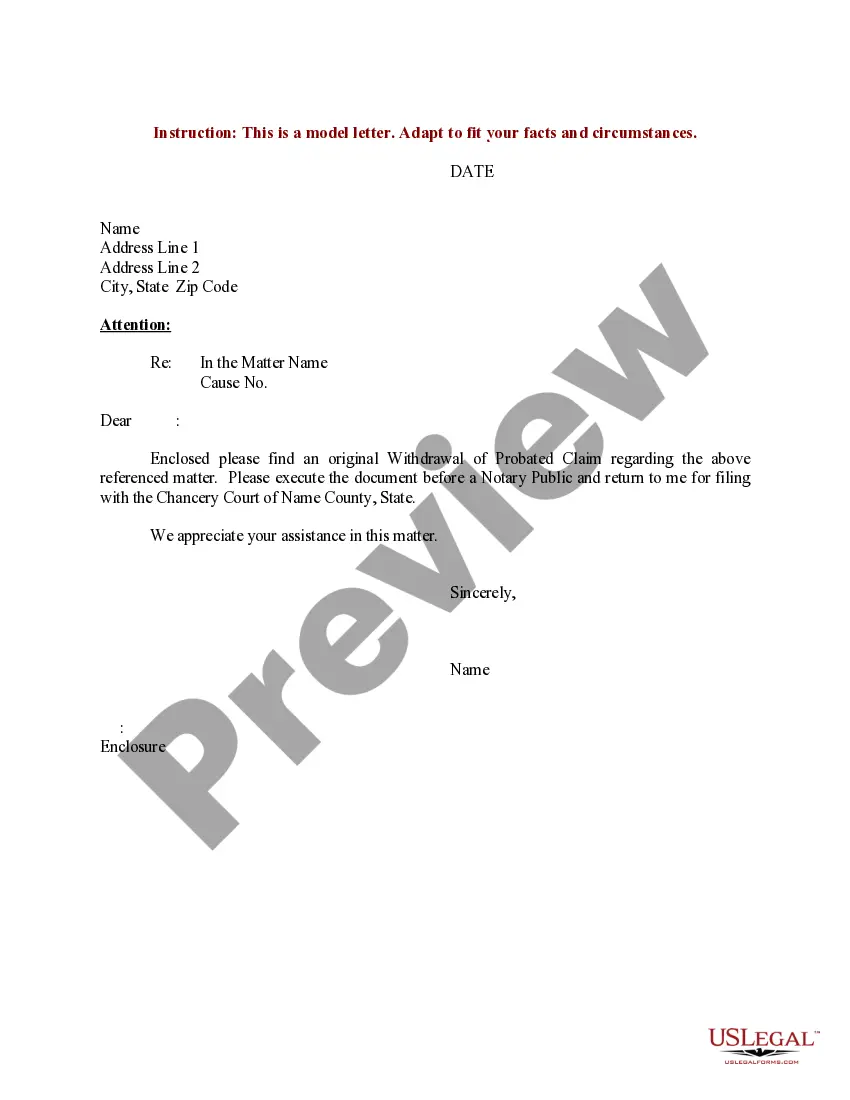
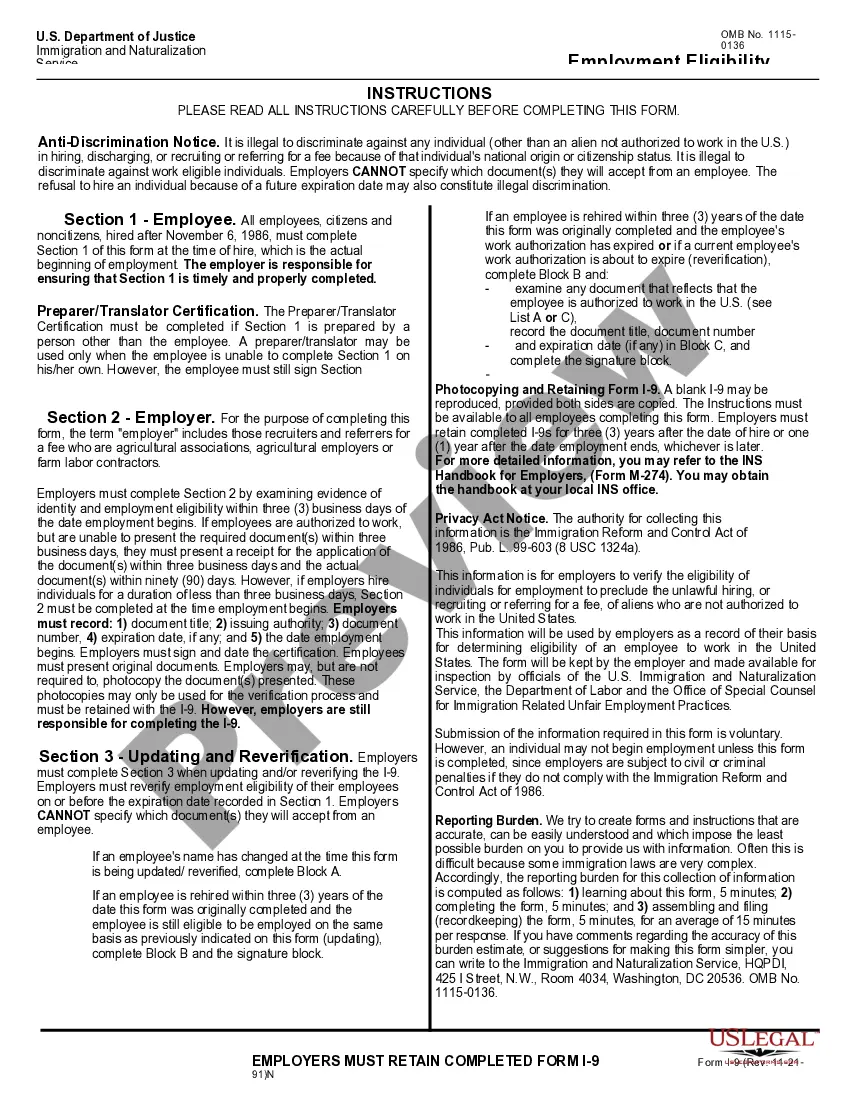
New York Form I-9
Description
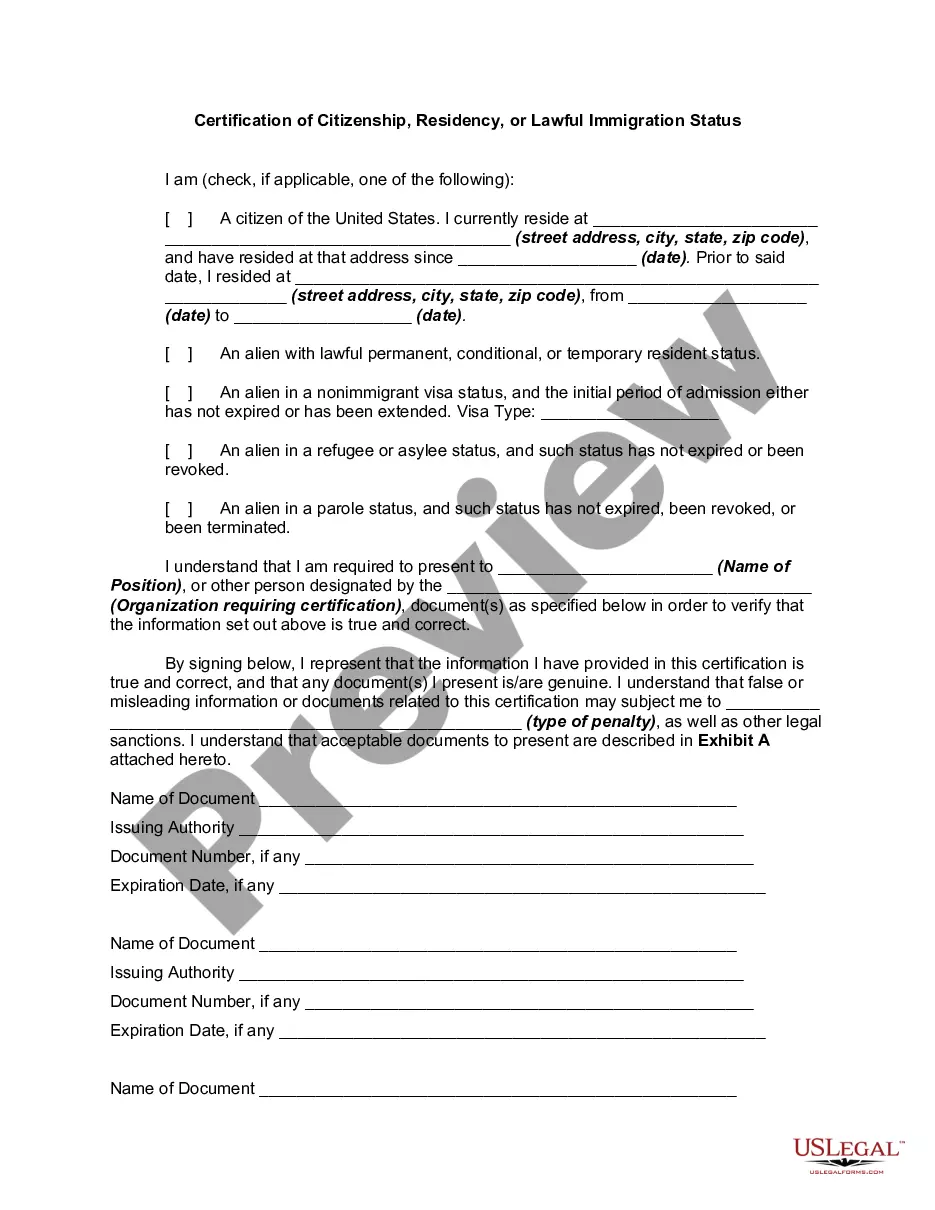
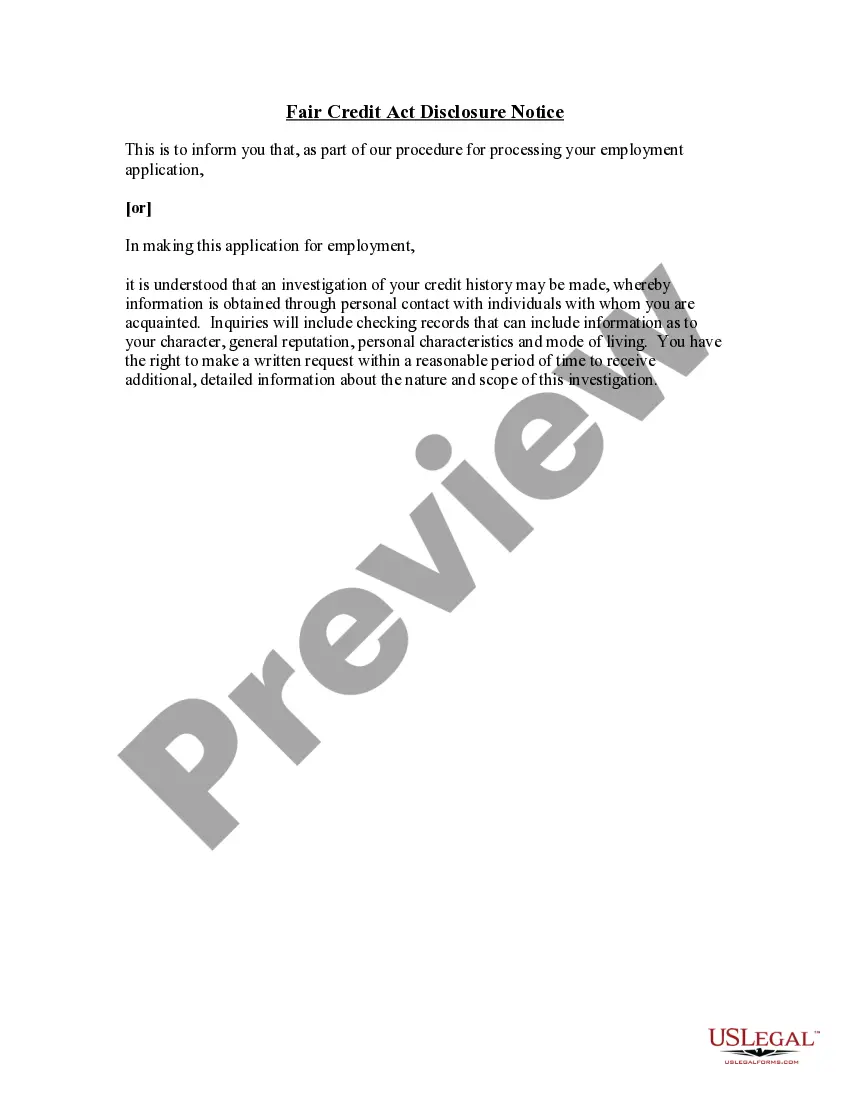
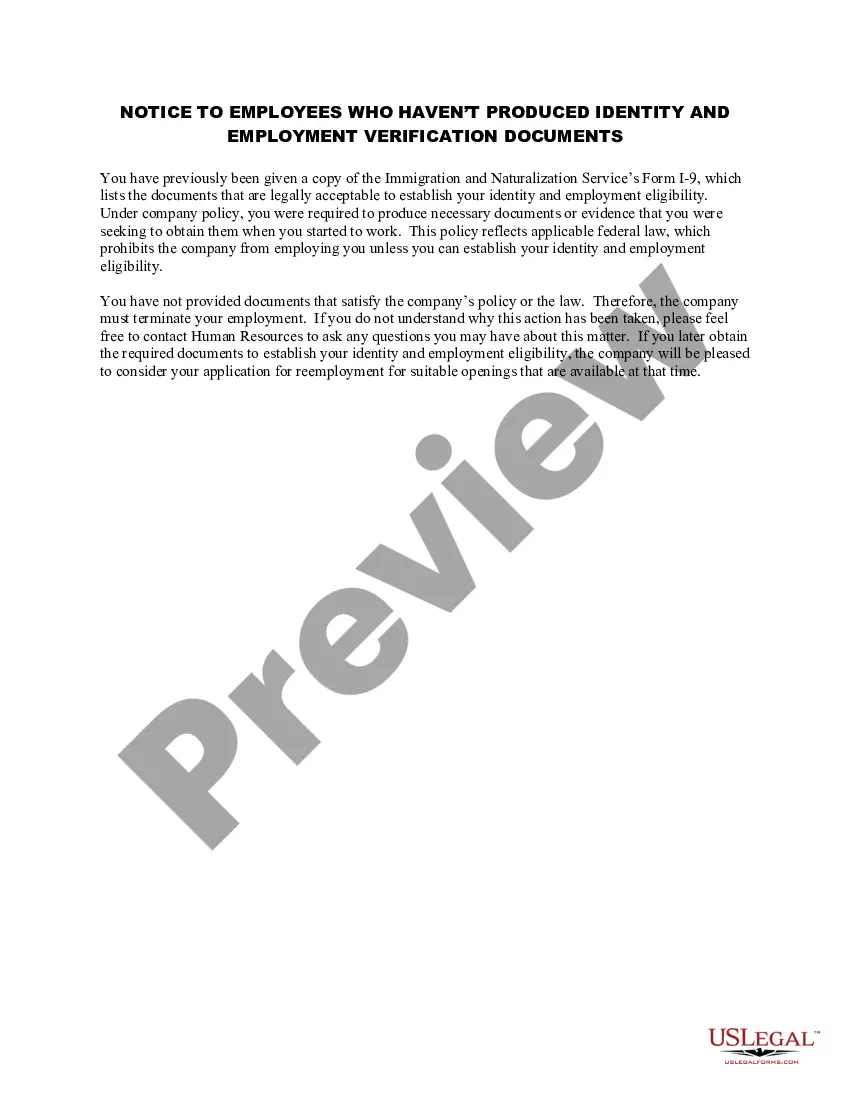
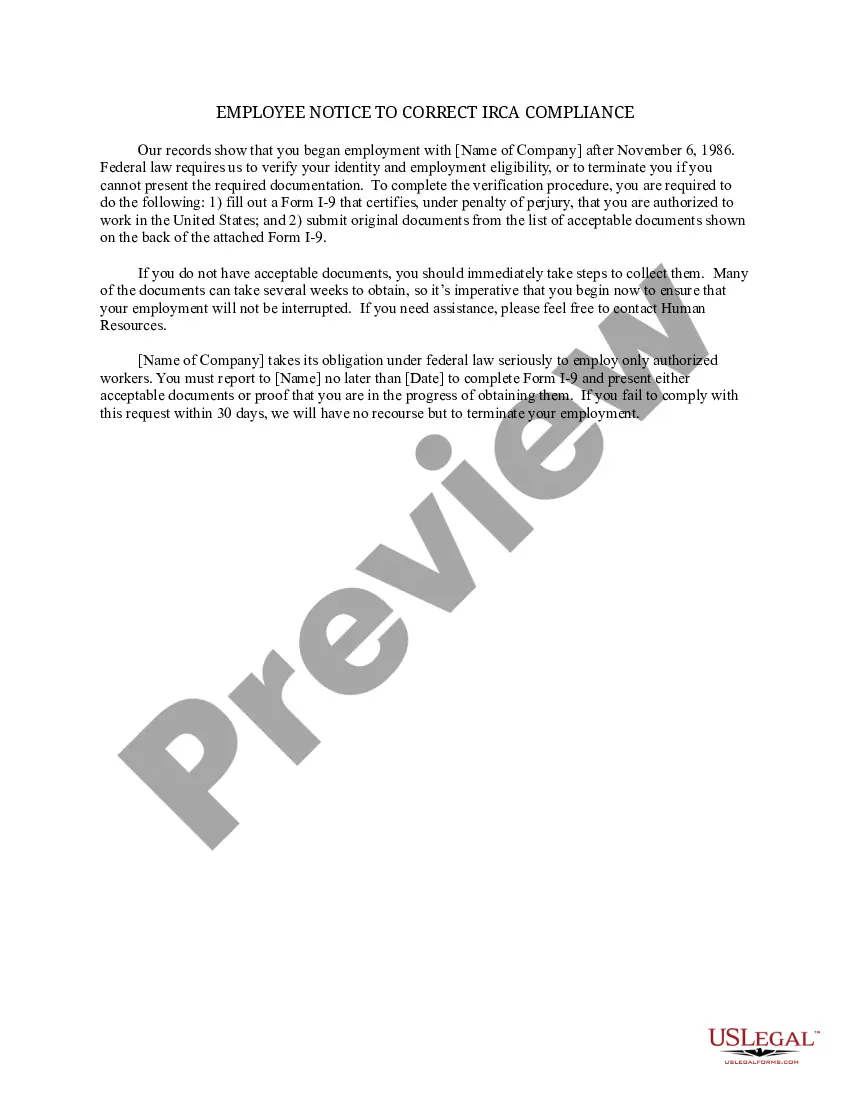
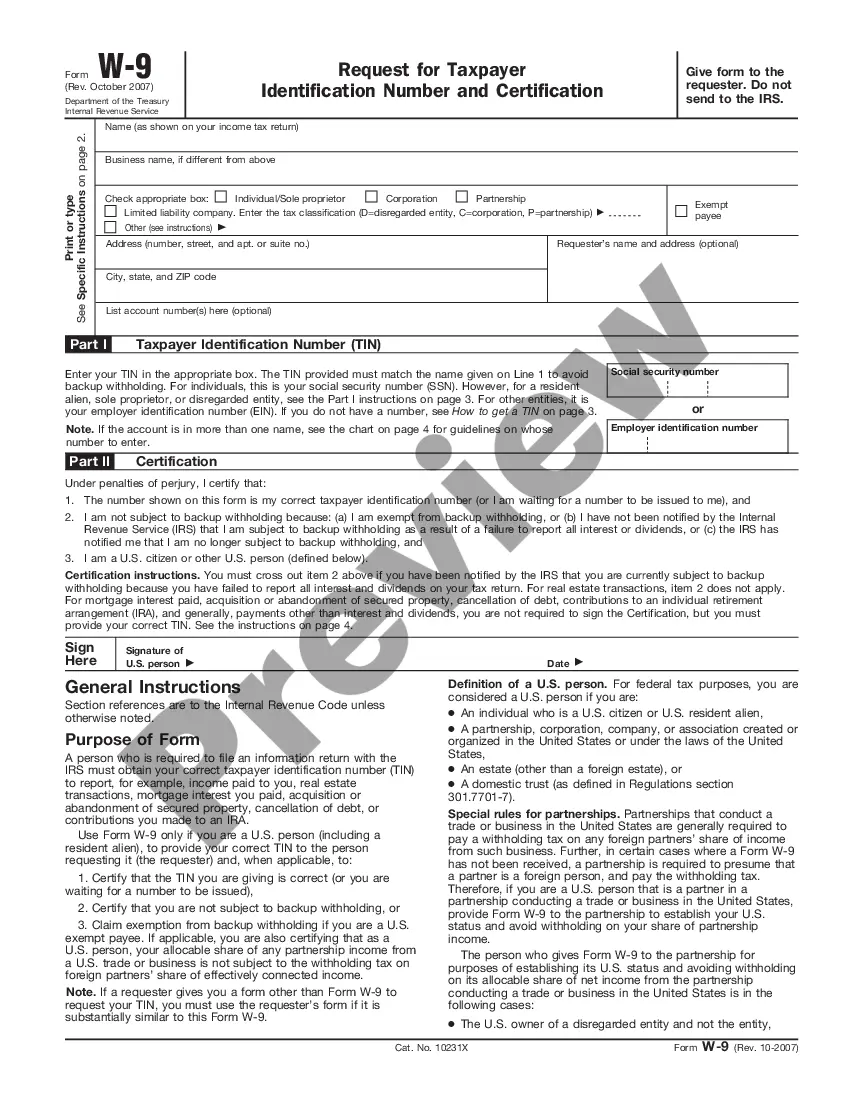
Get your form ready online
Our built-in tools help you complete, sign, share, and store your documents in one place.
Make edits, fill in missing information, and update formatting in US Legal Forms—just like you would in MS Word.
Download a copy, print it, send it by email, or mail it via USPS—whatever works best for your next step.
Sign and collect signatures with our SignNow integration. Send to multiple recipients, set reminders, and more. Go Premium to unlock E-Sign.
If this form requires notarization, complete it online through a secure video call—no need to meet a notary in person or wait for an appointment.
We protect your documents and personal data by following strict security and privacy standards.

Make edits, fill in missing information, and update formatting in US Legal Forms—just like you would in MS Word.

Download a copy, print it, send it by email, or mail it via USPS—whatever works best for your next step.

Sign and collect signatures with our SignNow integration. Send to multiple recipients, set reminders, and more. Go Premium to unlock E-Sign.

If this form requires notarization, complete it online through a secure video call—no need to meet a notary in person or wait for an appointment.

We protect your documents and personal data by following strict security and privacy standards.
Looking for another form?






How to fill out Form I-9?
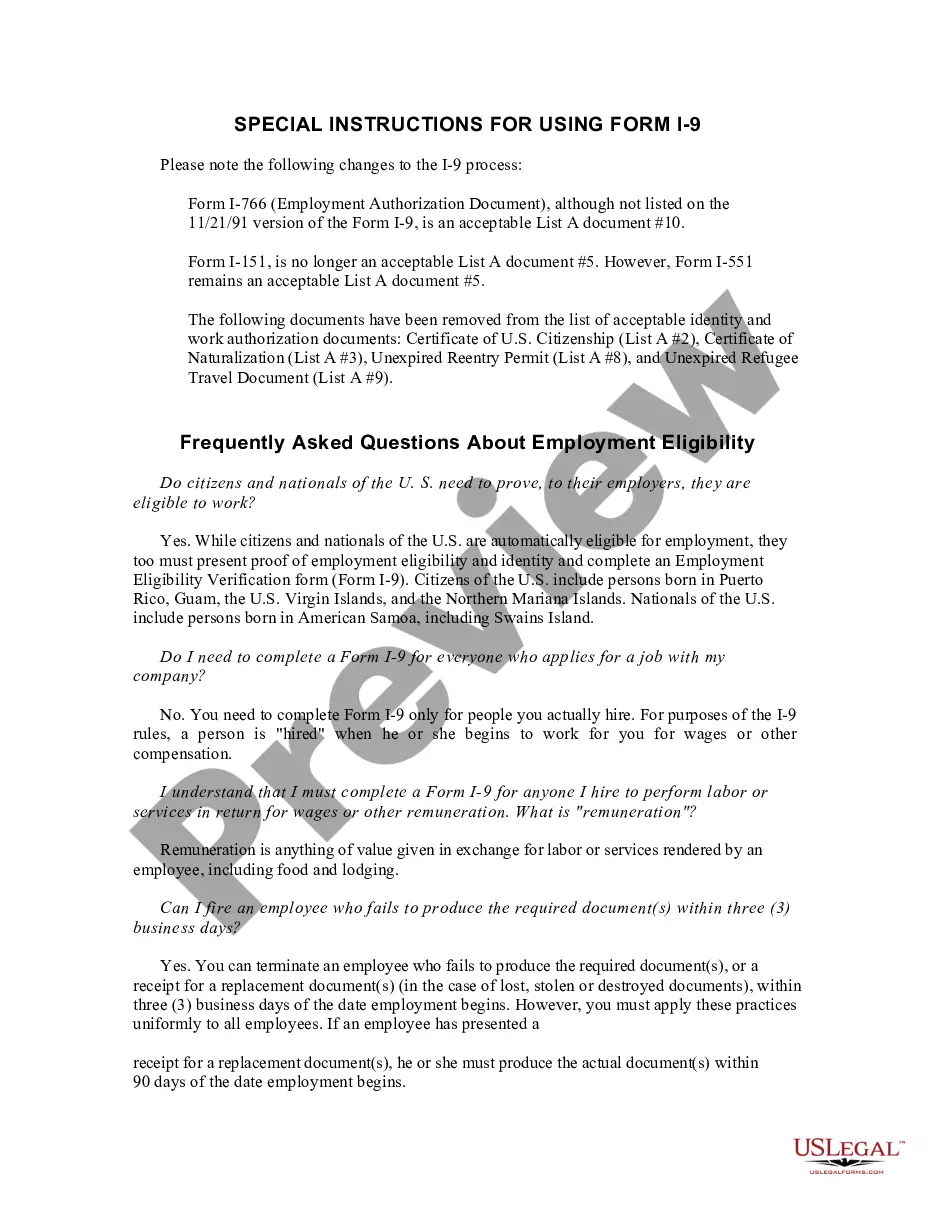
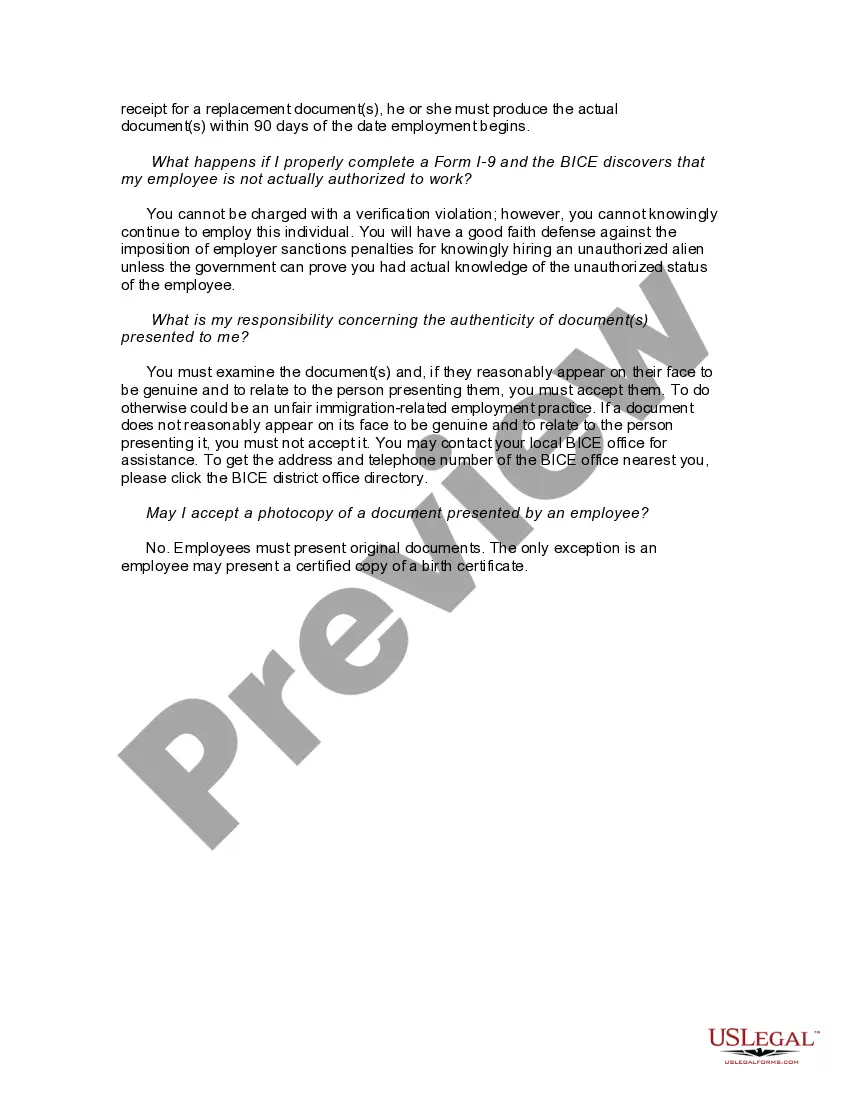
Discovering the right authorized document web template can be a have difficulties. Naturally, there are plenty of templates available on the net, but how would you find the authorized develop you require? Utilize the US Legal Forms site. The support gives thousands of templates, such as the New York Form I-9, that can be used for business and private demands. All of the forms are checked out by professionals and satisfy federal and state specifications.
When you are already authorized, log in in your profile and click on the Acquire option to find the New York Form I-9. Make use of profile to search from the authorized forms you may have bought earlier. Go to the My Forms tab of the profile and get yet another duplicate of the document you require.
When you are a brand new consumer of US Legal Forms, allow me to share straightforward recommendations that you should adhere to:
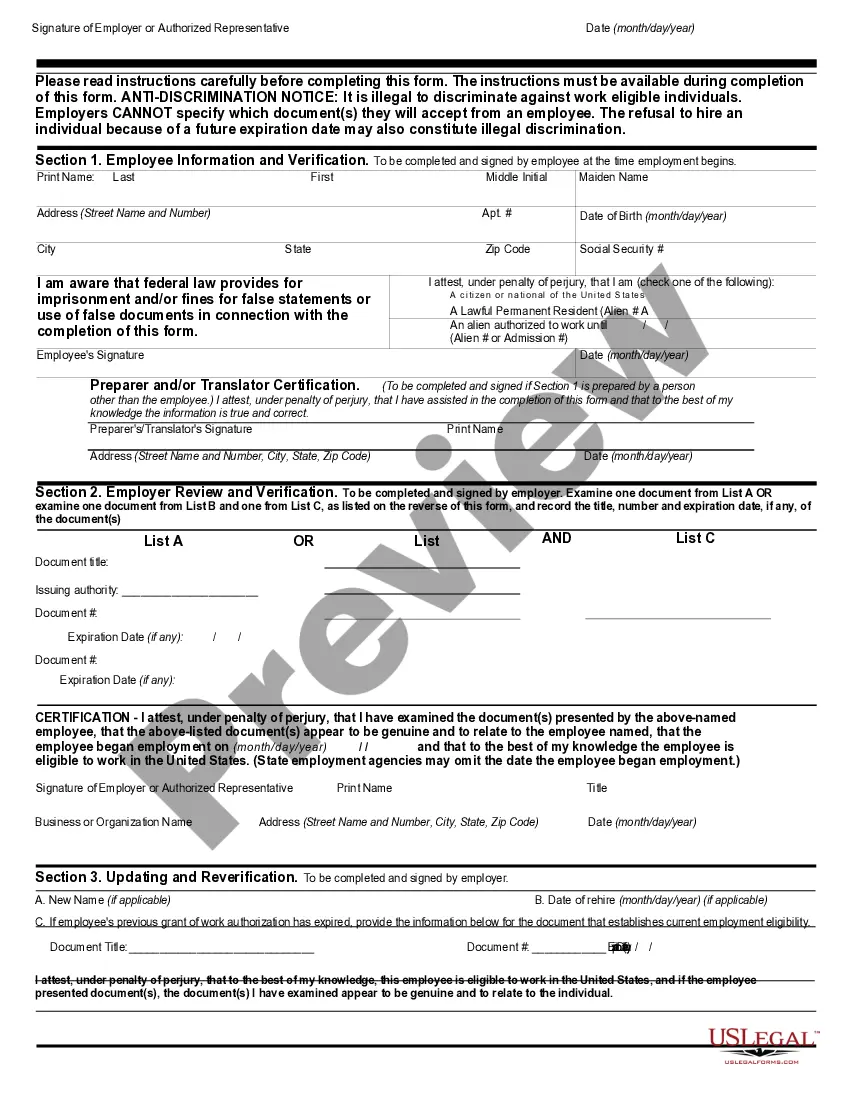
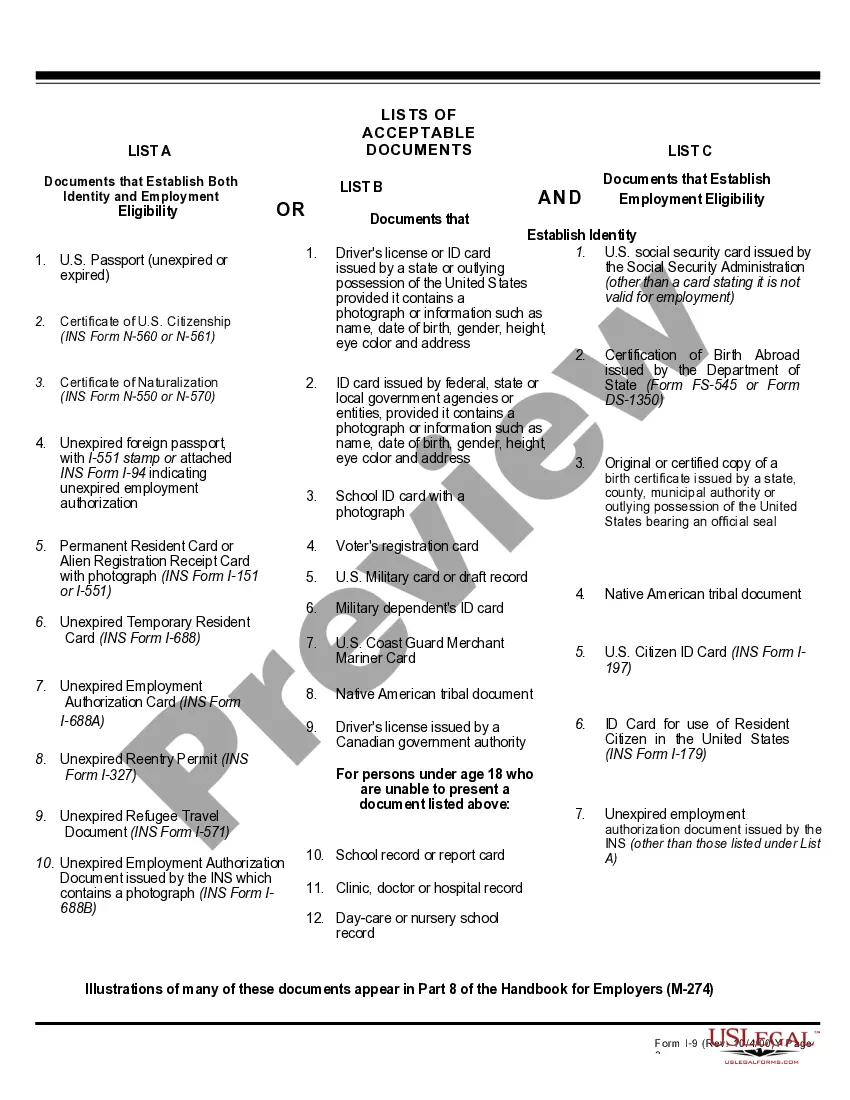
- Very first, be sure you have selected the correct develop for the metropolis/county. You are able to look through the form making use of the Preview option and look at the form explanation to make sure it will be the right one for you.
- If the develop will not satisfy your expectations, take advantage of the Seach industry to find the correct develop.
- Once you are sure that the form is proper, select the Purchase now option to find the develop.
- Select the costs plan you desire and enter in the needed information and facts. Design your profile and purchase the order with your PayPal profile or charge card.
- Pick the data file file format and download the authorized document web template in your system.
- Total, change and produce and indication the obtained New York Form I-9.
US Legal Forms is definitely the biggest local library of authorized forms in which you will find various document templates. Utilize the company to download skillfully-produced paperwork that adhere to express specifications.
Form popularity
FAQ
JUSTIFICATION: Electronic Verification System (E-Verify) is a federal program, created through the 1996 Immigration Reform and Control Act. E-Verify provides employers with the ability to check their employees' immigration status. Currently, New York State does not require employers to use E-verify. NY State Senate Bill 2023-S1802 nysenate.gov ? legislation ? bills nysenate.gov ? legislation ? bills
New Jersey federal contractors are required by federal law to participate in E-Verify.
Verify protects jobs for authorized workers and helps employers maintain a legal workforce. Am I required to participate in Verify? No. While participation in Verify is voluntary for most employers, other employers may be required by State law or Federal regulation to use Verify.
You can verify that an individual is a current or former employee of New York City by contacting the Department of Citywide Administrative Services. You will need to provide the individual's Social Security Number. You can also verify employment by contacting the human resources department at the employee's agency.
Washington - E-Verify is voluntary for all employers but some cities and counties have their own requirements such as: Whatcom County, Pierce County, Lewis County except Centralia, Cowitz County, Clark County, and the cities of Yakima (rescinded in 2019), Lakewood, Kennewick and Hoquiam.