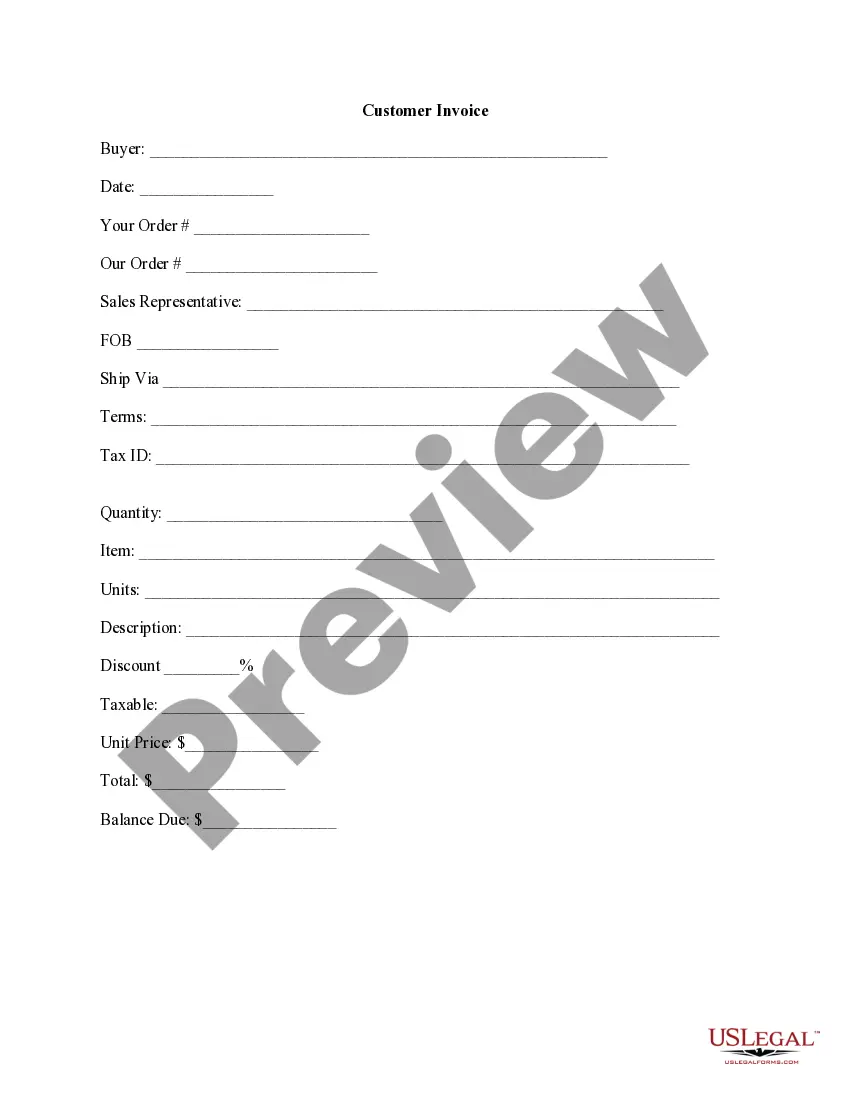
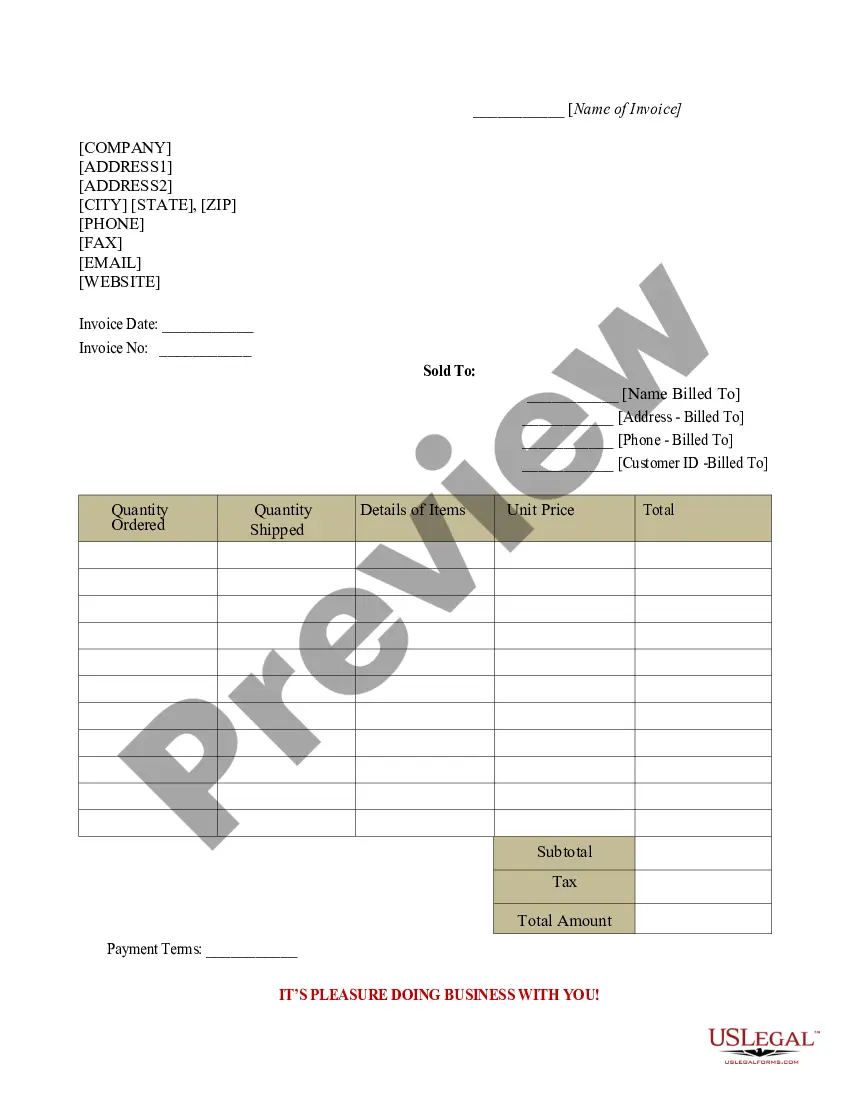
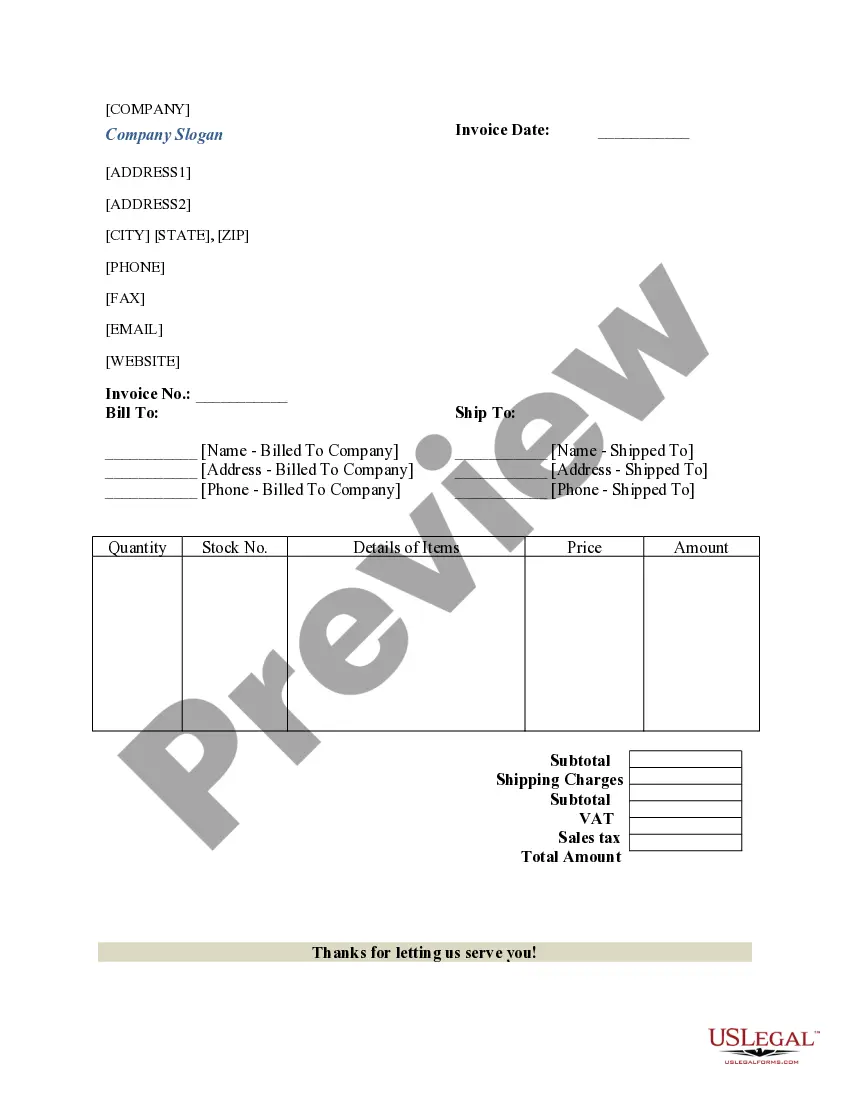
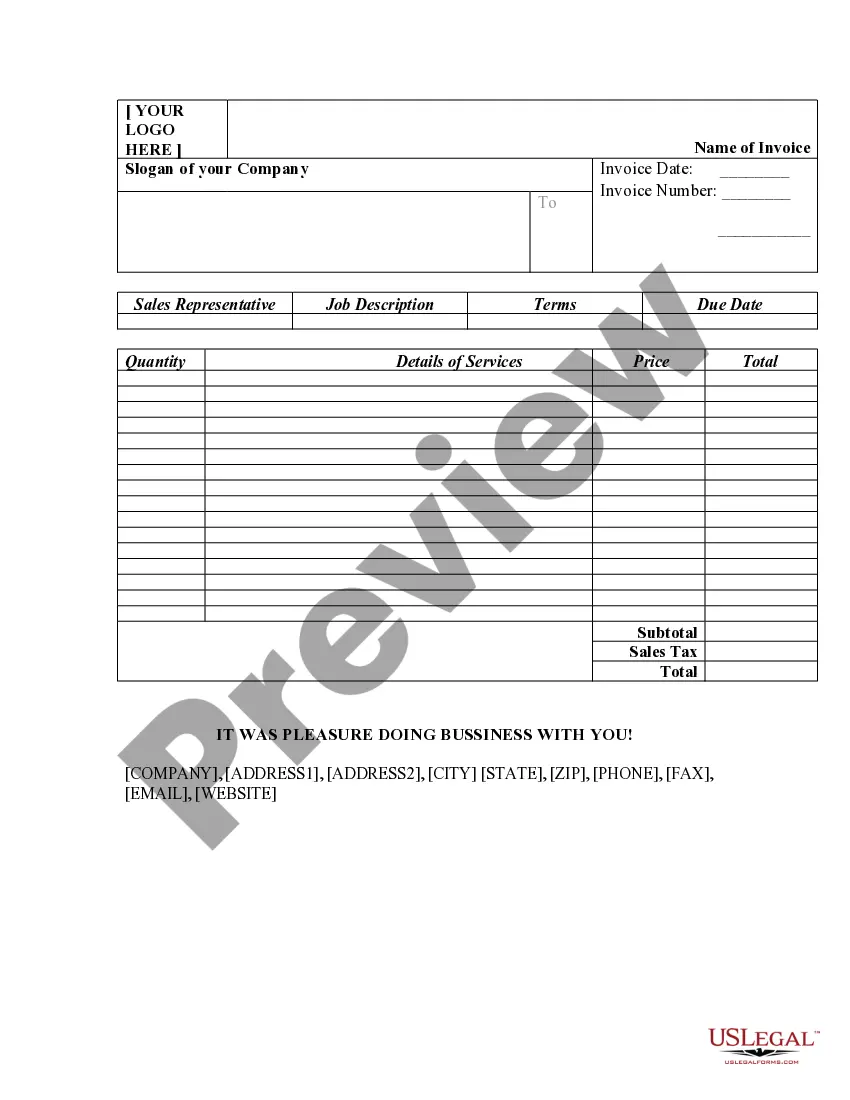
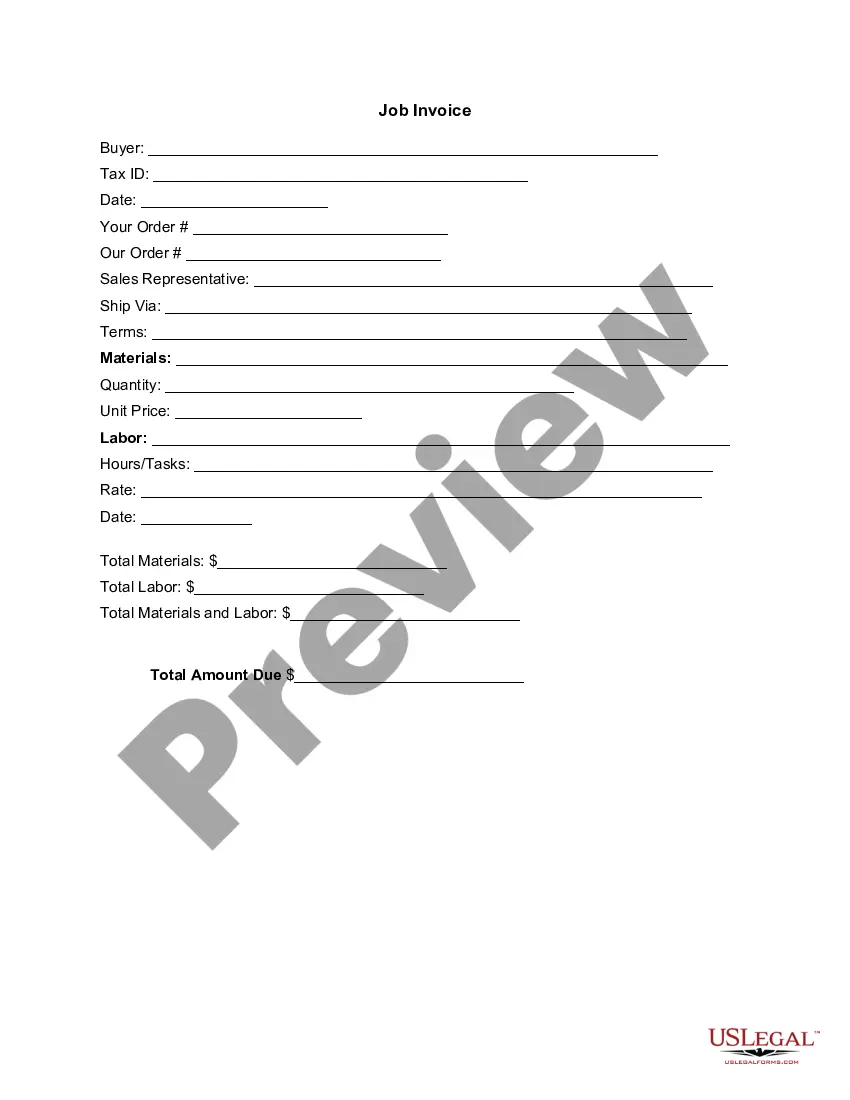
New York Customer Invoice
Description

Get your form ready online
Our built-in tools help you complete, sign, share, and store your documents in one place.
Make edits, fill in missing information, and update formatting in US Legal Forms—just like you would in MS Word.
Download a copy, print it, send it by email, or mail it via USPS—whatever works best for your next step.
Sign and collect signatures with our SignNow integration. Send to multiple recipients, set reminders, and more. Go Premium to unlock E-Sign.
If this form requires notarization, complete it online through a secure video call—no need to meet a notary in person or wait for an appointment.
We protect your documents and personal data by following strict security and privacy standards.

Make edits, fill in missing information, and update formatting in US Legal Forms—just like you would in MS Word.

Download a copy, print it, send it by email, or mail it via USPS—whatever works best for your next step.

Sign and collect signatures with our SignNow integration. Send to multiple recipients, set reminders, and more. Go Premium to unlock E-Sign.

If this form requires notarization, complete it online through a secure video call—no need to meet a notary in person or wait for an appointment.

We protect your documents and personal data by following strict security and privacy standards.
Looking for another form?





How to fill out Customer Invoice?
You can dedicate hours on the web looking for the proper legal document template that meets the state and federal requirements you will require.
US Legal Forms offers a multitude of legal forms that can be assessed by experts.
You can easily download or print the New York Customer Invoice from my service.
If you want to find another version of the template, utilize the Search bar to locate the design that suits your needs and requirements.
- If you already have a US Legal Forms account, you can Log In and select the Download option.
- Then, you can complete, modify, print, or sign the New York Customer Invoice.
- Every legal document template you acquire is yours indefinitely.
- To obtain another copy of any purchased form, visit the My documents section and click on the relevant option.
- If this is your first time using the US Legal Forms website, follow the simple instructions below.
- First, ensure that you have selected the correct document template for the area/city of your choice.
- Review the form description to confirm you have chosen the appropriate template.
Form popularity
FAQ
Yes, you can paper file a New York state tax return by completing the appropriate forms and mailing them to the state. While e-filing is quicker, some prefer the traditional paper route. When filing your return based on your New York Customer Invoice, ensure that all details are complete and accurate to avoid any delays.
The mailing address for your New York tax return depends on your specific situation, such as whether you are due a refund or owe taxes. Detailed information is available on the New York State Department of Taxation and Finance website. Having accurate details from your New York Customer Invoice helps in filing your return correctly.
Yes, you can file New York State taxes online using the state’s official tax website or various tax software programs. E-filing can speed up the processing of your return and potential refund. If you generate New York Customer Invoices, online filing is a convenient way to manage your taxes efficiently.
You can prepare your own New York state tax return or hire a qualified tax professional. Many individuals opt for tax preparation software that simplifies the process. If your business issues New York Customer Invoices, seeking professional help may ensure you maximize your deductions and credits.
To register for New York state withholding tax, you must complete the NYS Employer Registration for Withholding Tax form. This allows you to withhold taxes from employee paychecks. If you issue New York Customer Invoices as a business, it's essential to ensure compliance with withholding regulations.
Filing a New York tax return involves several steps. You can choose to file electronically or use paper forms, depending on your preference. If you have a New York Customer Invoice, be sure to include all necessary income details to ensure an accurate filing.
Nonresidents must file a New York state tax return if they earn income from New York sources. This can include wages, business income, or rental income. It's crucial to determine your tax obligations, especially if your New York Customer Invoice includes income generated within the state.
To download a square invoice as a PDF, go to your Square account and find the invoice you want to convert. Click on the 'Download' option, and select 'PDF' as your format. This allows you to store the New York Customer Invoice conveniently for administrators and clients alike.
Processing a customer invoice involves reviewing the invoice for accuracy and ensuring it aligns with your service agreements. After verifying the information, send the New York Customer Invoice to the client. Employ a follow-up routine to confirm receipt and payment.
To record a customer invoice, first ensure that you have all the necessary details documented. Enter the invoice information into your accounting software or spreadsheet, and categorize it appropriately. Having a well-structured New York Customer Invoice helps maintain accurate records for future references.