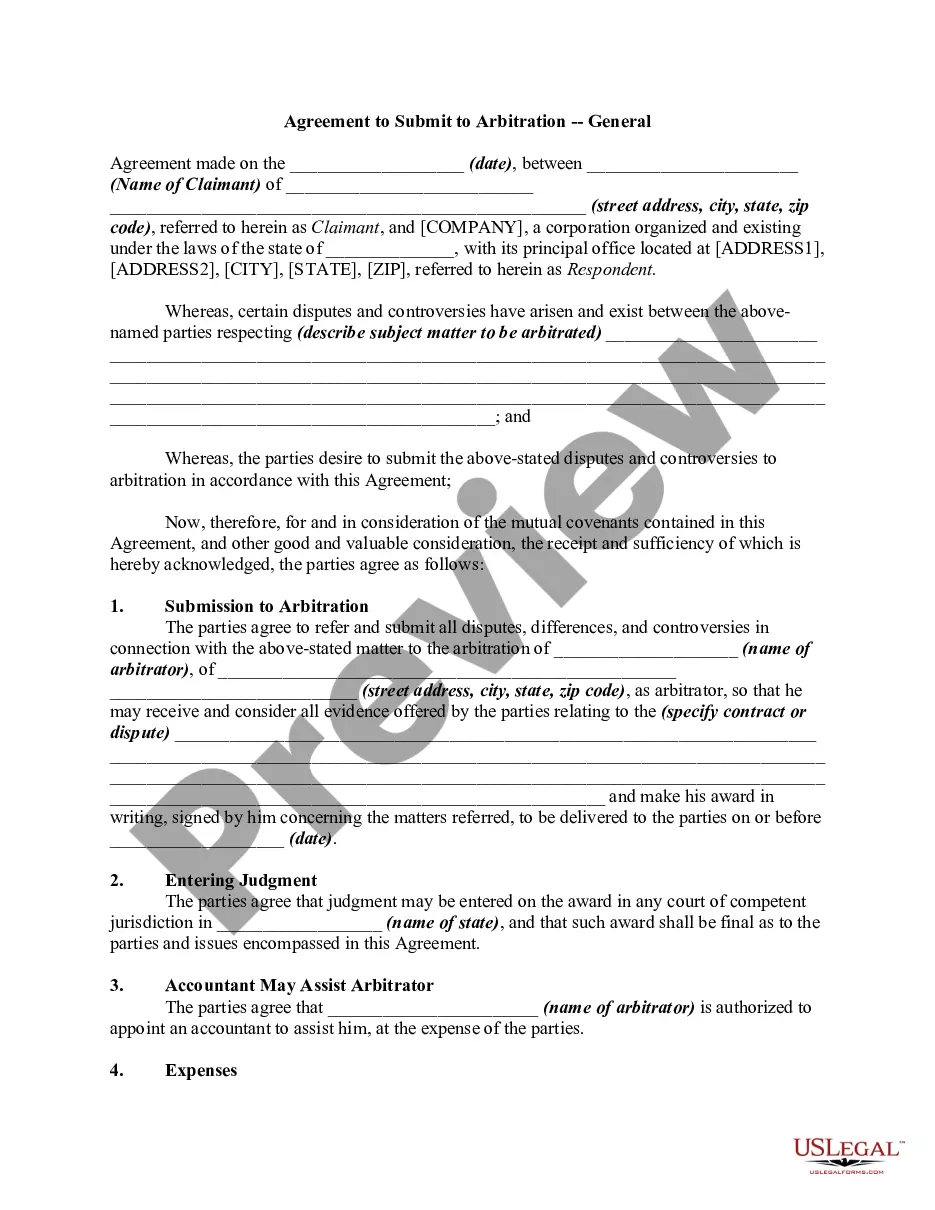
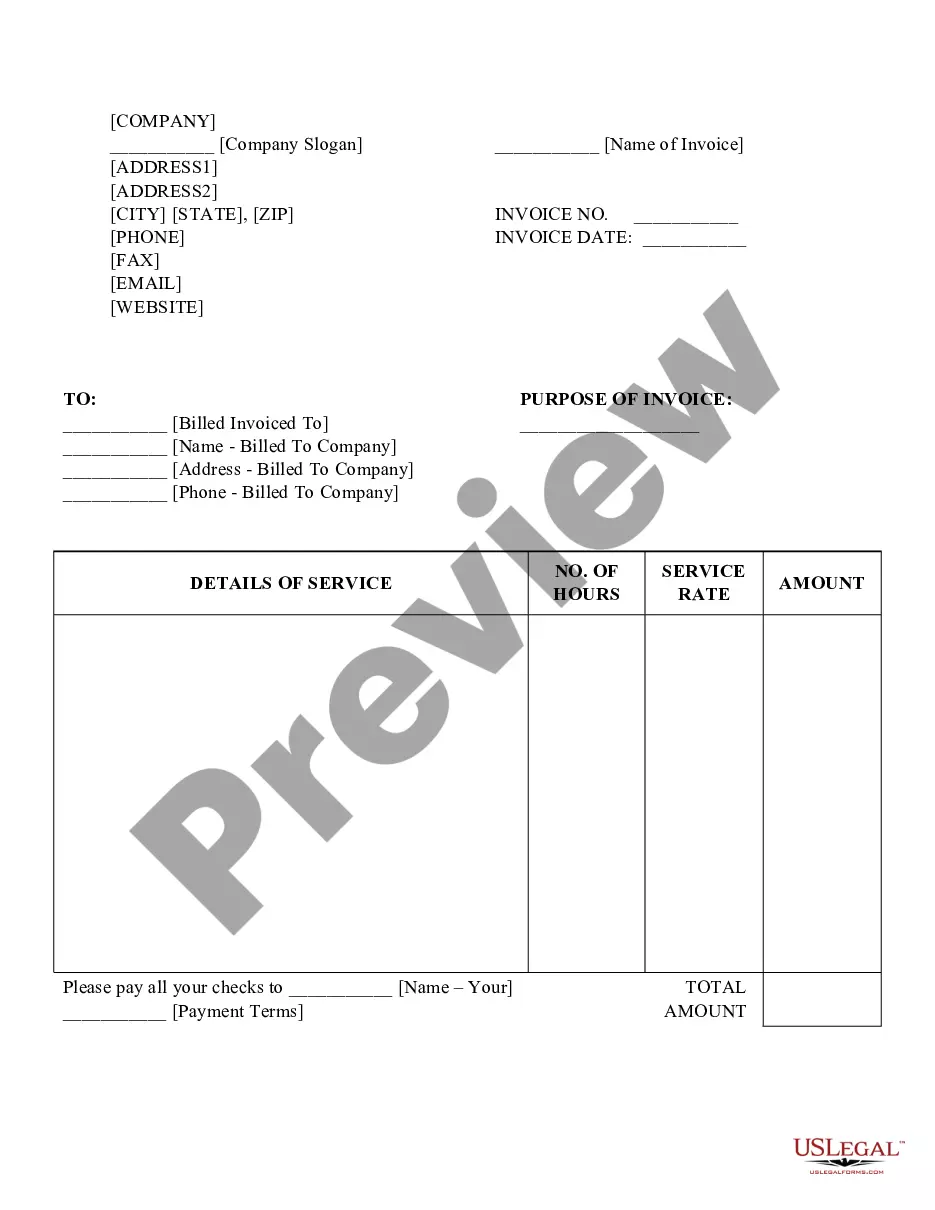
New York Job Invoice
Description


Get your form ready online
Our built-in tools help you complete, sign, share, and store your documents in one place.
Make edits, fill in missing information, and update formatting in US Legal Forms—just like you would in MS Word.
Download a copy, print it, send it by email, or mail it via USPS—whatever works best for your next step.
Sign and collect signatures with our SignNow integration. Send to multiple recipients, set reminders, and more. Go Premium to unlock E-Sign.
If this form requires notarization, complete it online through a secure video call—no need to meet a notary in person or wait for an appointment.
We protect your documents and personal data by following strict security and privacy standards.

Make edits, fill in missing information, and update formatting in US Legal Forms—just like you would in MS Word.

Download a copy, print it, send it by email, or mail it via USPS—whatever works best for your next step.

Sign and collect signatures with our SignNow integration. Send to multiple recipients, set reminders, and more. Go Premium to unlock E-Sign.

If this form requires notarization, complete it online through a secure video call—no need to meet a notary in person or wait for an appointment.

We protect your documents and personal data by following strict security and privacy standards.
Looking for another form?



How to fill out Job Invoice?
You might spend hours online looking for the valid document template that meets the federal and state requirements you need.
US Legal Forms offers a multitude of valid forms that have been reviewed by experts.
You can download or create the New York Job Invoice from the service.
If available, use the Review button to examine the document template as well.
- If you already have a US Legal Forms account, you can Log In and click on the Download button.
- Then, you can fill out, modify, create, or sign the New York Job Invoice.
- Every valid document template you download is yours indefinitely.
- To obtain another copy of a downloaded form, navigate to the My documents section and click the appropriate button.
- If you're using the US Legal Forms website for the first time, follow these simple instructions below.
- First, ensure you have selected the correct document template for the state/city of your preference.
- Review the form summary to confirm you have chosen the right form.
Form popularity
FAQ
Filling out a contractor's New York Job Invoice entails providing clear and comprehensive details. Start by listing your business name and the client's information. Document the services delivered, specifying the time worked or materials used, and state the total amount due. Providing clear terms will aid in prompt payment.
To properly fill out a New York Job Invoice, use a clear layout for ease of understanding. Ensure to input accurate information, such as your business name, client details, invoice date, and itemized list of services rendered. Don't forget to calculate the total amount, including taxes if applicable, and include any payment instructions.
To fill out your New York Job Invoice, begin with your company name and contact information at the top. Next, add the client's details, including their name and address. Include an invoice number, date, and a list of services provided with corresponding amounts. Finally, ensure you specify payment terms and the total amount due.
Filing an invoice involves organizing it properly within your accounting system or filing cabinet. Ensure each New York Job Invoice is logged accurately with its issue date and payment status for easy reference. A solid filing process not only aids in financial tracking but also supports in maintaining good client relationships.
To create an invoice for your employer, start by using a template that includes all relevant information such as your name, employer's name, the services provided, and payment due. Make sure to list your hours worked or deliverables completed on the New York Job Invoice. Confirm with your employer regarding their preferred invoicing format to meet their needs effectively.
Filing invoices can be done both digitally and physically. If you operate in digital formats, organize your New York Job Invoice files into folders based on months or clients for easier tracking. When maintaining physical copies, use labeled folders and keep them in a secure storage area to ensure proper documentation.
Creating an invoice file can be done using various templates available online or with software applications tailored for invoicing. Make sure to incorporate your business details, services rendered, and payment terms in your New York Job Invoice template. A clear and professional design contributes to effective communication with clients.
The best way to file receipts and invoices is to use a digital organization system, which helps keep everything in one accessible location. Consider scanning physical documents and storing them in cloud-based solutions for easy retrieval. This approach simplifies managing your New York Job Invoice and ensures you can track all your transactions effortlessly.
To submit an invoice, you typically need to send it via email or through a designated billing platform, depending on the client's preferences. Ensure that you attach the finalized New York Job Invoice in PDF format to maintain its integrity. Following up politely after submission can help in ensuring timely payment.
Filling out a work invoice involves including essential details such as your name, the client's name, the services provided, and the amount due. You should also specify the invoice number, date of service, and payment terms. A well-structured New York Job Invoice helps ensure clarity and professionalism, making the payment process smoother.