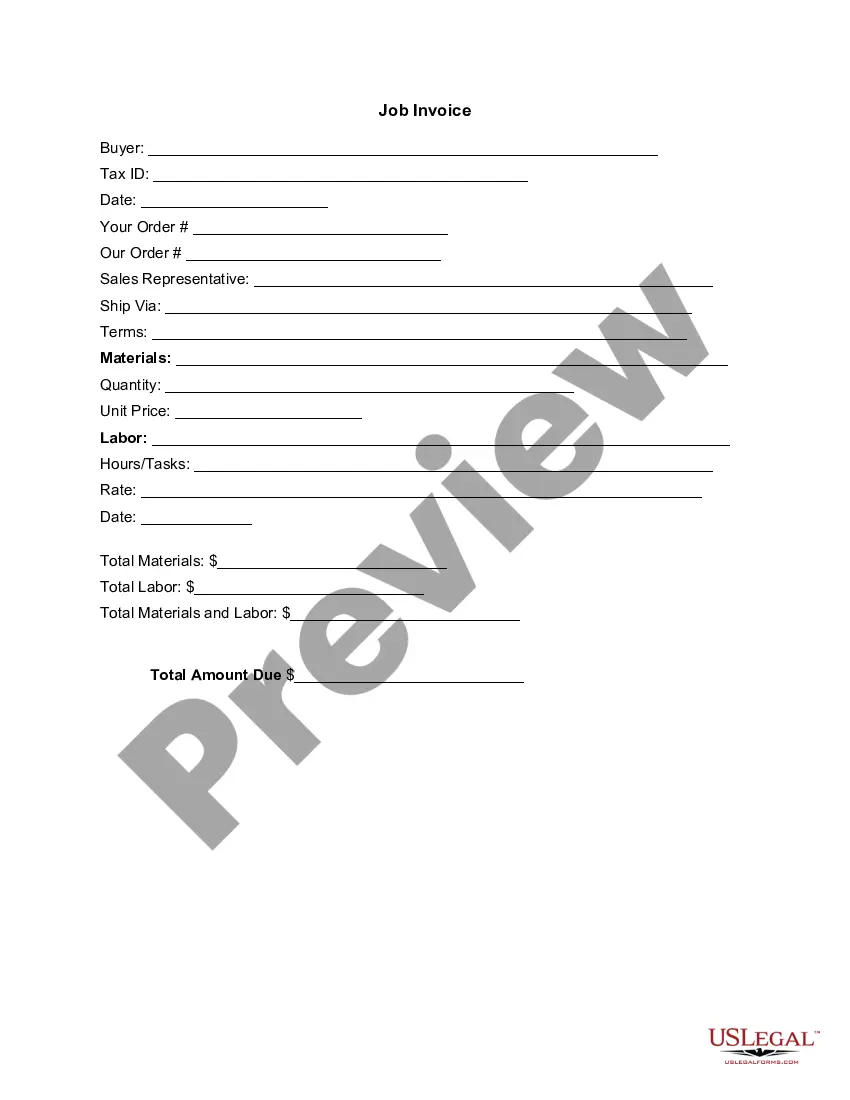
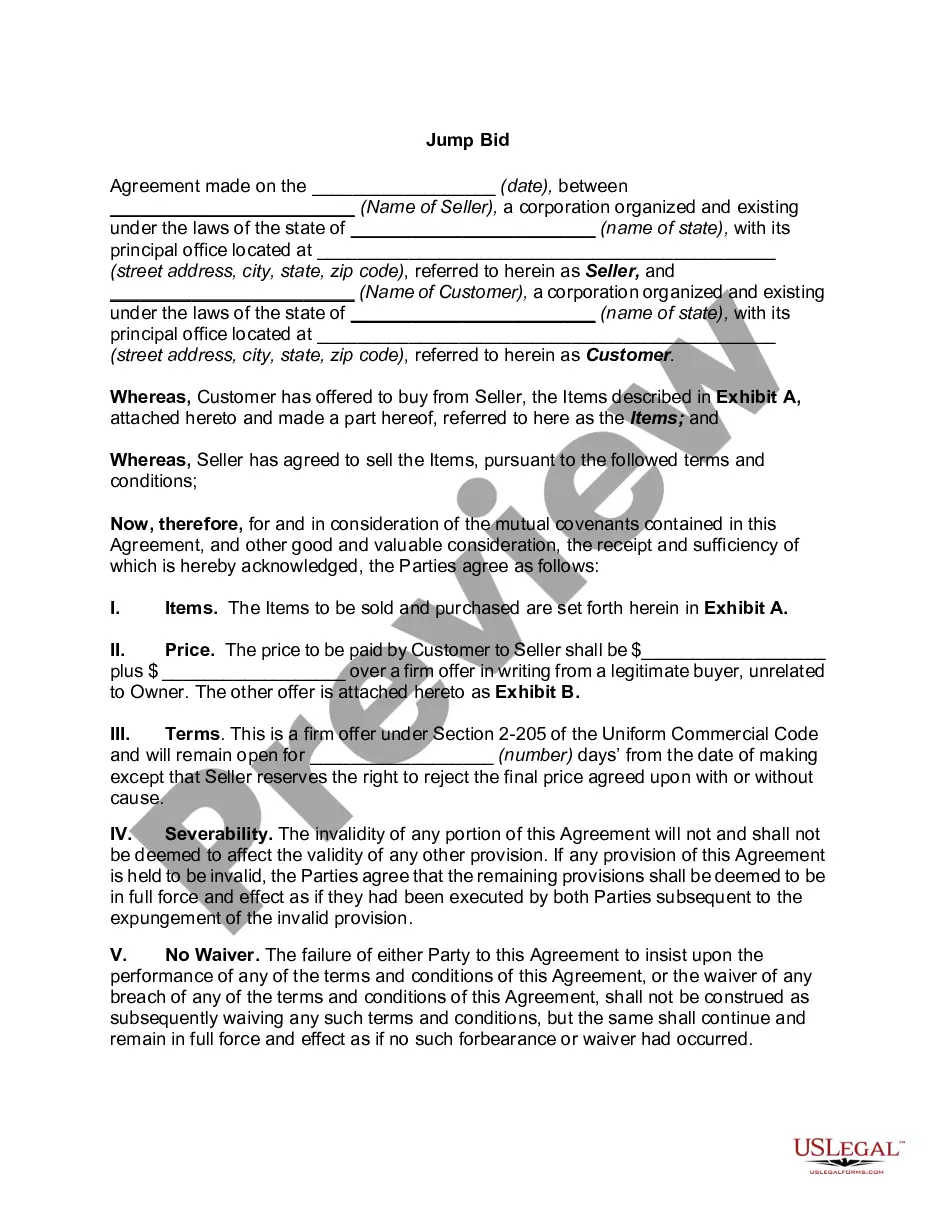
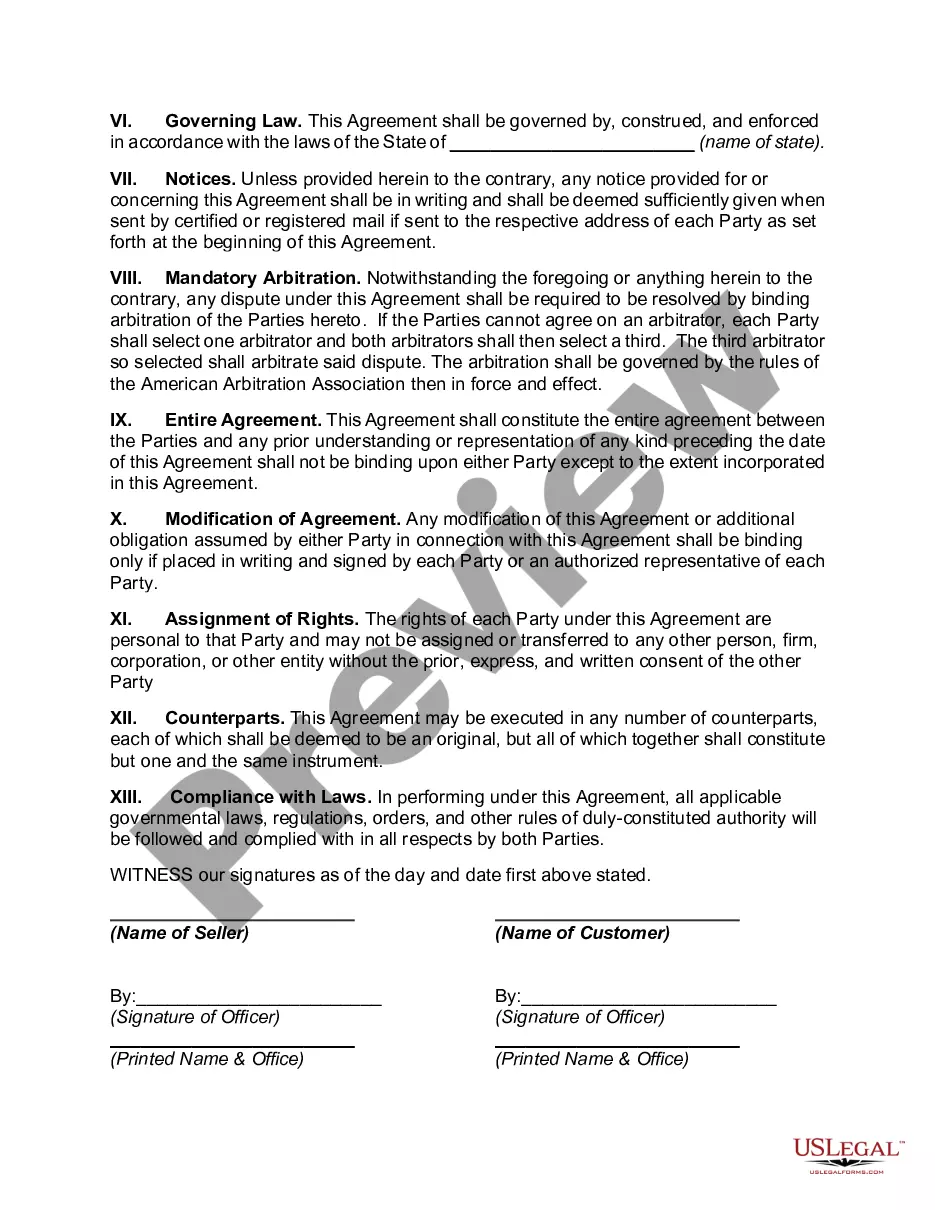
New Jersey Jump Bid
Description
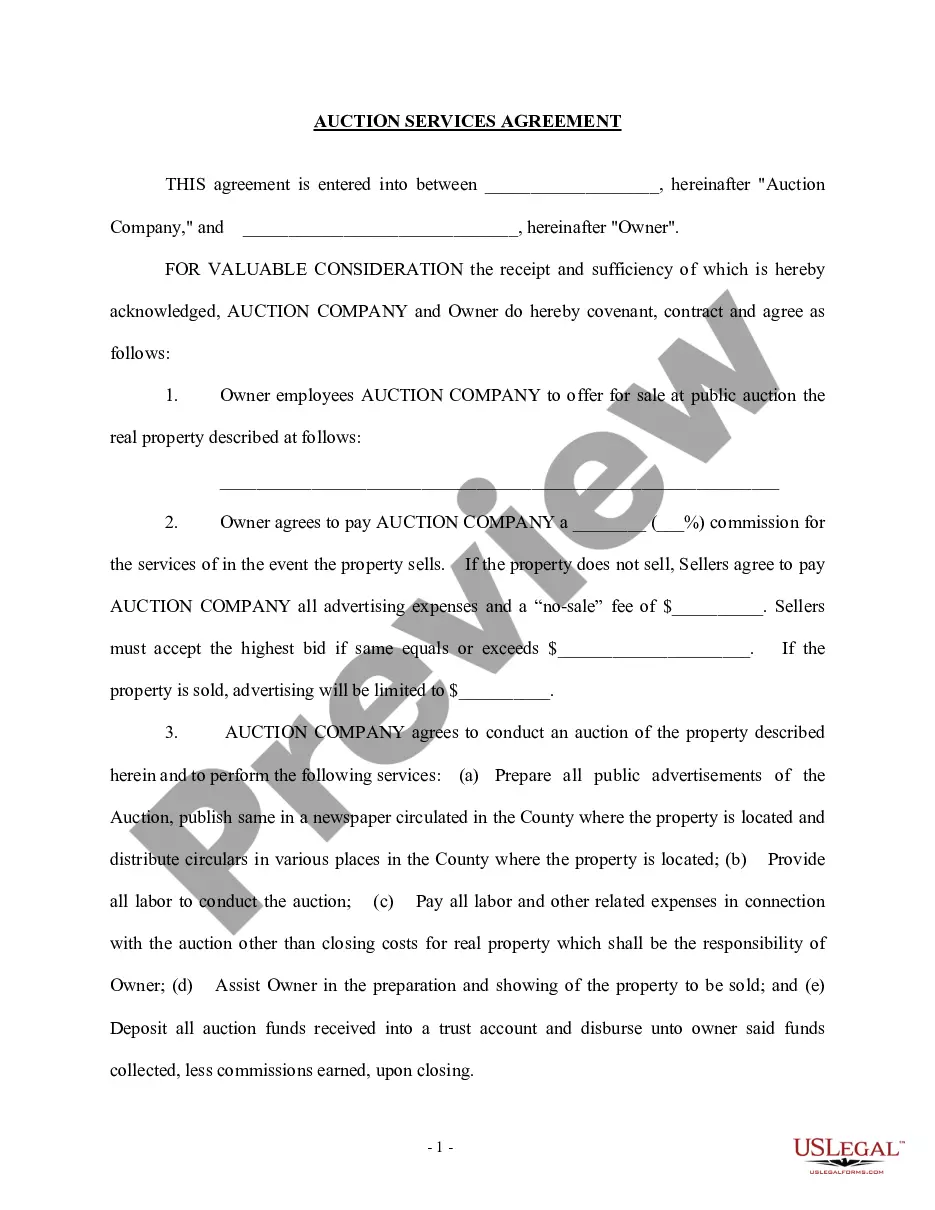
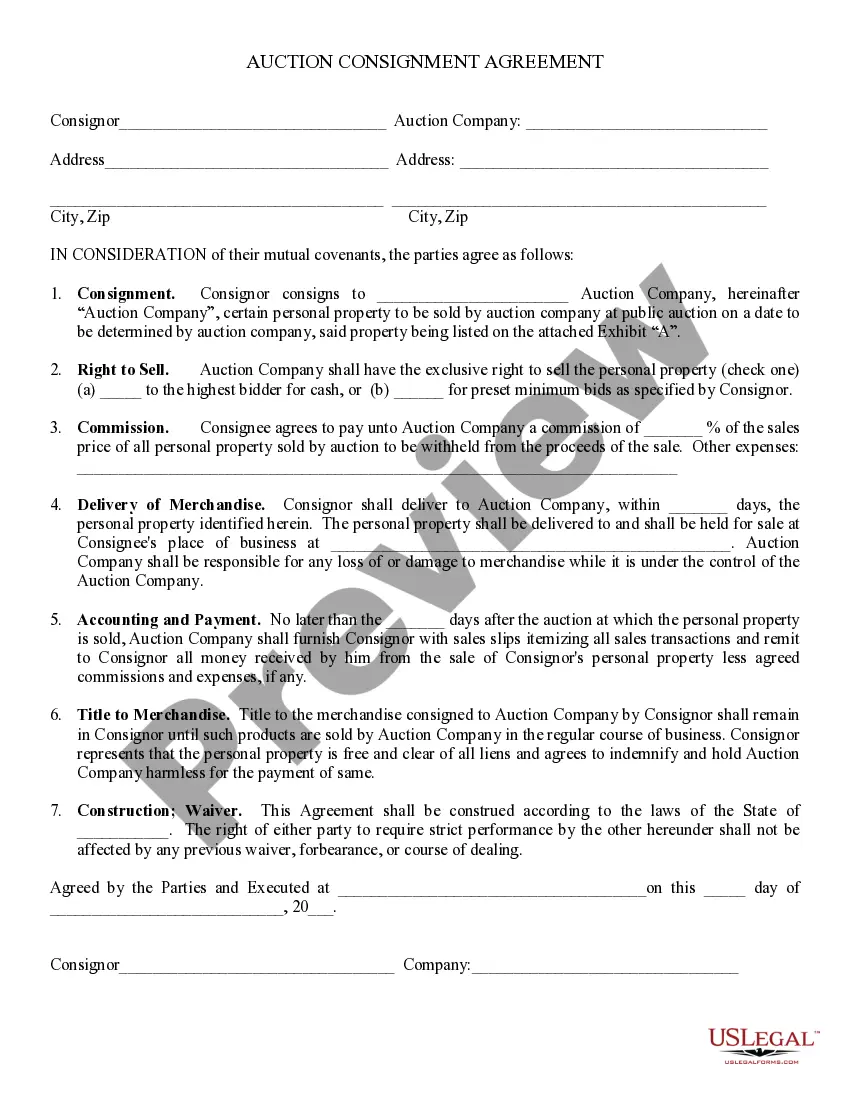
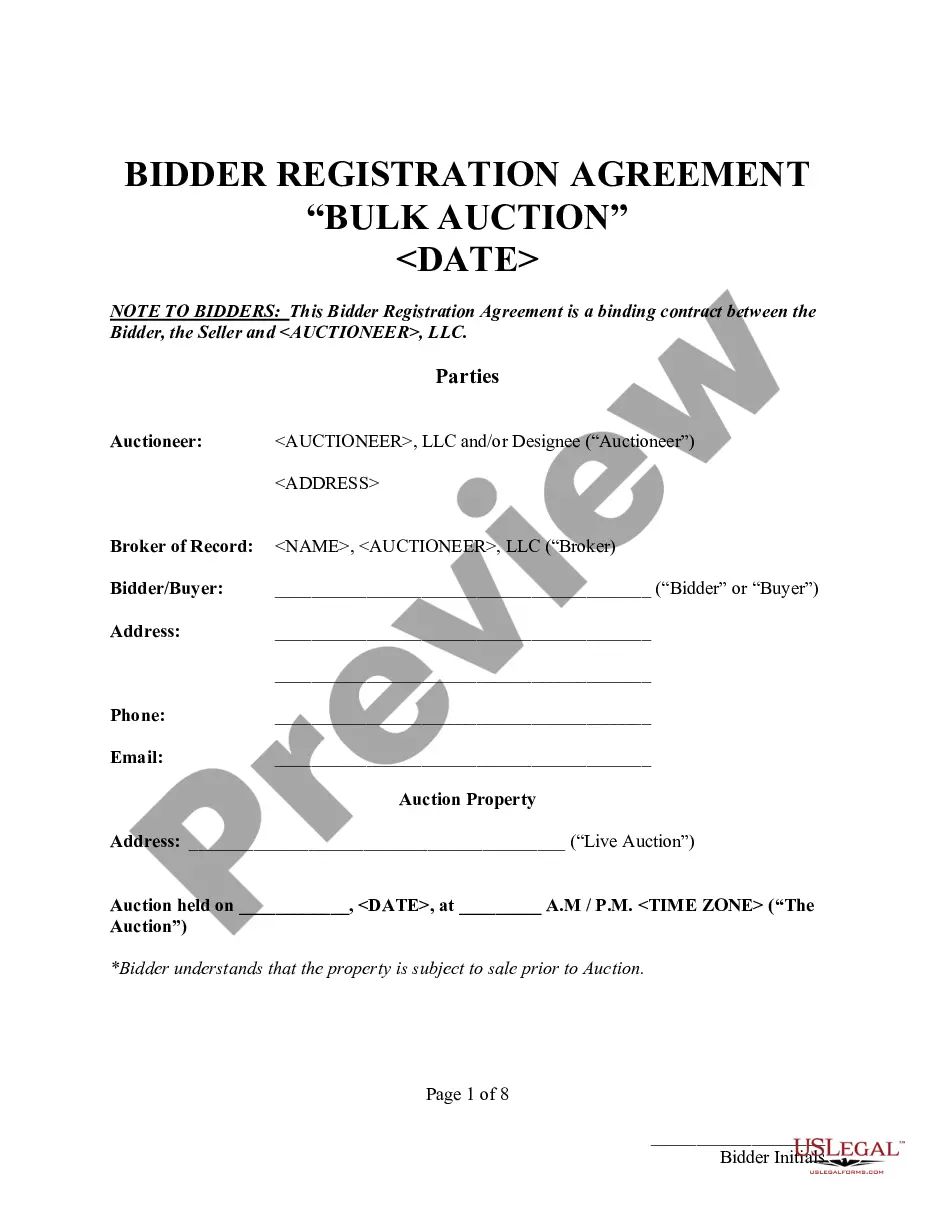
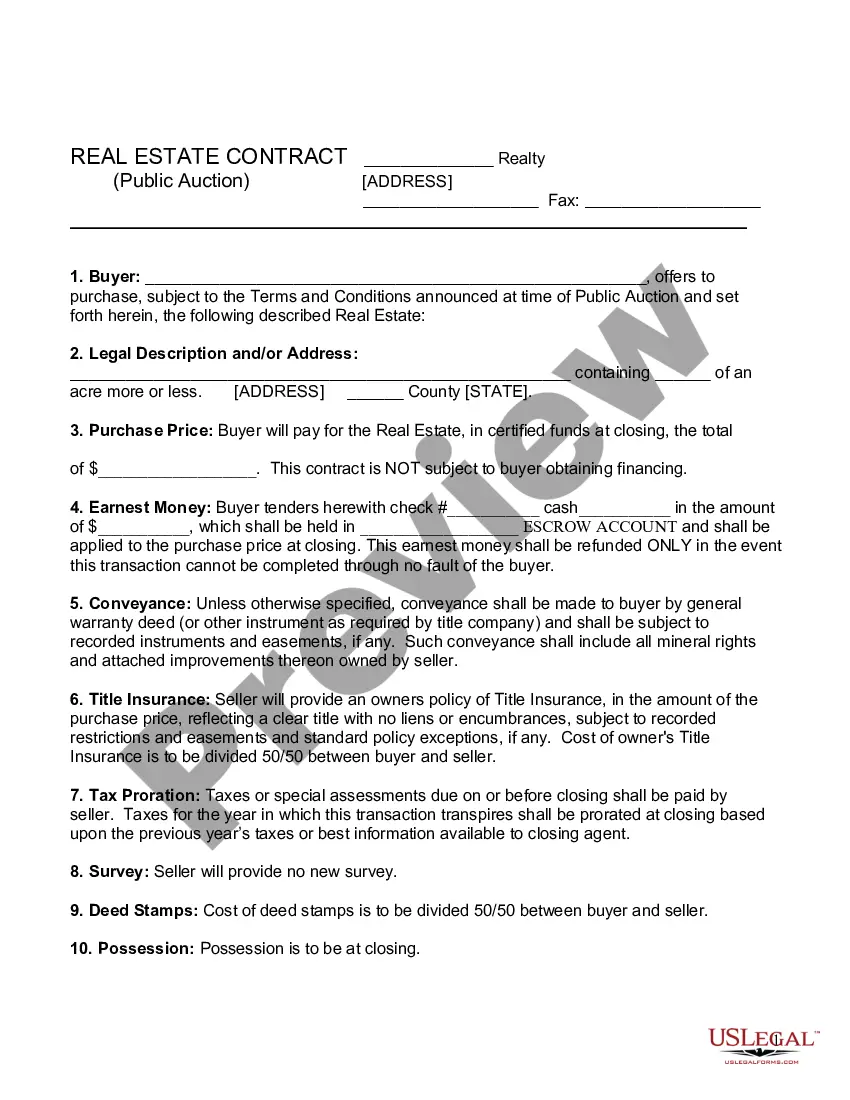
Get your form ready online
Our built-in tools help you complete, sign, share, and store your documents in one place.
Make edits, fill in missing information, and update formatting in US Legal Forms—just like you would in MS Word.
Download a copy, print it, send it by email, or mail it via USPS—whatever works best for your next step.
Sign and collect signatures with our SignNow integration. Send to multiple recipients, set reminders, and more. Go Premium to unlock E-Sign.
If this form requires notarization, complete it online through a secure video call—no need to meet a notary in person or wait for an appointment.
We protect your documents and personal data by following strict security and privacy standards.

Make edits, fill in missing information, and update formatting in US Legal Forms—just like you would in MS Word.

Download a copy, print it, send it by email, or mail it via USPS—whatever works best for your next step.

Sign and collect signatures with our SignNow integration. Send to multiple recipients, set reminders, and more. Go Premium to unlock E-Sign.

If this form requires notarization, complete it online through a secure video call—no need to meet a notary in person or wait for an appointment.

We protect your documents and personal data by following strict security and privacy standards.
Looking for another form?
How to fill out Jump Bid?
If you wish to complete, acquire, or create official document templates, utilize US Legal Forms, the largest compilation of legal forms available online.
Employ the site's simple and user-friendly search to locate the documents you require.
Numerous templates for business and personal purposes are categorized by groups and states, or keywords.
Step 4. Once you have located the form you wish to obtain, click the Acquire now button. Choose the pricing plan you prefer and enter your details to register for an account.
Step 5. Complete the transaction. You can use your credit card or PayPal account to finalize the purchase.
- Utilize US Legal Forms to quickly find the New Jersey Jump Bid with just a few clicks.
- If you are an existing US Legal Forms user, Log In to your account and click the Download button to retrieve the New Jersey Jump Bid.
- You can also access forms you previously downloaded from the My documents section of your account.
- If you are using US Legal Forms for the first time, follow the instructions below.
- Step 1. Make sure you have chosen the form for the correct city/state.
- Step 2. Use the Review option to examine the content of the form. Don't forget to read the description.
- Step 3. If you are not satisfied with the form, use the Search field at the top of the screen to find other versions of the legal form template.
Form popularity
FAQ
Quote Threshold beginning 7/1/2020:Public School with QPA: $6,600 (previously $6,000) Public School without QPA: $4,800 (previously $4,350) Municipalities with QPA $6,600 (previously $6,000)
Bid on Government Contracts: Step-by-StepFind the contract opportunity that you are interested in.Make sure that you can provide the products or services needed.Read the proposal submission guidelines closely and follow them to the letter.Research closed bid information.More items...
Bid threshold means the statutory amount over which a contract agency must seek bids.
To obtain a State contract, vendors compete for an award by responding to a Request for Proposal (RFP) when issued by the Division of Purchase and Property. RFPs are posted on the Division's website. RFPs are also posted on the NJSTART website.
Public Contract Code (PCC) Section 20111(a) requires school district governing boards to competitively bid and award any contracts involving an expenditure of more than $50,000, adjusted for inflation, to the lowest responsible bidder.
These adjustments become effective on July 1, 2020 and increase the maximum bid threshold from $40,000 to $44,000 for school districts with a Qualified Purchasing Agent (QPA) and from $29,000 to $32,000 for districts that do not have a QPA.
The maximum bid threshold for those contracting units subject to the Public School Contracts Law (N.J.S.A. 18A:18A-1 et seq.) that do not have a Qualified Purchasing Agent has been increased from $29,000 to $32,000.
To obtain a State contract, vendors compete for an award by responding to a Request for Proposal (RFP) when issued by the Division of Purchase and Property. RFPs are posted on the Division's website. RFPs are also posted on the NJSTART website.
Step 1: BUSINESS REGISTRATION - Register as a business with the State of New Jersey's Division of Revenue (if not previously registered) Step 2: NJSTART - Register as a vendor in NJSTART (if not previously registered) Step 3: AFFIRMATIVE ACTION COMPLIANCE Provide a photocopy of a valid Certificate of Employee