New Jersey Verification
What this document covers
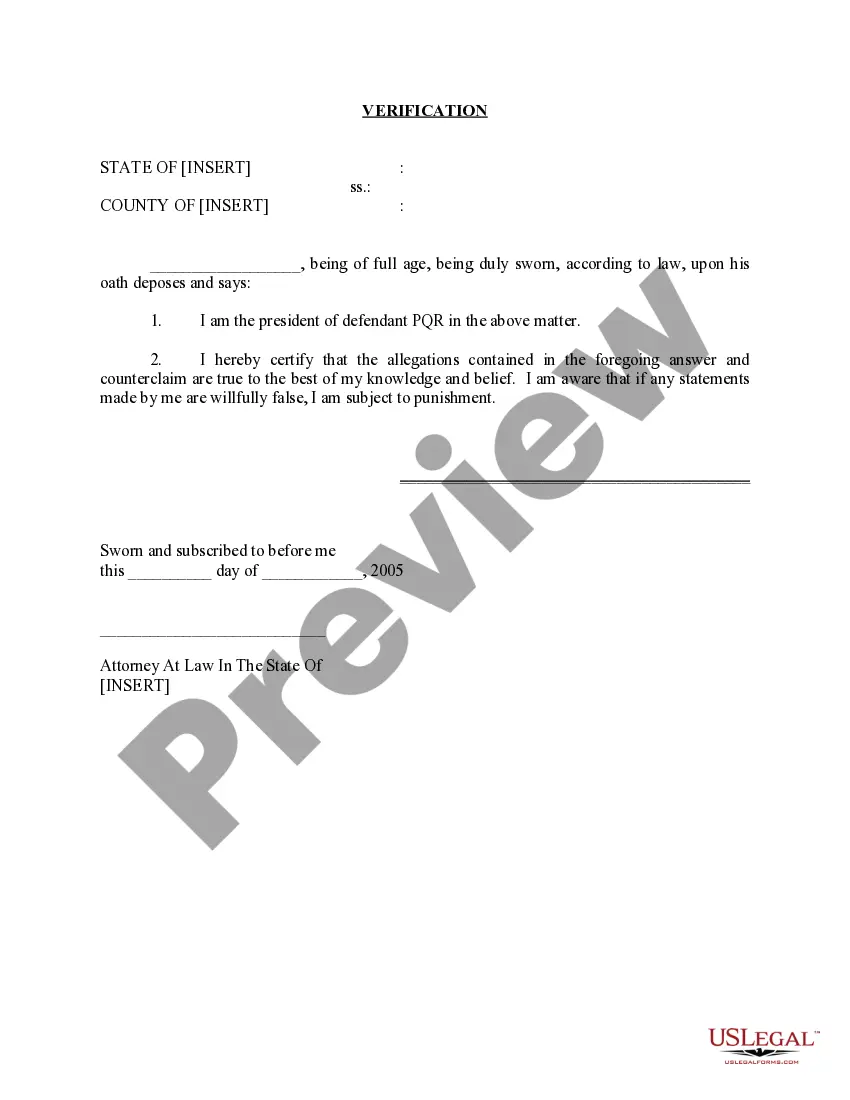
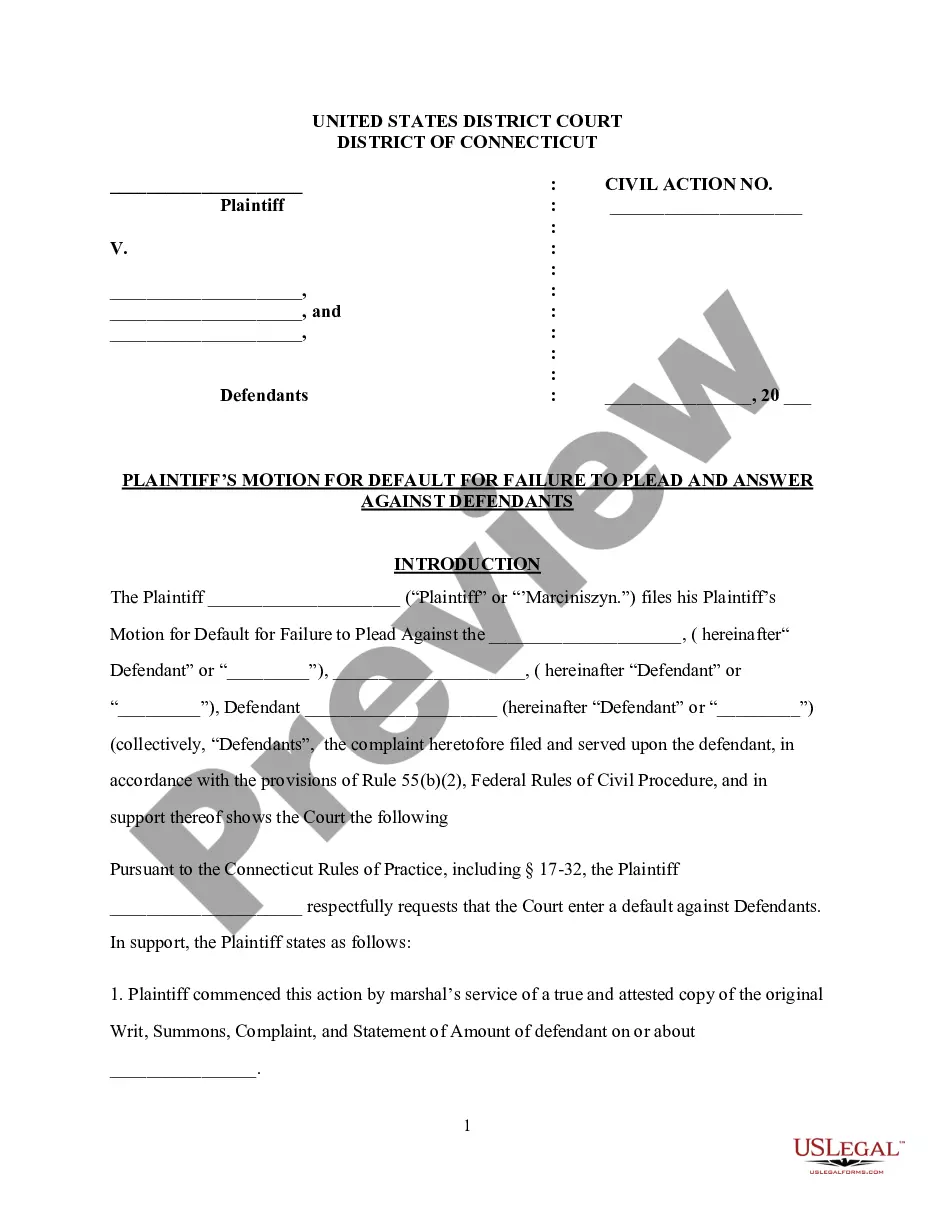
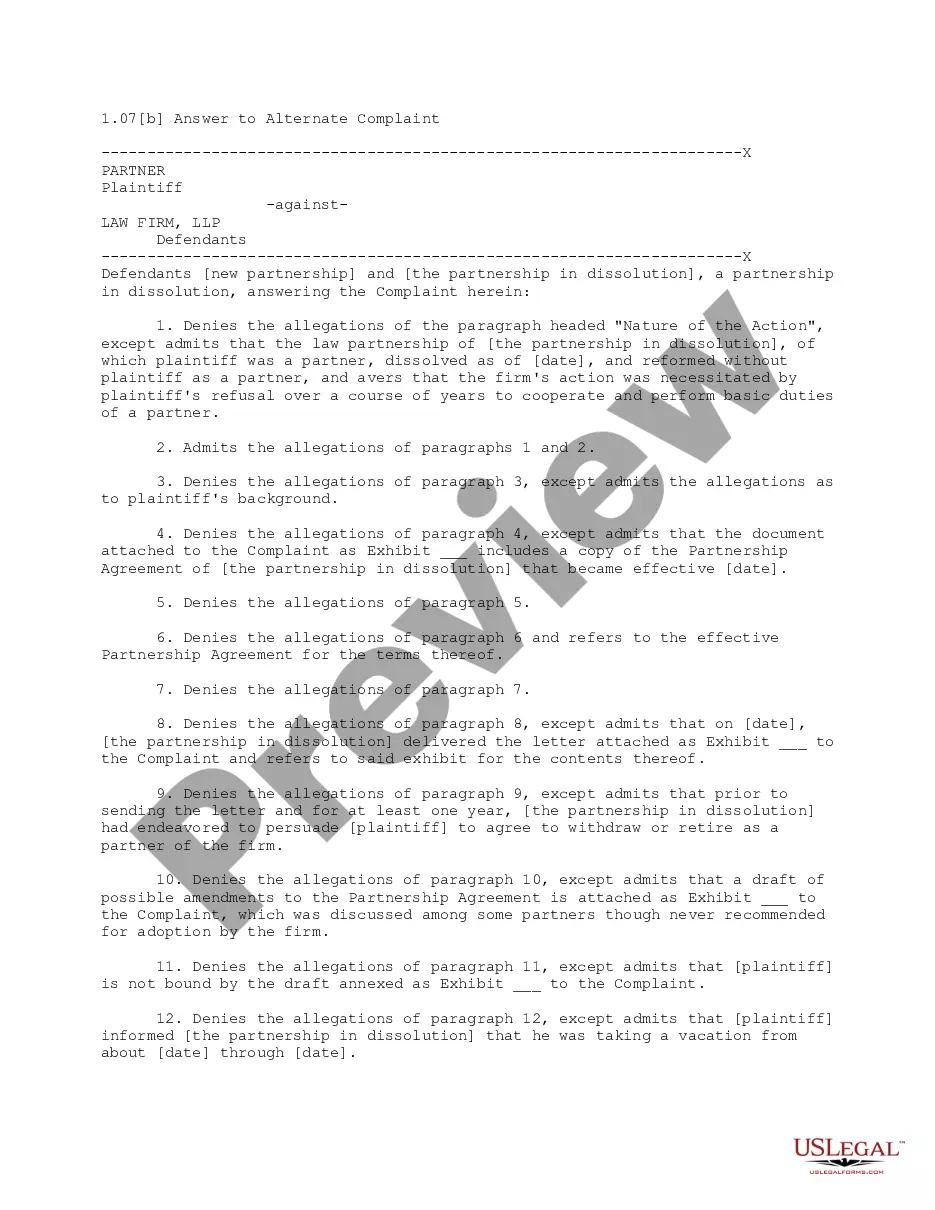
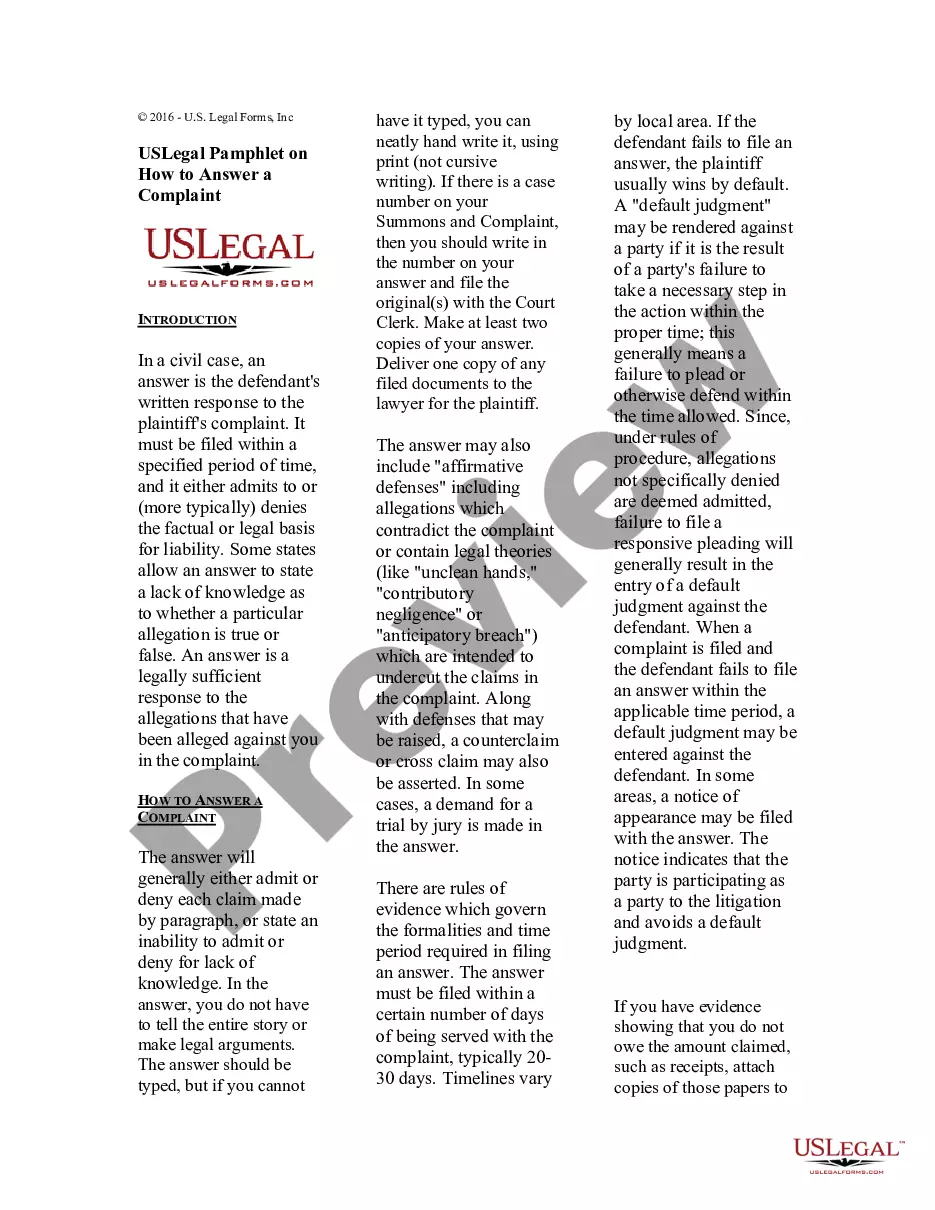
The Verification form is a legal document used in New Jersey to confirm the accuracy and truthfulness of responses made to a complaint. This form serves to affirm that the statements presented in an answer and counterclaim are correct, enhancing the reliability of the information submitted in legal proceedings.
Main sections of this form
- Statement of identity: Identifies the individual making the verification, including relevant details such as title and capacity.
- Certification of truth: Affirms that the allegations made in the prior documents are true to the individual's knowledge.
- Awareness of penalties: States that knowingly providing false information can lead to legal repercussions.
- Signature and date: Requires the individualâs signature and the date when the verification is made, along with a space for a notaryâs signature, if necessary.
When this form is needed
This form should be used in legal situations where you have submitted an answer to a complaint and need to verify the truthfulness of your statements. It is commonly required during court proceedings to support your claims and provide assurance to the court regarding the accuracy of the information presented.
Who should use this form
- Defendants in legal matters in New Jersey who have filed an answer to a complaint.
- Any individual or representative (such as a corporate officer) who needs to verify claims made in legal documents.
- Legal counsel assisting clients in confirming the truth of their responses in legal proceedings.
Instructions for completing this form
- Identify the parties involved: Clearly state the name and title of the individual making the verification.
- Certify the truth of the claims: Indicate that the allegations presented in the answer and counterclaim are accurate.
- Review potential penalties: Acknowledge that false statements may lead to legal consequences.
- Sign and date: Provide your signature and the date the verification is completed.
- Notarization: If required, ensure the verification is sworn before a notary public.
Does this document require notarization?
This form does not typically require notarization unless specified by local law. However, having it notarized can provide additional validity and assurance in legal procedures.
Get your form ready online
Our built-in tools help you complete, sign, share, and store your documents in one place.
Make edits, fill in missing information, and update formatting in US Legal Forms—just like you would in MS Word.
Download a copy, print it, send it by email, or mail it via USPS—whatever works best for your next step.
Sign and collect signatures with our SignNow integration. Send to multiple recipients, set reminders, and more. Go Premium to unlock E-Sign.
If this form requires notarization, complete it online through a secure video call—no need to meet a notary in person or wait for an appointment.
We protect your documents and personal data by following strict security and privacy standards.

Make edits, fill in missing information, and update formatting in US Legal Forms—just like you would in MS Word.

Download a copy, print it, send it by email, or mail it via USPS—whatever works best for your next step.

Sign and collect signatures with our SignNow integration. Send to multiple recipients, set reminders, and more. Go Premium to unlock E-Sign.

If this form requires notarization, complete it online through a secure video call—no need to meet a notary in person or wait for an appointment.

We protect your documents and personal data by following strict security and privacy standards.
Common mistakes to avoid
- Failing to thoroughly verify the allegations before certification.
- Not including the date of the verification, which is essential for validity.
- Omitting the notary's signature or failing to have it notarized when necessary.
Advantages of online completion
- Convenience: Download and complete the form from home at any time.
- Editability: Easily modify the form to fit your specific legal needs.
- Reliability: Ensure the form meets legal standards and is drafted by licensed attorneys.
Looking for another form?

Form popularity
FAQ
Certain documents are commonly accepted anywhere to prove residency. Provide your valid New Jersey state driver license or photo identification card as proof of both your identity and your New Jersey address.
At least one Primary ID. At least one Secondary ID. Verifiable Social Security Number. Proof of Address.
Valid Driver's License. Property Tax Receipt. Posted Mail with name of applicant. Utility Bill. Lease Agreement. Insurance Card. Voter Registration Card. College Enrollment Papers.
Obtaining a non-driver identification card All initial non-driver identification cards must be obtained in-person, as a walk-in service, at any open Licensing Center. Complete the Application for Permit/License/Non-Driver ID (Form BA-208). Pass the 6 Points of ID requirements. Pay the $24 fee.
A copy of the customer's driver's license or non-driver identification card; and. Proof of new address in the form of a recent mailing, such as a utility bill. (This proof must be in the name of the person requesting the change)
There are four requirements for 6 Point ID Verification: At least one Primary ID. At least one Secondary ID. Verifiable Social Security Number.
6 Points of ID. Proof of address. Permit, stamped with proof of successful road test. A $6 fee to be paid by credit/debit card, cash, check, or money order. Form BA-208 (Auto License Application), filled out in English.
Be at least 17 years old. Hold a probationary license for at least six months, or a license from another state. Provide residency and identity documentation. Fill out a drivers license application and take required written and road skills tests. Pay required fees.