North Dakota Acknowledgment for Certifying a Copy of a Record
About this form
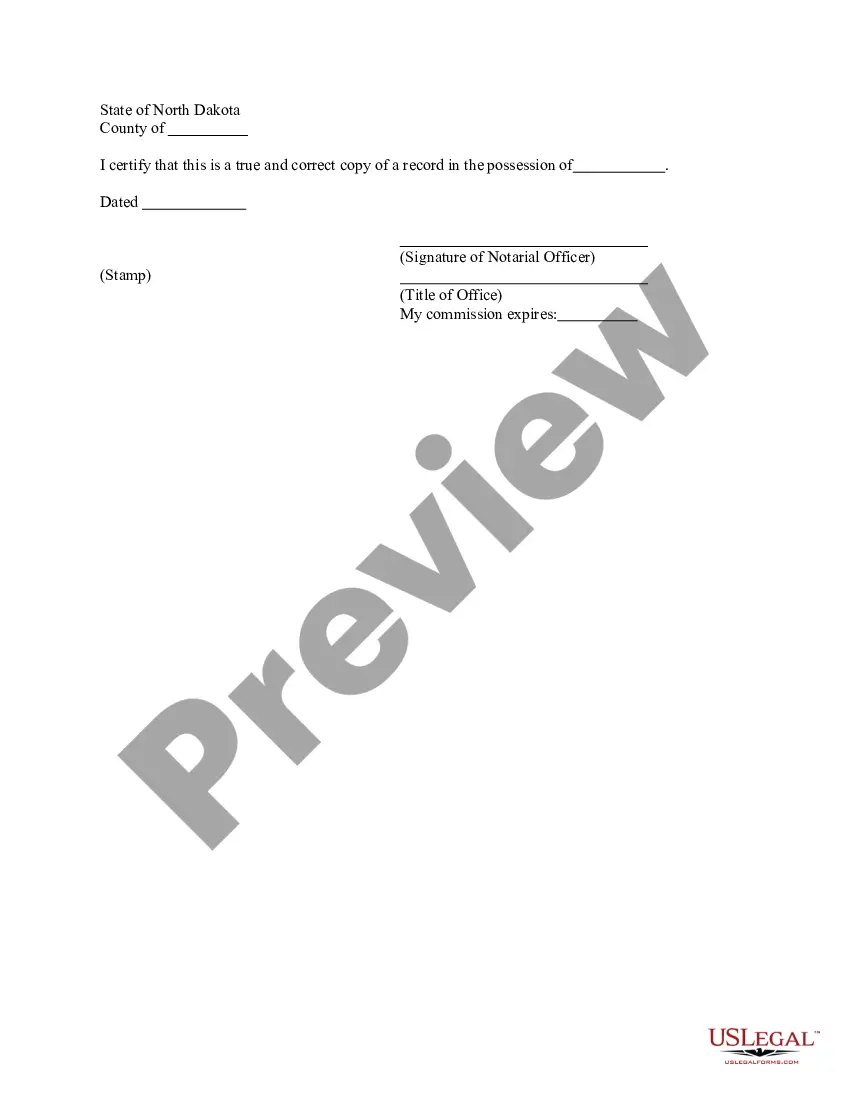
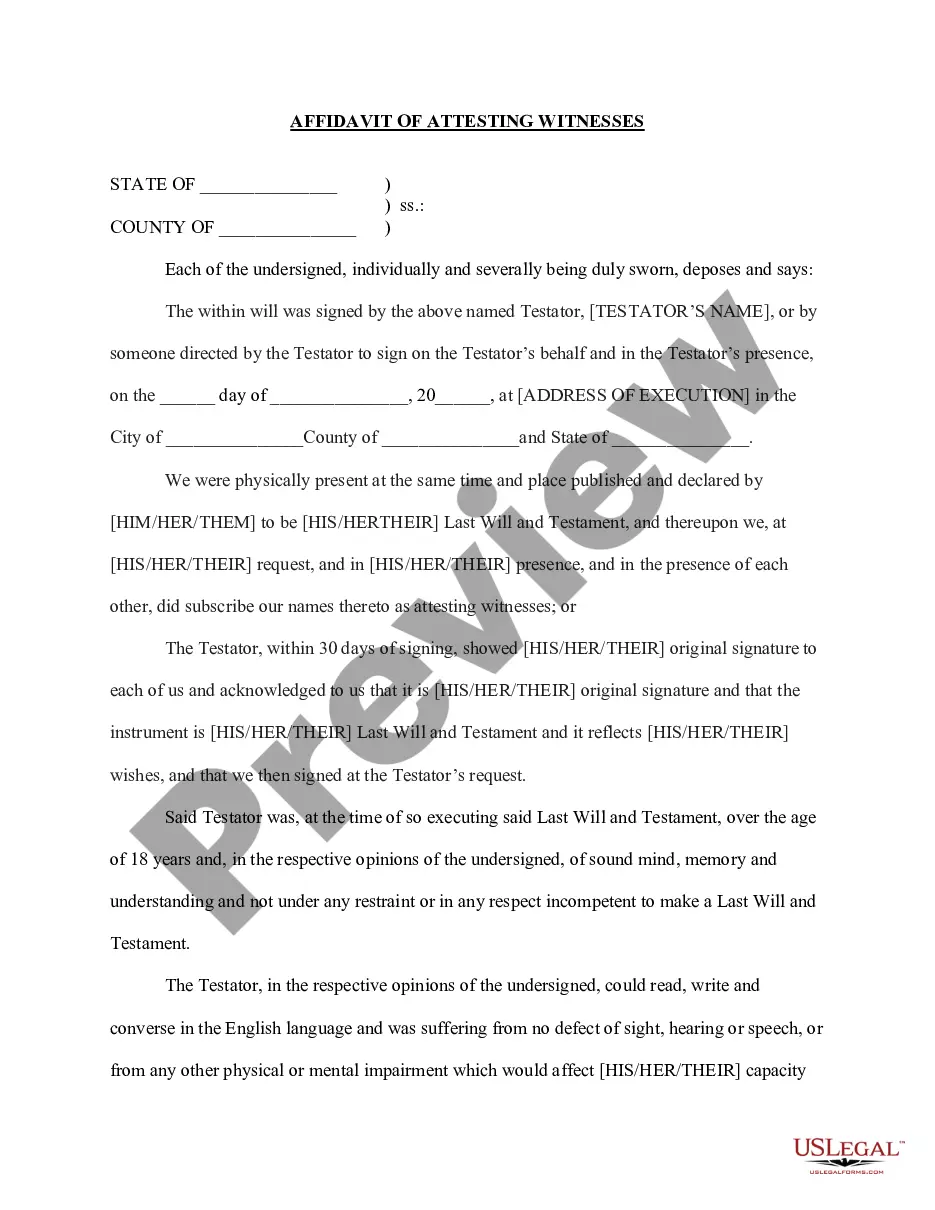
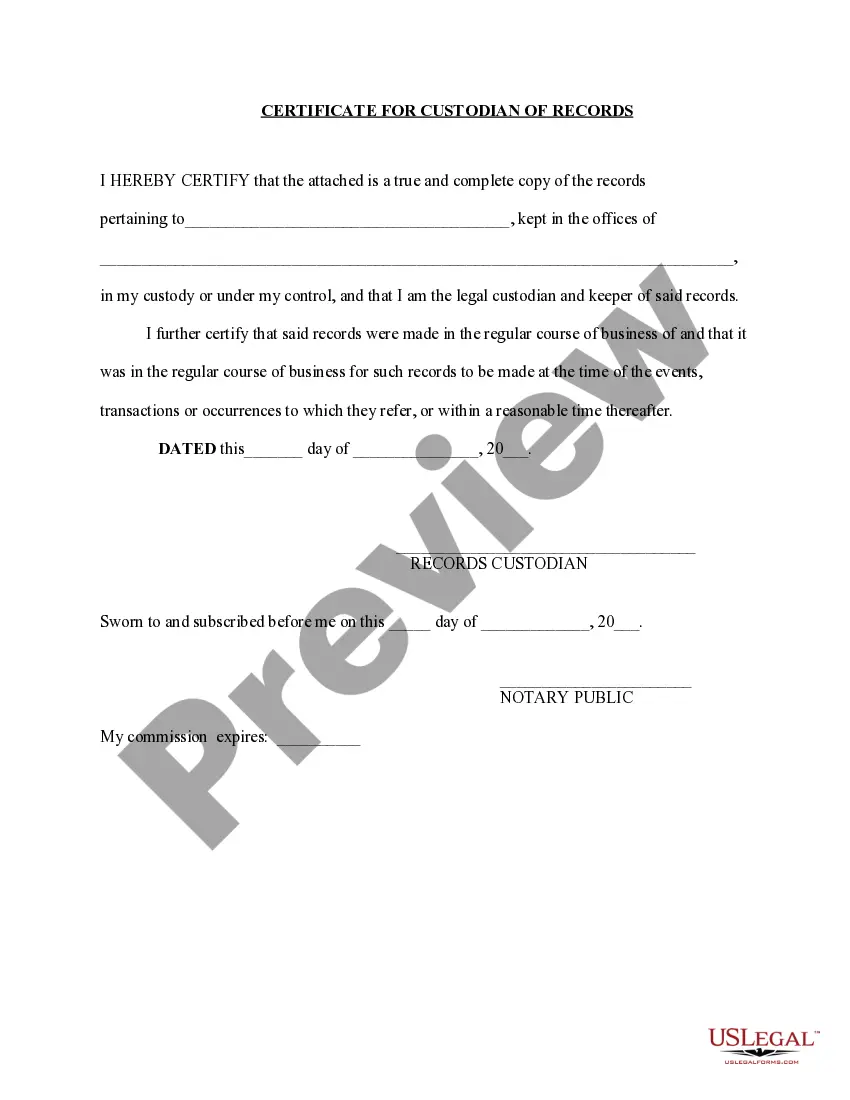
The Acknowledgment for Certifying a Copy of a Record is a legal document that verifies the authenticity of a copy of an official record. This form serves a unique purpose by establishing that the reproduced document accurately reflects the original, which may be required for legal, business, or personal purposes. Unlike simple copies, this acknowledgment provides a level of assurance needed in official matters, making it essential in various scenarios.
Form components explained
- Certification statement confirming the accuracy of the copy.
- Signature field for the notarial officer, validating the acknowledgment.
- Title of the office held by the notarial officer.
- Date of certification, indicating when the acknowledgment was made.
- Space for the officer's commission expiration date, ensuring compliance with legal requirements.

When to use this form
This form is typically used when you need to certify a copy of an important document, such as birth certificates, marriage licenses, or other official records. It may be required when submitting documents for court cases, immigration applications, or other legal scenarios where proof of authenticity is needed. Additionally, it can be helpful for businesses needing to provide verified copies of licenses or contracts.
Who this form is for
- Individuals who need to provide verified copies for legal purposes.
- Business owners requiring certified copies of documents for compliance.
- Legal professionals acting on behalf of clients needing to authenticate documents.
- Anyone involved in transactions requiring evidence of official records.
Completing this form step by step
- Identify the record being copied and make sure it is a valid official document.
- Fill in the certification statement confirming the copy's accuracy.
- Have the notarial officer sign in the designated area.
- Specify the title of the notarial officer as required by your jurisdiction.
- Enter the date the certification is made and the commission's expiration date if needed.
Notarization guidance
Notarization is required for this form to take effect. Our online notarization service, powered by Notarize, lets you verify and sign documents remotely through an encrypted video session, available 24/7.
Get your form ready online
Our built-in tools help you complete, sign, share, and store your documents in one place.
Make edits, fill in missing information, and update formatting in US Legal Forms—just like you would in MS Word.
Download a copy, print it, send it by email, or mail it via USPS—whatever works best for your next step.
Sign and collect signatures with our SignNow integration. Send to multiple recipients, set reminders, and more. Go Premium to unlock E-Sign.
If this form requires notarization, complete it online through a secure video call—no need to meet a notary in person or wait for an appointment.
We protect your documents and personal data by following strict security and privacy standards.

Make edits, fill in missing information, and update formatting in US Legal Forms—just like you would in MS Word.

Download a copy, print it, send it by email, or mail it via USPS—whatever works best for your next step.

Sign and collect signatures with our SignNow integration. Send to multiple recipients, set reminders, and more. Go Premium to unlock E-Sign.

If this form requires notarization, complete it online through a secure video call—no need to meet a notary in person or wait for an appointment.

We protect your documents and personal data by following strict security and privacy standards.
Mistakes to watch out for
- Failing to have the notarial officer sign the form, which can render it invalid.
- Not accurately completing all required fields, leading to potential delays.
- Using an outdated version of the form that may not meet current legal standards.
Why use this form online
- Convenience: Easily download and fill the form at your convenience.
- Editability: Customize the form to fit your specific needs before printing.
- Reliability: Access forms that are created by licensed attorneys, ensuring legal compliance.
What to keep in mind
- The Acknowledgment for Certifying a Copy of a Record authenticates the accuracy of duplicate documents.
- It is primarily used in legal and official situations requiring verified copies.
- Compliance with state-specific requirements is crucial for its effective use.
Looking for another form?

Form popularity
FAQ
Make a copy of the original document. Take the original document and your copy to the certifier. They will check your copy is the same as the original. On a single-page document, the certifier must write or stamp, 'This is a certified true copy of the original as sighted by me'
When taking an acknowledgment, the notary must ask the signer in a verbal ceremony the following questions: (1) Are you acknowledging to me that this is your signature?; (2) Are you acknowledging to me that you signed this document for the purposes stated therein?; (3) Are you acknowledging to me that you signed this
Writing 'Certified to be a true copy of the original seen by me' on the document. Signing and dating it. Printing their name under the signature. Adding their occupation, address and telephone number.
The notarization process is typically simple. You present a document to a notary public and sign it in their presence. After that, the notary officially notarizes the document using an official stamp, writes in the date, and adds their own signature.
Writing 'Certified to be a true copy of the original seen by me' on the document. Signing and dating it. Printing their name under the signature. Adding their occupation, address and telephone number.
1The document's custodian requests a certified copy.2The Notary compares the original and the copy.3The Notary certifies that the copy is accurate.