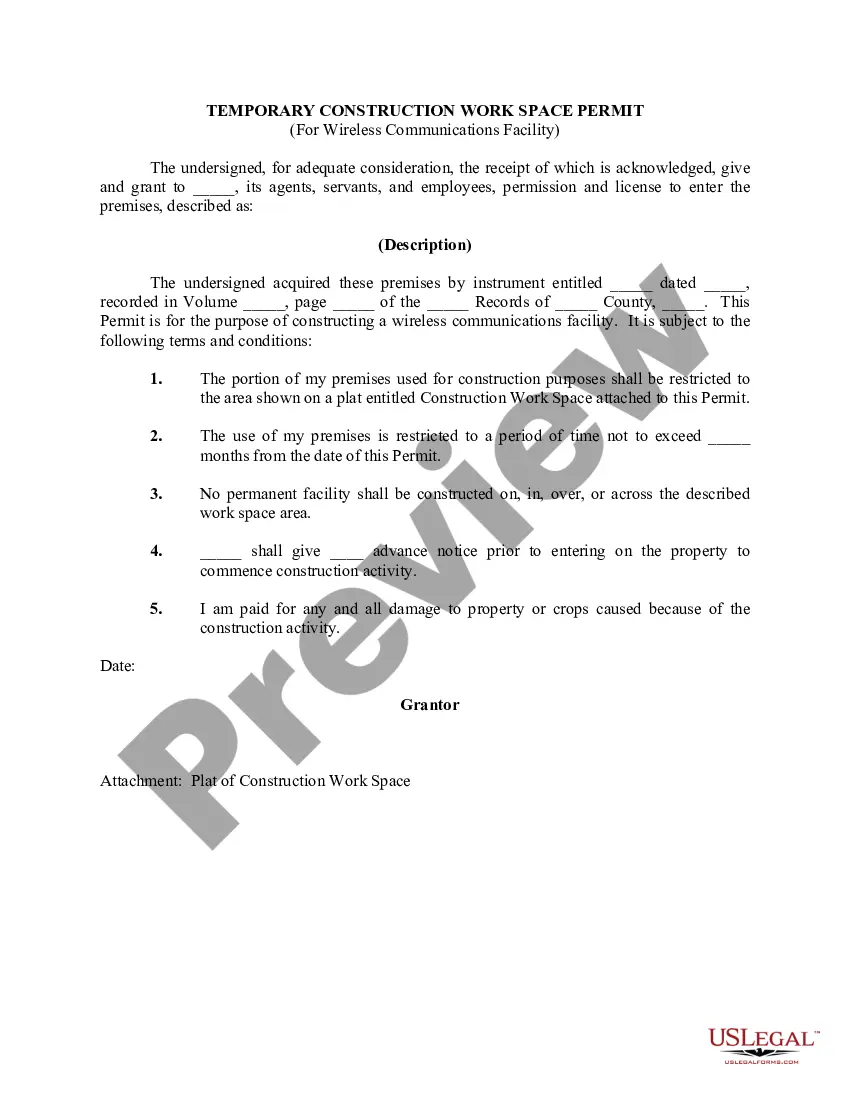
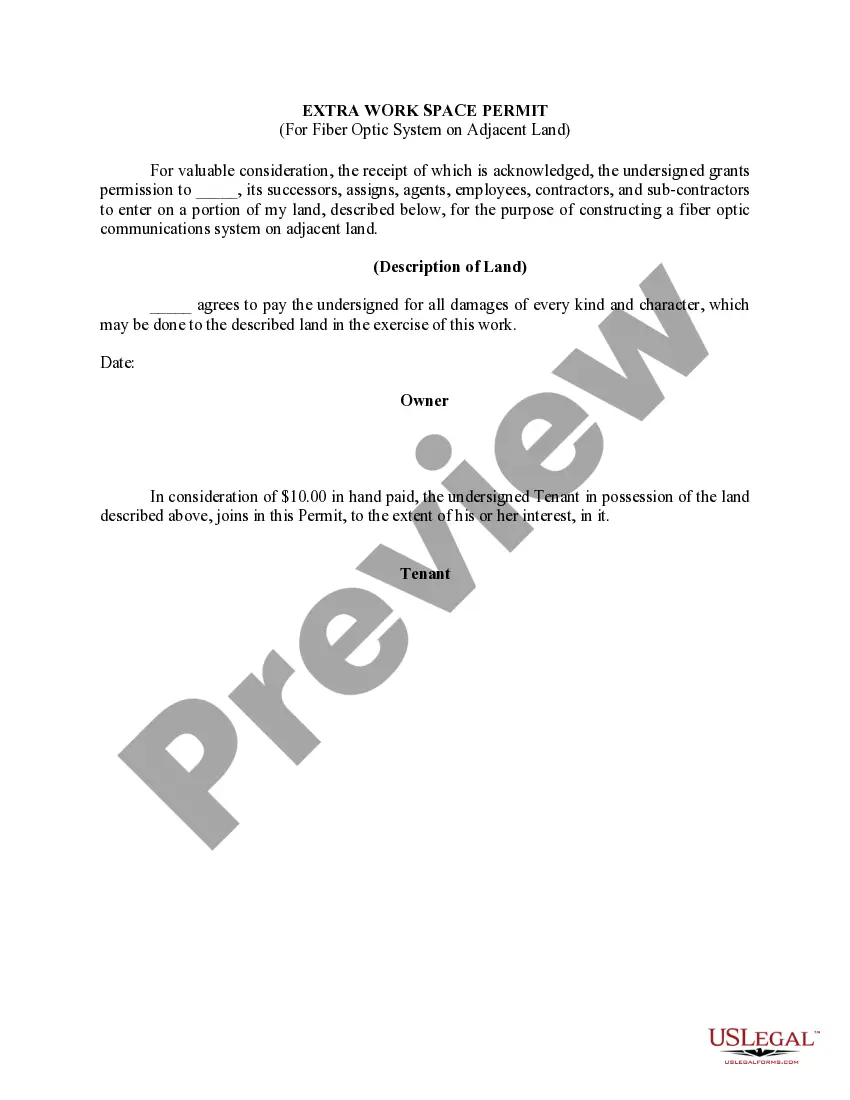
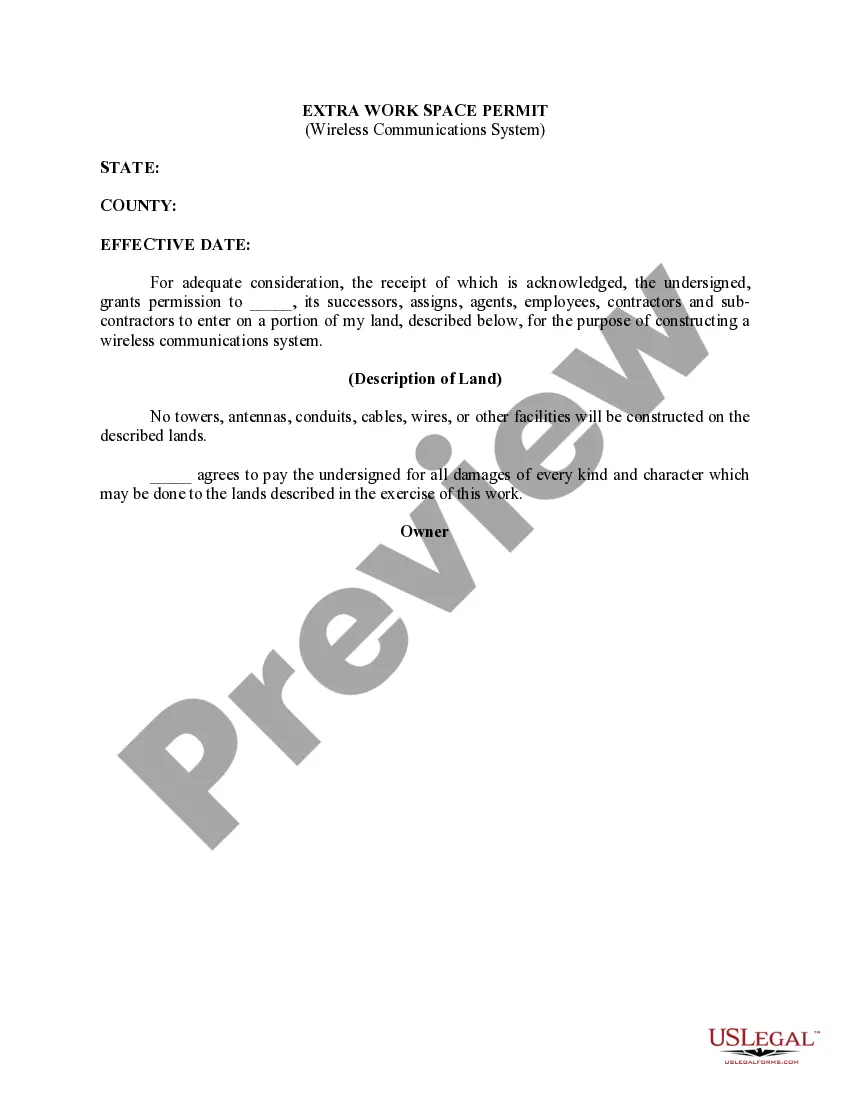
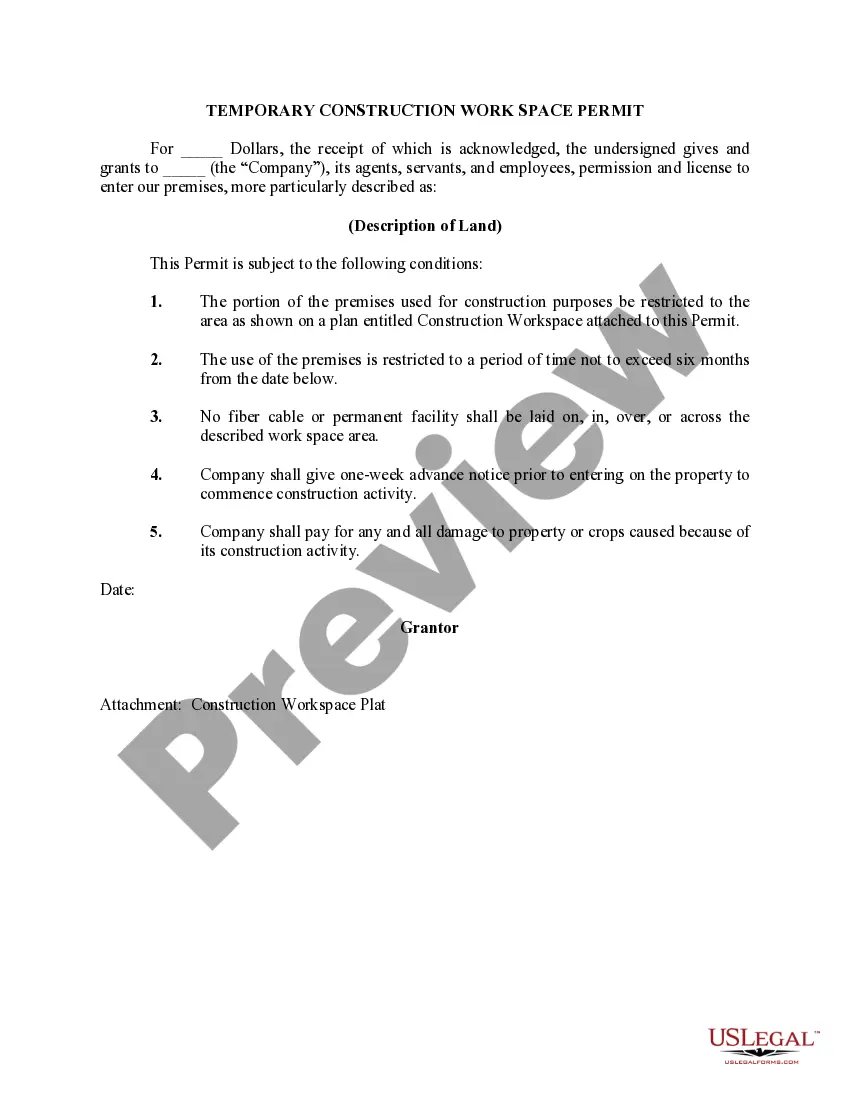
North Carolina Temporary Construction Work Space Permit (For Wireless Communications Facility)
Description
Get your form ready online
Our built-in tools help you complete, sign, share, and store your documents in one place.
Make edits, fill in missing information, and update formatting in US Legal Forms—just like you would in MS Word.
Download a copy, print it, send it by email, or mail it via USPS—whatever works best for your next step.
Sign and collect signatures with our SignNow integration. Send to multiple recipients, set reminders, and more. Go Premium to unlock E-Sign.
If this form requires notarization, complete it online through a secure video call—no need to meet a notary in person or wait for an appointment.
We protect your documents and personal data by following strict security and privacy standards.

Make edits, fill in missing information, and update formatting in US Legal Forms—just like you would in MS Word.

Download a copy, print it, send it by email, or mail it via USPS—whatever works best for your next step.

Sign and collect signatures with our SignNow integration. Send to multiple recipients, set reminders, and more. Go Premium to unlock E-Sign.

If this form requires notarization, complete it online through a secure video call—no need to meet a notary in person or wait for an appointment.

We protect your documents and personal data by following strict security and privacy standards.
Looking for another form?





How to fill out Temporary Construction Work Space Permit (For Wireless Communications Facility)?
Have you been in the position in which you will need files for sometimes organization or personal purposes nearly every working day? There are a variety of lawful papers layouts accessible on the Internet, but locating ones you can trust isn`t effortless. US Legal Forms provides 1000s of develop layouts, much like the North Carolina Temporary Construction Work Space Permit (For Wireless Communications Facility), that are created in order to meet state and federal demands.
If you are presently familiar with US Legal Forms web site and also have a free account, basically log in. Afterward, you may acquire the North Carolina Temporary Construction Work Space Permit (For Wireless Communications Facility) format.
Unless you come with an profile and would like to begin to use US Legal Forms, follow these steps:
- Discover the develop you require and ensure it is for the proper city/state.
- Utilize the Preview switch to check the shape.
- Read the description to ensure that you have selected the proper develop.
- When the develop isn`t what you`re trying to find, use the Search area to get the develop that meets your needs and demands.
- Once you discover the proper develop, click on Buy now.
- Opt for the rates prepare you want, complete the specified details to produce your money, and purchase the transaction with your PayPal or bank card.
- Pick a convenient data file formatting and acquire your backup.
Locate each of the papers layouts you have purchased in the My Forms food list. You can aquire a extra backup of North Carolina Temporary Construction Work Space Permit (For Wireless Communications Facility) whenever, if needed. Just click the essential develop to acquire or printing the papers format.
Use US Legal Forms, one of the most extensive selection of lawful types, in order to save some time and steer clear of blunders. The services provides appropriately made lawful papers layouts that can be used for a variety of purposes. Make a free account on US Legal Forms and begin generating your life easier.
Form popularity
FAQ
Temporary Use Permits apply to property outside the public right- of-way only. A temporary use permit is not required for mobile vendors located outside of the DD District that are occupying private property within a commercial zoning district for four hours or less.
Building Permit Fee: Square Footage up to 1500 sq. ft.: $240 Basic Fee. Square Footage over 1500 sq. ft.: Multiply by $0.20 + $240.00 (Basic Fee) North Carolina Licensed General Contractors add $10.00 Homeowner Recovery Fund.
You need a building permit for all work that involves the construction, reconstruction, alteration, repair, movement to another site, removal, or demolition of any building or structure.
The following projects do not require a permit: Asphalt or gravel driveways. Awnings (wall mounted only) Exterior work under $15000 - Non Structural Only. Interior work under $15000 - Non Structural Only. Non-residential farm buildings. ... Non-structural slab (no footers for future building construction)
Currently, there are three types of development permits: major permits, general permits and minor permits. Some development may be authorized by exemption certificate. Single-family homes require minor permits.
The Coastal Area Management Act (CAMA) program manages development in coastal areas by requiring permits for development in Areas of Environmental Concern (AECs).