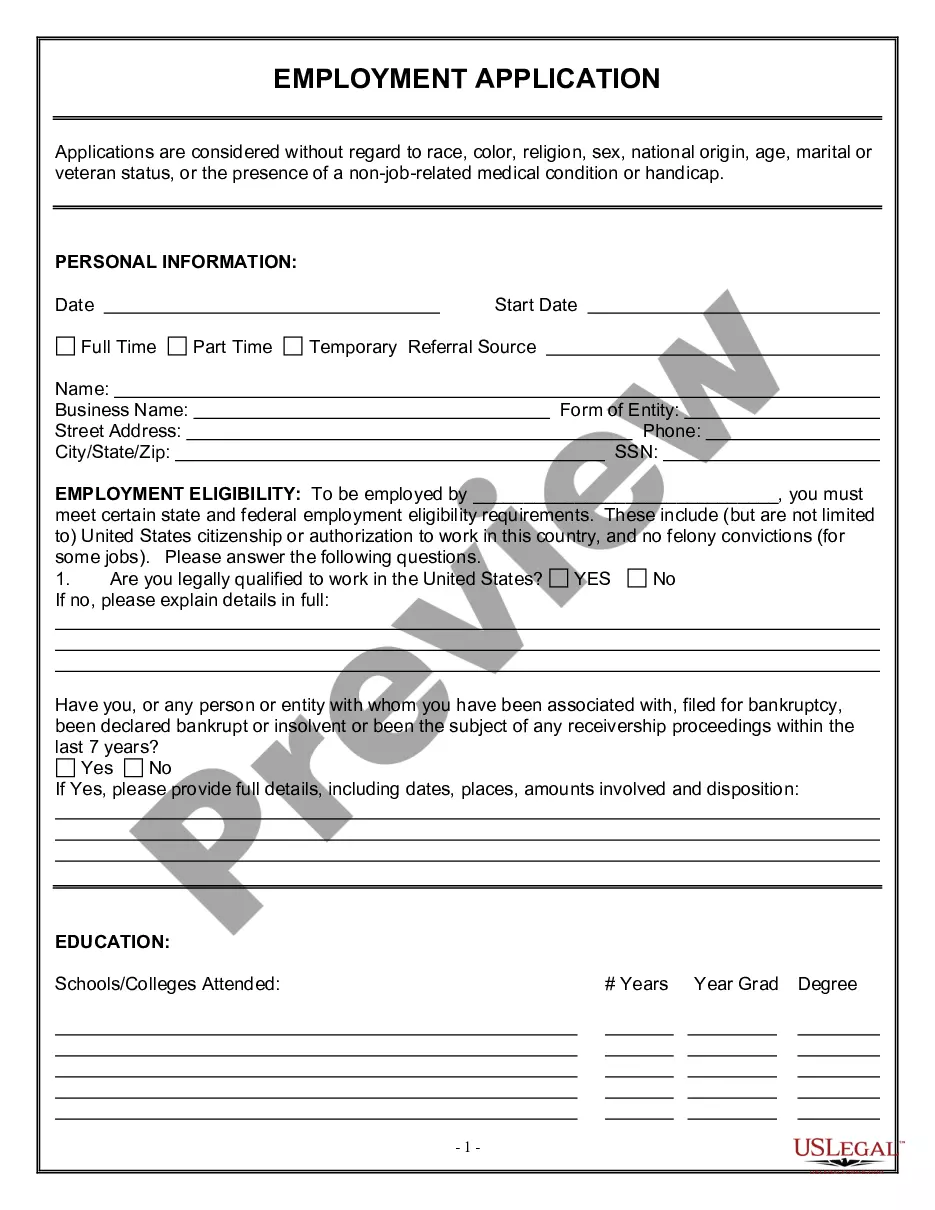
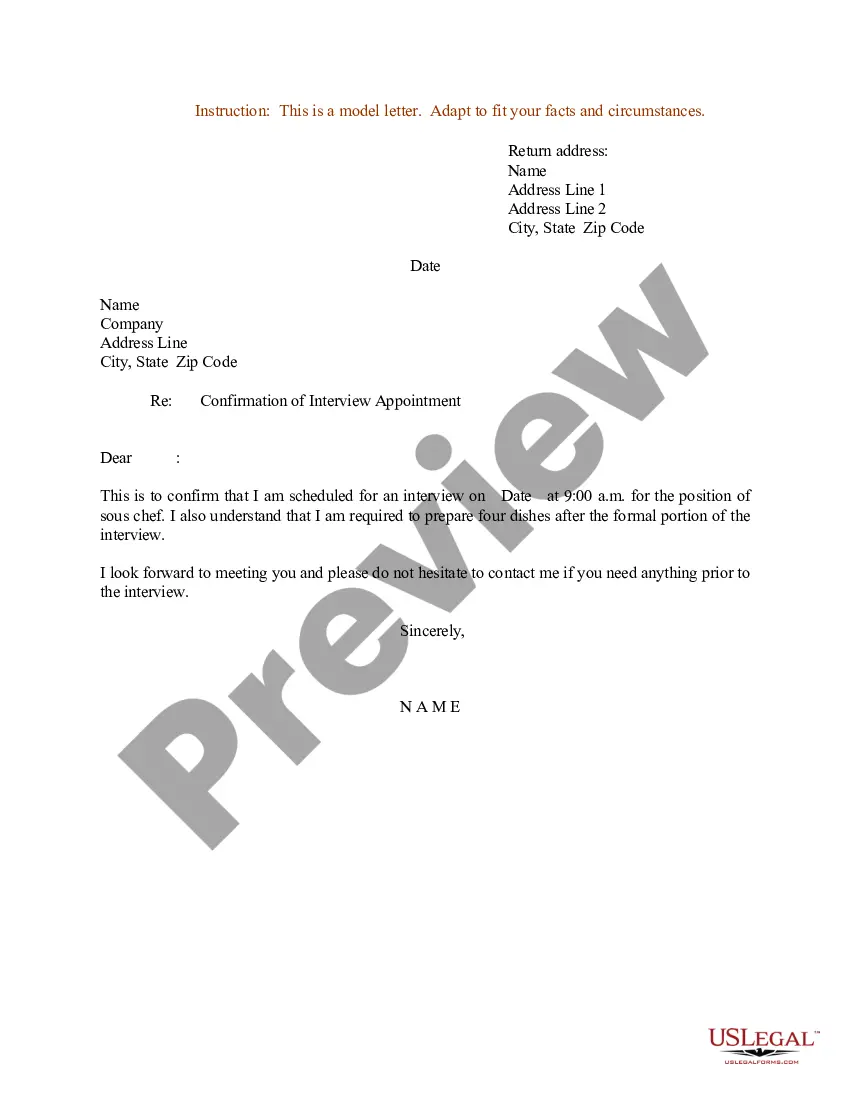
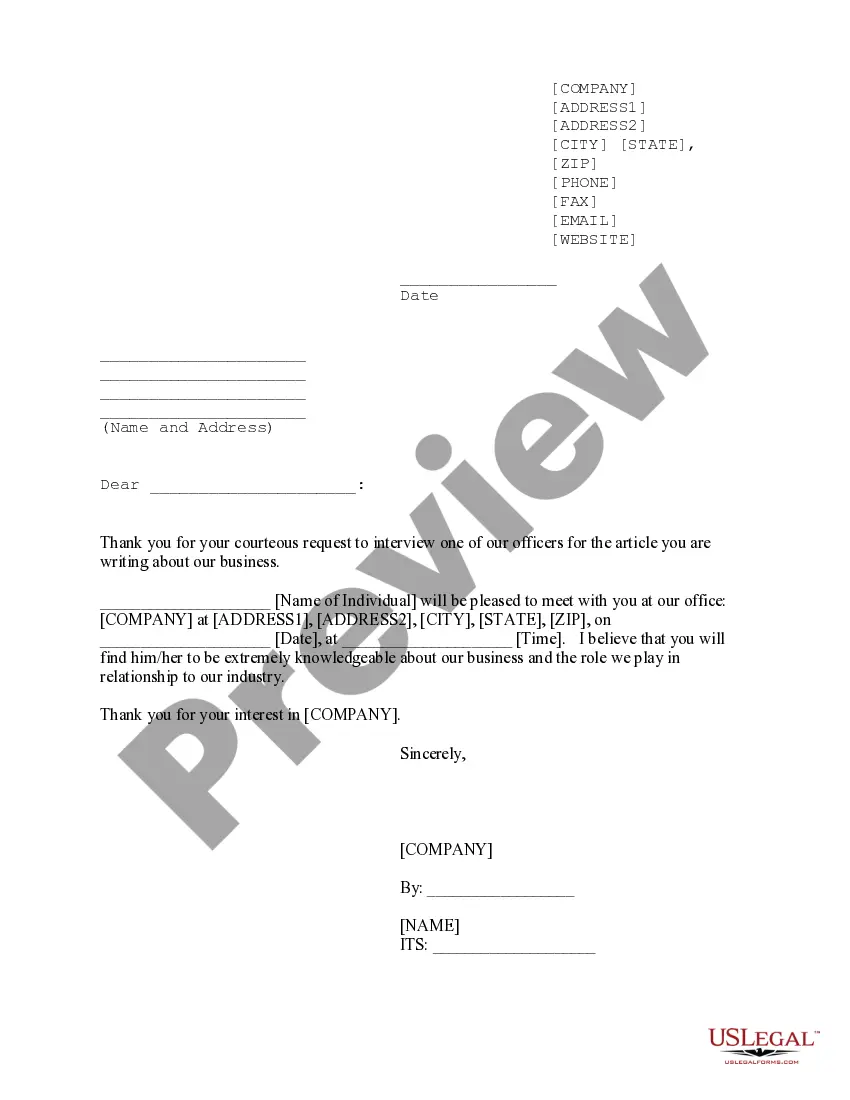
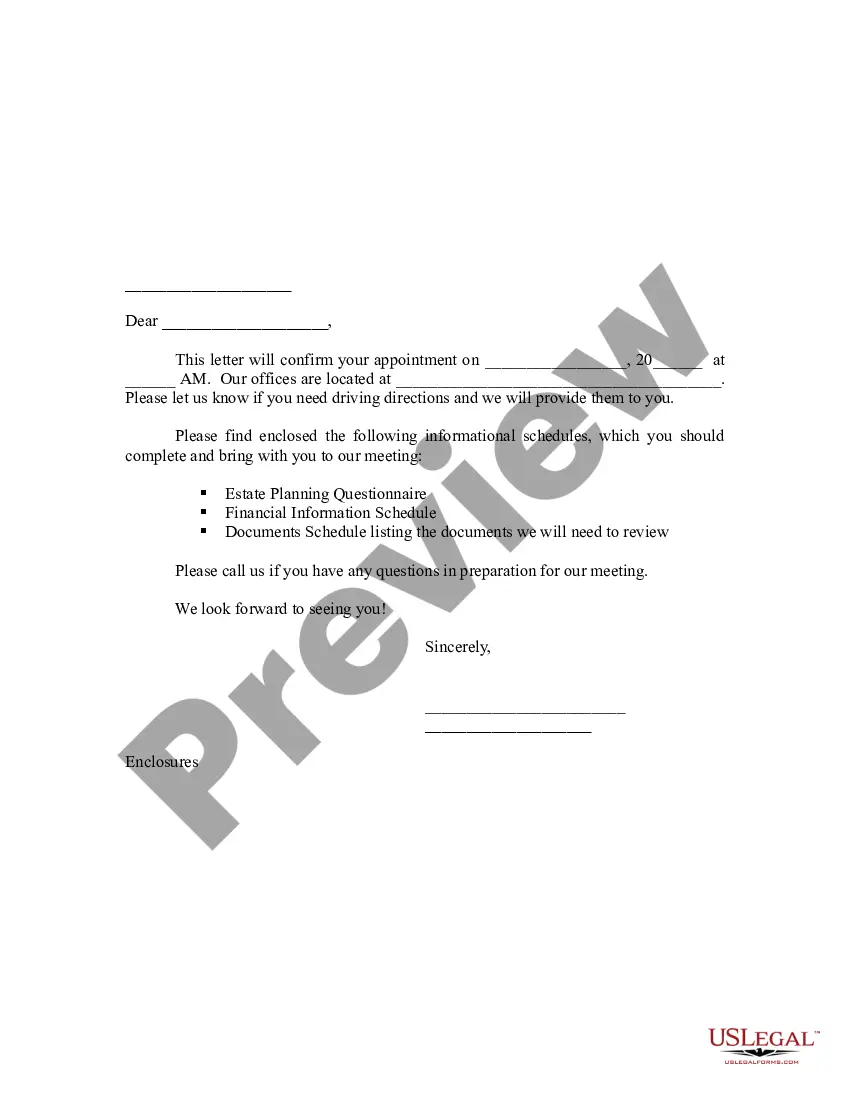
North Carolina Sample Letter for Confirmation of Interview Appointment
Description

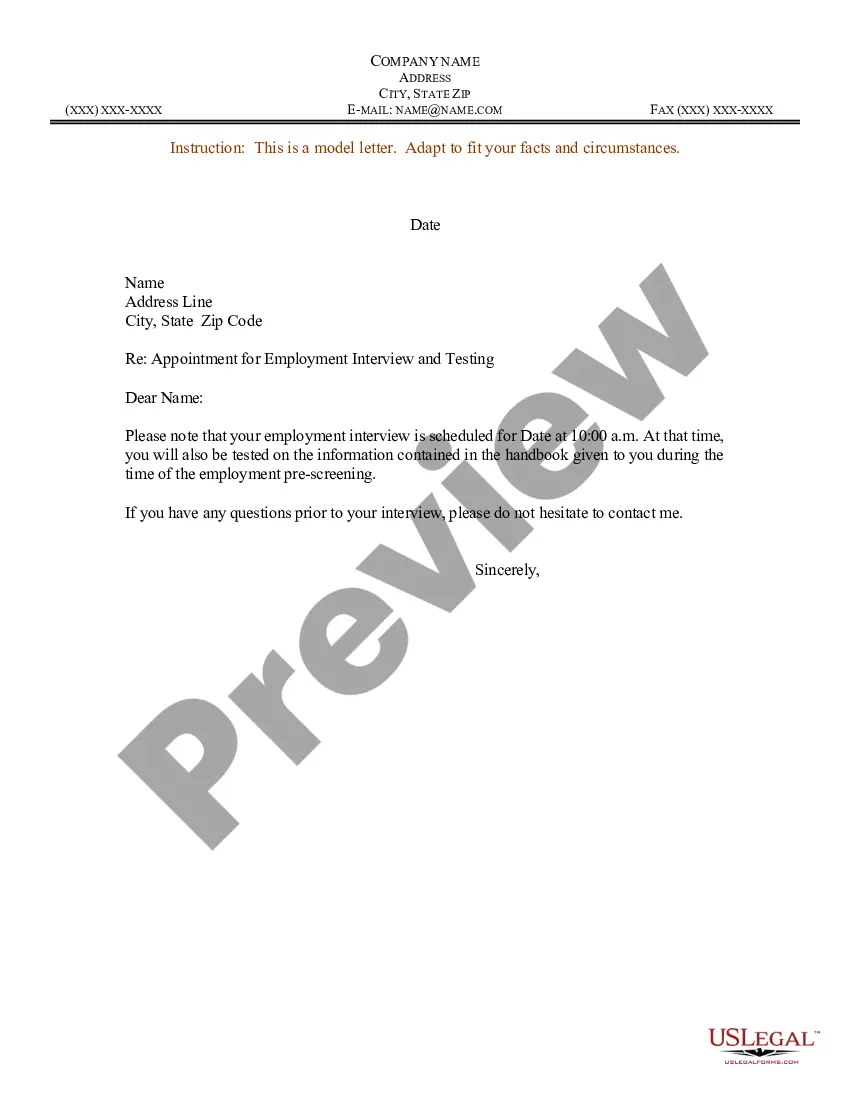
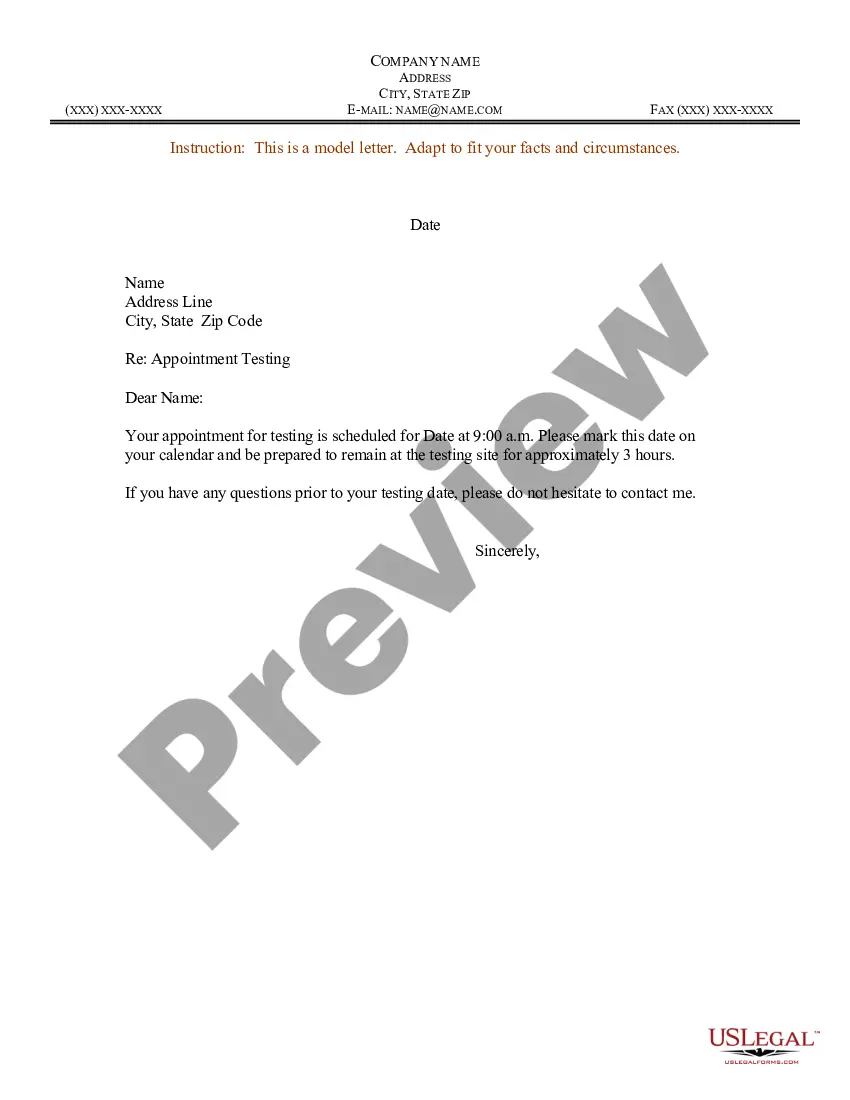
How to fill out Sample Letter For Confirmation Of Interview Appointment?
If you need to obtain, download, or print legal form templates, utilize US Legal Forms, the most significant compilation of legal documents available online.
Utilize the website's user-friendly and convenient search feature to find the documents you require.
A range of templates for businesses and specific tasks are organized by categories and titles, or keywords.
Step 4. Once you have found the form you need, click the Get now button. Choose the pricing plan you prefer and enter your information to register for an account.
Step 5. Complete the purchase. You can use your credit card or PayPal account to finalize the transaction.
- Use US Legal Forms to access the North Carolina Sample Letter for Confirmation of Interview Appointment with just a few clicks.
- If you are already a US Legal Forms customer, Log In to your account and click the Download button to obtain the North Carolina Sample Letter for Confirmation of Interview Appointment.
- You can also access forms you previously saved in the My documents section of your account.
- If this is your first time using US Legal Forms, follow the steps below.
- Step 1. Ensure you have chosen the form for the correct city/region.
- Step 2. Use the Review option to check the form's details. Remember to read through the information.
- Step 3. If you are not satisfied with the form, use the Search area at the top of the screen to find alternative forms in the legal document template.
Form popularity
FAQ
Confirm with the person who is scheduling the interview, the street address, the floor, and the suite if it's in a large office building. Also, confirm which department you are interviewing with and who you are going to meet. (Bring enough copies of your resume for each person.)
What to Include in the Interview Confirmation EmailEnthusiastic Greeting. Introduce yourself and your role in the interview process.Date and Time of the Interview.If It's an In-Person Interview.Interview Details.Names and Job Titles of Interviewers.Contact Information (Including a Phone Number)Special Instructions.
Dear name, Thank you again for your earlier call/email inviting me to interview for the job position role at company. I am emailing to confirm that the interview will take place at time, at place.
What to Include in the Interview Confirmation EmailEnthusiastic Greeting. Introduce yourself and your role in the interview process.Date and Time of the Interview.If It's an In-Person Interview.Interview Details.Names and Job Titles of Interviewers.Contact Information (Including a Phone Number)Special Instructions.
Thank you very much for the opportunity to interview at {company name.} I look forward to meeting {interviewer} on {date} at {time}. I will have copies of my resume on hand for your review. If there is anything else you need me to bring, please let me know.
Thank you very much for the opportunity to interview at {company name.} I look forward to meeting {interviewer} on {date} at {time}. I will have copies of my resume on hand for your review. If there is anything else you need me to bring, please let me know.
Thank you very much for the invitation to interview for the Account Manager position. I appreciate the opportunity, and I look forward to meeting with Edie Wilson on June 30th at 9 AM in your Northampton office. If I can provide you with any further information prior to the interview, please let me know.