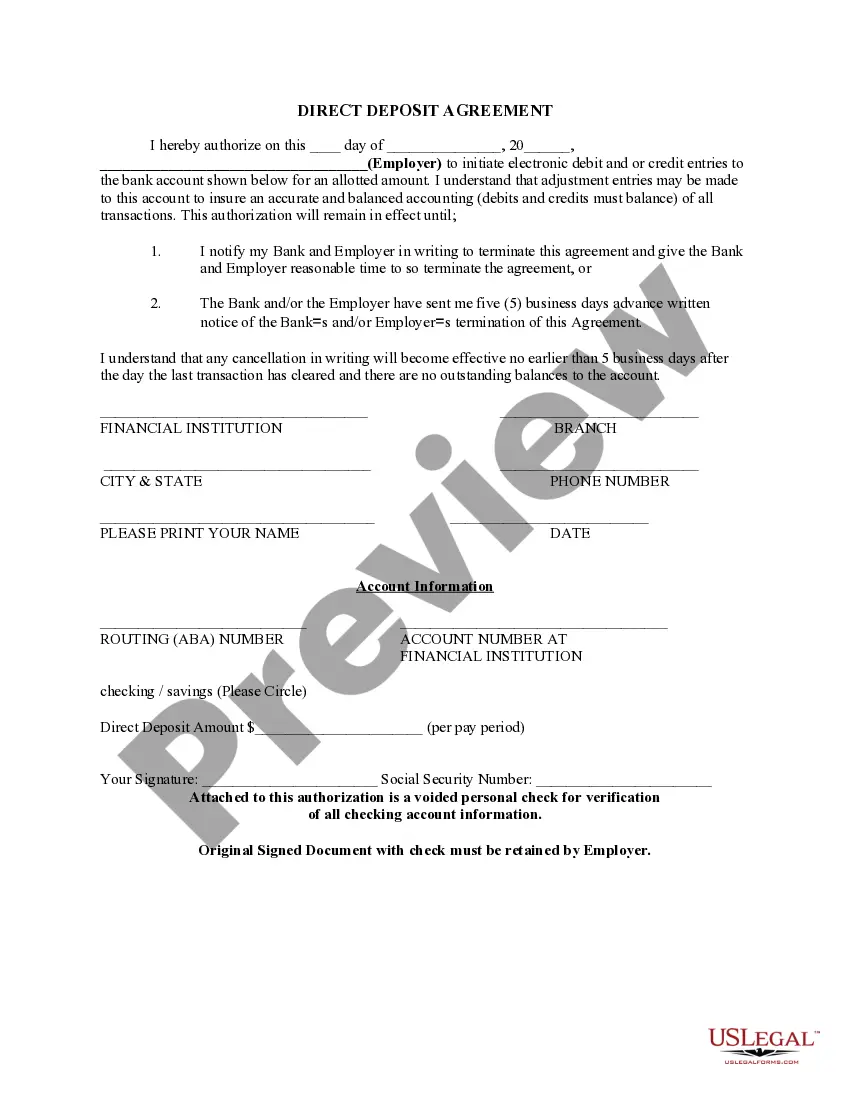
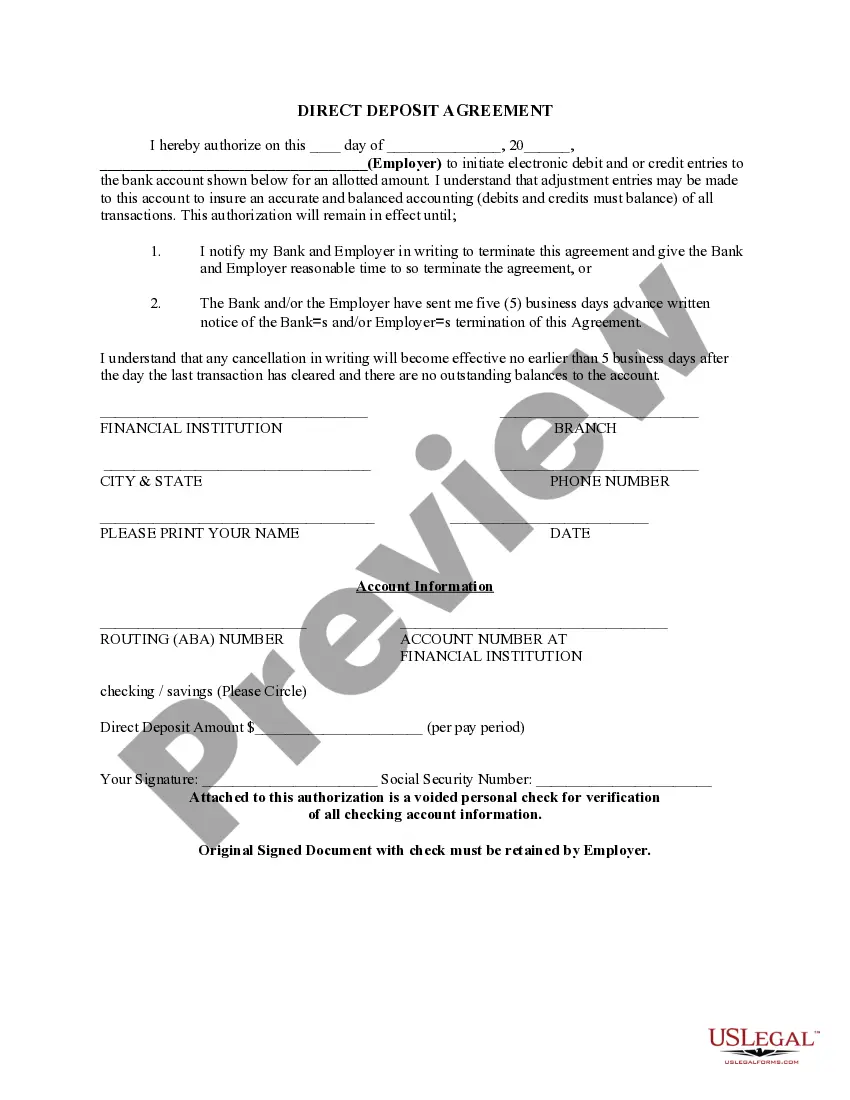
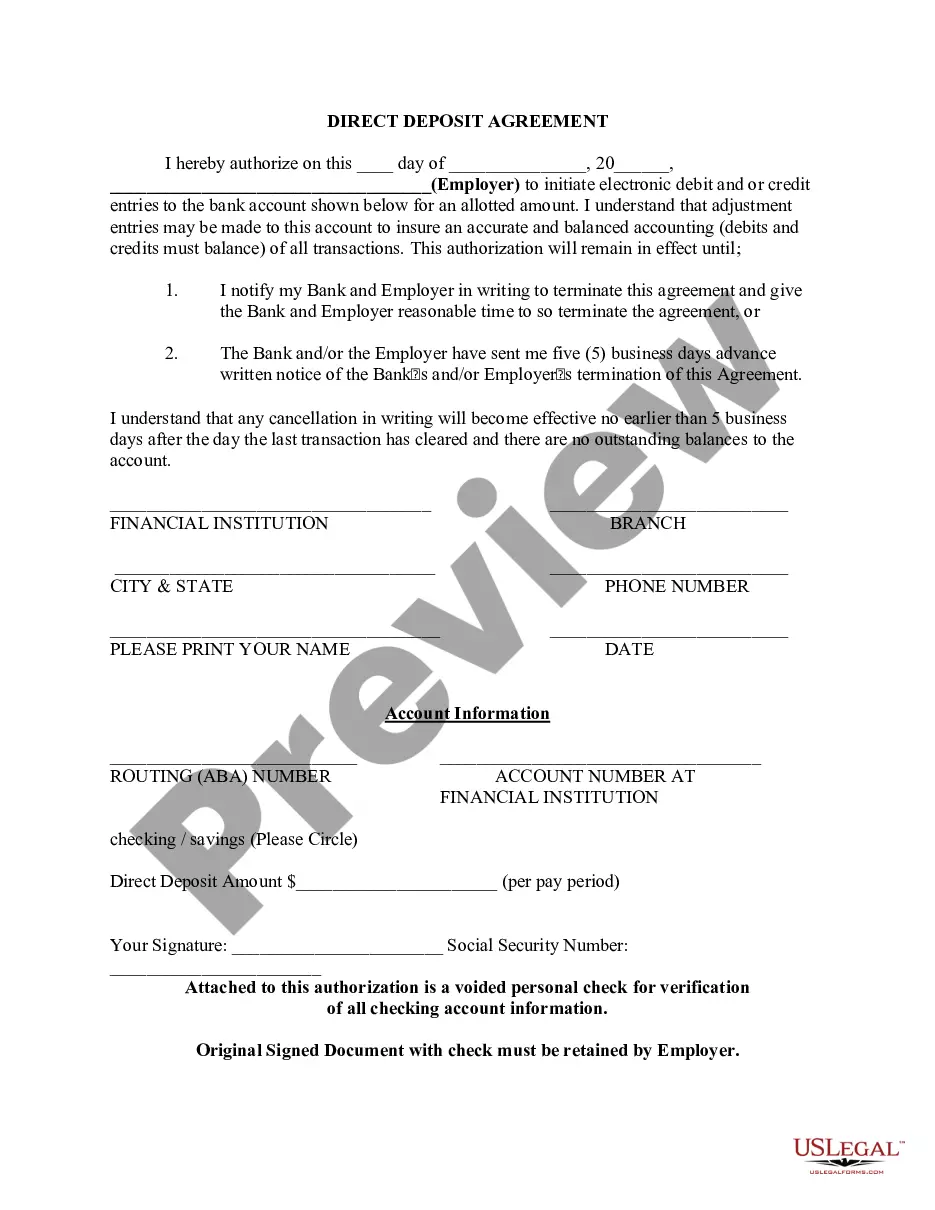
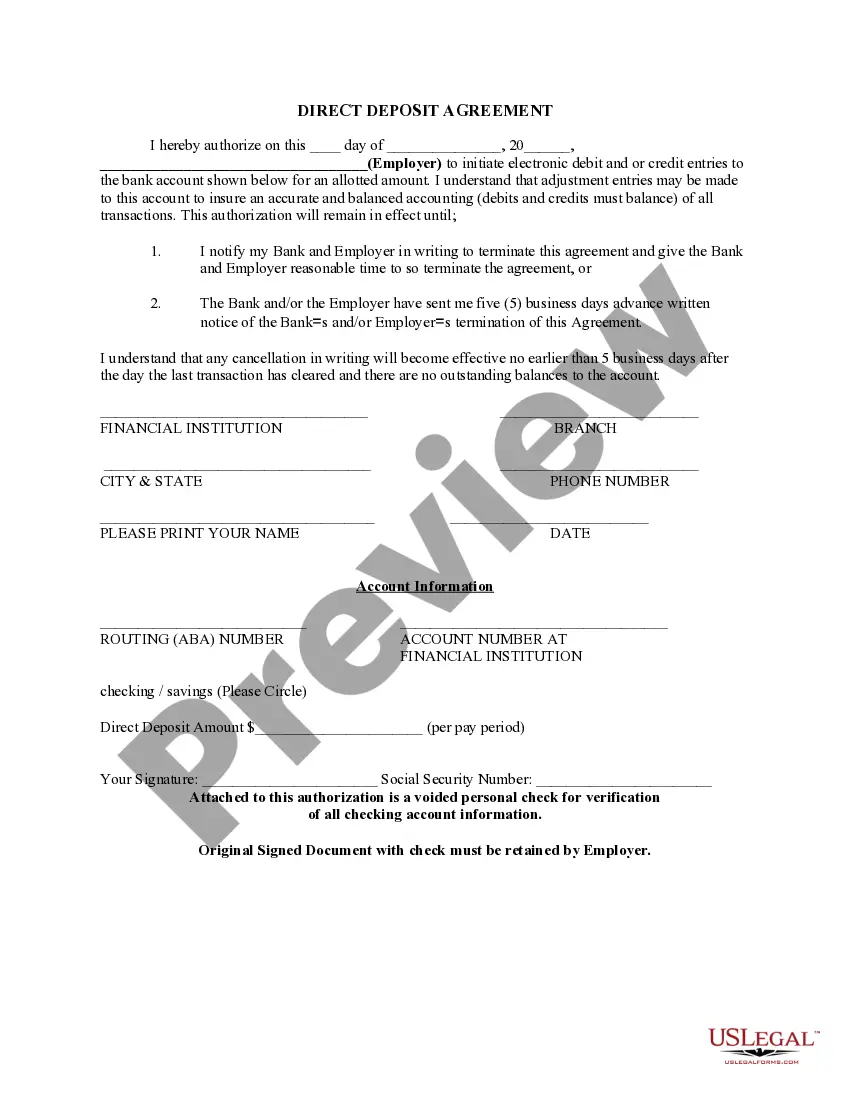
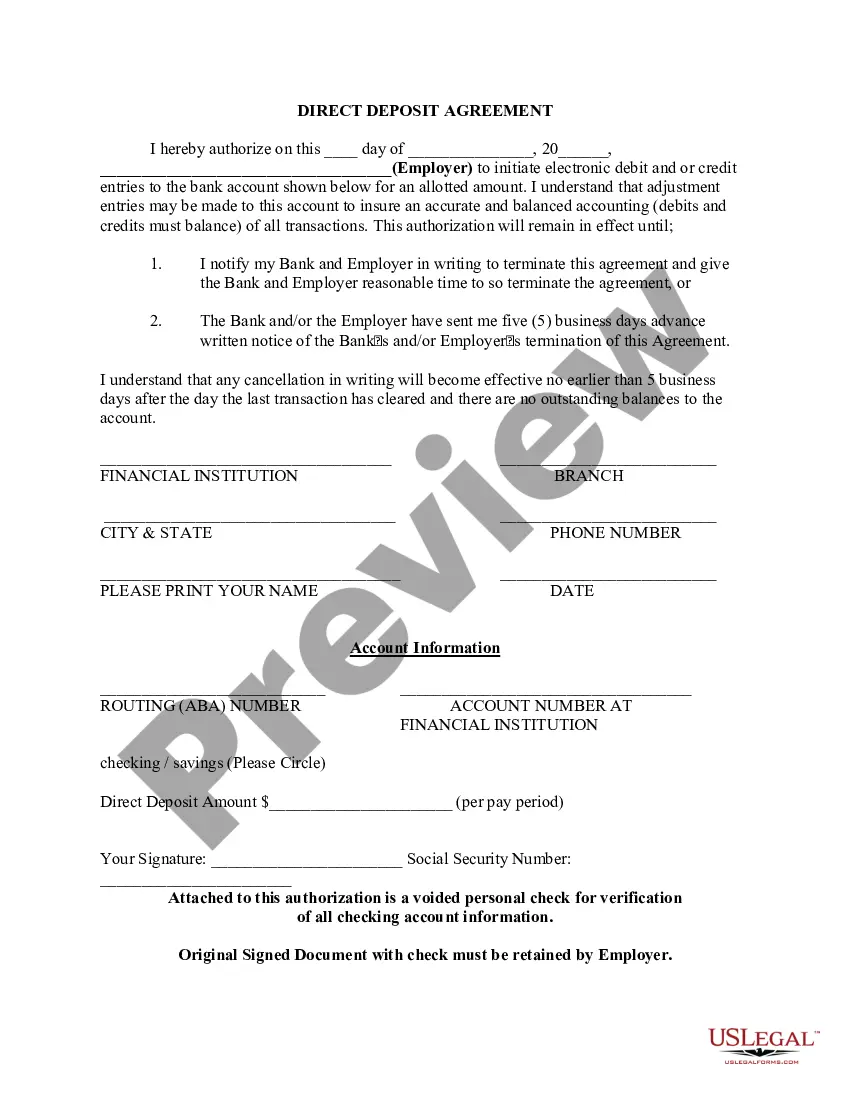
North Carolina Direct Deposit Form for Chase
Description

Get your form ready online
Our built-in tools help you complete, sign, share, and store your documents in one place.
Make edits, fill in missing information, and update formatting in US Legal Forms—just like you would in MS Word.
Download a copy, print it, send it by email, or mail it via USPS—whatever works best for your next step.
Sign and collect signatures with our SignNow integration. Send to multiple recipients, set reminders, and more. Go Premium to unlock E-Sign.
If this form requires notarization, complete it online through a secure video call—no need to meet a notary in person or wait for an appointment.
We protect your documents and personal data by following strict security and privacy standards.

Make edits, fill in missing information, and update formatting in US Legal Forms—just like you would in MS Word.

Download a copy, print it, send it by email, or mail it via USPS—whatever works best for your next step.

Sign and collect signatures with our SignNow integration. Send to multiple recipients, set reminders, and more. Go Premium to unlock E-Sign.

If this form requires notarization, complete it online through a secure video call—no need to meet a notary in person or wait for an appointment.

We protect your documents and personal data by following strict security and privacy standards.
Looking for another form?




How to fill out Direct Deposit Form For Chase?
Finding the appropriate legal document template can be challenging.
Clearly, there are many templates available online, but how can you find the legal form you need.
Utilize the US Legal Forms website.
First, make sure you have selected the correct form for your locale/region. You can navigate the form using the Preview button and read the form description to confirm it is suitable for you.
- The service offers a vast array of templates, including the North Carolina Direct Deposit Form for Chase, which can be used for both business and personal purposes.
- All the forms are verified by experts and comply with state and federal regulations.
- If you are already registered, Log In to your account and click the Download button to acquire the North Carolina Direct Deposit Form for Chase.
- Use your account to browse the legal forms you have previously purchased.
- Visit the My documents tab in your account to retrieve another copy of the document you require.
- If you are a new user of US Legal Forms, here are easy steps to follow.
Form popularity
FAQ
If you have a bank account, the address of your bank branch might be printed on your statements, checks or other mail from the bank. Otherwise, you can call your bank or look online to find your branch.
ROUTING: Bank Name: JP Morgan Chase Bank Address: 270 Park Avenue, 43rd floor New York, NY 10017 Phone Number: 718-242-0144 ABA / Routing Number: 021000021 Swift Code for Foreign Wires: CHASUS33 For Credit to: Bank acct.
You can get a voided check by going to your bank and asking a teller to print one. There may be a fee for this service. Ask your bank if they have instructions on how to set up direct deposit. The information you need might be there.
In most cases, when you have a direct deposit, you will also receive a nonnegotiable copy of your pay stub. If for some reason you did not receive yours, ask your employer's human resources or payroll department for a duplicate copy of the stubs you need.
After signing in, tap the account where you want to receive your direct deposit. Swipe up and tap "Set up direct deposit form" Check that the info is correct or make updates, then tap "Create form" Download, print or email the form.
Find your routing and account number by signing in to chase.com and choosing the last four digits of the account number that appears above your account information. You can then choose, 'See full account number' next to your account name and a box will open to display your account and routing number.
Here's how:After signing in, tap the account where you want to receive your direct deposit.Swipe up and tap "Set up direct deposit form"Check that the info is correct or make updates, then tap "Create form"Download, print or email the form.
Get your personalized pre-filled direct deposit formSign in to chase.com or the Chase Mobile® app.Choose the checking account you want to receive your direct deposit.Navigate to 'Account services' by scrolling up in the mobile app or in the drop down menu on chase.com.Click or tap on 'Set up direct deposit form'More items...
JPMorgan Chase Headquarters, 270 Park Avenue, New York, NY.