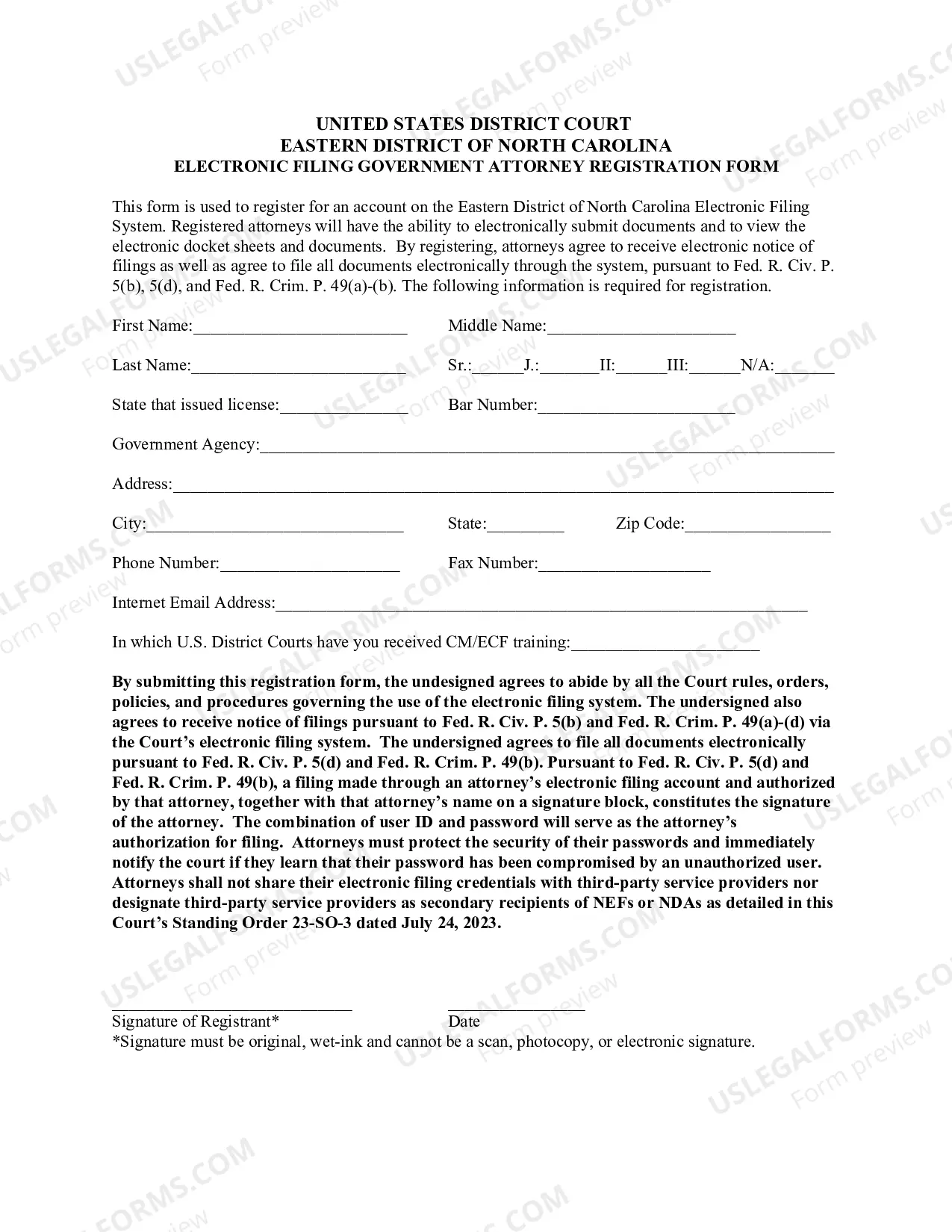
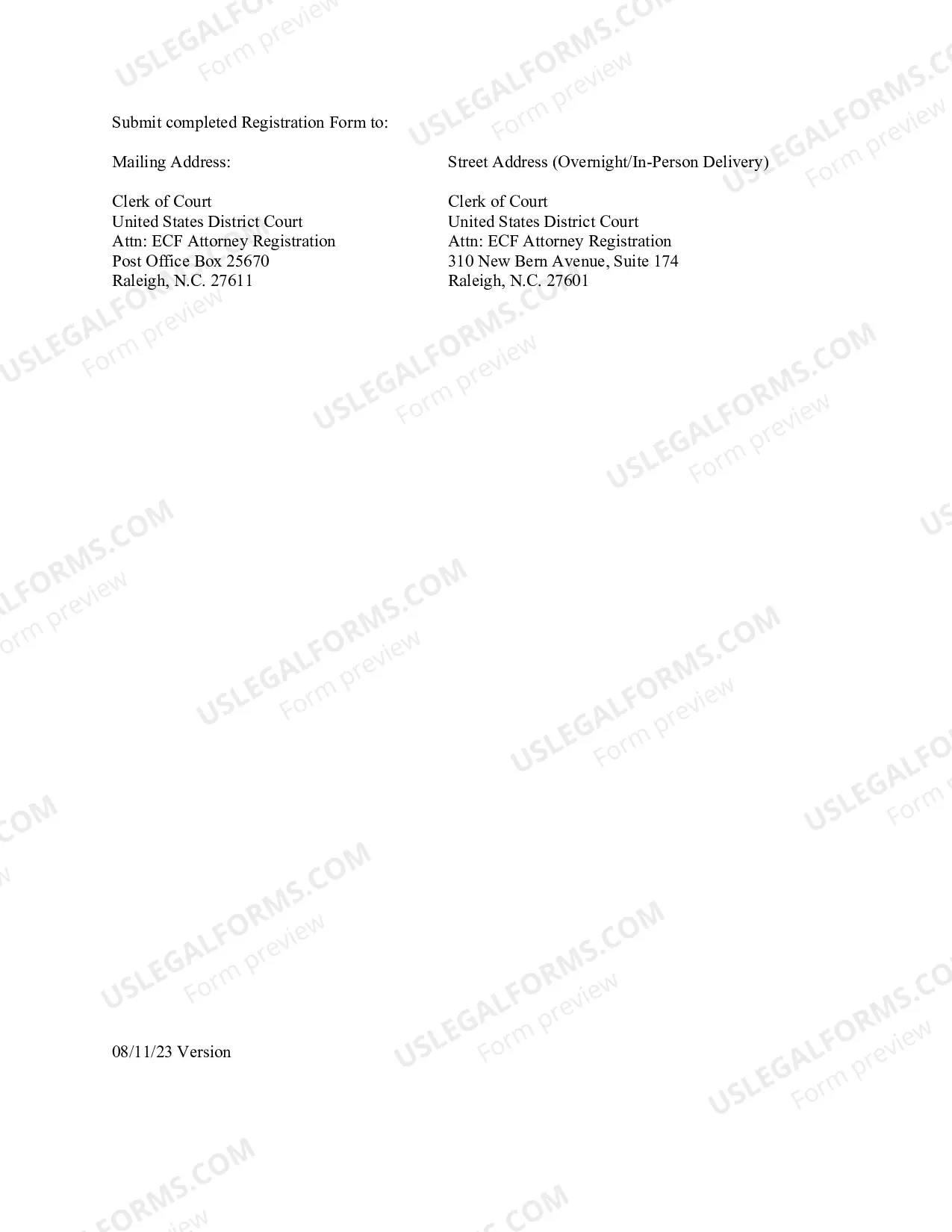
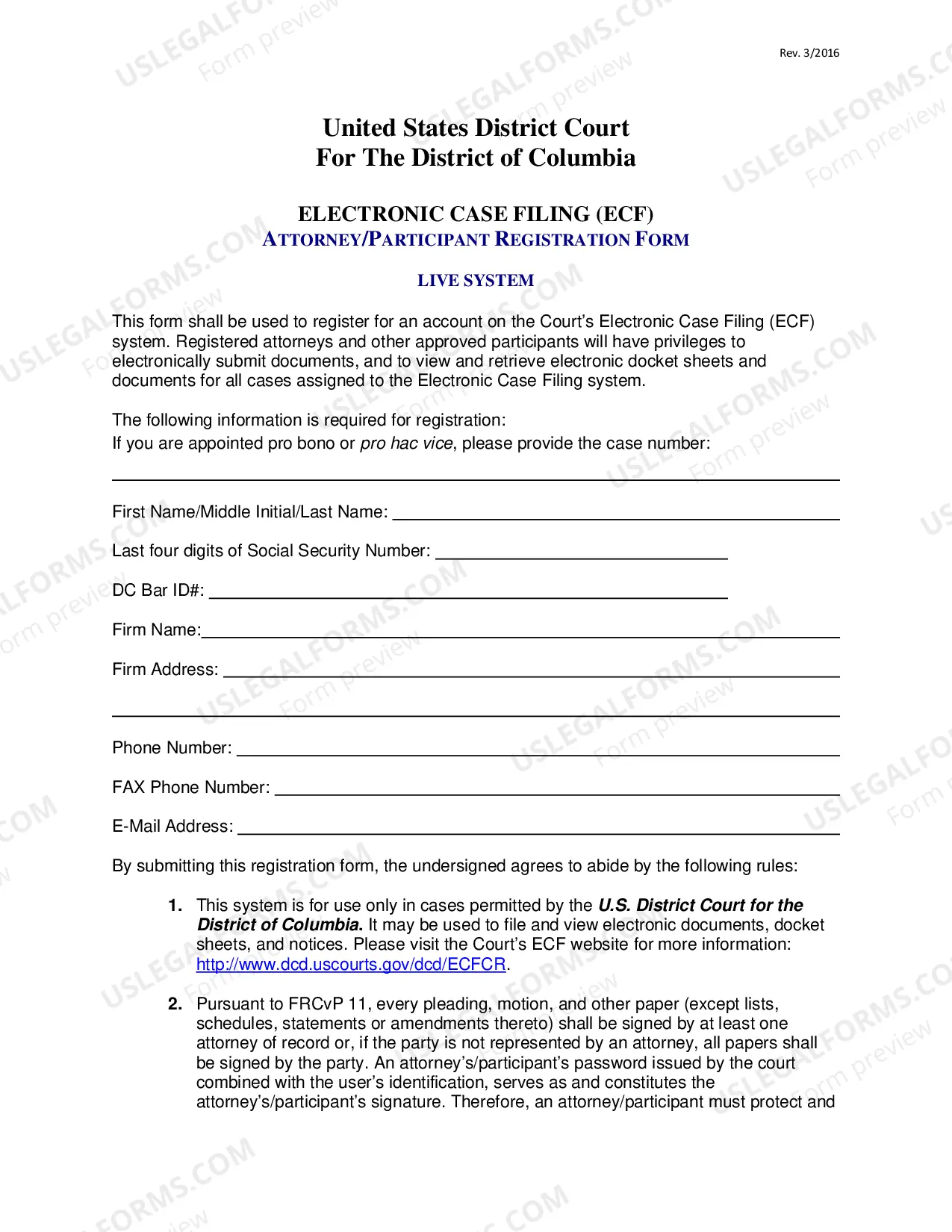
The North Carolina Electronic Filing Attorney Registration Form is a document that must be completed and submitted by any attorney wishing to file electronically with the North Carolina court system. This form is required for any attorney who wishes to use the North Carolina Electronic Filing System (NC E-Filing). The form is available online and must be completed in its entirety before an attorney can gain access to the NC E-Filing system. There are two types of North Carolina Electronic Filing Attorney Registration Forms: the NC E-Filing Attorney Registration Form and the NC E-Filing New Attorney Registration Form. The NC E-Filing Attorney Registration Form is for attorneys who have already registered for the NC E-Filing system and are updating their information; the NC E-Filing New Attorney Registration Form is for attorneys who are registering for the NC E-Filing system for the first time. Both forms require the attorney to provide their contact information, practice information, and a signature.
North Carolina Electronic Filing Attorney Registration Form
Description
Get your form ready online
Our built-in tools help you complete, sign, share, and store your documents in one place.
Make edits, fill in missing information, and update formatting in US Legal Forms—just like you would in MS Word.
Download a copy, print it, send it by email, or mail it via USPS—whatever works best for your next step.
Sign and collect signatures with our SignNow integration. Send to multiple recipients, set reminders, and more. Go Premium to unlock E-Sign.
If this form requires notarization, complete it online through a secure video call—no need to meet a notary in person or wait for an appointment.
We protect your documents and personal data by following strict security and privacy standards.

Make edits, fill in missing information, and update formatting in US Legal Forms—just like you would in MS Word.

Download a copy, print it, send it by email, or mail it via USPS—whatever works best for your next step.

Sign and collect signatures with our SignNow integration. Send to multiple recipients, set reminders, and more. Go Premium to unlock E-Sign.

If this form requires notarization, complete it online through a secure video call—no need to meet a notary in person or wait for an appointment.

We protect your documents and personal data by following strict security and privacy standards.
Looking for another form?
How to fill out North Carolina Electronic Filing Attorney Registration Form?
If you're looking for a method to accurately finish the North Carolina Electronic Filing Attorney Registration Form without employing an attorney, then you're in the perfect place.
US Legal Forms has established itself as the most comprehensive and dependable collection of official templates for every personal and business circumstance. Each document you encounter on our online platform is crafted in alignment with federal and state laws, ensuring that your paperwork is in order.
Another significant benefit of US Legal Forms is that you will never misplace the documents you have purchased - you can access any of your downloaded templates in the My documents section of your profile whenever you require it.
- Verify that the document displayed on the page aligns with your legal circumstances and state regulations by reviewing its text description or browsing through the Preview mode.
- Enter the document title in the Search tab at the top of the page and select your state from the dropdown to find another template if there are any discrepancies.
- Repeat the content validation and click Buy now when you are assured of the document's adherence to all requirements.
- Sign in to your account and click Download. Register for the service and select the subscription option if you do not already have one.
- Utilize your credit card or the PayPal method to acquire your US Legal Forms subscription. The document will be ready for download immediately afterward.
- Select the format in which you would like to receive your North Carolina Electronic Filing Attorney Registration Form and download it by clicking the corresponding button.
- Incorporate your template into an online editor to complete and sign it swiftly or print it out to prepare your physical copy manually.