Mississippi Answer
What is this form?
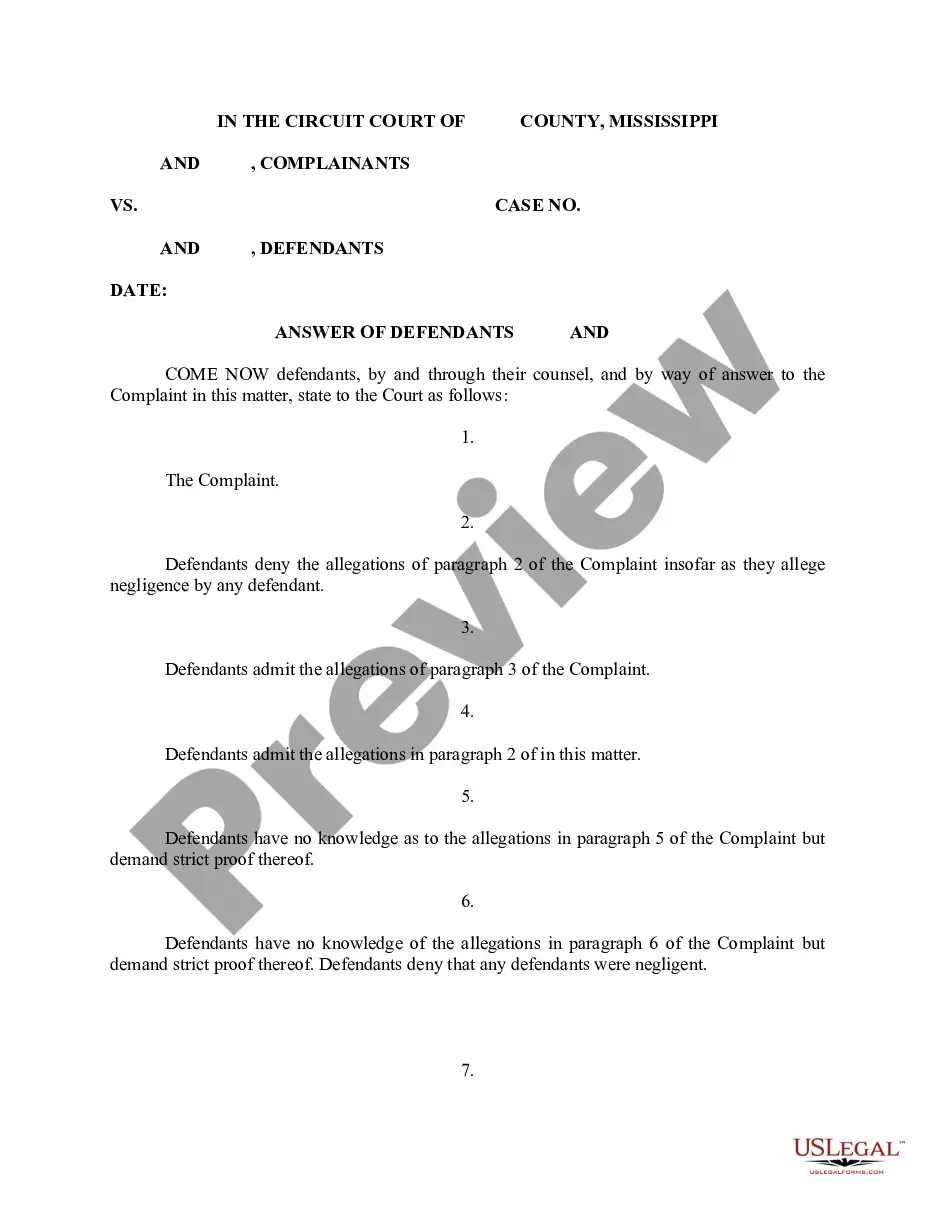
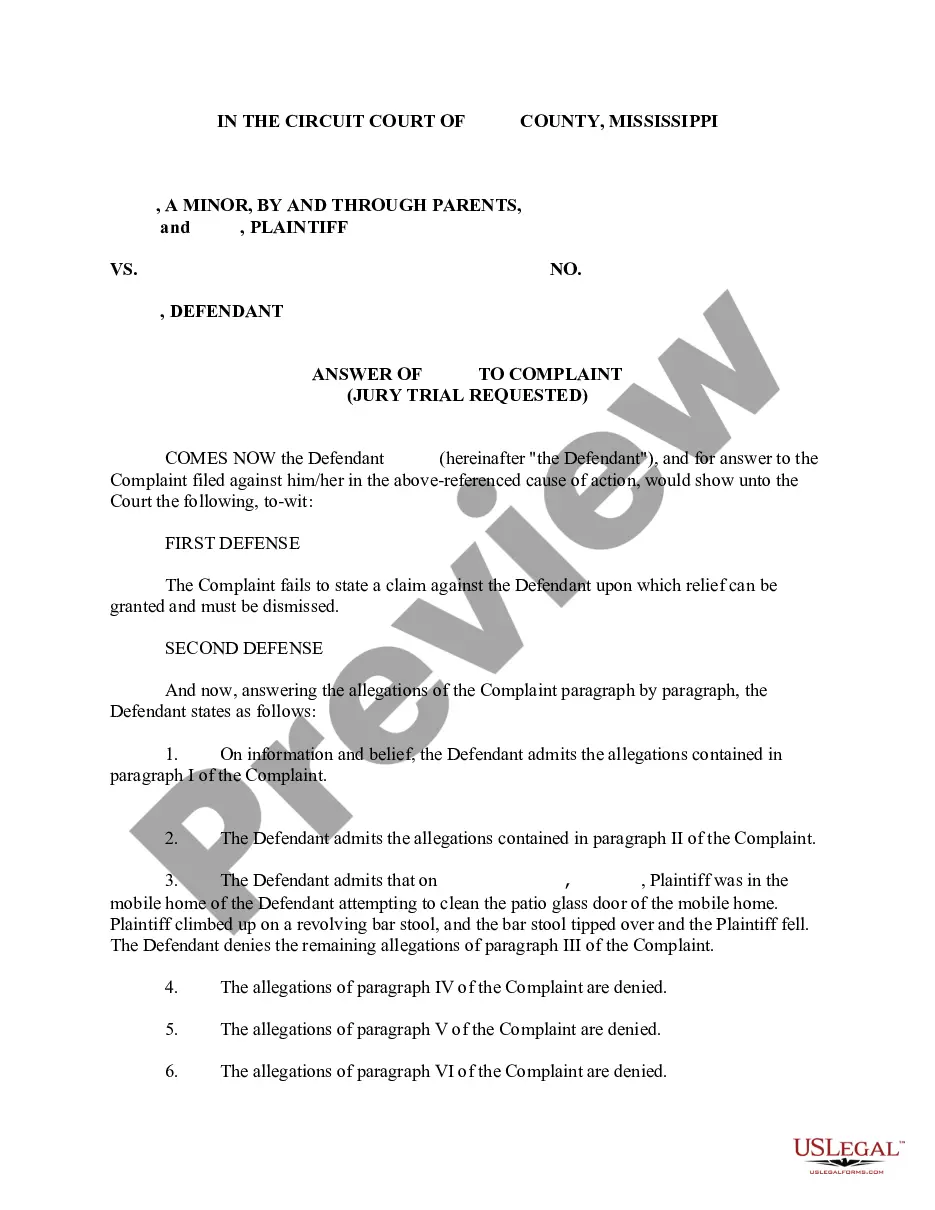
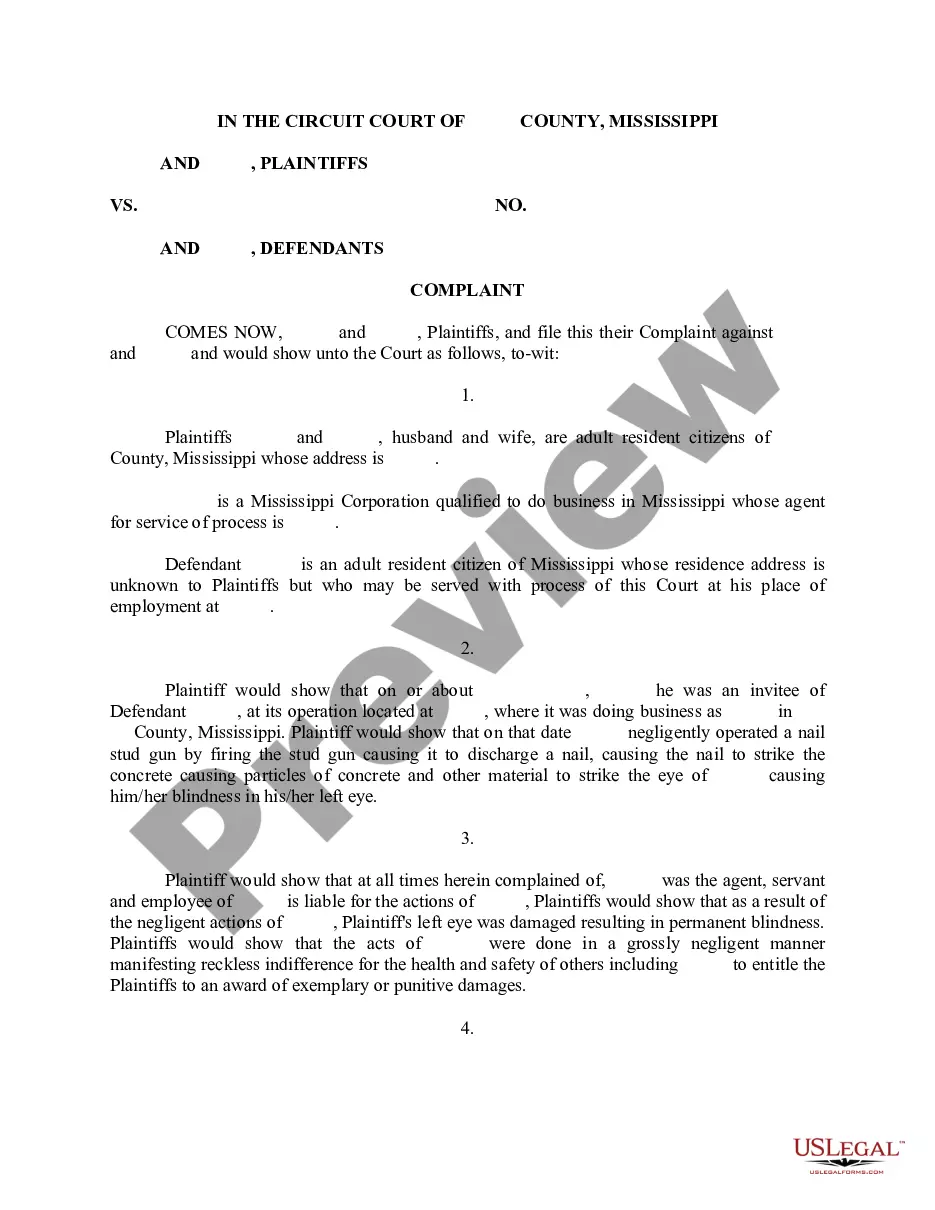
This Answer is a legal document filed in response to a Plaintiff's Complaint. It serves as the defendant's formal response to the allegations made in a personal injury case, such as a nail gun injury to the eye. This form provides the defendant's admissions, denials, and defenses regarding the claims presented by the plaintiff, distinguishing it from other legal forms like a motion or counterclaim.
What’s included in this form
- Admissions of specific allegations made in the complaint.
- Denials of negligence or liability by the defendants.
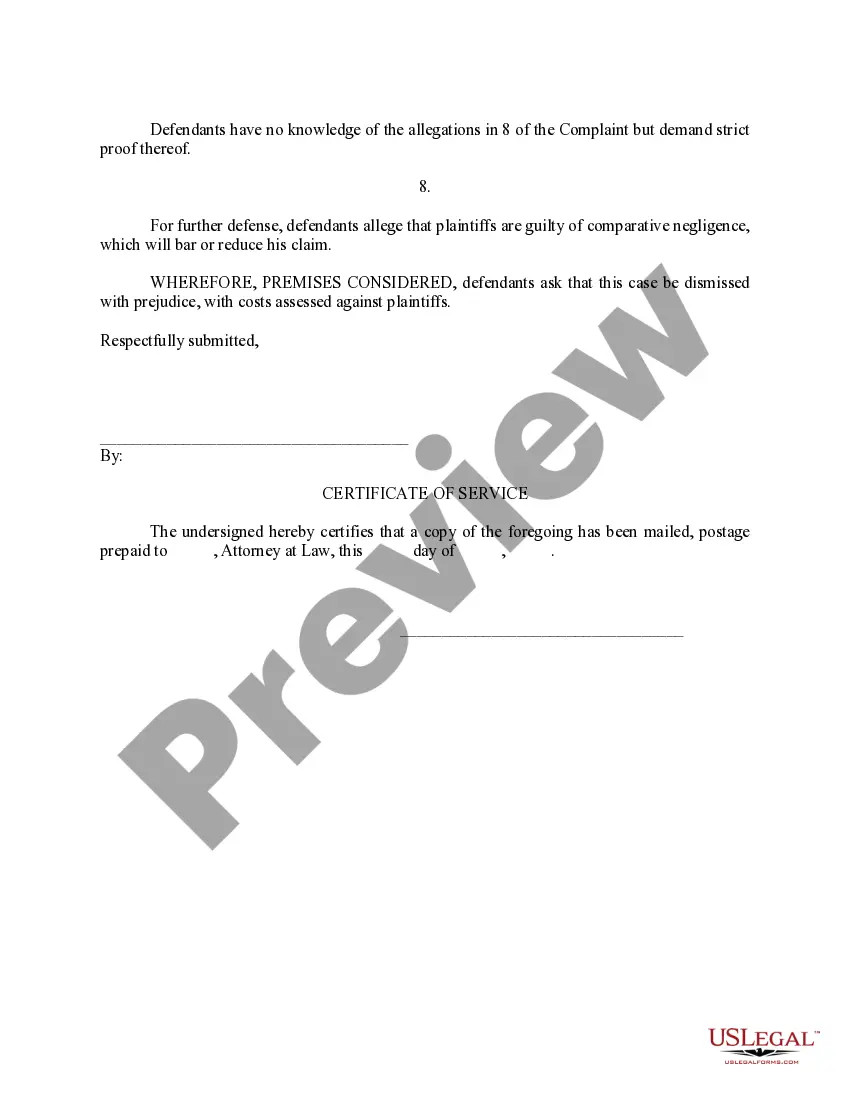
- A demand for strict proof regarding allegations the defendants do not acknowledge.
- A potential defense of comparative negligence, asserting that the plaintiff shares fault.
- A request for the case to be dismissed with prejudice, seeking costs from the plaintiff.
Common use cases
This form should be used when a defendant receives a Plaintiff's Complaint and wishes to formally respond to the claims made against them. It is relevant in personal injury cases where the defendant needs to clarify their position, assert defenses, and avoid default judgments by submitting a timely answer to the court.
Who should use this form
- Defendants in a personal injury lawsuit.
- Individuals or entities accused of negligence or wrongful conduct.
- Legal representatives acting on behalf of defendants in litigation.
Instructions for completing this form
- Identify the parties involved, including plaintiffs and defendants.
- Fill in the specific paragraph numbers referenced in the complaint that you either admit or deny.
- State any objections or demands for proof regarding allegations that cannot be admitted or denied.
- Articulate any defenses, such as comparative negligence, if applicable.
- Sign and date the form in accordance with local procedural rules.
Is notarization required?
This form does not typically require notarization unless specified by local law.
Get your form ready online
Our built-in tools help you complete, sign, share, and store your documents in one place.
Make edits, fill in missing information, and update formatting in US Legal Forms—just like you would in MS Word.
Download a copy, print it, send it by email, or mail it via USPS—whatever works best for your next step.
Sign and collect signatures with our SignNow integration. Send to multiple recipients, set reminders, and more. Go Premium to unlock E-Sign.
If this form requires notarization, complete it online through a secure video call—no need to meet a notary in person or wait for an appointment.
We protect your documents and personal data by following strict security and privacy standards.

Make edits, fill in missing information, and update formatting in US Legal Forms—just like you would in MS Word.

Download a copy, print it, send it by email, or mail it via USPS—whatever works best for your next step.

Sign and collect signatures with our SignNow integration. Send to multiple recipients, set reminders, and more. Go Premium to unlock E-Sign.

If this form requires notarization, complete it online through a secure video call—no need to meet a notary in person or wait for an appointment.

We protect your documents and personal data by following strict security and privacy standards.
Mistakes to watch out for
- Failing to respond in a timely manner, leading to default judgment.
- Not clearly stating admissions or denials, resulting in ambiguity.
- Neglecting to include all necessary defenses or counterarguments.
Benefits of using this form online
- Convenience of filling out and filing the form from anywhere.
- Editability allows for updates and changes before final submission.
- Access to reliable templates drafted by licensed attorneys.
Legal use & context
- This Answer is a critical component of civil litigation and serves to protect the defendant's rights.
- It must adhere to court rules and filing deadlines to be considered valid.
- The completeness and accuracy of the responses can significantly impact the outcome of the case.
Key takeaways
- An Answer is essential for defendants in response to a Plaintiff's Complaint.
- It outlines the defendant's position regarding each allegation.
- Timely completion and accurate information are crucial to ensure legal protection.
Looking for another form?
Form popularity
FAQ
If you worked and earned wages in Mississippi, you may file a claim for unemployment insurance benefits online or by calling 601-493-9427. Your claim for benefits will be effective the Sunday of the week the claim is filed.
Provide the name of the court at the top of the Answer. You can find the information on the summons. List the name of the plaintiff on the left side. Write the case number on the right side of the Answer. Address the Judge and discuss your side of the case. Ask the judge to dismiss the case.
You may file your current weekly claim certification online through MDES' Online Unemployment Services. You must login with your user id and password or establish a new user id and password if you are not a current user. You may file online outside normal business hours.
Call: 601-855-3133 for the following services. The MDES Contact Center is open Monday through Friday from 7 a.m. until 7 p.m. For more information, please visit https://mdes.ms.gov.
Click the green Verify with ID.me button. Follow the prompts to either log in to your existing ID.me account, or create a new one. Confirm your email address. Select and set up the multi-factor authentication option of your choice.
Benefitpay@mdes.ms.gov. For questions regarding. Unemployment Tax: tax@mdes.ms.gov. For questions regarding. Unemployment Benefits Overpayments: bpc@mdes.ms.gov. For questions regarding. Appeals: appeals@mdes.ms.gov.
Contact the clerk's office of the court where the lawsuit was filed. You'll find a phone number and address for the clerk's office on your summons. The clerk will be able to tell you exactly what documents you should file with your answer and whether any filing fee is required.
Senate Bill 2988 of the 2008 Legislative Session, known as the Mississippi Employment Protection Act (MEPA), requires all Mississippi employers to register with and use the Federal Government's E-Verify System to determine that individuals hired as employees are legal citizens or legally authorized to work in the
Read the summons and make sure you know the date you must answer by. Read the complaint carefully. Write your answer. Sign and date the answer. Make copies for the plaintiff and yourself. Mail a copy to the plaintiff. File your answer with the court by the date on the summons.
If you meet all the eligibility requirements, then you can apply for unemployment insurance. To file by phone, call 601-855-3133 or 1-888-844-3577, Monday through Friday between 8 am and pm. To file online, you can do so anytime by setting up an account on the MDES online employment services website.