Mississippi Answer
About this form
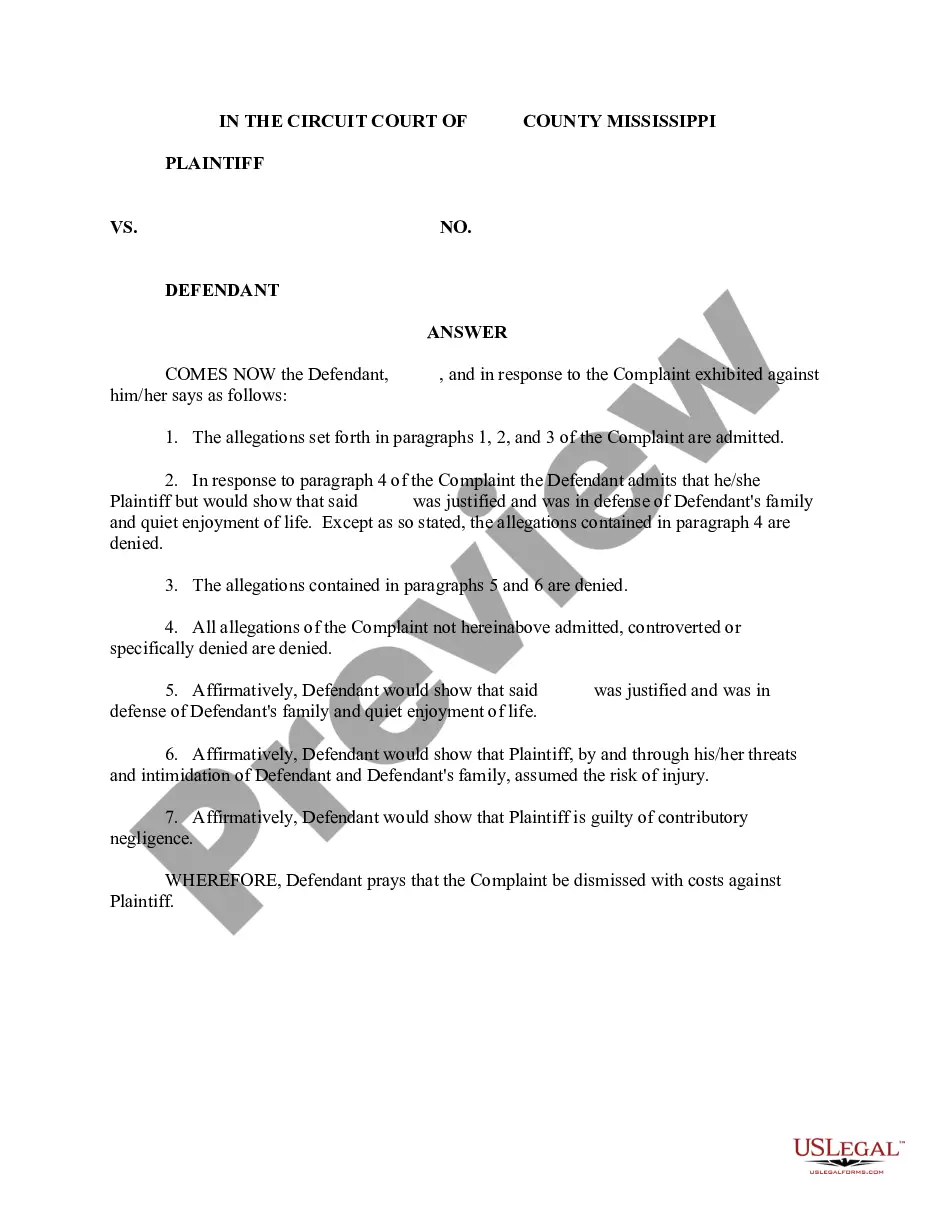
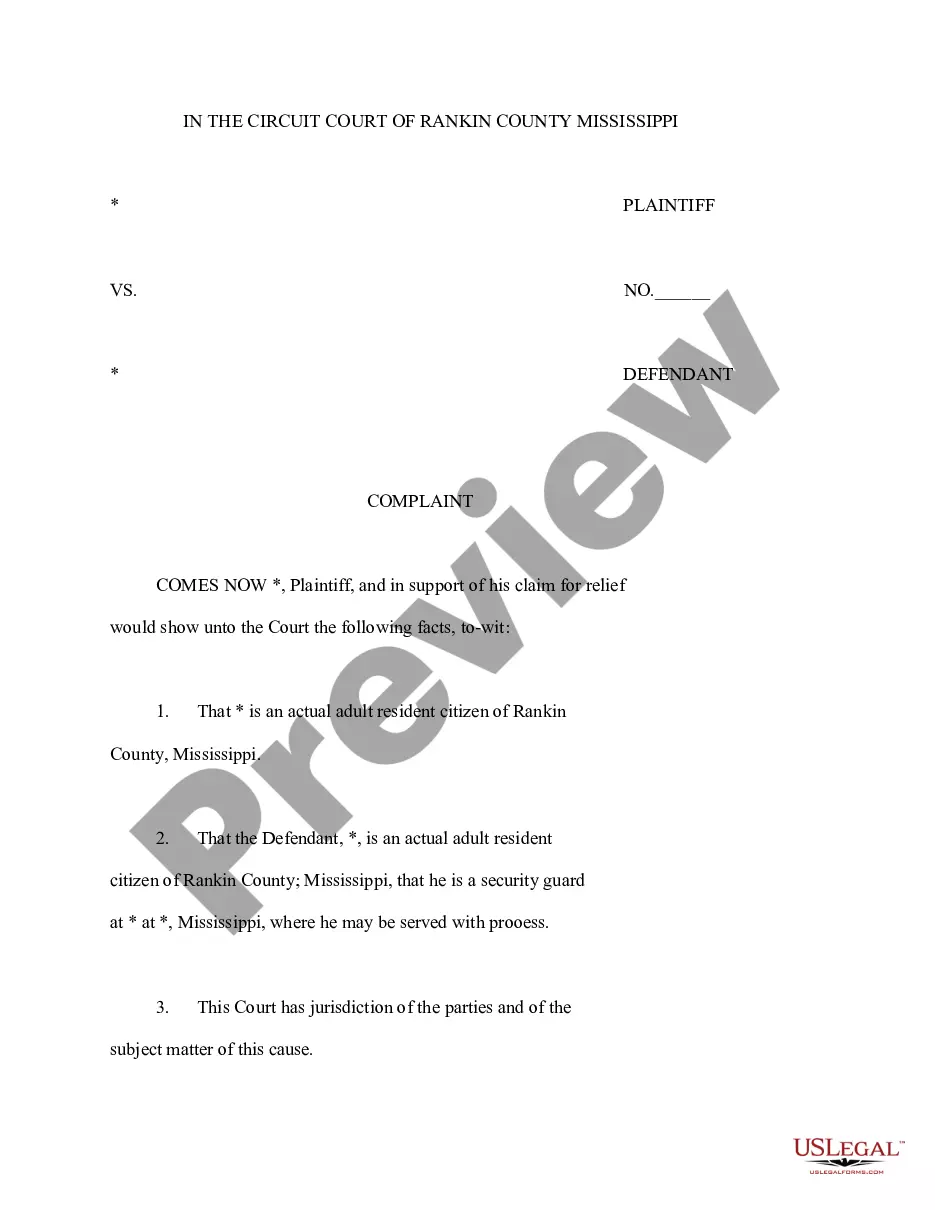
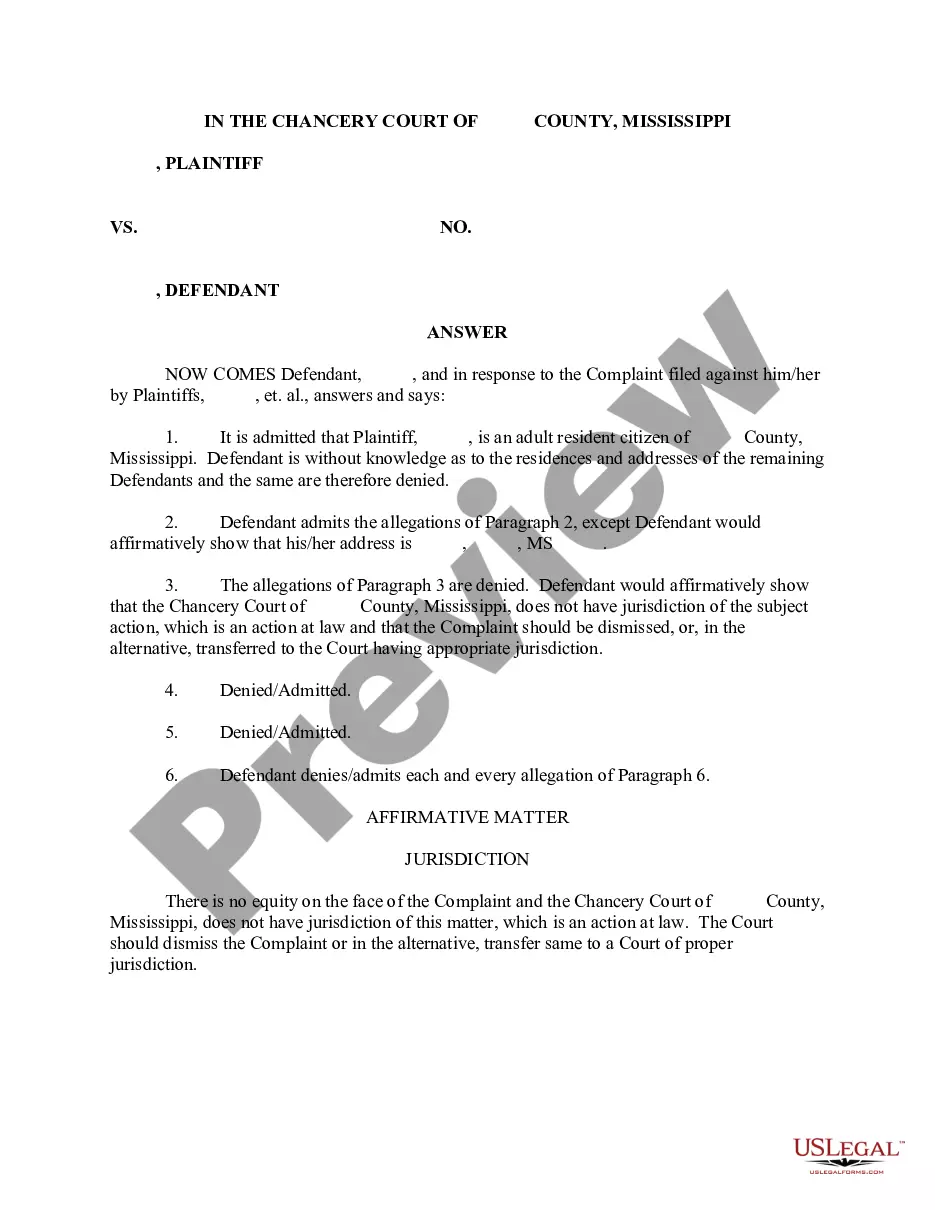
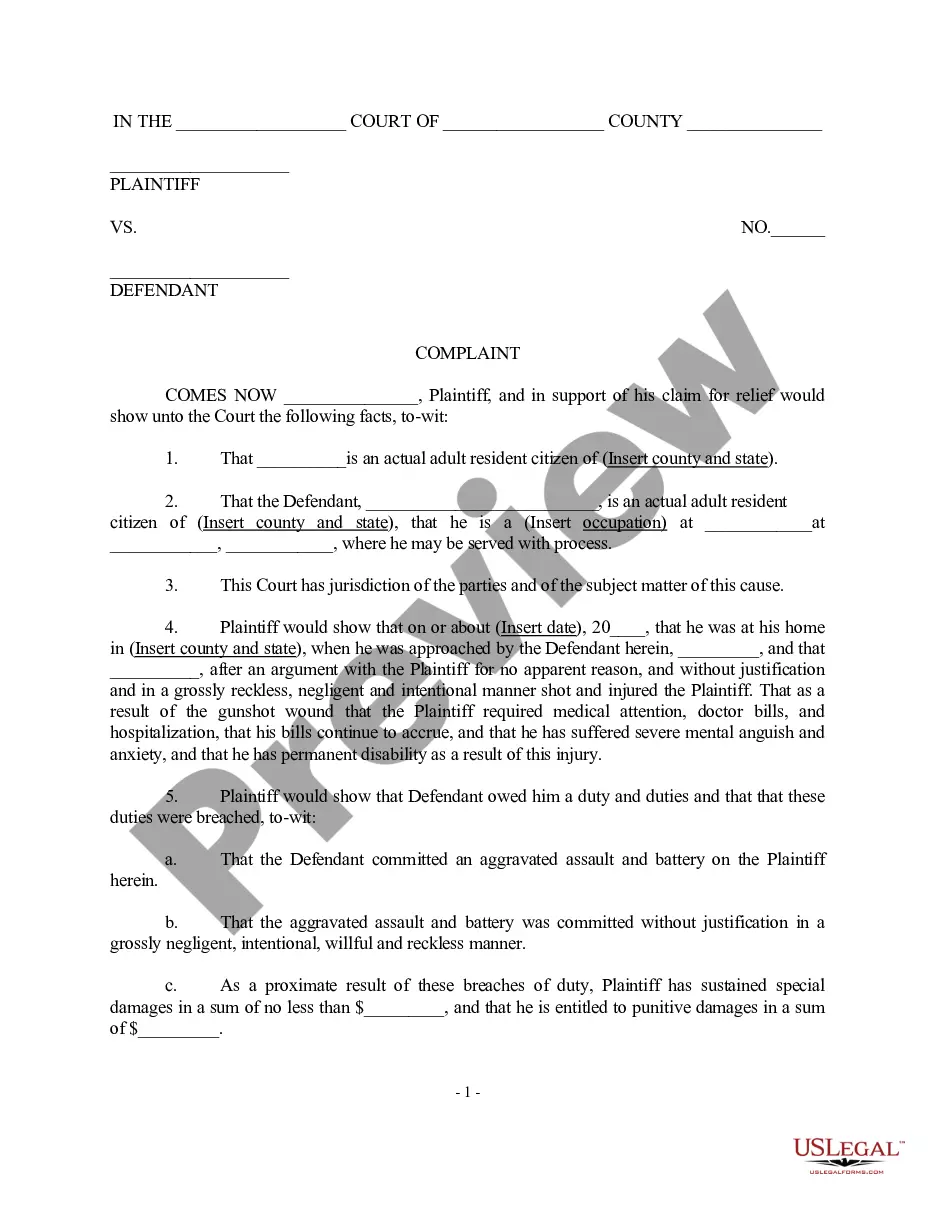
The Answer form is a legal document used to respond to a Complaint that initiates a lawsuit, specifically regarding cases of assault and battery. This form allows a defendant to articulate their defenses and counterclaims in a structured manner. By providing a clear articulation of any affirmative defenses, it can affect the outcome of the case significantly.
Form components explained
- Affirmation of defenses against the plaintiff's claims, including arguments about threats and contributory negligence.
- Request for dismissal of the Complaint with costs against the plaintiff.
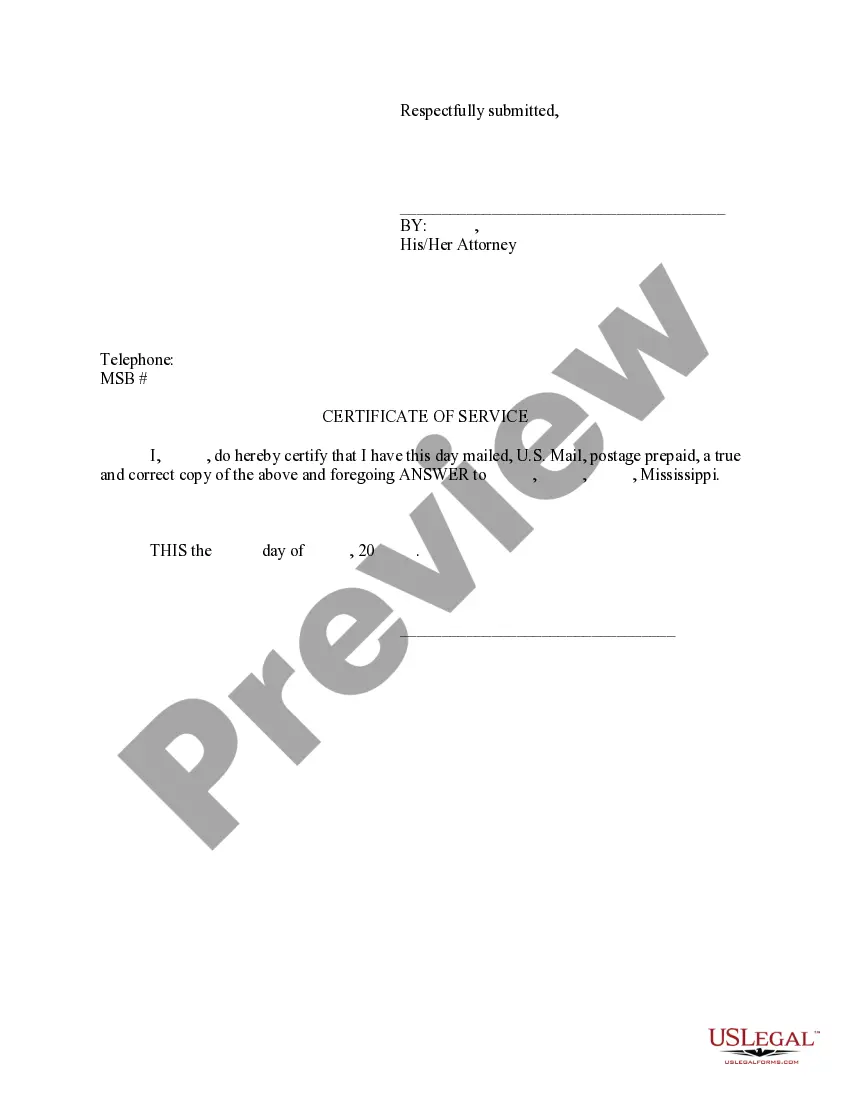
- Inclusion of a respectful closing statement to the court.
When to use this document
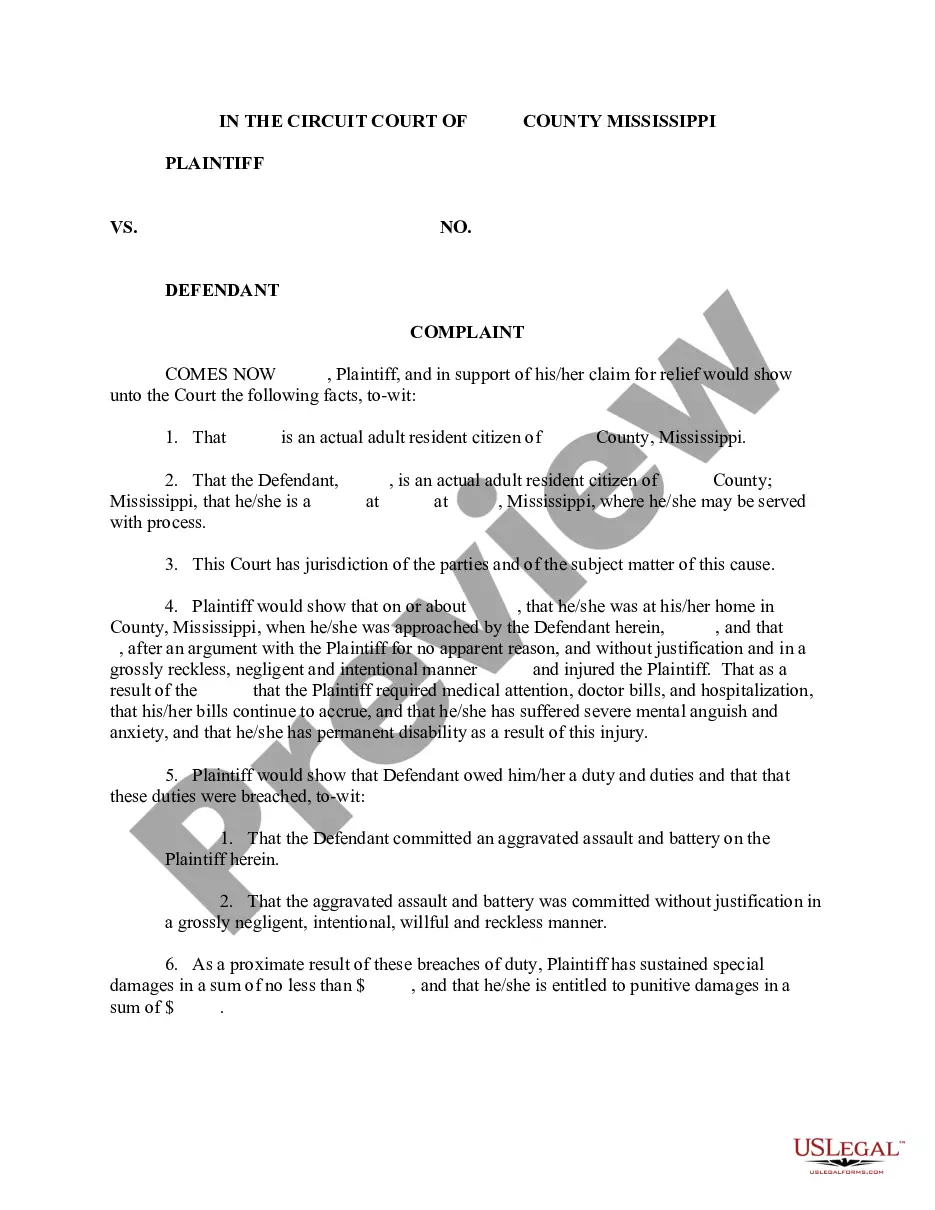
This form should be used when you have received a Complaint regarding an assault and battery incident and need to formally respond within the required timeframe. Filing this Answer is critical to ensure your side of the story is presented to the court and your rights are protected.
Who should use this form
The following individuals should consider using this form:
- Defendants facing allegations of assault and battery.
- Individuals seeking to assert affirmative defenses in a lawsuit.
- Parties who have been served with a Complaint and need to respond appropriately.
How to prepare this document
- Identify the parties involved: Include the names of the plaintiff and defendant.
- State your defenses: Clearly articulate the affirmative defenses you are asserting against the plaintiff's allegations.
- Request dismissal: Specify that you are asking for the Complaint to be dismissed with costs awarded against the plaintiff.
- Sign and date the document: Ensure that the form is properly signed and dated before submission.
Notarization requirements for this form
This form does not typically require notarization unless specified by local law. Ensure you review your jurisdiction's requirements prior to filing.
Get your form ready online
Our built-in tools help you complete, sign, share, and store your documents in one place.
Make edits, fill in missing information, and update formatting in US Legal Forms—just like you would in MS Word.
Download a copy, print it, send it by email, or mail it via USPS—whatever works best for your next step.
Sign and collect signatures with our SignNow integration. Send to multiple recipients, set reminders, and more. Go Premium to unlock E-Sign.
If this form requires notarization, complete it online through a secure video call—no need to meet a notary in person or wait for an appointment.
We protect your documents and personal data by following strict security and privacy standards.

Make edits, fill in missing information, and update formatting in US Legal Forms—just like you would in MS Word.

Download a copy, print it, send it by email, or mail it via USPS—whatever works best for your next step.

Sign and collect signatures with our SignNow integration. Send to multiple recipients, set reminders, and more. Go Premium to unlock E-Sign.

If this form requires notarization, complete it online through a secure video call—no need to meet a notary in person or wait for an appointment.

We protect your documents and personal data by following strict security and privacy standards.
Mistakes to watch out for
- Failing to file the Answer within the designated timeframe.
- Not including all applicable affirmative defenses in the document.
- Leaving the document unsigned or improperly dated, which can invalidate the response.
Advantages of online completion
- Convenience of downloading legal forms from anywhere at any time.
- Editable formats allow you to customize the form according to your specific case.
- Access to professionally drafted templates ensures legal accuracy and compliance.
Main things to remember
- The Answer form is crucial for defendants responding to allegations of assault and battery.
- Clearly state your defenses and request a dismissal of the Complaint.
- Be mindful of state-specific requirements and filing deadlines to ensure compliance.
Looking for another form?
Form popularity
FAQ
If you worked and earned wages in Mississippi, you may file a claim for unemployment insurance benefits online or by calling 601-493-9427. Your claim for benefits will be effective the Sunday of the week the claim is filed.
You may file your current weekly claim certification online through MDES' Online Unemployment Services. You must login with your user id and password or establish a new user id and password if you are not a current user. You may file online outside normal business hours.
Call: 601-855-3133 for the following services. The MDES Contact Center is open Monday through Friday from 7 a.m. until 7 p.m. For more information, please visit https://mdes.ms.gov.
Click the green Verify with ID.me button. Follow the prompts to either log in to your existing ID.me account, or create a new one. Confirm your email address. Select and set up the multi-factor authentication option of your choice.
Benefitpay@mdes.ms.gov. For questions regarding. Unemployment Tax: tax@mdes.ms.gov. For questions regarding. Unemployment Benefits Overpayments: bpc@mdes.ms.gov. For questions regarding. Appeals: appeals@mdes.ms.gov.
Contact the clerk's office of the court where the lawsuit was filed. You'll find a phone number and address for the clerk's office on your summons. The clerk will be able to tell you exactly what documents you should file with your answer and whether any filing fee is required.
Senate Bill 2988 of the 2008 Legislative Session, known as the Mississippi Employment Protection Act (MEPA), requires all Mississippi employers to register with and use the Federal Government's E-Verify System to determine that individuals hired as employees are legal citizens or legally authorized to work in the
Provide the name of the court at the top of the Answer. You can find the information on the summons. List the name of the plaintiff on the left side. Write the case number on the right side of the Answer. Address the Judge and discuss your side of the case. Ask the judge to dismiss the case.
Read the summons and make sure you know the date you must answer by. Read the complaint carefully. Write your answer. Sign and date the answer. Make copies for the plaintiff and yourself. Mail a copy to the plaintiff. File your answer with the court by the date on the summons.
If you meet all the eligibility requirements, then you can apply for unemployment insurance. To file by phone, call 601-855-3133 or 1-888-844-3577, Monday through Friday between 8 am and pm. To file online, you can do so anytime by setting up an account on the MDES online employment services website.