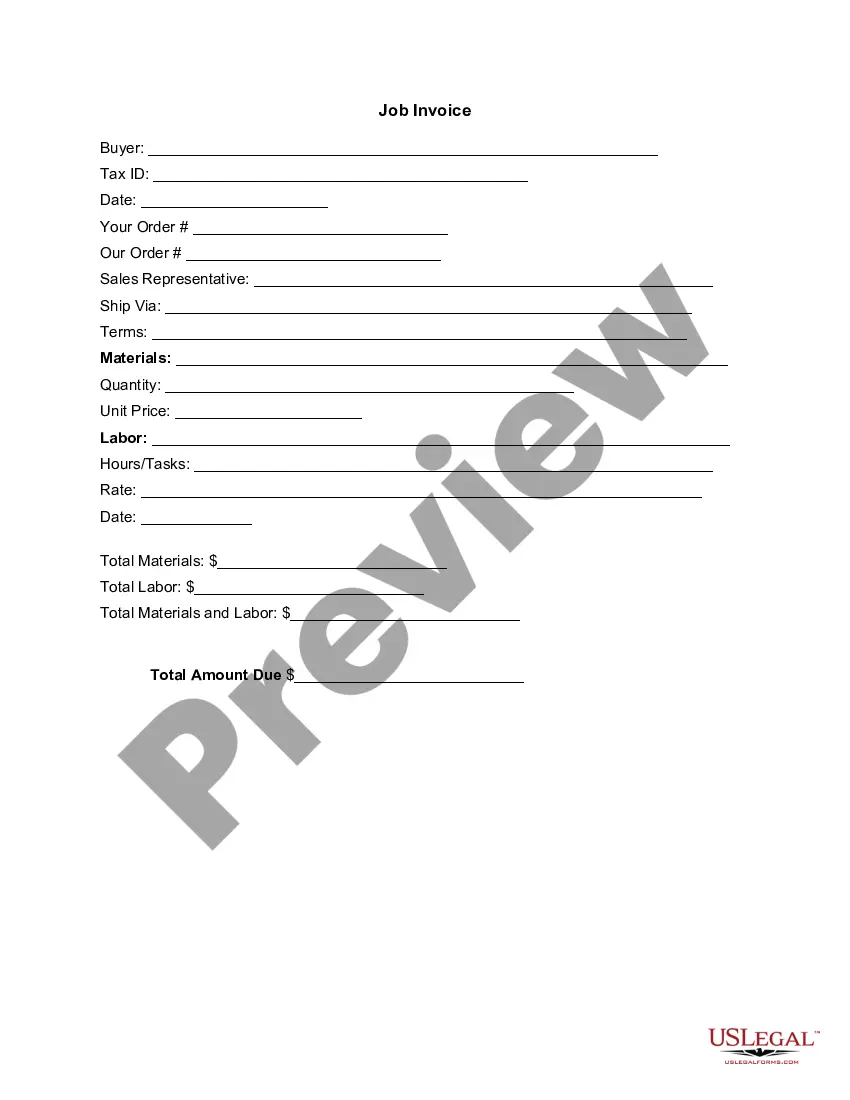
Missouri Invoice Template for HR Assistant
Description
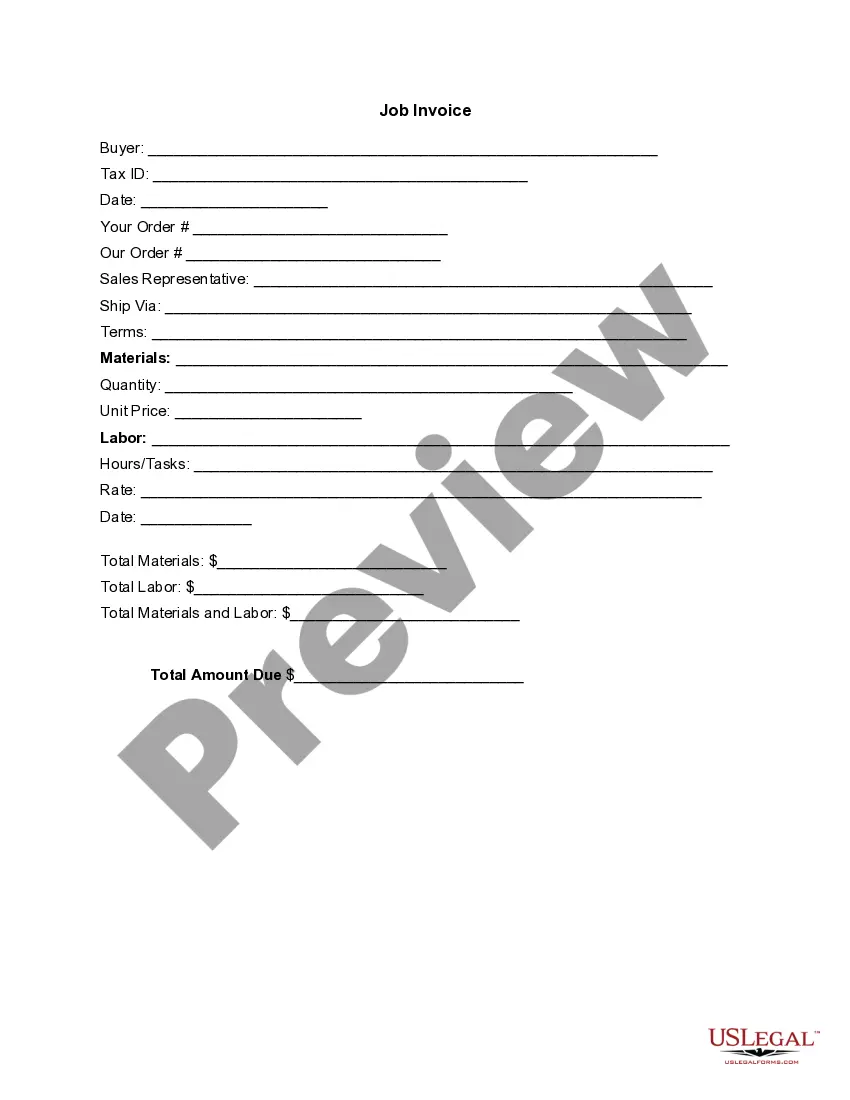
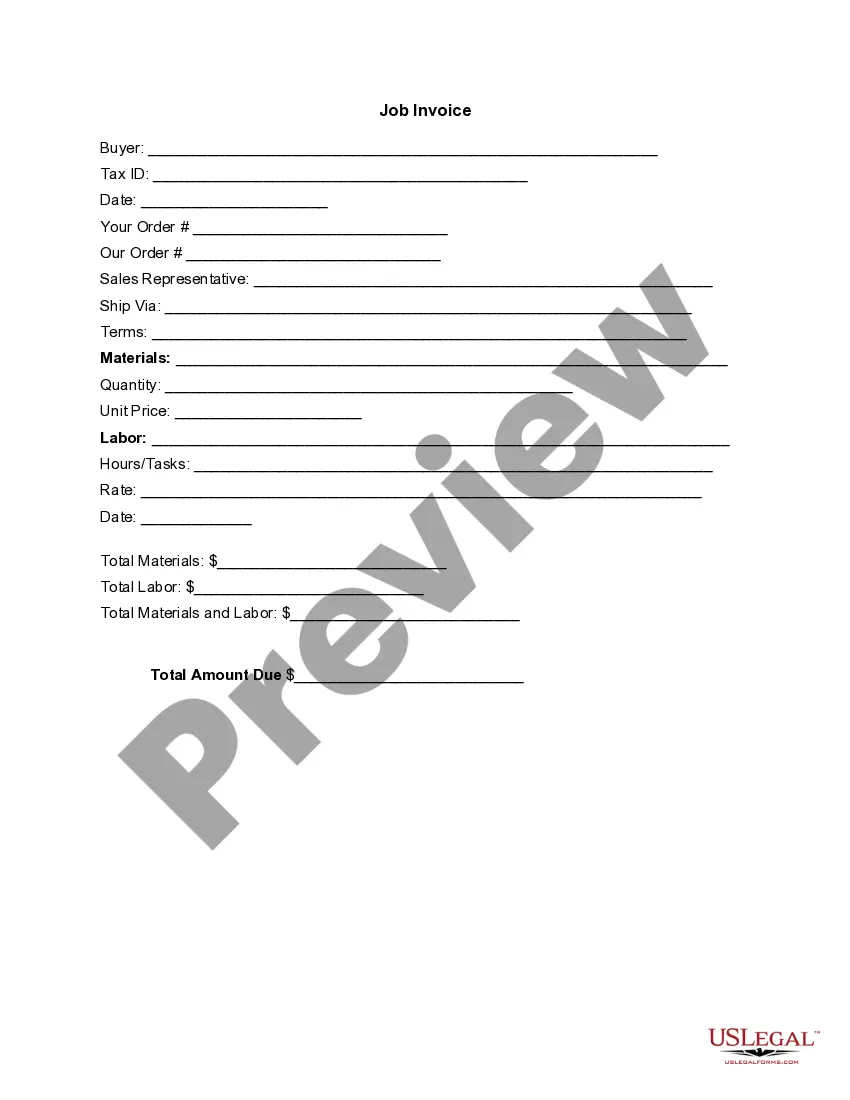
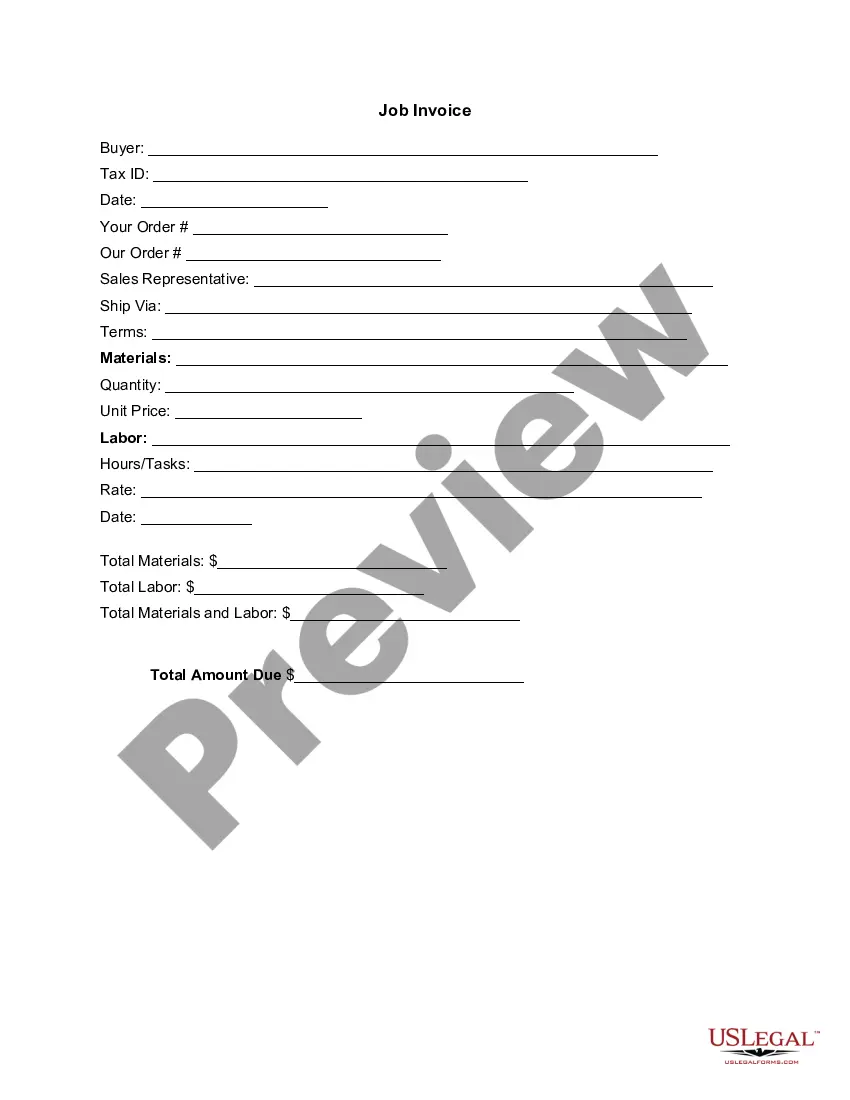


Get your form ready online
Our built-in tools help you complete, sign, share, and store your documents in one place.
Make edits, fill in missing information, and update formatting in US Legal Forms—just like you would in MS Word.
Download a copy, print it, send it by email, or mail it via USPS—whatever works best for your next step.
Sign and collect signatures with our SignNow integration. Send to multiple recipients, set reminders, and more. Go Premium to unlock E-Sign.
If this form requires notarization, complete it online through a secure video call—no need to meet a notary in person or wait for an appointment.
We protect your documents and personal data by following strict security and privacy standards.

Make edits, fill in missing information, and update formatting in US Legal Forms—just like you would in MS Word.

Download a copy, print it, send it by email, or mail it via USPS—whatever works best for your next step.

Sign and collect signatures with our SignNow integration. Send to multiple recipients, set reminders, and more. Go Premium to unlock E-Sign.

If this form requires notarization, complete it online through a secure video call—no need to meet a notary in person or wait for an appointment.

We protect your documents and personal data by following strict security and privacy standards.
Looking for another form?

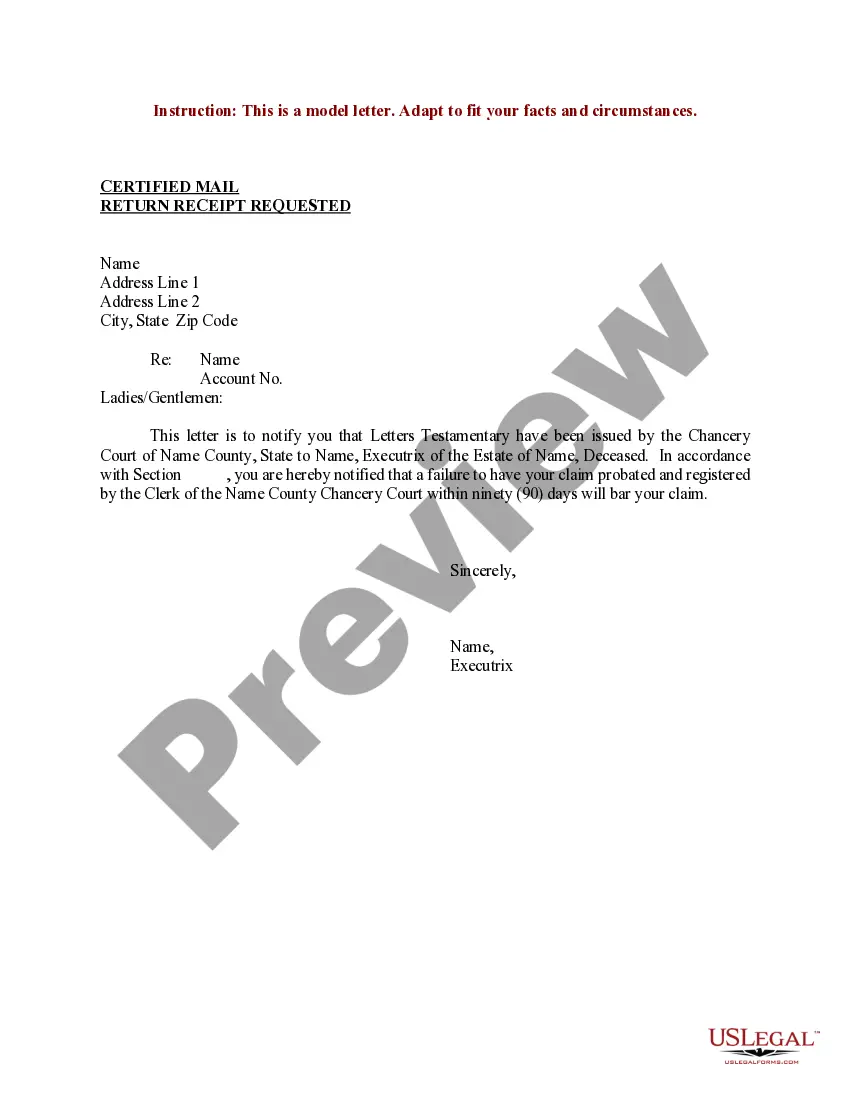
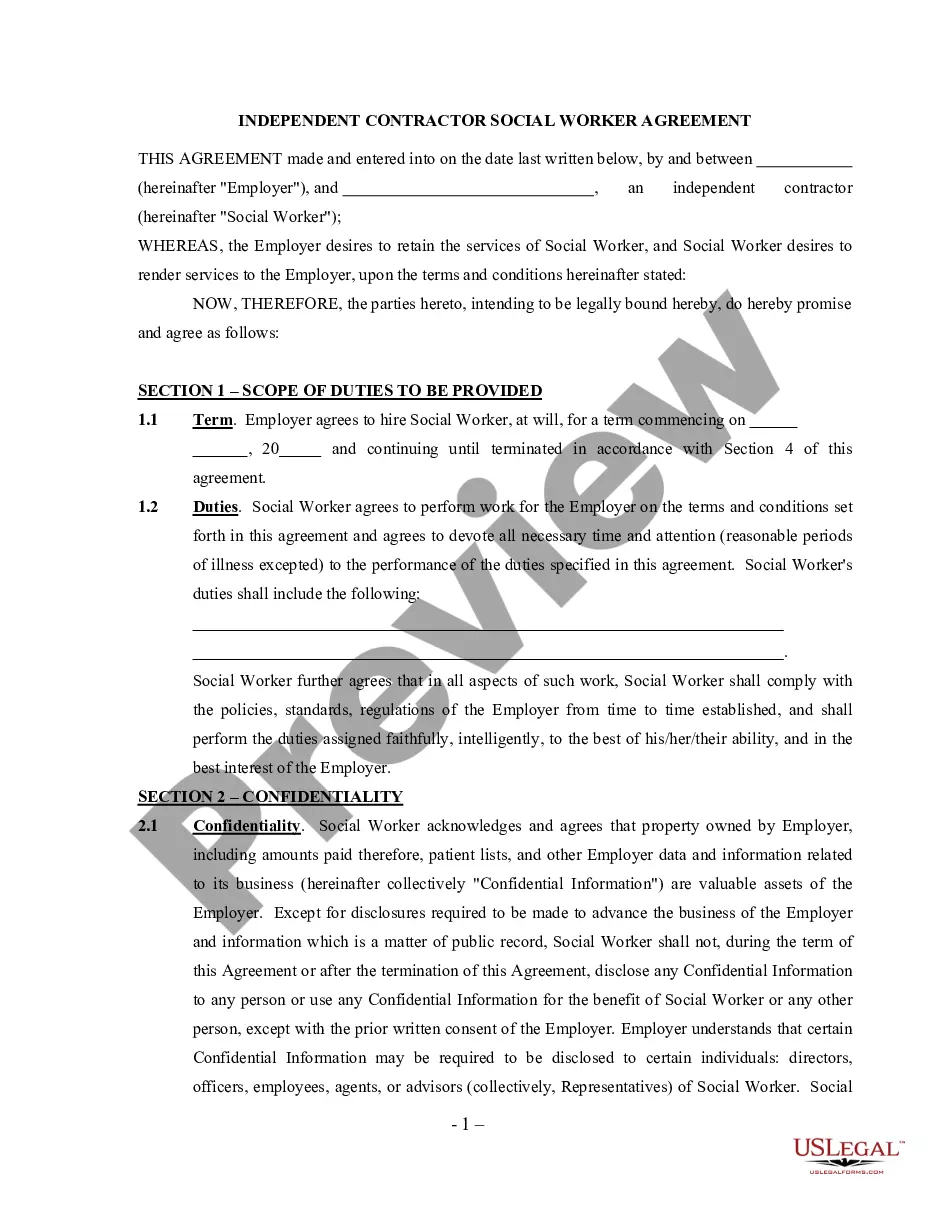
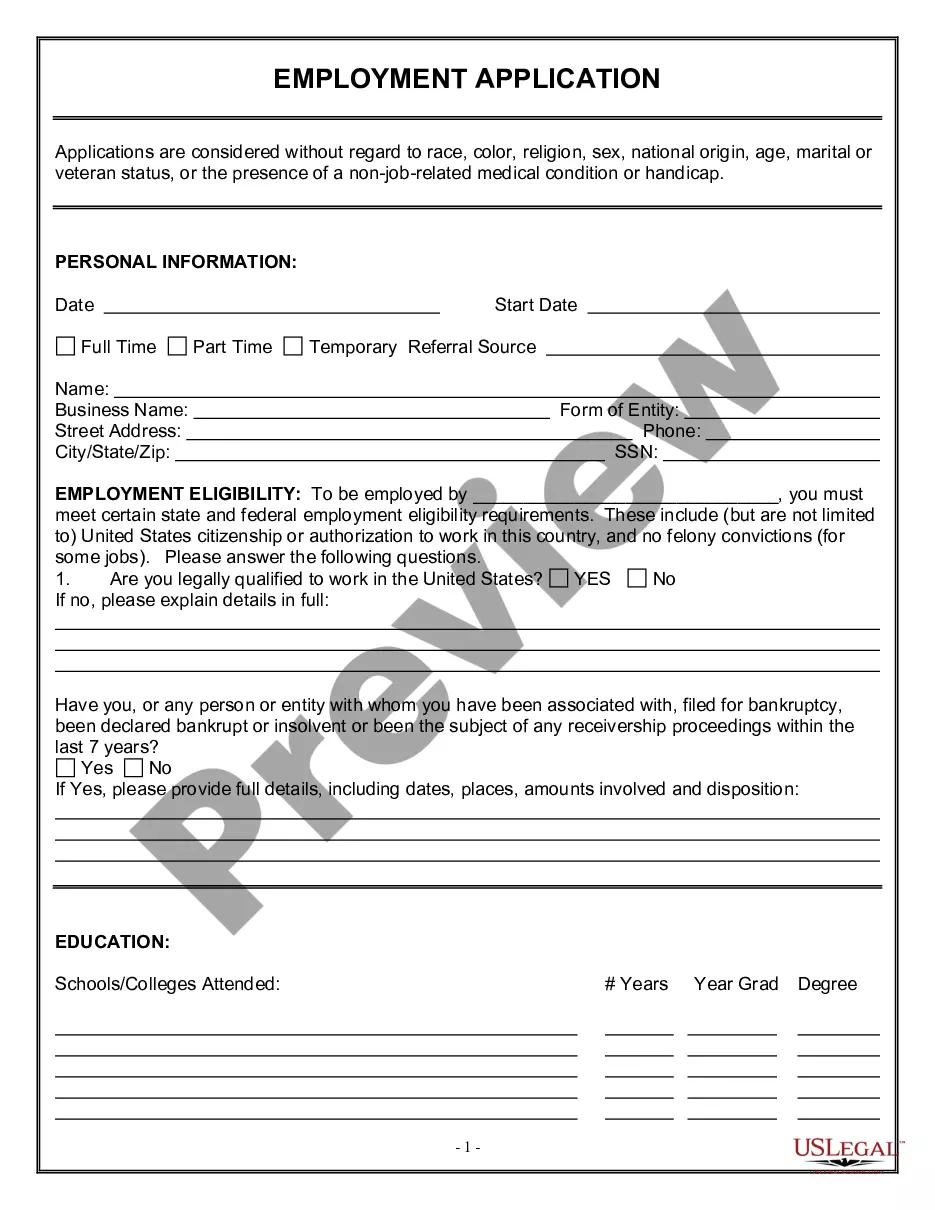

How to fill out Invoice Template For HR Assistant?
You can spend countless hours online searching for the valid document template that satisfies the federal and state requirements you need.
US Legal Forms provides thousands of valid templates that can be assessed by professionals.
You can easily acquire or print the Missouri Invoice Template for HR Assistant from our service.
If available, use the Preview option to take a look at the document template as well.
- If you possess a US Legal Forms account, you can sign in and select the Download option.
- After that, you can fill out, modify, print, or sign the Missouri Invoice Template for HR Assistant.
- Every valid document template you purchase is yours forever.
- To obtain another copy of any purchased form, visit the My documents section and select the appropriate option.
- If you are using the US Legal Forms website for the first time, follow the simple instructions below.
- First, make sure you have chosen the correct document template for the region/city you select.
- Review the form overview to ensure you have chosen the correct form.
Form popularity
FAQ
Indeed, you can find an invoice template in Excel, including a Missouri Invoice Template for HR Assistant. Excel offers a flexible format that allows easy customization for your unique services. Simply download the template, adjust it to your liking, and input all necessary details to create a professional invoice. This method is also beneficial for tracking your invoices.
Yes, you can easily generate an invoice from yourself. Using a Missouri Invoice Template for HR Assistant from US Legal Forms streamlines this process. Simply input your information, such as name and address, along with the client’s details and service information. This creates an official document that clients can process promptly.
To make an invoice for a side job, utilize a Missouri Invoice Template for HR Assistant that fits your needs. This template allows you to list the services provided, along with your payment rate and due date. Be sure to include specific job details, such as dates and any agreed-upon terms, to avoid misunderstandings. Personalizing the template helps reflect your professionalism.
Creating your own invoice is simple and straightforward. Start by downloading a Missouri Invoice Template for HR Assistant from US Legal Forms, which gives you a structured layout. Next, fill in the details, including your business information, client details, itemized services, and payment terms. Once completed, review the document to ensure accuracy before sending it to your client.
To properly fill an invoice using the Missouri Invoice Template for HR Assistant, start with accurate contact information, ensuring it's current for effective communication. List services or products in detail, indicating quantity and prices. Make sure to double-check the totals and any applicable taxes, which fosters clarity and reliability.
The correct format for an invoice, especially when using the Missouri Invoice Template for HR Assistant, includes a header with your company information, the client’s details, and an invoice number. Follow this with a detailed list of services or products, their quantities, prices, and a subtotal. Conclude with payment terms and your contact information for any inquiries.
Making an invoice using the Missouri Invoice Template for HR Assistant involves several key steps. Start with selecting a professional and simple layout. Then, input your business information, the client's details, and clearly describe the services offered, followed by the total amount due, and payment instructions.
To complete the Missouri Invoice Template for HR Assistant, start by entering your business name and logo at the top. Next, fill in the recipient's name, address, and contact information. Then, list the items or services, including descriptions and amounts, followed by any applicable tax and payment terms.
When using the Missouri Invoice Template for HR Assistant, you should include essential details such as your company name, contact information, client details, and an invoice number. Additionally, specify the date of the invoice, a description of the products or services provided, the quantity, and the applicable rates. This clarity helps ensure that your clients understand what they are being billed for.
To create an employee invoice, start by including your company and employee details, such as names and contact information. Use an itemized list to outline hours worked, tasks completed, and any other relevant charges. Calculating totals accurately is crucial for clarity. Utilizing a Missouri Invoice Template for HR Assistant can streamline this process, offering a professional layout to impress your employees.