Missouri Buyer's Final Walk Through Inspection Form
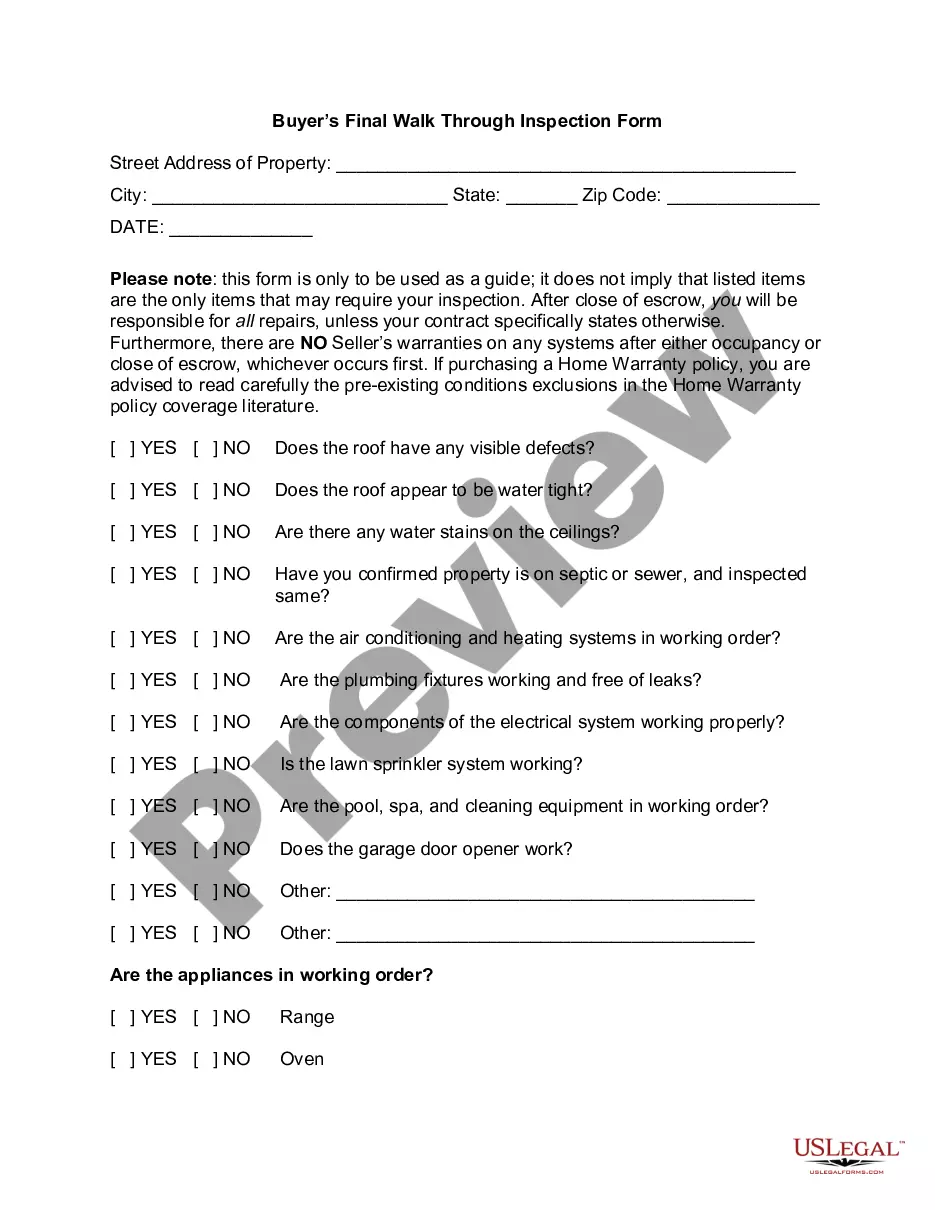
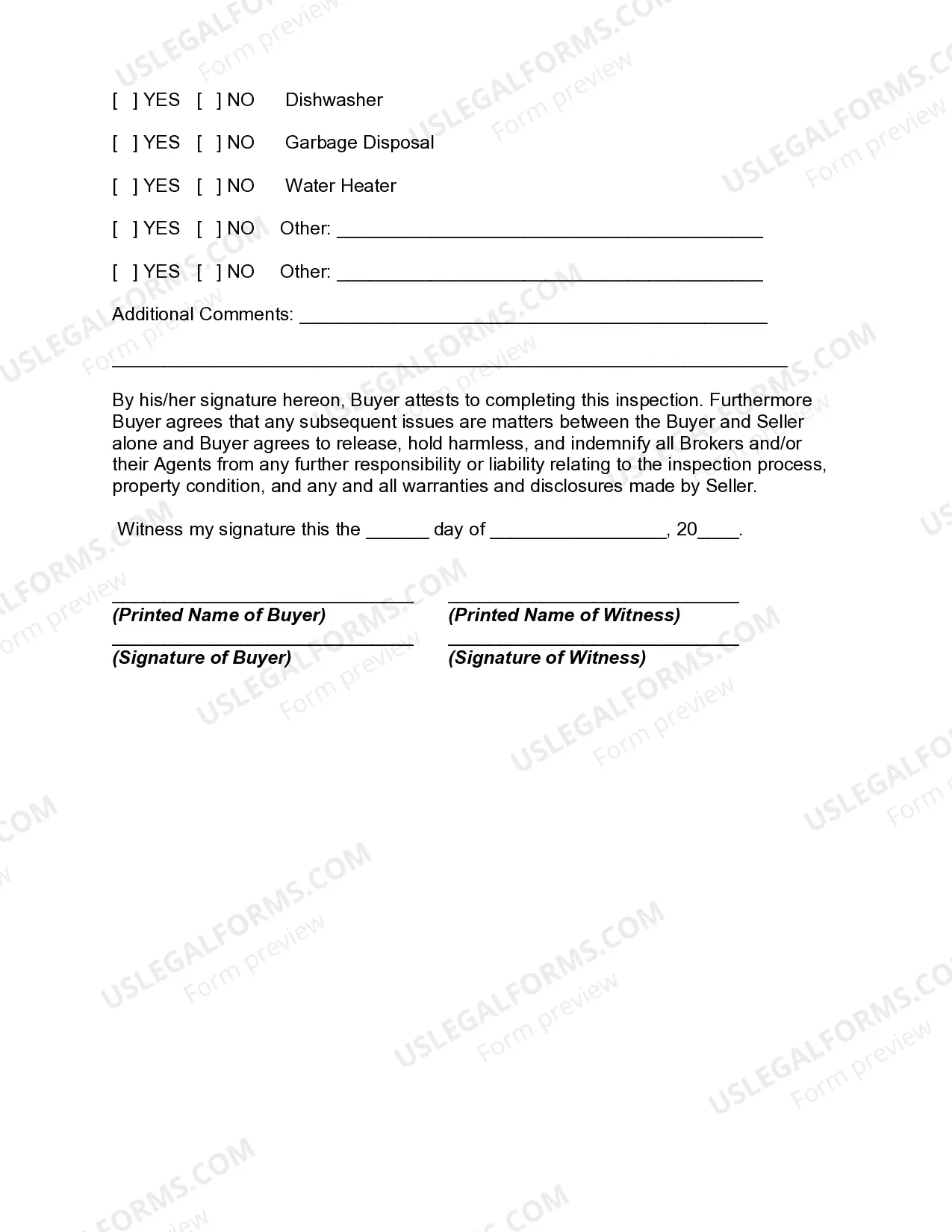
Description
Get your form ready online
Our built-in tools help you complete, sign, share, and store your documents in one place.
Make edits, fill in missing information, and update formatting in US Legal Forms—just like you would in MS Word.
Download a copy, print it, send it by email, or mail it via USPS—whatever works best for your next step.
Sign and collect signatures with our SignNow integration. Send to multiple recipients, set reminders, and more. Go Premium to unlock E-Sign.
If this form requires notarization, complete it online through a secure video call—no need to meet a notary in person or wait for an appointment.
We protect your documents and personal data by following strict security and privacy standards.

Make edits, fill in missing information, and update formatting in US Legal Forms—just like you would in MS Word.

Download a copy, print it, send it by email, or mail it via USPS—whatever works best for your next step.

Sign and collect signatures with our SignNow integration. Send to multiple recipients, set reminders, and more. Go Premium to unlock E-Sign.

If this form requires notarization, complete it online through a secure video call—no need to meet a notary in person or wait for an appointment.

We protect your documents and personal data by following strict security and privacy standards.
Looking for another form?
How to fill out Buyer's Final Walk Through Inspection Form?
Locating the appropriate legal document template can be a challenge.
Of course, there are numerous templates available on the internet, but how do you find the legal form you require.
Utilize the US Legal Forms website.
If you are a new user of US Legal Forms, here are simple directions you can follow: First, ensure you have selected the correct form for your city or county. You can review the form using the Preview option and check the form details to confirm it is the correct one for you.
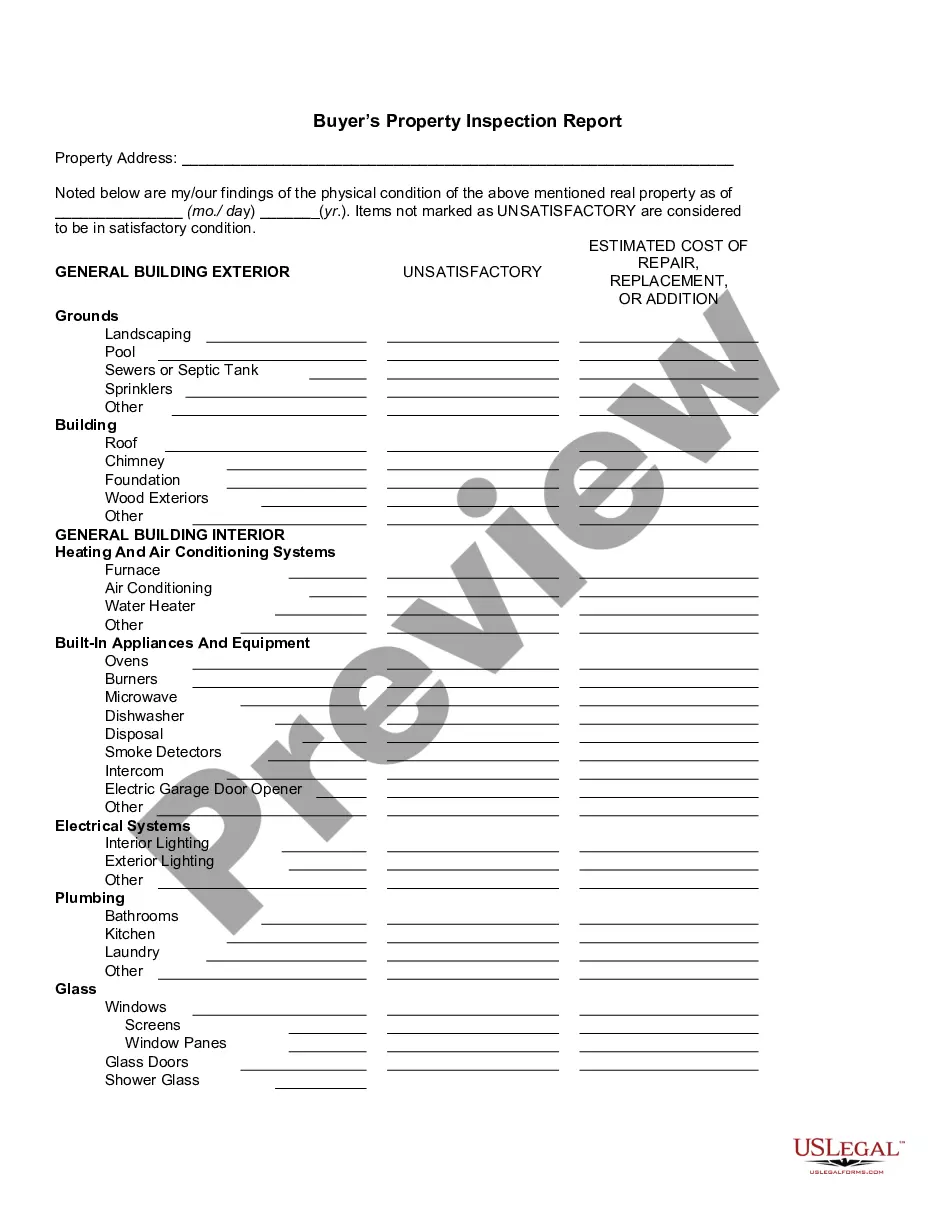
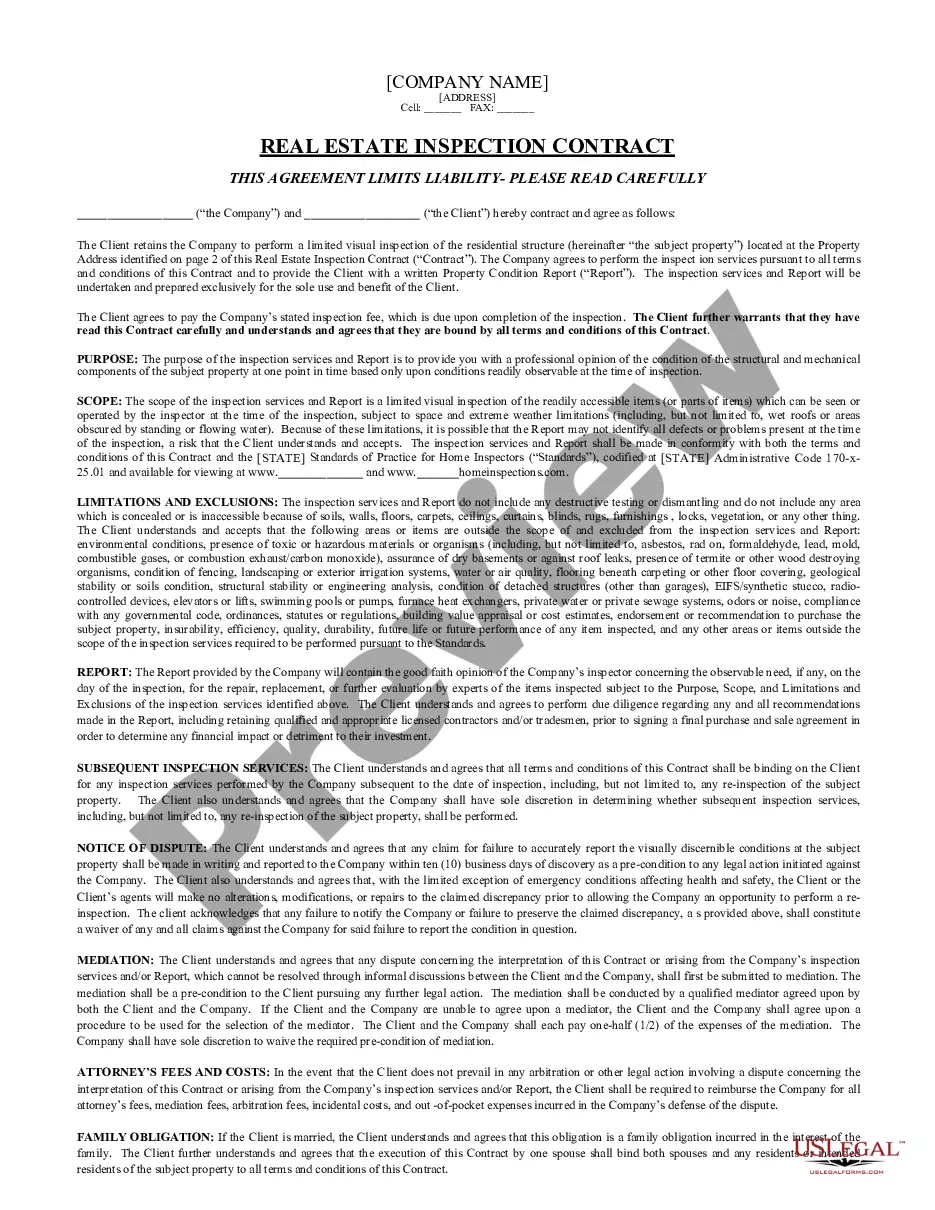
- The service offers thousands of templates, including the Missouri Buyer's Final Walk Through Inspection Form, suitable for both business and personal needs.
- All the forms are reviewed by experts and comply with state and federal requirements.
- If you are already registered, Log In to your account and click on the Download button to get the Missouri Buyer's Final Walk Through Inspection Form.
- Use your account to view the legal forms you have previously purchased.
- Proceed to the My documents section of your account and download an additional copy of the document you need.
Form popularity
FAQ
The final walkthrough is typically completed after the seller has moved out and allows the buyer to confirm that agreed-upon repairs have been made, and that there are no new issues. Essentially, the final walkthrough allows home buyers to do one last check.
Usually it takes 5 to 10 minutes because usually the house looks exactly the same as when we saw it last. (And while it can be that short, don't feel the need to rush through it take a half an hour or more if you need to feel you've thoroughly checked out the space.)
What To Check During a Final WalkthroughTurn on and off every light fixture.Run water and check for leaks under sinks.Test all appliances.Check garage door openers.Open and close all doors.Flush toilets.Inspect ceilings, walls, and floors.Run the garbage disposal and exhaust fans.More items...
The final walk through is not required by law - however, as a buyer, you should be highly motivated to complete this. You want to make sure everything is in working order as expected, and that nothing has gone wrong as a result of the former owner vacating the property (if indeed they are no longer there).
When Does A Final Walkthrough Take Place? Final walkthroughs typically take place as close to closing day as possible. During the walkthrough, a buyer and their real estate agent will go through the property.
Schedule the walk-through immediately before the closing In most cases, the final walk-through is scheduled within 24 hours prior to the closing date. Your real estate agent can help you set a time with the seller's agent when you can be sure the property will be accessible and (hopefully) vacant.
The final walk through is not required by law - however, as a buyer, you should be highly motivated to complete this. You want to make sure everything is in working order as expected, and that nothing has gone wrong as a result of the former owner vacating the property (if indeed they are no longer there).