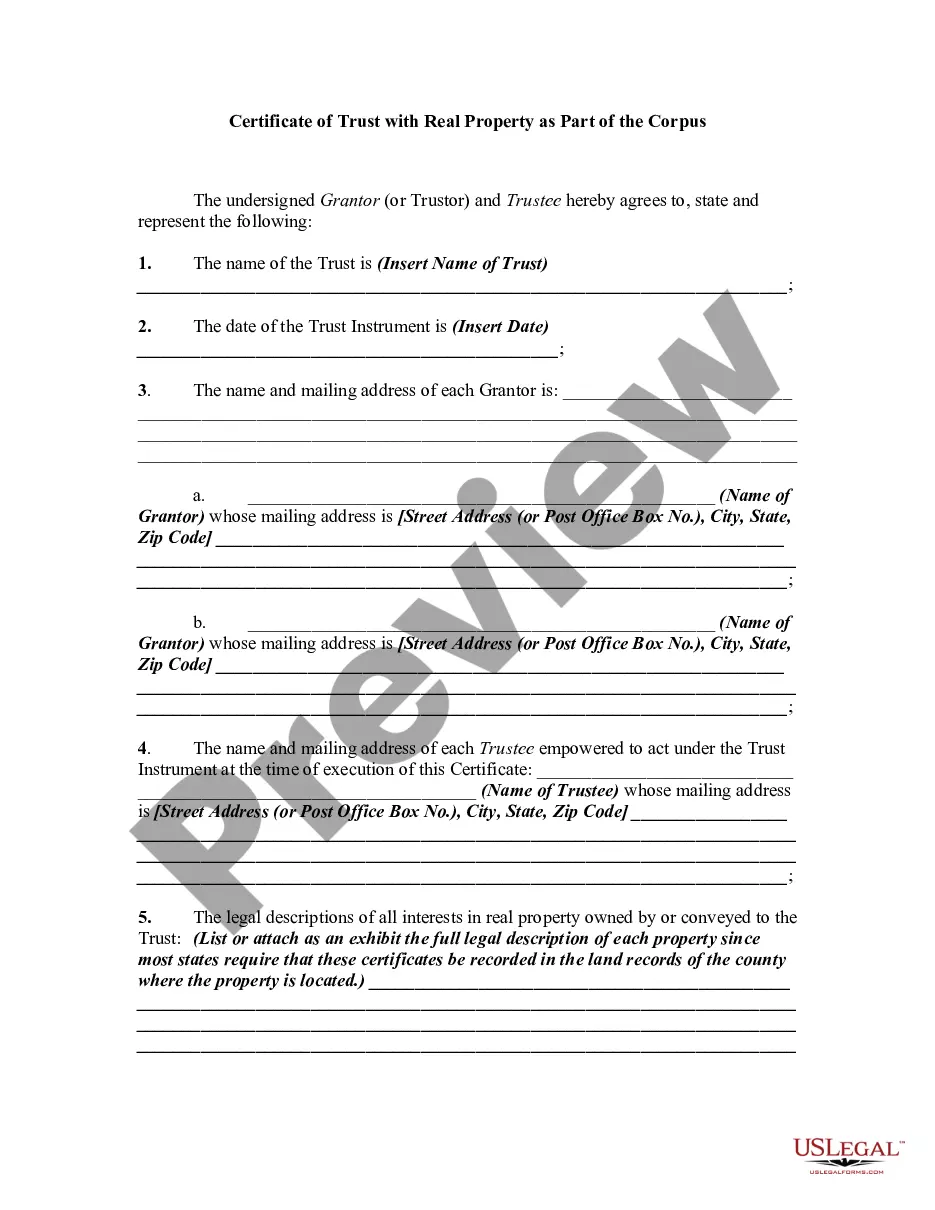
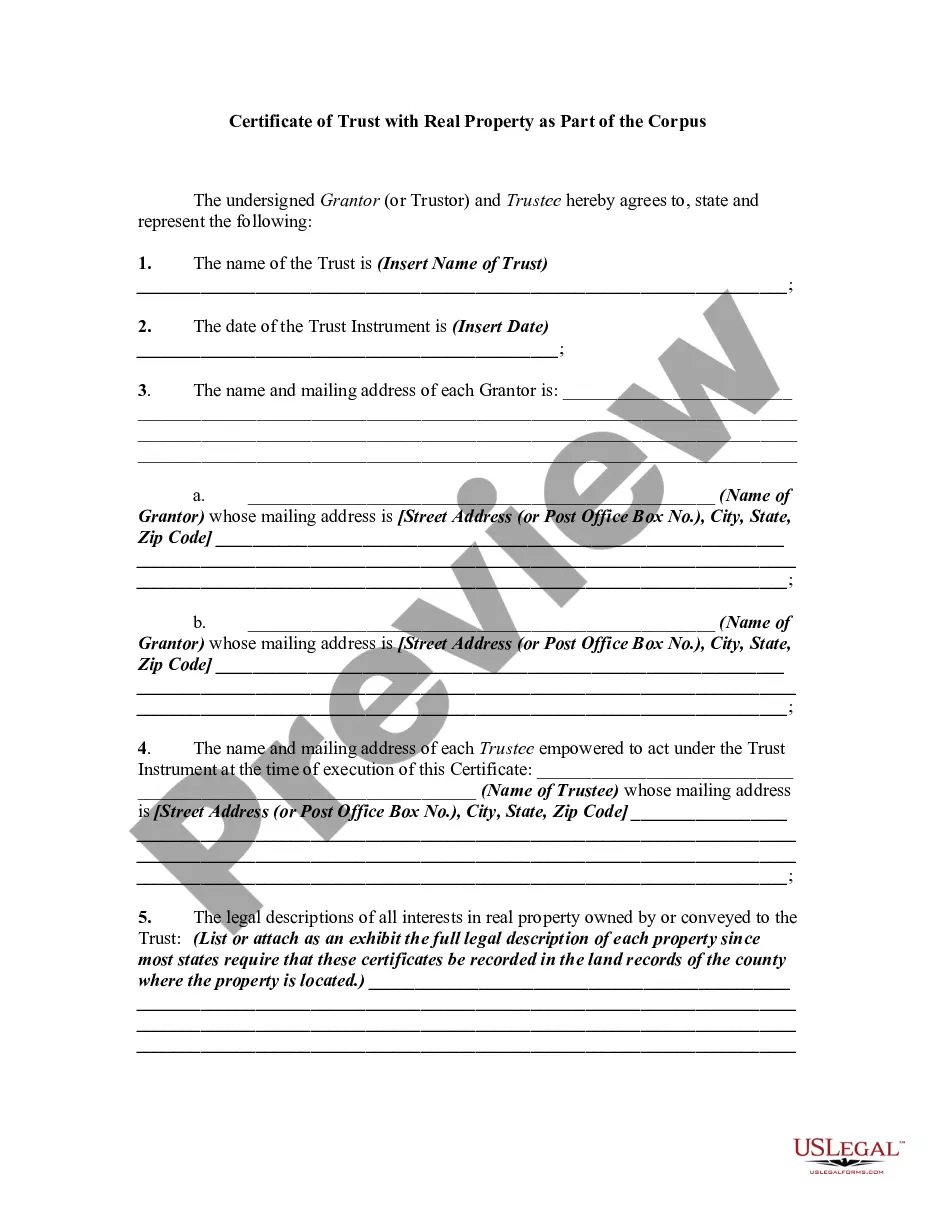
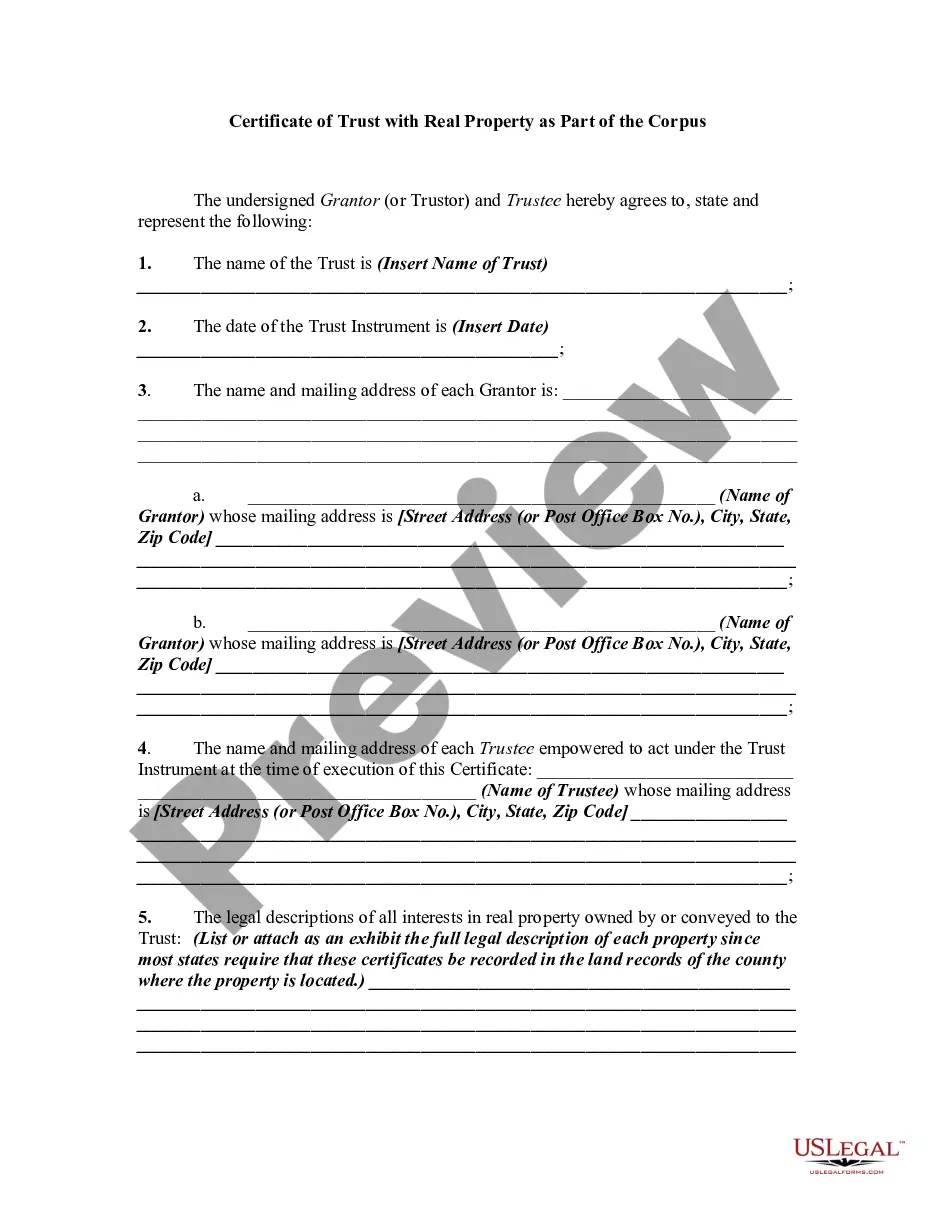
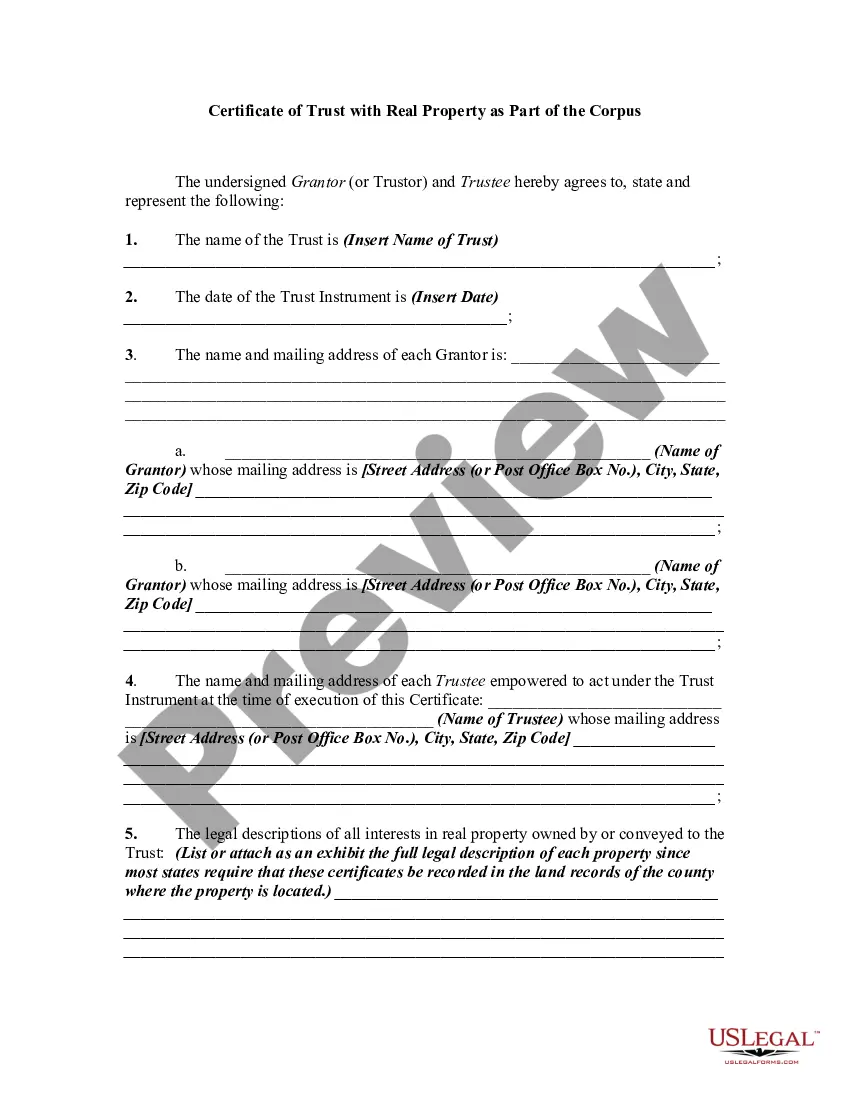
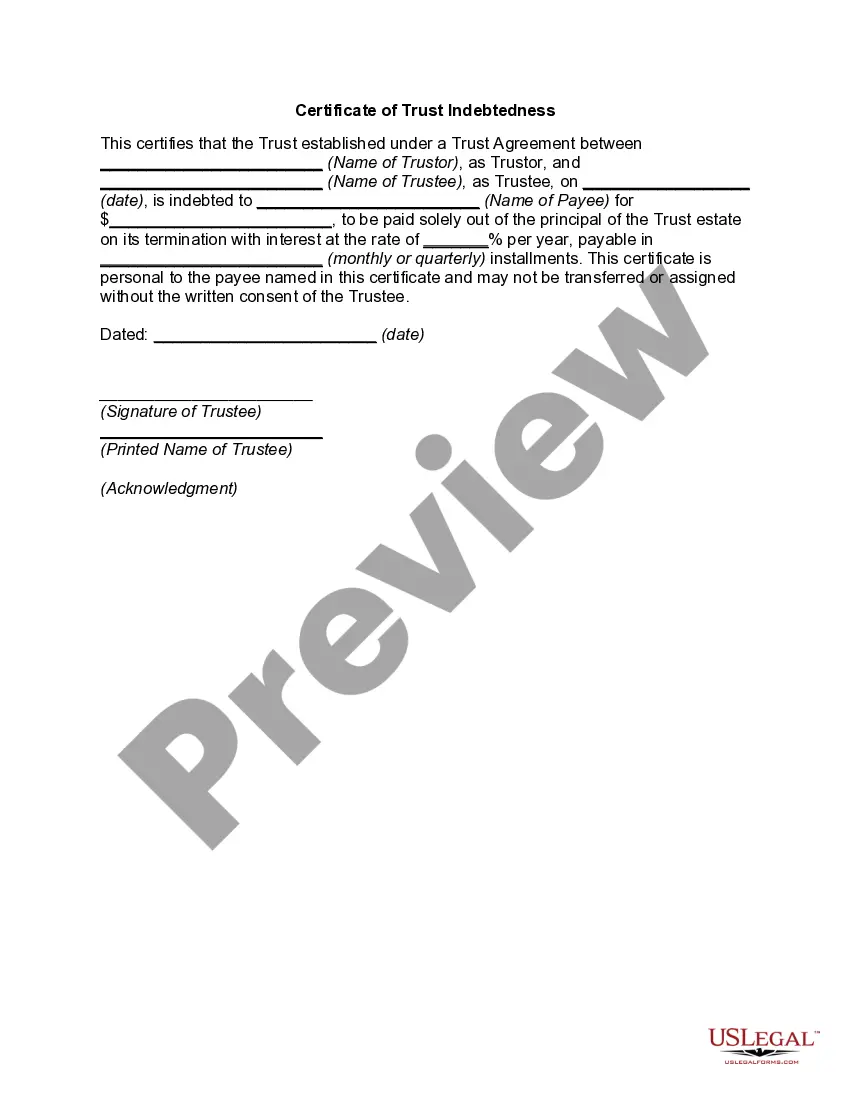
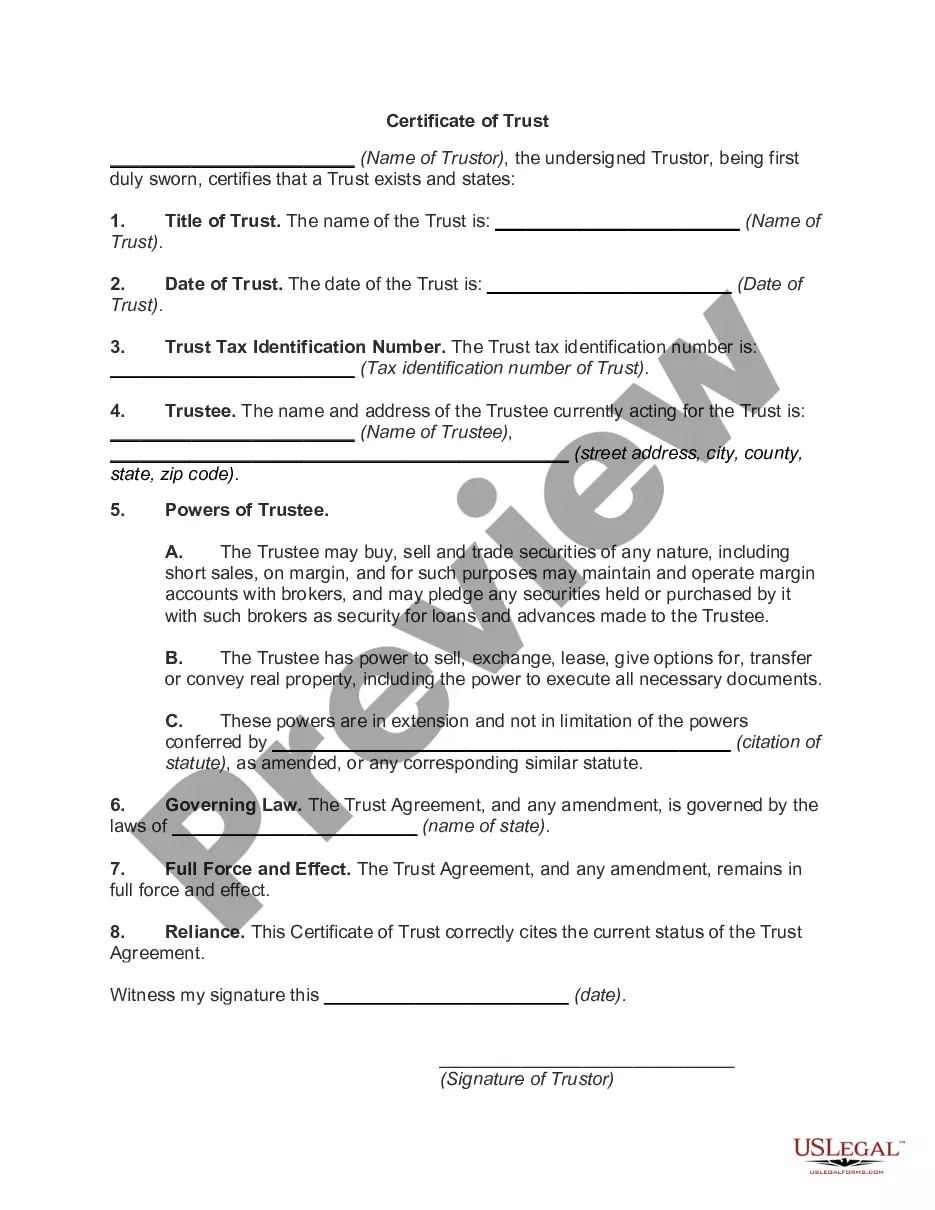
Missouri Certificate of Trust - Indebtedness
Description
Get your form ready online
Our built-in tools help you complete, sign, share, and store your documents in one place.
Make edits, fill in missing information, and update formatting in US Legal Forms—just like you would in MS Word.
Download a copy, print it, send it by email, or mail it via USPS—whatever works best for your next step.
Sign and collect signatures with our SignNow integration. Send to multiple recipients, set reminders, and more. Go Premium to unlock E-Sign.
If this form requires notarization, complete it online through a secure video call—no need to meet a notary in person or wait for an appointment.
We protect your documents and personal data by following strict security and privacy standards.

Make edits, fill in missing information, and update formatting in US Legal Forms—just like you would in MS Word.

Download a copy, print it, send it by email, or mail it via USPS—whatever works best for your next step.

Sign and collect signatures with our SignNow integration. Send to multiple recipients, set reminders, and more. Go Premium to unlock E-Sign.

If this form requires notarization, complete it online through a secure video call—no need to meet a notary in person or wait for an appointment.

We protect your documents and personal data by following strict security and privacy standards.
Looking for another form?

How to fill out Certificate Of Trust - Indebtedness?
If you wish to finalize, obtain, or print authentic document templates, utilize US Legal Forms, the largest selection of official forms available online.
Employ the site’s straightforward and user-friendly search to find the documents you require.
A range of templates for business and personal purposes are organized by categories and states, or keywords. Utilize US Legal Forms to acquire the Missouri Certificate of Trust for Property in just a few clicks.
Step 5. Process the payment. You can use your Visa or Mastercard or PayPal account to complete the transaction.
Step 6. Select the format of the official form and download it to your device. Step 7. Complete, edit, and print or sign the Missouri Certificate of Trust for Property. Each official document template you obtain is yours indefinitely. You have access to every form you saved in your account. Choose the My documents section and select a form to print or download again. Compete and acquire, and print the Missouri Certificate of Trust for Property with US Legal Forms. There are numerous professional and state-specific forms you can use for your personal or business needs.
- If you are already a US Legal Forms customer, Log In to your account and click the Acquire button to obtain the Missouri Certificate of Trust for Property.
- You can also access forms you previously saved from the My documents tab in your account.
- If you are using US Legal Forms for the first time, follow the instructions below.
- Step 1. Ensure you have selected the form for your correct city/state.
- Step 2. Use the Review option to inspect the form’s content. Don’t forget to read the description.
- Step 3. If you are not satisfied with the form, use the Search field at the top of the screen to find other versions in the official form template.
- Step 4. Once you have located the form you need, click the Get now button. Choose the payment plan you prefer and enter your credentials to register for an account.
Form popularity
FAQ
What is the process for setting up a living trust in Missouri? Determine the type of trust for you. With your goals in mind, decide which type of trust would be the best vehicle to execute your vision. ... Decide which assets go into the trust. ... Select your trustee. ... Create your trust document. ... Fund the trust.
If you make yourself the trustee, you must also designate a successor trustee who will take control of the trust when you die. Create the trust document by using software or hiring an attorney. Sign trust agreement in front of a public notary. Fund the trust by retitling assets to the trust's name.
Signing Your Trust Documents Typically a will requires the signature of two witnesses, and a trust must be signed in the presence of a notary public.
A trustee shall send to the permissible distributees of trust income or principal, and to other beneficiaries who request it, at least annually and at the termination of the trust, a report of the trust property, liabilities, receipts, and disbursements, including the source and amount of the trustee's compensation, a ...
The trustee of a trust having its principal place of administration in this state may register the trust in the probate division of the circuit court of the county wherein the principal place of administration is located.
A living trust in Missouri offers you and your family privacy since the trust never becomes public record and does not require any court proceeding.
To put your house or any other piece of real estate into your trust in Missouri, you will need to create a Missouri Deed in the trust's name. A deed is a document stating the transfer of ownership.