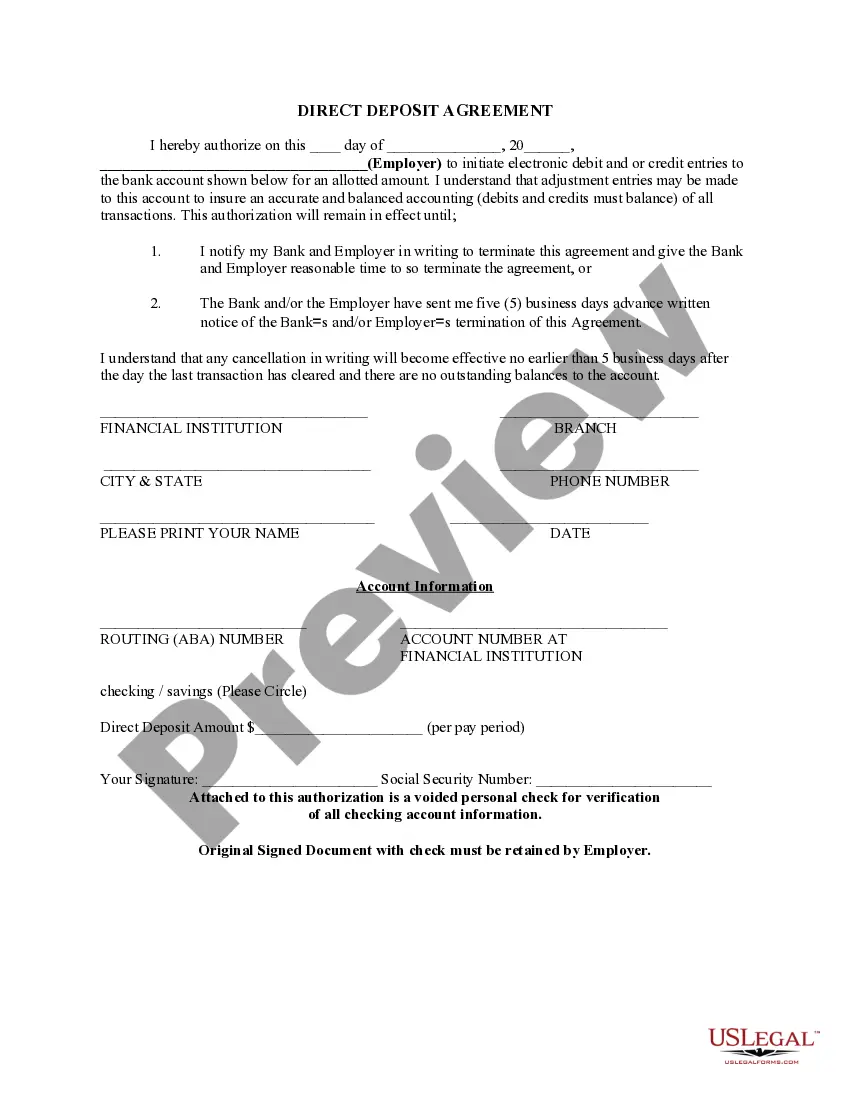
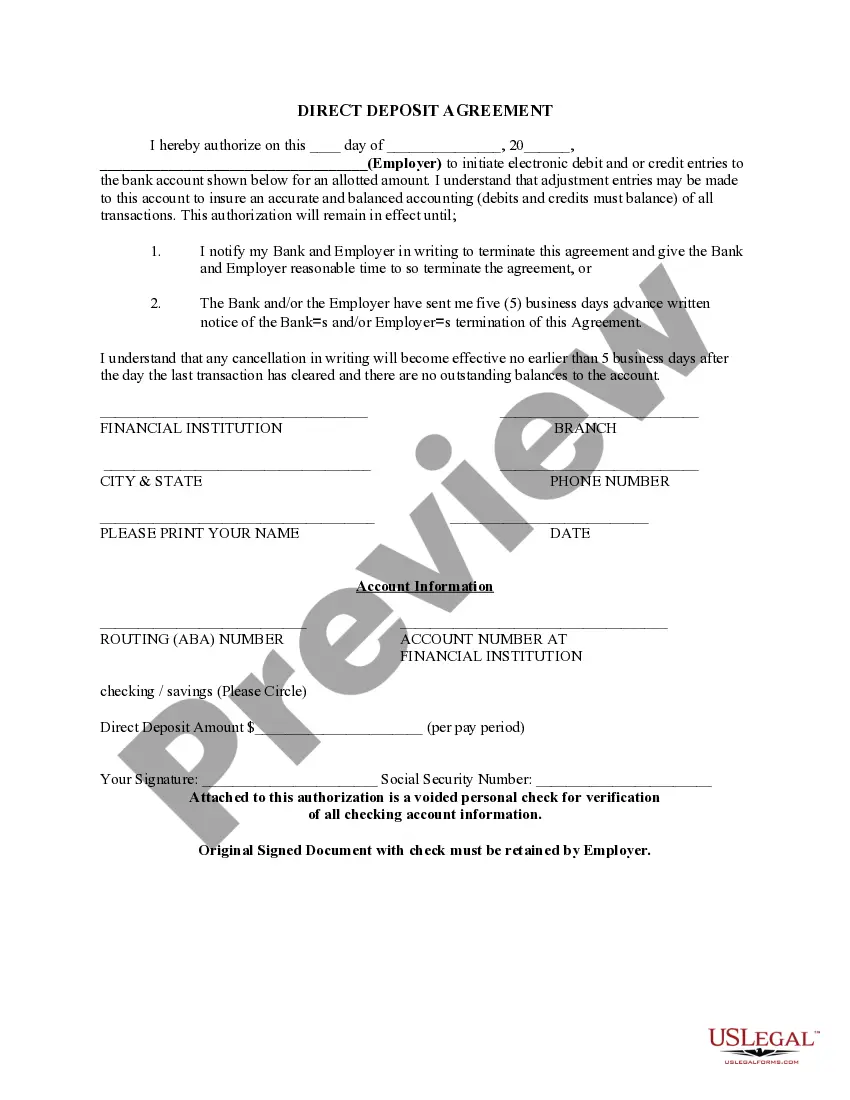
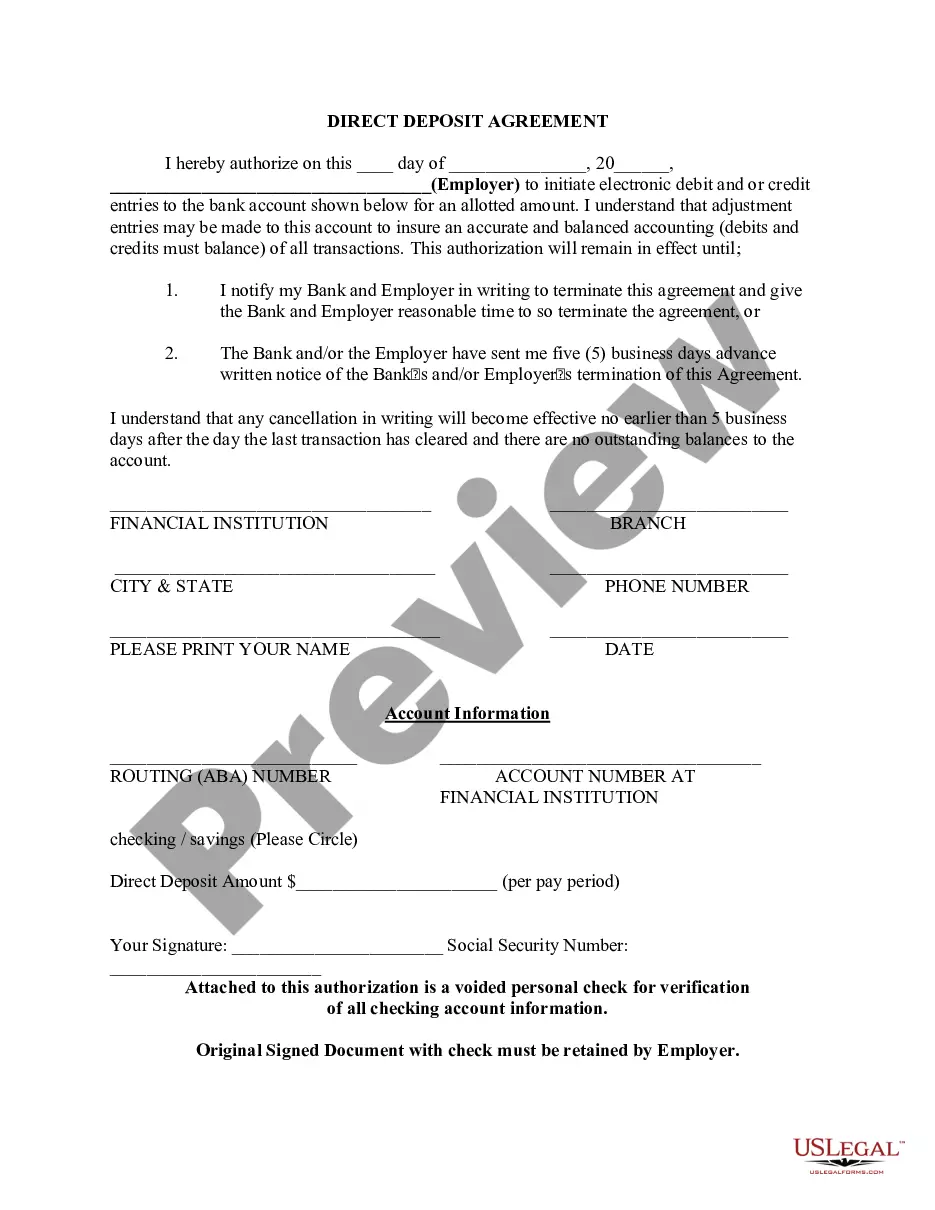
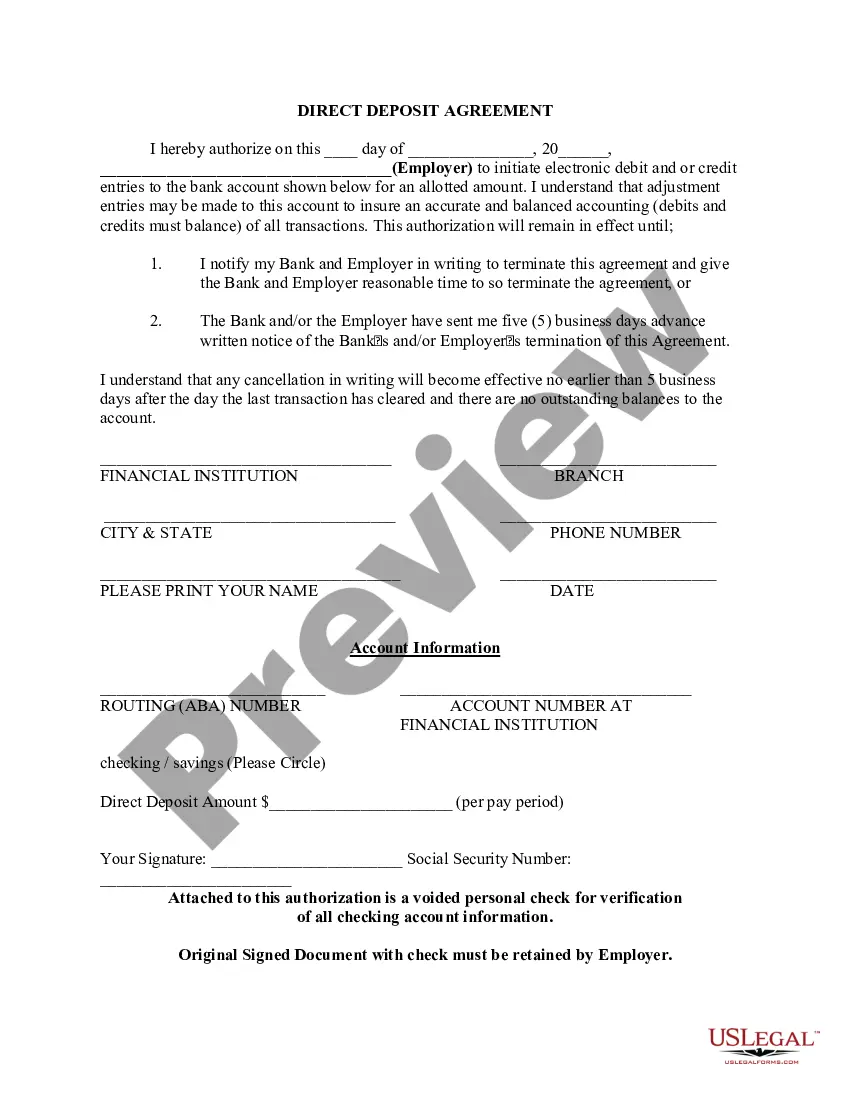
Missouri Direct Deposit Form for Chase
Description


Get your form ready online
Our built-in tools help you complete, sign, share, and store your documents in one place.
Make edits, fill in missing information, and update formatting in US Legal Forms—just like you would in MS Word.
Download a copy, print it, send it by email, or mail it via USPS—whatever works best for your next step.
Sign and collect signatures with our SignNow integration. Send to multiple recipients, set reminders, and more. Go Premium to unlock E-Sign.
If this form requires notarization, complete it online through a secure video call—no need to meet a notary in person or wait for an appointment.
We protect your documents and personal data by following strict security and privacy standards.

Make edits, fill in missing information, and update formatting in US Legal Forms—just like you would in MS Word.

Download a copy, print it, send it by email, or mail it via USPS—whatever works best for your next step.

Sign and collect signatures with our SignNow integration. Send to multiple recipients, set reminders, and more. Go Premium to unlock E-Sign.

If this form requires notarization, complete it online through a secure video call—no need to meet a notary in person or wait for an appointment.

We protect your documents and personal data by following strict security and privacy standards.
Looking for another form?








How to fill out Direct Deposit Form For Chase?
It is feasible to devote hours online trying to locate the authentic document template that satisfies the state and federal requirements you need.
US Legal Forms offers a multitude of authentic forms that have been reviewed by experts.
You can obtain or create the Missouri Direct Deposit Form for Chase from our service.
If available, utilize the Review button to review the document template as well.
- If you possess a US Legal Forms account, you can Log In and click on the Download button.
- Next, you can complete, modify, print, or sign the Missouri Direct Deposit Form for Chase.
- Each authentic document template you purchase is yours permanently.
- To retrieve another copy of any purchased form, navigate to the My documents tab and click on the corresponding button.
- Should you visit the US Legal Forms site for the first time, follow the simple instructions below.
- First, ensure that you have selected the correct document template for the state/city of your choice.
- Examine the form description to confirm you have chosen the right form.
Form popularity
FAQ
Here's how:After signing in, tap the account where you want to receive your direct deposit.Swipe up and tap "Set up direct deposit form"Check that the info is correct or make updates, then tap "Create form"Download, print or email the form.
When filling out a direct deposit form, Chase's official name is JP Morgan Chase Bank. However, the bank name you use shouldn't matter as long as you are using the proper routing and account numbers.
Click the Direct Deposit Form (PDF) link on your account page. The information will be displayed in a new window with the ability to print or save it on your computer.
Find your routing and account number by signing in to chase.com and choosing the last four digits of the account number that appears above your account information. You can then choose, 'See full account number' next to your account name and a box will open to display your account and routing number.
You can get a voided check by going to your bank and asking a teller to print one. There may be a fee for this service. Ask your bank if they have instructions on how to set up direct deposit. The information you need might be there.
Use our pre-filled form Or you can download a blank Direct Deposit/Automatic Payments Set-up Guide (PDF) and fill in the information yourself. For accounts with checks, a diagram on the form shows you where you can find the information you'll need.
After signing in, tap the account where you want to receive your direct deposit. Swipe up and tap "Set up direct deposit form" Check that the info is correct or make updates, then tap "Create form" Download, print or email the form.
Here's how:After signing in, tap the account where you want to receive your direct deposit.Swipe up and tap "Set up direct deposit form"Check that the info is correct or make updates, then tap "Create form"Download, print or email the form.
In most cases, when you have a direct deposit, you will also receive a nonnegotiable copy of your pay stub. If for some reason you did not receive yours, ask your employer's human resources or payroll department for a duplicate copy of the stubs you need.
Get your personalized pre-filled direct deposit formSign in to chase.com or the Chase Mobile® app.Choose the checking account you want to receive your direct deposit.Navigate to 'Account services' by scrolling up in the mobile app or in the drop down menu on chase.com.Click or tap on 'Set up direct deposit form'More items...