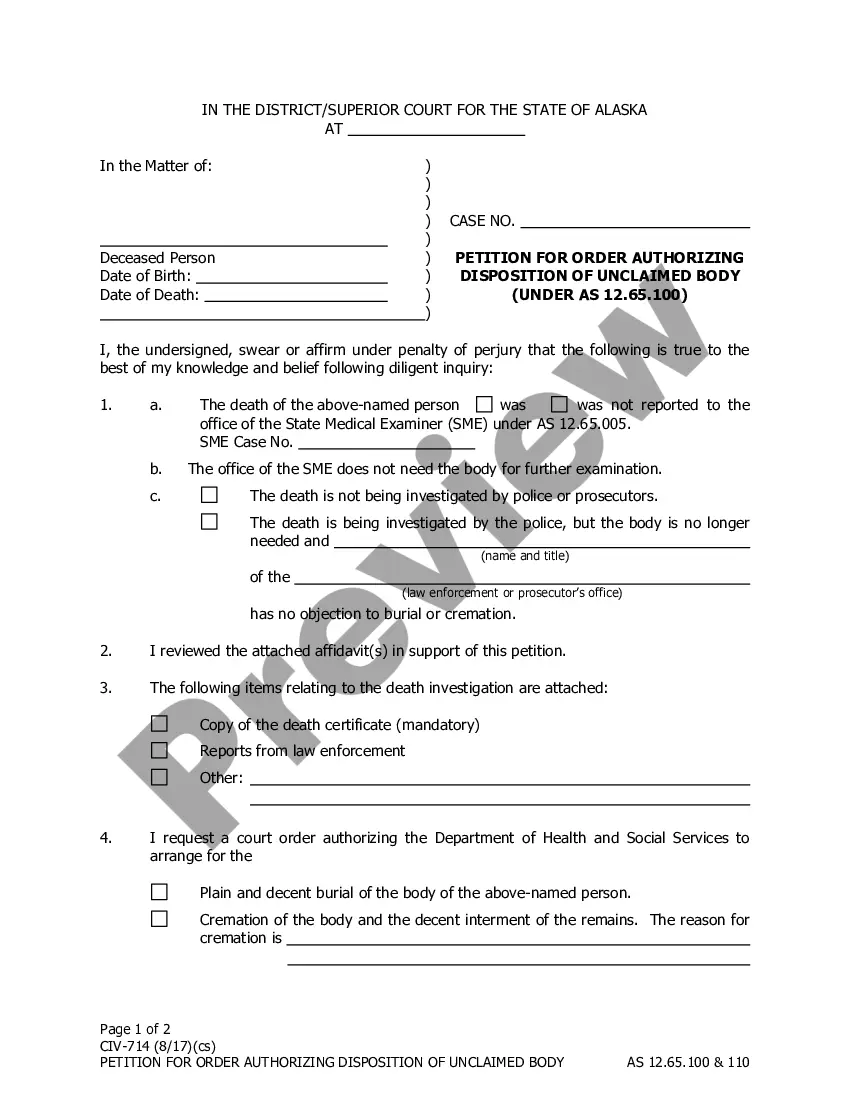
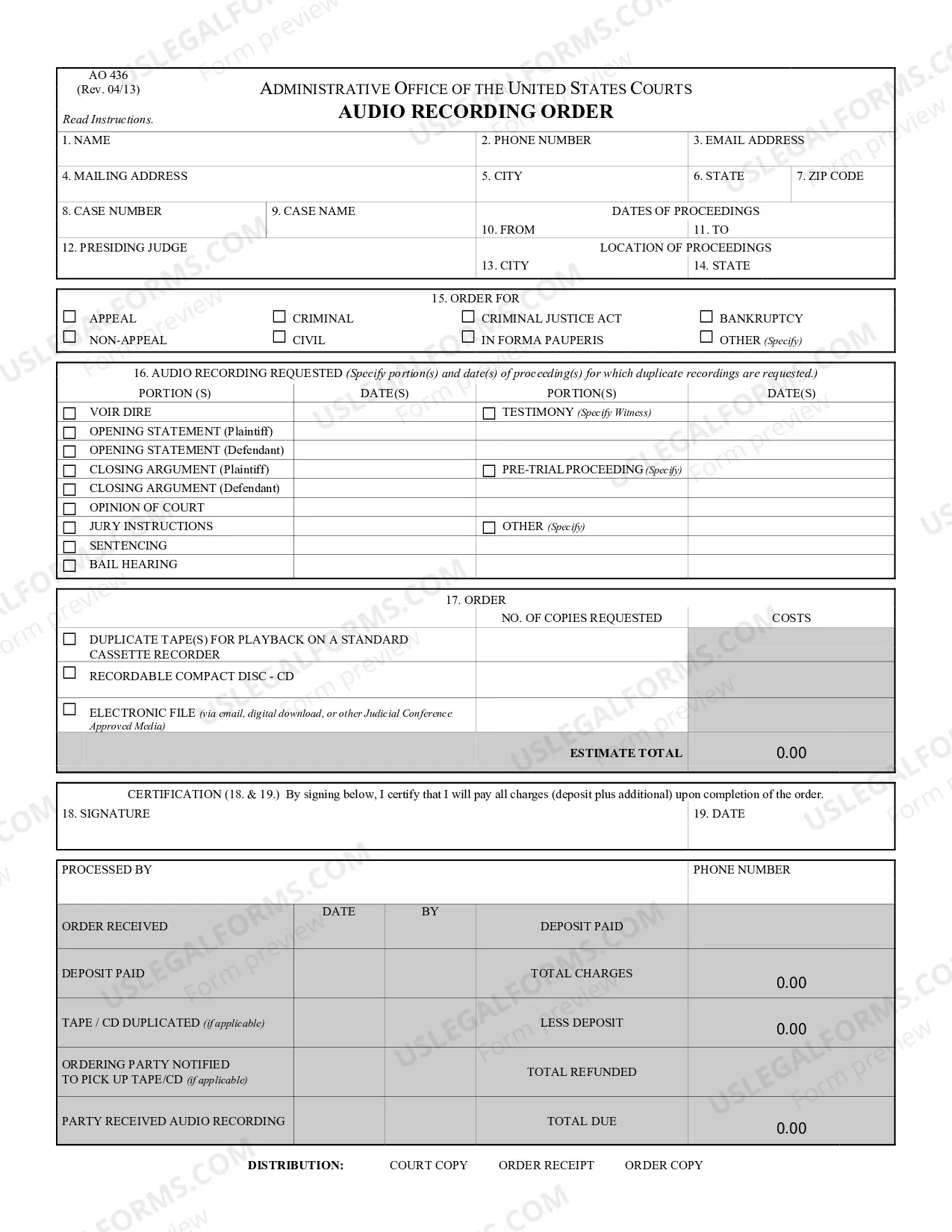
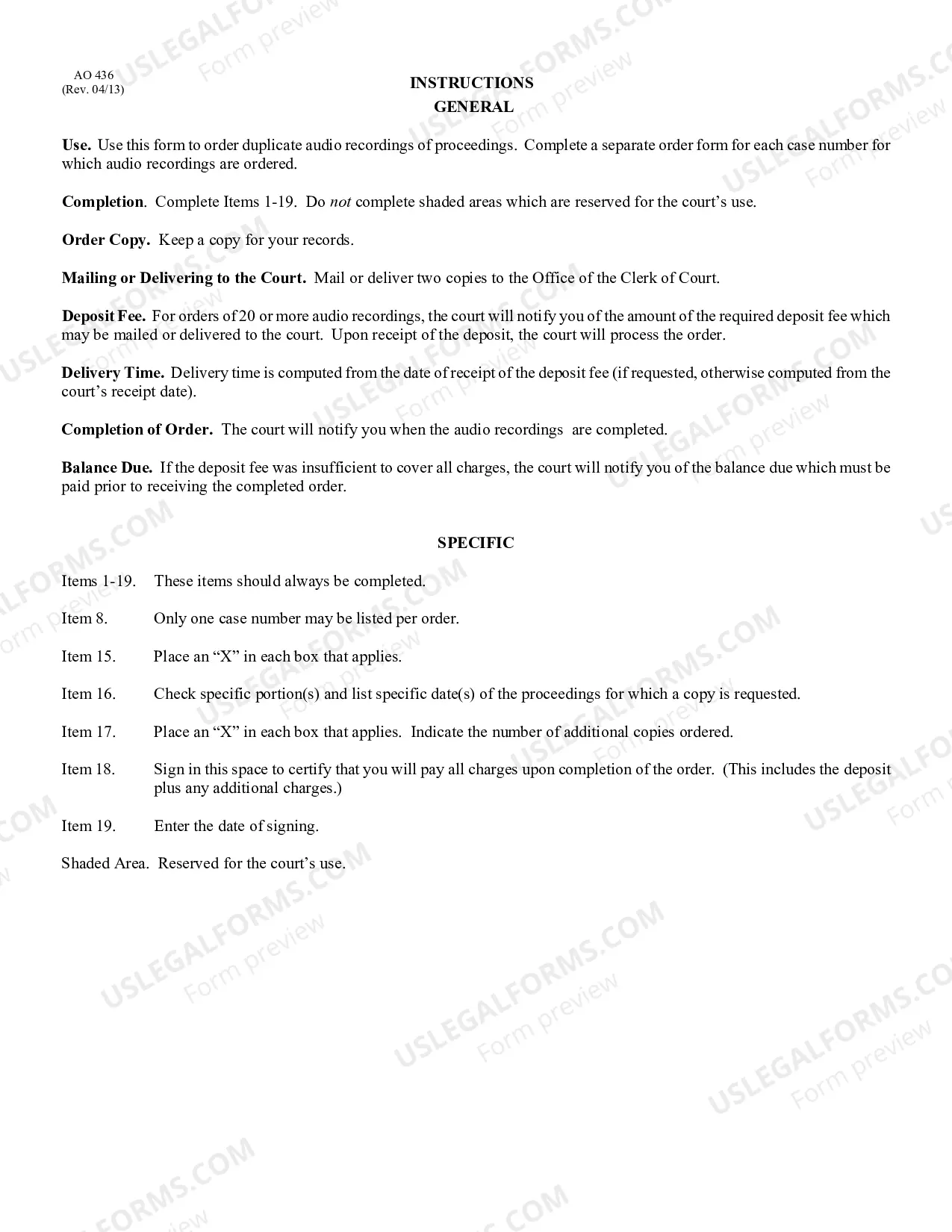
Missouri CD/Tape Order is a service that allows customers to purchase CDs and tapes from the state of Missouri. Customers can order music, books, audio lessons, and other audio recordings on audio cassette, CD, DVD, and VHS formats. There are three different types of Missouri CD/Tape orders: individual orders, bulk orders, and special orders. Individual orders are for customers who want to purchase a single item. Bulk orders are for customers who want to purchase multiple items in one order. Special orders are for customers who are looking for a rare or hard to find item.
Missouri CD/Tape Order
State:
Missouri
Control #:
MO-SKU-0486
Format:
PDF
Instant download
This website is not affiliated with any governmental entity
Public form
Description
CD/Tape Order
Free preview
Get your form ready online
Our built-in tools help you complete, sign, share, and store your documents in one place.
Built-in online Word editor
Make edits, fill in missing information, and update formatting in US Legal Forms—just like you would in MS Word.
Export easily
Download a copy, print it, send it by email, or mail it via USPS—whatever works best for your next step.
E-sign your document
Sign and collect signatures with our SignNow integration. Send to multiple recipients, set reminders, and more. Go Premium to unlock E-Sign.
Notarize online 24/7
If this form requires notarization, complete it online through a secure video call—no need to meet a notary in person or wait for an appointment.
Store your document securely
We protect your documents and personal data by following strict security and privacy standards.

Make edits, fill in missing information, and update formatting in US Legal Forms—just like you would in MS Word.

Download a copy, print it, send it by email, or mail it via USPS—whatever works best for your next step.

Sign and collect signatures with our SignNow integration. Send to multiple recipients, set reminders, and more. Go Premium to unlock E-Sign.

If this form requires notarization, complete it online through a secure video call—no need to meet a notary in person or wait for an appointment.

We protect your documents and personal data by following strict security and privacy standards.
Looking for another form?

How to fill out Missouri CD/Tape Order?
US Legal Forms is the simplest and most economical method to discover suitable formal templates.
It is the largest online repository of business and personal legal documents created and verified by legal experts.
Here, you can locate printable and fillable forms that adhere to national and local laws - just like your Missouri CD/Tape Order.
Review the form description or preview the document to confirm you’ve selected the one that meets your requirements, or find another using the search tab above.
Click Buy now when you’re confident of its compliance with all the specifications, and choose the subscription plan that suits you best.
- Acquiring your template requires only a few straightforward steps.
- Users who already possess an account with an active subscription just need to Log In to the site and download the form onto their device.
- Subsequently, they can find it in their profile under the My documents section.
- And here’s how you can acquire a professionally prepared Missouri CD/Tape Order if you are using US Legal Forms for the first time.
Form popularity
FAQ
If you look on the top of a tape you'll see little tabs of plastic on either end that can be popped out. Their basic function is write protection. When the tabs are popped out the cassette is now considered takes of sunglasses Tabs Out.
To transfer cassette to CD, all you need is to connect your cassette player to your computer's sound card and then record the audio on the PC in WAV or MP3 format. After that you can transfer these audio files to a CD.
How to Convert Cassettes to Digital Music Files - YouTube YouTube Start of suggested clip End of suggested clip Record. Until you are finished. Step 5 delete the unnecessary. Parts of the recording. And chooseMoreRecord. Until you are finished. Step 5 delete the unnecessary. Parts of the recording. And choose the format to save the file.
National Audio Company. NAC now manufactures three grades of cassette tape: FerroMaster C256? Type I for home studio and consumer deck recording, FerroMaster C456? Type I Super Ferric for professional duplication, and FerroMaster C756? Type II Cobalt for High Bias recording.
Compact Cassette tapes remain in production as of 2022 and survive as a niche format, continuing to receive some new music releases.
There is no such options in Windows 10 to Convert the Cassette to CD/mp3. I would suggest you to Download and any third party software and check if it helps. Disclaimer: Using Third Party Software, including hardware drivers can cause serious problems that may prevent your computer from booting properly.
If you're going to convert your tapes to digital files, the best way is usually with a USB cassette converter. You'll put your tapes into a converter and then connect the converter to your computer and digitally transfer them one by one.
How to Convert Cassette Tapes to CDs Affordably - YouTube YouTube Start of suggested clip End of suggested clip Available just going to press add. Select the music file i just created. I'm going to insert thisMoreAvailable just going to press add. Select the music file i just created. I'm going to insert this into my cd burner. Select the file you created and press add that track is there i'll just press next.