US Legal Forms - one of the largest collections of lawful documents in the USA - offers a range of legal form templates that you can download or print.
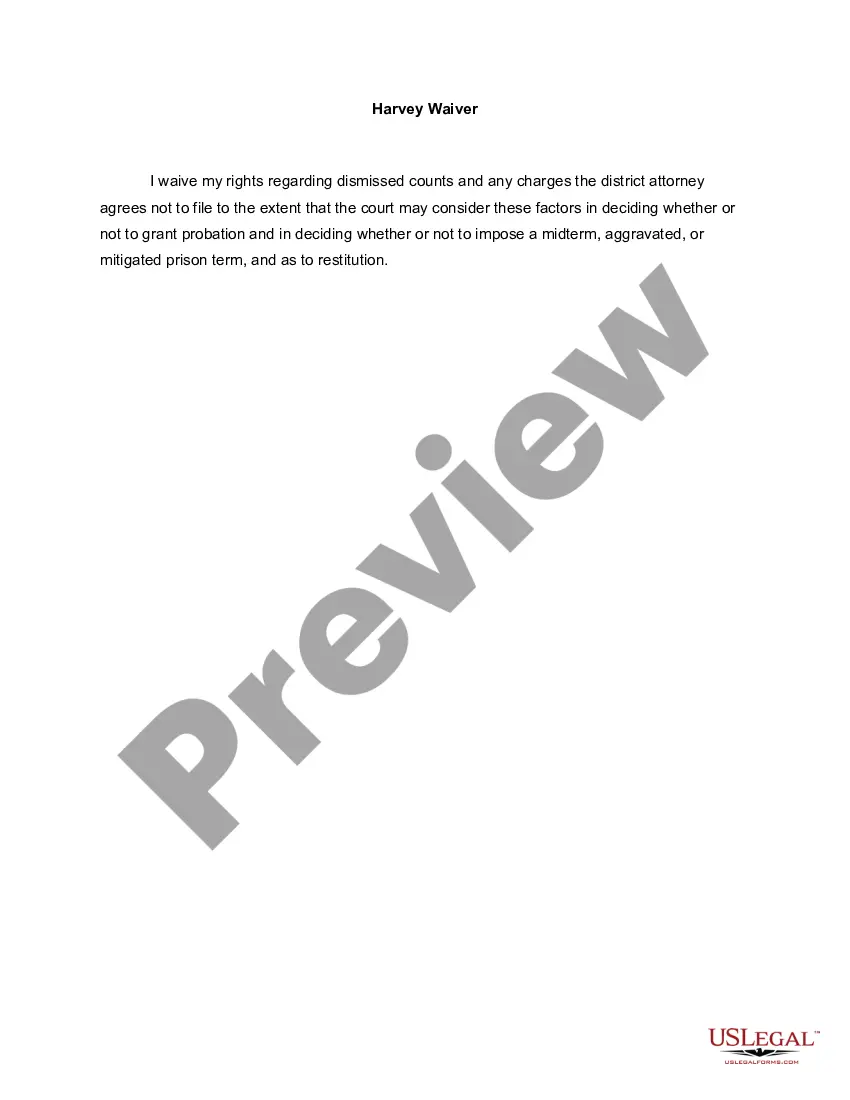
Through the website, you can access thousands of forms for business and personal needs, organized by categories, states, or keywords. You can obtain the most recent versions of forms like the Minnesota Harvey Waiver in just moments.
If you already have an account, Log In and download the Minnesota Harvey Waiver from the US Legal Forms library. The Download button will appear on every form you view. You can access all previously saved forms in the My documents section of your account.
Choose the format and download the form to your device.
Edit. Fill out, modify, and print and sign the saved Minnesota Harvey Waiver. Each template you added to your account has no expiration date and is yours indefinitely. Therefore, if you wish to download or print another copy, simply navigate to the My documents section and click on the form you desire.
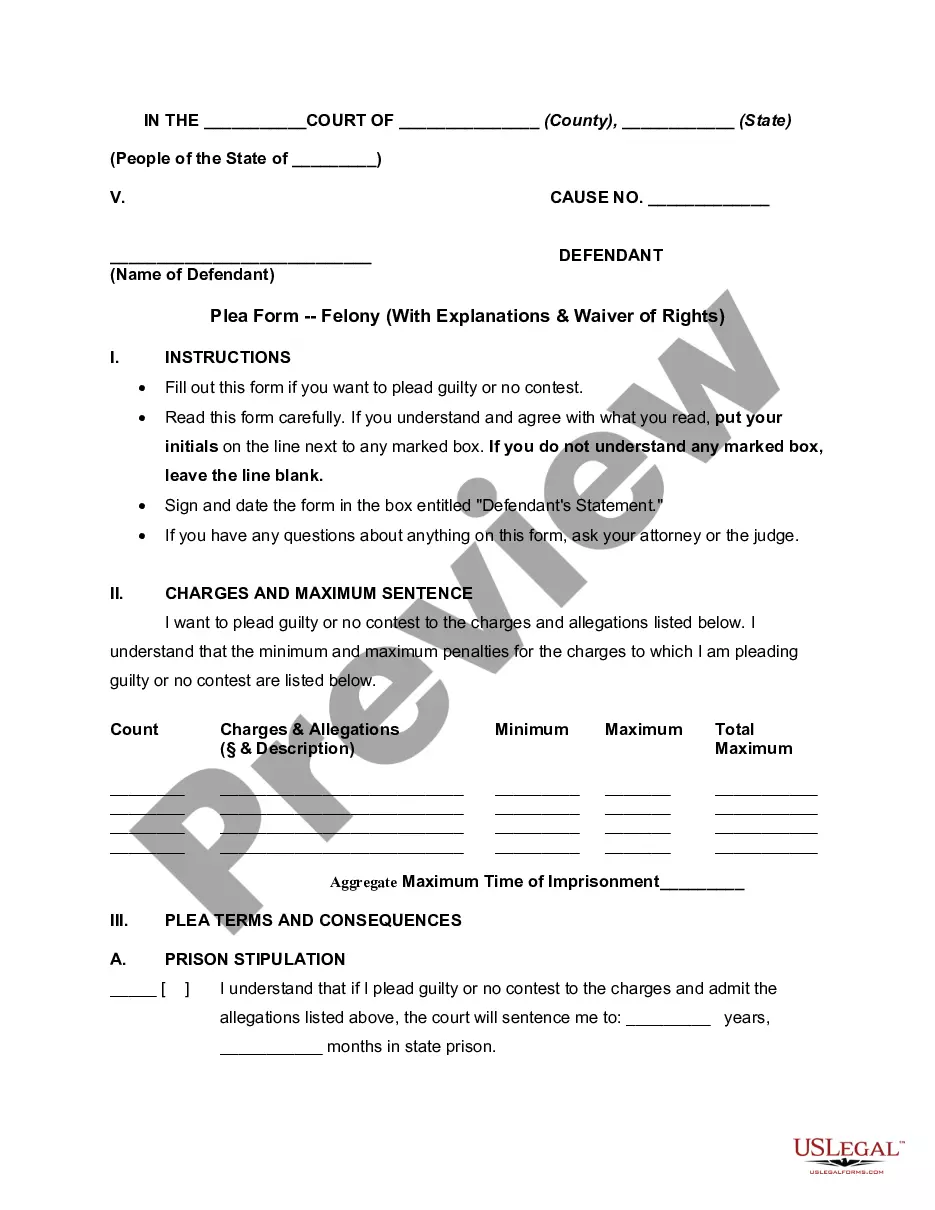
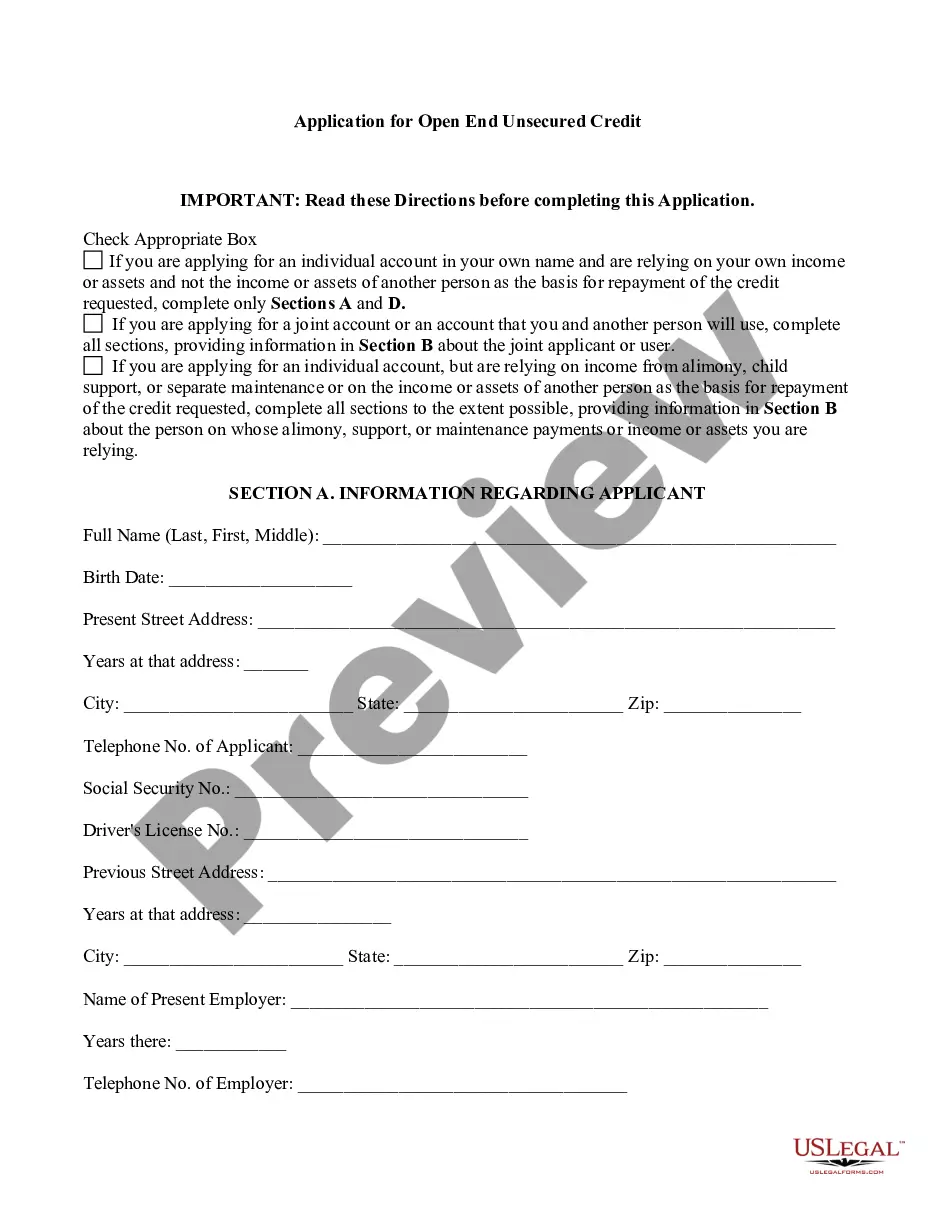
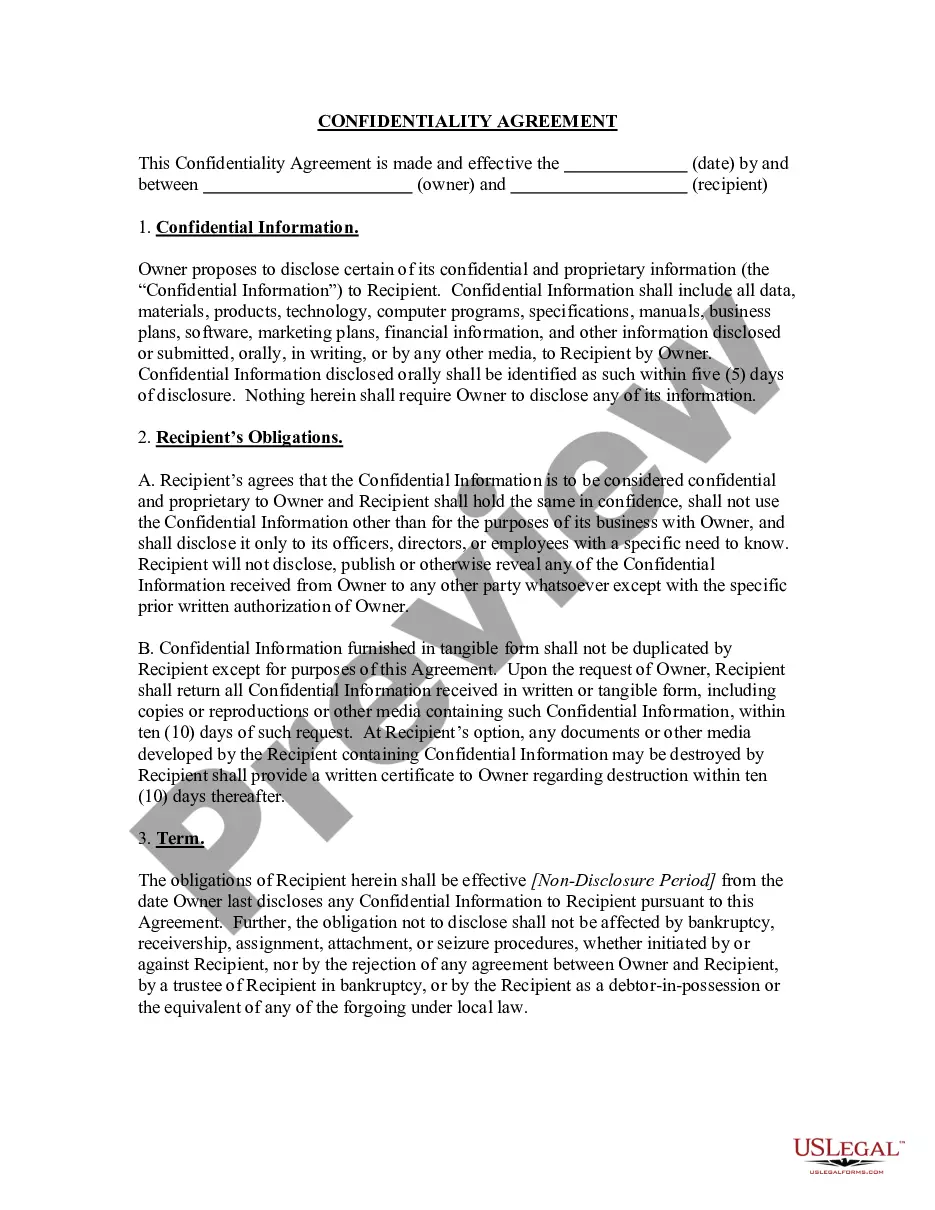
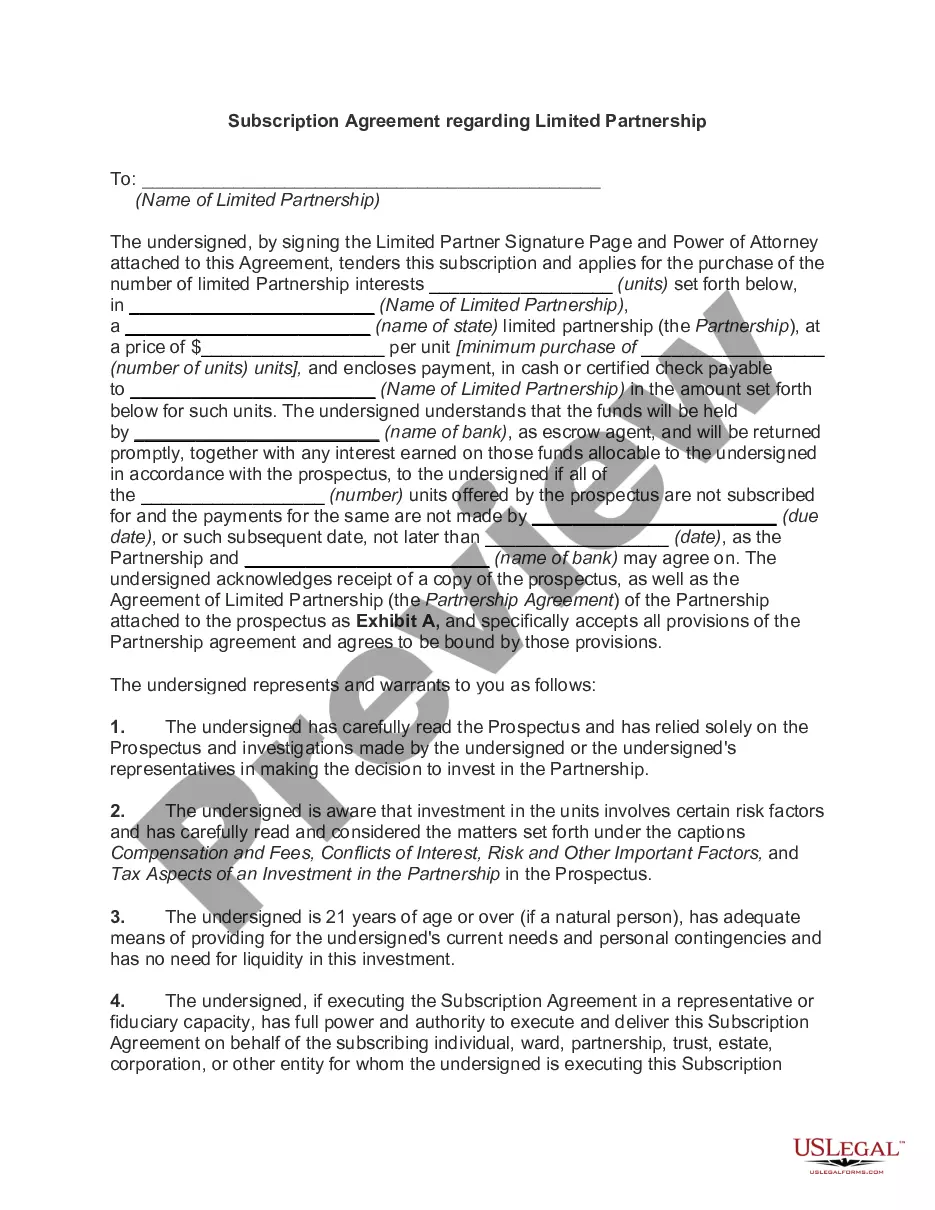
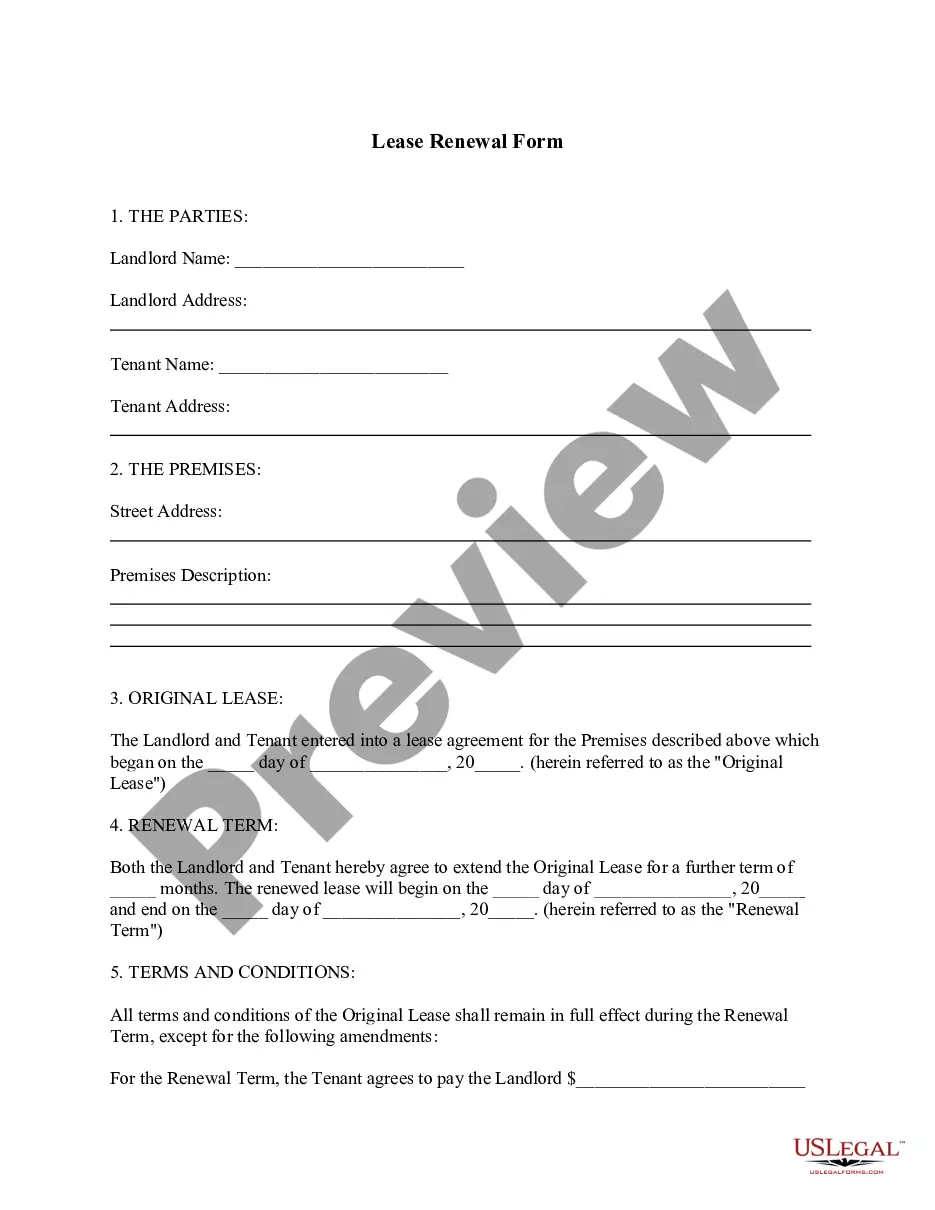
- Ensure you have selected the correct form for your city/county. Click the Preview button to review the form's details.
- Check the form outline to confirm that you have selected the right document.
- If the form doesn’t meet your requirements, use the Search field at the top of the screen to find the one that does.
- Once you are satisfied with the form, confirm your choice by clicking the Purchase now button.
- Next, select the pricing plan you prefer and provide your information to register for an account.
- Process the transaction. Use your credit card or PayPal account to complete the payment.