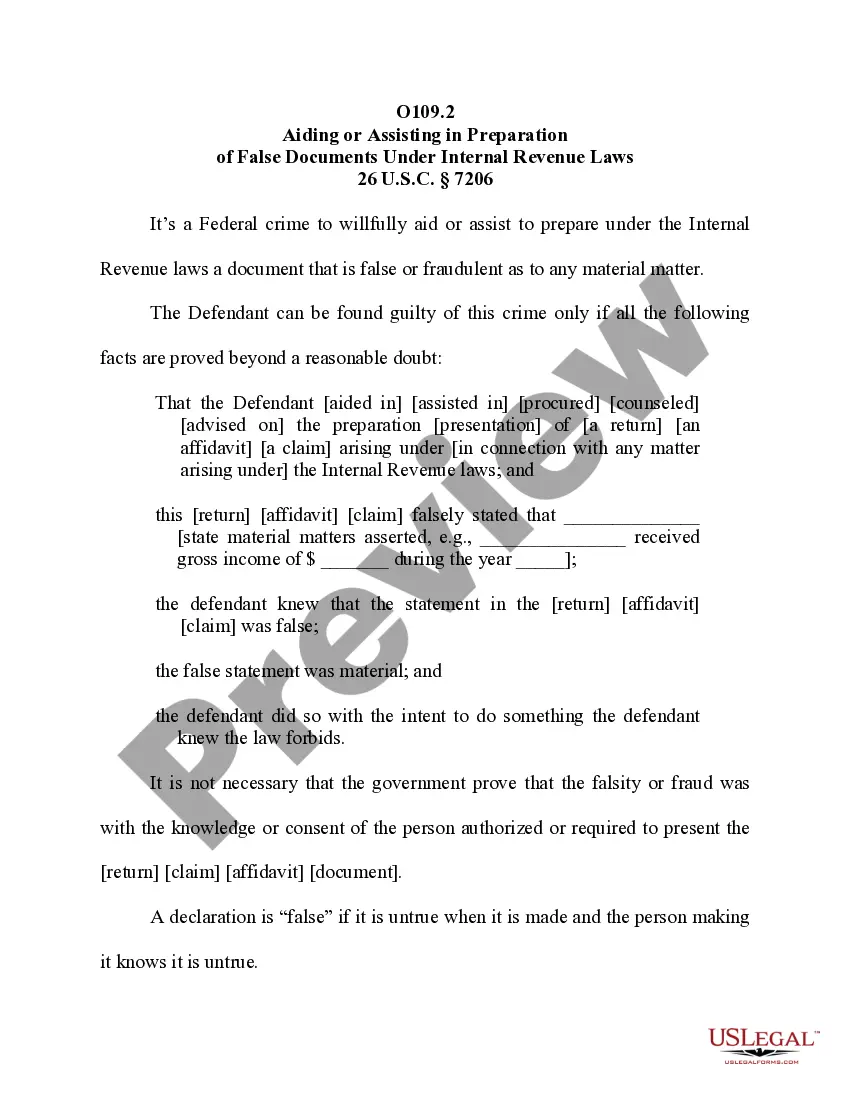
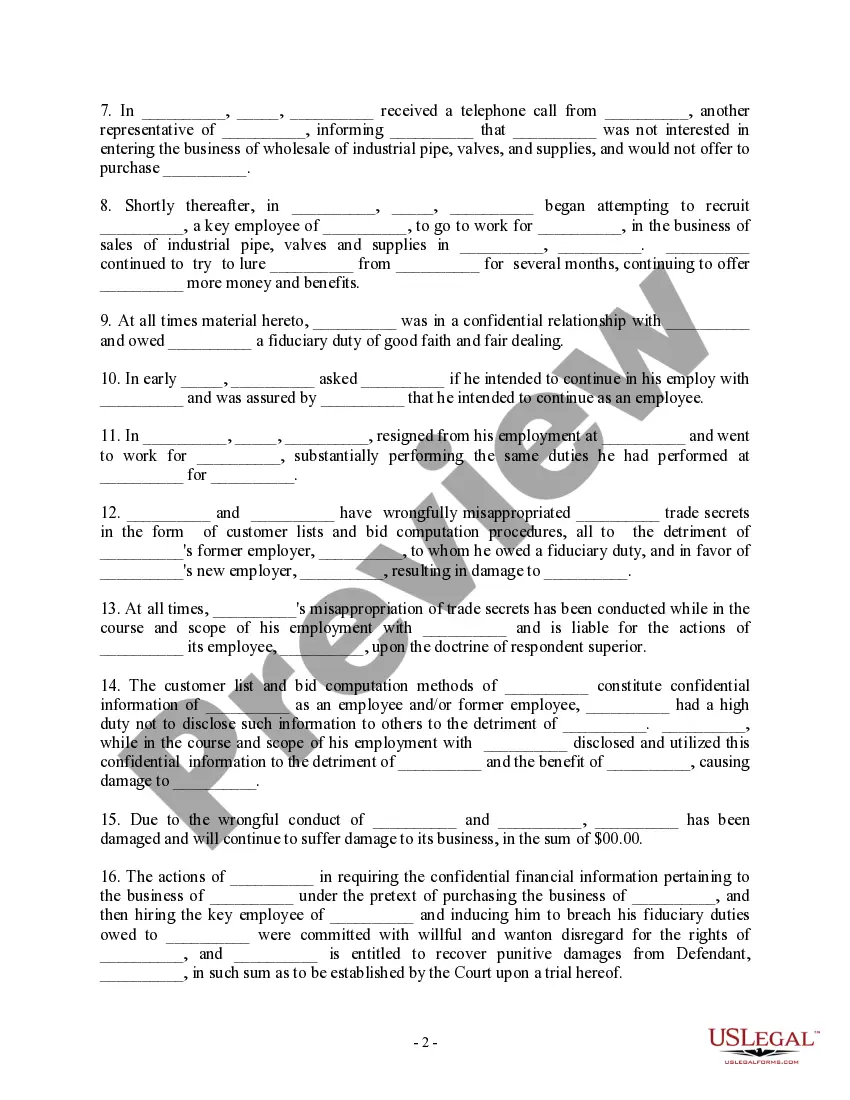
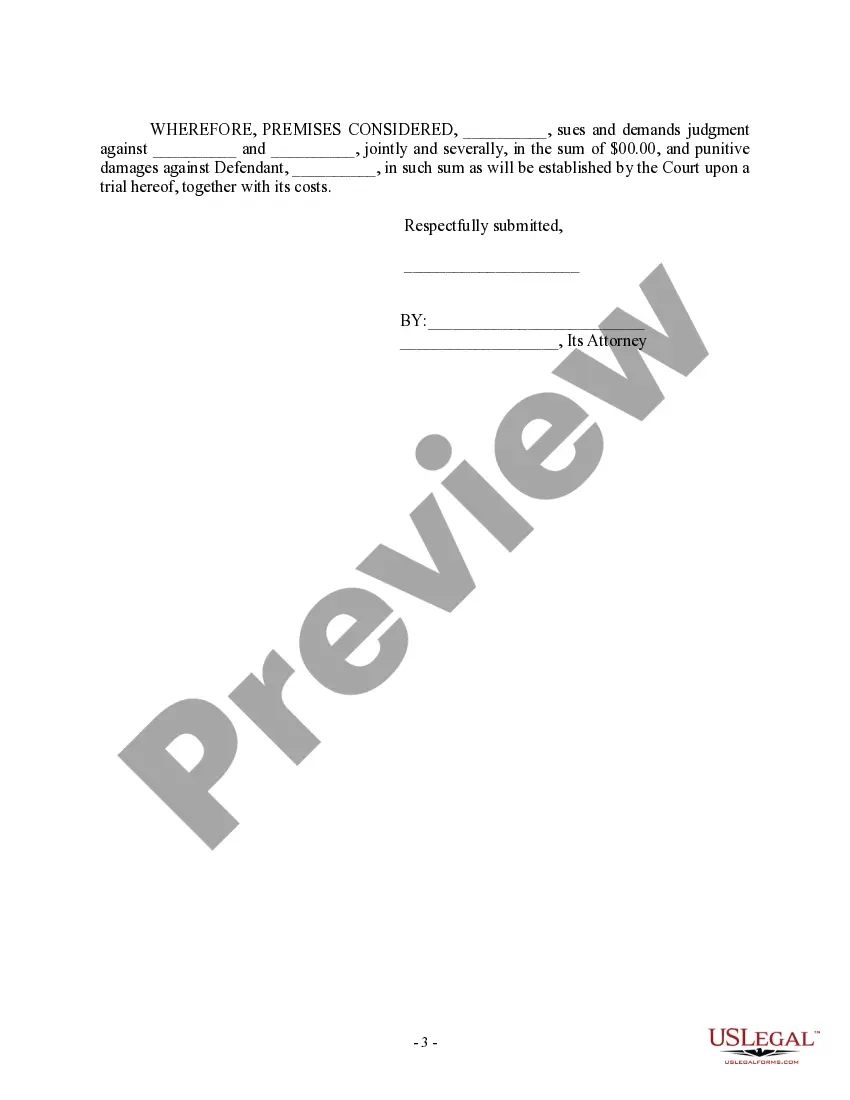
Minnesota Complaint regarding Misappropriation by Former Employee and Prospective Purchaser
Description

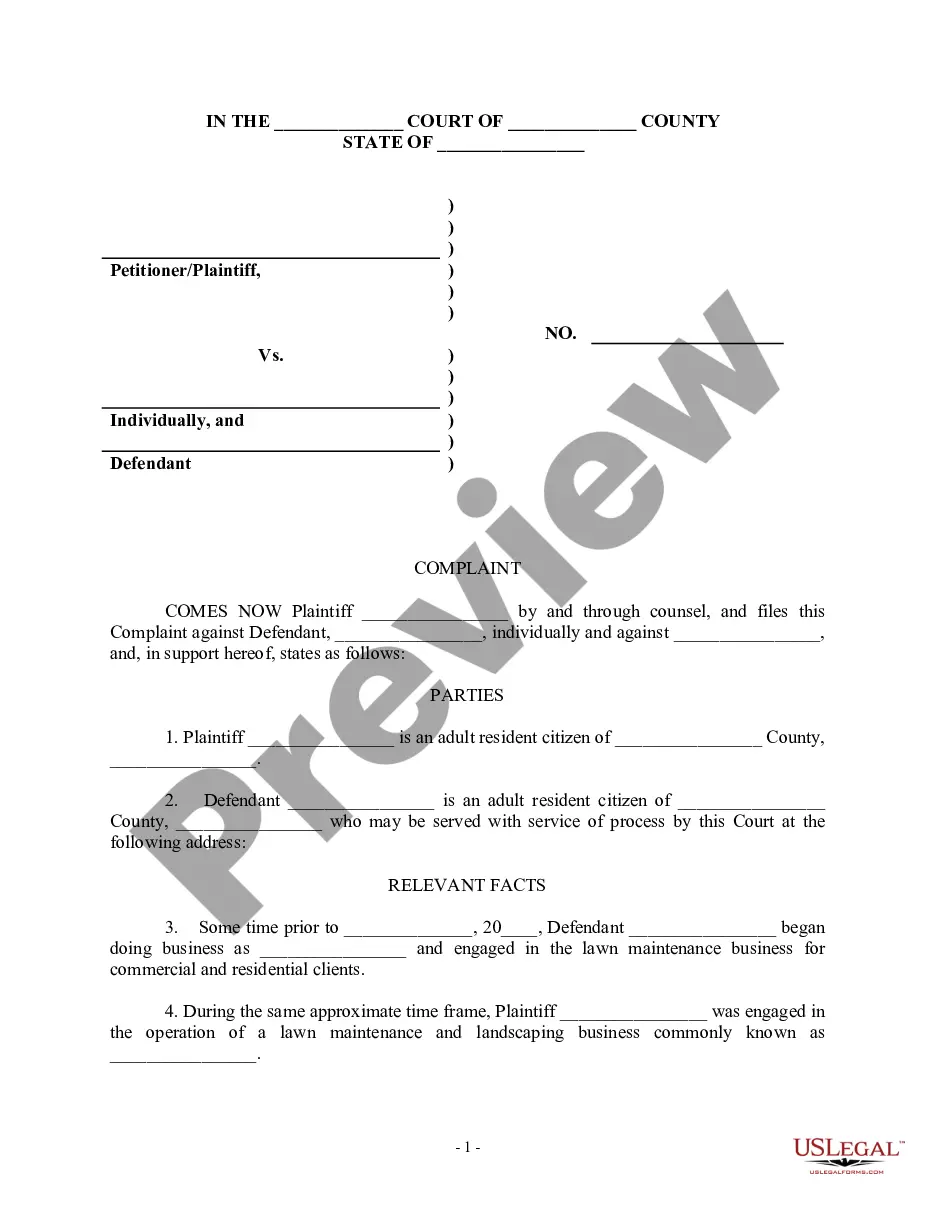
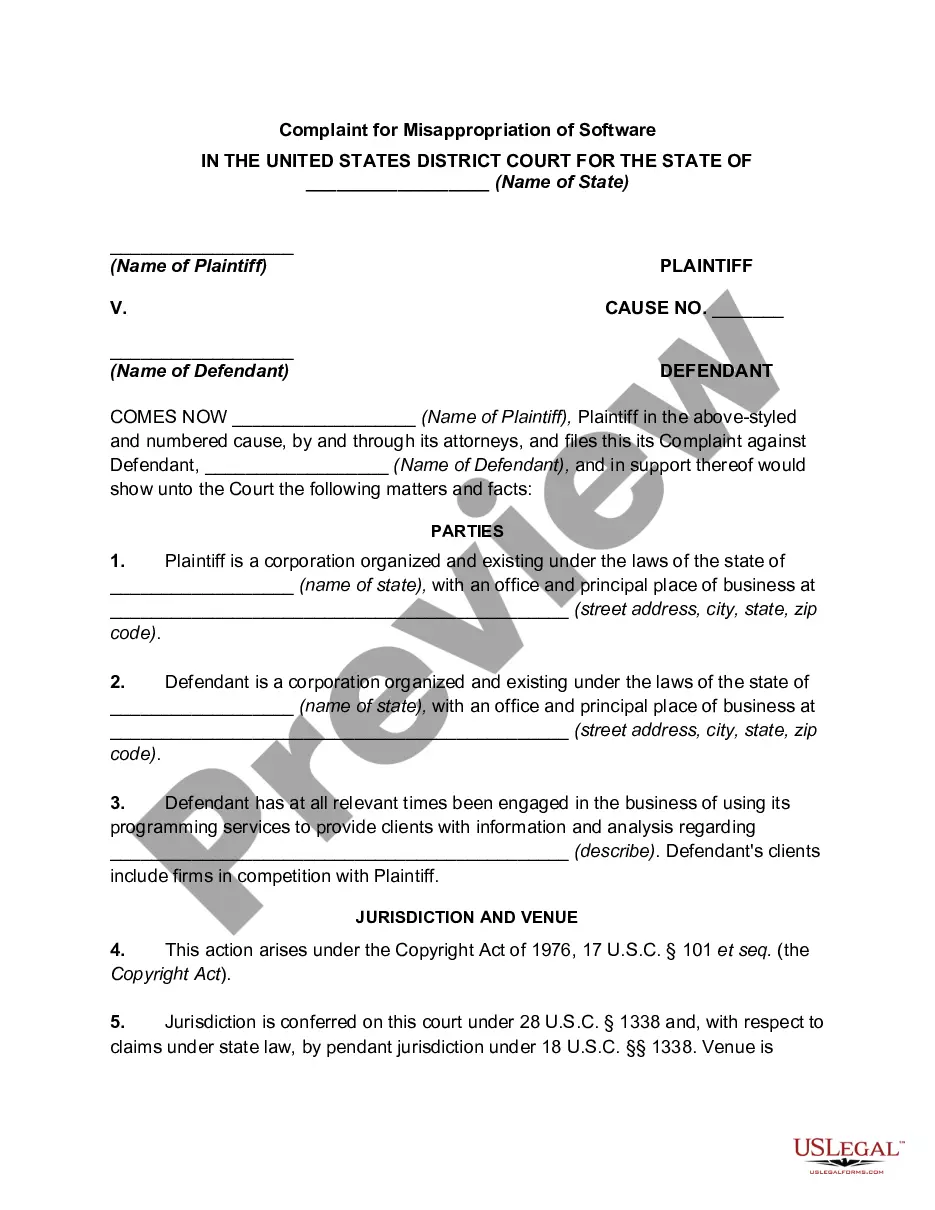
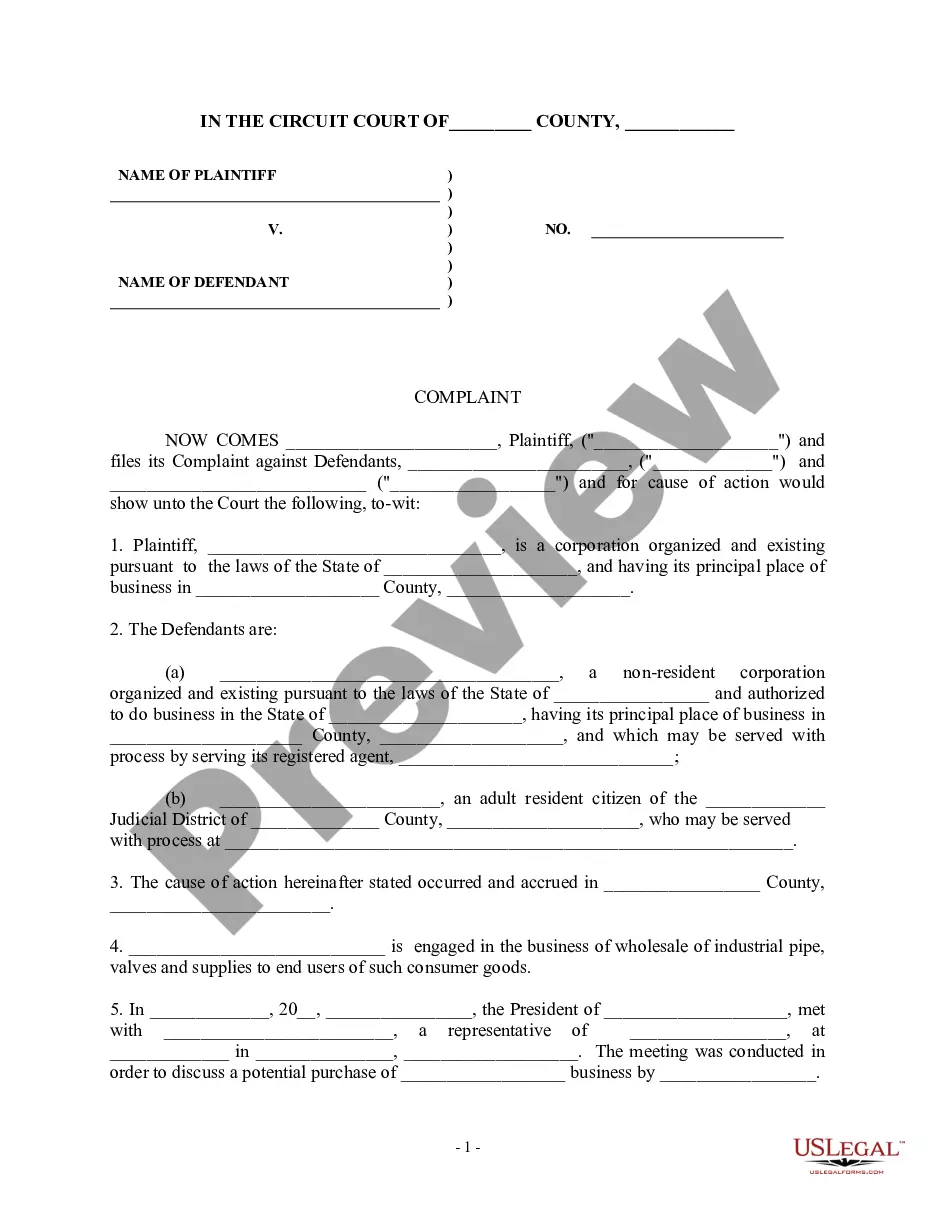
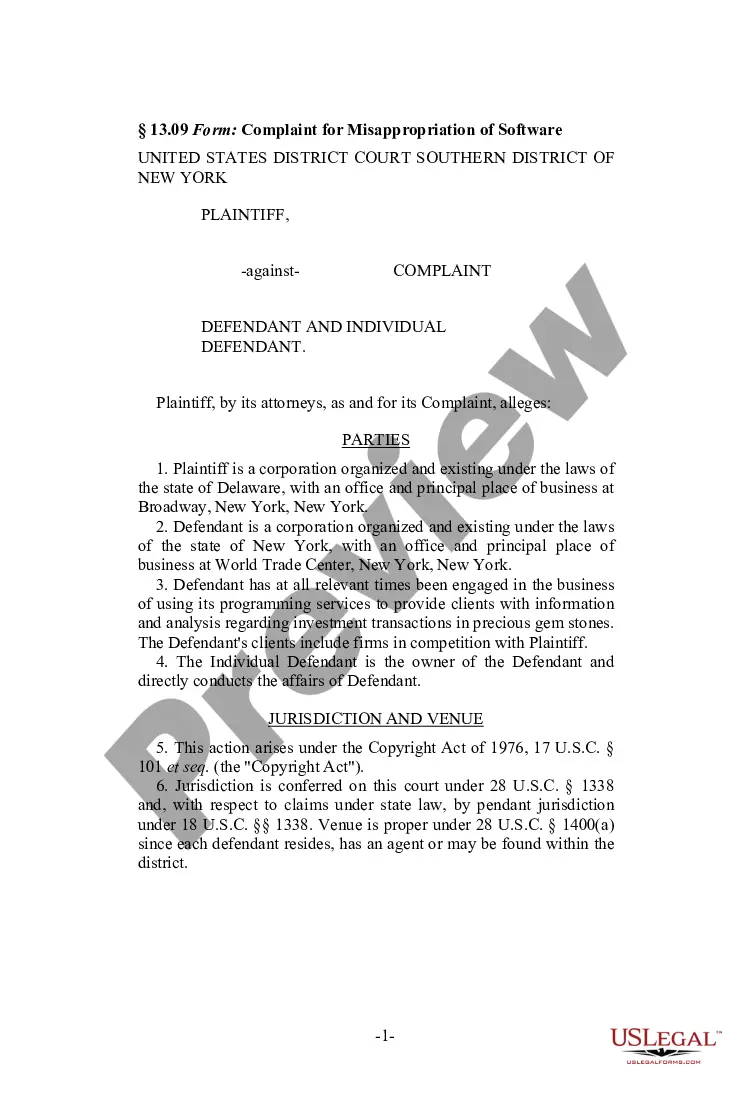
Get your form ready online
Our built-in tools help you complete, sign, share, and store your documents in one place.
Make edits, fill in missing information, and update formatting in US Legal Forms—just like you would in MS Word.
Download a copy, print it, send it by email, or mail it via USPS—whatever works best for your next step.
Sign and collect signatures with our SignNow integration. Send to multiple recipients, set reminders, and more. Go Premium to unlock E-Sign.
If this form requires notarization, complete it online through a secure video call—no need to meet a notary in person or wait for an appointment.
We protect your documents and personal data by following strict security and privacy standards.

Make edits, fill in missing information, and update formatting in US Legal Forms—just like you would in MS Word.

Download a copy, print it, send it by email, or mail it via USPS—whatever works best for your next step.

Sign and collect signatures with our SignNow integration. Send to multiple recipients, set reminders, and more. Go Premium to unlock E-Sign.

If this form requires notarization, complete it online through a secure video call—no need to meet a notary in person or wait for an appointment.

We protect your documents and personal data by following strict security and privacy standards.
Looking for another form?




How to fill out Complaint Regarding Misappropriation By Former Employee And Prospective Purchaser?
US Legal Forms - one of the largest collections of legal documents in the United States - offers a diverse assortment of legal form templates that you can download or print. Through the site, you can access thousands of forms for business and personal purposes, organized by categories, states, or keywords.
You can find the most recent versions of forms such as the Minnesota Complaint regarding Misappropriation by Former Employee and Prospective Purchaser in seconds. If you have a monthly subscription, Log In and download the Minnesota Complaint regarding Misappropriation by Former Employee and Prospective Purchaser from the US Legal Forms collection. The Download option will appear on each form you view. You can access all previously downloaded forms within the My documents tab of your account.
If you are using US Legal Forms for the first time, here are simple instructions to help you get started: Ensure you have chosen the correct form for your locality/county. Click on the Preview option to review the form’s content. Check the form summary to confirm that you have selected the right form. If the form does not meet your requirements, utilize the Search field at the top of the screen to find the one that does. Once you are satisfied with the form, confirm your selection by clicking on the Purchase now button. Next, select the payment plan you prefer and provide your details to register for an account. Process the payment. Use your Visa, Mastercard, or PayPal account to complete the transaction. Choose the format and download the form to your device. Make alterations. Complete, modify, and print and sign the downloaded Minnesota Complaint regarding Misappropriation by Former Employee and Prospective Purchaser.
- Every form you added to your account does not have an expiration date and is yours forever.
- So, if you wish to download or print another copy, simply navigate to the My documents section and click on the form you need.
- Access the Minnesota Complaint regarding Misappropriation by Former Employee and Prospective Purchaser using US Legal Forms, the most extensive collection of legal document templates.
- Utilize thousands of professional and state-specific templates that cater to your business or personal needs and requirements.
Form popularity
FAQ
To file a complaint, download the Complaint Registration Form What happened? ... Were other social workers involved? ... Provide as much detail about the people involved as you can (full name, address, phone number, place of employment, social worker's license number and/or type, etc.)
The agency oversees the state's programs for apprenticeship, construction codes and licensing, dual-training pipeline, occupational safety and health, wage and hour standards, workers' compensation and youth skills training programs.
How to File a Complaint Contact a Regional Ombudsman for the county the person is in. Use the Regional Map or the Regional Ombudsman by County list. Call the OMHDD: 651-757-1800 or 1-800-657-3506. Email the OMHDD:ombudsman.mhdd@state.mn.us. Fax the OMHDD: 651-797-1950. Send us a letter by US postal mail:
You will need to have an email address to file your complaint on the portal. You can also file a complaint by email at consumer.protection@state.mn.us or by phone at 651-539-1600 or 800-657-3602.
Contact Us U.S. MAIL ONLY: Office of Minnesota Attorney General Keith Ellison. 445 Minnesota Street. Suite 1400. St. Paul, MN 55101-2131. PHONE: Twin Cities Calling Area: (651) 296-3353. Outside the Twin Cities: (800) 657-3787.
In cases where the termination was wrongful and unlawful, an employee has the right to sue his or her former employer. ing to the Minnesota Humans Rights Act, an employee cannot be terminated based on religion, race, origin, familial status, sexual orientation, and more.
Minnesota Department of Human Rights (MDHR) To file a discrimination charge through the MDHR, call them on the phone at 651-296-5663 (TTY 651-296-1283) or toll-free at 1-800-657-3704.
Employers cannot discriminate against you because of your race, color, creed, religion, national origin, sex, marital status, disability, public assistance, age, sexual orientation, gender identity, familial status, or local human rights commission activity.