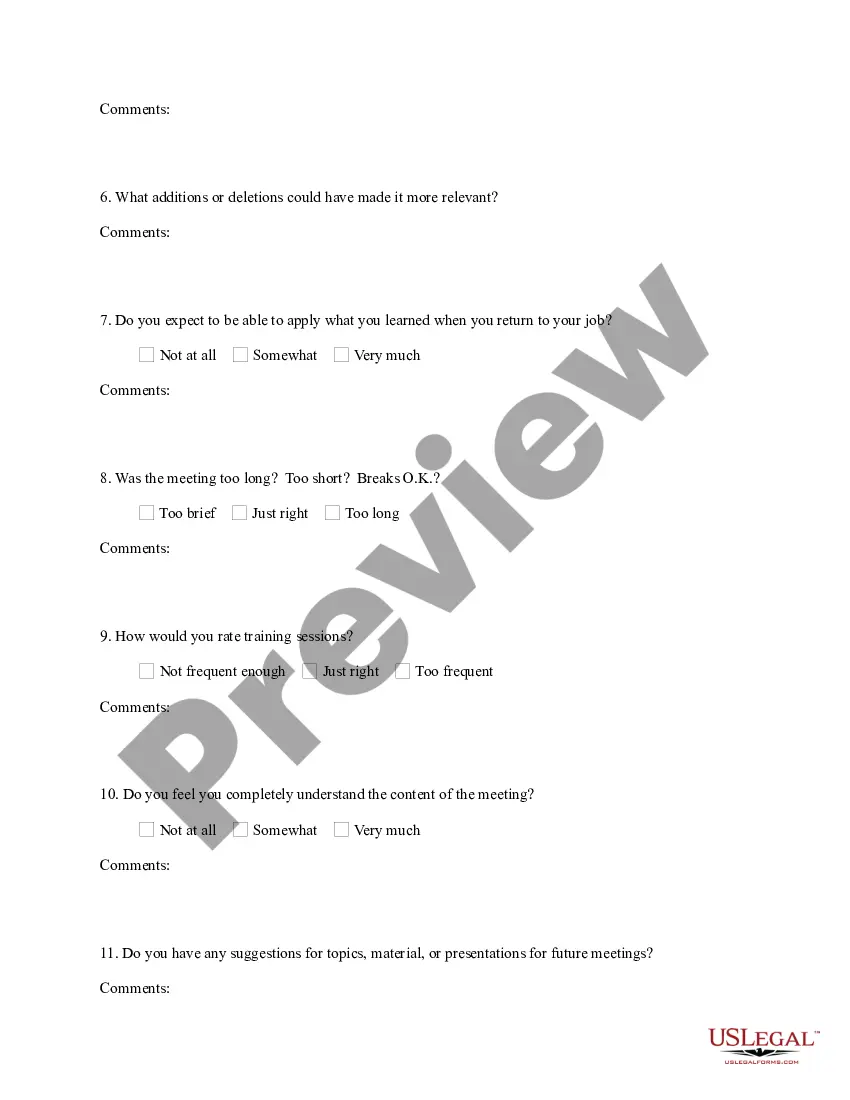
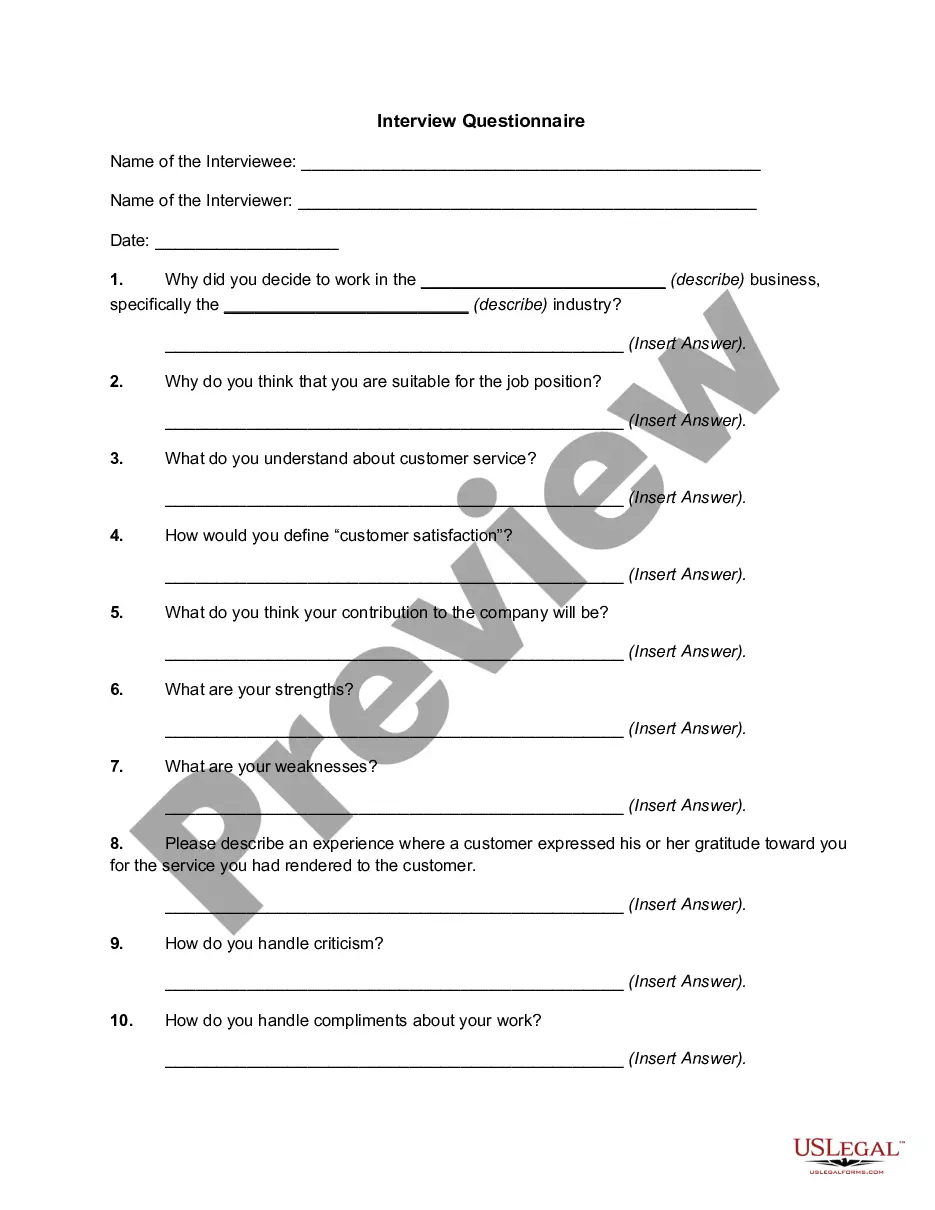
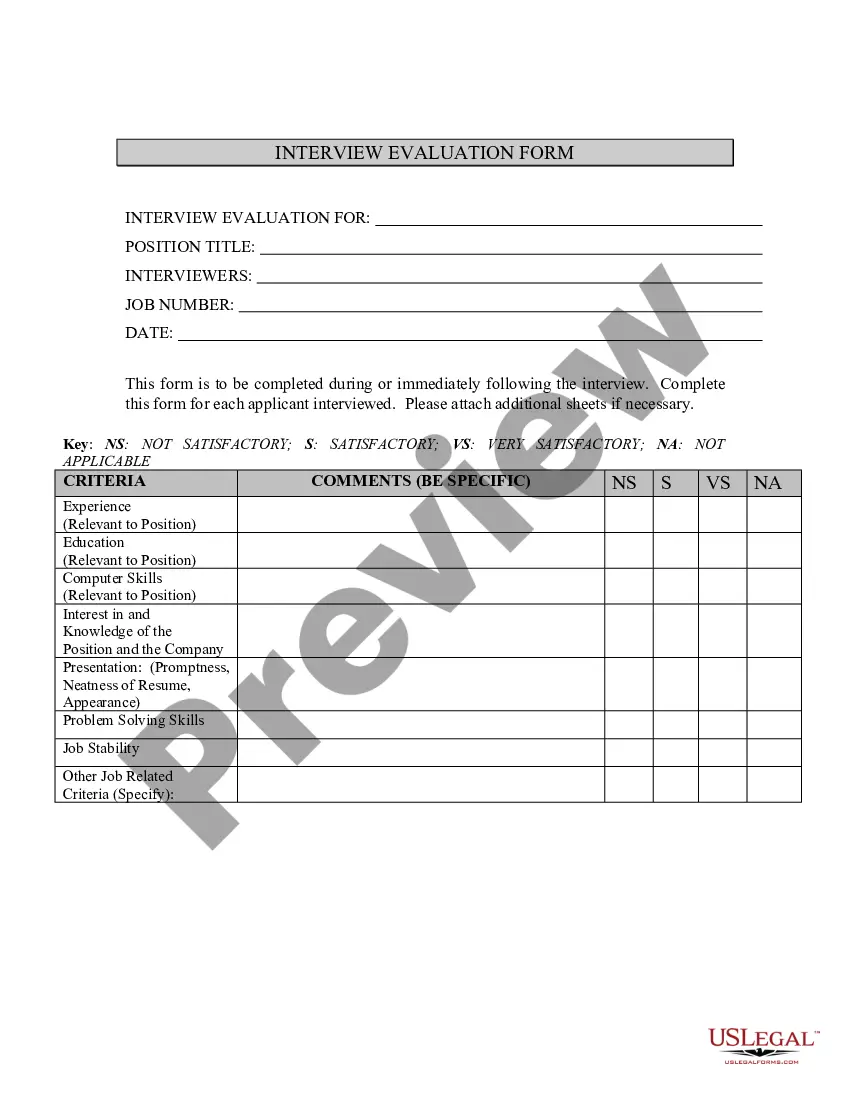
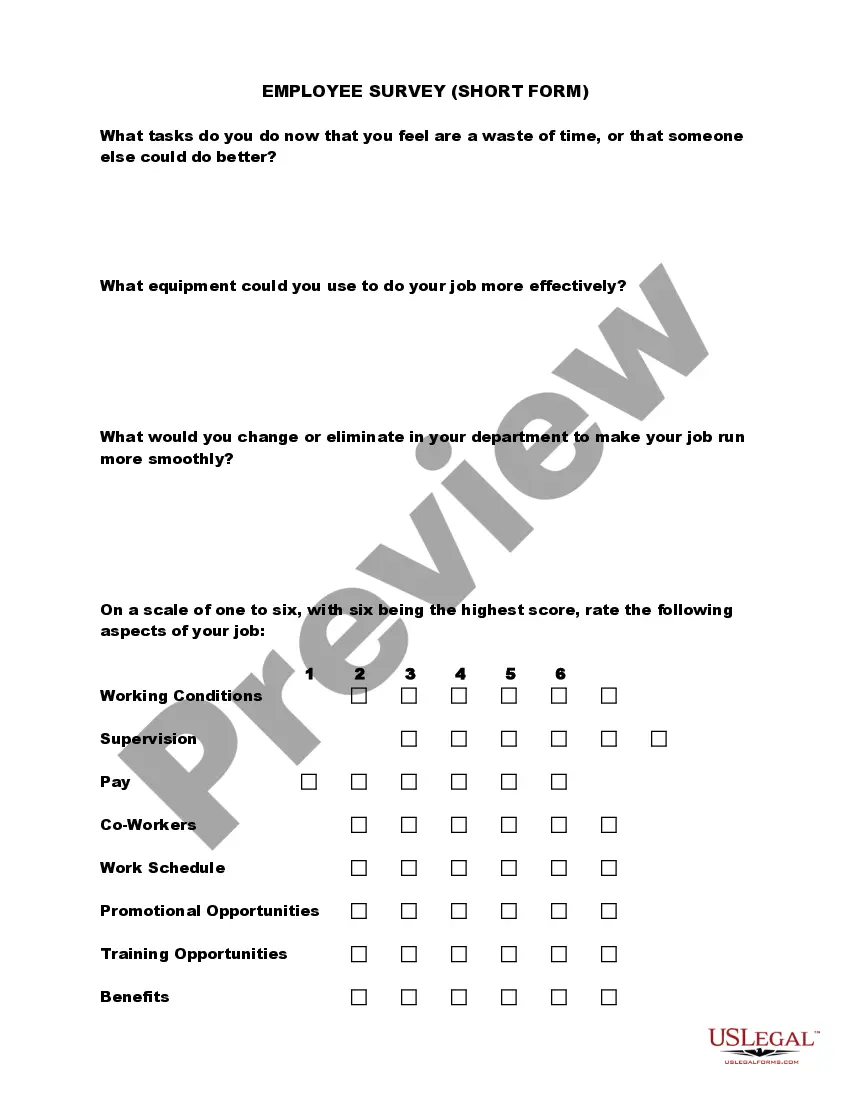
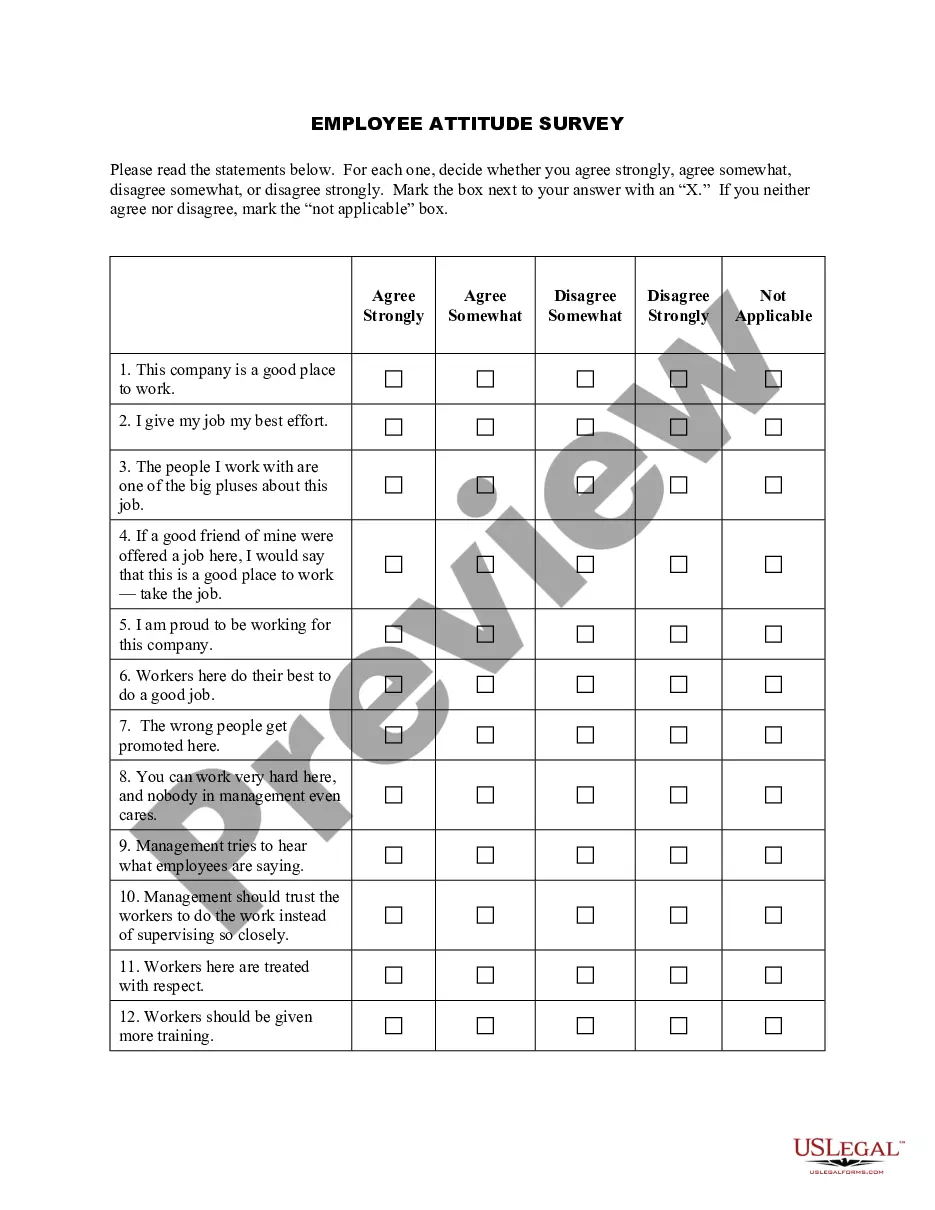
Michigan Employee Training Evaluation Questionnaire
Description
Get your form ready online
Our built-in tools help you complete, sign, share, and store your documents in one place.
Make edits, fill in missing information, and update formatting in US Legal Forms—just like you would in MS Word.
Download a copy, print it, send it by email, or mail it via USPS—whatever works best for your next step.
Sign and collect signatures with our SignNow integration. Send to multiple recipients, set reminders, and more. Go Premium to unlock E-Sign.
If this form requires notarization, complete it online through a secure video call—no need to meet a notary in person or wait for an appointment.
We protect your documents and personal data by following strict security and privacy standards.

Make edits, fill in missing information, and update formatting in US Legal Forms—just like you would in MS Word.

Download a copy, print it, send it by email, or mail it via USPS—whatever works best for your next step.

Sign and collect signatures with our SignNow integration. Send to multiple recipients, set reminders, and more. Go Premium to unlock E-Sign.

If this form requires notarization, complete it online through a secure video call—no need to meet a notary in person or wait for an appointment.

We protect your documents and personal data by following strict security and privacy standards.
Looking for another form?


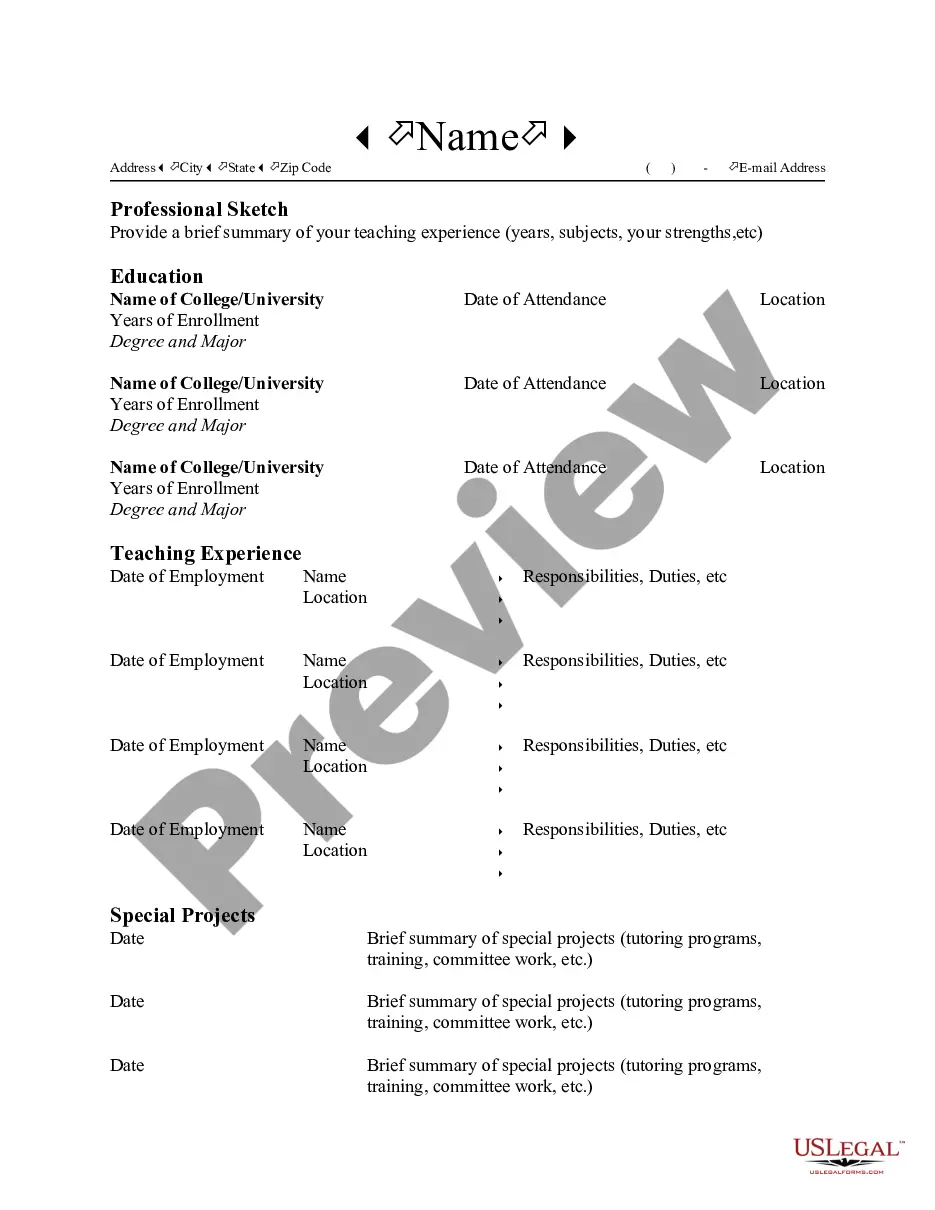
How to fill out Employee Training Evaluation Questionnaire?
Finding the appropriate valid document format can be a challenge.
Clearly, there are numerous templates accessible online, but how can you obtain the valid document you need.
Utilize the US Legal Forms website. The service offers thousands of templates, including the Michigan Employee Training Evaluation Questionnaire, which you can utilize for business and personal purposes.
First, ensure you have selected the correct form for your city/region. You can browse the template using the Review button and examine the form details to confirm this is indeed the correct one for you.
- All of the templates are reviewed by experts and comply with state and federal requirements.
- If you are already registered, Log In to your account and click on the Obtain button to access the Michigan Employee Training Evaluation Questionnaire.
- Use your account to view the valid templates you have previously acquired.
- Navigate to the My documents section of your account and download another copy of the document you need.
- If you are a new user of US Legal Forms, here are simple instructions for you to follow.
Form popularity
FAQ
7 Tips for Writing Effective Training EvaluationsAlign your questions with desired learning outcomes.Write questions that give you measurable data.Keep the survey (and questions) short and sweet.Avoid vague or leading questions.Beware the nested question.Ensure your survey follows visual design principles.More items...
How to Collect Useful Feedback from TraineesCollect Operational Feedback as Soon as Sessions End.Ask about Results at Regular Intervals after Training.Compare Feedback against Measurable Metrics.Build Feedback into Training and Boost Your ROI.
Just like these:Do you feel that your knowledge or skills have improved by taking the course?How would you rate your overall learning experience?How could we improve the learning experience?Do you feel that online training is more effective?Name the things you enjoyed the most in this course.More items...?28-Jan-2019
Evaluation categories address training components and issues such as session content; what strategies, materials, and activities were used; trainer's approach; pace of training; and how well participants learned.
Evaluation categories address training components and issues such as session content; what strategies, materials, and activities were used; trainer's approach; pace of training; and how well participants learned.
Training Evaluation FormConduct an evaluation on the program objectives, course content, facilitator and training facility.Add detailed notes or comments.Provide your final thoughts on the overall training experience.Add notes or comments where necessary.Sign off with digital signature from evaluator.10-Feb-2022
Training methodology, course structure, objectives and outcomes, and content by keeping these 4 essential things in mind, you will be on your way to better understanding how effective your training program really is.
Post-training survey questions to askHow many days in advance did you find out about this training?Were the training objectives clearly defined?Were the topics covered relevant to you?How well was the training structured?Was the content well organized and easy to follow?Was the content structure clear and logical?More items...?
4 Steps to Create your Training Evaluation FormIntroduction. Just like all other business documents, a perfect form starts with an insightful introduction.Create a Questionnaire. The second and probably the most crucial fragment of a training evaluation form are the queries.Create a Rating System.Overall Suggestion Box.