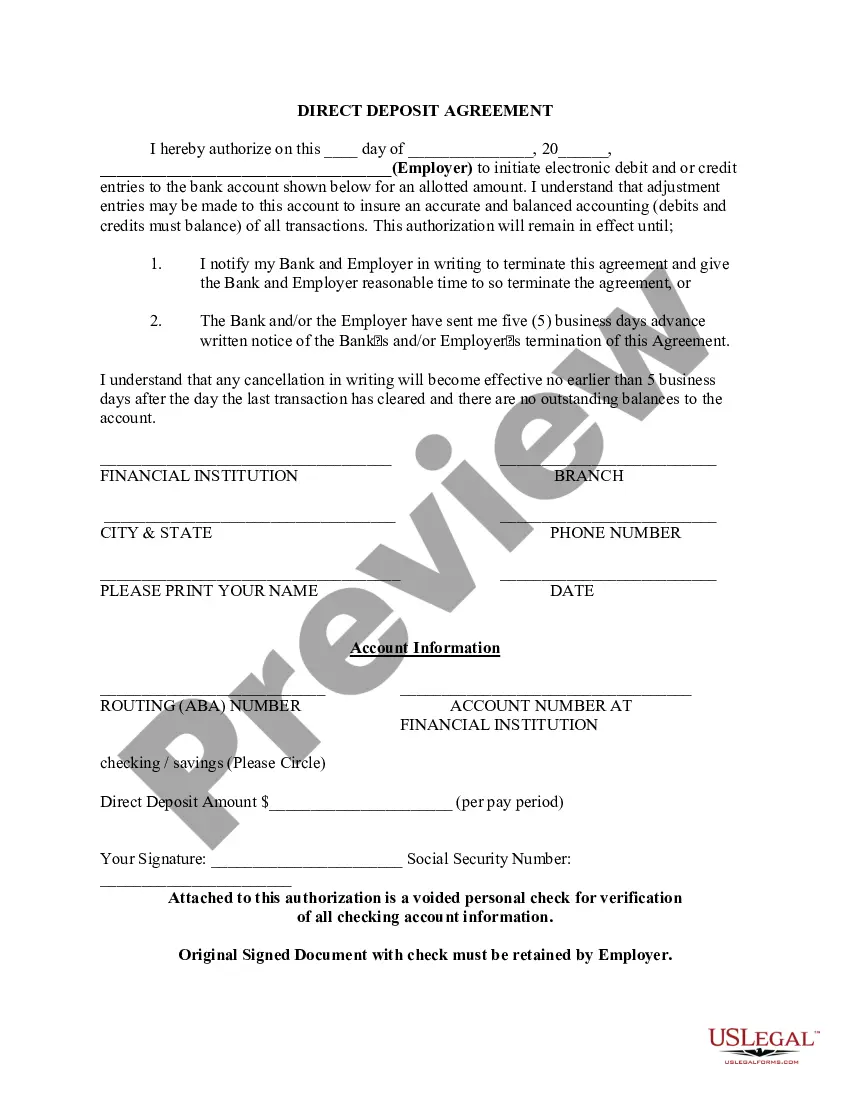
Michigan Direct Deposit Authorization
Description


Get your form ready online
Our built-in tools help you complete, sign, share, and store your documents in one place.
Make edits, fill in missing information, and update formatting in US Legal Forms—just like you would in MS Word.
Download a copy, print it, send it by email, or mail it via USPS—whatever works best for your next step.
Sign and collect signatures with our SignNow integration. Send to multiple recipients, set reminders, and more. Go Premium to unlock E-Sign.
If this form requires notarization, complete it online through a secure video call—no need to meet a notary in person or wait for an appointment.
We protect your documents and personal data by following strict security and privacy standards.

Make edits, fill in missing information, and update formatting in US Legal Forms—just like you would in MS Word.

Download a copy, print it, send it by email, or mail it via USPS—whatever works best for your next step.

Sign and collect signatures with our SignNow integration. Send to multiple recipients, set reminders, and more. Go Premium to unlock E-Sign.

If this form requires notarization, complete it online through a secure video call—no need to meet a notary in person or wait for an appointment.

We protect your documents and personal data by following strict security and privacy standards.
Looking for another form?
How to fill out Direct Deposit Authorization?
Are you currently in a situation where you frequently require documents for both business or personal reasons almost every day.
There are numerous legal form templates available online, but finding ones you can trust is not easy.
US Legal Forms offers thousands of template forms, including the Michigan Direct Deposit Authorization, which are created to comply with federal and state regulations.
Once you acquire the correct form, click Purchase now.
Select the pricing plan you prefer, fill in the necessary information to create your account, and pay for your order using PayPal or a credit card.
- If you are already acquainted with the US Legal Forms website and have an account, simply Log In.
- After that, you can download the Michigan Direct Deposit Authorization template.
- If you do not have an account and wish to start using US Legal Forms, follow these steps.
- Obtain the form you need and ensure it is for your specific area/county.
- Utilize the Preview option to examine the form.
- Review the information to confirm that you have selected the correct form.
- If the form does not match your needs, use the Search field to find the form that satisfies your requirements.
Form popularity
FAQ
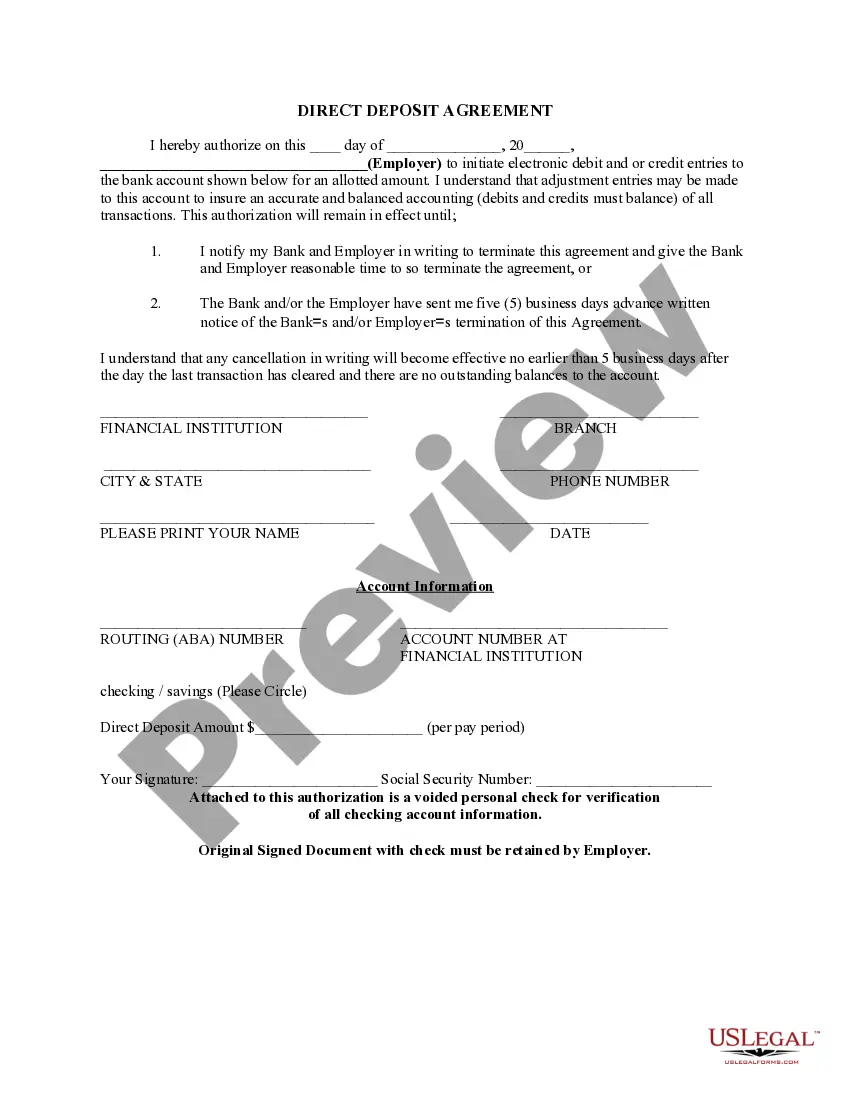
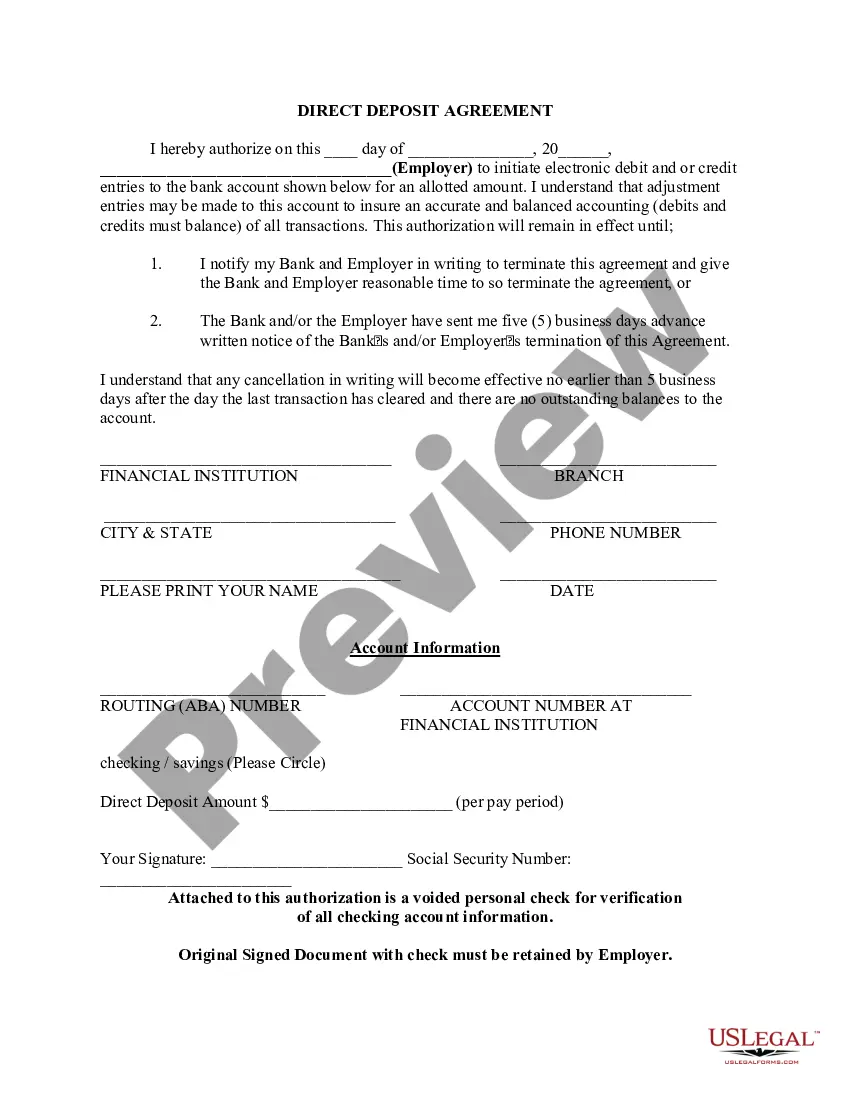
Direct deposit authorization forms authorize employers to send money directly into an individual's bank account. In times past, employers would print out and distribute physical checks on pay day for each employee to deposit into their bank accounts themselves.
To receive payments, you'll need to provide the details below to the organization that will be paying you.Bank account number.Routing number.Type of account (typically a checking account)Bank name and addressyou can use any branch of the bank or credit union you use.Name(s) of account holders listed on the account.
One of the biggest benefits of direct deposit is that it happens very quickly, usually one to three days but sometimes up to five business days. This varies depending on who is actually sending the funds and may even get faster in the future. (Learn more about transferring money from one bank to another.)
How to Set Up Direct DepositGet a direct deposit form from your employer.Fill in account information.Confirm the deposit amount.Attach a voided check or deposit slip, if required.Submit the form.
Setting up direct deposit can take anywhere from one day to a few weeks, depending on the provider. This wait period applies every time new employees are added to the system.
No, you do not need your bank's approval or signature for direct deposit. All you will need is your bank routing number and your account number, which are listed at the bottom of every check. (Note: Do not use numbers from the bottom of a deposit slip.