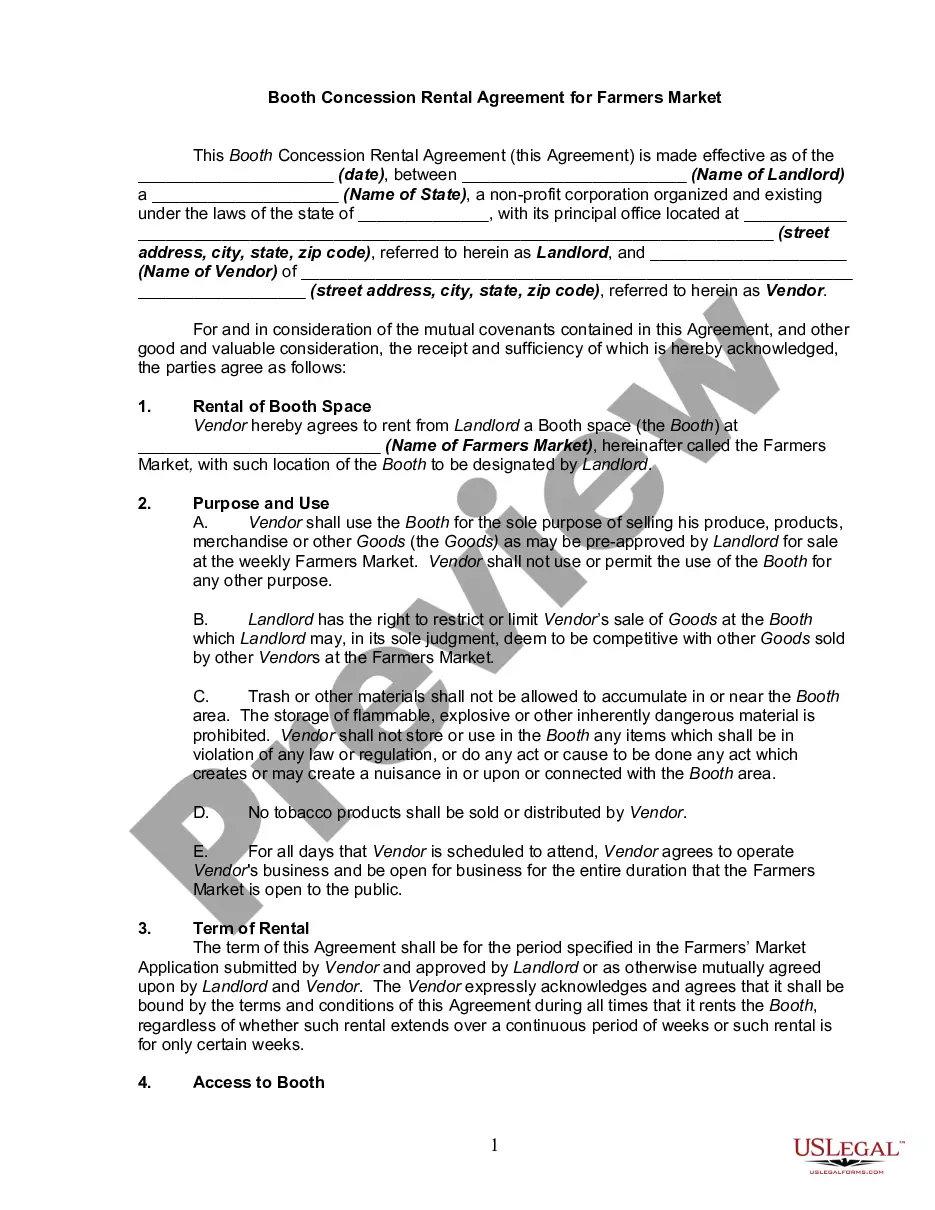
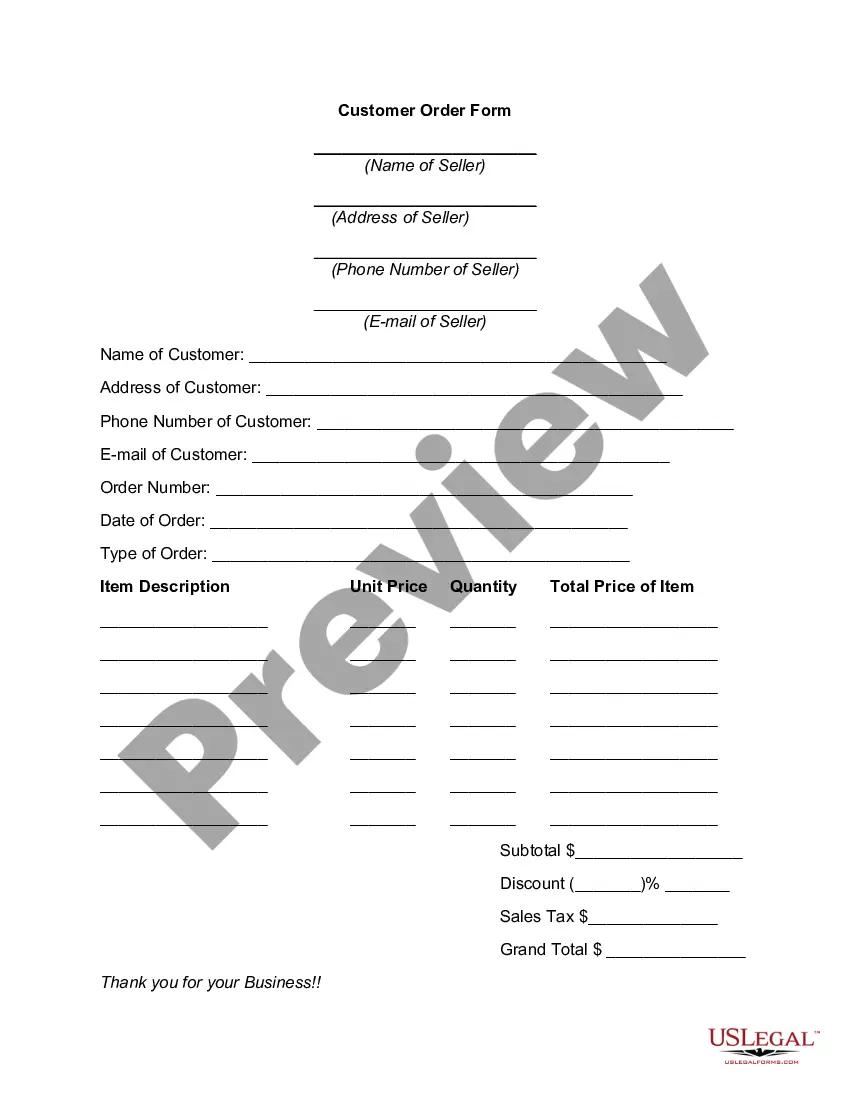
Michigan Customer Order Form
Description
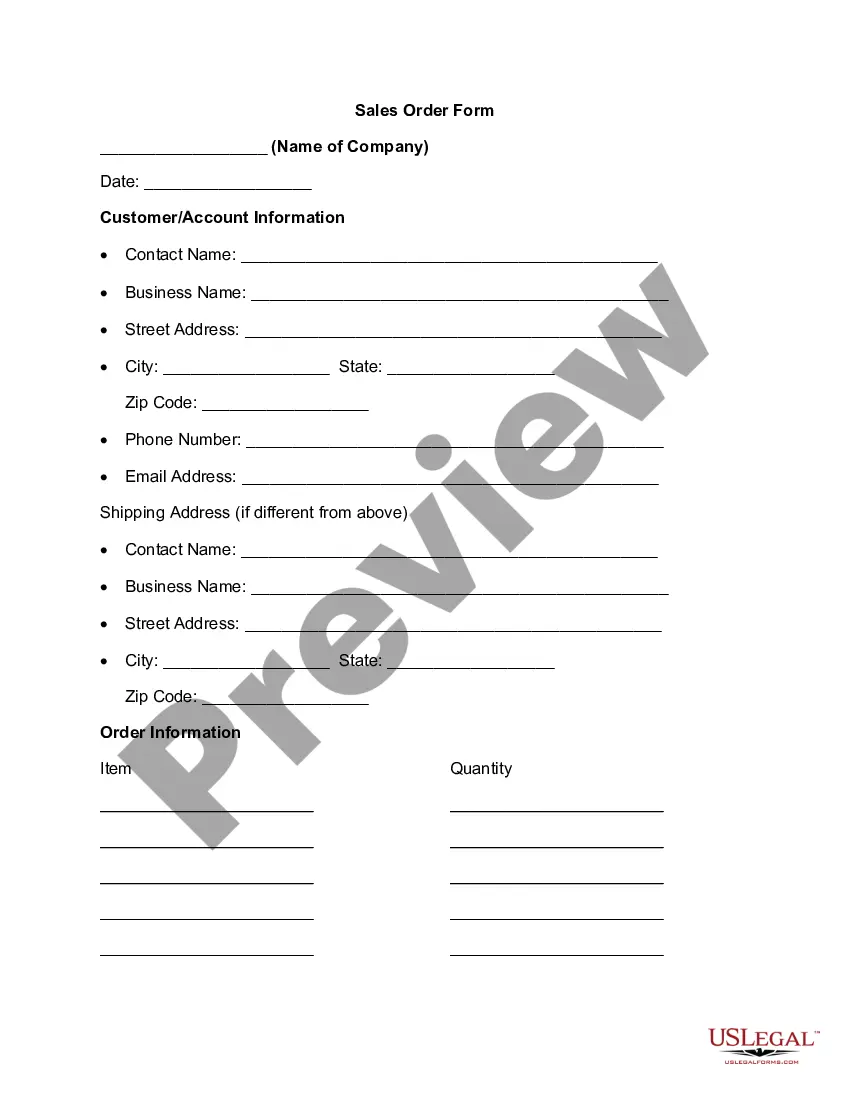
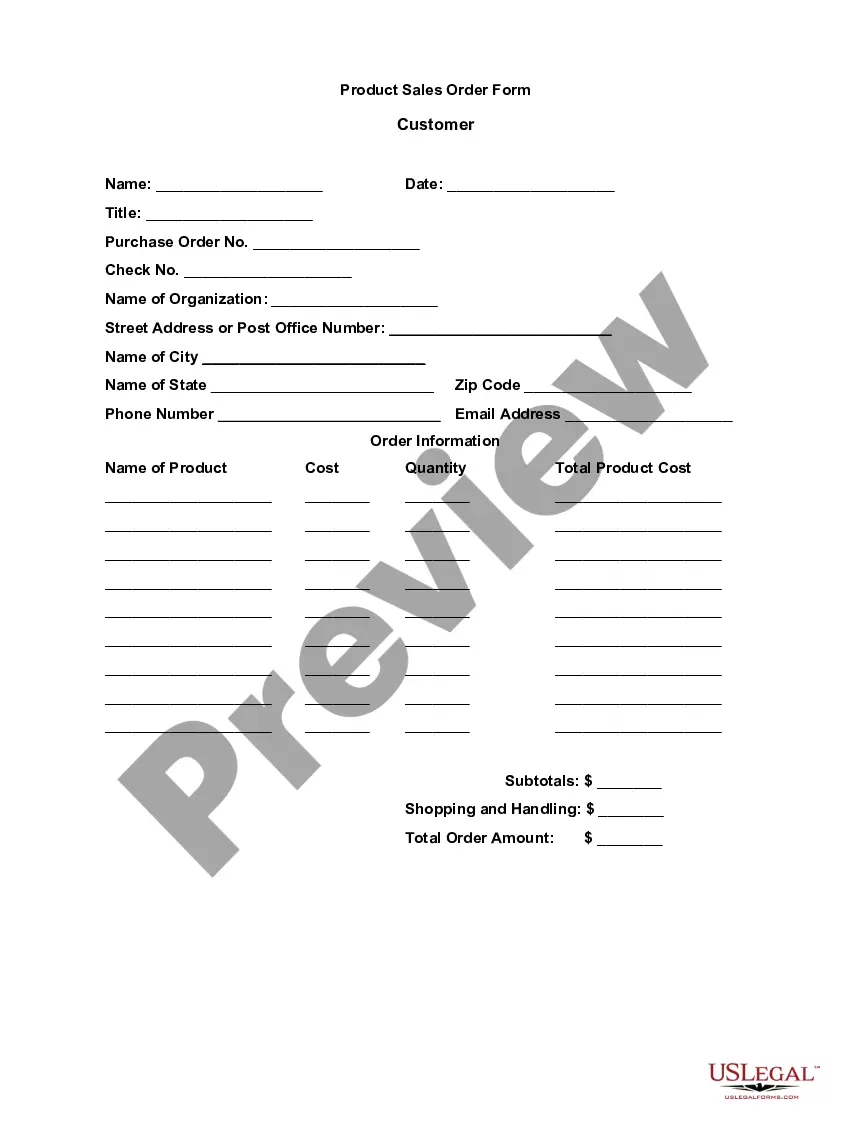
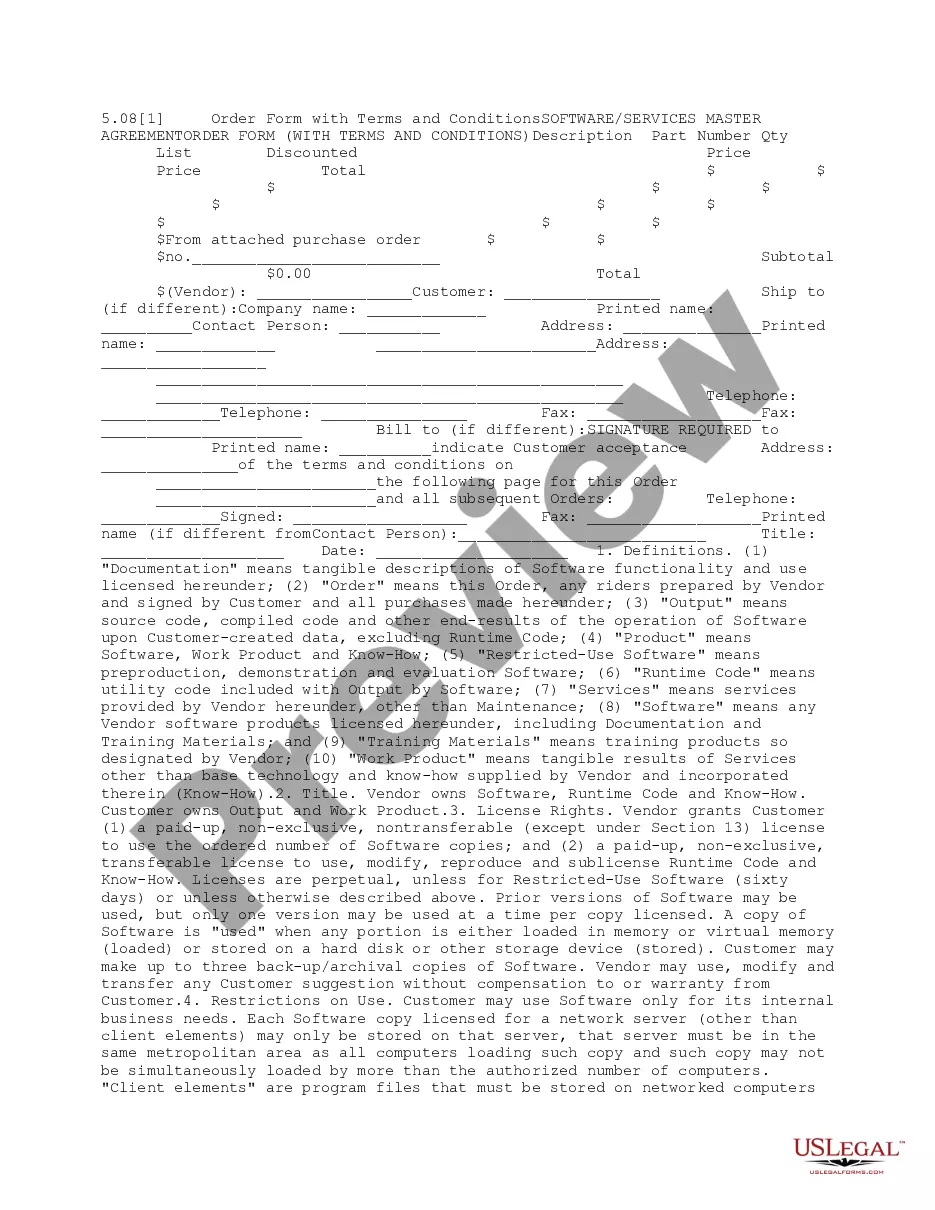
Get your form ready online
Our built-in tools help you complete, sign, share, and store your documents in one place.
Make edits, fill in missing information, and update formatting in US Legal Forms—just like you would in MS Word.
Download a copy, print it, send it by email, or mail it via USPS—whatever works best for your next step.
Sign and collect signatures with our SignNow integration. Send to multiple recipients, set reminders, and more. Go Premium to unlock E-Sign.
If this form requires notarization, complete it online through a secure video call—no need to meet a notary in person or wait for an appointment.
We protect your documents and personal data by following strict security and privacy standards.

Make edits, fill in missing information, and update formatting in US Legal Forms—just like you would in MS Word.

Download a copy, print it, send it by email, or mail it via USPS—whatever works best for your next step.

Sign and collect signatures with our SignNow integration. Send to multiple recipients, set reminders, and more. Go Premium to unlock E-Sign.

If this form requires notarization, complete it online through a secure video call—no need to meet a notary in person or wait for an appointment.

We protect your documents and personal data by following strict security and privacy standards.
Looking for another form?




How to fill out Customer Order Form?
If you need to finalize, retrieve, or create valid document templates, utilize US Legal Forms, the top choice for valid forms, accessible online.
Make the most of the site’s straightforward and user-friendly search tool to locate the documents you need.
Different templates for business and personal purposes are organized by categories and states, or keywords.
Step 5. Process the payment. You can use your credit card or PayPal account to finalize the transaction.
Step 6. Choose the format of your legal document and download it to your device. Step 7. Complete, edit, print, or sign the Michigan Customer Order Form.
- Use US Legal Forms to locate the Michigan Customer Order Form with just a few clicks.
- If you are already a US Legal Forms user, Log Into your account and click the Download button to access the Michigan Customer Order Form.
- You can also access forms you previously downloaded in the My documents section of your account.
- If you are using US Legal Forms for the first time, adhere to the following instructions.
- Step 1. Ensure you have chosen the form for the correct state/region.
- Step 2. Utilize the Preview option to review the form’s content. Remember to check the description.
- Step 3. If you are dissatisfied with the form, use the Search box at the top of the screen to find alternative forms of your legal type format.
- Step 4. Once you have located the form you need, select the Purchase now button. Choose the pricing plan you prefer and input your details to register for the account.
Form popularity
FAQ
How to Create a Simple Order Form With Online PaymentsStep 1: Create a Simple Order Form in WordPress.Step 2: Customize Your Form Notifications.Step 3: Configure Your Form Confirmations.Step 4: Set Up the Payment Settings.Step 5: Add Your Simple Order Form to Your Site.
Custom made order forms are easy to fill and help employees to save a lot of time. They can quickly check the required columns and file in the invoice. It also lowers the risk of errors and can be filled even while the user is offline.
: a form that customers can use to order products from a company.
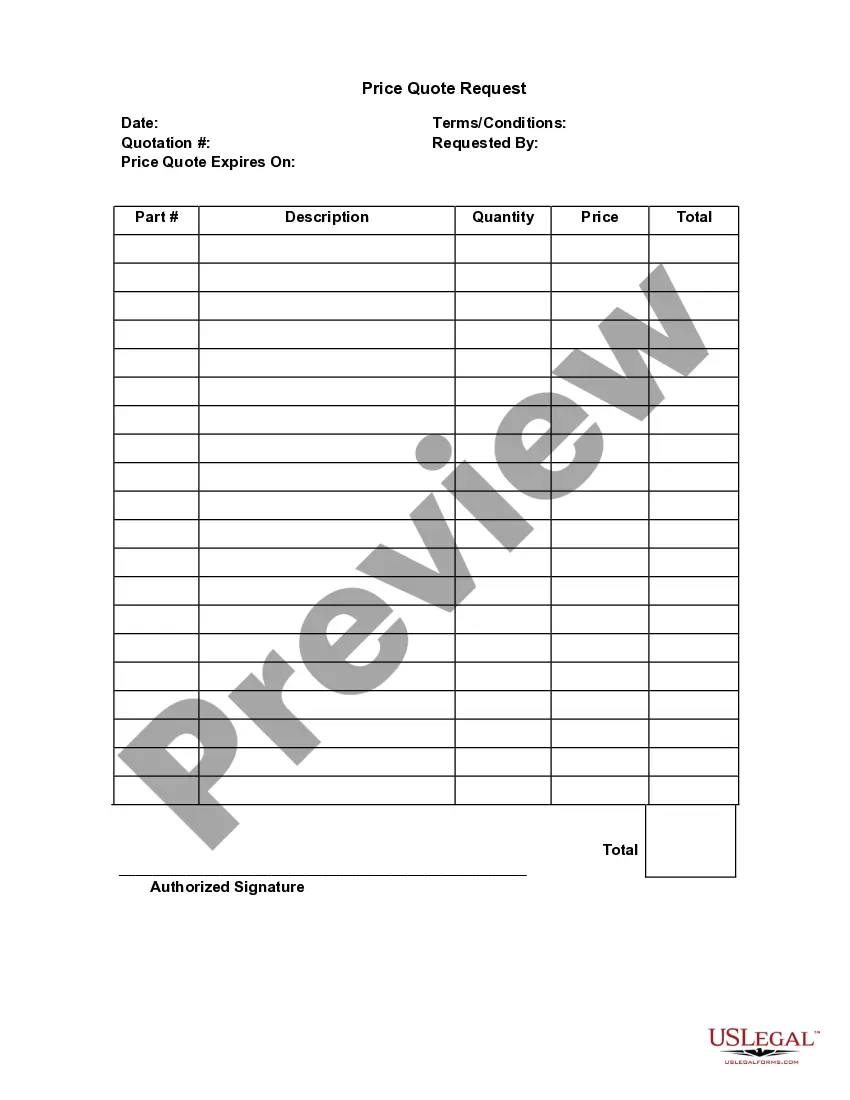
What should be included in your purchase order formYour company's legal name and physical address.Your company's delivery address.A purchaser section.Billing information for suppliers to send invoices.A space for agreed-upon pricing, quantities and specific order details.Requested delivery date.Payment terms.
These are the key parts of an order form:Your company's name and business address.Customer's name and billing address.Customer's shipping address.Date of Purchase Order.Sales Order Number.Customer number.Purchase order number.Name of the salesperson.More items...
Most order forms include these important parts:Buyer and seller names.Purchase order number.Item description(s)Number of items requested.Billing address.Payment information.Signatures.Order date.
Key Parts Of An Order FormYour company's name and business address.Customer's name and billing address.Customer's shipping address.Date of Purchase Order.Sales Order Number.Customer number.Purchase order number.Name of the salesperson.More items...
The document contains details about the sale, including the quantity, quality, and price of any goods or services exchanged. It should also cover things like delivery date, delivery address, payment method, and any other information relevant to the terms and logistics of the sale itself.
An order form is a document buyers use to request merchandise from a wholesaler, manufacturer or retailer. It's mostly used by businesses that buy products in higher amounts. You'll never have to complete an order form in a store as a person unless the store-clerk has to make an order for you from a vendor.