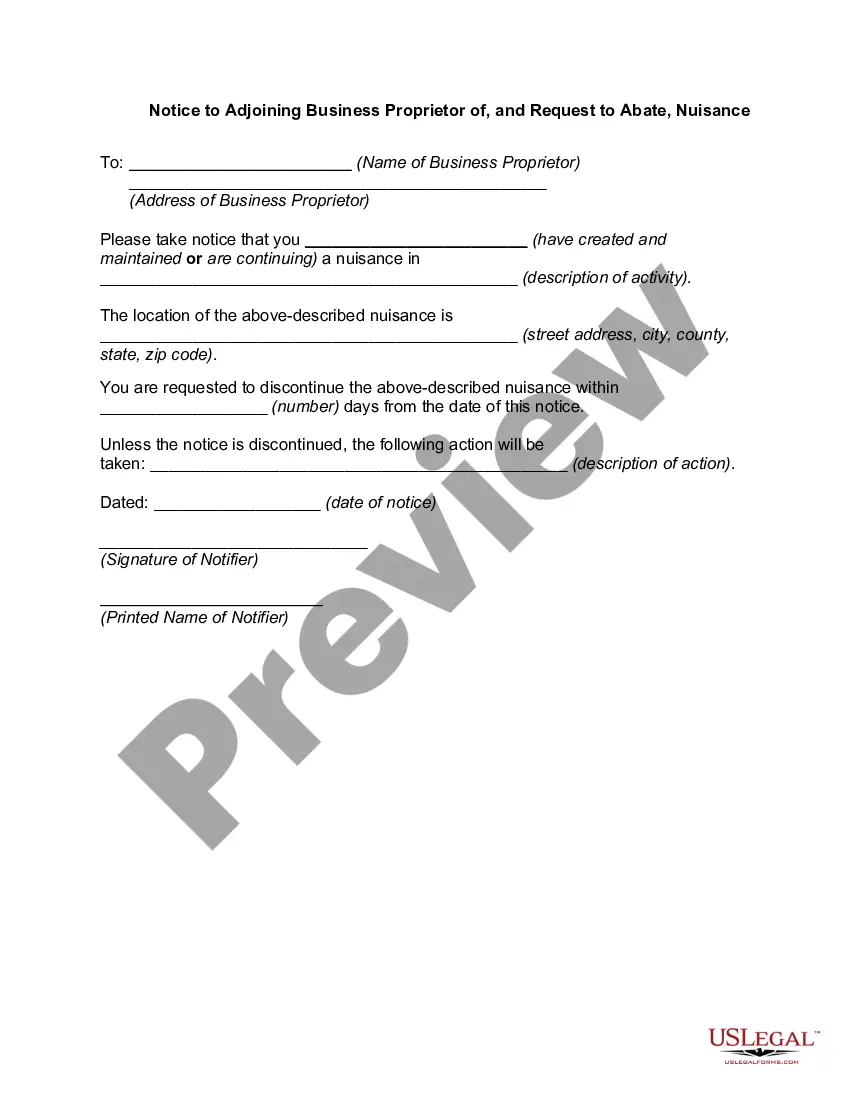
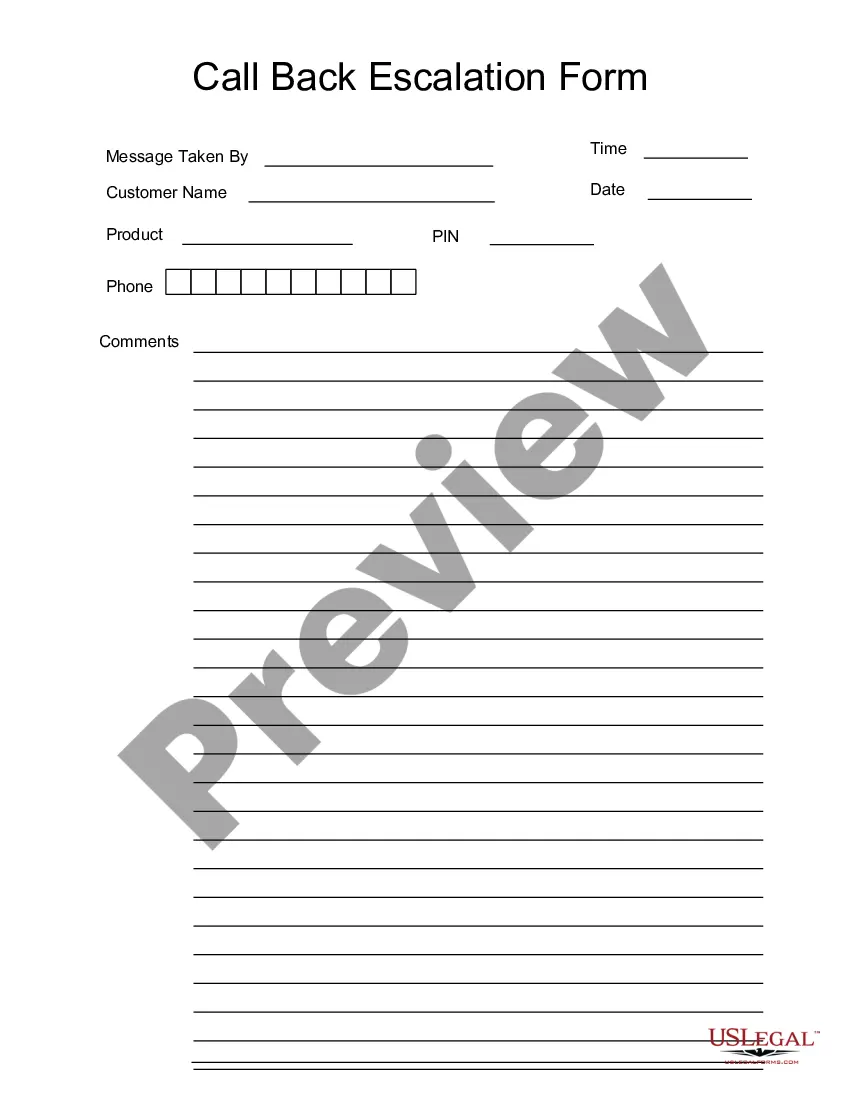
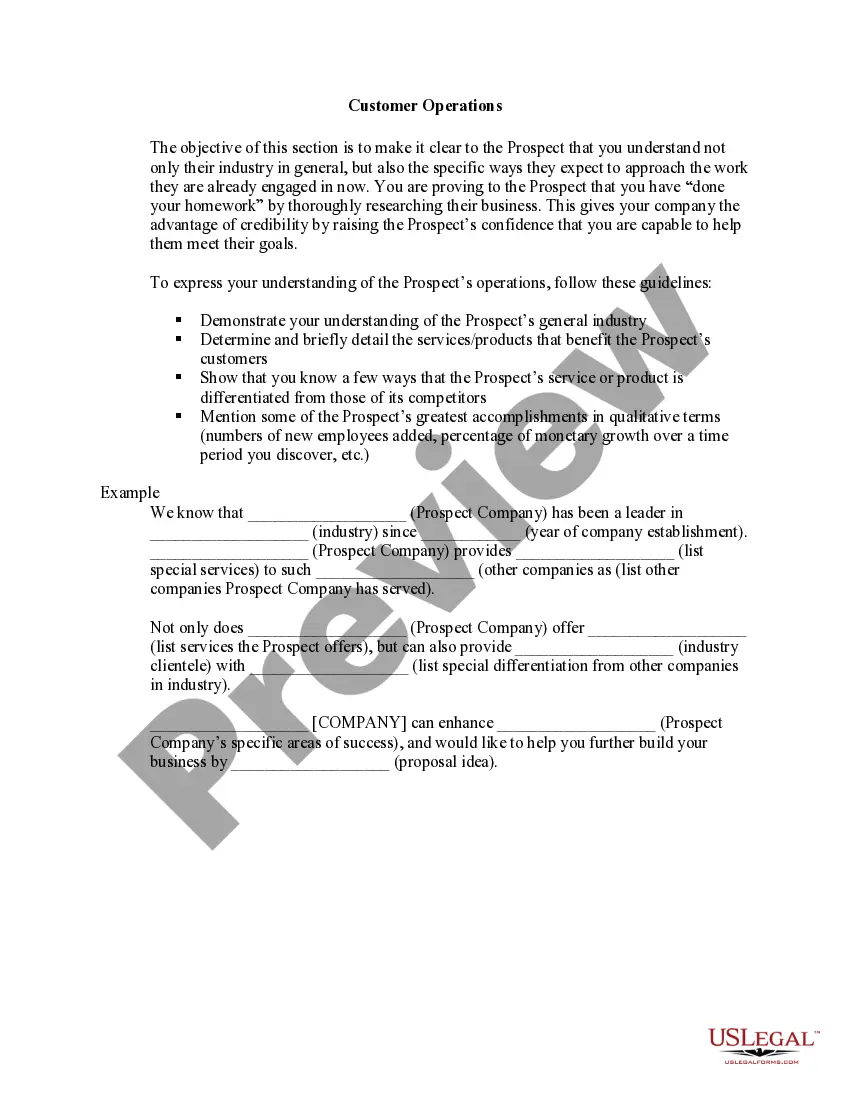
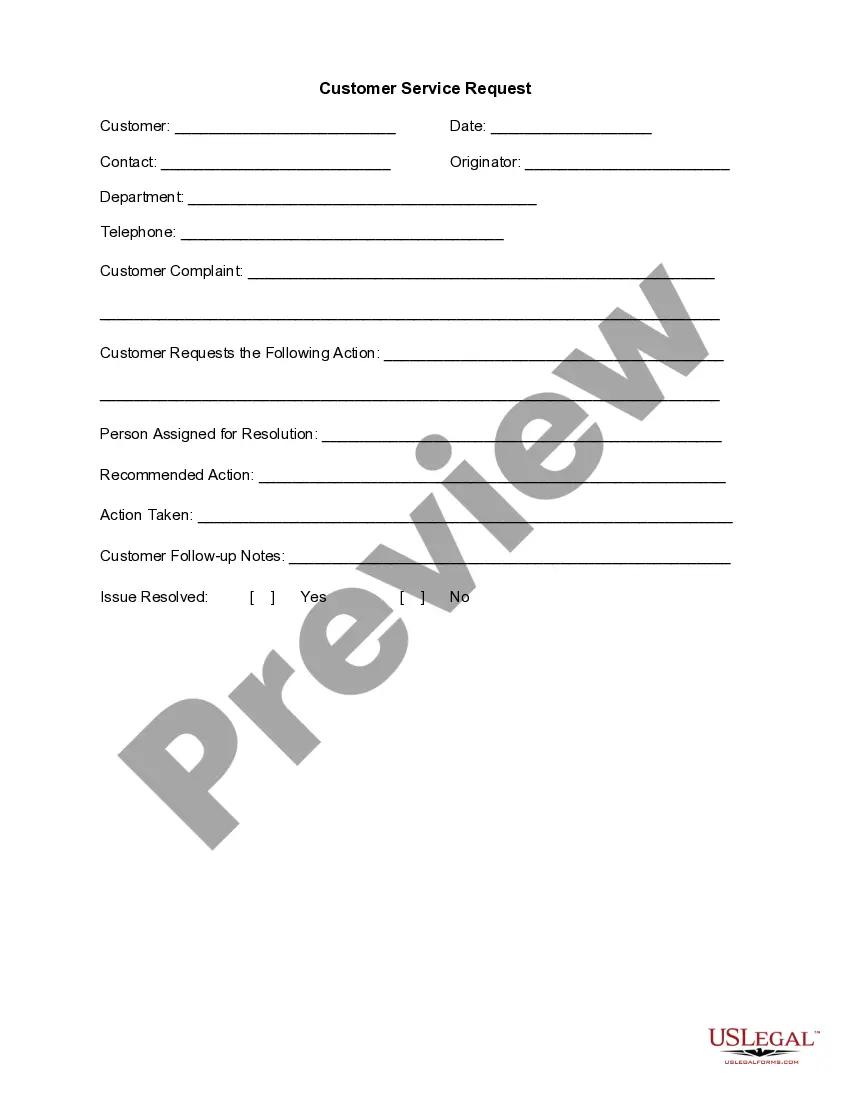
This form is a business type form that is formatted to allow you to complete the form using Adobe Acrobat or Word. The word files have been formatted to allow completion by entry into fields. Some of the forms under this category are rather simple while others are more complex. The formatting is worth the small cost.
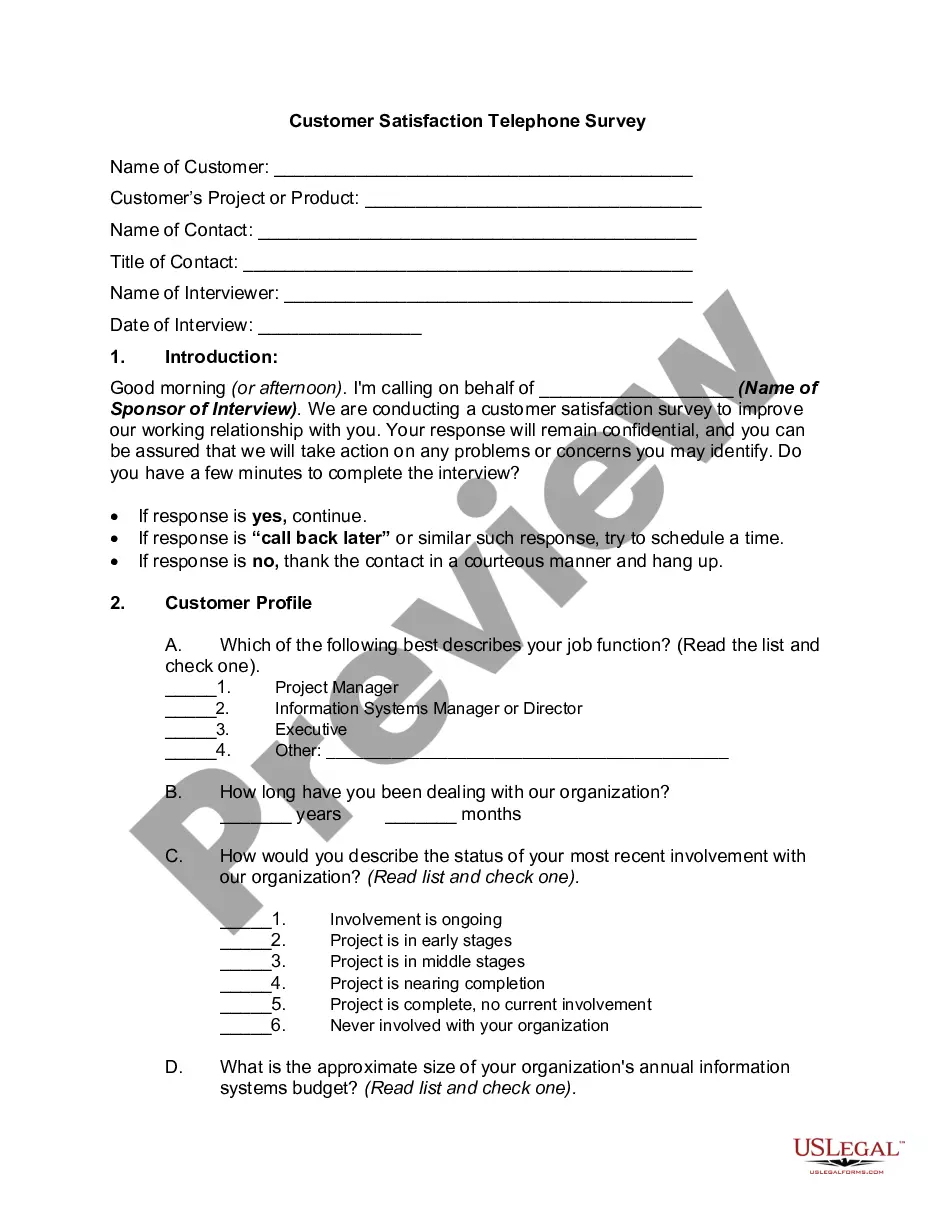
Michigan Call Back Escalation Form
Category:
State:
Multi-State
Control #:
US-125-AZ
Format:
Word;
PDF;
Rich Text
Instant download
Description
Get your form ready online
Our built-in tools help you complete, sign, share, and store your documents in one place.
Built-in online Word editor
Make edits, fill in missing information, and update formatting in US Legal Forms—just like you would in MS Word.
Export easily
Download a copy, print it, send it by email, or mail it via USPS—whatever works best for your next step.
E-sign your document
Sign and collect signatures with our SignNow integration. Send to multiple recipients, set reminders, and more. Go Premium to unlock E-Sign.
Notarize online 24/7
If this form requires notarization, complete it online through a secure video call—no need to meet a notary in person or wait for an appointment.
Store your document securely
We protect your documents and personal data by following strict security and privacy standards.

Make edits, fill in missing information, and update formatting in US Legal Forms—just like you would in MS Word.

Download a copy, print it, send it by email, or mail it via USPS—whatever works best for your next step.

Sign and collect signatures with our SignNow integration. Send to multiple recipients, set reminders, and more. Go Premium to unlock E-Sign.

If this form requires notarization, complete it online through a secure video call—no need to meet a notary in person or wait for an appointment.

We protect your documents and personal data by following strict security and privacy standards.
Looking for another form?



How to fill out Call Back Escalation Form?
Are you in a situation where you will require documents for potential business or personal purposes almost daily.
There are numerous legal document templates available online, but finding trusted versions isn't easy.
US Legal Forms provides thousands of form templates, including the Michigan Call Back Escalation Form, designed to meet state and federal requirements.
Select the pricing plan you prefer, fill in the required information to create your account, and pay for your order using PayPal or credit card.
Choose a convenient file format and download your copy.
- If you are already familiar with the US Legal Forms website and have an account, simply Log In.
- After that, you can download the Michigan Call Back Escalation Form template.
- If you do not have an account and wish to start using US Legal Forms, follow these steps.
- Locate the form you need and ensure it's for your specific area/region.
- Use the Preview button to review the form.
- Check the description to confirm you have selected the correct form.
- If the form isn't what you're looking for, utilize the Search area to find a form that suits your needs and criteria.
- Once you find the correct form, click Purchase now.
Form popularity
FAQ
You can contact the MI Bridges help desk by calling their designated support number or visiting their official website. They provide assistance with various services, including navigating the Michigan Call Back Escalation Form. When you reach out, be prepared with specific questions to help them assist you more effectively. This will lead to a quicker resolution of any issues you may face.
Chat with one of our agents through MiWAM. From your MiWAM account home page, click to... "Chat with an agent" during regular business hours of M-F between 8 a.m. - 5 p.m.
QUESTIONS ON YOUR CLAIM?Visit michigan.gov/uia for tools and resources.Access your MIWAM account 24/7.Chat with an agent M-F, 8 am to 6 pm or.Call our Customer Service line at 866-500-0017, M-F, 8 am to 6 pm. TTY service is available at 866-366-0004.
QUESTIONS ON YOUR CLAIM? Visit michigan.gov/uia for tools and resources Access your MIWAM account 24/7 Chat with an agent M-F, 8 am to pm or Call our Customer Service line at 866-500-0017, M-F, 8 am to 5 pm. TTY service is available at 866-366-0004.
UNEMPLOYMENT INSURANCE CUSTOMER SERVICE LINE CLAIMANTS; Call 1-866-500-0017 - Monday - Friday; 8 a.m. to 5 p.m. EMPLOYERS: Call 1-855-484-2636 - Monday - Friday; 8 a.m. to 5 p.m.
Information.Consultation.Representation at hearings before.Phone: 800-638-3994 (Advocacy Program Option)Email: UIAAdvocacy@michigan.gov.
Call center hours extended to better serve Michiganders filing for unemployment benefitsLANSING, MICH.All Eligible Workers Will Receive Benefits.Historical Demand.Online Filing Schedule at Michigan.gov/UIA: Customers are encouraged to use off-peak times 8 p.m. 8 a.m.
Visit our Michigan Web Account Manager (MiWAM) resource page. Or call 866-500-0017 to speak with a customer service representative.
Calling the UIA Customer Service telephone line at 866-500-0017. Chat with an agent through the Michigan Web Account Manager (MiWAM) at From the MiWAM home page, click on I want to . . . Chat with an Agent. Schedule a phone appointment or in-person appointment at Michigan.gov/uia.
In cases where you cannot get through to someone or are just a completely frustrated with the answers you've been getting you should try contacting your local, state or district representative. Look online for your relevant representative and their contact details.