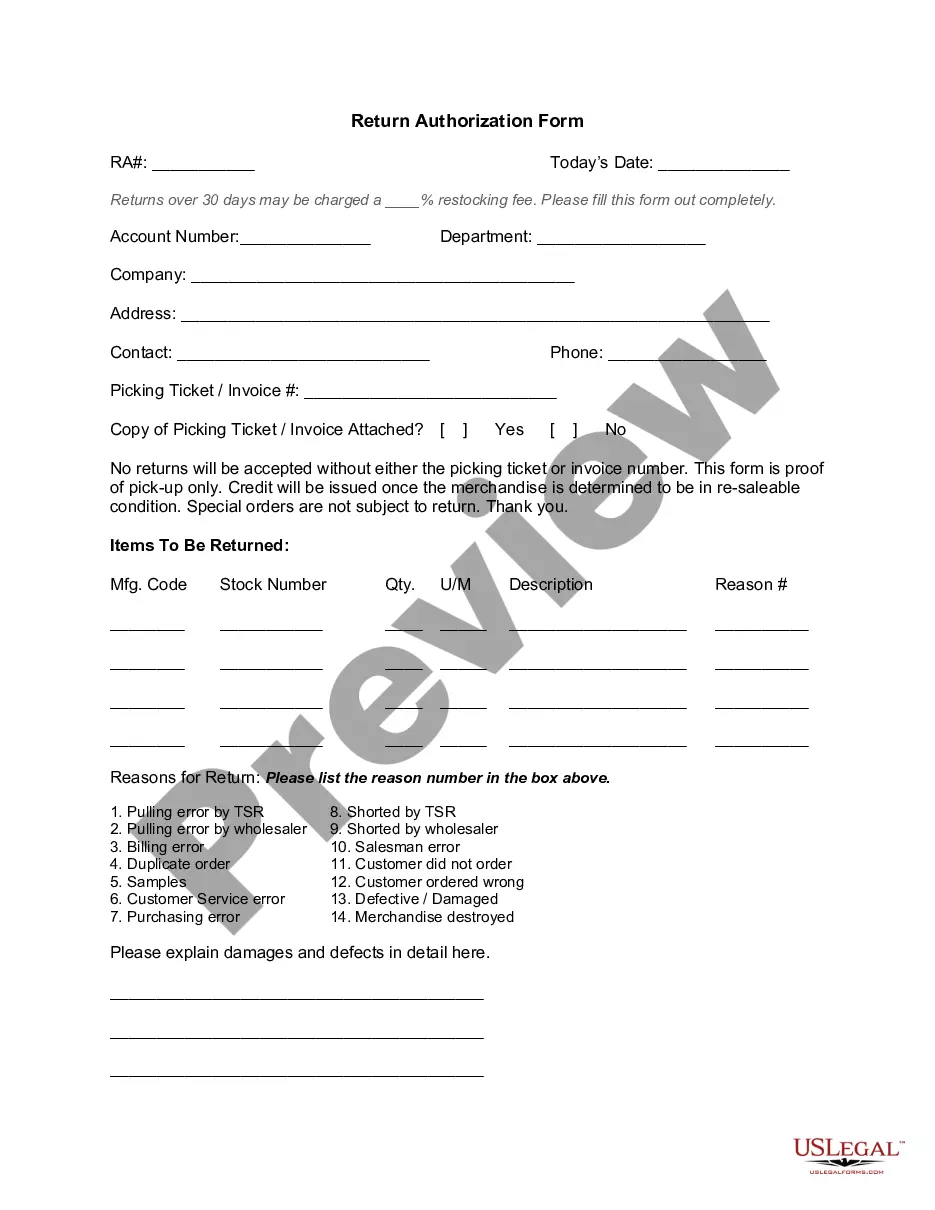
Maryland Headings
Description
Get your form ready online
Our built-in tools help you complete, sign, share, and store your documents in one place.
Make edits, fill in missing information, and update formatting in US Legal Forms—just like you would in MS Word.
Download a copy, print it, send it by email, or mail it via USPS—whatever works best for your next step.
Sign and collect signatures with our SignNow integration. Send to multiple recipients, set reminders, and more. Go Premium to unlock E-Sign.
If this form requires notarization, complete it online through a secure video call—no need to meet a notary in person or wait for an appointment.
We protect your documents and personal data by following strict security and privacy standards.

Make edits, fill in missing information, and update formatting in US Legal Forms—just like you would in MS Word.

Download a copy, print it, send it by email, or mail it via USPS—whatever works best for your next step.

Sign and collect signatures with our SignNow integration. Send to multiple recipients, set reminders, and more. Go Premium to unlock E-Sign.

If this form requires notarization, complete it online through a secure video call—no need to meet a notary in person or wait for an appointment.

We protect your documents and personal data by following strict security and privacy standards.
Looking for another form?







How to fill out Headings?
It is possible to invest time online searching for the legitimate document format that suits the federal and state demands you need. US Legal Forms provides a large number of legitimate kinds that are reviewed by specialists. It is simple to download or print the Maryland Headings from the services.
If you already have a US Legal Forms profile, you can log in and then click the Obtain key. After that, you can full, edit, print, or indicator the Maryland Headings. Each legitimate document format you get is your own permanently. To get another copy of any purchased develop, go to the My Forms tab and then click the related key.
If you use the US Legal Forms internet site for the first time, stick to the simple directions beneath:
- Very first, make sure that you have selected the best document format for your state/city of your liking. Browse the develop information to ensure you have selected the proper develop. If offered, utilize the Preview key to check throughout the document format too.
- If you want to locate another model of the develop, utilize the Search industry to find the format that meets your requirements and demands.
- Once you have identified the format you need, click on Purchase now to move forward.
- Pick the rates program you need, key in your references, and register for a free account on US Legal Forms.
- Full the purchase. You may use your credit card or PayPal profile to fund the legitimate develop.
- Pick the formatting of the document and download it to your device.
- Make alterations to your document if possible. It is possible to full, edit and indicator and print Maryland Headings.
Obtain and print a large number of document templates using the US Legal Forms site, that provides the greatest selection of legitimate kinds. Use expert and state-specific templates to handle your business or individual demands.
Form popularity
FAQ
Rmd file generates italic in the output document. To make the formatted text into bold type, you can simply use a pair of ** around the marked up text with no space. For example **bold** in the . Rmd file generates bold in the output document.
Currently, the Maryland MVA prints a two-part, paper title. The first part, the Maryland Certificate of Title, is mailed to the owner. The second part, the Security Interest Filing (SIF), is printed only when a lien has been filed against the title; it is mailed to the lien holder.
It's best to use the double asterisk for bold in Markdown. Use italics formatting, <i> or _ , when drawing attention to a specific word or phrase, such as when defining terms or using words as words.
To bold text, add two asterisks or underscores before and after a word or phrase. To bold the middle of a word for emphasis, add two asterisks without spaces around the letters. I just love **bold text**.
If the title was issued in Maryland, it can be used as your application for titling and registering the vehicle. If the vehicle is from a state that does not issue a title as proof of ownership, a registration document and a bill of sale may be submitted as proof of ownership.
Vehicle registration is one of the fees that are associated with car ownership. In Maryland, your registration must be renewed every two years. Most drivers will need to pay a registration fee between $135 and $187, unless you are using your car as a rideshare driver.
In Markdown, highlights are used to emphasize important words. Parts of the text appear in a yellow background after being inserted between two pairs of equal signs ( == ). Note: This feature is not offered in all markdown processors. Use the HTML <mark> tag as an alternate way to highlight text.
You can mark up text to emphasize it with italics and bold typeface. Italics are delimited by one asterisk ( * ). Bold typeface is delimited by two asterisks ( ** ).