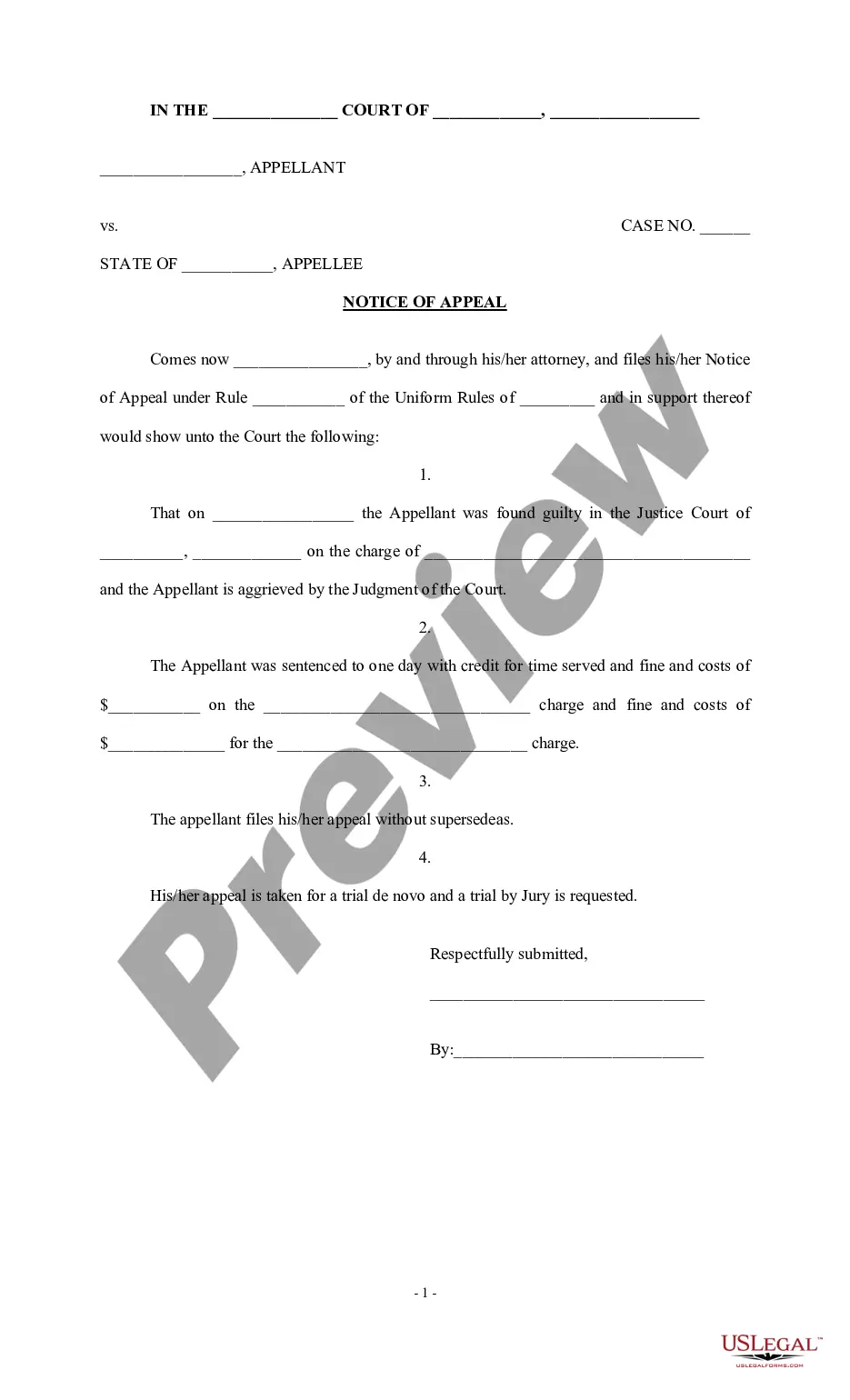
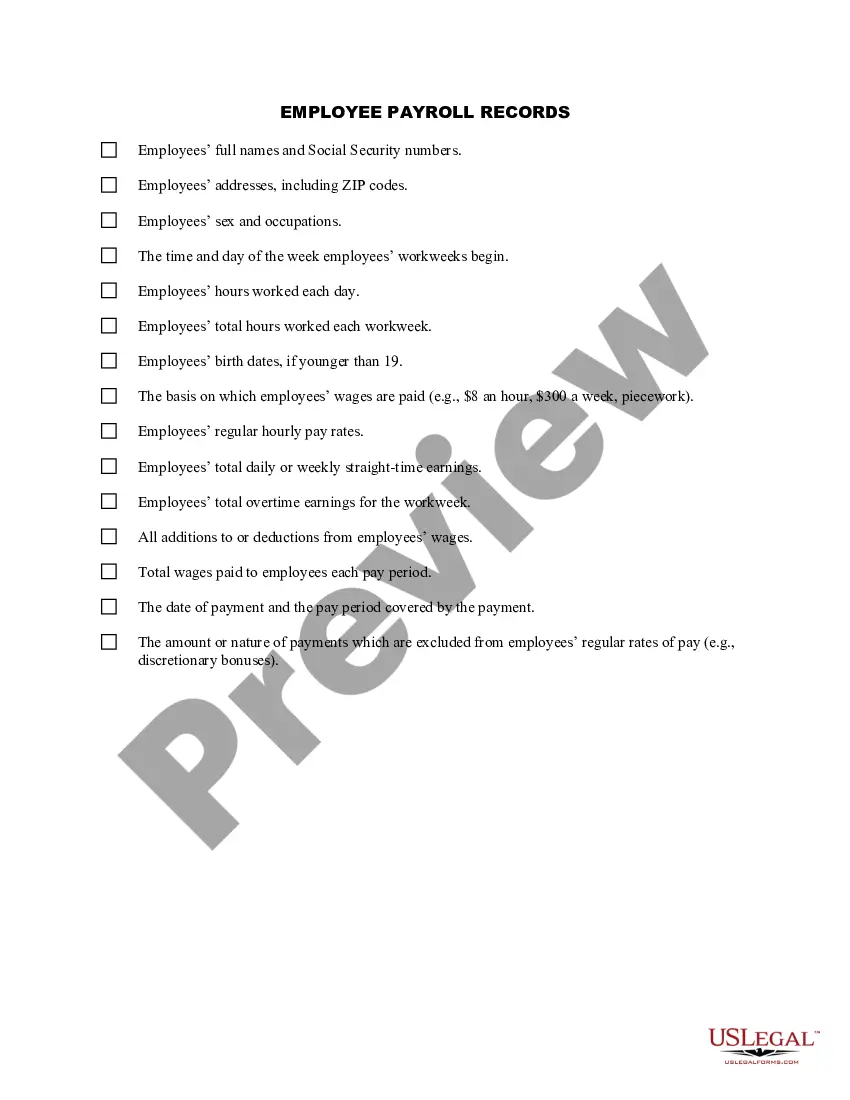
Maryland Employee Payroll Record
Description


Get your form ready online
Our built-in tools help you complete, sign, share, and store your documents in one place.
Make edits, fill in missing information, and update formatting in US Legal Forms—just like you would in MS Word.
Download a copy, print it, send it by email, or mail it via USPS—whatever works best for your next step.
Sign and collect signatures with our SignNow integration. Send to multiple recipients, set reminders, and more. Go Premium to unlock E-Sign.
If this form requires notarization, complete it online through a secure video call—no need to meet a notary in person or wait for an appointment.
We protect your documents and personal data by following strict security and privacy standards.

Make edits, fill in missing information, and update formatting in US Legal Forms—just like you would in MS Word.

Download a copy, print it, send it by email, or mail it via USPS—whatever works best for your next step.

Sign and collect signatures with our SignNow integration. Send to multiple recipients, set reminders, and more. Go Premium to unlock E-Sign.

If this form requires notarization, complete it online through a secure video call—no need to meet a notary in person or wait for an appointment.

We protect your documents and personal data by following strict security and privacy standards.
Looking for another form?



How to fill out Employee Payroll Record?
Selecting the appropriate certified document template can be challenging.
Of course, there are numerous designs available online, but how can you find the certified form you need.
Utilize the US Legal Forms website. This service provides thousands of templates, including the Maryland Employee Payroll Record, which you can utilize for business and personal purposes.
You can review the form using the Review button and read the form description to confirm it is the right one for you.
- All of the forms are reviewed by experts and comply with federal and state regulations.
- If you are already registered, Log In to your account and click the Acquire button to obtain the Maryland Employee Payroll Record.
- Use your account to search through the legal forms you have previously purchased.
- Visit the My documents tab in your account to obtain another copy of the documents you need.
- If you are a new user of US Legal Forms, here are simple instructions you should follow.
- First, ensure you have chosen the correct form for your locality.
Form popularity
FAQ
To obtain your W-2 from the state of Maryland, first request it from your employer, as they are responsible for issuing this document. If you have difficulties, you can check the IRS website for guidance on obtaining copies. Remember, maintaining your Maryland Employee Payroll Record is essential for smooth tax filing, and US Legal Forms can assist with related documentation.
How to do payroll accounting: 7 stepsSet up payroll accounts. If you haven't already, set up your payroll accounts in your chart of accounts (COA).Calculate taxes and other deductions.Gather payroll reports.Record payroll expenses.Record payables.Double-check your records.Transition accounting periods.17-Dec-2020
When you handle payroll on your own, you can either do everything manually or use software. Regardless of which method you choose, you must start by gathering some information. To run payroll for your employees, you first need information such as: Federal Employer Identification Number (FEIN)
To complete your payroll setup checklist, you just need to enter these pieces of key info: Withholding account number. Unemployment Insurance Account Number (and rate) Worker's Compensation Insurance Account Number (and rate)
Summarize Payroll Data in ExcelGo to Employees at the top menu bar.Then select Payroll Center.Click on the Payroll tab.Go to the Reports section, and select Summarize Payroll Data.Under Dates, choose the period you want to run the report.Click on the Get QuickBooks Data tab.More items...
How to process payroll yourselfStep 1: Have all employees complete a W-4 form.Step 2: Find or sign up for Employer Identification Numbers.Step 3: Choose your payroll schedule.Step 4: Calculate and withhold income taxes.Step 5: Pay payroll taxes.Step 6: File tax forms & employee W-2s.12-Jan-2021
Steps involved in executing payrollDefine your payroll policy.Gather employee inputs.Calculate payroll.Disburse employee salaries.Pay statutory dues.Distribute payslips and tax computation sheets.Keeping up with compliance.Spreadsheet complications.More items...?30-Dec-2020
To get started:Step 1: Have all employees complete a W-4 form.Step 2: Find or sign up for Employer Identification Numbers.Step 3: Choose your payroll schedule.Step 4: Calculate and withhold income taxes.Step 5: Pay payroll taxes.Step 6: File tax forms & employee W-2s.
Step 1: Open a new blank excel spreadsheet. Go to Search Box. Type Excel and double click on the match found under the search box to open a blank excel file. Step 2: Save the file on the location you want your payroll to be saved so that it does not get lost, and you will always have it with you.
Step-by-Step Instructions for Doing Payroll in MarylandStep 1: Set up your business as an employer.Step 2: Register with Maryland state.Step 3: Set up your payroll.Step 4: Collect employee payroll forms.Step 5: Collect, review, and approve time sheets.Step 6: Calculate payroll and pay employees.More items...?10 June 2021