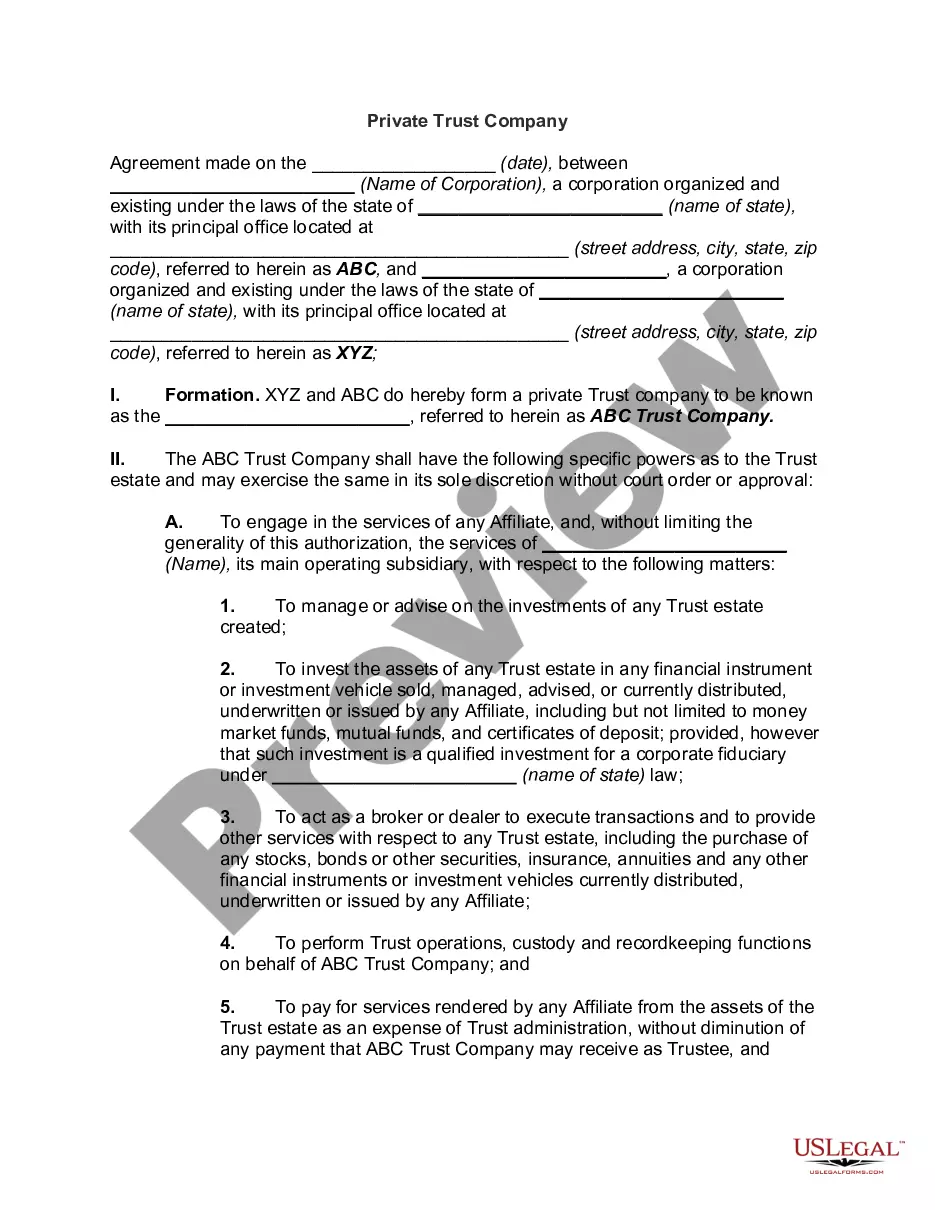
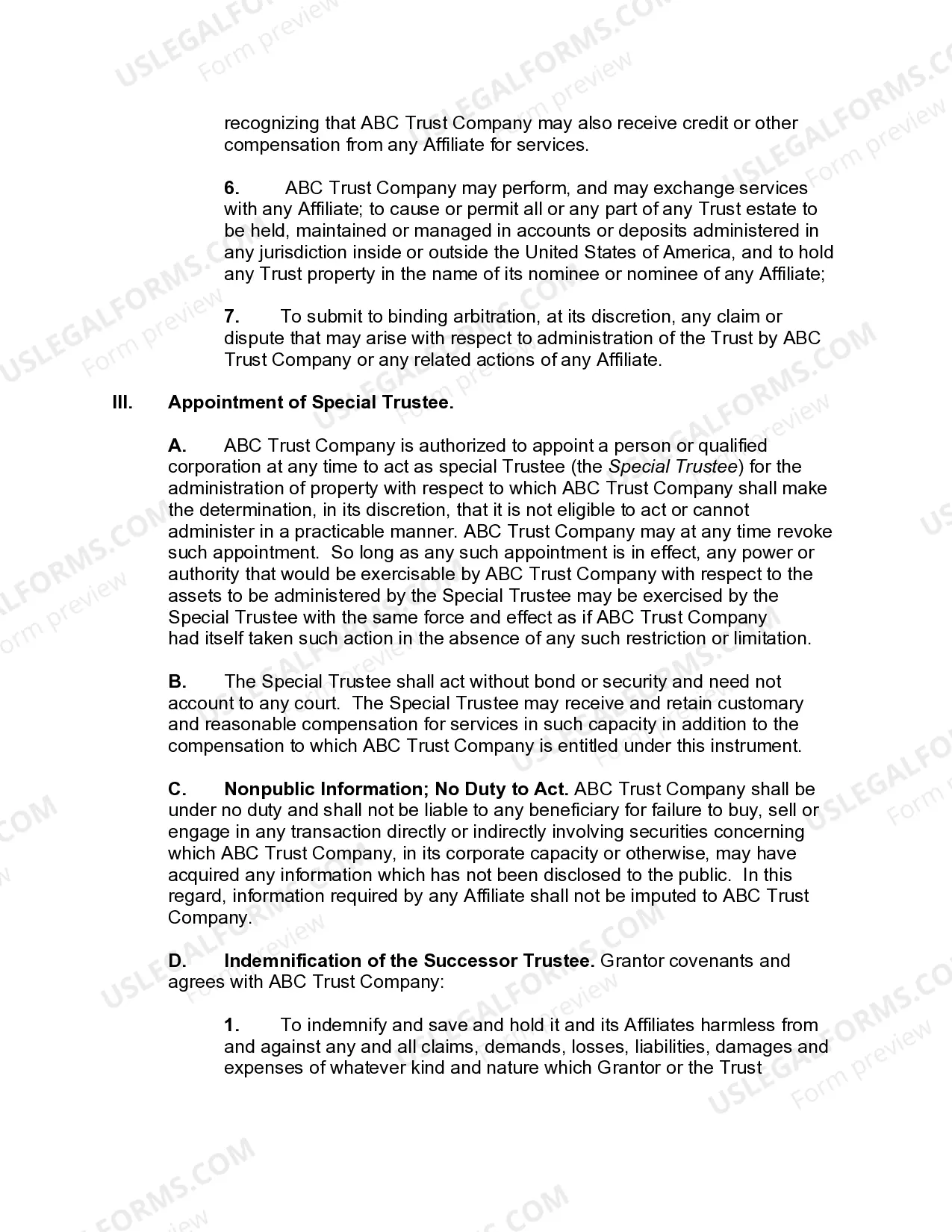
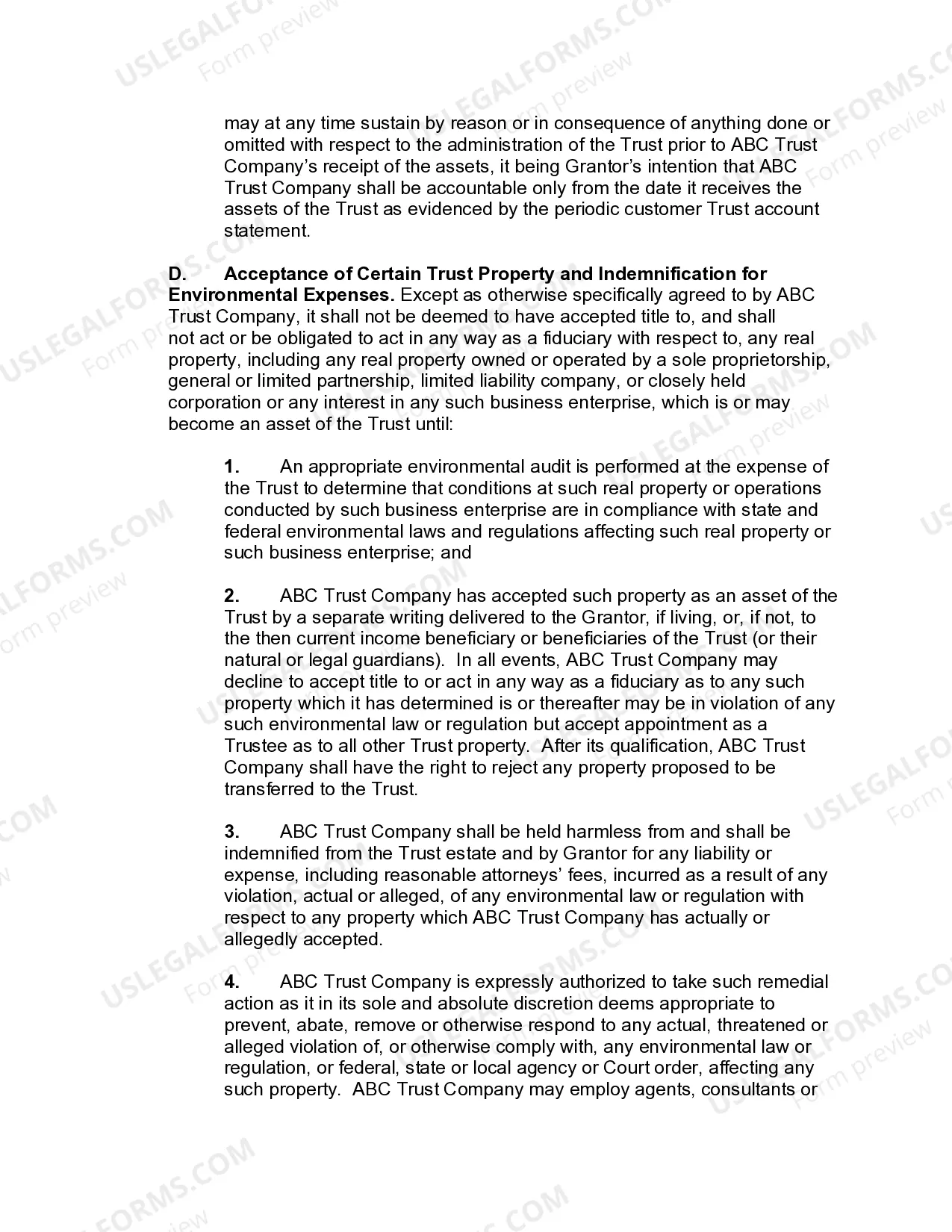
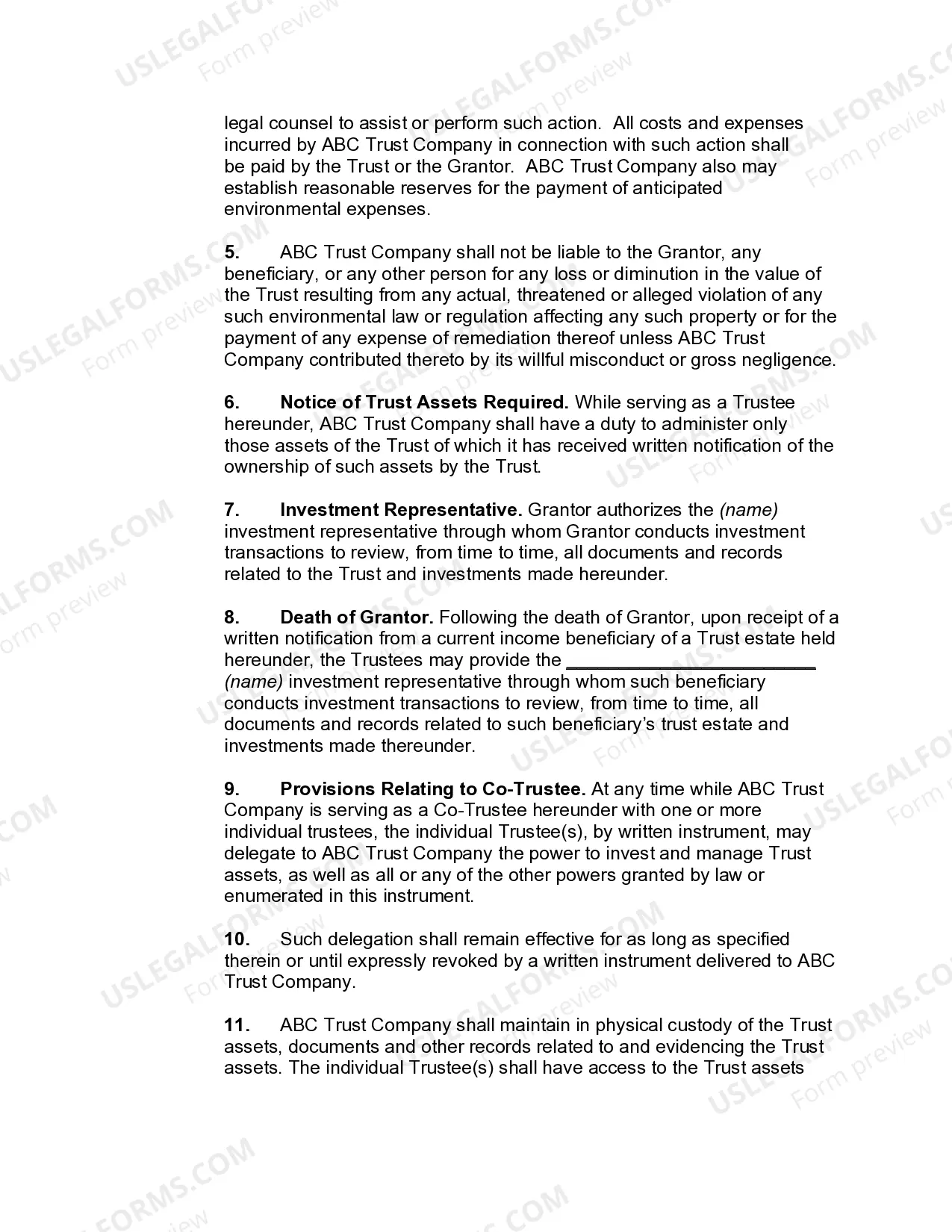
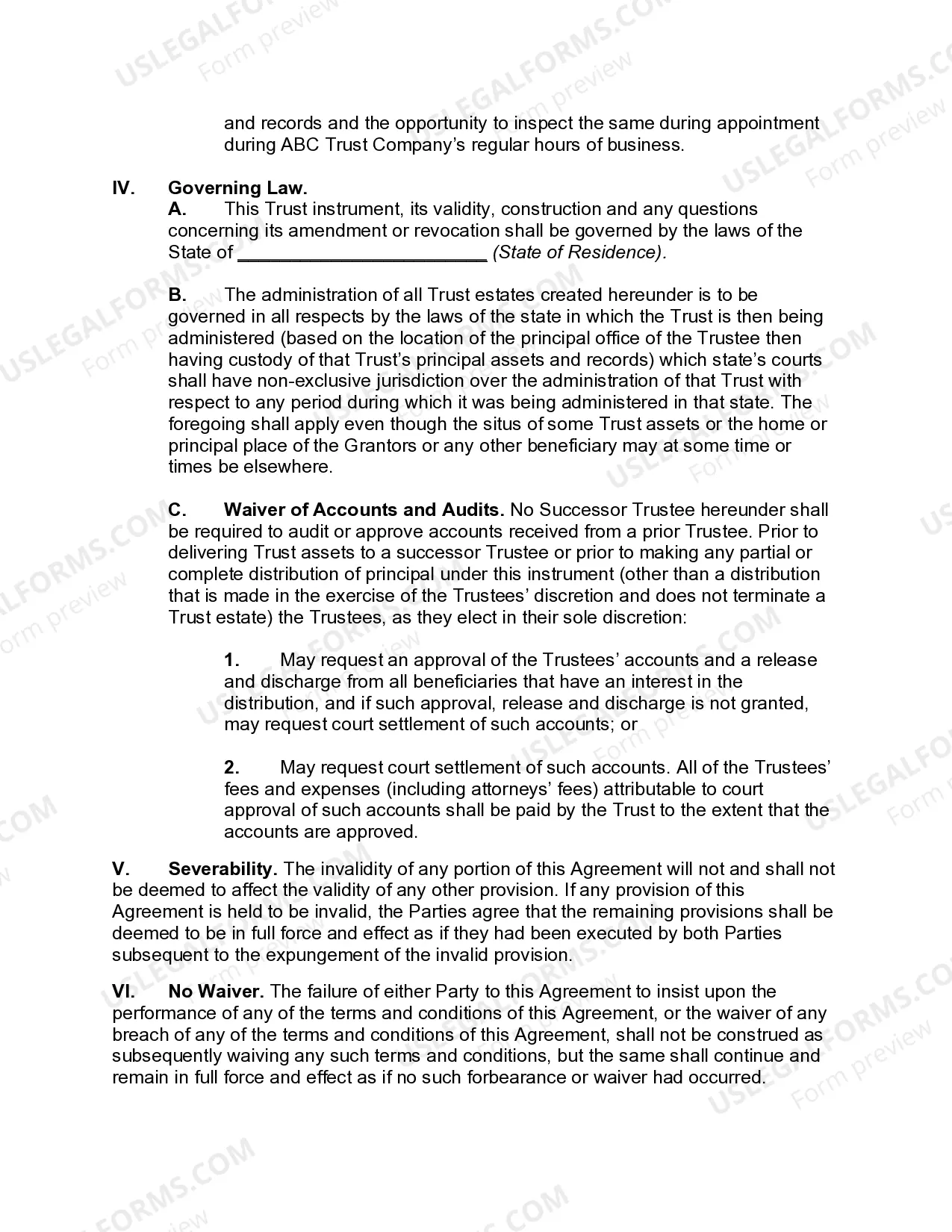
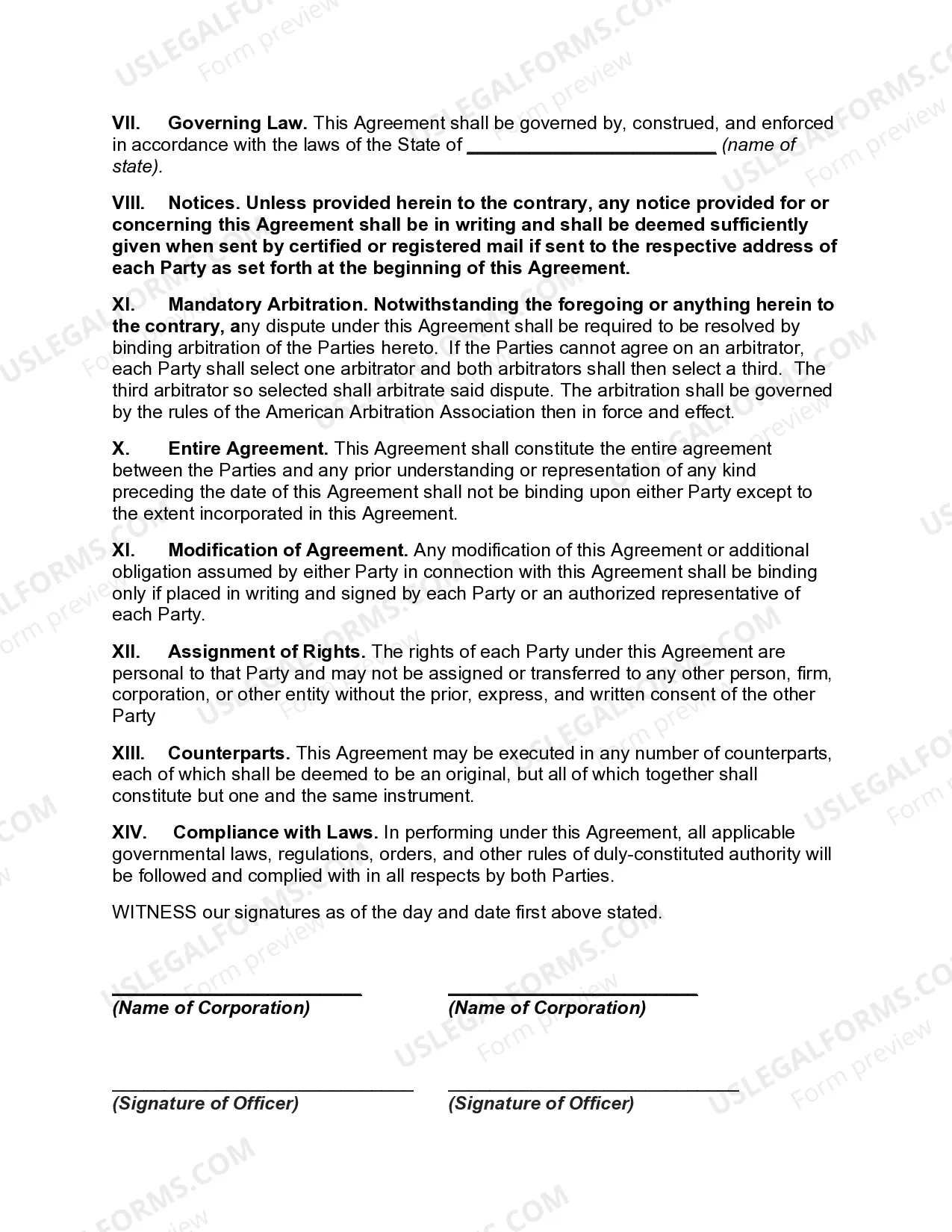
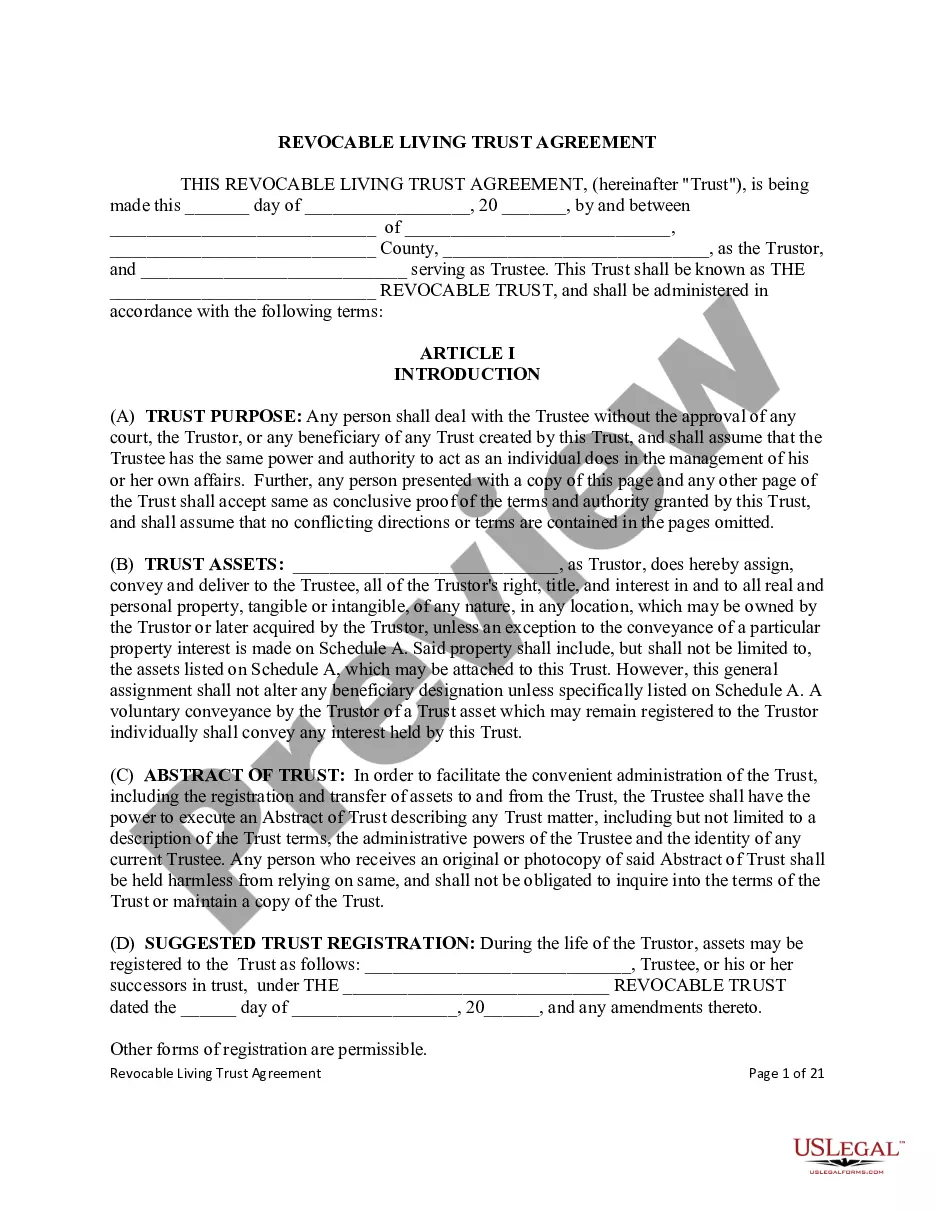
Maryland Private Trust Company
Description

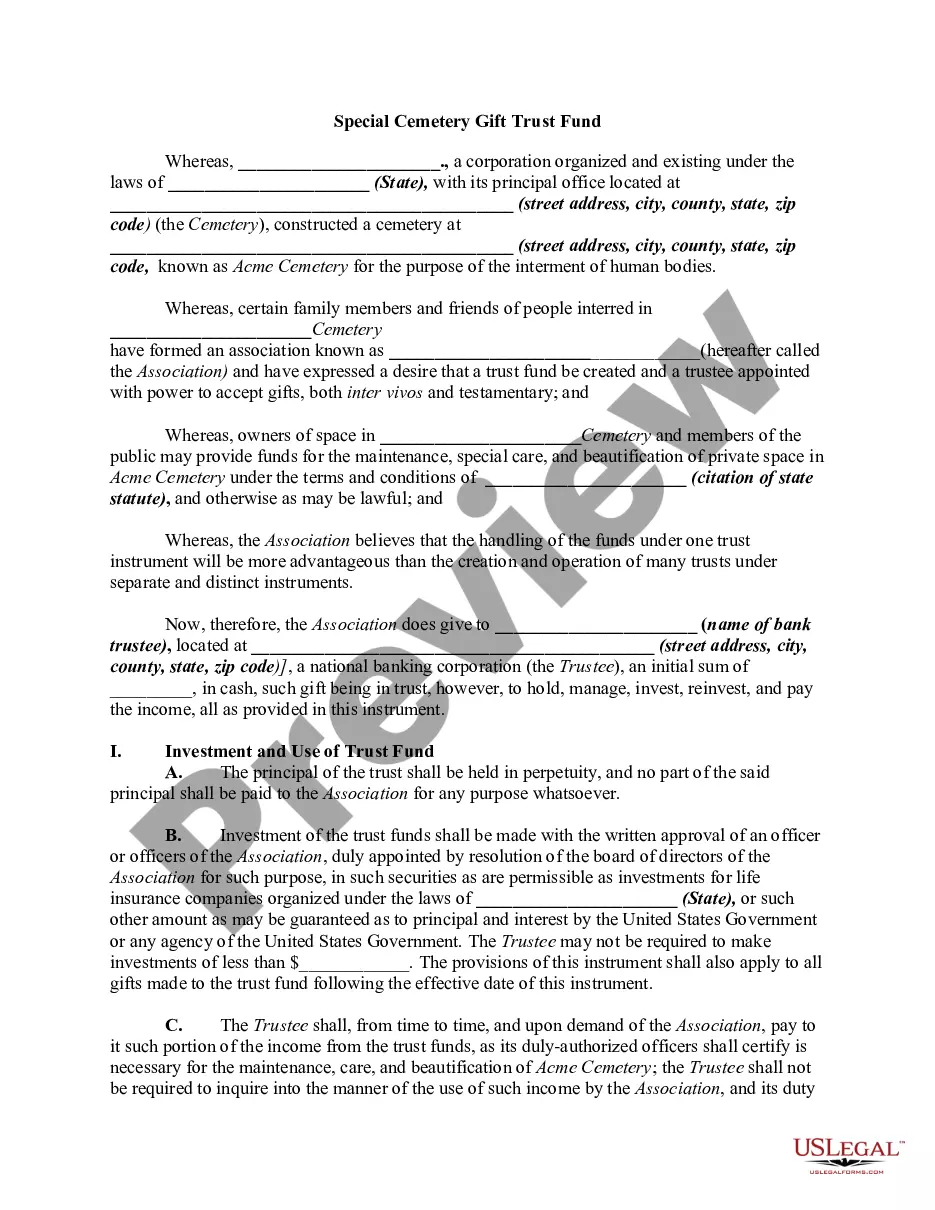
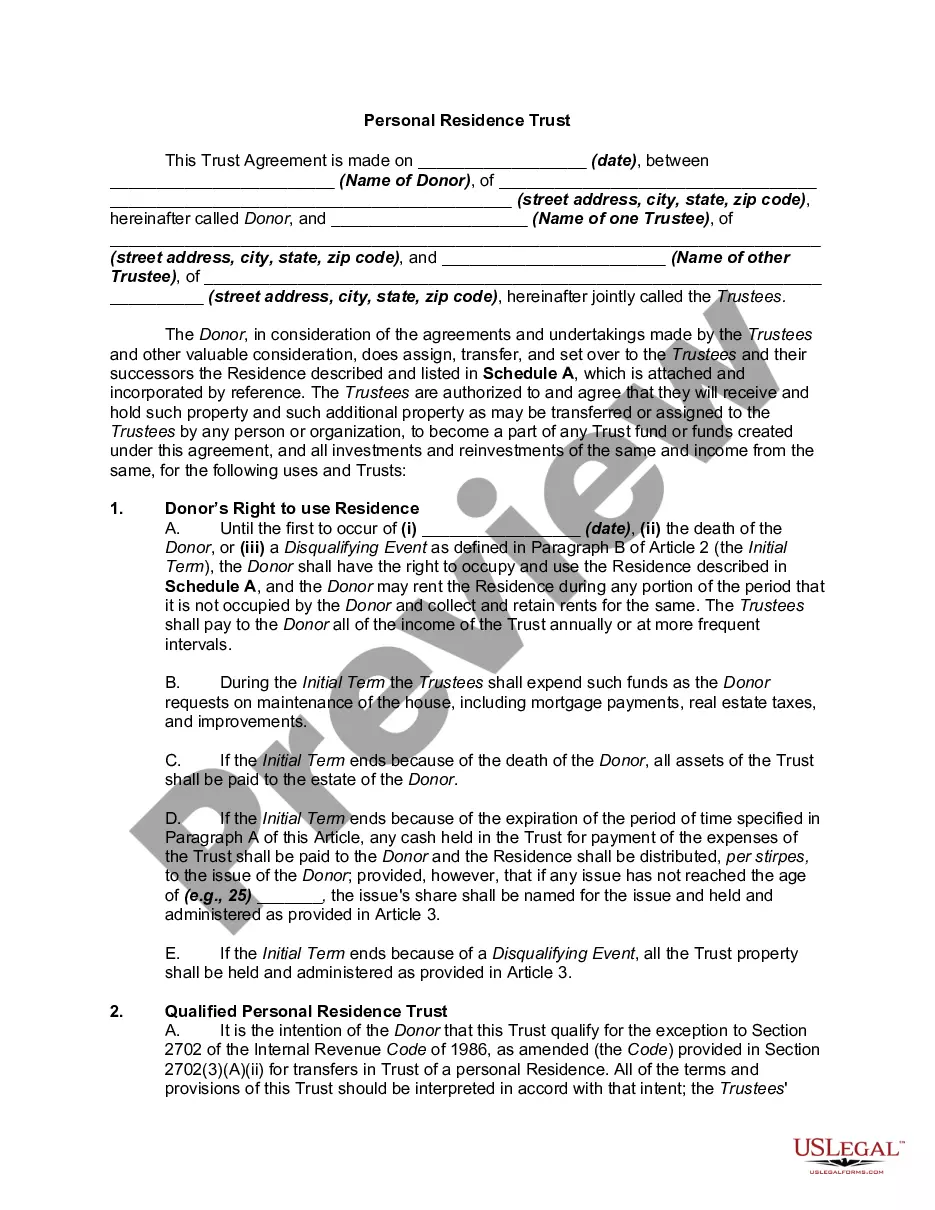
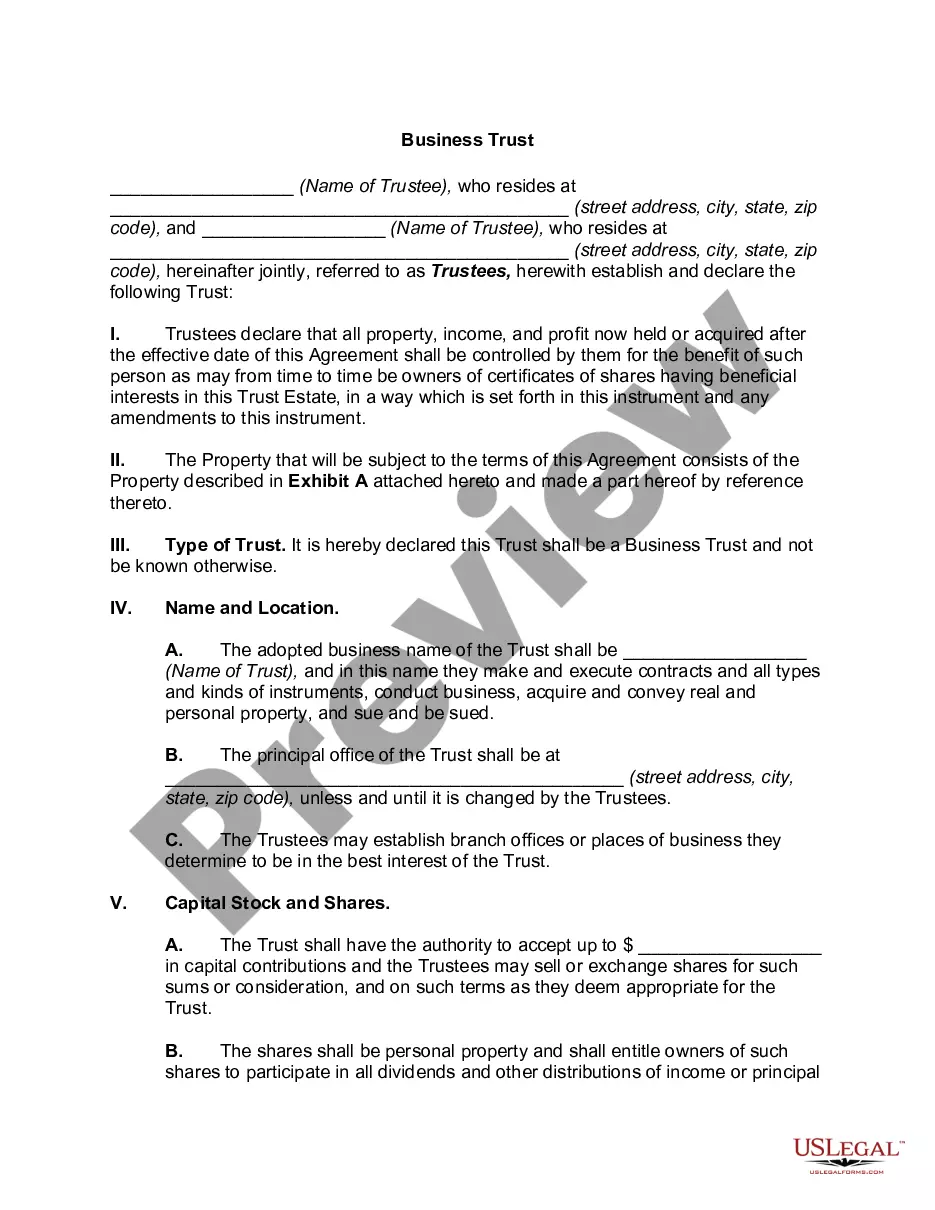

Get your form ready online
Our built-in tools help you complete, sign, share, and store your documents in one place.
Make edits, fill in missing information, and update formatting in US Legal Forms—just like you would in MS Word.
Download a copy, print it, send it by email, or mail it via USPS—whatever works best for your next step.
Sign and collect signatures with our SignNow integration. Send to multiple recipients, set reminders, and more. Go Premium to unlock E-Sign.
If this form requires notarization, complete it online through a secure video call—no need to meet a notary in person or wait for an appointment.
We protect your documents and personal data by following strict security and privacy standards.

Make edits, fill in missing information, and update formatting in US Legal Forms—just like you would in MS Word.

Download a copy, print it, send it by email, or mail it via USPS—whatever works best for your next step.

Sign and collect signatures with our SignNow integration. Send to multiple recipients, set reminders, and more. Go Premium to unlock E-Sign.

If this form requires notarization, complete it online through a secure video call—no need to meet a notary in person or wait for an appointment.

We protect your documents and personal data by following strict security and privacy standards.
Looking for another form?

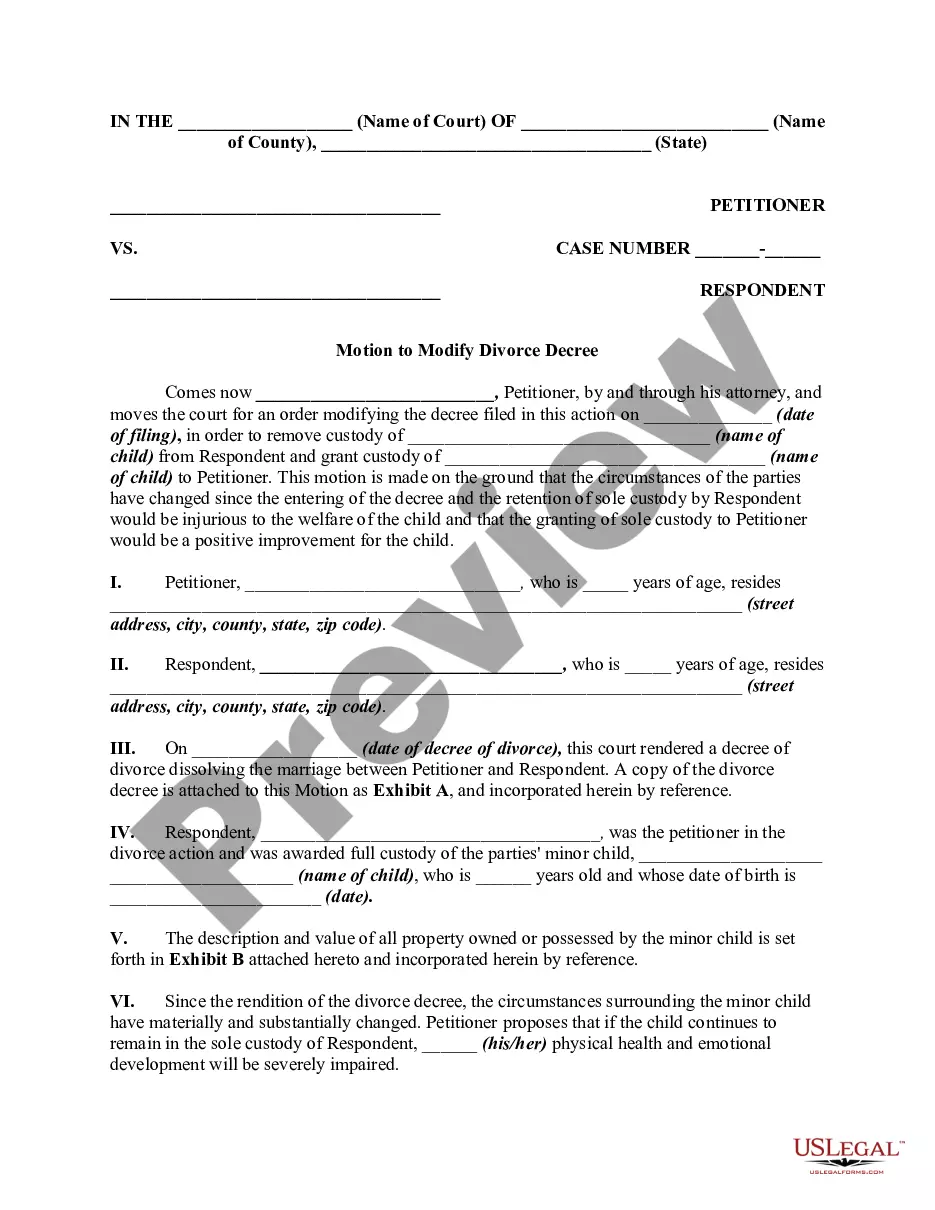
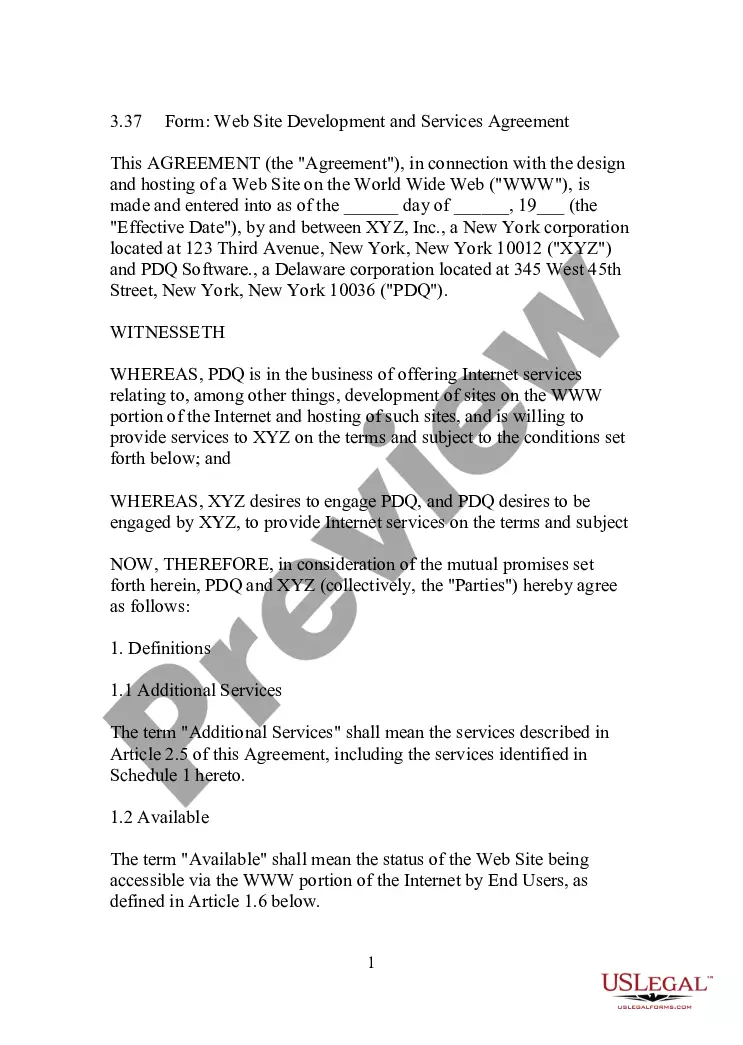
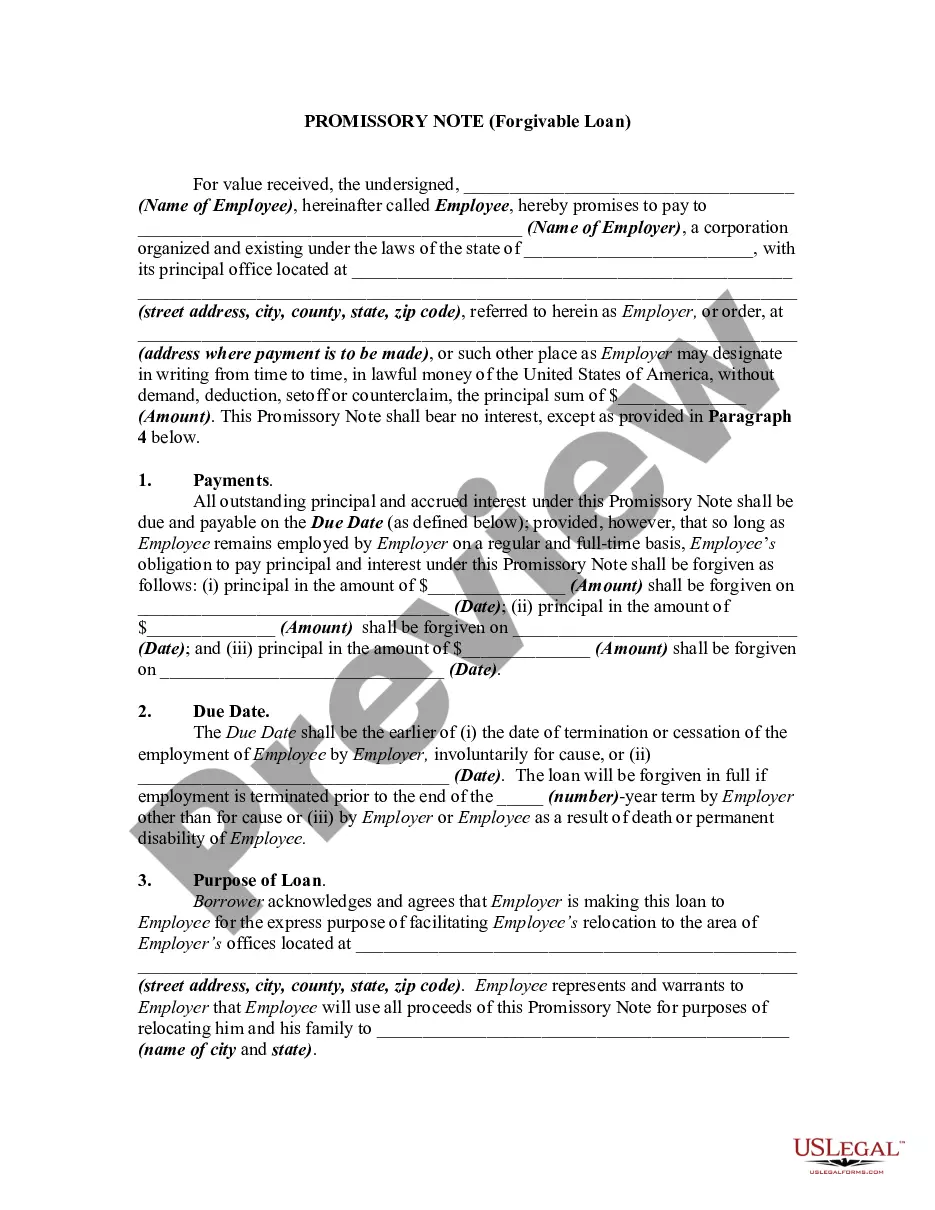

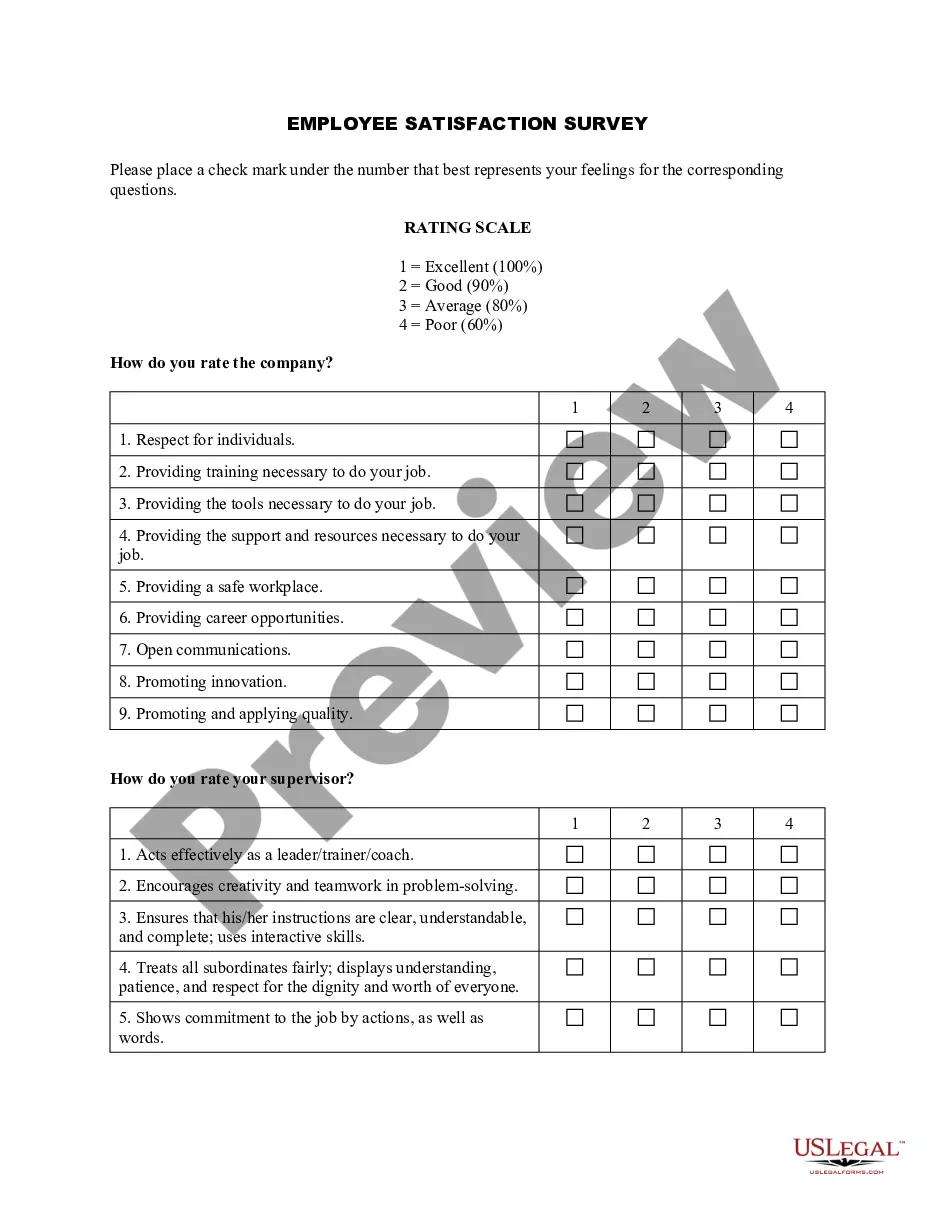

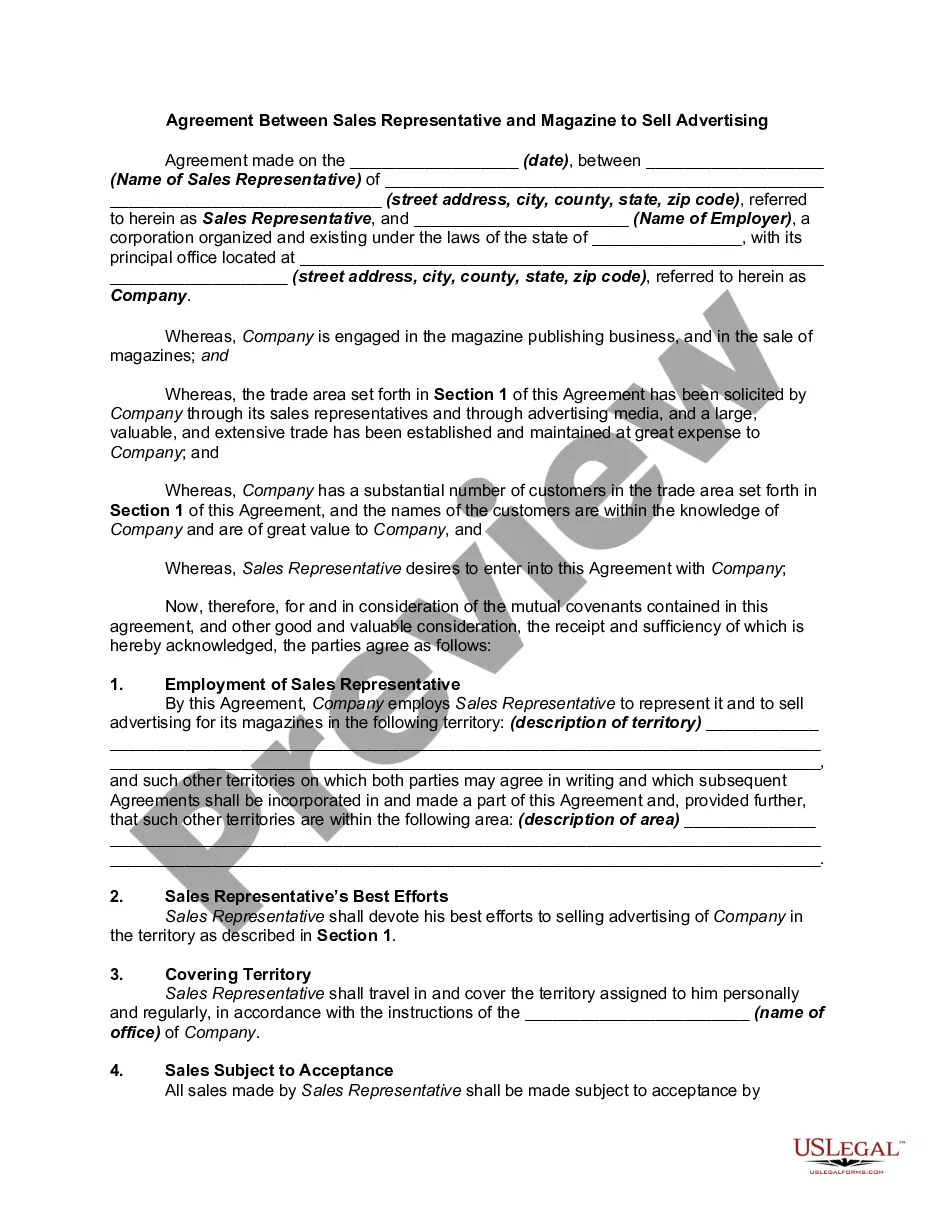
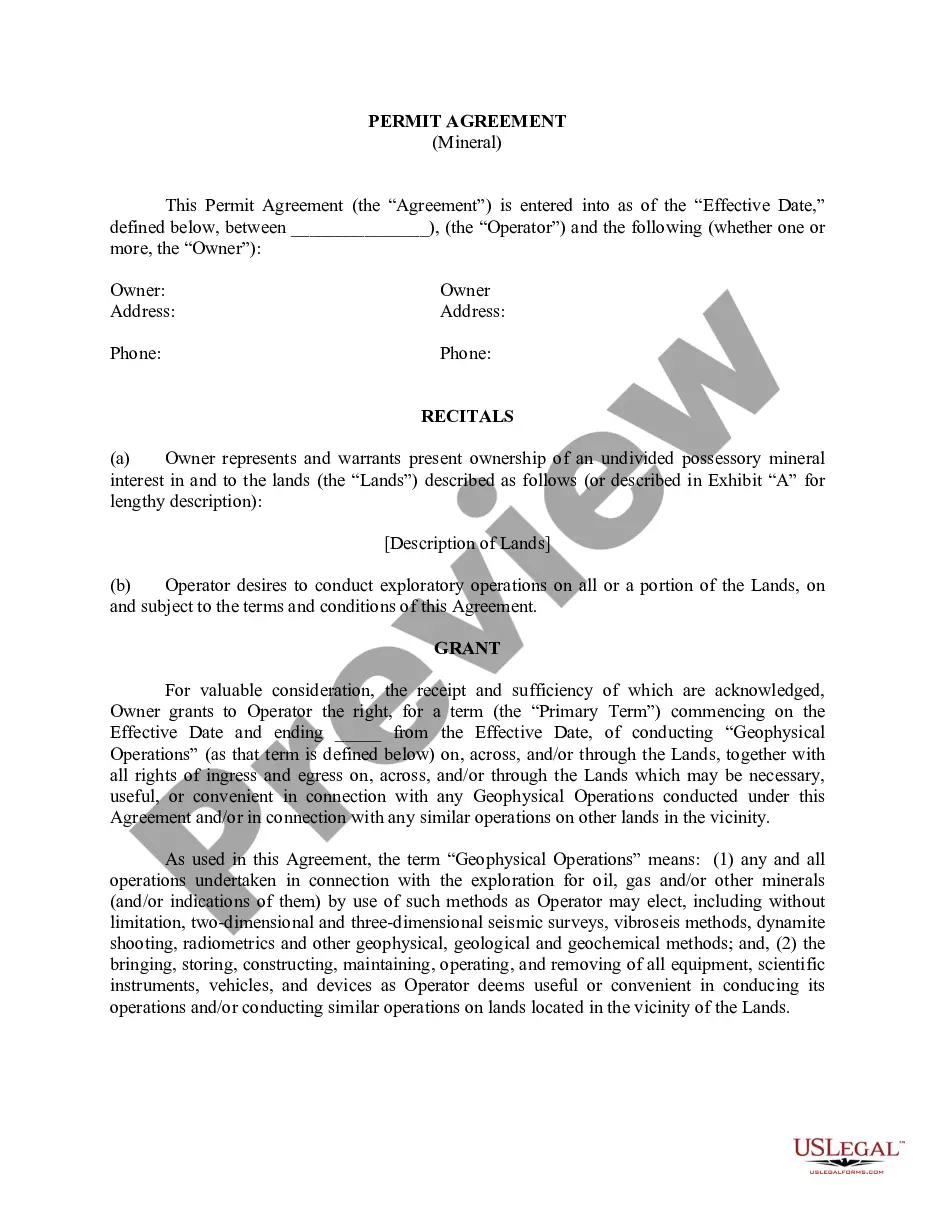
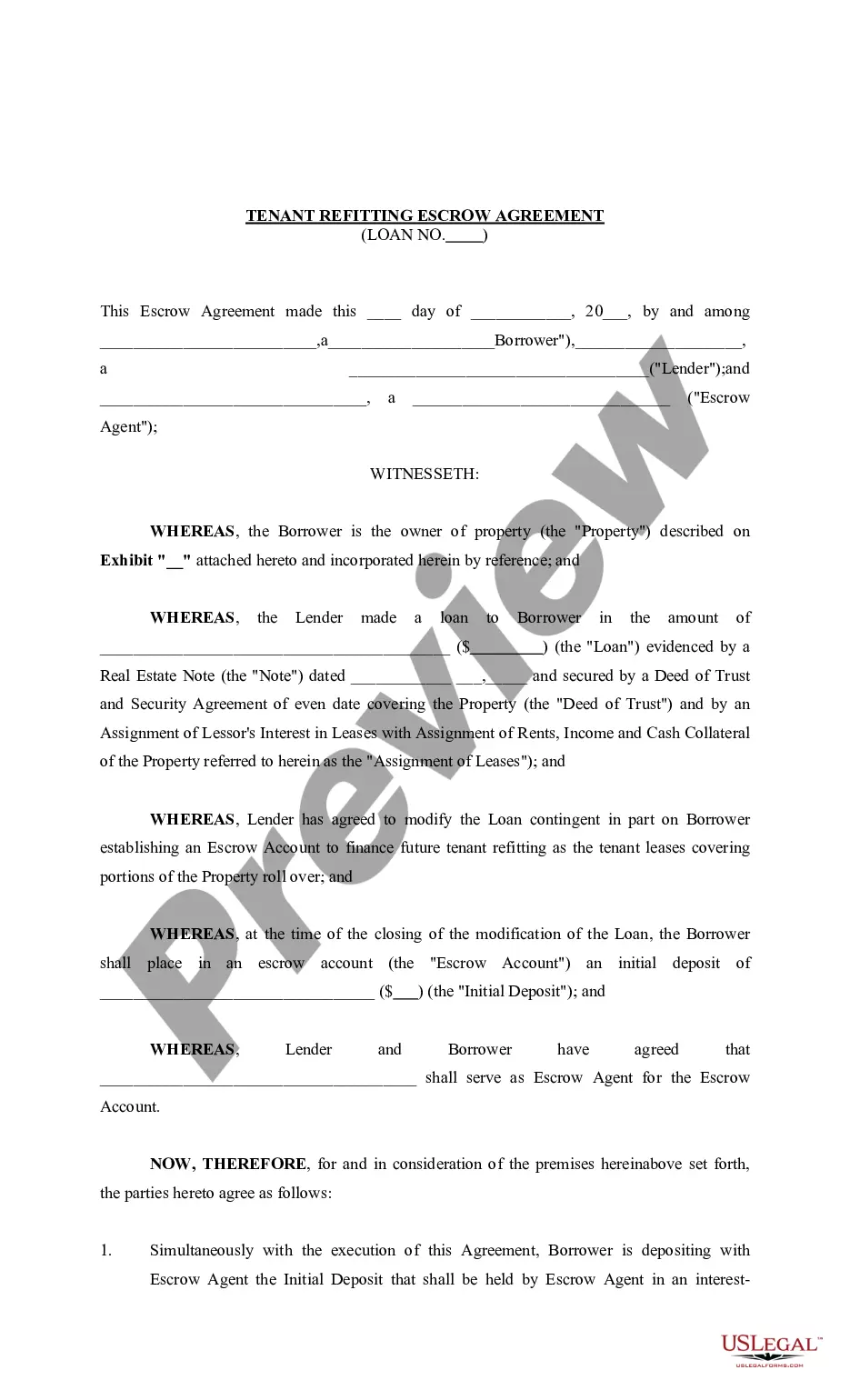
How to fill out Private Trust Company?
Finding the correct legal document template can be quite challenging.
Certainly, there are numerous designs accessible online, but how can you obtain the legal document you need.
Utilize the US Legal Forms website. This service offers thousands of templates, including the Maryland Private Trust Company, which can be utilized for both business and personal purposes.
You can preview the form using the Review button and examine the form description to confirm it is suitable for you.
- All forms are reviewed by experts and meet state and federal regulations.
- If you are currently registered, sign in to your account and click the Download button to acquire the Maryland Private Trust Company.
- Use your account to search for the legal forms you have previously ordered.
- Go to the My documents section of your account and obtain another copy of the document you need.
- If you are a new user of US Legal Forms, here are simple steps for you to follow.
- First, ensure you have selected the correct form for your locality/region.
Form popularity
FAQ
All corporations, limited liability companies (LLCs), limited liability partnerships (LLPs), and limited partnerships must file personal property returns with the Department of Assessments and Taxation. 2.
There are just six steps to setting up a trust:Decide how you want to set up the trust.Create a trust document.Sign and notarize the agreement.Set up a trust bank account.Transfer assets into the trust.For other assets, designate the trust as beneficiary.
Federal Form 1041 - U.S. Income Tax Return for Estates and Trusts can be electronically filed starting with tax year 2011.
To make a living trust in Maryland, you:Choose whether to make an individual or shared trust.Decide what property to include in the trust.Choose a successor trustee.Decide who will be the trust's beneficiariesthat is, who will get the trust property.Create the trust document.More items...
The amount you'll spend to create a living trust in Maryland depends on the method you use to create it. If you do it yourself with the help of an online program, you'll probably spend a few hundred dollars or so. If you hire an attorney, the total cost will probably be more than $1,000.
Steps to Set Up a Trust FundStep 1: Choose the Right Type of Trust. Before you set up a trust fund, think about the purpose it will serve.Step 2: Outline the Details of the Trust.Step 3: Make It Official.Step 4: Fund the Trust.Step 5: Register Your Trust Fund With the IRS.
Fiduciary Filing Information Nonresident fiduciaries must also file Form 504NR which is used to calculate their nonresident tax. At this time, fiduciary tax returns cannot be filed electronically.
The cost of establishing a family trust is generally $1,000 to $2,000 depending on the structure used.
You can begin electronically filing 1041 federal tax returns using Onvio Tax. You'll be able to electronically file 1041 extensions and 1041 state returns with an upcoming release. Due date for timely-filed calendar-year-end 1041 returns and Form 7004 extensions for Form 1041.