Maryland Invoice Template for Lecturer
Description


Get your form ready online
Our built-in tools help you complete, sign, share, and store your documents in one place.
Make edits, fill in missing information, and update formatting in US Legal Forms—just like you would in MS Word.
Download a copy, print it, send it by email, or mail it via USPS—whatever works best for your next step.
Sign and collect signatures with our SignNow integration. Send to multiple recipients, set reminders, and more. Go Premium to unlock E-Sign.
If this form requires notarization, complete it online through a secure video call—no need to meet a notary in person or wait for an appointment.
We protect your documents and personal data by following strict security and privacy standards.

Make edits, fill in missing information, and update formatting in US Legal Forms—just like you would in MS Word.

Download a copy, print it, send it by email, or mail it via USPS—whatever works best for your next step.

Sign and collect signatures with our SignNow integration. Send to multiple recipients, set reminders, and more. Go Premium to unlock E-Sign.

If this form requires notarization, complete it online through a secure video call—no need to meet a notary in person or wait for an appointment.

We protect your documents and personal data by following strict security and privacy standards.
Looking for another form?



How to fill out Invoice Template For Lecturer?
Locating the appropriate authentic document template can be quite challenging.
Naturally, there are numerous templates available on the Web, but how can you find the valid one you need.
Utilize the US Legal Forms website. This service offers thousands of templates, including the Maryland Invoice Template for Lecturer, suitable for business and personal requirements.
You can preview the form using the Review button and read the form description to confirm it is the correct one for you.
- All templates are reviewed by professionals and comply with federal and state regulations.
- If you are currently registered, Log In to your account and click the Download button to get the Maryland Invoice Template for Lecturer.
- Use your account to browse through the legitimate templates you have previously acquired.
- Go to the My documents section of your account to access another copy of the document you require.
- If you are a new user of US Legal Forms, here are simple steps to follow.
- First, ensure you have selected the correct template for your city/county.
Form popularity
FAQ
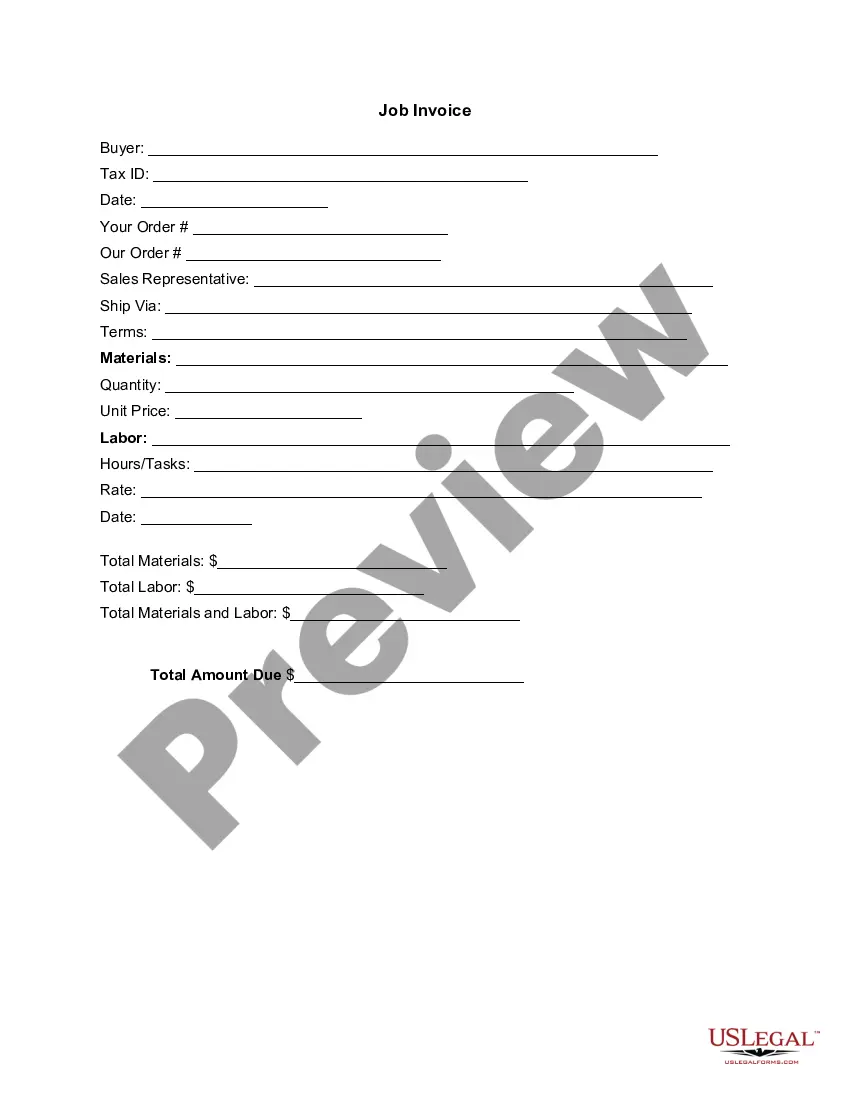
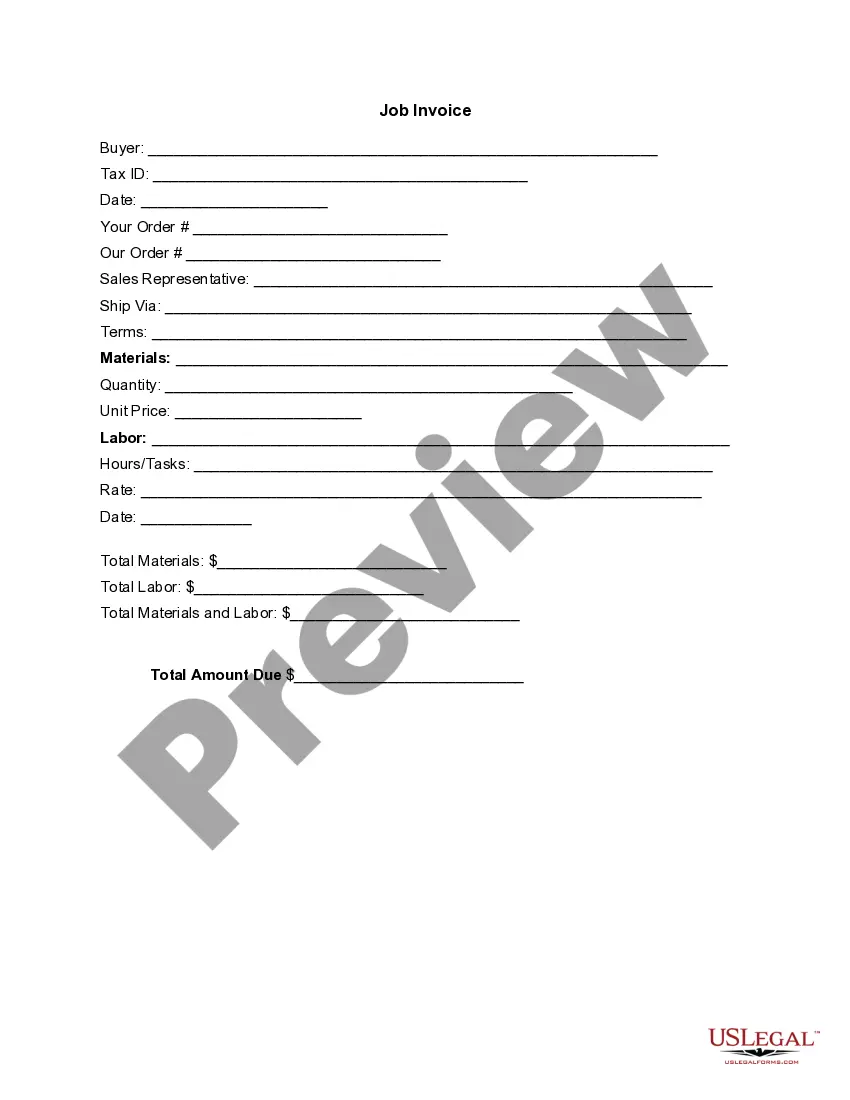
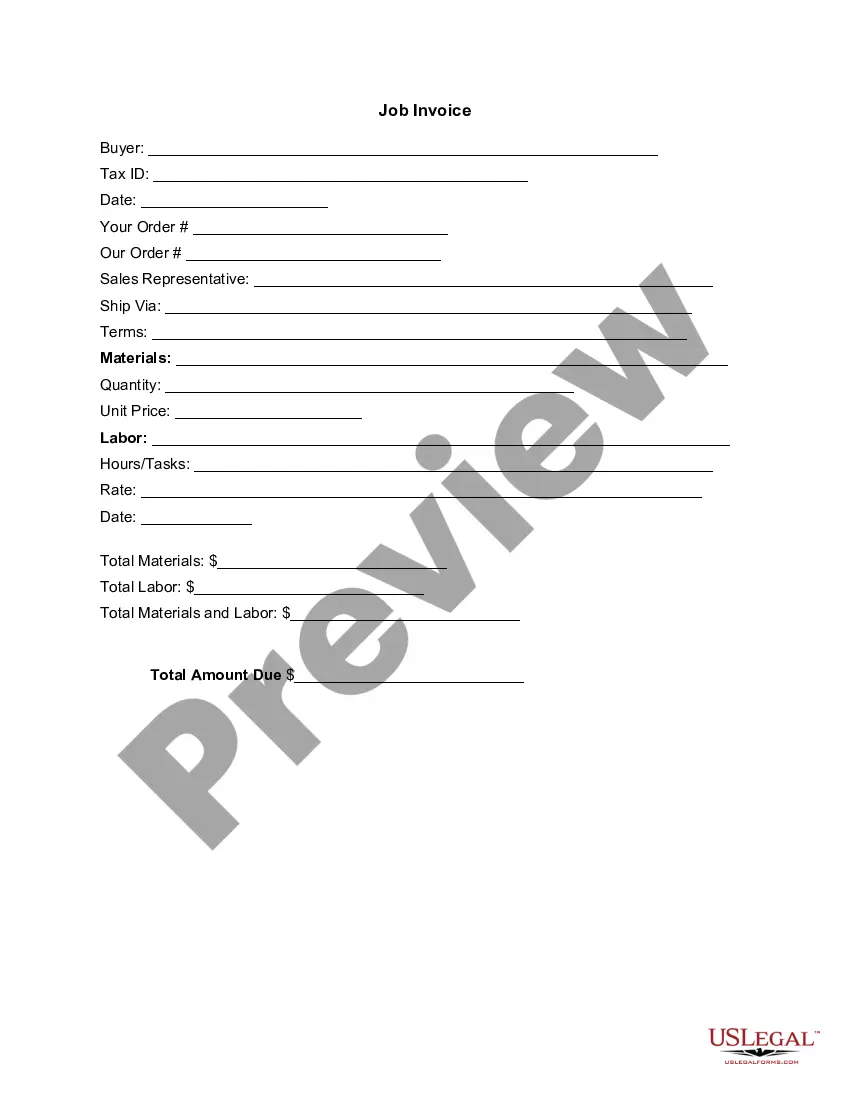
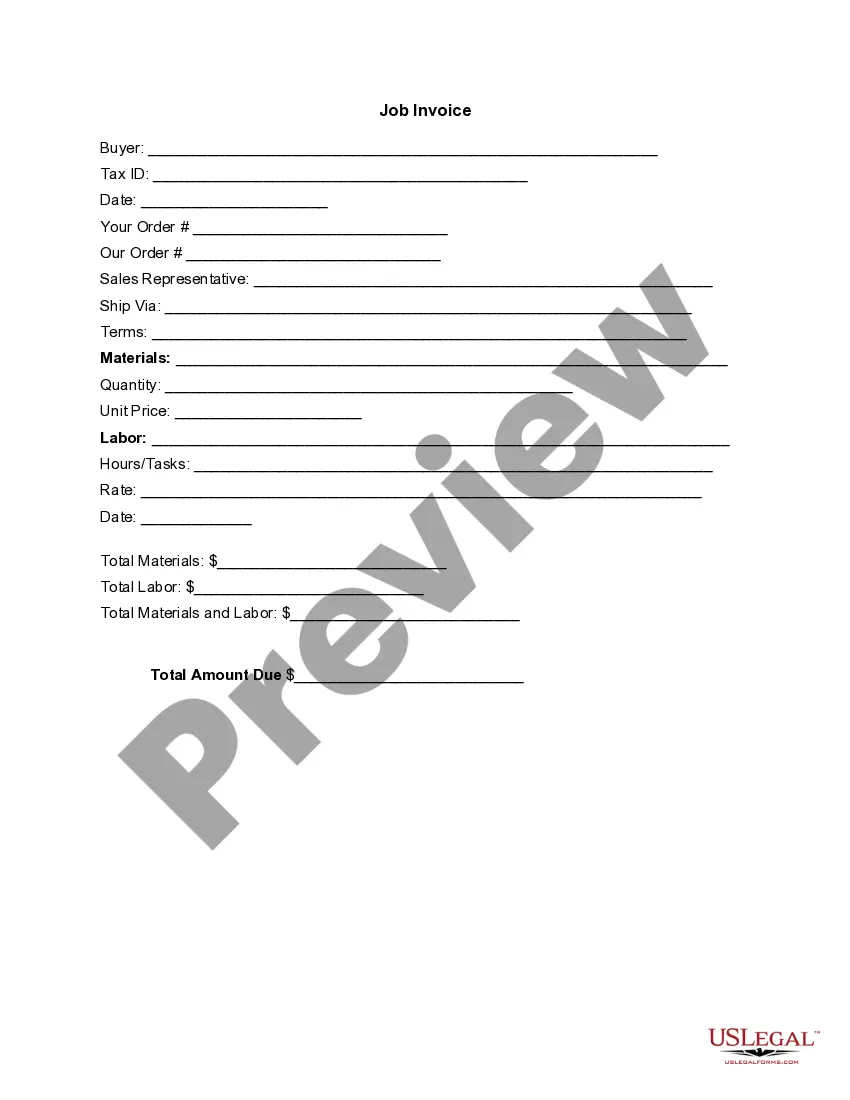
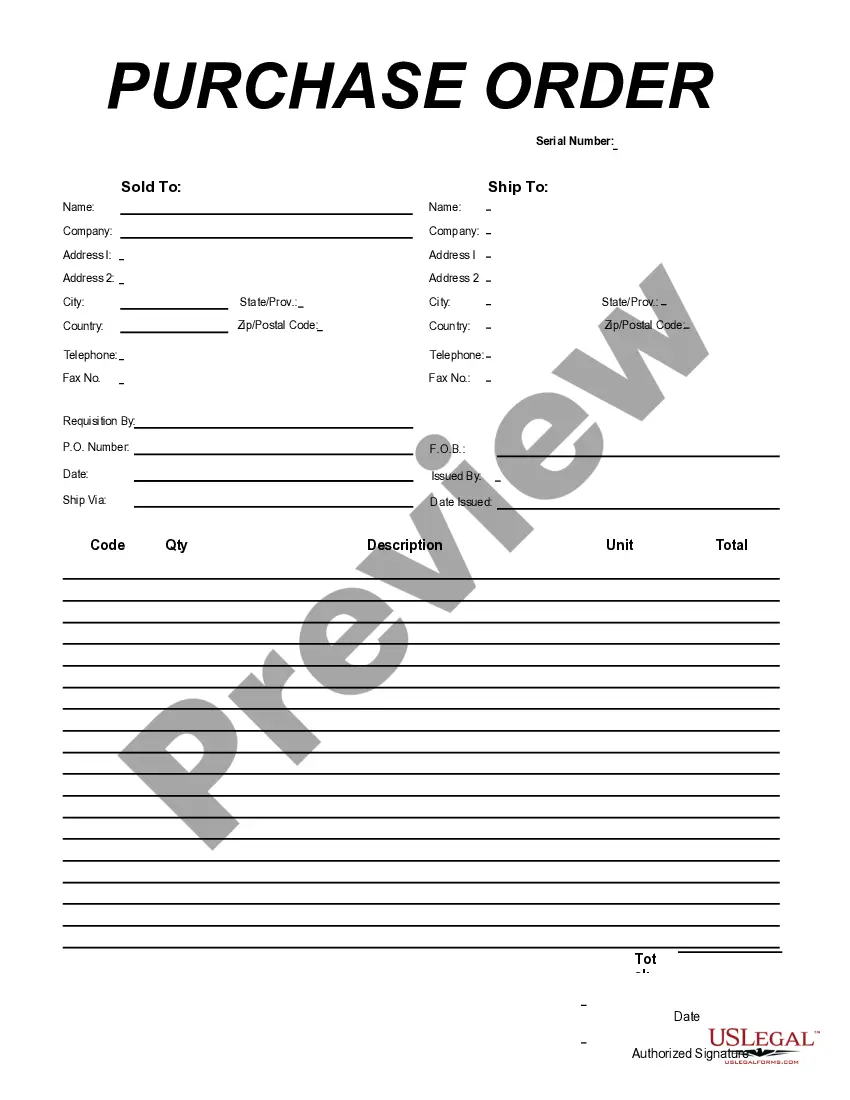
When writing an invoice for tutoring, include your name, the student’s information, the date, and a breakdown of the sessions taught. Specify the rate per session and any discounts, if applicable. Using a Maryland Invoice Template for Lecturer can greatly assist you in creating a comprehensive invoice while maintaining a clear and professional format.
To write a simple invoice template, start by creating sections for your name, address, and contact details. Next, add areas for the client's information and an itemized list of services along with their corresponding costs. You can easily create one by utilizing a Maryland Invoice Template for Lecturer, which saves you time and ensures you cover all essential components.
The correct format for an invoice typically includes your contact information, the client’s details, the invoice number, and the date. Additionally, specify the services rendered, the amount due, and the payment terms. Using a Maryland Invoice Template for Lecturer streamlines this process by providing a structured layout to ensure you include all necessary elements.
Yes, Microsoft Word includes a selection of invoice templates. You can access these by searching the template section within the application. Utilizing a Word invoice template can be particularly beneficial for lecturers in Maryland who seek a simple yet effective format for invoicing their clients.
Creating an easy invoice is straightforward. Begin by collecting all necessary details, such as your name, client information, and service descriptions. You can also opt for a Maryland Invoice Template for Lecturer to streamline the process, ensuring all vital components are included without hassle.
Writing out an invoice template involves specifying essential elements such as your name, contact information, and a detailed description of the services you provided. You can start by formatting the document clearly, followed by including a unique invoice number and date. To make this process more efficient, consider using a Maryland Invoice Template for Lecturer available on platforms like US Legal Forms.
Yes, Google Docs offers a variety of templates, including an invoice template. To find it, simply navigate to the template gallery and search for 'invoice.' Using a Google Docs invoice template can help you create a professional invoice quickly, which can enhance your documentation as a lecturer in Maryland.
Creating an invoice template can be simple with the Maryland Invoice Template for Lecturer. You can either use a pre-designed template found online or create one from scratch using a word processor. Include sections for your details, client information, services provided, costs, and payment terms to make it comprehensive.
Writing a basic invoice using the Maryland Invoice Template for Lecturer involves certain key elements. Start with your business information at the top, followed by the client’s details and the date. Clearly list all services rendered, the associated costs, and the total amount due, ensuring everything is clear and professional.
To send someone an invoice using the Maryland Invoice Template for Lecturer, first ensure all details are accurate. After filling out the template, convert it into a PDF format for consistency. You can then email it directly or use any file-sharing service to send the document.