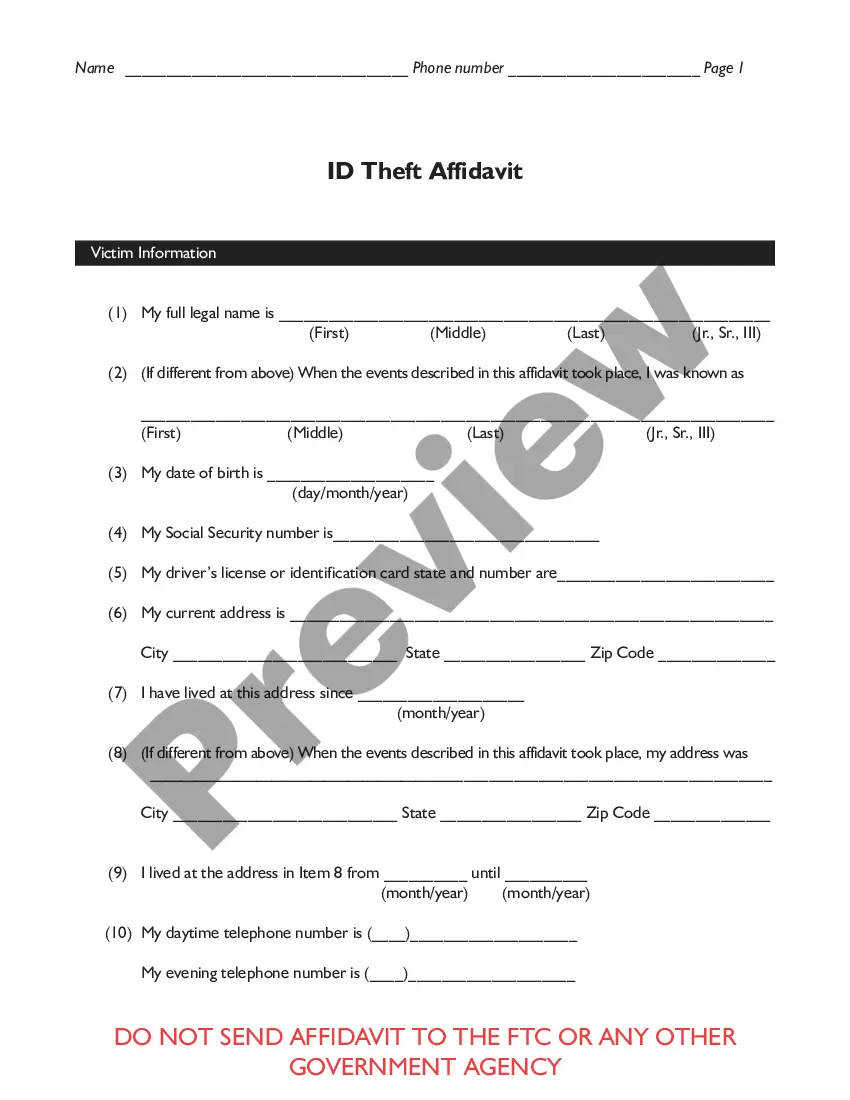
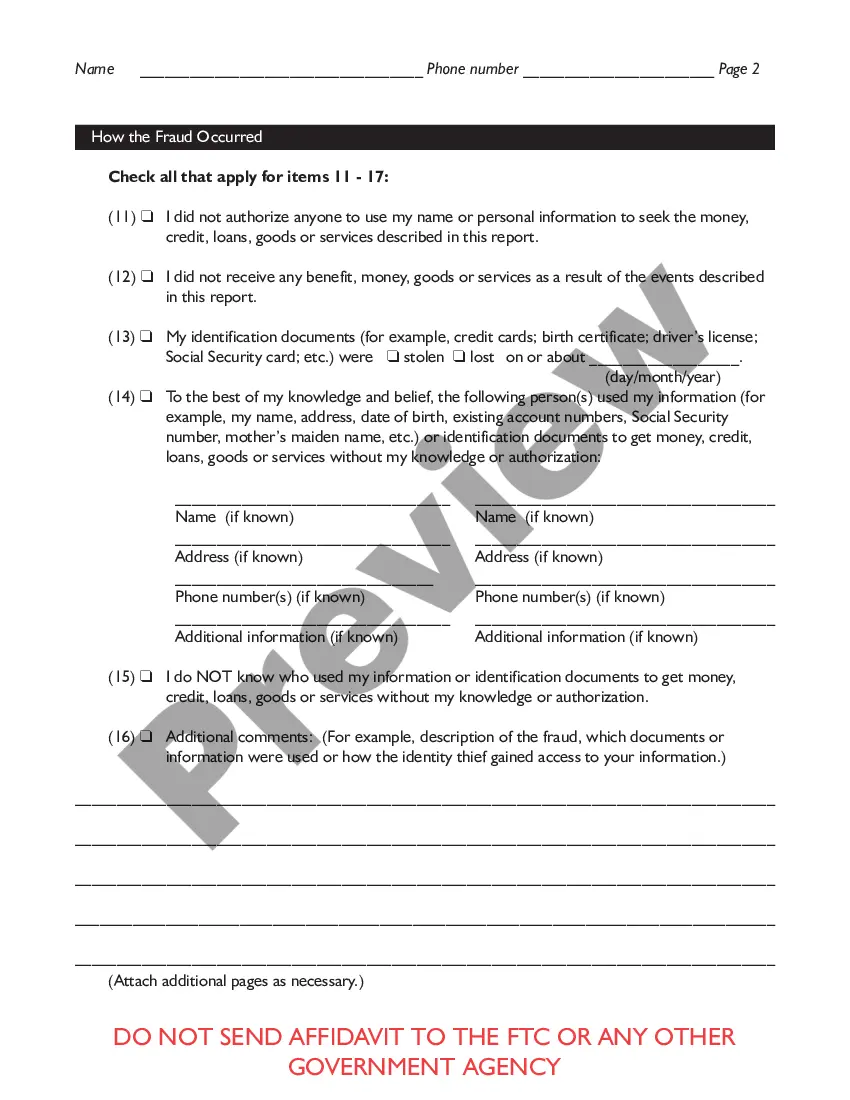
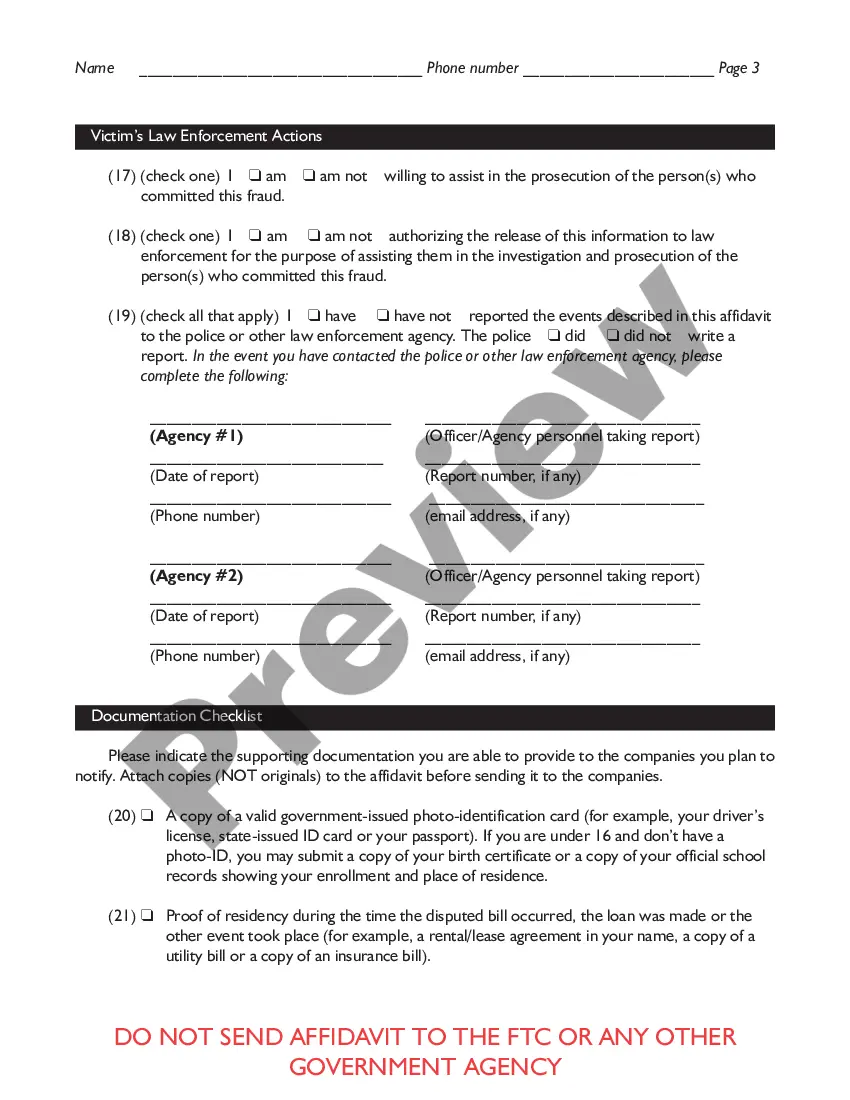
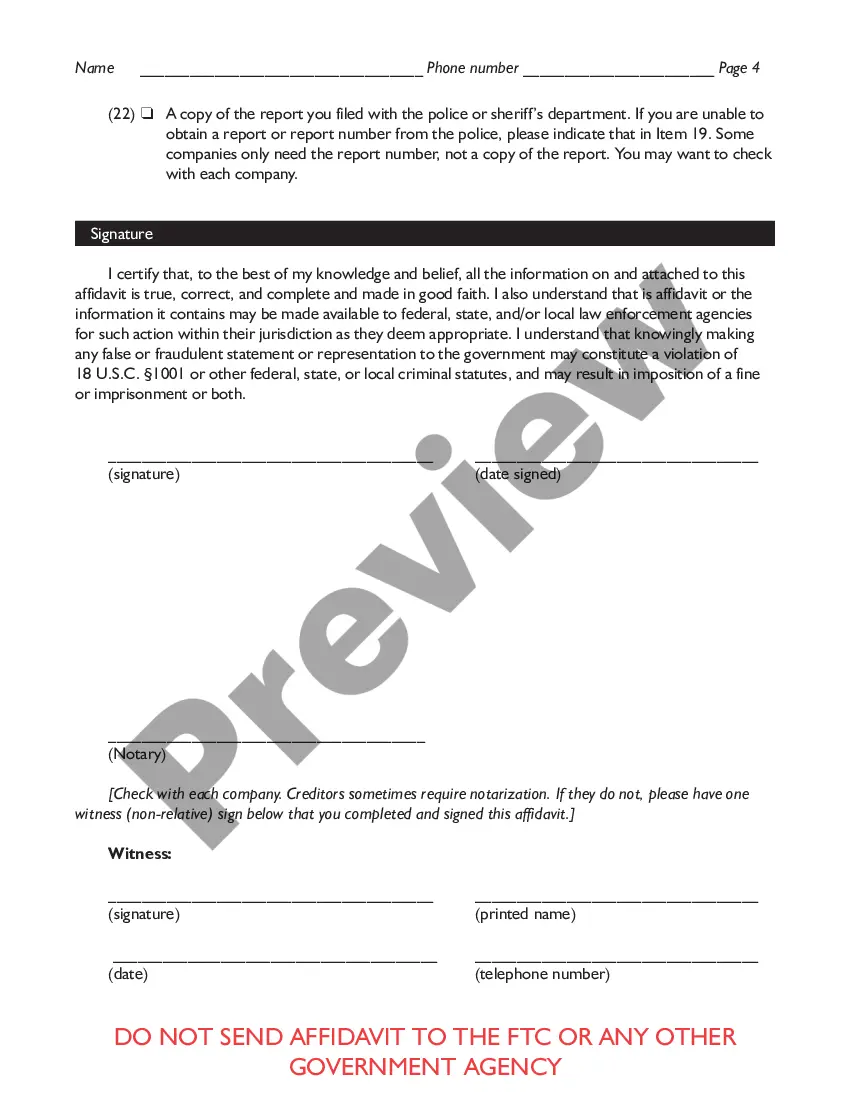
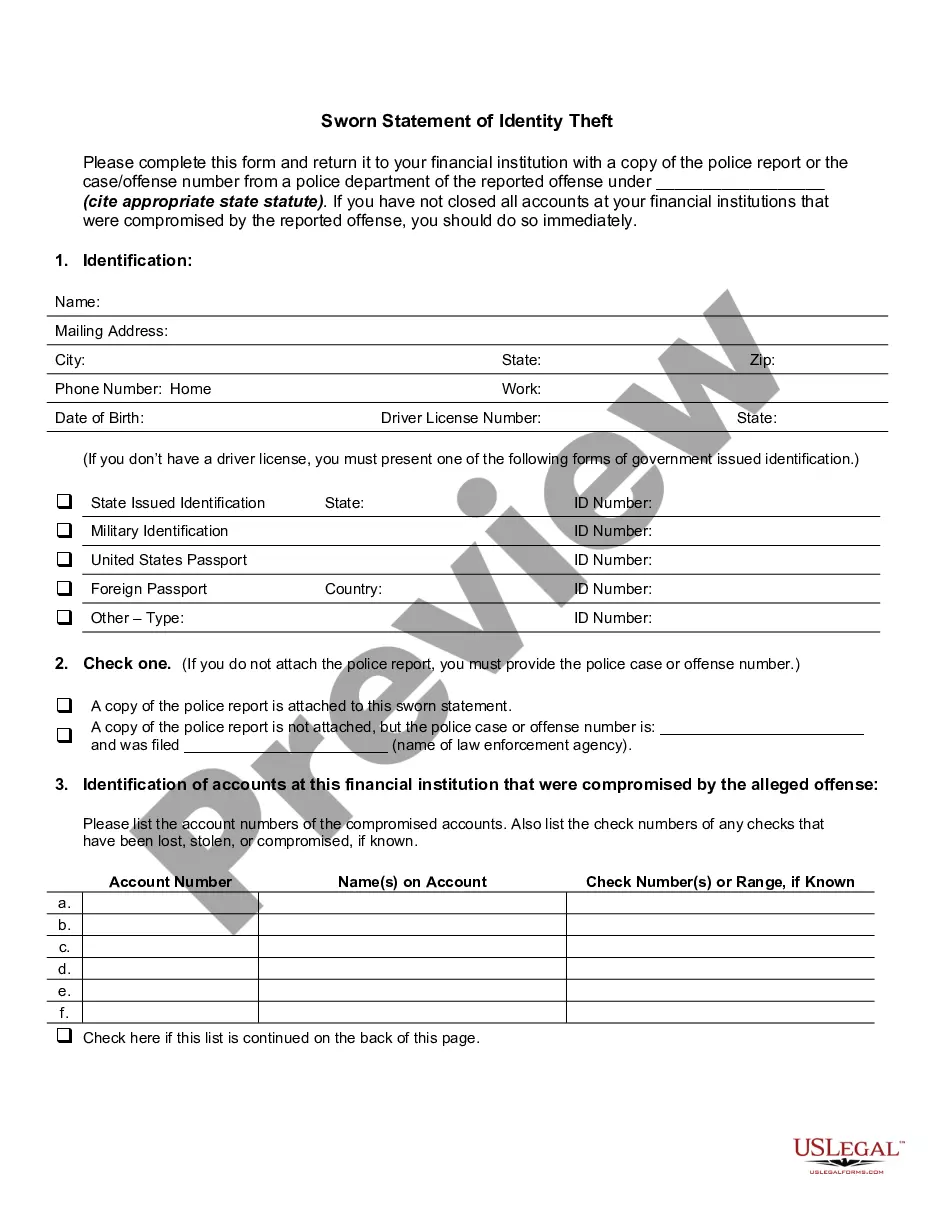
Maryland Federal Trade Commission Affidavit regarding Identity Theft
Description
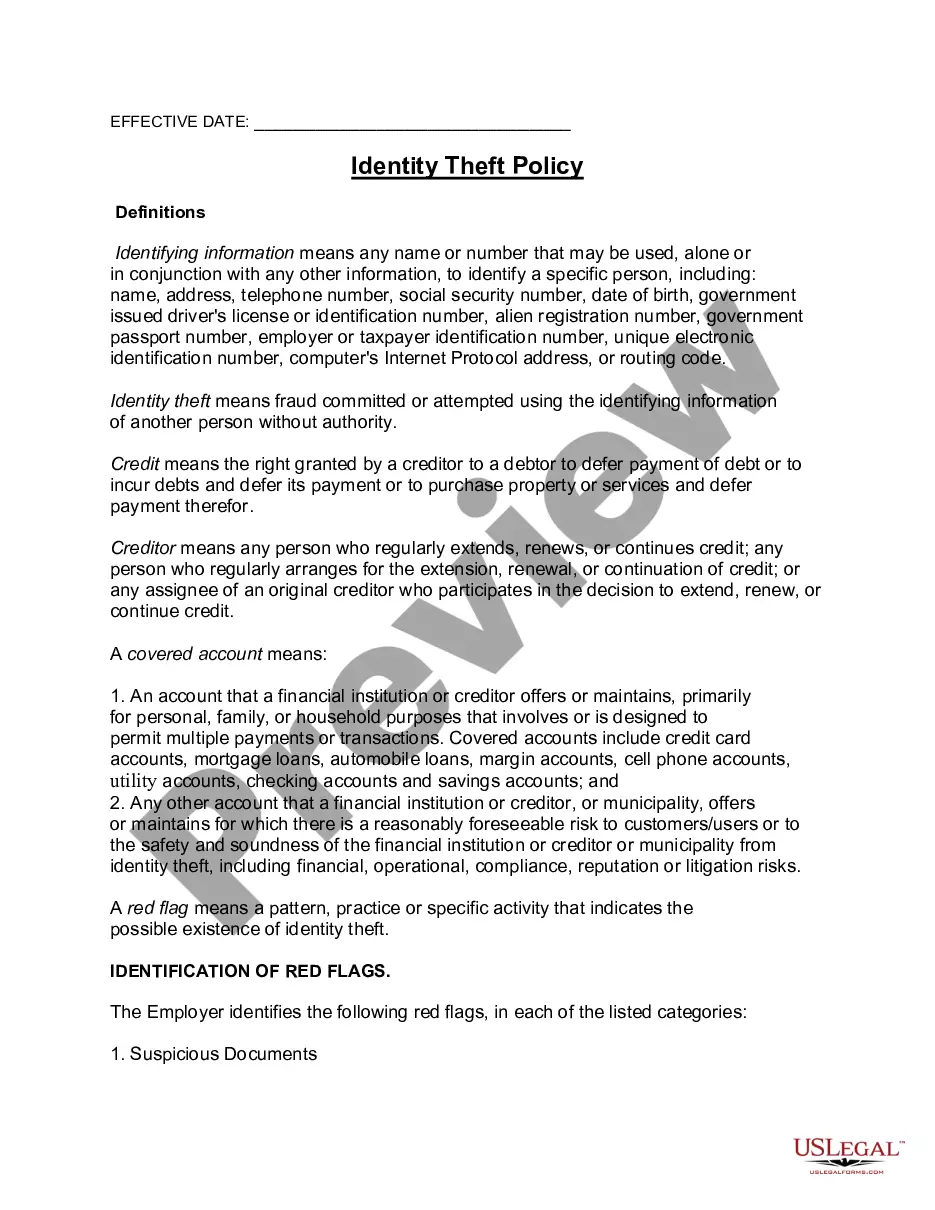
Get your form ready online
Our built-in tools help you complete, sign, share, and store your documents in one place.
Make edits, fill in missing information, and update formatting in US Legal Forms—just like you would in MS Word.
Download a copy, print it, send it by email, or mail it via USPS—whatever works best for your next step.
Sign and collect signatures with our SignNow integration. Send to multiple recipients, set reminders, and more. Go Premium to unlock E-Sign.
If this form requires notarization, complete it online through a secure video call—no need to meet a notary in person or wait for an appointment.
We protect your documents and personal data by following strict security and privacy standards.

Make edits, fill in missing information, and update formatting in US Legal Forms—just like you would in MS Word.

Download a copy, print it, send it by email, or mail it via USPS—whatever works best for your next step.

Sign and collect signatures with our SignNow integration. Send to multiple recipients, set reminders, and more. Go Premium to unlock E-Sign.

If this form requires notarization, complete it online through a secure video call—no need to meet a notary in person or wait for an appointment.

We protect your documents and personal data by following strict security and privacy standards.
Looking for another form?
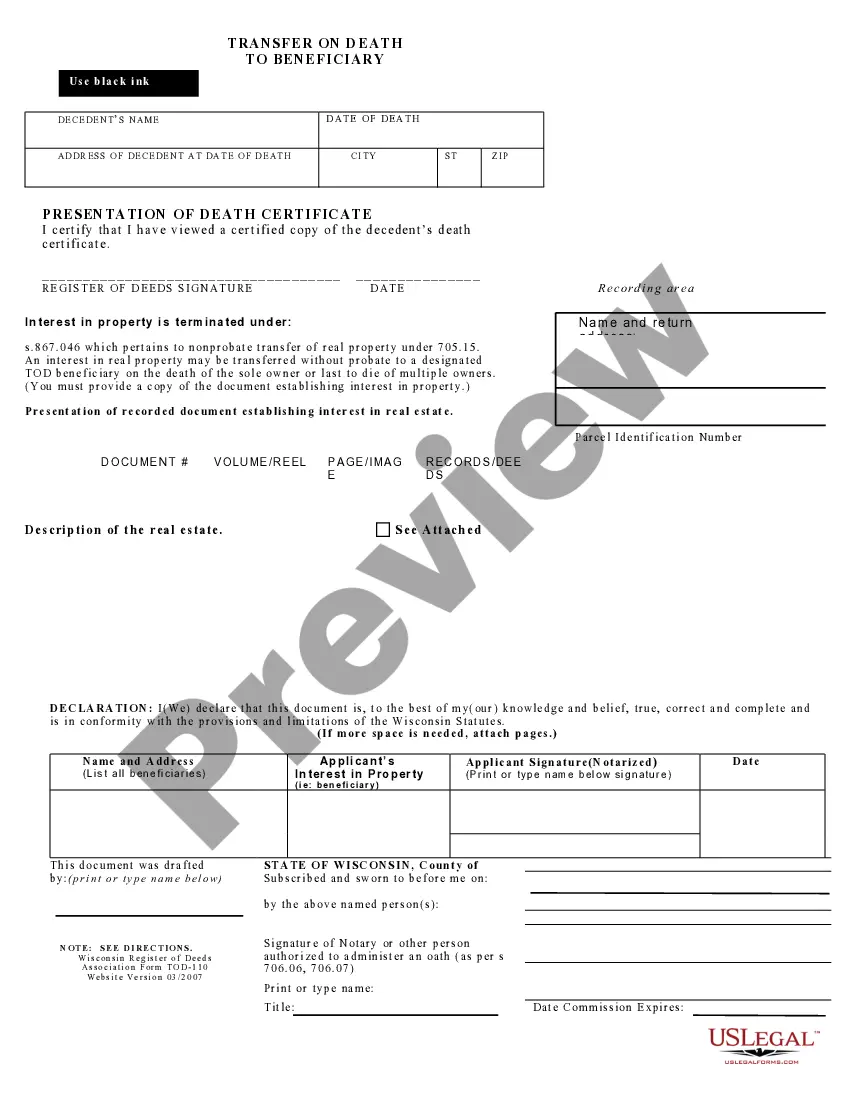




How to fill out Federal Trade Commission Affidavit Regarding Identity Theft?
Have you found yourself in a situation where you require documents for various corporate or personal reasons almost every workday.
There is a plethora of legal document templates accessible online, but finding ones you can trust isn't straightforward.
US Legal Forms offers a vast array of template documents, including the Maryland Federal Trade Commission Affidavit concerning Identity Theft, which can be completed to satisfy state and federal requirements.
Once you find the right form, simply click Buy now.
Select the payment plan you desire, provide the required information to create your account, and complete the purchase using your PayPal or credit card.
- If you are already acquainted with the US Legal Forms website and possess an account, simply Log In.
- After that, you can download the Maryland Federal Trade Commission Affidavit concerning Identity Theft template.
- If you don't have an account and wish to start using US Legal Forms, follow these instructions.
- Obtain the form you need and ensure it is for your specific city/county.
- Utilize the Preview button to examine the form.
- Read the description to confirm that you have selected the correct form.
- If the form isn't what you're looking for, use the Search field to find the form that fits your needs.
Form popularity
FAQ
Your name, address and date of birth provide enough information to create another 'you'. An identity thief can use a number of methods to find out your personal information and will then use it to open bank accounts, take out credit cards and apply for state benefits in your name.
To complete the FTC's Identity Theft Affidavit, you need to provide personal data including your Social Security number, address and contact information. You also will need to provide your driver's license number or information from another government-issued ID.
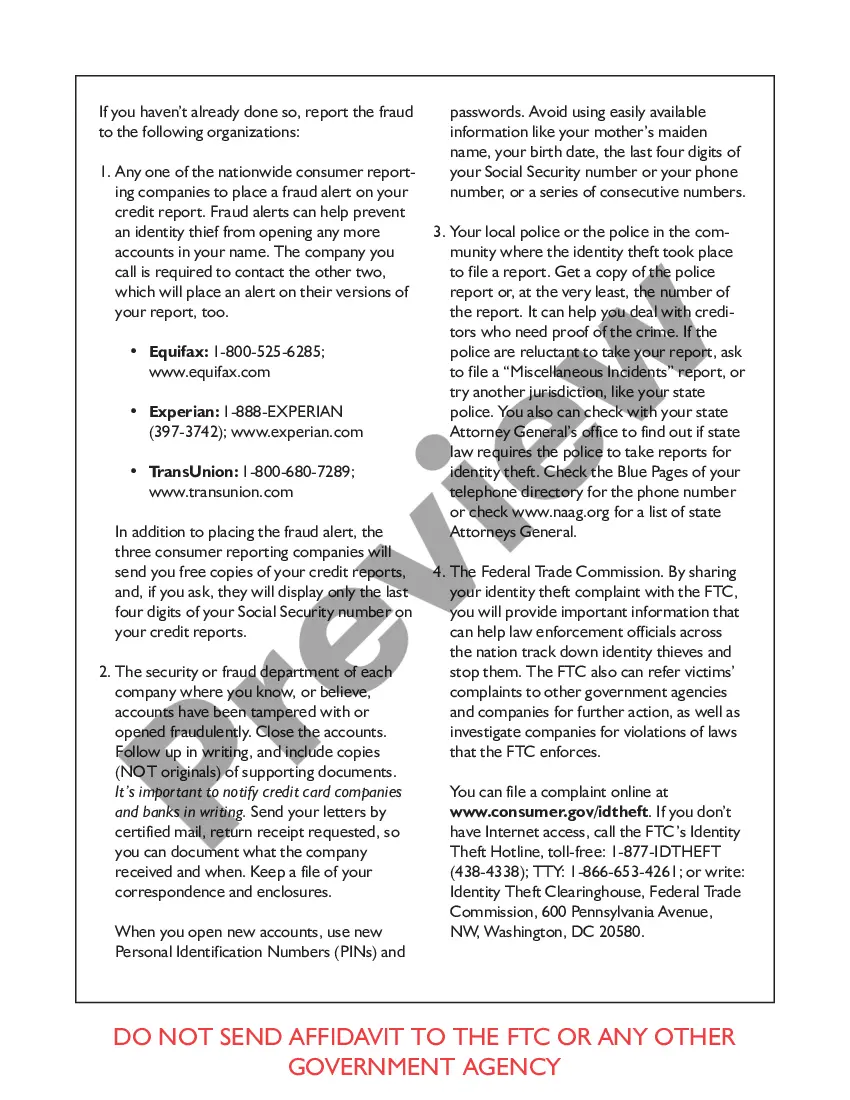
Visit ftc.gov/idtheft to use a secure online version that you can print for your records. Before completing this form: 1. Place a fraud alert on your credit reports, and review the reports for signs of fraud.
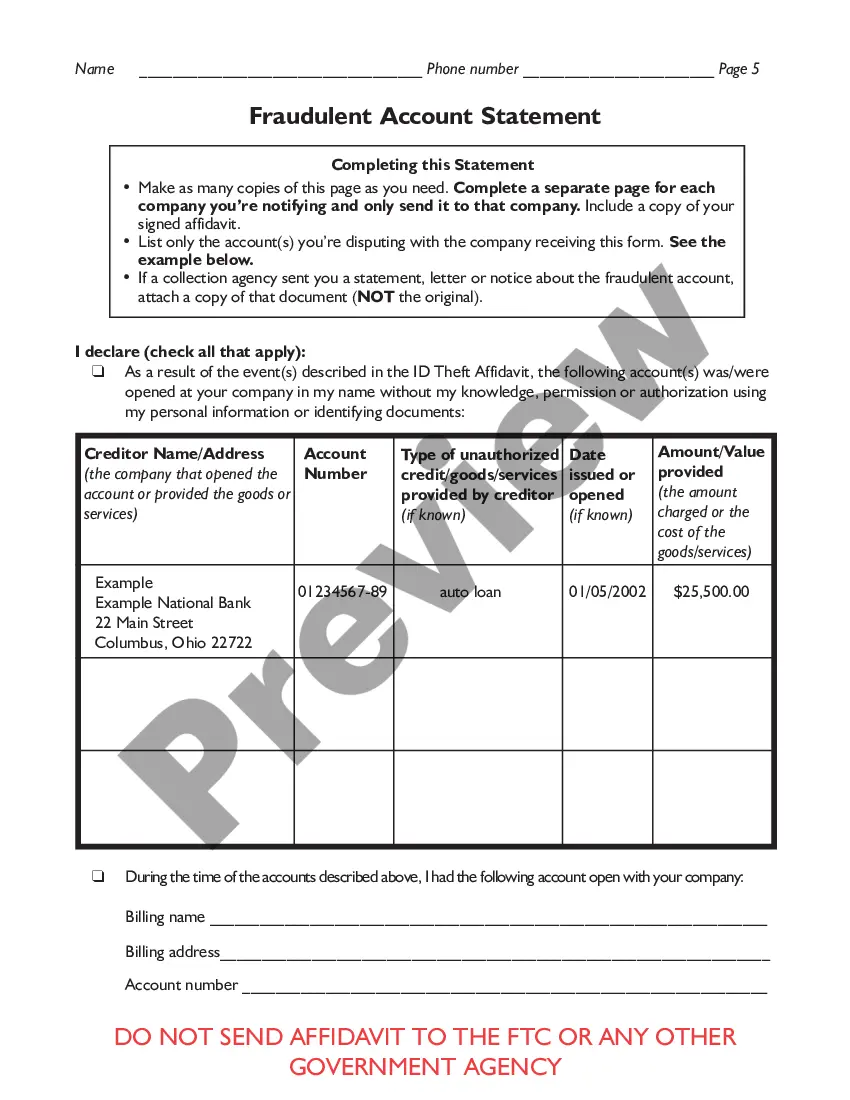
This affidavit has two parts: Part One ? the ID Theft Affidavit ? is where you report general informa- tion about yourself and the theft. Part Two ? the Fraudulent Account Statement ? is where you describe the fraudulent account(s) opened in your name.
FTC ID Theft Affidavit The FTC provides an ID Theft Affidavit to help victims of identity theft quickly and accurately dispute new unauthorized accounts. It is especially helpful in cases where consumers are unable to file or obtain a police report. Some creditors will accept this affidavit instead of a police report.
The FTC provides an ID Theft Affidavit to help victims of identity theft quickly and accurately dispute new unauthorized accounts. It is especially helpful in cases where consumers are unable to file or obtain a police report.
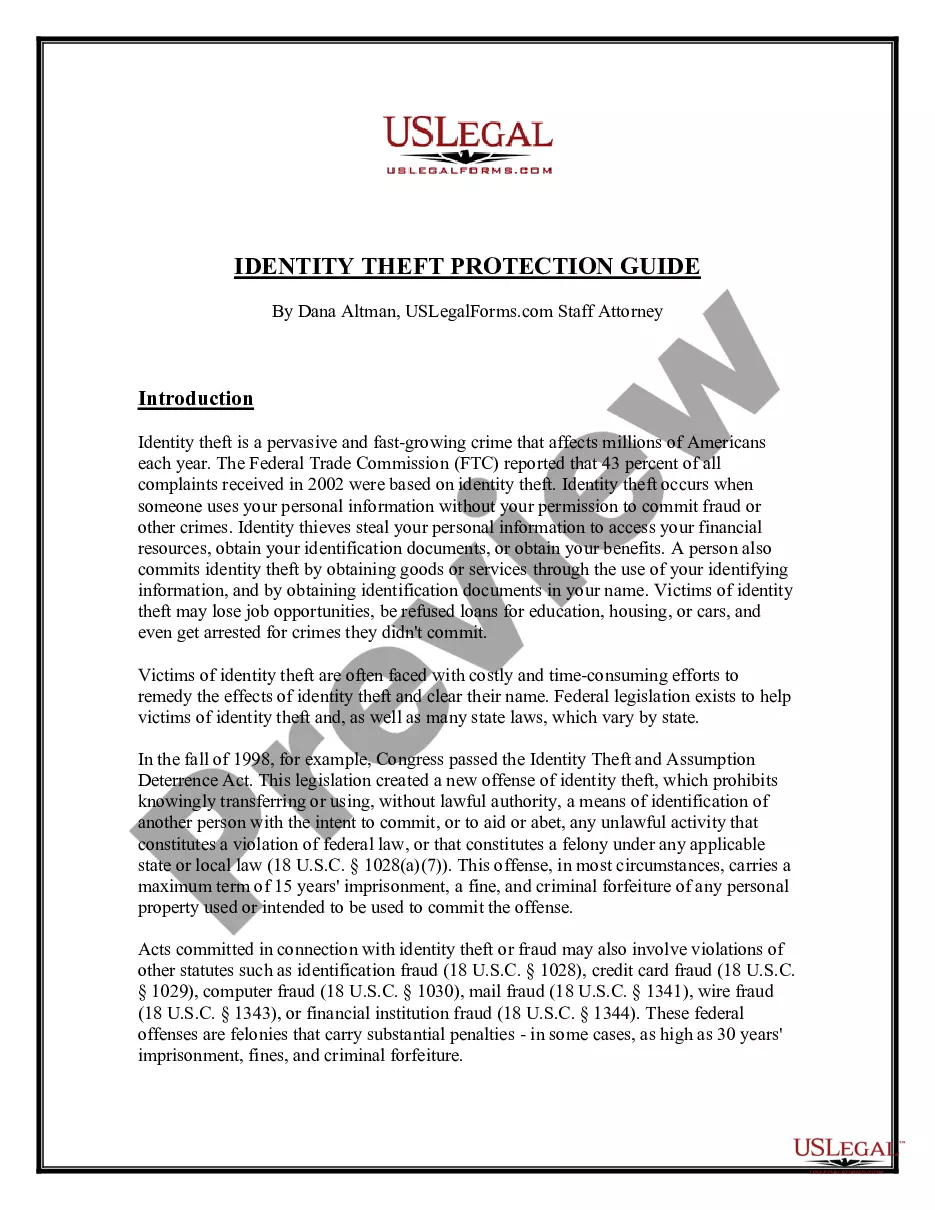
In 1998, Congress enacted the Identity Theft and Assumption Deterrence Act (?the Identity Theft Act? or ?the Act?),1 directing the Federal Trade Commission to establish the federal government's central repository for identity theft complaints and to provide victim assistance and consumer education.
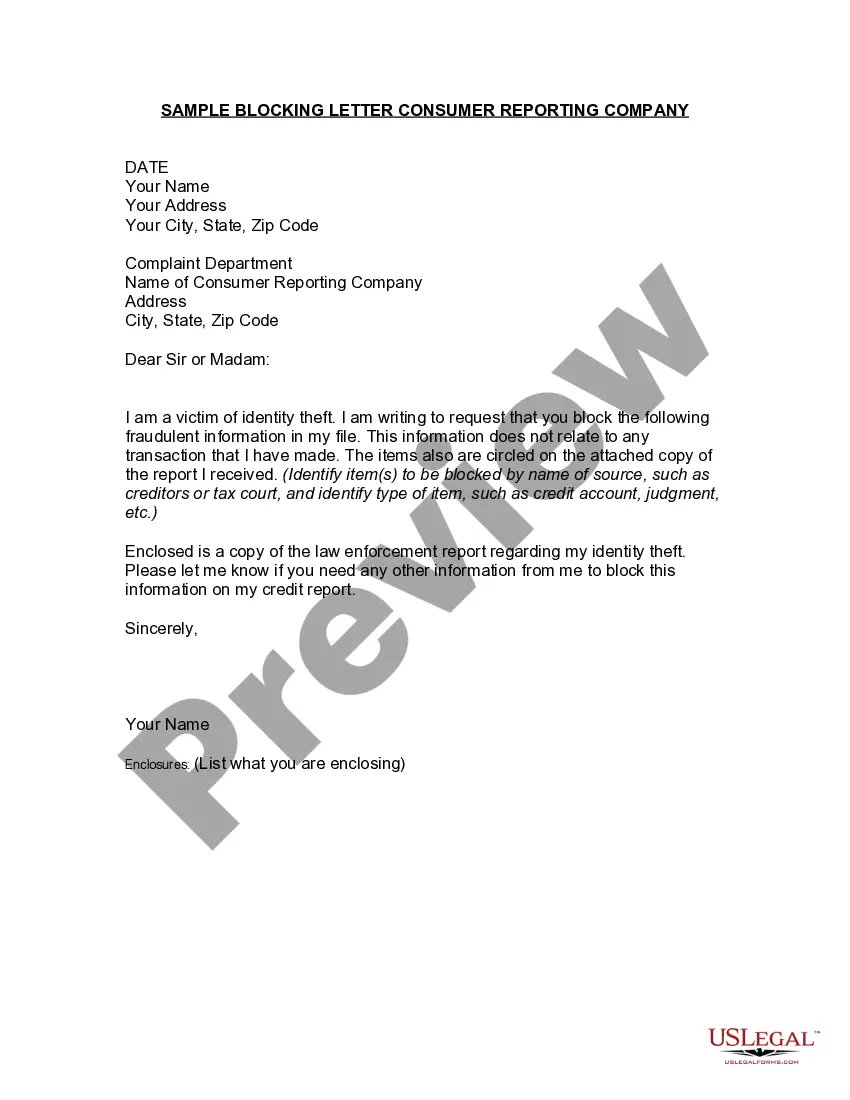
Dear Sir or Madam: I am a victim of identity theft. I recently learned that my personal information was used to open an account at your company. I did not open or authorize this account, and I therefore request that it be closed immediately.