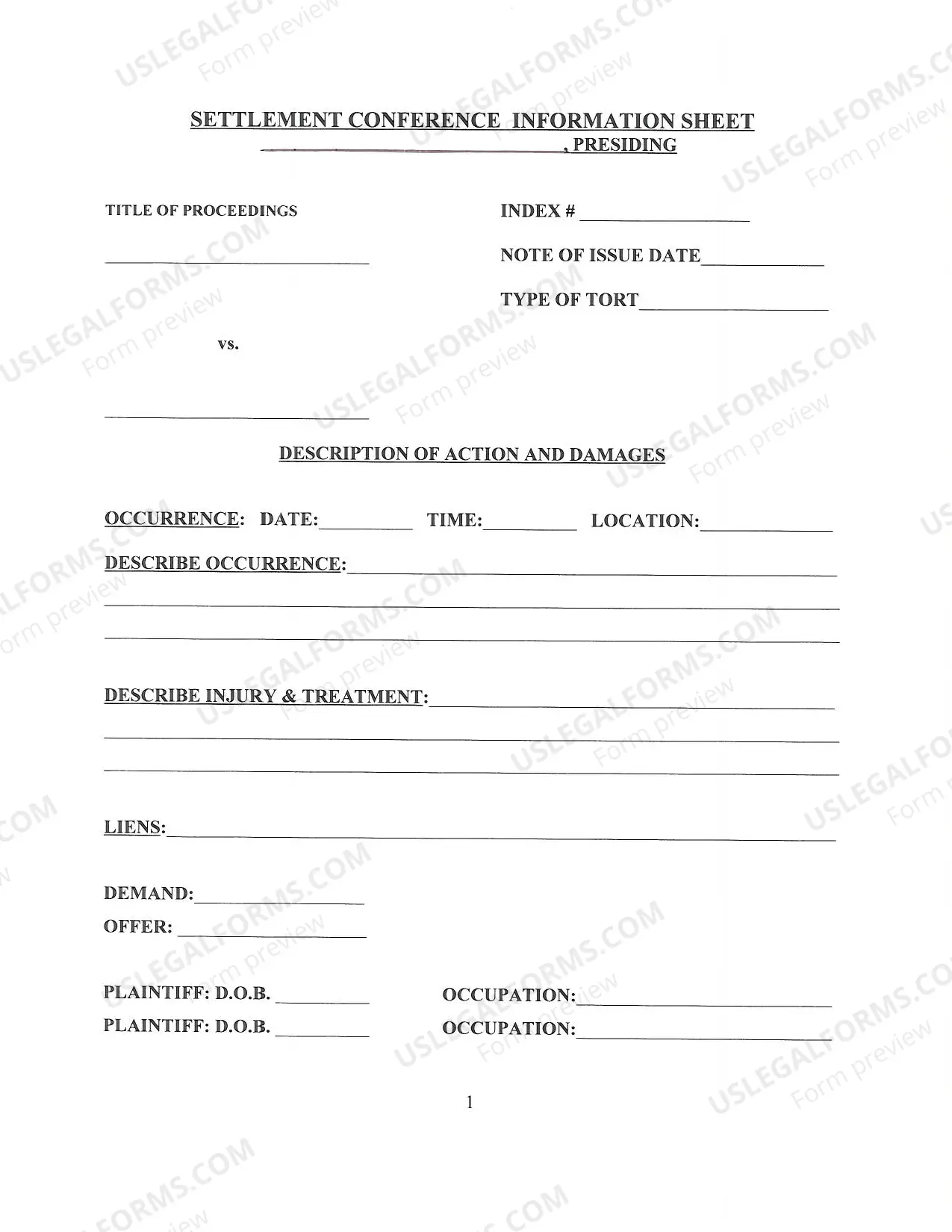
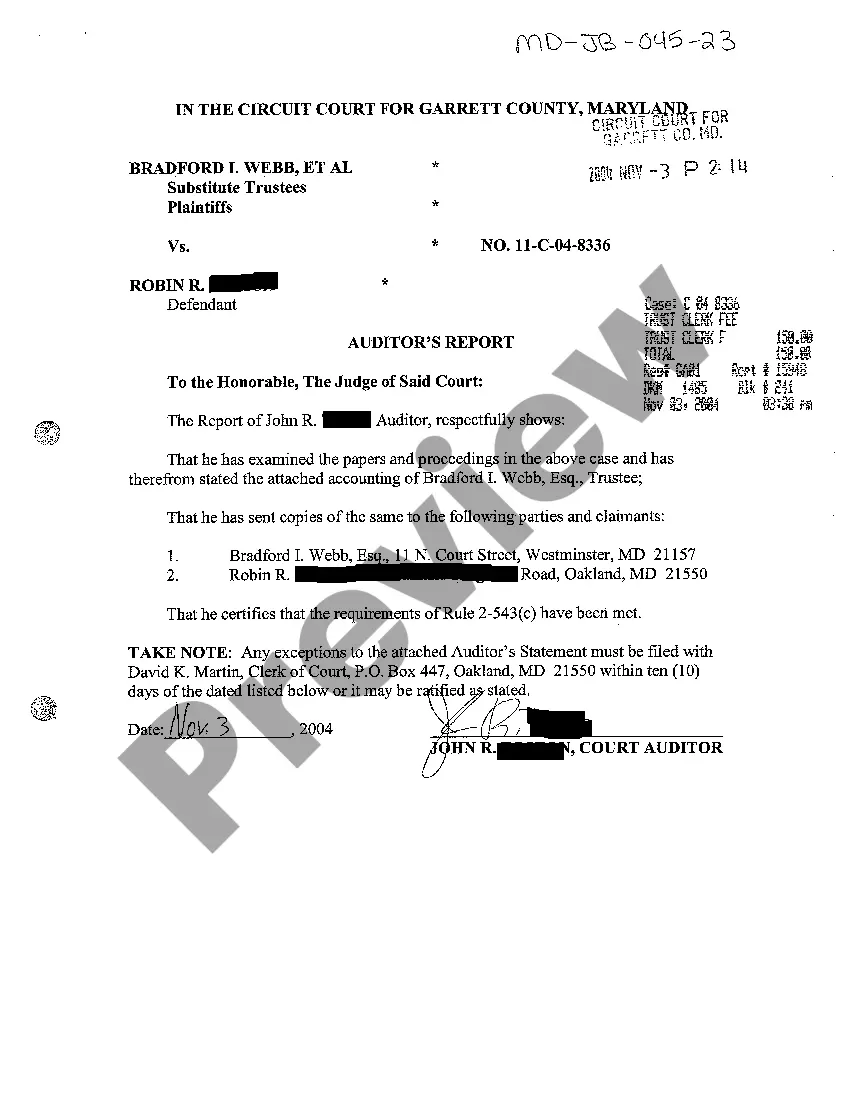
Maryland Auditor's Report
Description
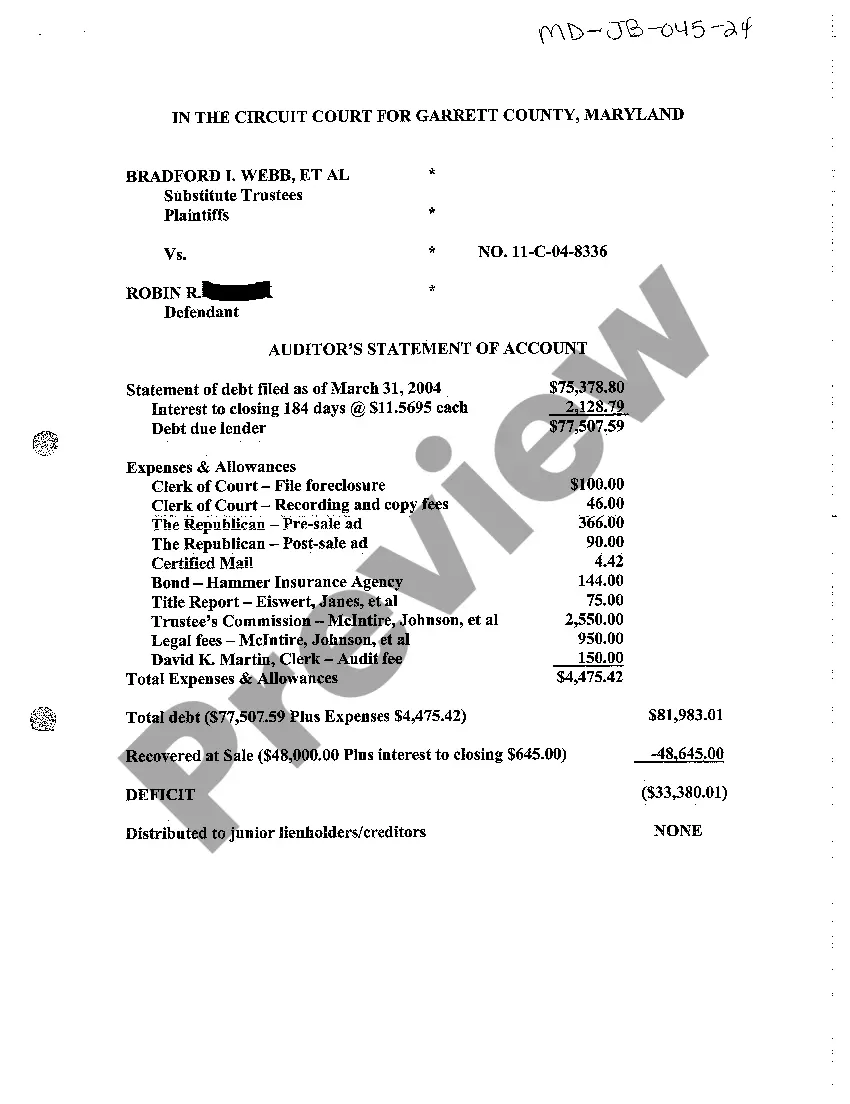
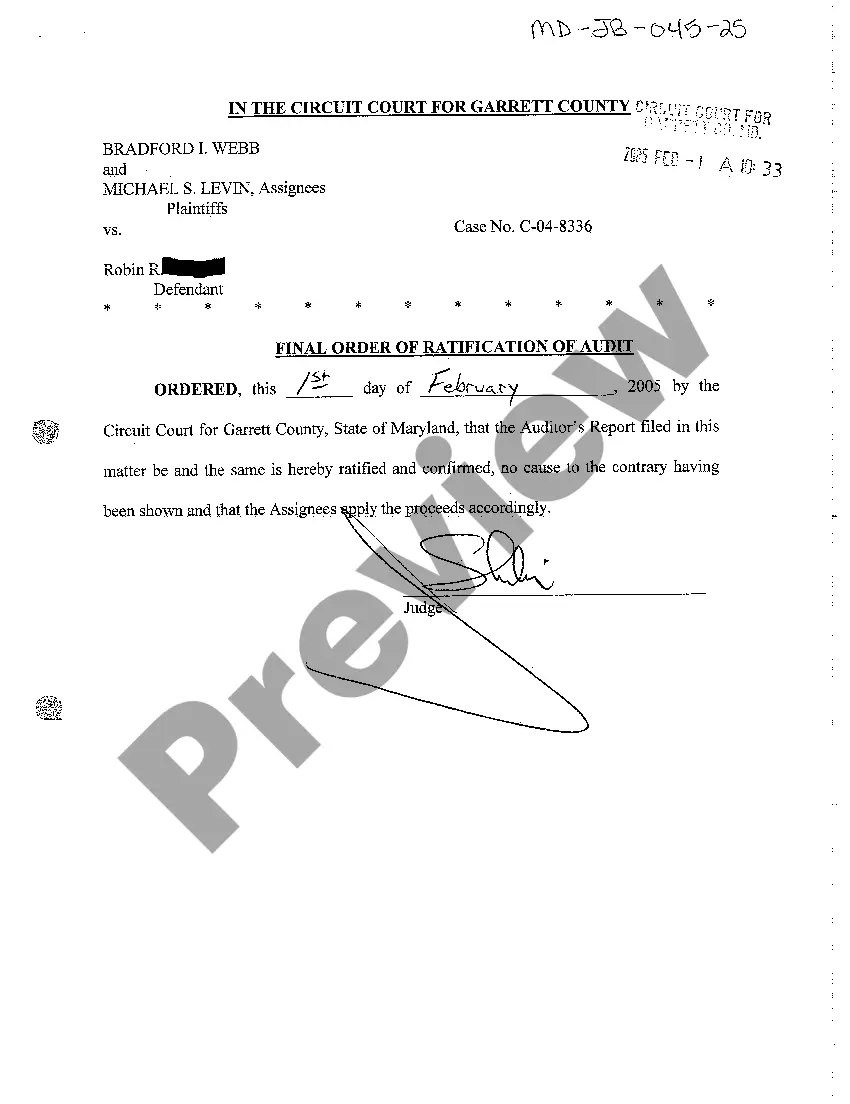
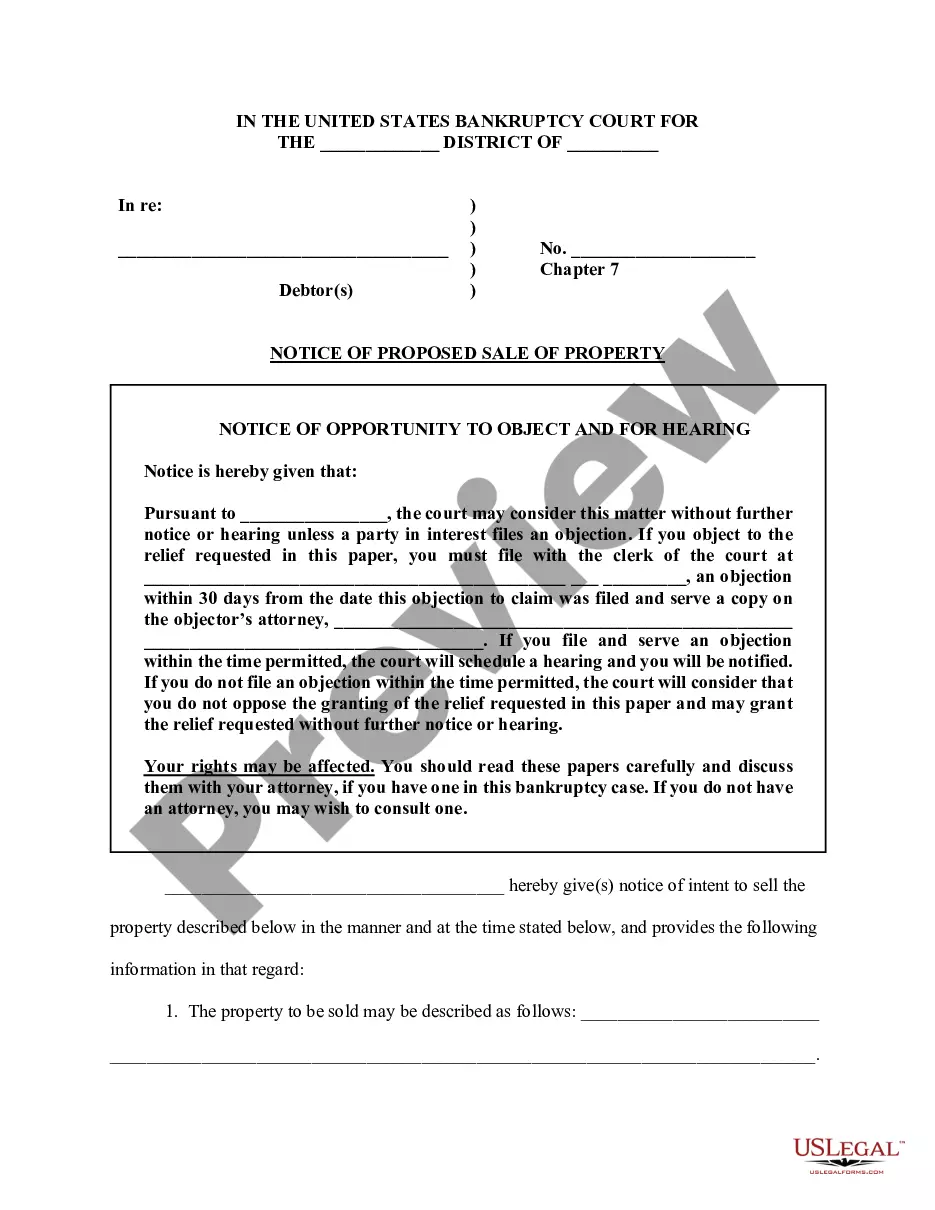
How to fill out Maryland Auditor's Report?
Greetings to the most extensive collection of legal documents, US Legal Forms. Here, you can obtain any template, including Maryland Auditor's Report templates, and store them (as many as you desire). Generate official documents in hours rather than days or weeks, without having to invest excessively in a lawyer or attorney. Access the state-specific example in just a few clicks and be confident knowing it was crafted by our state-certified attorneys.
If you are already a registered user, simply Log In to your account and select Download beside the Maryland Auditor's Report you need. Since US Legal Forms is a web-based solution, you will typically have access to your saved forms, regardless of the device you are using. Find them within the My documents section.
If you have not yet created an account, what are you waiting for? Follow our instructions below to begin.
- If this is a state-specific sample, verify its validity in your state.
- Review the description (if available) to determine if it’s the correct template.
- Explore additional content using the Preview feature.
- If the sample meets your requirements, click Buy Now.
- To create an account, select a pricing plan.
- Utilize a card or PayPal account to register.
- Download the template in your preferred format (Word or PDF).
- Print the document and fill it with your/your business’s details.
Form popularity
FAQ
There are four types of audit reports: and unqualified opinion, a qualified opinion, and adverse opinion, and a disclaimer of opinion.
As part of the Single Audit, the auditor must prepare and submit three individual reports to the recipient and to the federal government.
Unqualified opinion-clean report. Qualified opinion-qualified report. Disclaimer of opinion-disclaimer report. Adverse opinion-adverse audit report.
Title; Addressee; Opening or introductory paragraph. Scope paragraph. Opinion paragraph. Date of the report; Auditor's address; and. Auditor's signature.
Audit Report Contents are the basic structure of the audit report which needs to be clear, providing sufficient evidence providing the justification about the opinion of the auditors and includes Title of Report, Addressee details, Opening Paragraph, scope Paragraph, Opinion Paragraph, Signature, Place of Signature,
The report consists of a title and header, a main body, the auditor's signature and address, and the report's issuance date. US auditing standards require that the title includes "independent" to convey to the user that the report was unbiased in all respects.
Unqualified opinion-clean report. Qualified opinion-qualified report. Disclaimer of opinion-disclaimer report. Adverse opinion-adverse audit report.
The financial statements are presented fairly and accurately; and in accordance with federal cost principles; The organization has an adequate internal control structure, and that;