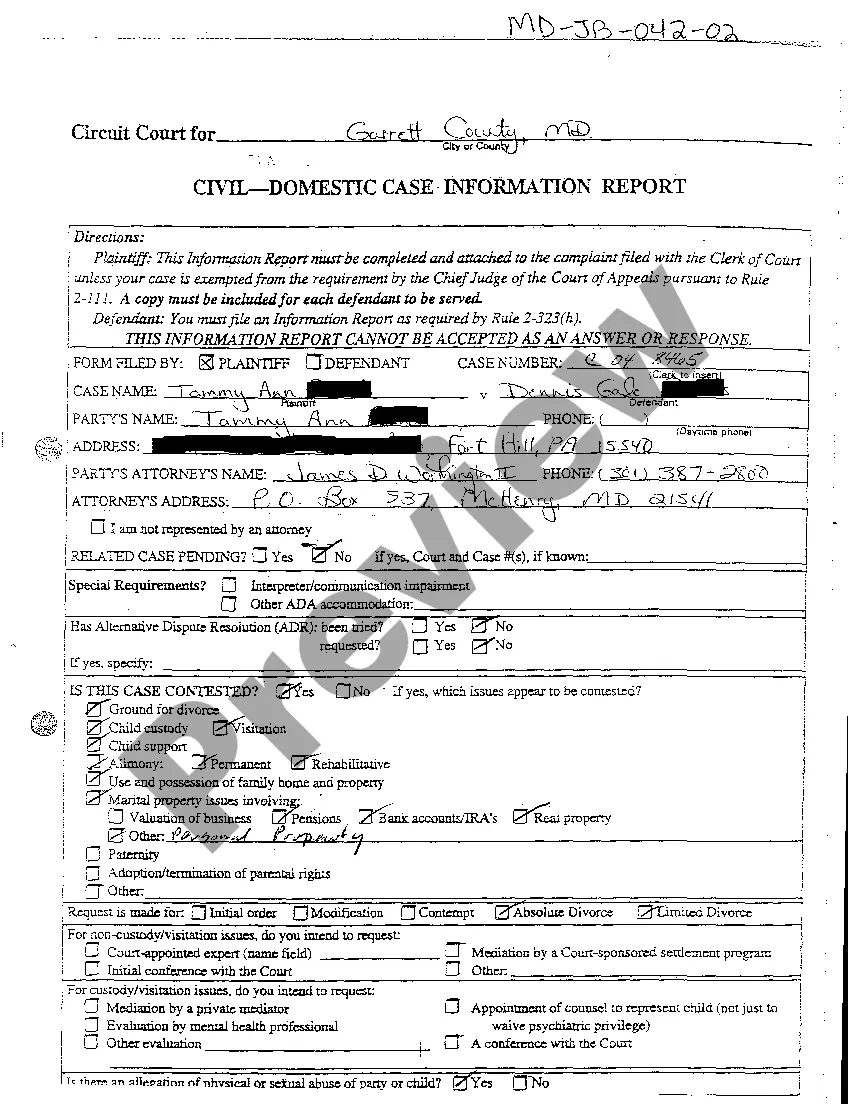
Maryland Civil - Domestic Case Information Report
Description
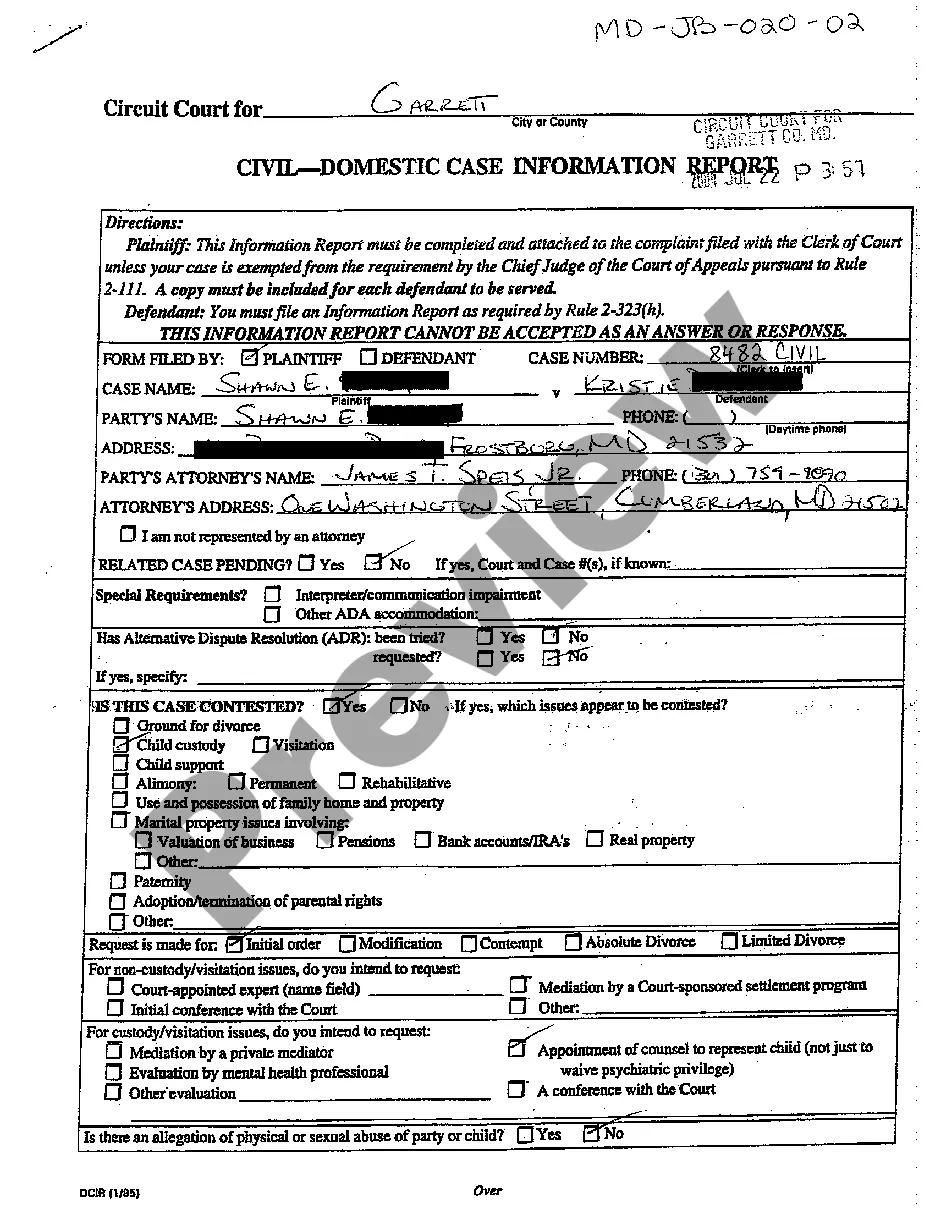
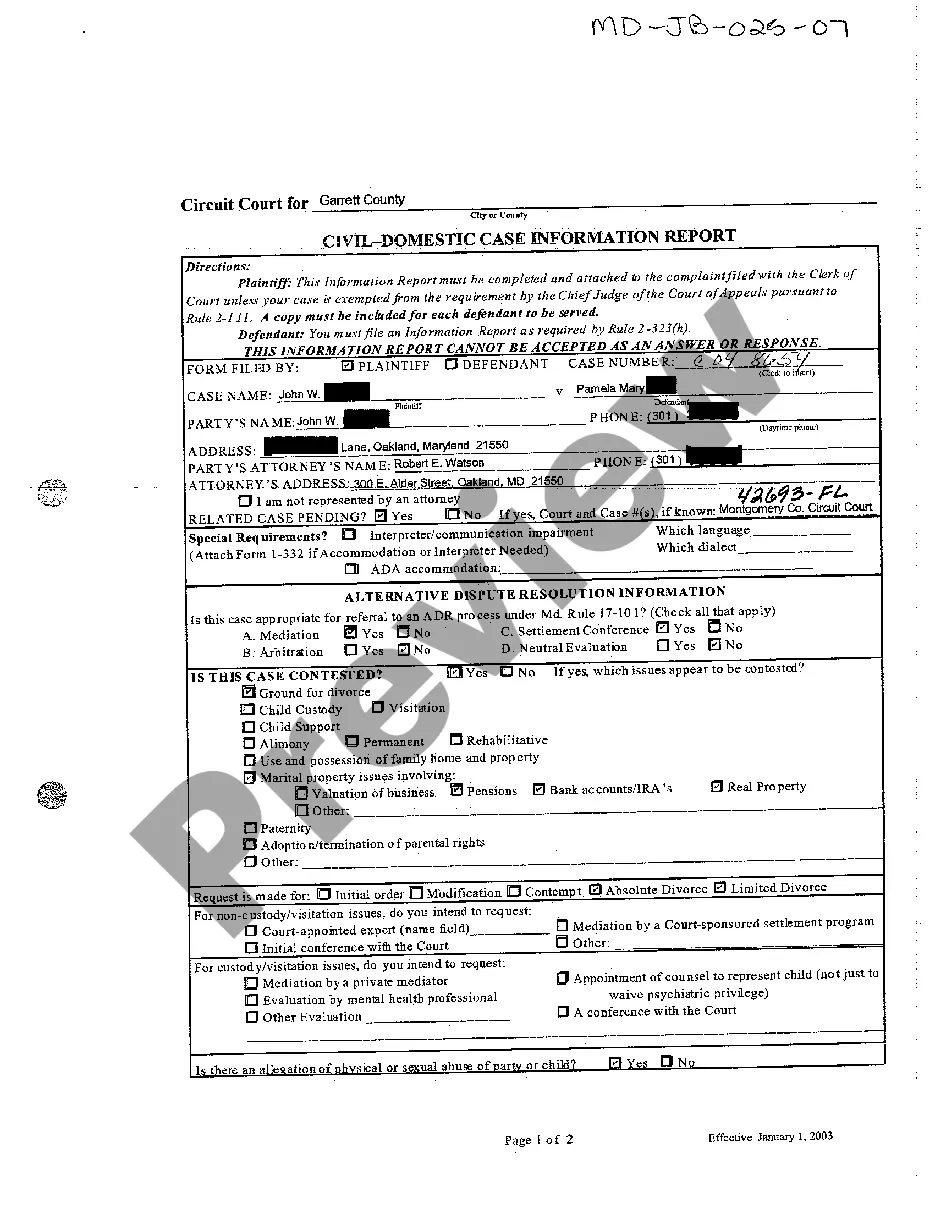
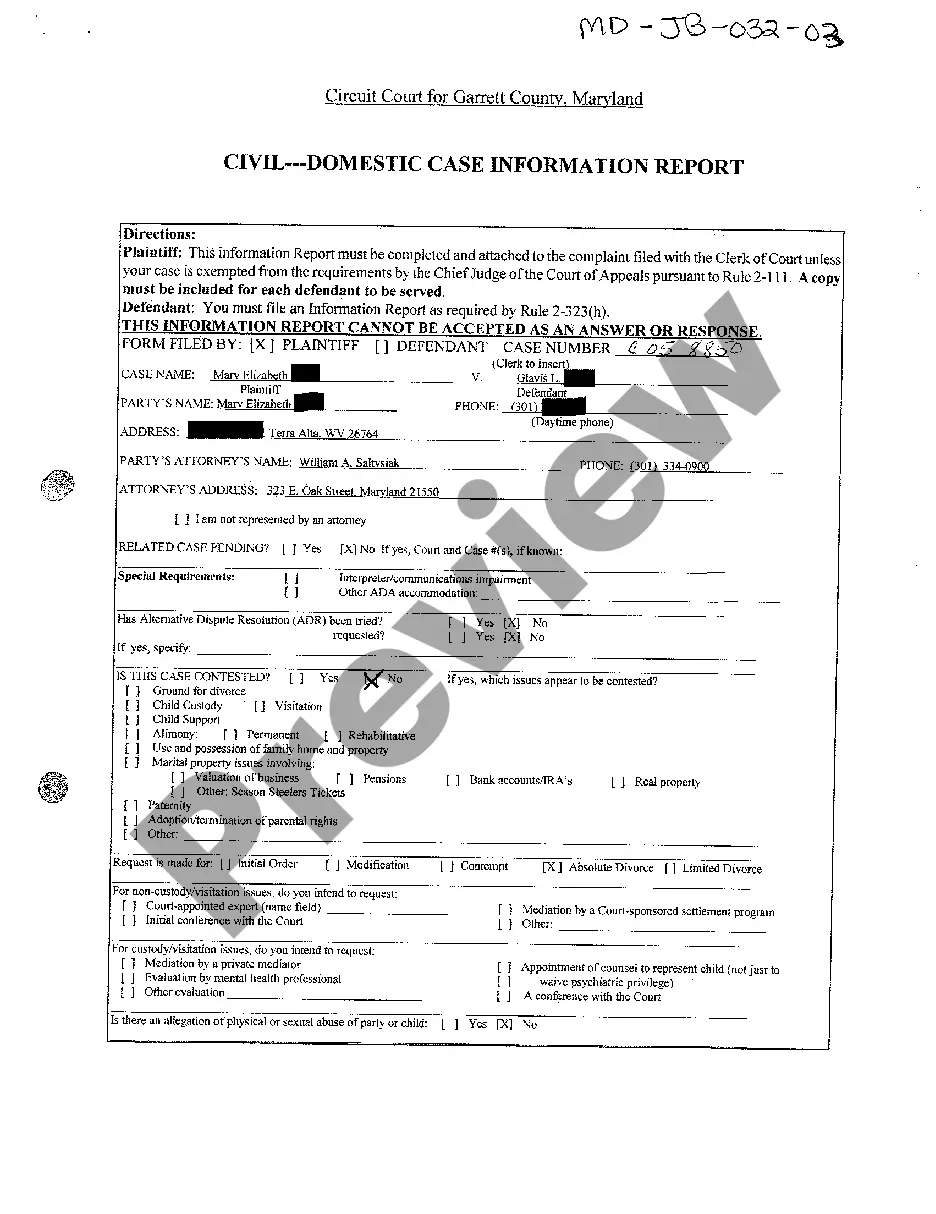
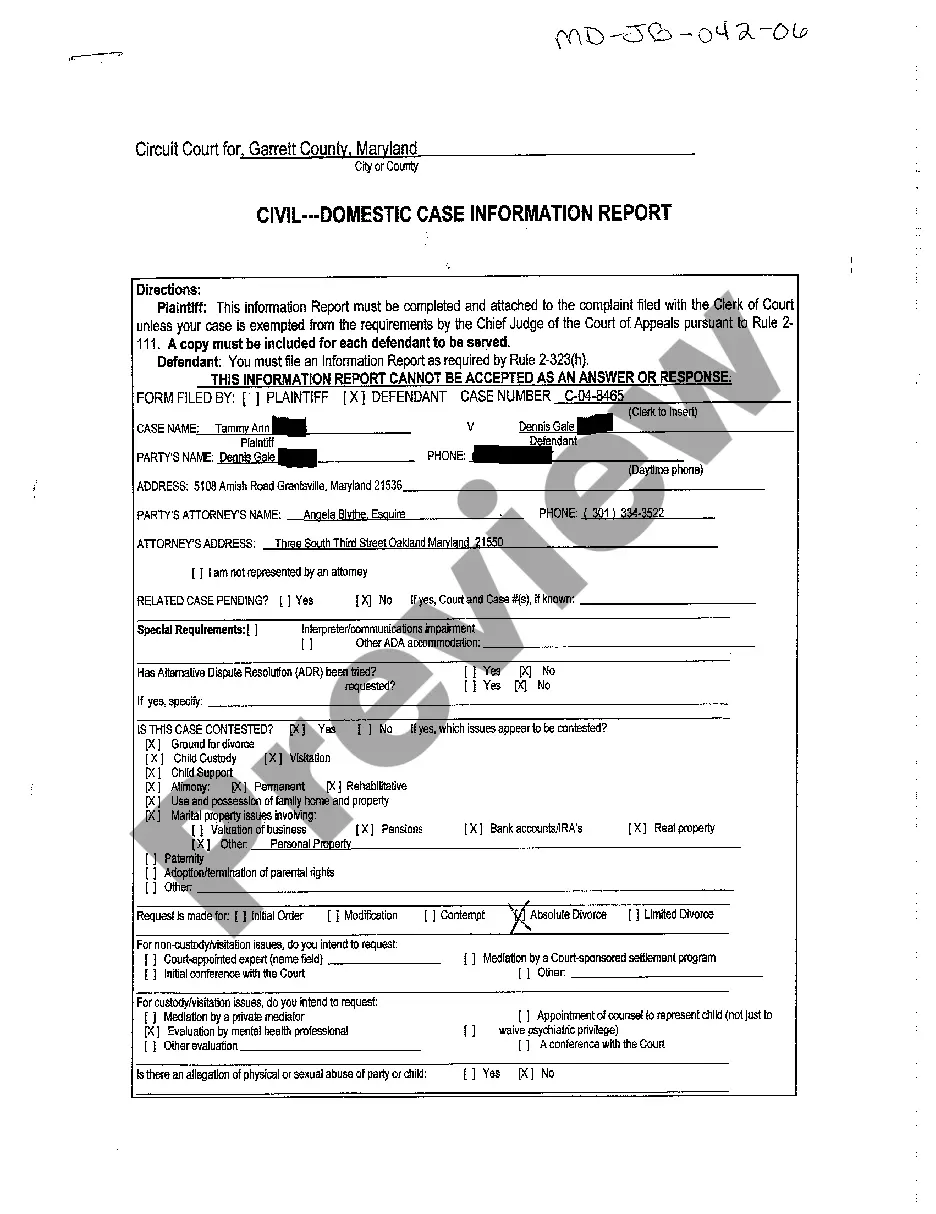

How to fill out Maryland Civil - Domestic Case Information Report?
You are invited to the finest legal documents repository, US Legal Forms. Here you will discover any template such as Maryland Civil - Domestic Case Information Report forms and download them (as many of them as you desire/require). Create official documents within a few hours, rather than days or weeks, without having to spend a fortune on a legal expert. Obtain your state-specific template in a few clicks and feel confident with the assurance that it was prepared by our experienced attorneys.
If you’re already a registered user, just Log Into your account and click Download next to the Maryland Civil - Domestic Case Information Report you need. Since US Legal Forms is an online solution, you’ll consistently have access to your saved forms, regardless of the device you’re using. Locate them in the My documents section.
If you don't possess an account yet, what exactly are you waiting for? Review our instructions provided below to get started.
After you’ve finalized the Maryland Civil - Domestic Case Information Report, present it to your legal advisor for confirmation. It’s an extra step but a crucial one for ensuring that you’re completely protected. Join US Legal Forms today and gain access to thousands of reusable templates.
- If this is a state-specific form, verify its validity in the state where you reside.
- Examine the description (if available) to determine if it’s the correct template.
- Explore more content with the Preview feature.
- If the template fulfills all of your needs, click Buy Now.
- To create your account, select a pricing option.
- Utilize a credit card or PayPal account to register.
- Download the template in the format you need (Word or PDF).
- Print the document and complete it with your/your business’s details.
Form popularity
FAQ
Writing and filing the complaint. Paying the filing fee (or getting it waived) Notifying the party you are suing (this notification is usually called service of process) Proving to the court that the party you are suing (the Defendant) has been served.
Defend yourself in court; File a cross claim, counter claim or third party claim; Assert that the Writ of Summons was not served properly; or. Simply ignore the debt collection case.
File a Complaint form (DC-CV-001) with the court. Pay the filing fee. Check the District Court's Civil Cost Schedule (DCA-109) for fees. The court will issue a Writ of Summons to officially notify the other side (called the defendant) that a suit has been filed.