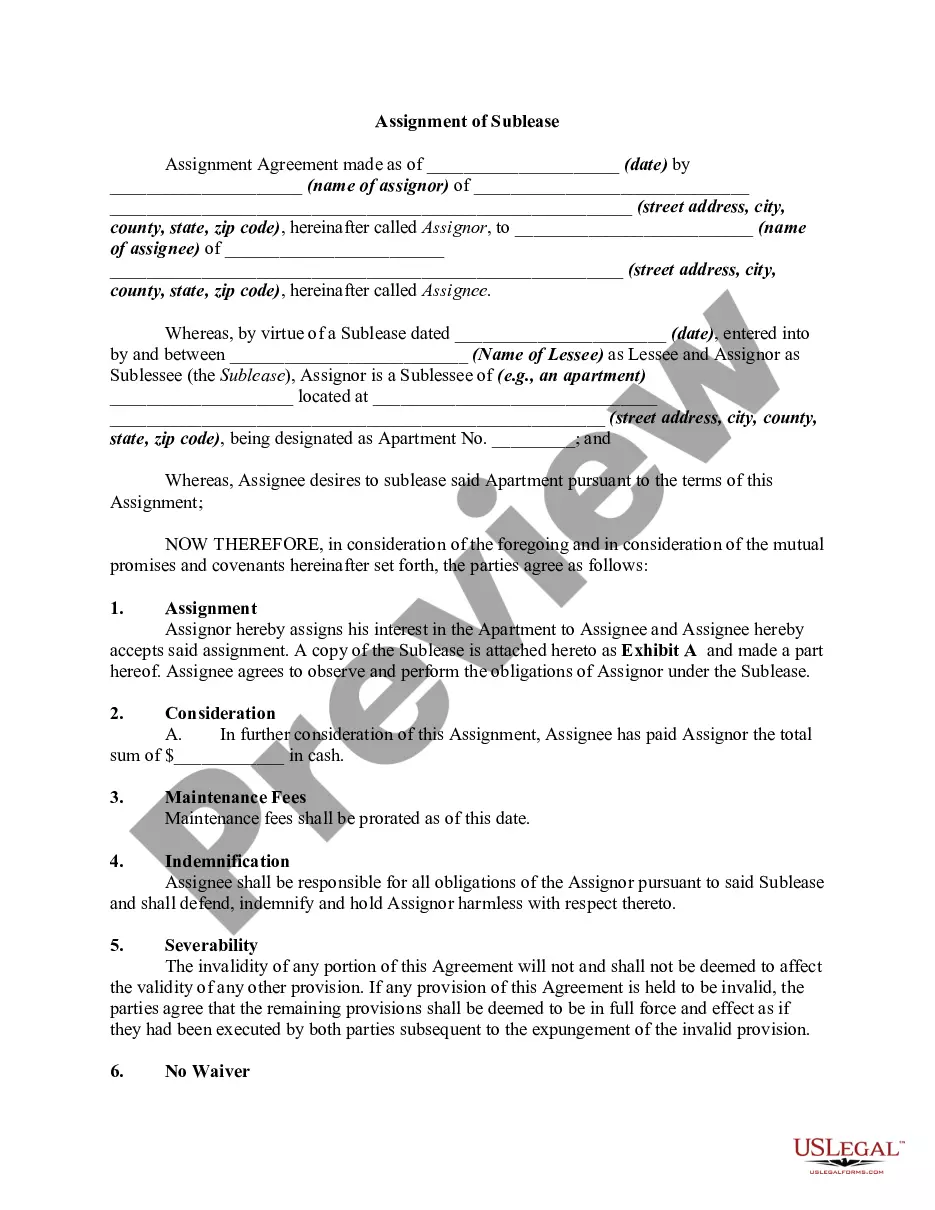
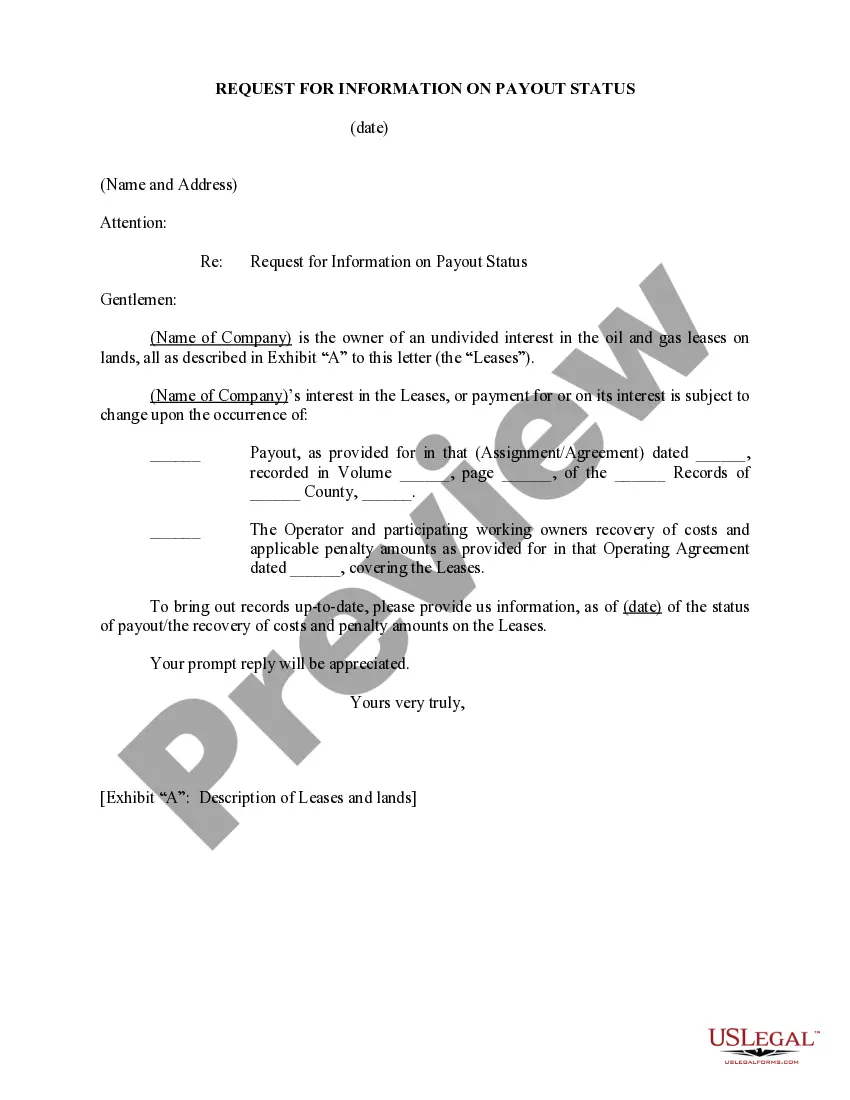
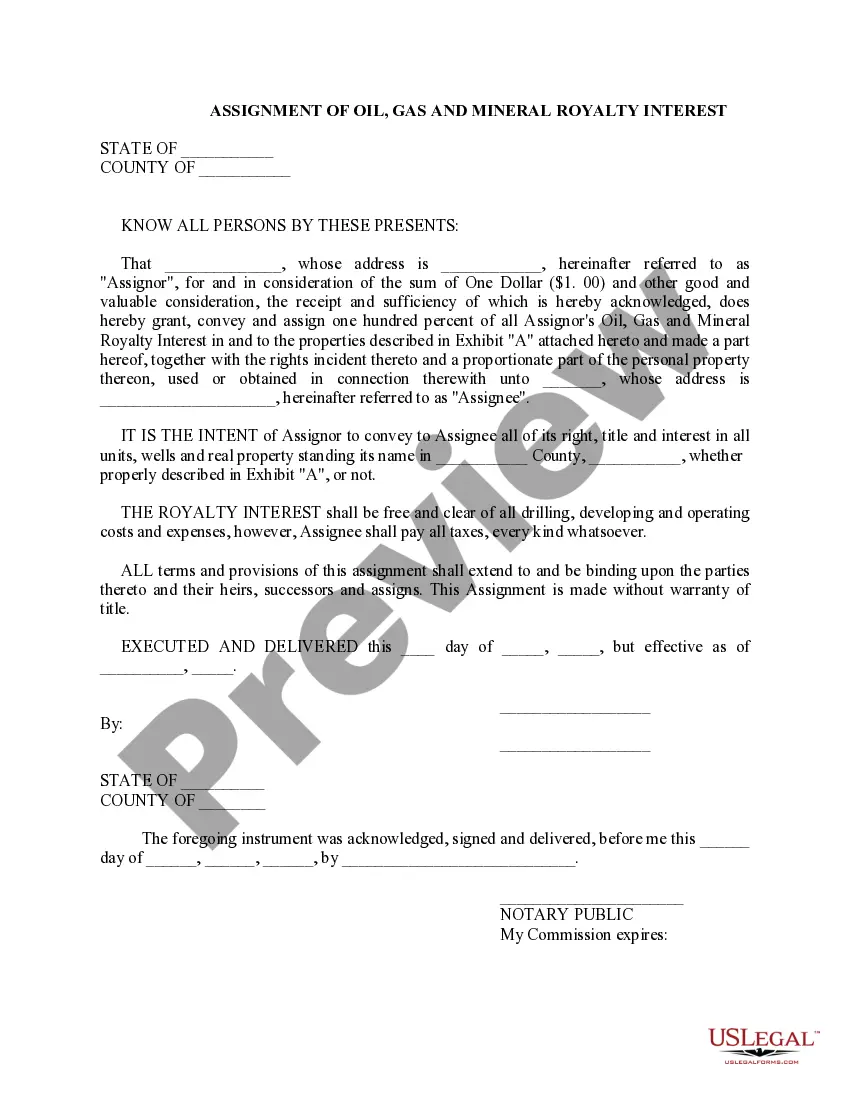
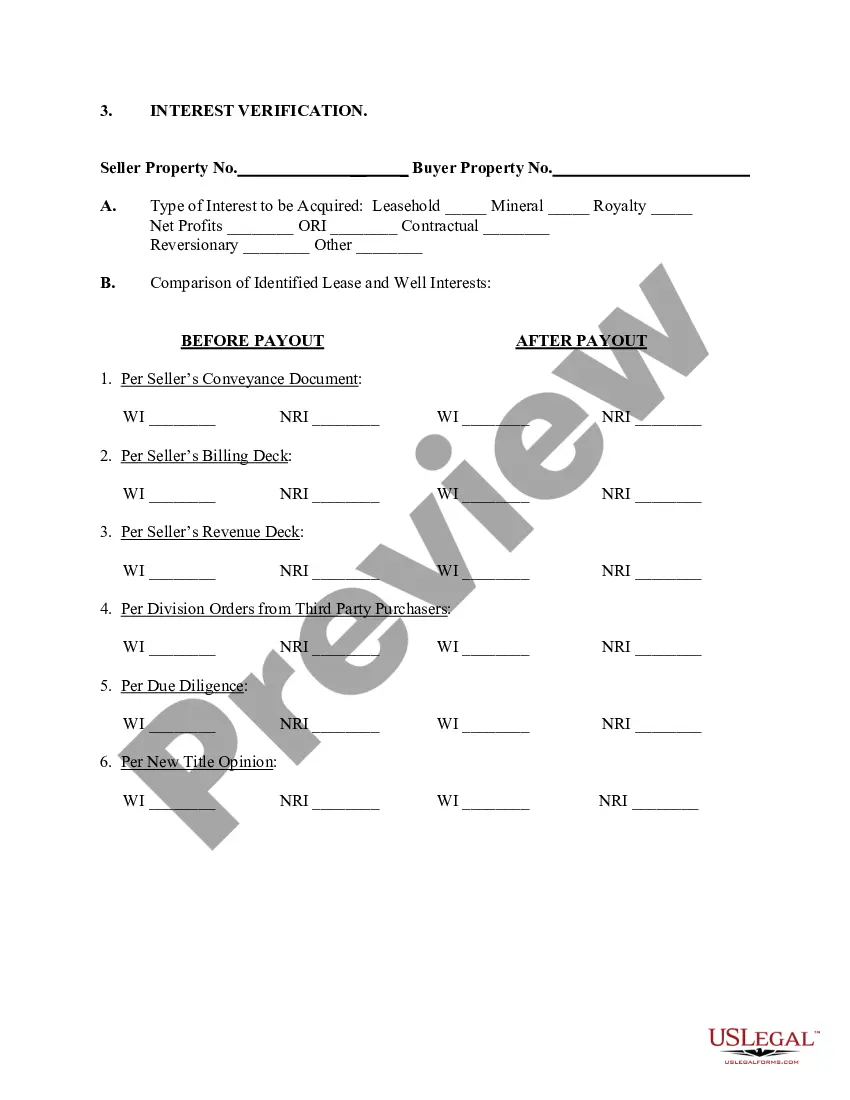
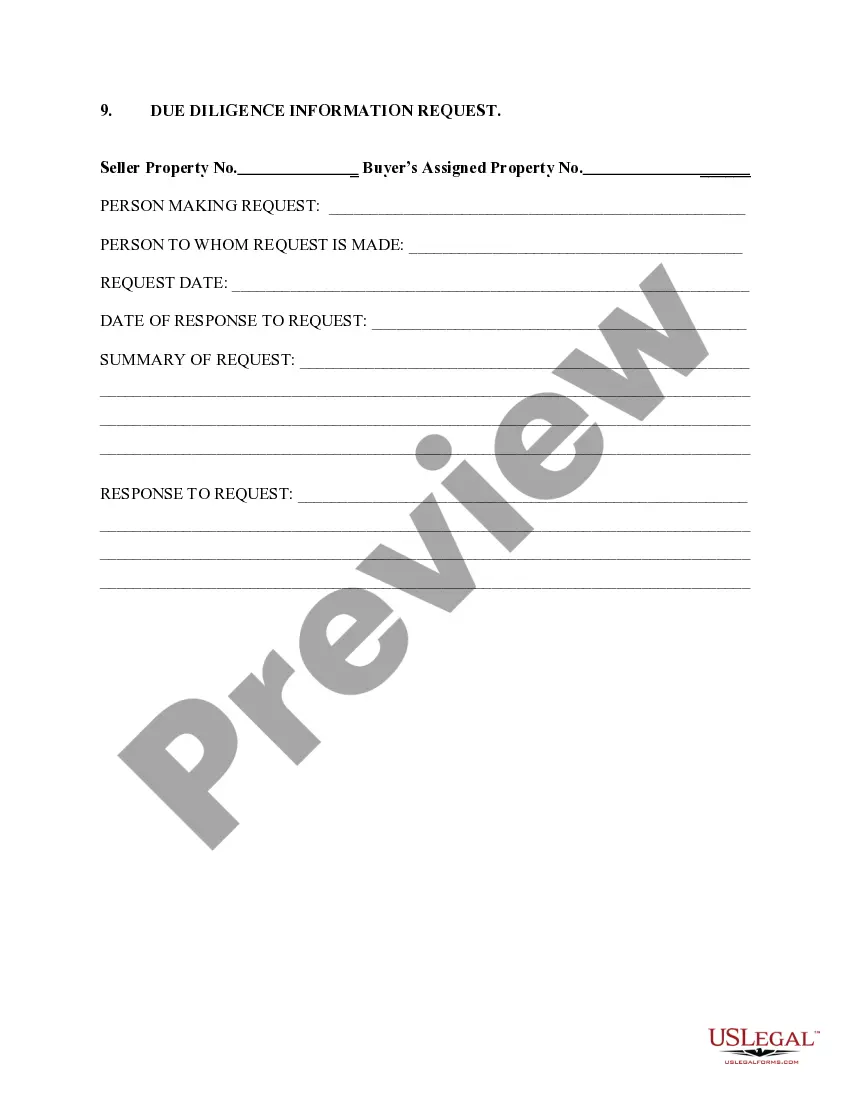
Massachusetts Request For Information on Payout Status
Description
Get your form ready online
Our built-in tools help you complete, sign, share, and store your documents in one place.
Make edits, fill in missing information, and update formatting in US Legal Forms—just like you would in MS Word.
Download a copy, print it, send it by email, or mail it via USPS—whatever works best for your next step.
Sign and collect signatures with our SignNow integration. Send to multiple recipients, set reminders, and more. Go Premium to unlock E-Sign.
If this form requires notarization, complete it online through a secure video call—no need to meet a notary in person or wait for an appointment.
We protect your documents and personal data by following strict security and privacy standards.

Make edits, fill in missing information, and update formatting in US Legal Forms—just like you would in MS Word.

Download a copy, print it, send it by email, or mail it via USPS—whatever works best for your next step.

Sign and collect signatures with our SignNow integration. Send to multiple recipients, set reminders, and more. Go Premium to unlock E-Sign.

If this form requires notarization, complete it online through a secure video call—no need to meet a notary in person or wait for an appointment.

We protect your documents and personal data by following strict security and privacy standards.
Looking for another form?



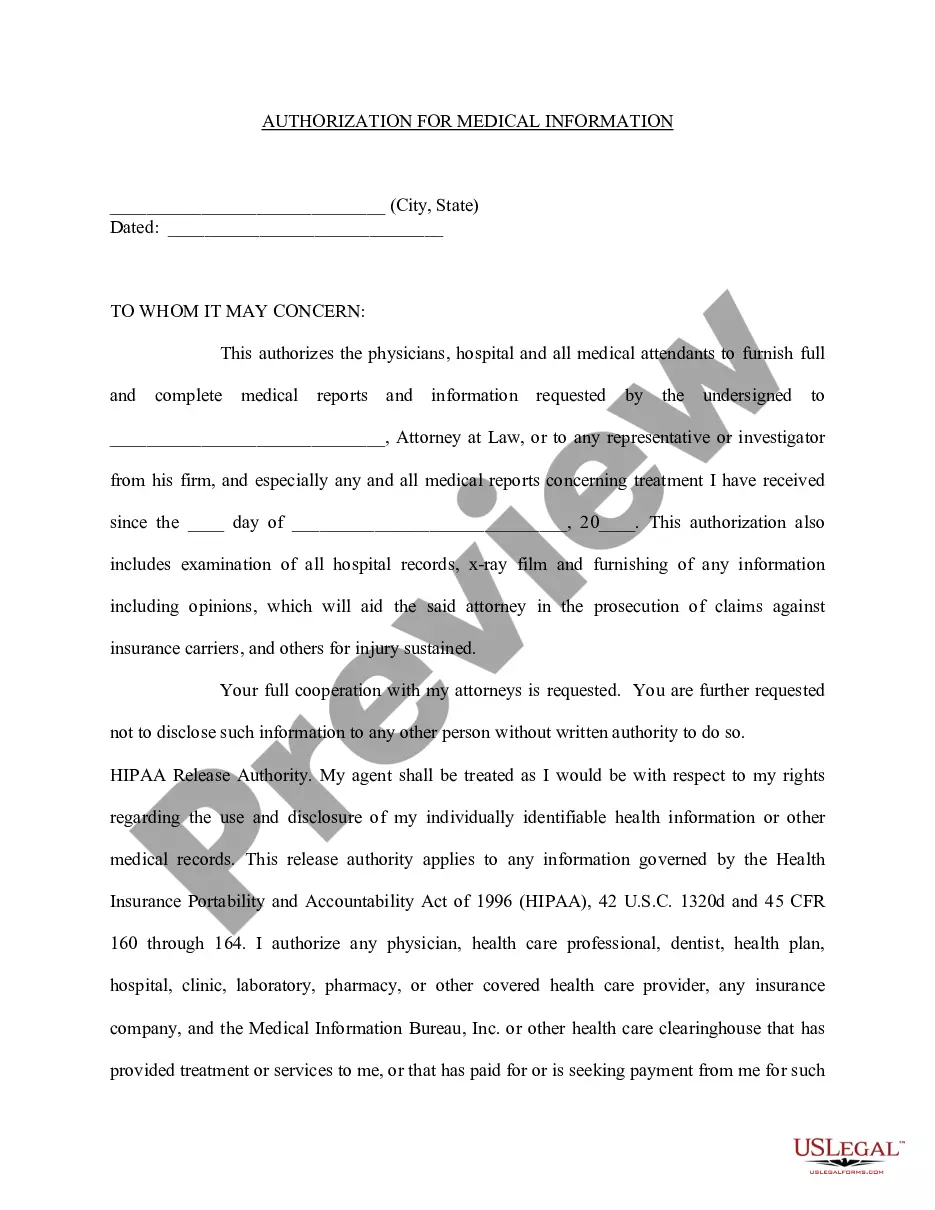
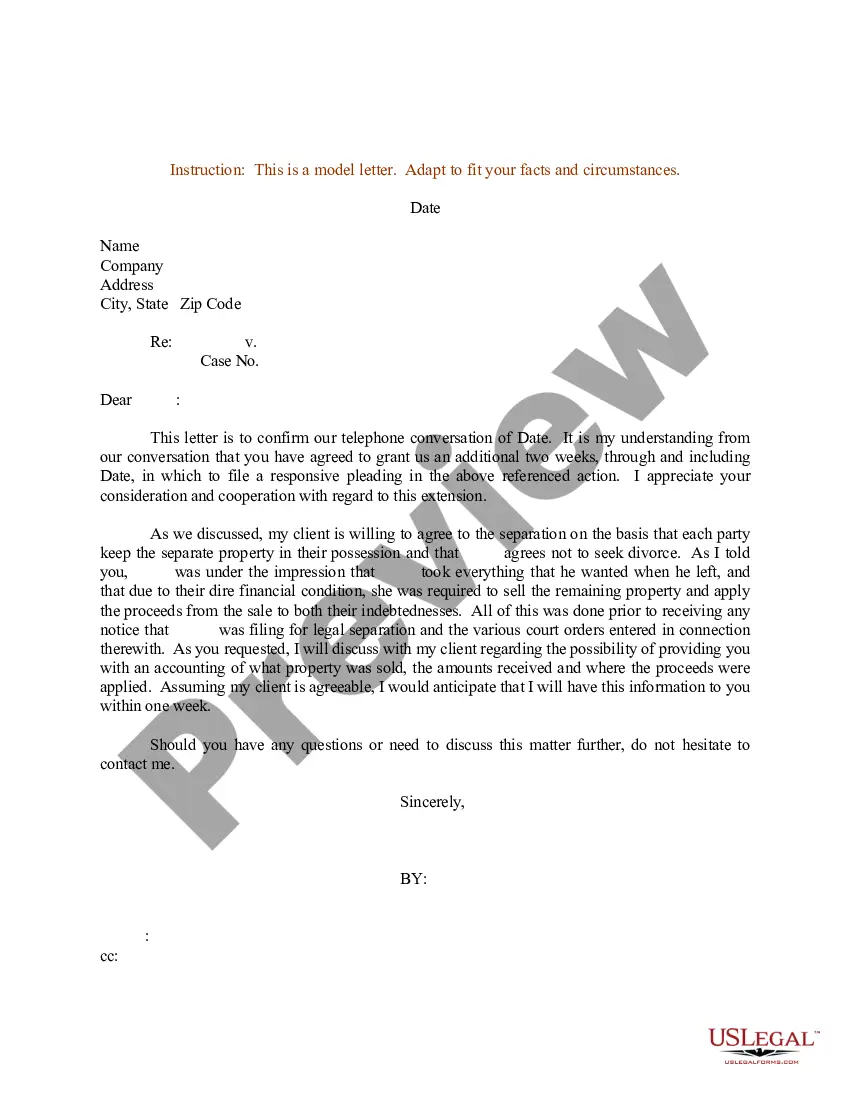
How to fill out Request For Information On Payout Status?
You are able to invest hours on-line trying to find the legitimate document design that suits the state and federal needs you want. US Legal Forms offers a huge number of legitimate varieties which are evaluated by specialists. You can easily down load or print the Massachusetts Request For Information on Payout Status from your service.
If you have a US Legal Forms bank account, you are able to log in and then click the Down load key. After that, you are able to comprehensive, modify, print, or sign the Massachusetts Request For Information on Payout Status. Every single legitimate document design you get is your own forever. To have yet another backup of the acquired kind, visit the My Forms tab and then click the related key.
Should you use the US Legal Forms site initially, follow the simple instructions below:
- Initial, make sure that you have selected the correct document design for that area/metropolis of your choice. Browse the kind outline to make sure you have picked out the proper kind. If offered, utilize the Preview key to check from the document design as well.
- In order to discover yet another edition in the kind, utilize the Research discipline to discover the design that fits your needs and needs.
- Once you have discovered the design you want, click Acquire now to move forward.
- Choose the rates strategy you want, type your accreditations, and sign up for a free account on US Legal Forms.
- Comprehensive the transaction. You can use your bank card or PayPal bank account to purchase the legitimate kind.
- Choose the file format in the document and down load it for your device.
- Make modifications for your document if necessary. You are able to comprehensive, modify and sign and print Massachusetts Request For Information on Payout Status.
Down load and print a huge number of document layouts using the US Legal Forms Internet site, that offers the most important assortment of legitimate varieties. Use specialist and state-specific layouts to handle your company or individual needs.
Form popularity
FAQ
Notice of Levy ? This notice means that DOR plans to seize (levy) your property. It stays in effect for 60 days until you pay the tax bill in full or get the levy released.
Notice of Intent to Assess (NIA) The NIA is an audit notice that is issued when the DOR believes you owe additional taxes. The NIA will identify the reason DOR believes your tax should be increased. The NIA is not a tax bill; it shows the amount you will owe if you do not dispute it.
What does this letter or notice mean to me? The IRS has assessed tax and/or penalties against you. The liability may be due to a filed return, an audit, assessment of an additional tax, and/or assessment of a penalty. This notice or letter is informing you of how much you owe, when it's due, and how to pay.
Notice of Intent to Assess (NIA): An NIA is sent to you because the Department of Revenue (DOR) believes you owe additional taxes to the Commonwealth.
Contact Center hours are 9 a.m. ? 4 p.m., Monday through Friday. (617) 887-6367 or (800) 392-6089 (toll-free in Massachusetts).
A Notice of Intent to Assess (NIA) - Information Request is sent because the Department of Revenue (DOR) needs additional information to continue processing your tax return. The NIA ? Information Request will tell you what to send in.
By phone + If you don't have access to MassTaxConnect, you may call: (617) 887-6367 or. Toll-free in Massachusetts (800) 392-6089.
Notice of Assessment (NOA) The NOA is a bill that is sent when we determine that you owe taxes. This could be the result of: An audit (NIA) A late return.