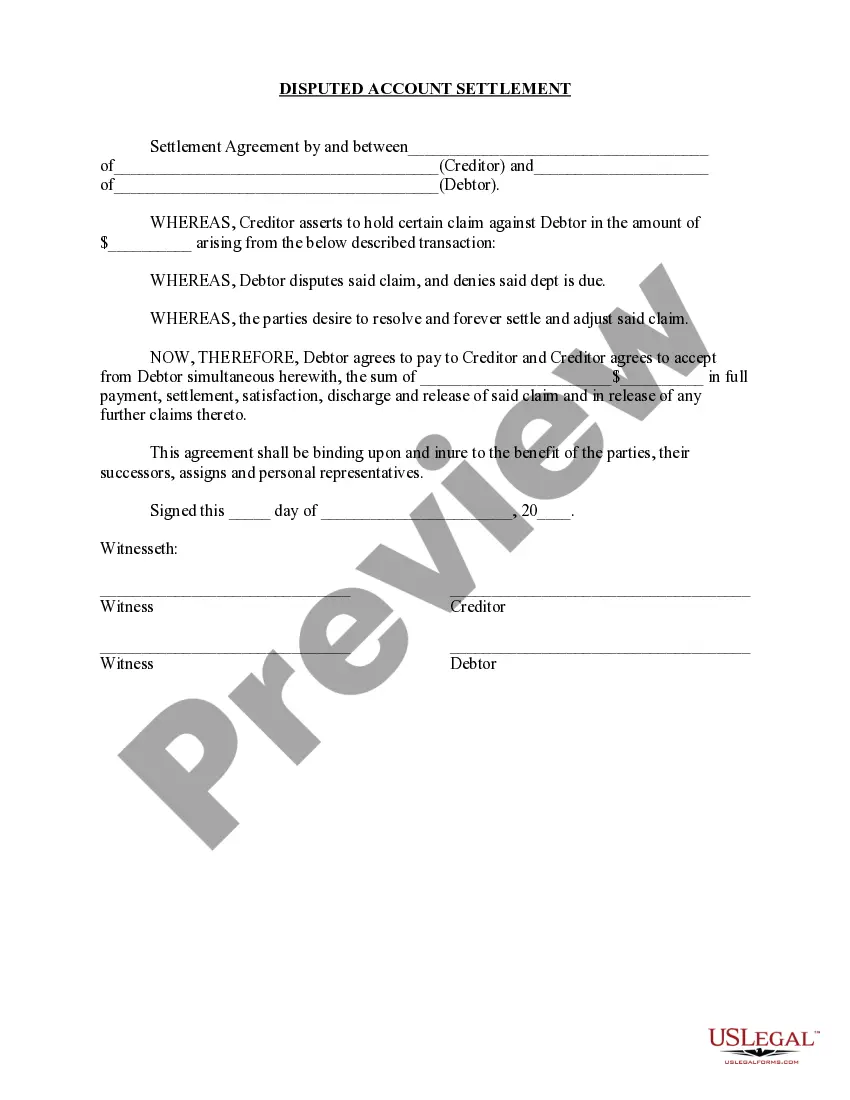
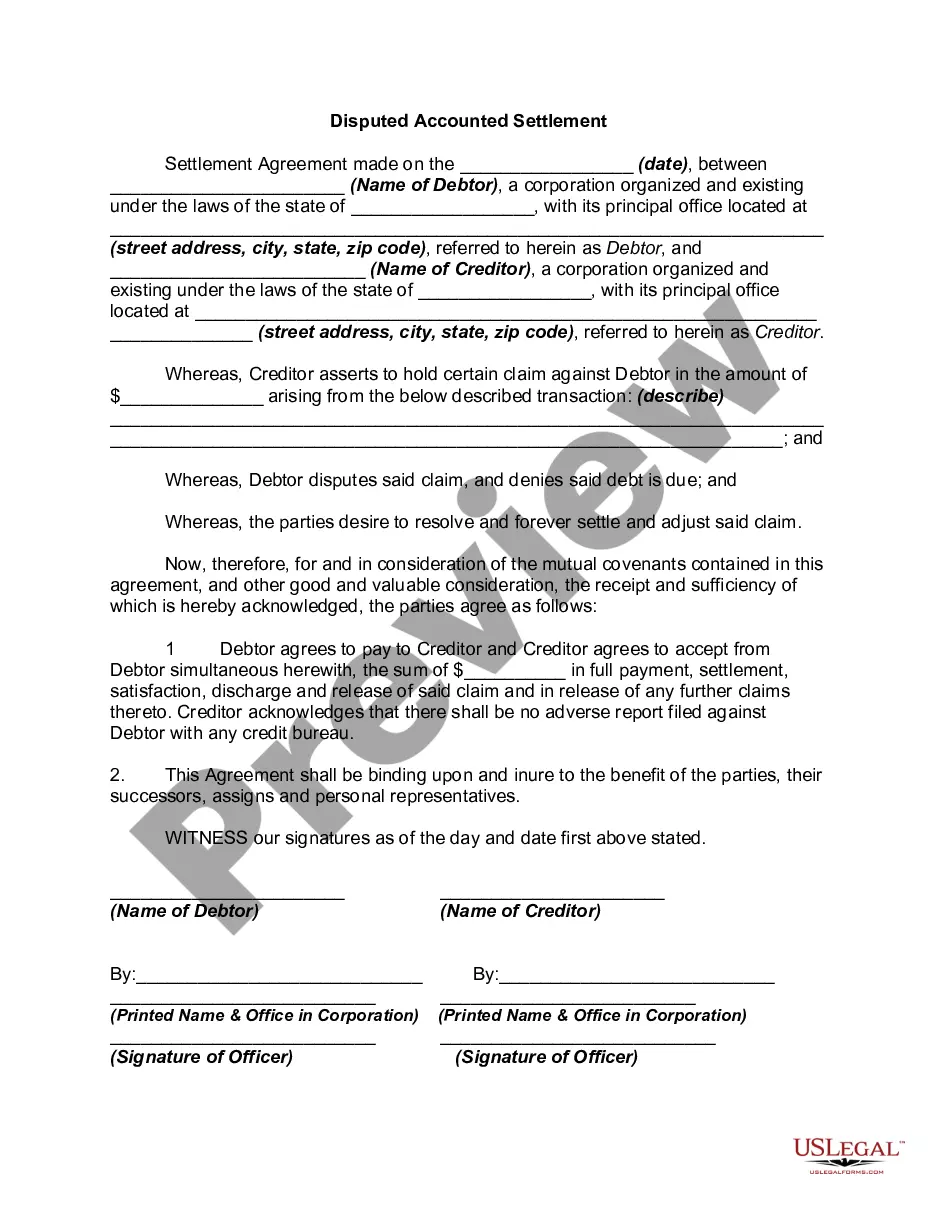
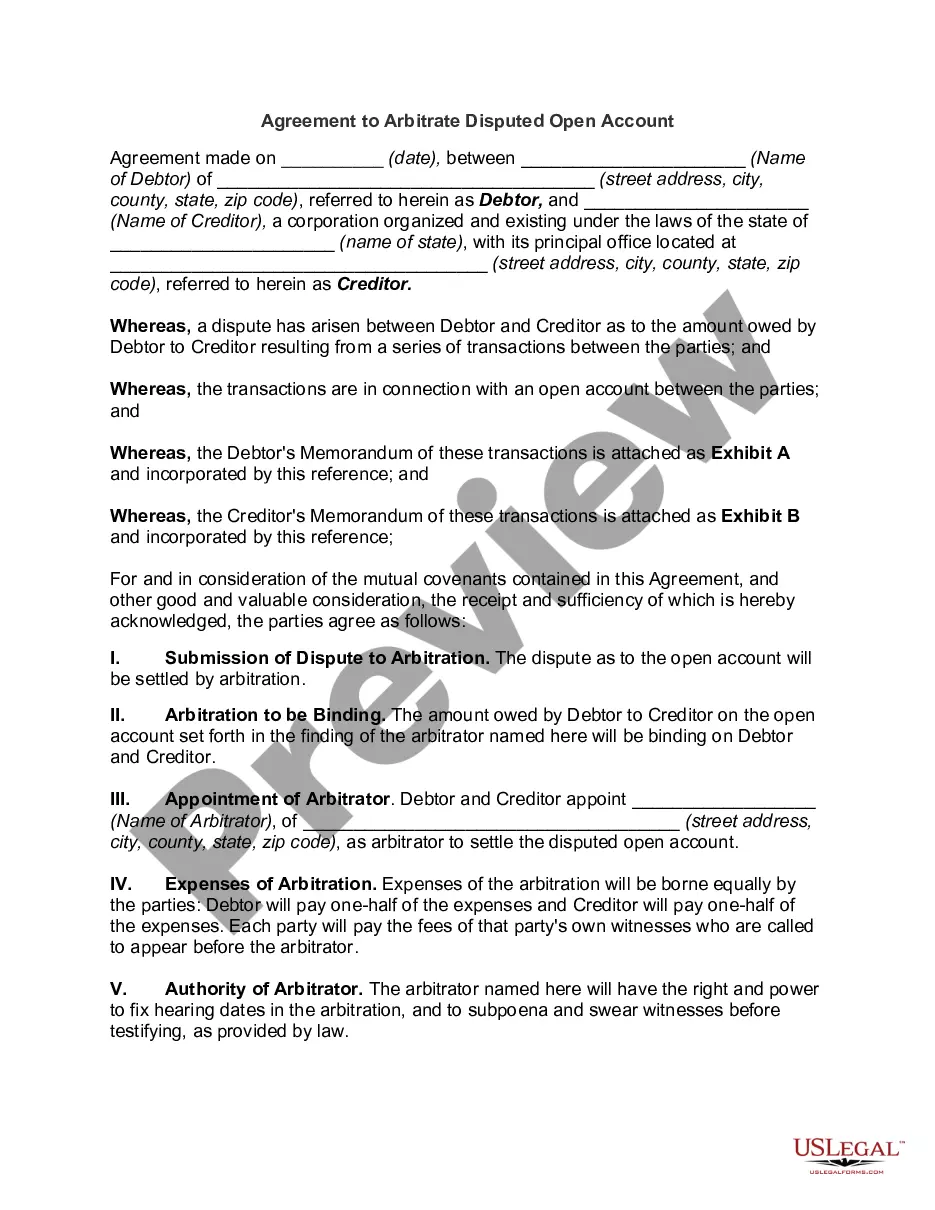
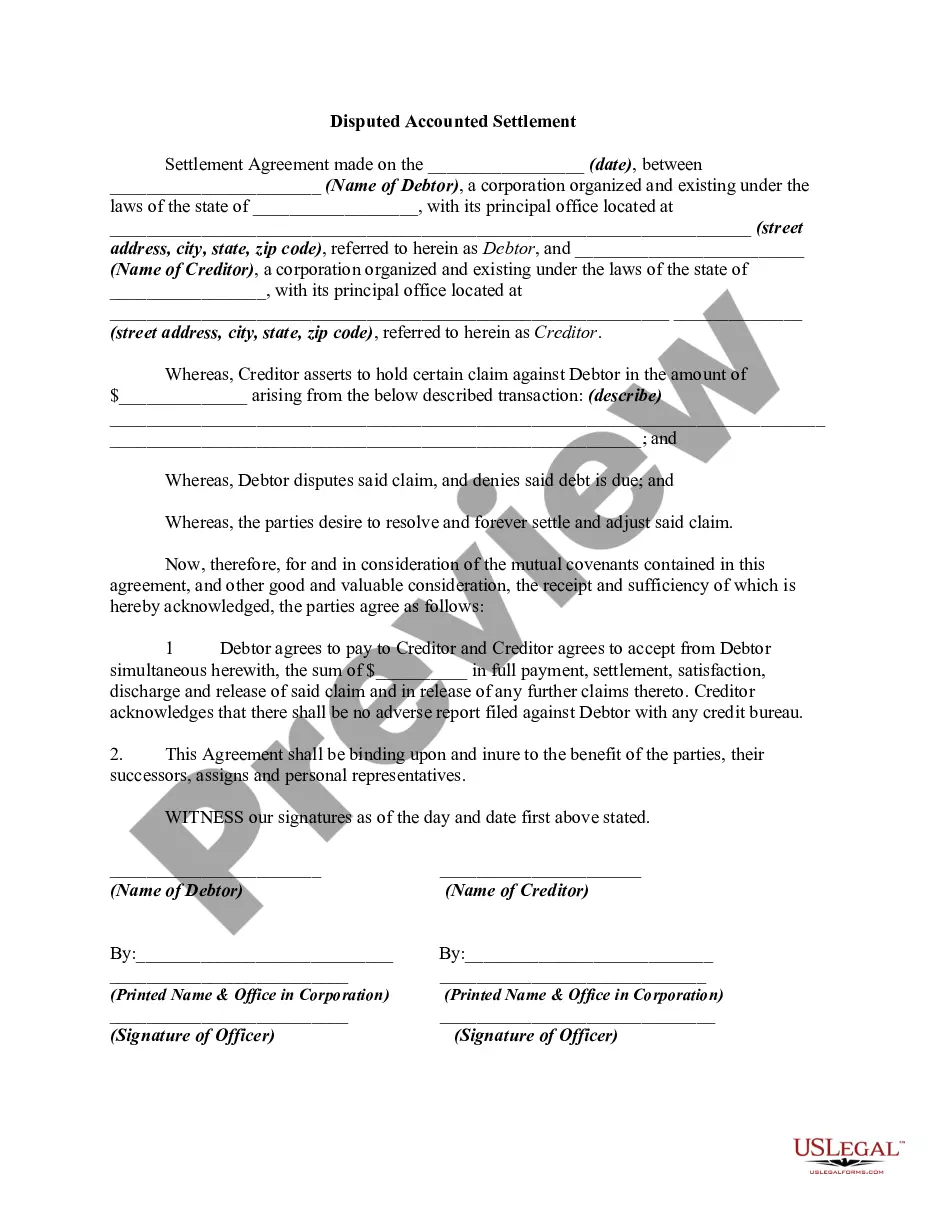
Massachusetts Disputed Open Account Settlement
Description
Get your form ready online
Our built-in tools help you complete, sign, share, and store your documents in one place.
Make edits, fill in missing information, and update formatting in US Legal Forms—just like you would in MS Word.
Download a copy, print it, send it by email, or mail it via USPS—whatever works best for your next step.
Sign and collect signatures with our SignNow integration. Send to multiple recipients, set reminders, and more. Go Premium to unlock E-Sign.
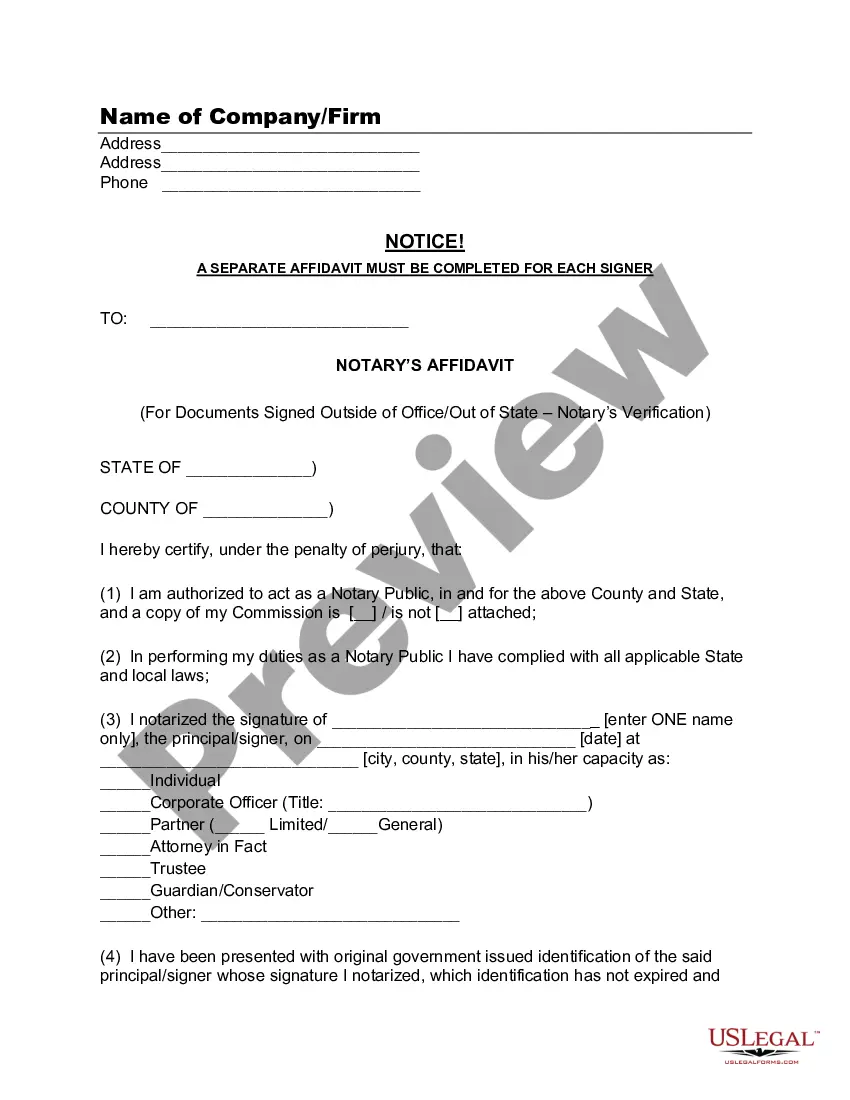
If this form requires notarization, complete it online through a secure video call—no need to meet a notary in person or wait for an appointment.
We protect your documents and personal data by following strict security and privacy standards.

Make edits, fill in missing information, and update formatting in US Legal Forms—just like you would in MS Word.

Download a copy, print it, send it by email, or mail it via USPS—whatever works best for your next step.

Sign and collect signatures with our SignNow integration. Send to multiple recipients, set reminders, and more. Go Premium to unlock E-Sign.

If this form requires notarization, complete it online through a secure video call—no need to meet a notary in person or wait for an appointment.

We protect your documents and personal data by following strict security and privacy standards.
Looking for another form?





How to fill out Disputed Open Account Settlement?
Are you presently in the location where you will frequently require documentation for either business or personal purposes almost every workday.
There is a multitude of legal document templates accessible online, but finding ones you can trust is challenging.
US Legal Forms offers thousands of form templates, such as the Massachusetts Disputed Open Account Settlement, which are crafted to meet state and federal requirements.
Once you locate the correct form, just click Purchase now.
Choose the pricing plan you want, fill in the required details to process your payment, and complete the transaction using your PayPal or credit card.
- If you are currently familiar with the US Legal Forms site and have an account, simply Log In.
- Then, you can obtain the Massachusetts Disputed Open Account Settlement template.
- If you do not have an account and wish to start using US Legal Forms, follow these steps.
- Acquire the form you need and confirm it is for the correct city/state.
- Utilize the Review button to examine the form.
- Read the description to ensure that you have selected the right form.
- If the form isn't what you're seeking, make use of the Search field to find the form that meets your needs.
Form popularity
FAQ
TAX (APPEAlS) Appeal before a CIT(A) can be filed only in the prescribed form number 35 and is to be accompanied by the proof of payment of prescribed appeal fee and original copy of the notice of demand issued by the assessing officer under section 156 and a copy of the order.
Most taxpayers can use MassTaxConnect to dispute an audit finding or a penalty by choosing "File a Dispute" under "I Want To" in their account for each tax type. Keep in mind that some taxpayers are required to file amended returns and applications for abatement electronically.
Contact Center hours are 9 a.m. ? 4 p.m., Monday through Friday. (617) 887-6367 or (800) 392-6089 (toll-free in Massachusetts).
For more information or to obtain forms, please call the Contact Center at (617) 887-6367 or toll-free in Massachusetts at (800) 392-6089. Most taxpayers can use MassTaxConnect to dispute an audit finding or a penalty by choosing "File a Dispute" under "I Want To" in their account for each tax type.
Contact Center hours are 9 a.m. ? 4 p.m., Monday through Friday. (617) 887-6367 or (800) 392-6089 (toll-free in Massachusetts).
Appealing the Abatement or Denial You must first appeal your value to the local Board of Assessors and receive a decision from them. You must apply to the ATB within three months of the date of the Board of Assessors' decision (not the date of the notice). ... All relevant fiscal year property taxes must be paid timely.
This page, About the Massachusetts Department of Revenue (DOR), is offered by. Massachusetts Department of Revenue.
With MassTaxConnect Choose the More? tab. In the Other Actions box, choose File an Appeal. Choose the Yes option under Type of Appeal to tell us that you are filing a Responsible Person appeal.