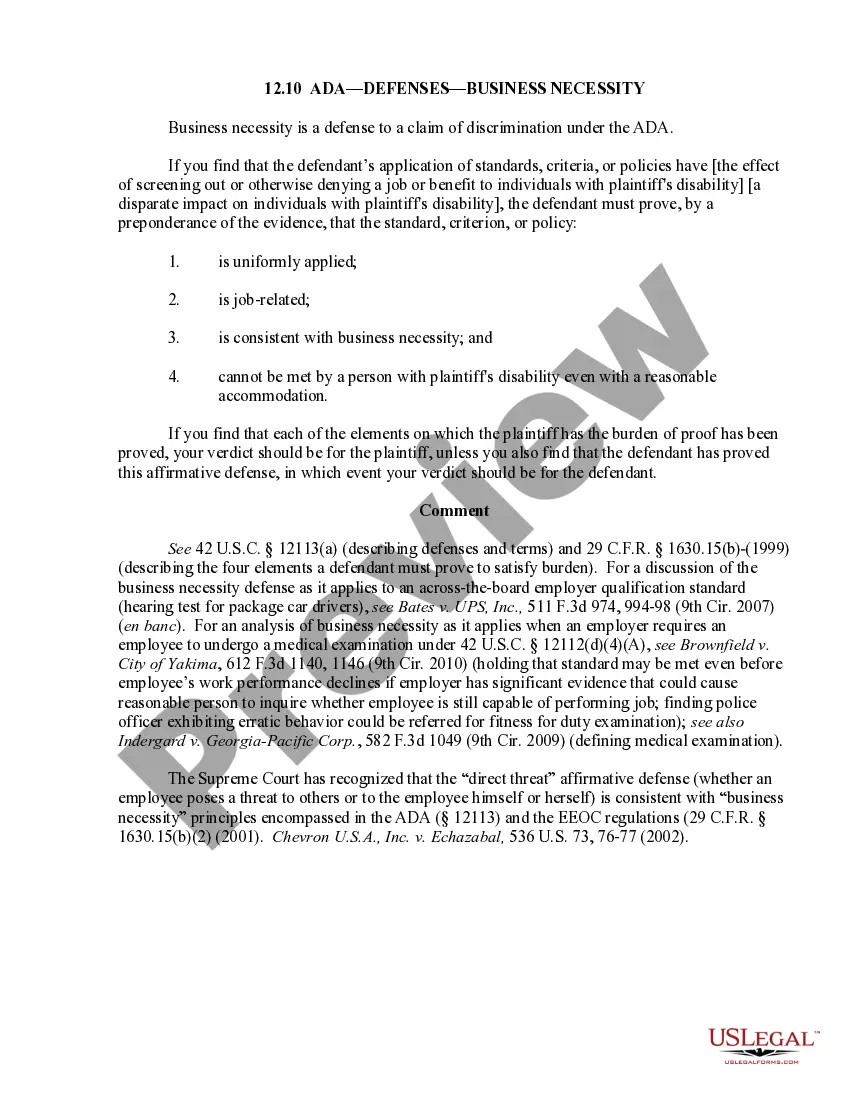
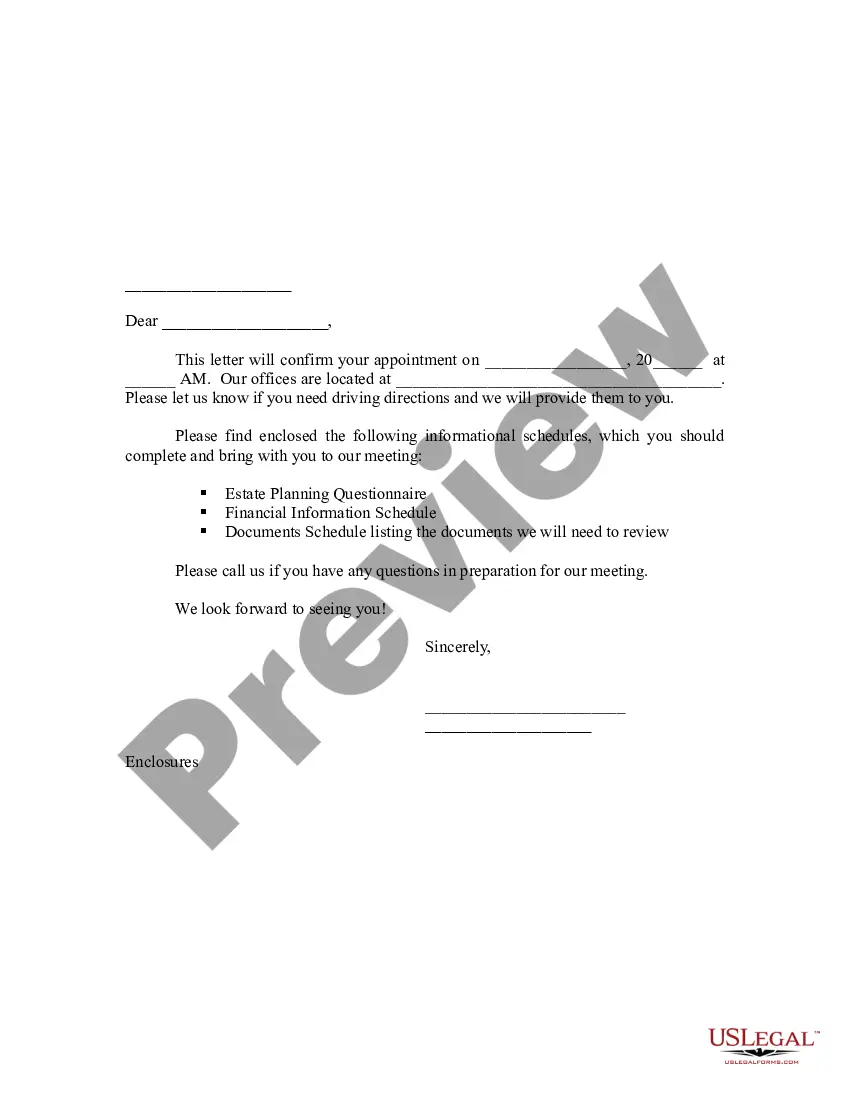
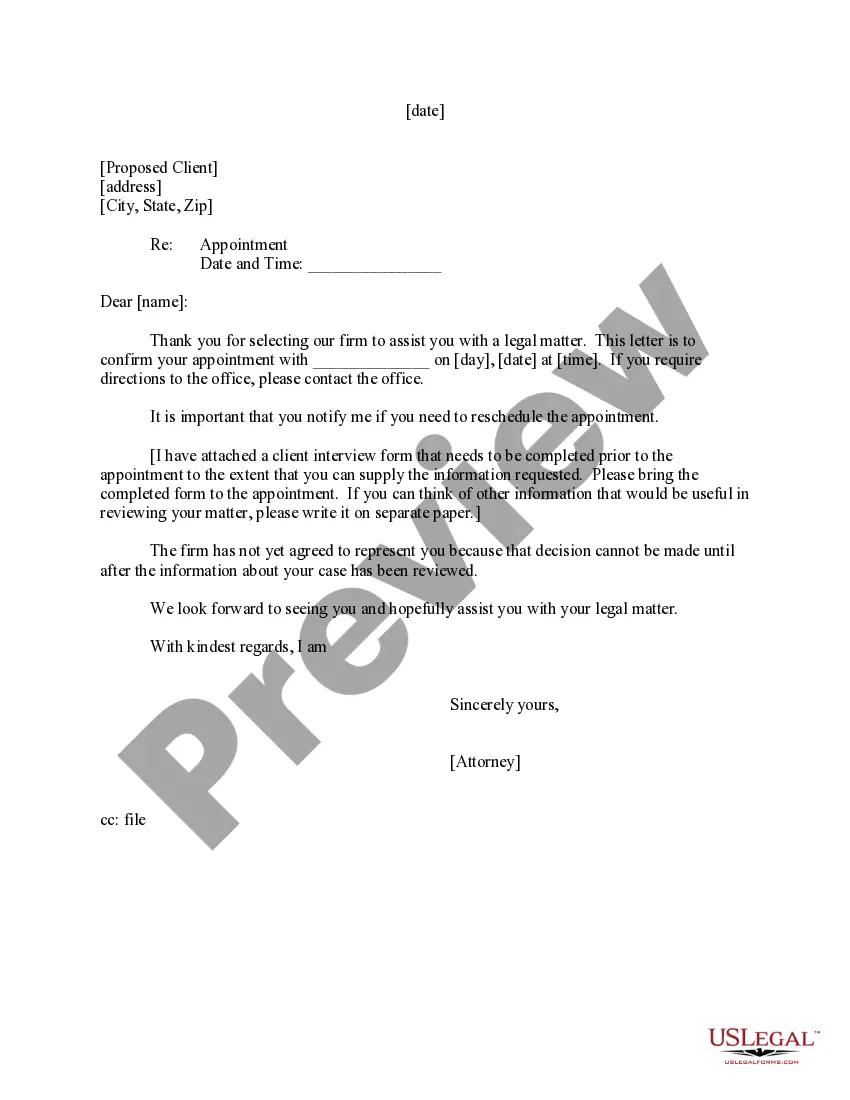
This letter may be used after a contact is made with a potential client who asks your firm to represent him/her.
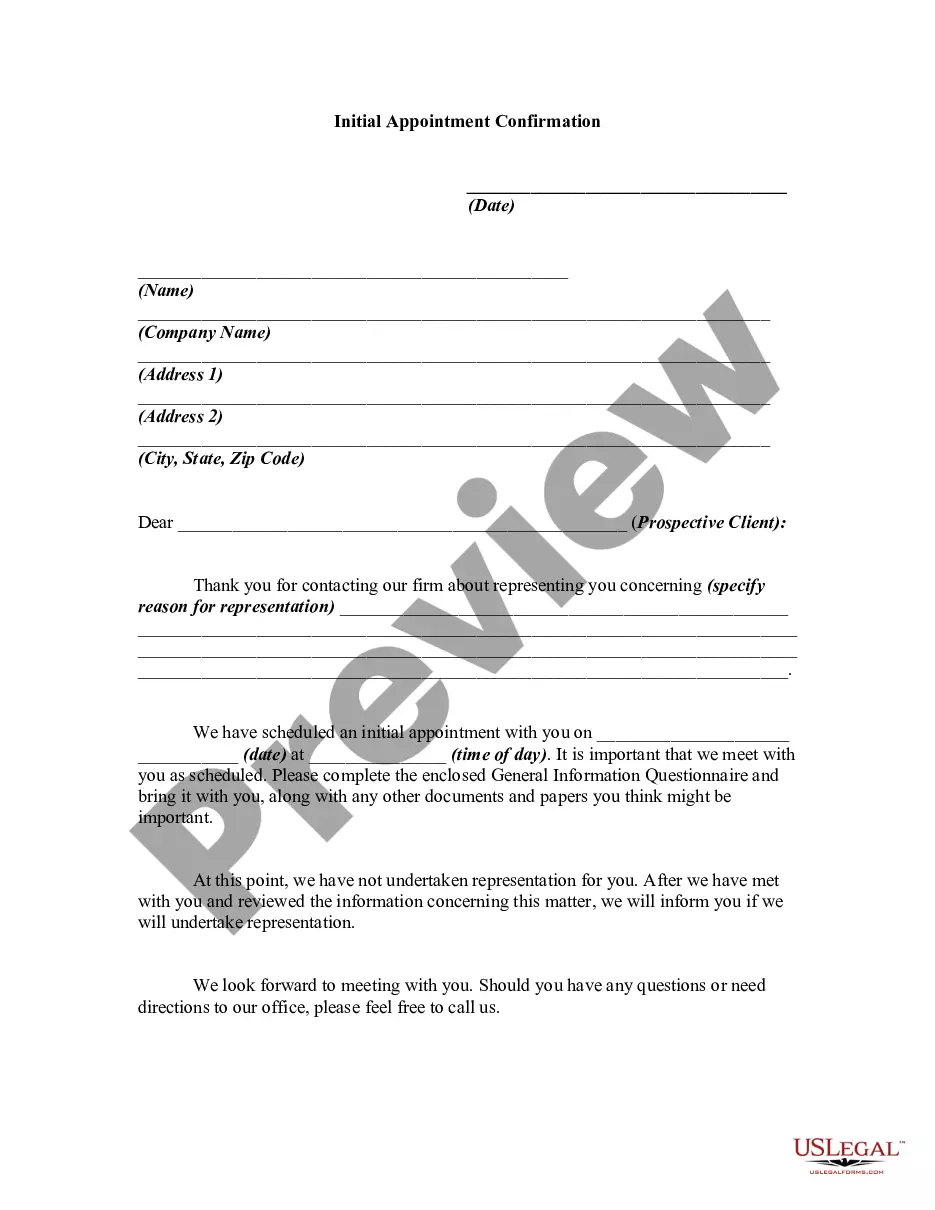
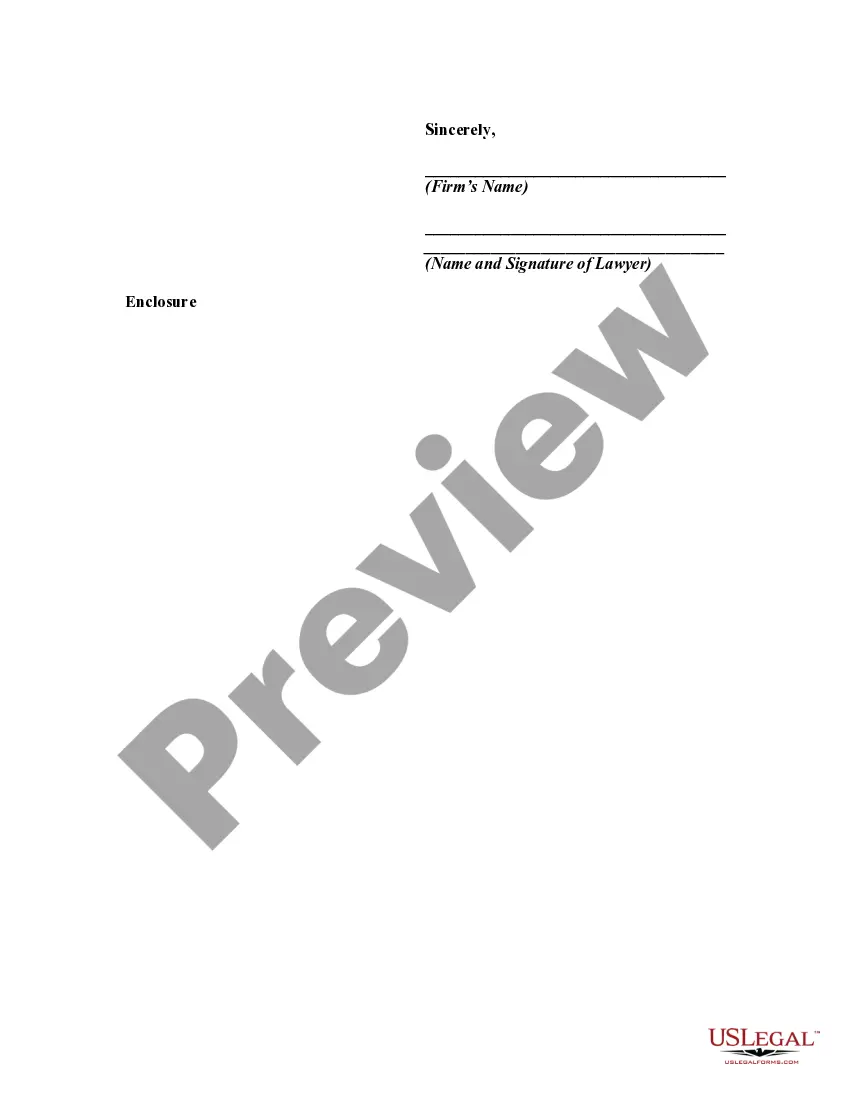
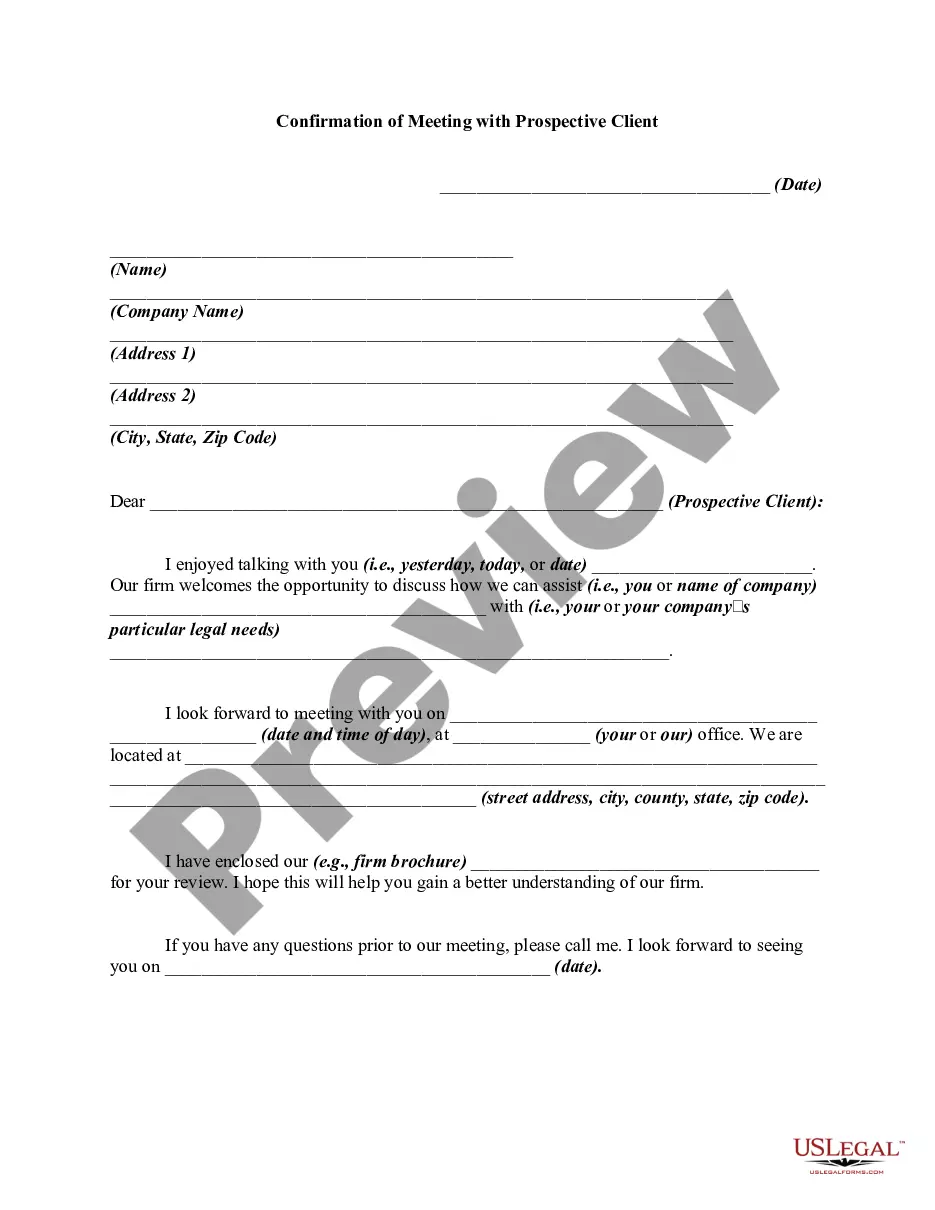
Massachusetts Initial Appointment Confirmation
Instant download
Description
Free preview

Get your form ready online
Our built-in tools help you complete, sign, share, and store your documents in one place.
Built-in online Word editor
Make edits, fill in missing information, and update formatting in US Legal Forms—just like you would in MS Word.
Export easily
Download a copy, print it, send it by email, or mail it via USPS—whatever works best for your next step.
E-sign your document
Sign and collect signatures with our SignNow integration. Send to multiple recipients, set reminders, and more. Go Premium to unlock E-Sign.
Notarize online 24/7
If this form requires notarization, complete it online through a secure video call—no need to meet a notary in person or wait for an appointment.
Store your document securely
We protect your documents and personal data by following strict security and privacy standards.

Make edits, fill in missing information, and update formatting in US Legal Forms—just like you would in MS Word.

Download a copy, print it, send it by email, or mail it via USPS—whatever works best for your next step.

Sign and collect signatures with our SignNow integration. Send to multiple recipients, set reminders, and more. Go Premium to unlock E-Sign.

If this form requires notarization, complete it online through a secure video call—no need to meet a notary in person or wait for an appointment.

We protect your documents and personal data by following strict security and privacy standards.
Looking for another form?



How to fill out Initial Appointment Confirmation?
Are you currently in a location where you frequently require documents for either business or personal reasons? There are numerous legal document templates available online, but finding reliable ones can be challenging. US Legal Forms offers a vast array of form templates, including the Massachusetts Initial Appointment Confirmation, designed to comply with federal and state regulations.
If you are already familiar with the US Legal Forms website and have an account, simply Log In. Then, you can download the Massachusetts Initial Appointment Confirmation template.
If you don’t have an account and wish to start using US Legal Forms, follow these steps.
Access all the document templates you have purchased in the My documents section. You can obtain an additional copy of the Massachusetts Initial Appointment Confirmation anytime, if needed. Just navigate to the required form to download or print the document template.
Utilize US Legal Forms, the most extensive collection of legal forms, to save time and avoid mistakes. The service provides professionally crafted legal document templates that you can use for various purposes. Create an account on US Legal Forms and start simplifying your life.
- Locate the form you need and ensure it is for your correct state/region.
- Use the Review button to assess the form.
- Read the details to confirm that you have chosen the right form.
- If the form is not what you are looking for, use the Search field to find the form that suits your needs and requirements.
- Once you find the correct form, click on Get now.
- Select the pricing plan you prefer, complete the necessary details to create your account, and place an order using your PayPal or credit card.
- Choose a convenient document format and download your copy.
Form popularity
FAQ
MyRMV protects customer accounts by using a two-factor authentication system. This sends a security code to be entered when a customer logs into myRMV to verify their identity. Customers may sometimes have trouble logging onto their myRMV accounts because they are unable to receive the security code.
NOTE: For the Massachusetts Registry of Motor Vehicles main webpage visit Mass.Gov/RMV. Step #2: Select Reservations/Appointments. Step #3: Select Schedule a Service Center Appointment.
Apply For a Replacement Registration Online One of the easiest ways to get your registration replaced in Massachusetts is to apply online for a replacement and pay a one-time fee of $25 through the web portal. How Can I Replace My Registration in MA? | Latest Articles attorneyatlawmagazine.com ? latest-articles ? how... attorneyatlawmagazine.com ? latest-articles ? how...
You may call our Contact Center at 857-368-8000 to speak with a representative. Thank you for taking the time to reach out.
An appointment is required to visit to conduct License or ID related transactions. Note that Registration-related transactions can be performed at an RMV Service Center without an appointment.
$50 each Fees NameFeeUnitPassenger Driver's License Renewal Fee$50eachMotorcycle Driver's License (Class M)$50-Passenger/Motorcycle Driver's License (Class DM)$65each Renew your driver's license - Mass.gov mass.gov ? how-to ? renew-your-drivers-lic... mass.gov ? how-to ? renew-your-drivers-lic...