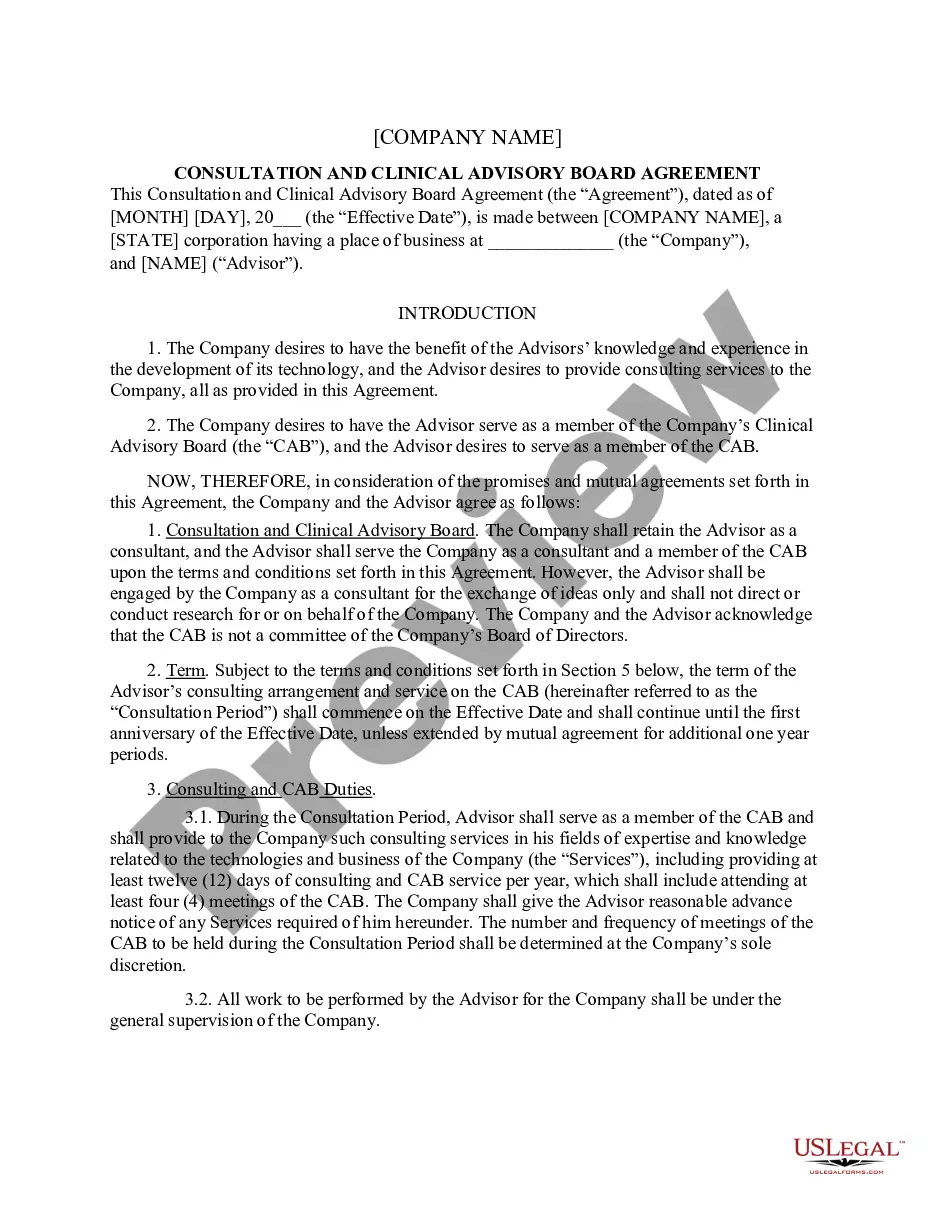
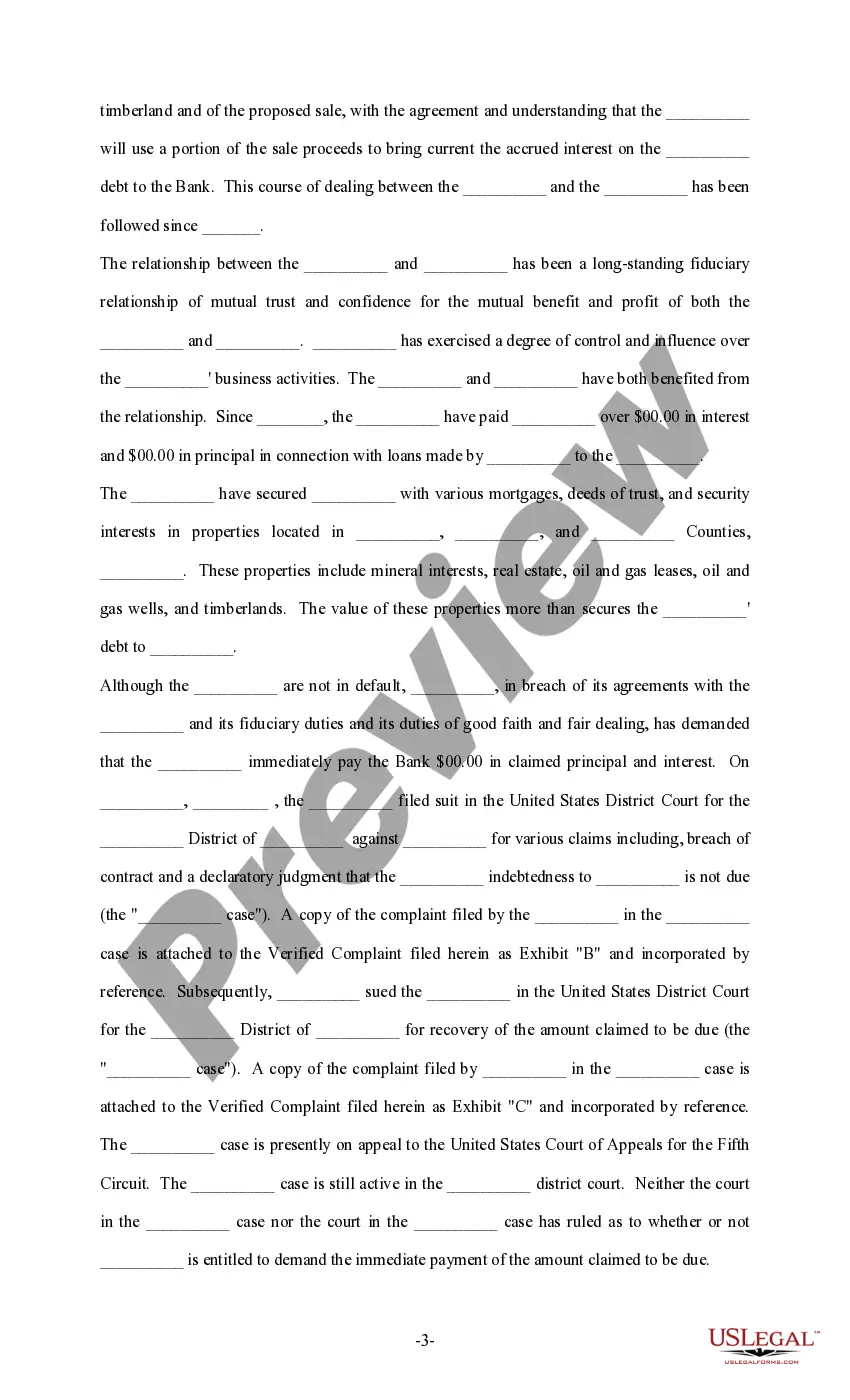
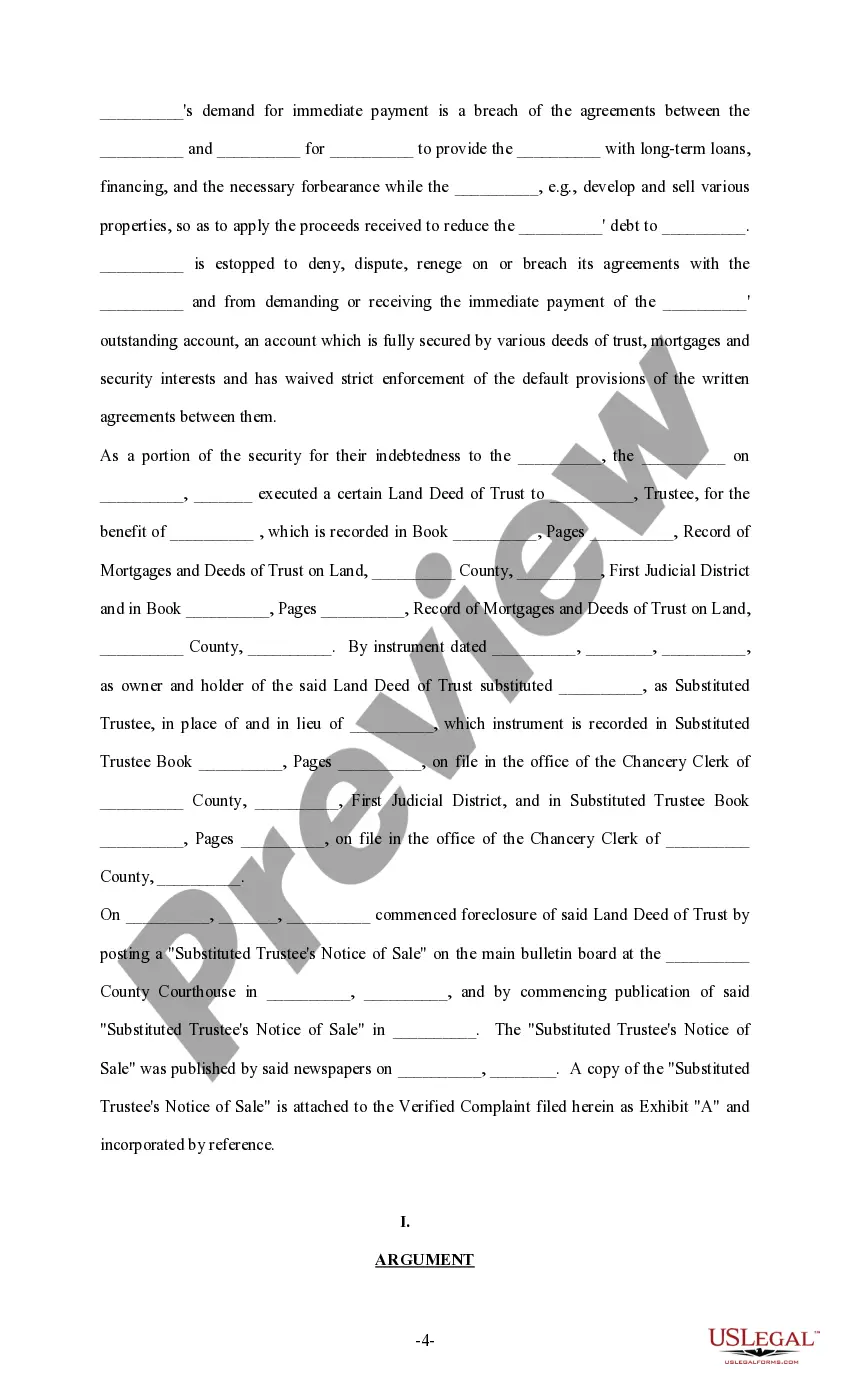
Massachusetts Sample Brief - Injunction
Description

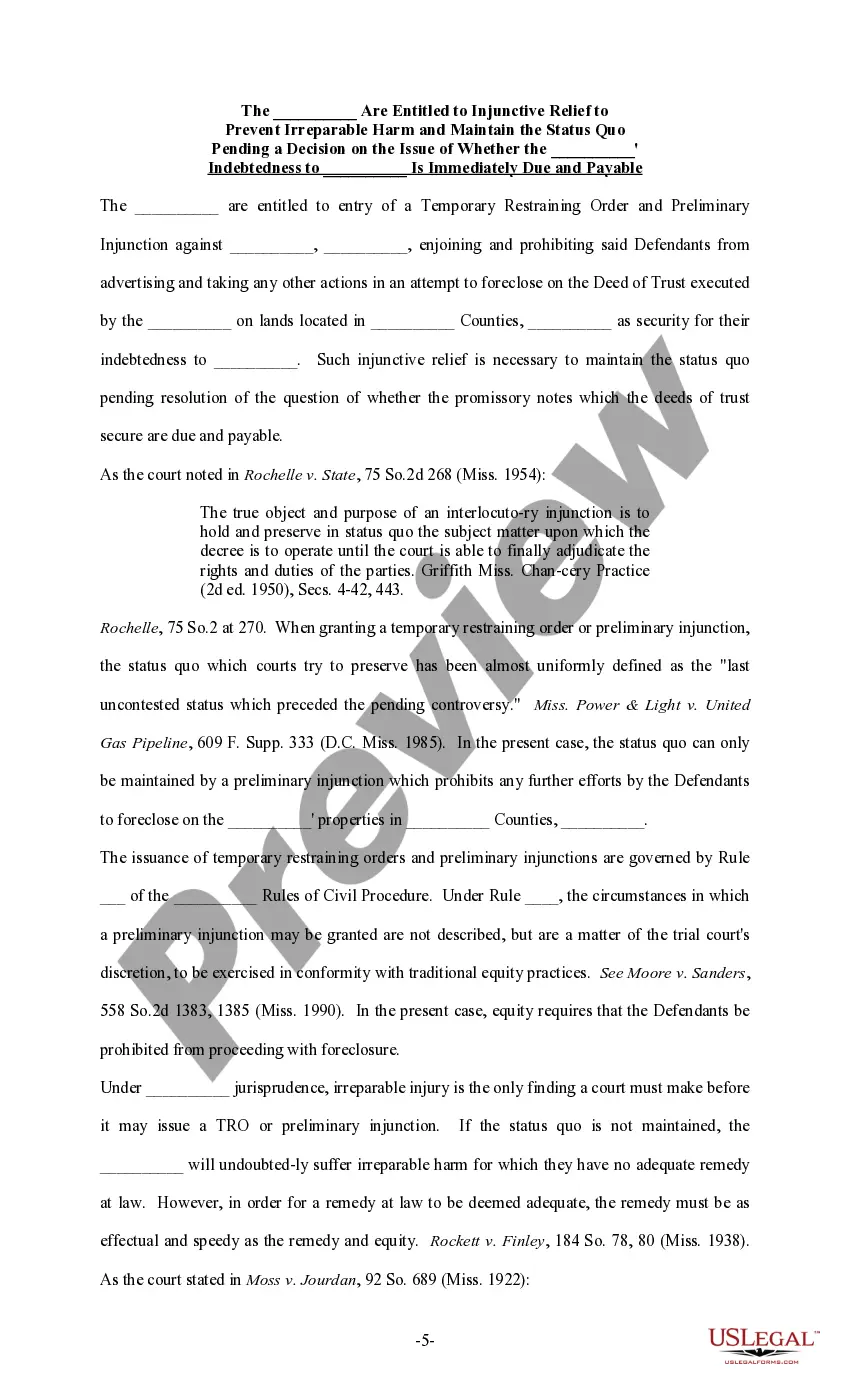
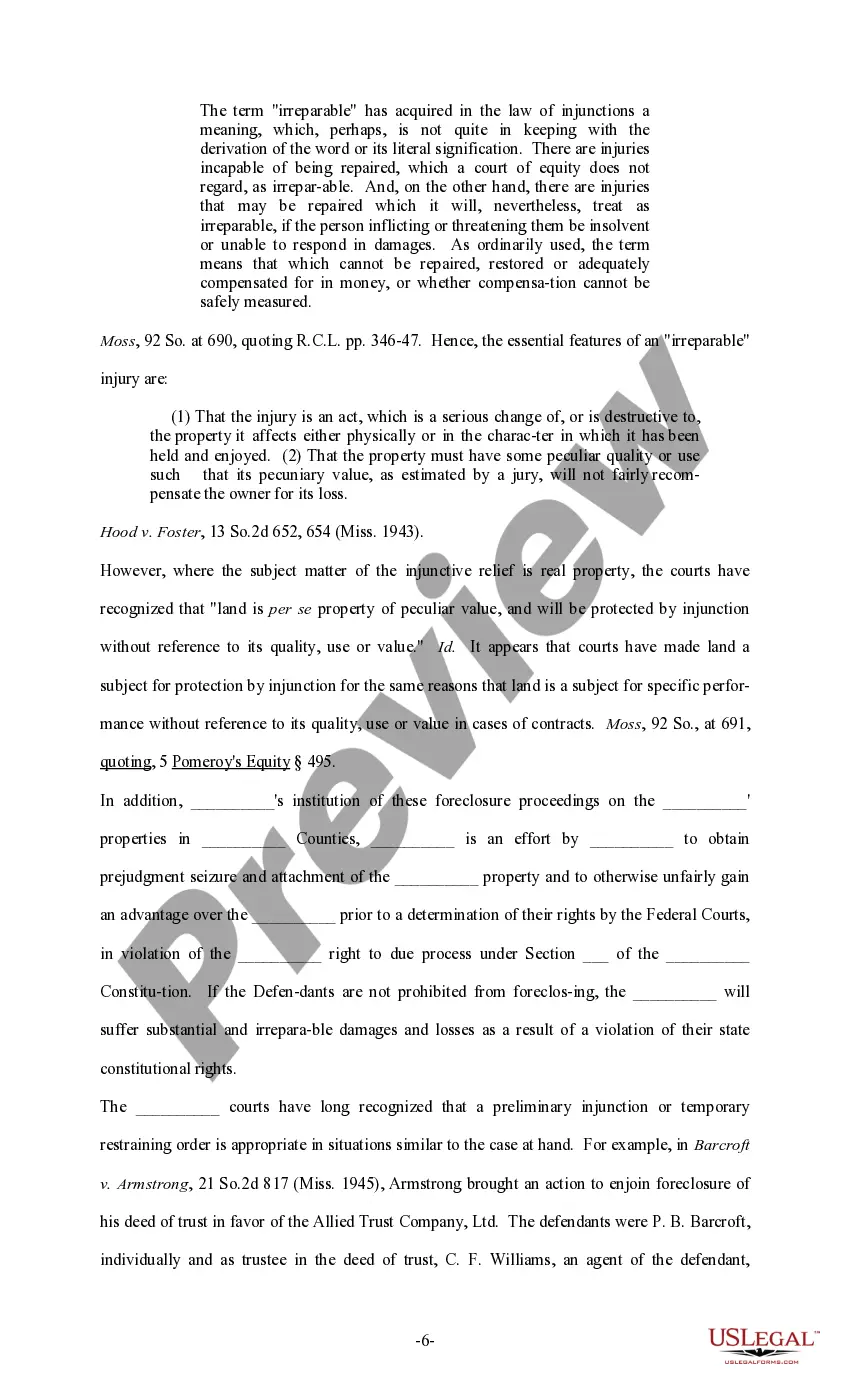
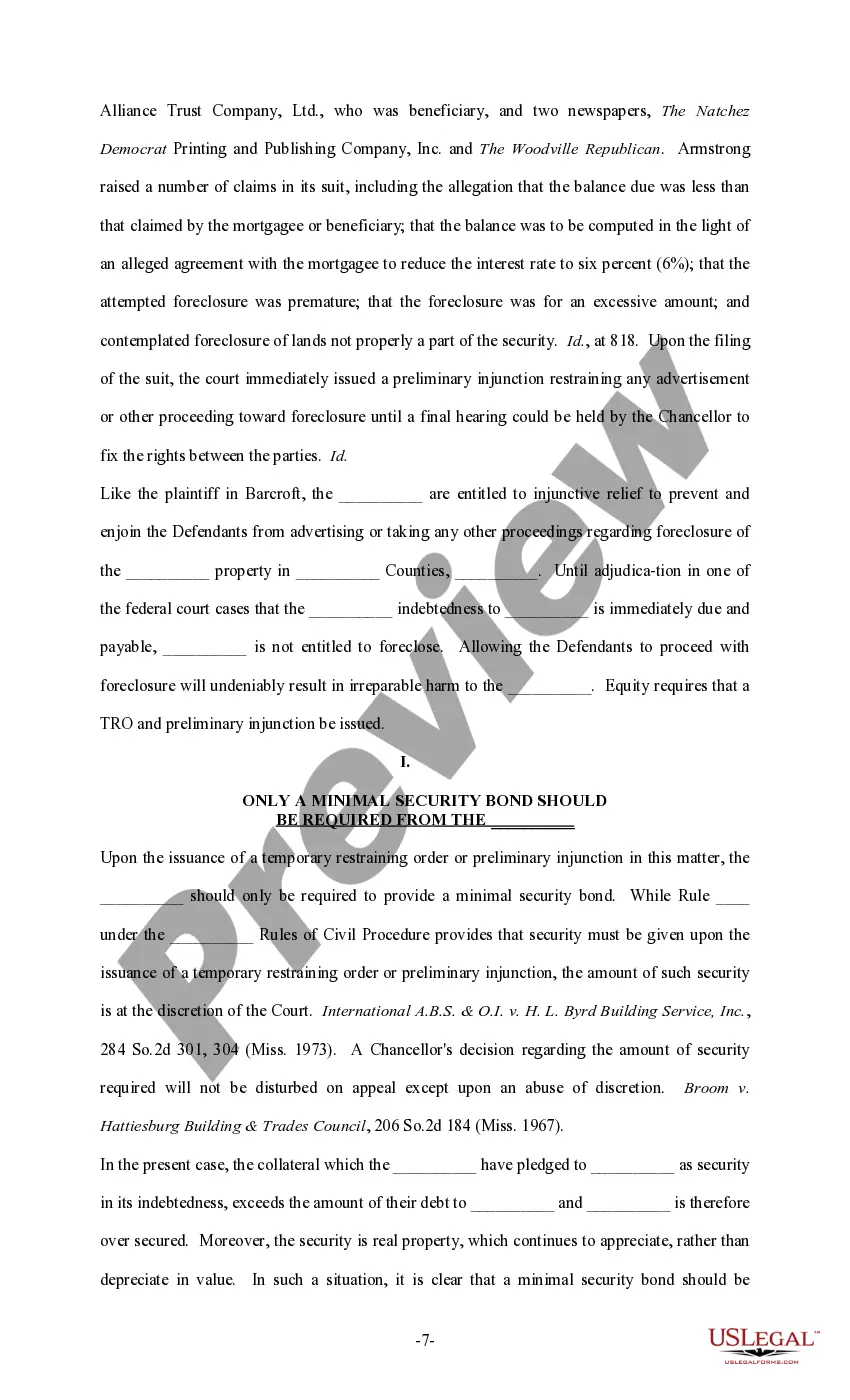
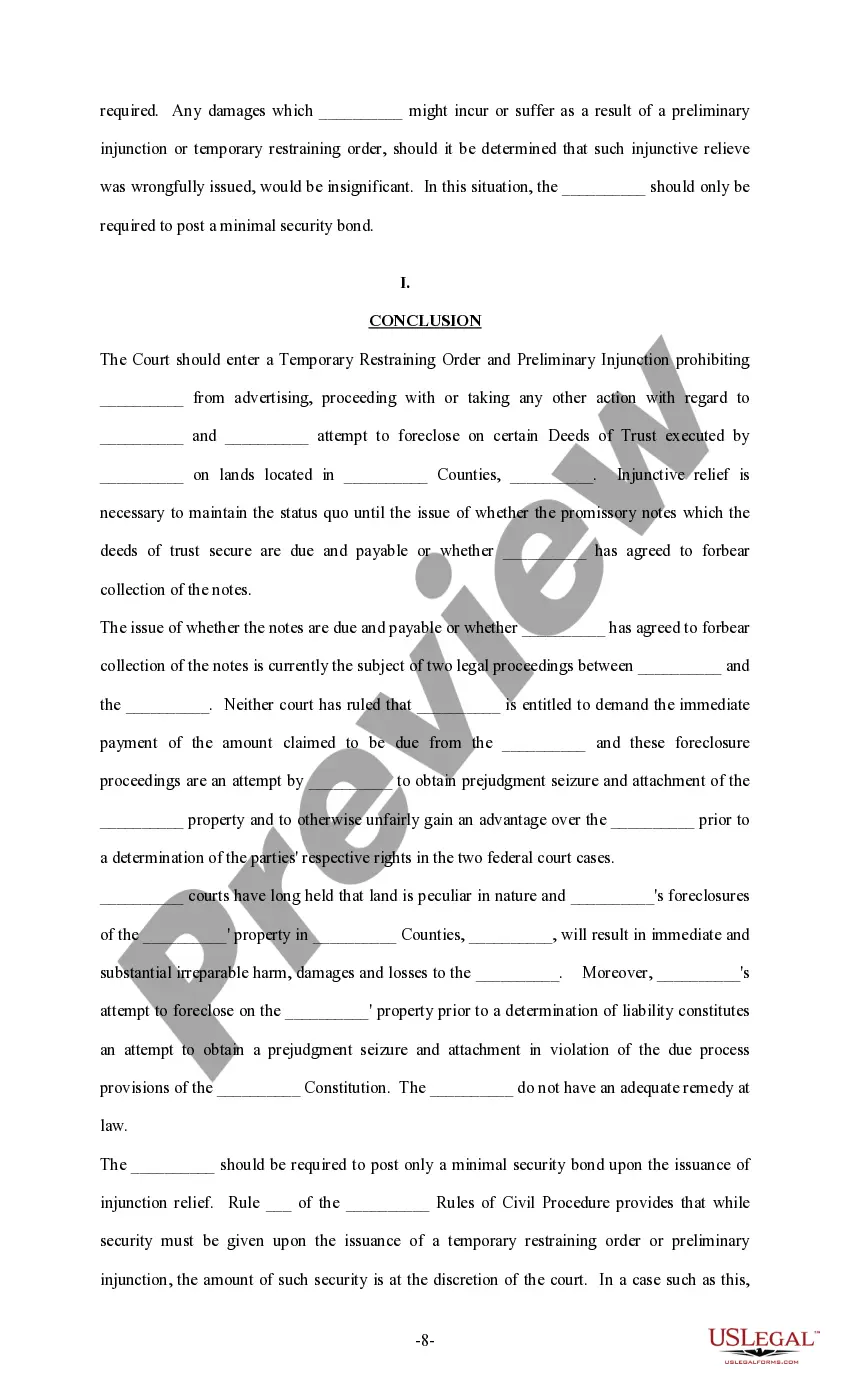
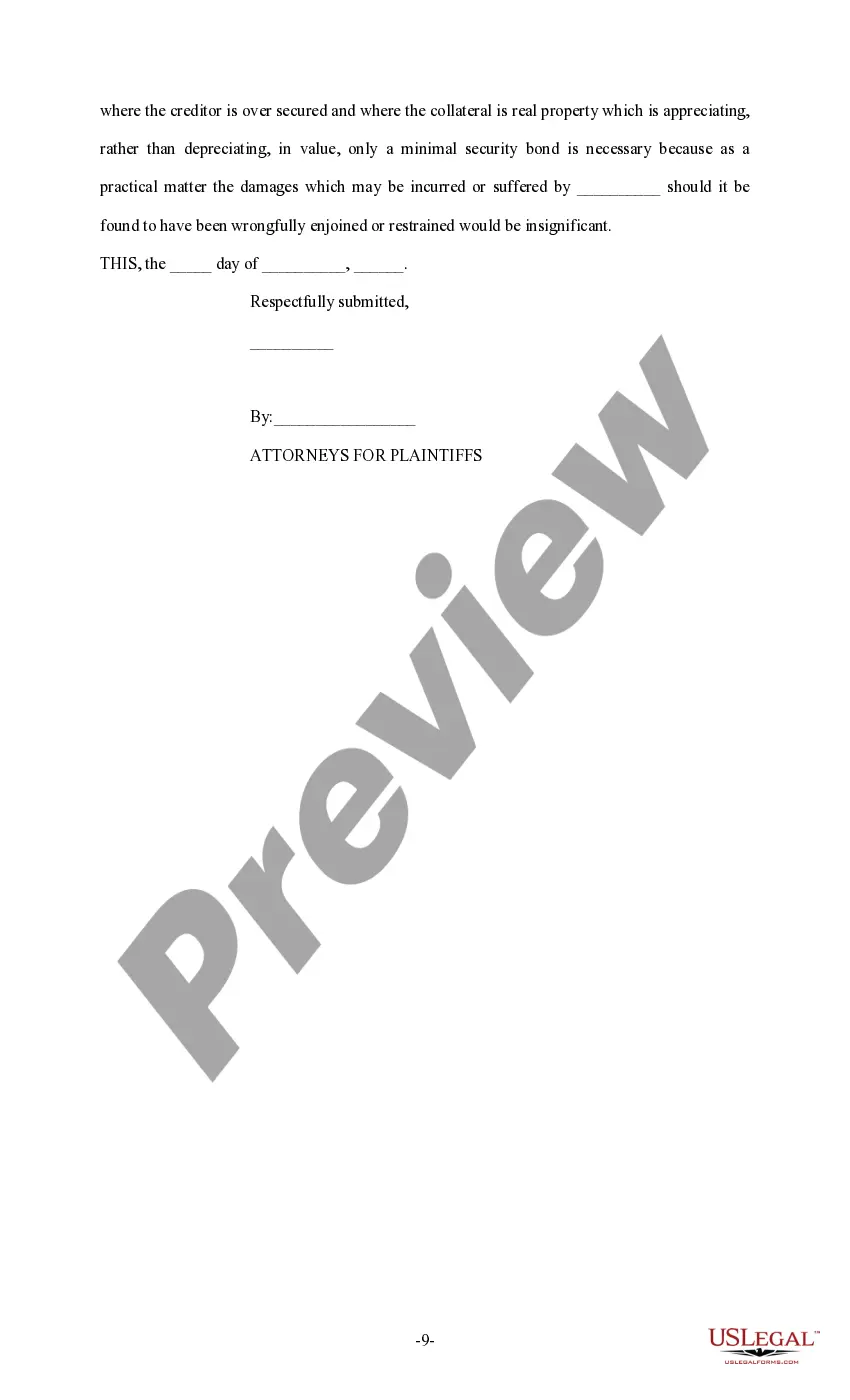
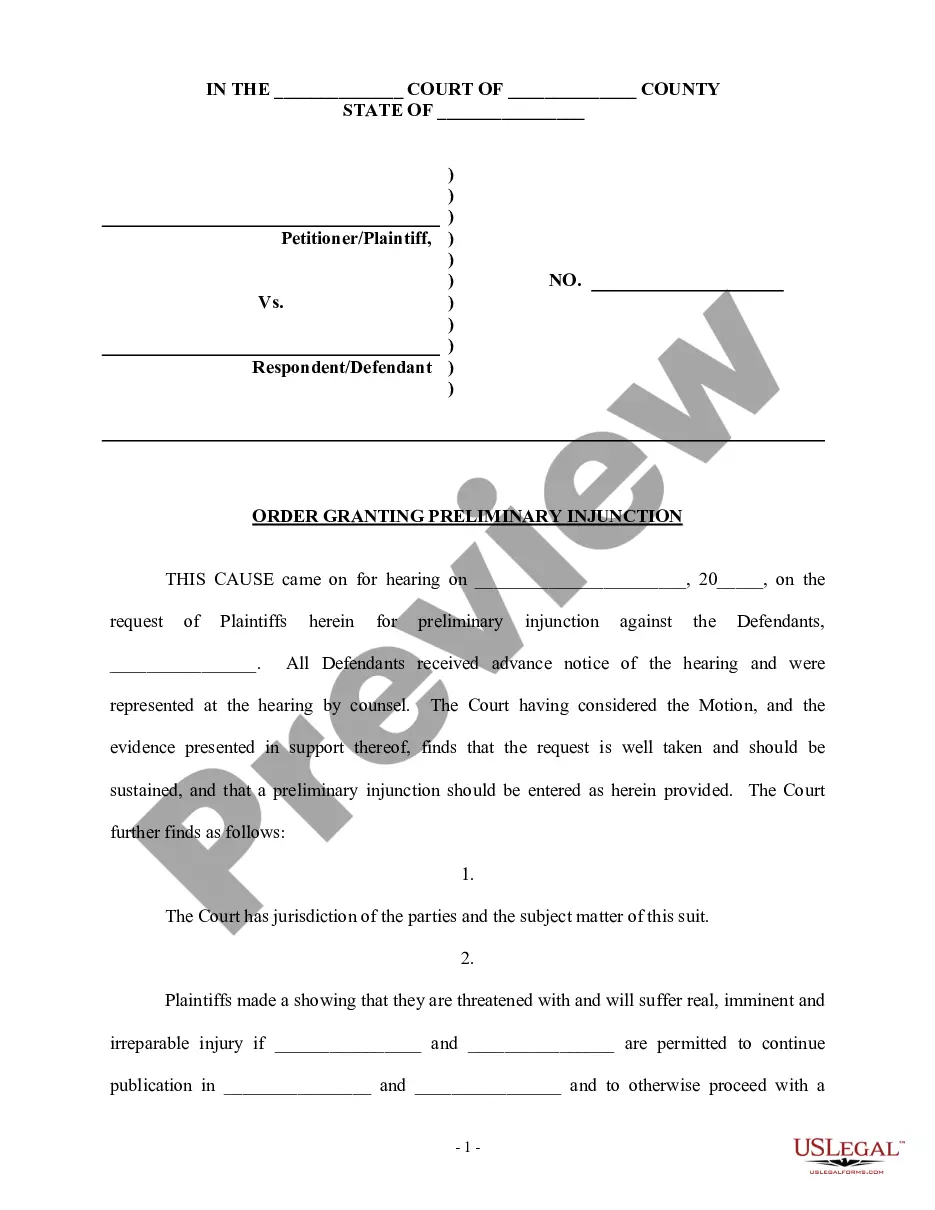
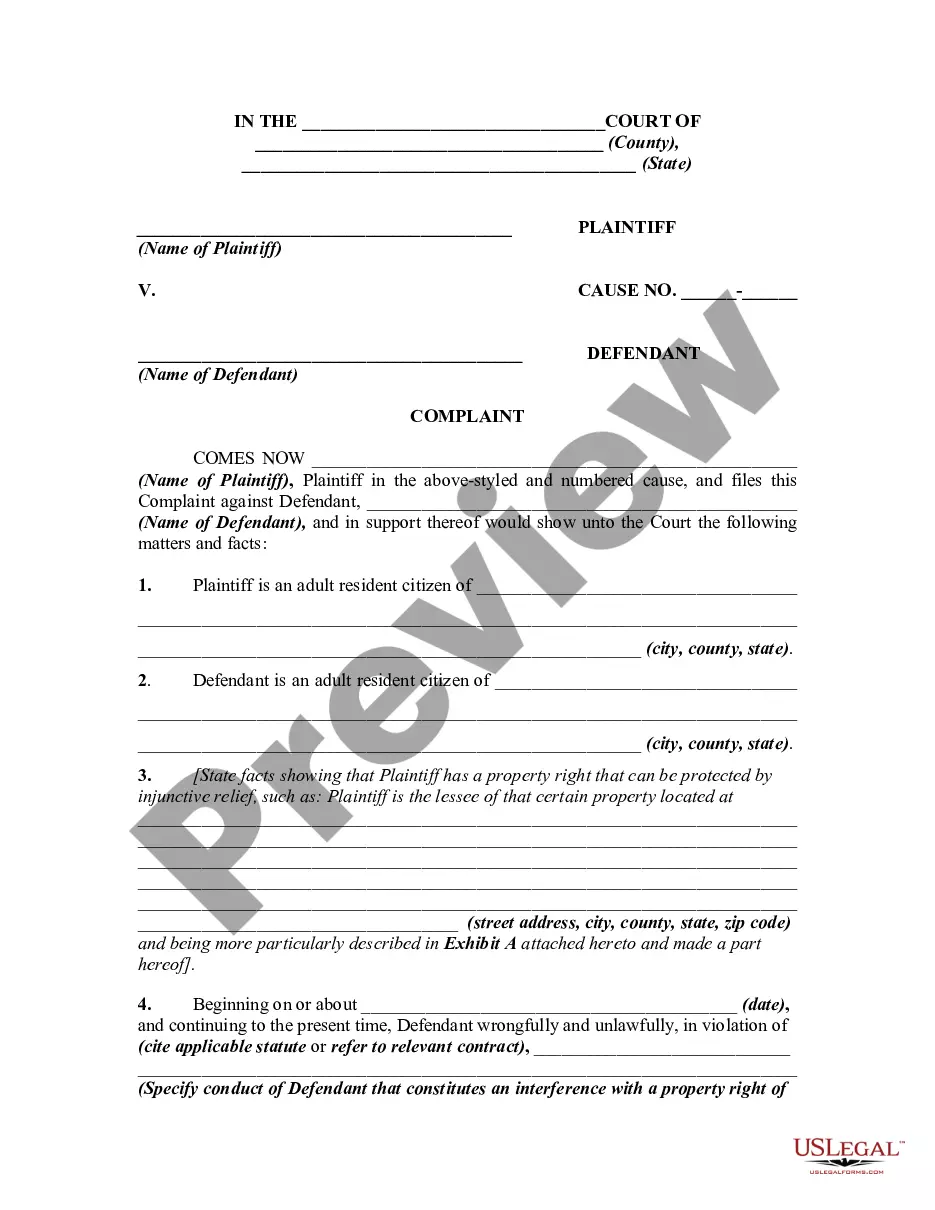
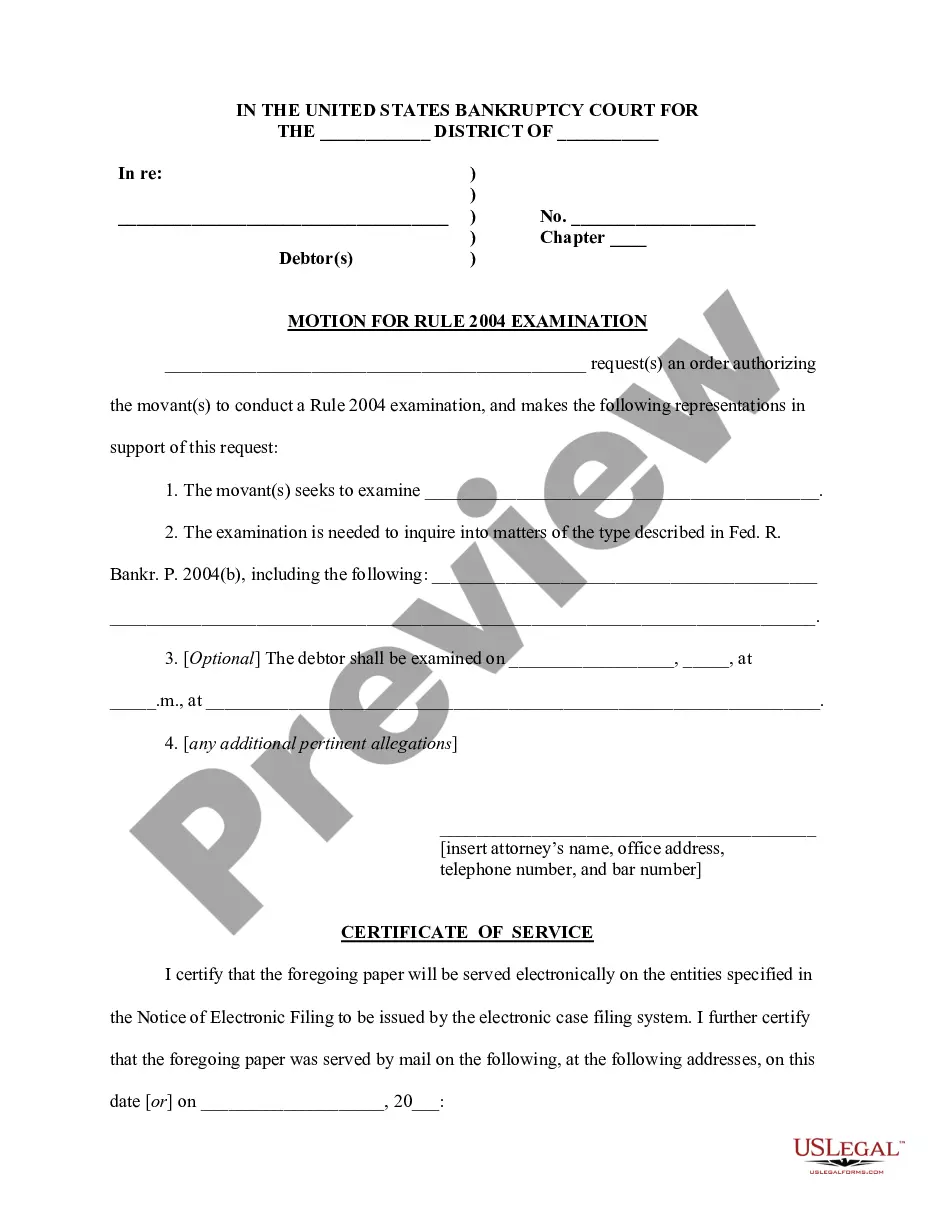

Get your form ready online
Our built-in tools help you complete, sign, share, and store your documents in one place.
Make edits, fill in missing information, and update formatting in US Legal Forms—just like you would in MS Word.
Download a copy, print it, send it by email, or mail it via USPS—whatever works best for your next step.
Sign and collect signatures with our SignNow integration. Send to multiple recipients, set reminders, and more. Go Premium to unlock E-Sign.
If this form requires notarization, complete it online through a secure video call—no need to meet a notary in person or wait for an appointment.
We protect your documents and personal data by following strict security and privacy standards.

Make edits, fill in missing information, and update formatting in US Legal Forms—just like you would in MS Word.

Download a copy, print it, send it by email, or mail it via USPS—whatever works best for your next step.

Sign and collect signatures with our SignNow integration. Send to multiple recipients, set reminders, and more. Go Premium to unlock E-Sign.

If this form requires notarization, complete it online through a secure video call—no need to meet a notary in person or wait for an appointment.

We protect your documents and personal data by following strict security and privacy standards.
Looking for another form?



How to fill out Sample Brief - Injunction?
Have you found yourself in the situation where you require documents for both business or specific purposes almost every day.
There are numerous legal document templates accessible online, but finding ones you can trust is not simple.
US Legal Forms provides thousands of form templates, such as the Massachusetts Sample Brief - Injunction, that are crafted to fulfill federal and state requirements.
Once you find the correct form, simply click Purchase now.
Select the payment plan you prefer, fill out the necessary details to create your account, and complete your order using your PayPal or credit card.
- If you are already familiar with the US Legal Forms website and have your account, simply Log In.
- Then, you can download the Massachusetts Sample Brief - Injunction template.
- If you do not have an account and wish to start using US Legal Forms, follow these instructions.
- Obtain the form you need and ensure it is for the correct city/state.
- Use the Review button to examine the document.
- Check the outline to confirm that you have selected the right form.
- If the form is not what you are looking for, utilize the Search field to locate the form that suits your needs and requirements.
Form popularity
FAQ
There are several components that make up your Appellate Brief: Title Page; Table of Contents; Table of Authorities; Statutes Involved; Standard of Review; Question Presented; Statement of Facts; Summary of Argument, Argument and Citation of Authority; Point headings that are within Argument section; Conclusion; ...
The brief is a party's written argument filed with the Court of Appeals. The brief argues why the trial court made a mistake. It must include citations to the record and to cases, rules, or statutes, to support that argument.
The best approach is to write a chronological description of the underlying facts of the case. Include the circumstances of the crime, the charges against the defendant, and then the trial. Create a narrative; do not recite all the facts of the entire crime or the trial. Use only what is necessary for your argument.
The Appellant's Opening Brief must contain: a table of contents; a table of authorities you used, meaning cases, statutes, court rules, and the like; a statement of the nature of the action, the relief sought in the trial court, and the judgment or order appealed from; that the judgment appealed from is appealable or ? ...
The Statement of Facts begins with a brief explanation of what the client (or potential client) seeks or wants to know as to the legal issue. The Statement of Facts includes the legally significant facts that a court would use in analyzing and applying the rule to the instant case.
There are several components that make up your Appellate Brief: Title Page; Table of Contents; Table of Authorities; Statutes Involved; Standard of Review; Question Presented; Statement of Facts; Summary of Argument, Argument and Citation of Authority; Point headings that are within Argument section; Conclusion; ...
Cover Color. The appellant's principal appellate brief must have a blue cover. The appellee's brief (the response brief) must have a red cover. Any reply brief must have a grey cover.
Formatting Appellate Briefs Add and Format Page Numbers. Create a Table of Contents and Table of Authorities. Remove Personal Data. Double-Space After Sentence Periods. Use Styles to Format Font and Line Spacing. Troubleshooting: Address Unexpected Blank Space or Page Break/Section Break Issues.