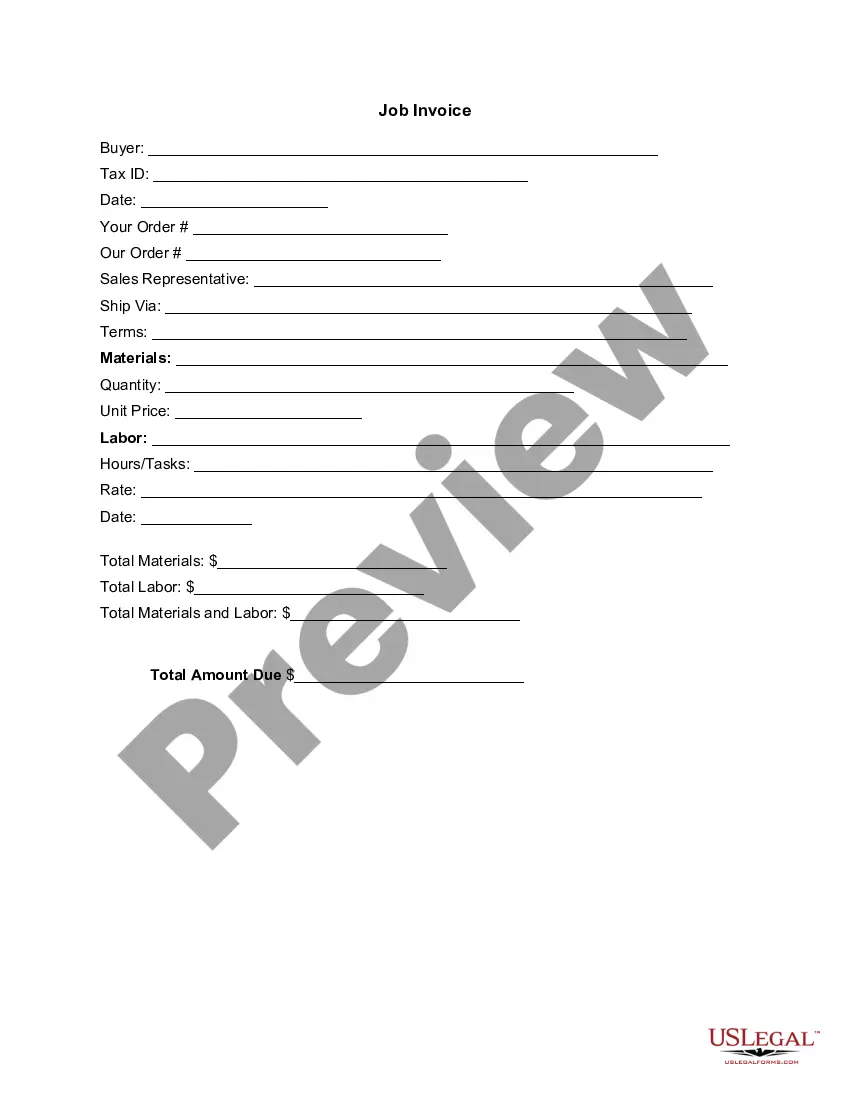
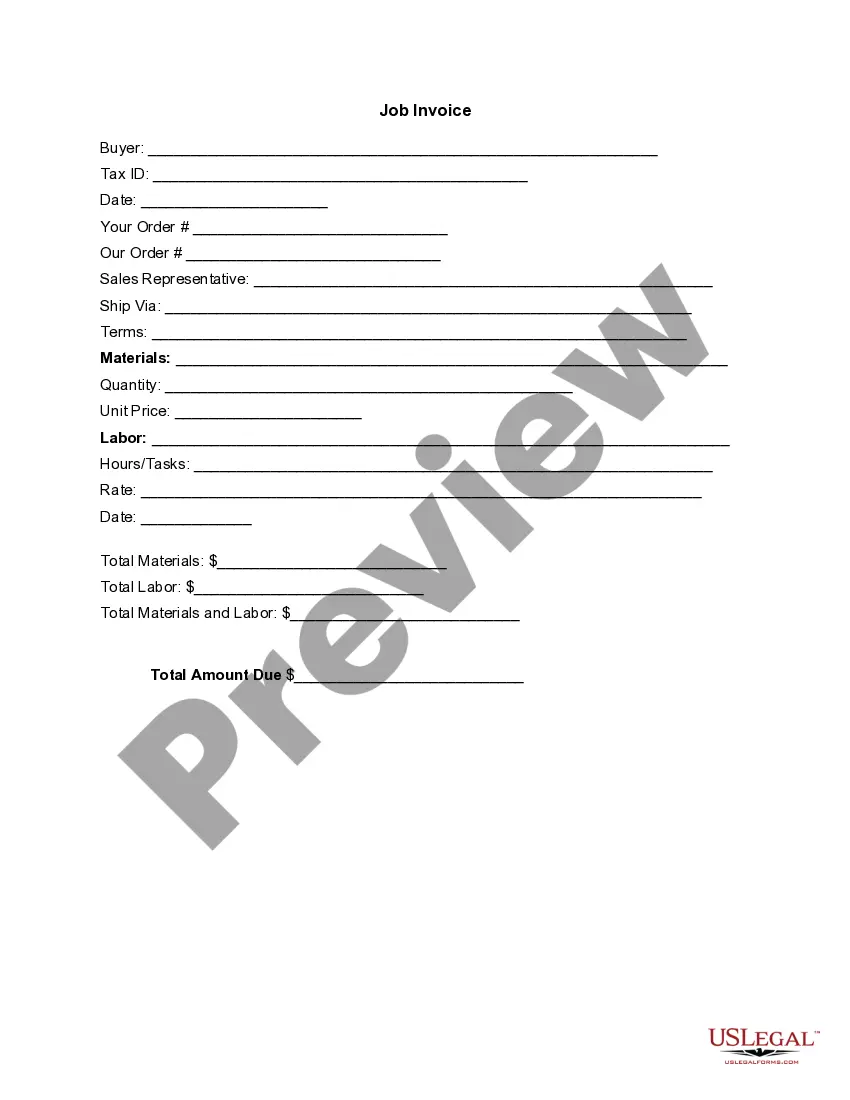
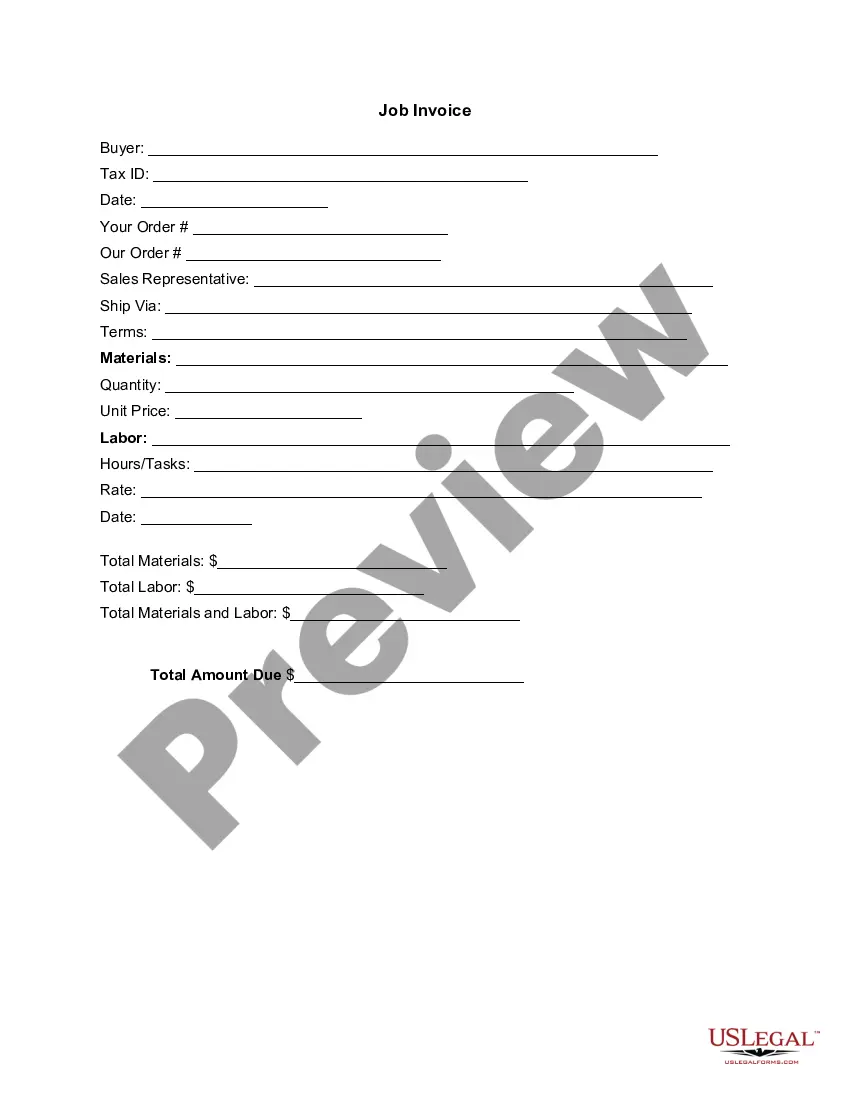
Louisiana Invoice Template for Teacher
Description
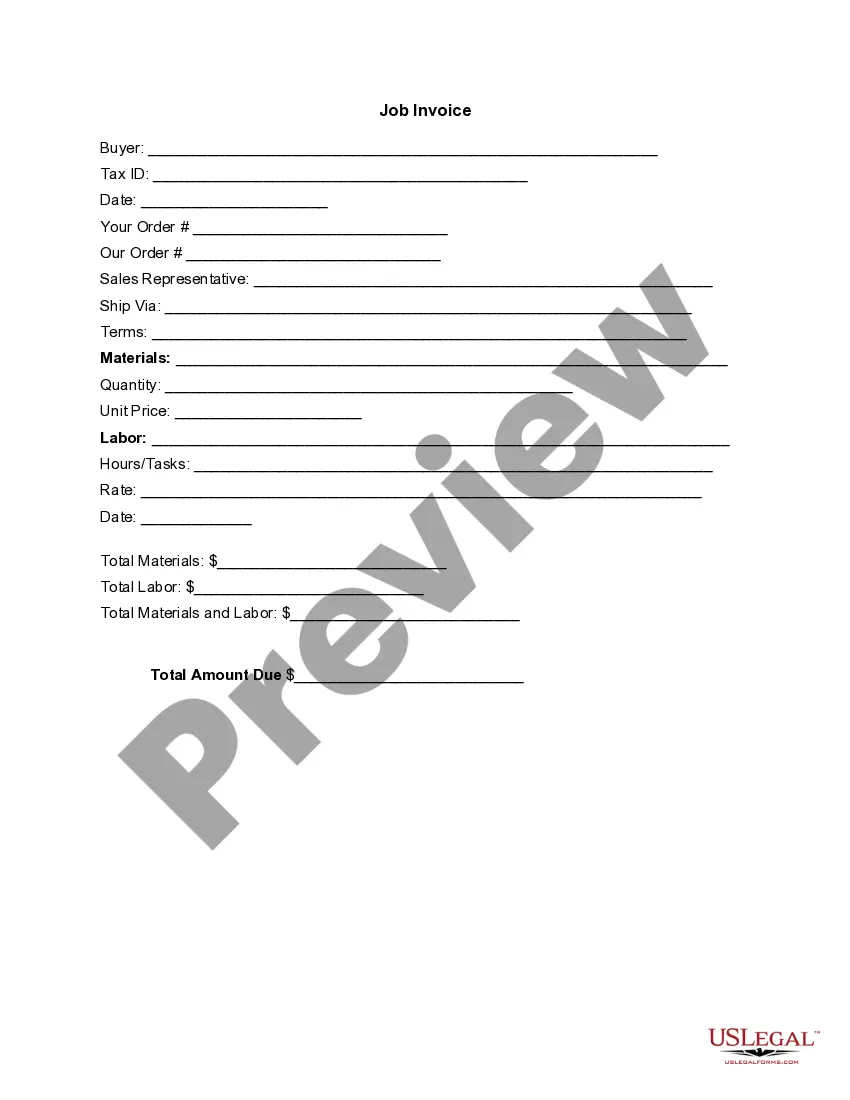
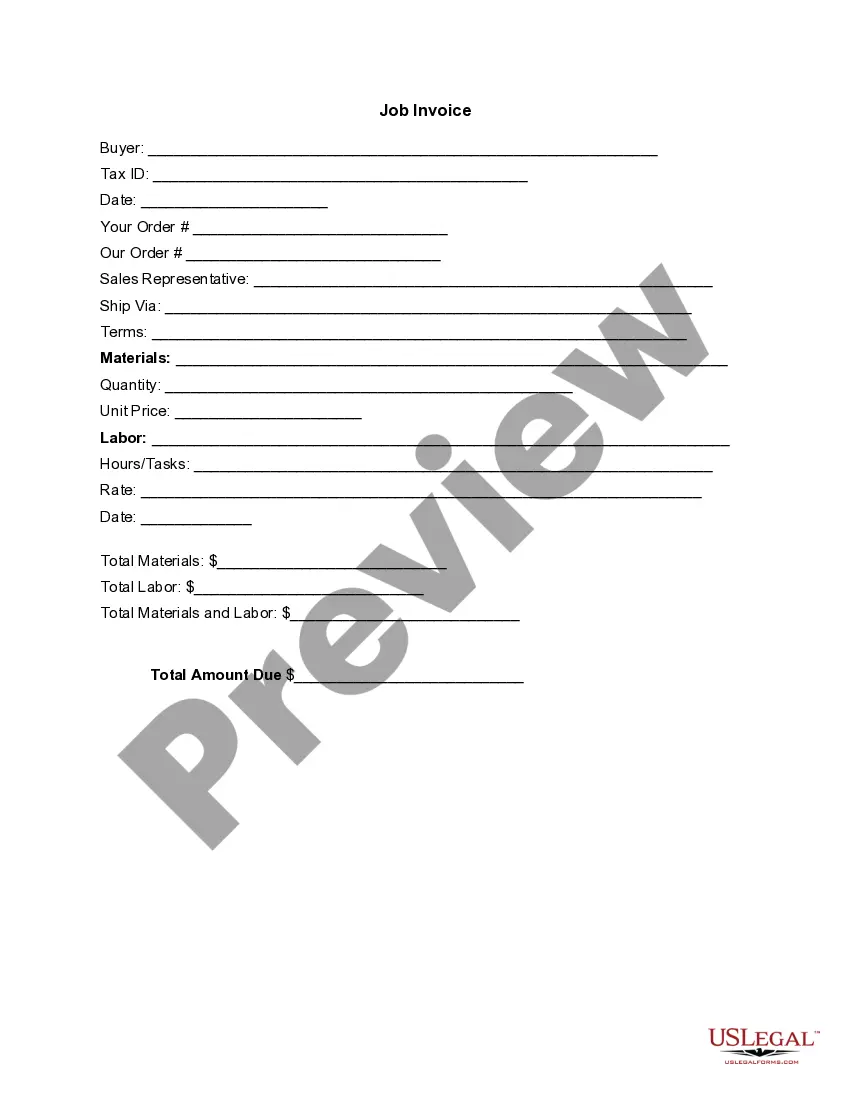

Get your form ready online
Our built-in tools help you complete, sign, share, and store your documents in one place.
Make edits, fill in missing information, and update formatting in US Legal Forms—just like you would in MS Word.
Download a copy, print it, send it by email, or mail it via USPS—whatever works best for your next step.
Sign and collect signatures with our SignNow integration. Send to multiple recipients, set reminders, and more. Go Premium to unlock E-Sign.
If this form requires notarization, complete it online through a secure video call—no need to meet a notary in person or wait for an appointment.
We protect your documents and personal data by following strict security and privacy standards.

Make edits, fill in missing information, and update formatting in US Legal Forms—just like you would in MS Word.

Download a copy, print it, send it by email, or mail it via USPS—whatever works best for your next step.

Sign and collect signatures with our SignNow integration. Send to multiple recipients, set reminders, and more. Go Premium to unlock E-Sign.

If this form requires notarization, complete it online through a secure video call—no need to meet a notary in person or wait for an appointment.

We protect your documents and personal data by following strict security and privacy standards.
Looking for another form?

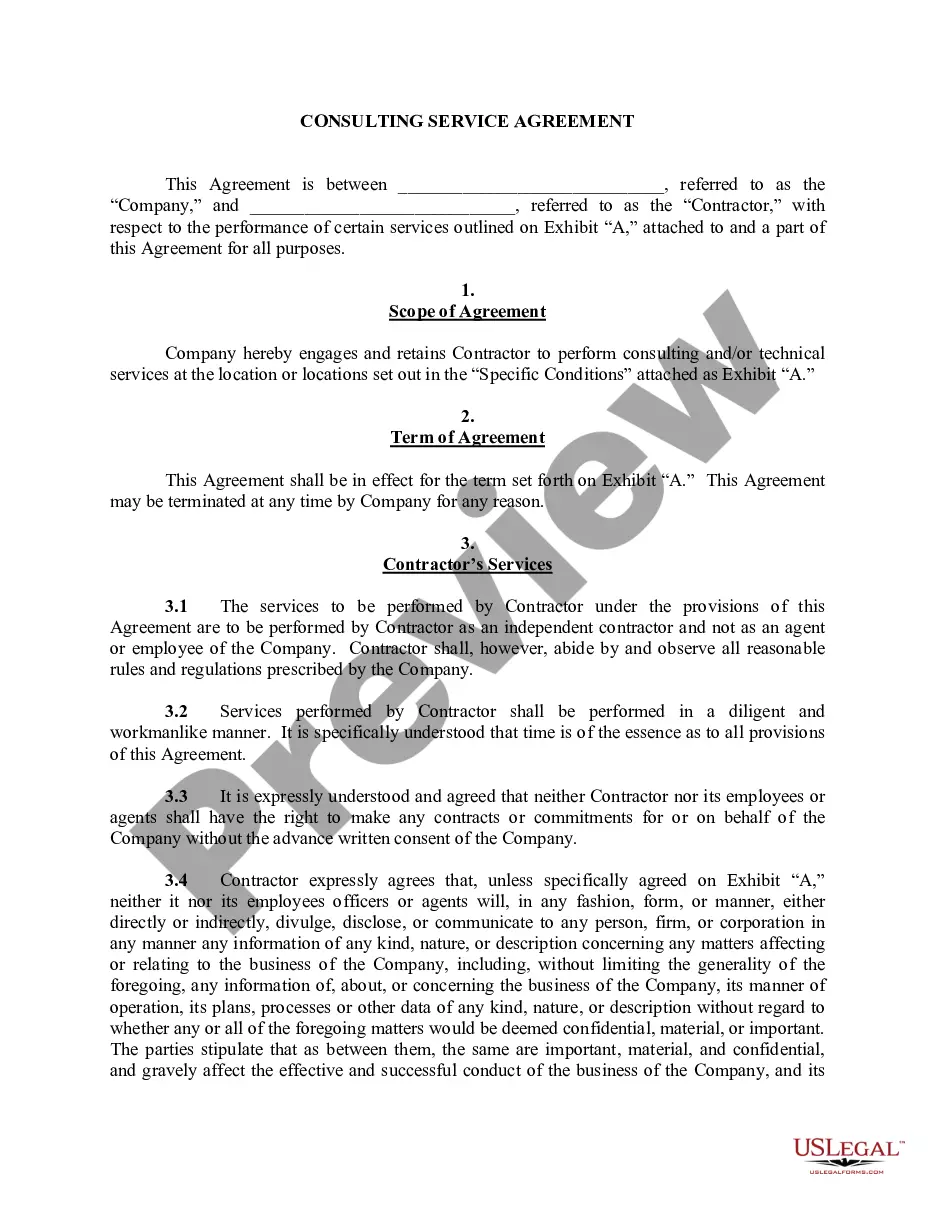
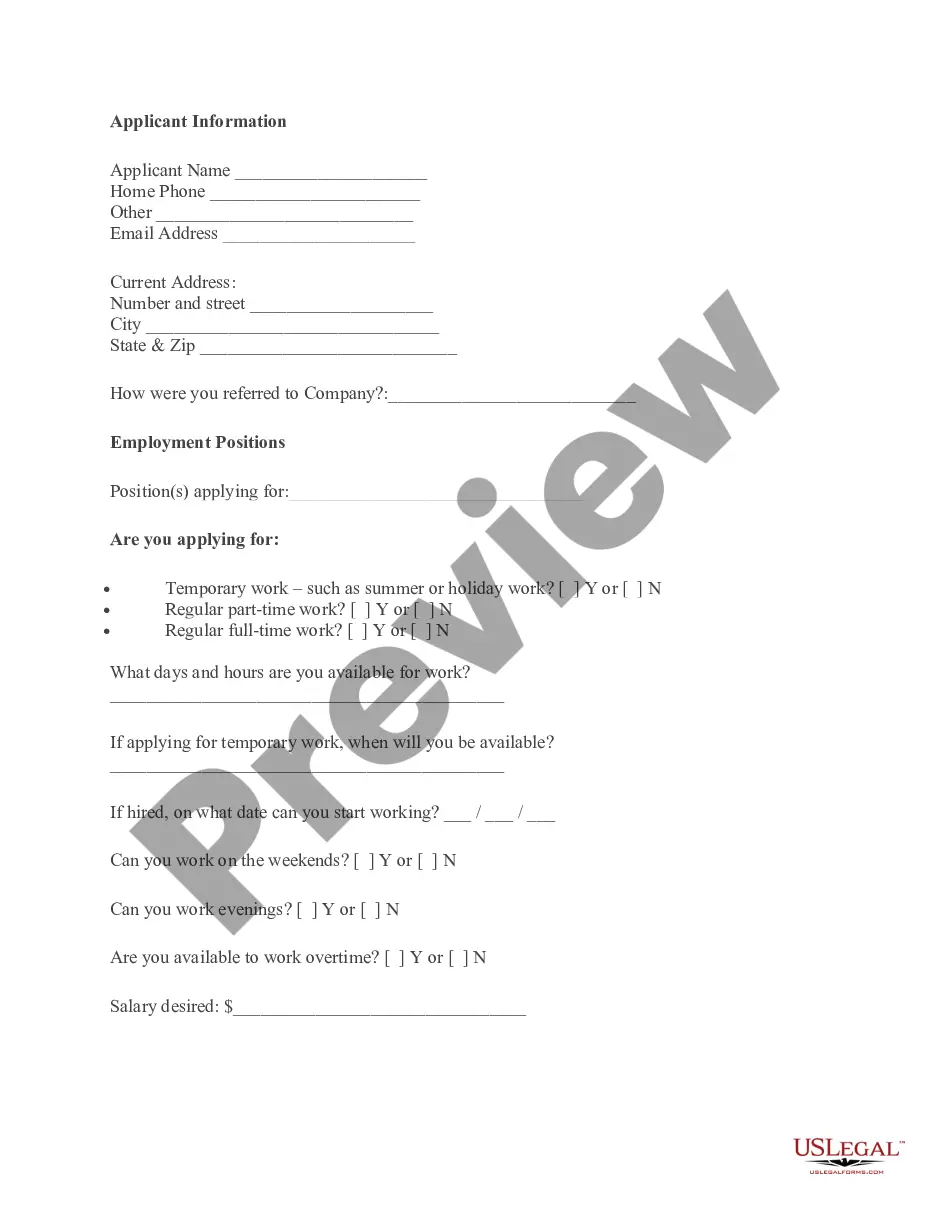

How to fill out Invoice Template For Teacher?
If you need to total, obtain, or print legal document templates, utilize US Legal Forms, the most extensive collection of legal forms available online.
Take advantage of the site's simple and convenient search to find the documents you require.
An assortment of templates for business and personal use are categorized by groups and states, or keywords.
Step 4. Once you have found the form you need, click on the Buy now button. Choose your preferred pricing plan and enter your details to register for an account.
Step 5. Complete the payment. You can use your credit card or PayPal account to finalize the transaction.
- Utilize US Legal Forms to find the Louisiana Invoice Template for Teacher in just a few clicks.
- If you are already a US Legal Forms user, Log In to your account and click on the Download button to access the Louisiana Invoice Template for Teacher.
- You can also access forms you have previously purchased in the My documents section of your account.
- If you are using US Legal Forms for the first time, follow the instructions below.
- Step 1. Ensure you have selected the form for the correct city/state.
- Step 2. Use the Preview option to review the form's details. Don't forget to read the summary.
- Step 3. If you are dissatisfied with the form, use the Search field at the top of the screen to find alternative versions of the legal form template.
Form popularity
FAQ
Yes, you can generate an invoice for yourself easily. You can use tools or templates that enable quick customization, such as the Louisiana Invoice Template for Teacher. This option allows you to insert your information, customize the invoice based on your services, and prepare it for sending to clients without hassle.
Making an invoice involves several key steps. Start by choosing a template that fits your style, like the Louisiana Invoice Template for Teacher. Next, input your details, including service descriptions, costs, and payment terms, before reviewing for accuracy and sending it to your client.
Filling out a service invoice sample should be straightforward. Ensure you include your business name, services provided, client information, and payment terms. Utilizing a Louisiana Invoice Template for Teacher simplifies this process, as it provides a clear structure for entering all relevant information without any confusion.
Choosing whether to create an invoice in Word or Excel depends on your needs. Word offers flexibility in design, while Excel allows for easier calculations and itemized lists. For teachers, the Louisiana Invoice Template for Teacher provides a user-friendly solution, combining the best of both worlds with pre-formatted fields and easy editing options.
To create an invoice step by step, start by selecting a template or software that suits your needs, such as the Louisiana Invoice Template for Teacher. Next, fill in your details, including payment terms and a description of services rendered. Finally, review the invoice for accuracy and send it to your client, ensuring to keep a copy for your records.
Invoicing as a beginner involves creating a clear document that includes your name, services rendered, payment terms, and an itemized list of charges. Begin with a simple layout and gradually incorporate templates, like a Louisiana Invoice Template for Teacher, to enhance professionalism. This way, you can focus on clarity and ensure timely payments.
To fill out a tax invoice statement, you will need to include essential information such as your name, address, and contact details, along with your client’s information. Clearly state the services provided, the date of service, and the amount due. Using a Louisiana Invoice Template for Teacher can streamline this process, ensuring you don’t miss any important details.
Yes, you can find invoice templates in Microsoft Word, and many are designed to be easy to use. However, for a specialized approach, consider the Louisiana Invoice Template for Teacher, which can be easily accessed online. This template provides a professional layout tailored for teachers, making it quick and simple to create invoices while maintaining a polished look that impresses clients.
Filling out an invoice template is straightforward with a clear process. Start by entering your contact information, followed by the client’s details, and specify the date. When using the Louisiana Invoice Template for Teacher, simply fill in the sections with descriptions of services provided and their corresponding amounts. Don't forget to list the total amount due and any payment instructions.
To write an invoice for a payment template, start by clearly stating your business name and contact information at the top. Then, include the client's information, a unique invoice number, and the date of issuance. Use the Louisiana Invoice Template for Teacher to list the services provided, along with their respective prices. Finally, ensure that you detail the payment terms and total amount due.